
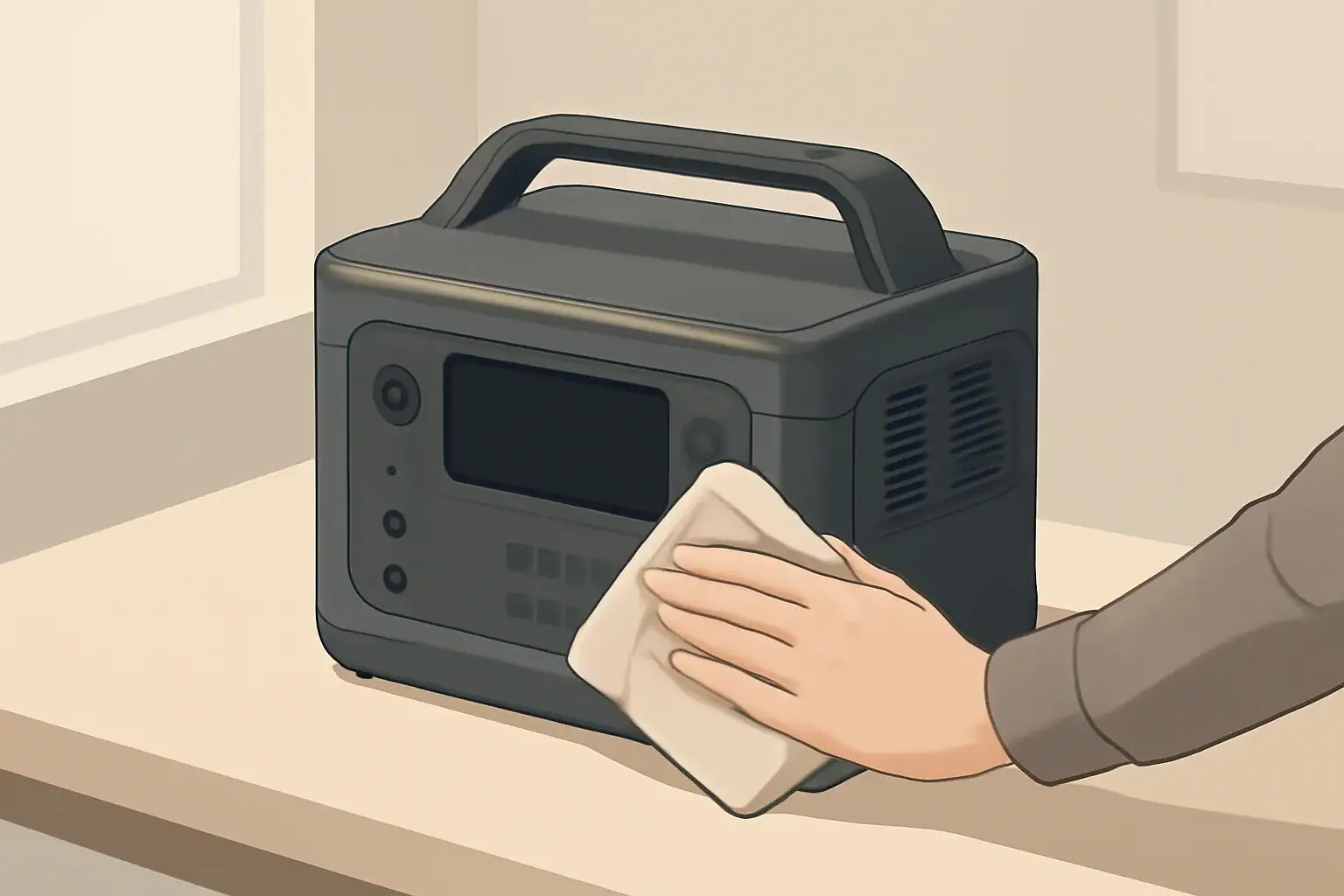
Portable power stations lose charge even when nothing is plugged in because some battery chemistry loss and always-on electronics never fully turn off. This idle drain (also called phantom loss or standby drain) is normal in small amounts, but it can become a problem if it empties your battery before you actually need it.
Understanding where this idle power goes helps you decide what is “normal,” spot real issues early, and store your power station so it is ready for emergencies, camping trips, or occasional backup use. With a few simple tests and habits, you can usually cut phantom loss dramatically and extend overall battery life.
This guide explains what portable power station idle drain is, how it works inside the unit, what real-world losses look like, and what to do if your power station seems to discharge too quickly while sitting unused.
What Idle Drain Is and Why It Matters
Idle drain is any loss of stored energy while your portable power station is not actively powering devices. You may see it described as phantom loss, standby drain, or background consumption. All of these terms point to the same experience: you charge the unit, put it away, and later find the state of charge has dropped.
Two things mainly contribute to this loss:
- Self-discharge inside the battery cells (chemical loss that happens even if the pack is disconnected).
- Electronics that stay partially powered so the unit can wake up, show a display, protect the battery, or talk to an app.
A small amount of idle drain is unavoidable. It becomes important when:
- You rely on the power station for emergency backup and expect it to work after months in a closet.
- You use it only on occasional trips and do not want to recharge every time you go out.
- You are trying to maximize battery lifespan and avoid unnecessary deep discharges.
As a rough guide, a healthy, modern power station stored at room temperature with all outputs off often loses only a few percent of charge per month. If you are losing 10–20% in a week while it sits unused, something in your setup or unit is likely causing extra phantom loss.
Key Concepts: Self‑Discharge vs. Phantom Loss and Where the Power Goes
People often mix up self-discharge, phantom loss, and standby drain. Separating them makes it easier to diagnose problems and set realistic expectations.
Self‑Discharge: Battery Chemistry You Cannot Turn Off
Self-discharge is the slow loss of charge inside the battery cells themselves. It happens even if the pack is disconnected from everything. For the lithium chemistries used in most portable power stations, the typical ranges at room temperature are:
- Lithium-ion (NMC or similar): about 1–3% per month.
- Lithium iron phosphate (LiFePO₄): about 1–2% per month.
Self-discharge is influenced by cell quality, age, and temperature. It is usually too slow to explain losses like 10% in a few days. When you see that level of drain, the electronics are almost always involved.
Phantom Loss: Electronics That Never Fully Sleep
Phantom loss is the energy used by electronics that stay active even when the power station appears to be off. Typical always-on or semi-on components include:
- Battery management system (BMS) microcontroller and sensors.
- Main control board that listens for button presses.
- AC inverter circuits kept in standby for fast start.
- DC/DC converters for USB and 12 V outputs.
- Wireless modules for Bluetooth, Wi‑Fi, or other app features.
These circuits are usually designed to use very little power in standby, but they can still add up to several percent of battery capacity per week if outputs or radios are left enabled.
Where Idle Power Typically Goes Inside the Unit
Different designs behave differently, but most portable power stations follow a similar pattern:
- Battery management system (BMS): Monitors cell voltages, current, and temperature. It rarely turns completely off because it must protect the pack. Even in low-power mode, it draws a small continuous current.
- Control electronics and display: A small processor often remains awake or in a light sleep to respond to buttons. The display usually shuts off, but its controller and backlight driver may still use short bursts of power when you wake it repeatedly.
- AC inverter section: If the AC output is left on, the inverter often keeps internal reference circuits powered and may be the single largest source of phantom loss.
- USB and DC outputs: Power-delivery chips for USB-C and regulators for 12 V ports often stay partially active to detect new devices.
- Wireless and smart features: Radios that search for or maintain connections can draw continuous low-level current in the background.
| Source of loss | Typical behavior when “off” | Approximate impact on idle drain* |
|---|---|---|
| Battery self-discharge | Always present, depends on chemistry and temperature | ~1–3% per month |
| BMS and control board | Low-power monitoring and protection always active | ~1–5% per month |
| AC inverter left on | Standby circuits energized for fast wake-up | ~2–10% per week |
| USB/DC outputs left on | Regulators and detection chips partially active | ~1–5% per week |
| Wireless/app features enabled | Radio periodically transmits or scans | ~1–5% per week |
Real‑World Idle Drain Examples and Simple Home Tests
Looking at real-world style scenarios makes it easier to judge whether your portable power station’s idle drain is normal or excessive.
Example: Emergency Backup in a Closet
Imagine a 1,000 Wh power station stored at room temperature for home backup:
- Fully charged to 100%.
- All AC/DC/USB outputs switched off.
- No wireless features.
Reasonable expectation:
- Idle drain of roughly 3–8% per month.
- After 3 months, state of charge might read 75–90%.
If you find it at 40–50% instead, either the unit has higher-than-average standby consumption, or something (like an output section or wireless feature) was left on.
Example: Weekend Camper Who Forgets to Turn Off AC
Now consider a user who takes the same 1,000 Wh unit on a camping trip, runs a small appliance, then leaves the AC output switch on when packing up:
- Battery at 80% when stored.
- AC output left on; no loads plugged in.
Common outcome:
- Idle drain of 3–10% per day, depending on inverter design.
- After one week, battery may be nearly empty or in BMS shutdown, even though nothing obvious was connected.
This is a classic phantom loss scenario: the inverter itself is the “load,” not an external device.
How to Measure Idle Drain on Your Own Unit
You can run a simple test at home to quantify your power station’s idle drain and isolate major contributors.
- Charge the power station to a known state of charge, such as 80% or 100%.
- Turn off all outputs (AC, DC, USB) and disable wireless/app features if possible.
- Make sure nothing is plugged into any port.
- Note the exact time and displayed state of charge.
- Store the unit at room temperature, away from direct sun or heaters.
- Leave it untouched for a fixed period, such as 7 days.
- After that time, wake the display and record the new state of charge.
Example: If your unit goes from 90% to 85% in 7 days with everything off, that is about 5% per week. That is higher than ideal but not abnormal for some designs. If it goes from 90% to 60% in the same time, phantom loss is unusually high and worth troubleshooting.
Comparing Different Storage Habits
| Storage scenario | Settings and conditions | Typical idle loss over 30 days* |
|---|---|---|
| Optimized storage | 50% charge, outputs off, no wireless, cool room | ~3–8% capacity loss |
| Average user storage | 80–100% charge, outputs off, room temperature | ~5–15% capacity loss |
| Outputs left on | AC or DC section on, no loads plugged in | ~20–60% capacity loss |
| Hot environment | Car trunk or hot shed, 80–100% charge | ~15–40% capacity loss |
| Hot + outputs on | High temperature plus AC or wireless left on | Often fully drained or BMS cutoff |
Common Mistakes and Troubleshooting High Phantom Loss
Many cases of “mysterious” idle drain come down to a few repeatable user habits or simple issues that are easy to overlook.
Common Habits That Increase Idle Drain
- Leaving AC output on: The inverter can consume more power in standby than all other electronics combined.
- Leaving DC/USB outputs on: Even without devices connected, detection circuits and regulators draw some current.
- Always-connected chargers and adapters: Plug-in power bricks, 12 V adapters, or small smart devices can sip power continuously.
- Wireless features left enabled: Bluetooth or Wi‑Fi modules may keep the unit partially awake to maintain or search for connections.
- Frequent display checks: Waking the screen repeatedly during storage spins up additional circuitry and adds small but cumulative drain.
Quick Diagnostic Checklist
If your portable power station seems to lose charge too quickly while idle, work through these checks:
- Confirm nothing is plugged in to any port (including small adapters or cables).
- Turn AC output off and verify its indicator light is not illuminated.
- Turn DC/USB outputs off if your model has separate buttons.
- Disable wireless/app control or put it into airplane or eco mode, if available.
- Run a fresh 7-day idle test with these settings and record the percentage drop.
If you still see 20% or more loss in a week with everything off, the issue may be inside the unit.
Signs of Abnormally High Phantom Loss
Look for these patterns that suggest something beyond normal idle drain:
- Battery drops from near full to empty in a few days with no use.
- State of charge jumps suddenly (for example, 80% to 50% overnight) without any load.
- The unit frequently enters low-voltage shutdown during storage and needs a long recharge to wake.
- The case feels warm during storage even though nothing is running.
Possible internal causes include aging cells with unstable voltage, a BMS or inverter that never enters low-power mode, or a firmware bug that keeps sections awake. These situations generally require manufacturer support, but your test results will help you describe the problem clearly.
Safety Basics: Idle Drain, Deep Discharge, and Battery Health
Idle drain itself is not directly dangerous, but the way it interacts with storage habits can affect both safety and long-term battery health.
Avoid Deep Discharge During Storage
Storing a power station near empty and then forgetting about it is one of the most damaging patterns. Idle drain continues to pull the voltage down until the BMS shuts the pack off. If it sits in that state for long enough, the cells can fall below their safe voltage range.
Potential consequences include:
- Permanent loss of capacity and shorter runtime.
- Difficulty waking or charging the unit after long storage.
- In severe cases, cells that are no longer safe to use.
To reduce this risk, avoid putting the power station away at or near 0% state of charge. Give it at least a partial recharge first.
High Charge + Heat = Faster Aging
Storing a lithium battery at 100% charge in a hot environment is another common stress point. High state of charge combined with elevated temperatures accelerates chemical reactions that slowly degrade the cells.
Typical high-risk situations include:
- Leaving a fully charged unit in a hot vehicle or unventilated shed.
- Storing it near heaters, windows with direct sun, or other heat sources.
While this does not usually create an immediate safety hazard, it can noticeably shorten the useful life of the battery pack and make idle drain appear worse over time as capacity shrinks.
Use Built‑In Protection Features as Intended
Most modern portable power stations include protections such as overcharge, over-discharge, temperature monitoring, and automatic shutdown. Rely on these features instead of trying to bypass them. For example:
- Do not attempt to “wake” a deeply discharged unit with improvised methods if it does not respond to normal charging.
- Follow any guidance about allowable storage temperatures and charging ranges.
- Allow the unit to cool if it feels hot before charging or heavy use.
These protections work together with good storage habits to keep idle drain from turning into a long-term reliability or safety issue.
Maintenance and Storage: Controlling Idle Drain Over the Long Term
Good maintenance and storage practices can keep phantom loss manageable and help your power station remain reliable for years.
Choose a Sensible Storage State of Charge
For storage longer than a few weeks, many manufacturers recommend keeping the battery somewhere around the middle of its charge range rather than at 0% or 100%. Practical guidelines:
- Aim for roughly 40–60% state of charge before putting the unit away.
- If your unit supports a dedicated storage mode, use it to automatically reach and maintain this range.
- For short gaps of a few days, storing at a higher charge is usually fine, as long as temperature is moderate.
Control Temperature and Environment
Temperature has a strong influence on both self-discharge and long-term aging:
- Cool, dry, shaded locations are ideal for storage.
- Avoid leaving the unit in hot vehicles, attics, or direct sunlight for extended periods.
- Very cold environments reduce self-discharge but can cause the display and BMS to report state of charge less accurately until the unit warms up.
Set a Simple Maintenance Schedule
A light maintenance routine helps prevent surprises from idle drain:
- Every 1–3 months: Wake the unit, check state of charge, and inspect for damage or swelling.
- If below ~30–40%: Recharge back into the 40–60% storage range.
- Once or twice a year: Use the power station under load for a normal session, then recharge. This helps the BMS keep its state-of-charge estimate calibrated.
Maintenance Mistakes to Avoid
- Ignoring the power station for a year or more without checking charge.
- Storing at 100% in a hot garage or vehicle for entire seasons.
- Repeatedly letting the battery fall to BMS cutoff during storage.
- Covering the unit with insulating materials that trap heat while charging or discharging.
| Maintenance habit | Effect on idle drain and battery health | Recommended action |
|---|---|---|
| Checking SOC every 1–3 months | Prevents unnoticed deep discharge from idle drain | Set a recurring reminder and top up when needed |
| Storing at 40–60% SOC | Reduces stress on cells and leaves room for idle drain | Charge or discharge to mid-level before long storage |
| Keeping outputs off in storage | Minimizes phantom loss from inverters and converters | Turn off AC/DC/USB sections after each use |
| Controlling storage temperature | Slows self-discharge and aging | Store in a cool, dry, shaded place when possible |
| Occasional full-use cycles | Helps BMS keep SOC readings accurate | Use and recharge the unit a few times per year |
Practical Takeaways and Specs to Look For
Idle drain and phantom loss are part of how portable power stations work, but they do not have to be a constant frustration. A few key habits usually keep losses small enough that your unit is ready when you need it.
In everyday use, you can:
- Turn off individual output sections (especially AC) after use.
- Unplug chargers, adapters, and cables before storing the unit.
- Store at a moderate state of charge in a cool, dry place.
- Check charge every couple of months and recharge if needed.
- Run a simple 7-day idle test whenever you suspect abnormal drain.
Specs and Features to Look For If Idle Drain Matters to You
If you are comparing portable power stations and care about low idle drain and good storage behavior, pay attention to these points in the specifications and manual:
- Battery chemistry: LiFePO₄ typically has slightly lower self-discharge and longer cycle life than many other lithium chemistries.
- Published self-discharge rate: Look for clear statements such as “X% per month at 25°C, with outputs off.”
- Dedicated storage mode: A mode that sets the battery to a mid-level charge and enters deep sleep is helpful for infrequent use.
- Separate AC/DC control: Independent buttons for AC and DC/USB outputs make it easier to shut down high-draw sections.
- Auto power-off or eco modes: Features that automatically turn off outputs after low or no load reduce accidental phantom loss.
- Wireless control options: Check whether wireless radios can be fully disabled when not needed.
- Clear state-of-charge display: A readable and reasonably accurate SOC indicator helps you track idle drain and plan storage.
- Operating and storage temperature ranges: Wider, clearly defined ranges make it easier to avoid conditions that accelerate loss.
Combining the right feature set with good storage habits keeps idle drain under control and helps your portable power station deliver reliable power whenever you reach for it.
Frequently asked questions
How can I tell whether my portable power station’s idle drain is normal?
Perform a simple idle test: charge to a known state of charge, disable all outputs and wireless features, note the SOC and time, then check again after a fixed period such as seven days. A few percent per month is typical; losing double-digit percent in a week usually indicates an active output, radio, or fault.
Which specifications and features should I check to minimize idle drain when buying a unit?
Look for the battery chemistry (LiFePO₄ generally has lower self-discharge), a published self-discharge rate, and features like a dedicated storage or deep-sleep mode. Also prefer separate controls for AC and DC/USB outputs, clear SOC display accuracy, and the ability to fully disable wireless radios.
Will leaving the AC output or USB ports switched on while storing the unit cause rapid discharge?
Yes. The inverter’s standby circuits and USB/DC detection electronics can draw significant current even with no device connected, sometimes draining several percent per day. Turn off AC and unused DC/USB sections before storage to avoid this common issue.
Is it unsafe to store a portable power station that slowly loses charge?
Gradual idle drain is not usually an immediate safety hazard, but prolonged deep discharge can damage cells and make the pack difficult or unsafe to revive. Follow storage guidelines, avoid letting the unit sit near 0% for long periods, and keep it in a cool, dry place to reduce risk.
How often should I check or recharge a stored power station to prevent deep discharge?
Check the state of charge every 1–3 months and recharge back into the 40–60% storage range if the SOC drops below about 30–40%. For long-term readiness, set a recurring reminder so the battery does not remain at low voltage for extended periods.
Can wireless or app features significantly increase phantom loss?
Yes. Bluetooth, Wi‑Fi, or other radios that maintain connections or periodically scan can add continuous background draw and increase idle drain. Disable wireless features when not needed or choose models that allow fully turning off radios to reduce this load.
Related guides
Browse this topic →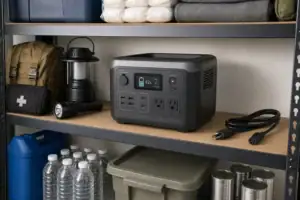

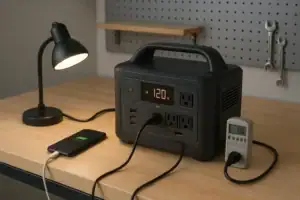
- Beginner-friendly sizing, runtime & specs
- Solar & charging (MPPT, fast charging, cables)
- Batteries (LiFePO4, cycles, care & storage)
- Safety, cold-weather performance, real-world tips
More in Maintenance
See all →- Where to Store a Portable Power Station at Home: Heat, Humidity, and Access
- How App Control and Smart Charging Affect Portable Power Station Battery Health
- How to Maintain a Portable Power Station
- How Long Do Portable Power Stations Last?
- Are Portable Power Stations Sustainable? Repairability, Recycling, and E-Waste
Keep reading
About this site
Portable Energy Lab publishes practical, independent guides about portable power—clear sizing, safe use, and real-world expectations.
Affiliate disclosure
Some links on this site may be affiliate links. If you buy through these links, we may earn a small commission at no extra cost to you. This helps support our content. Read our affiliate disclosure.