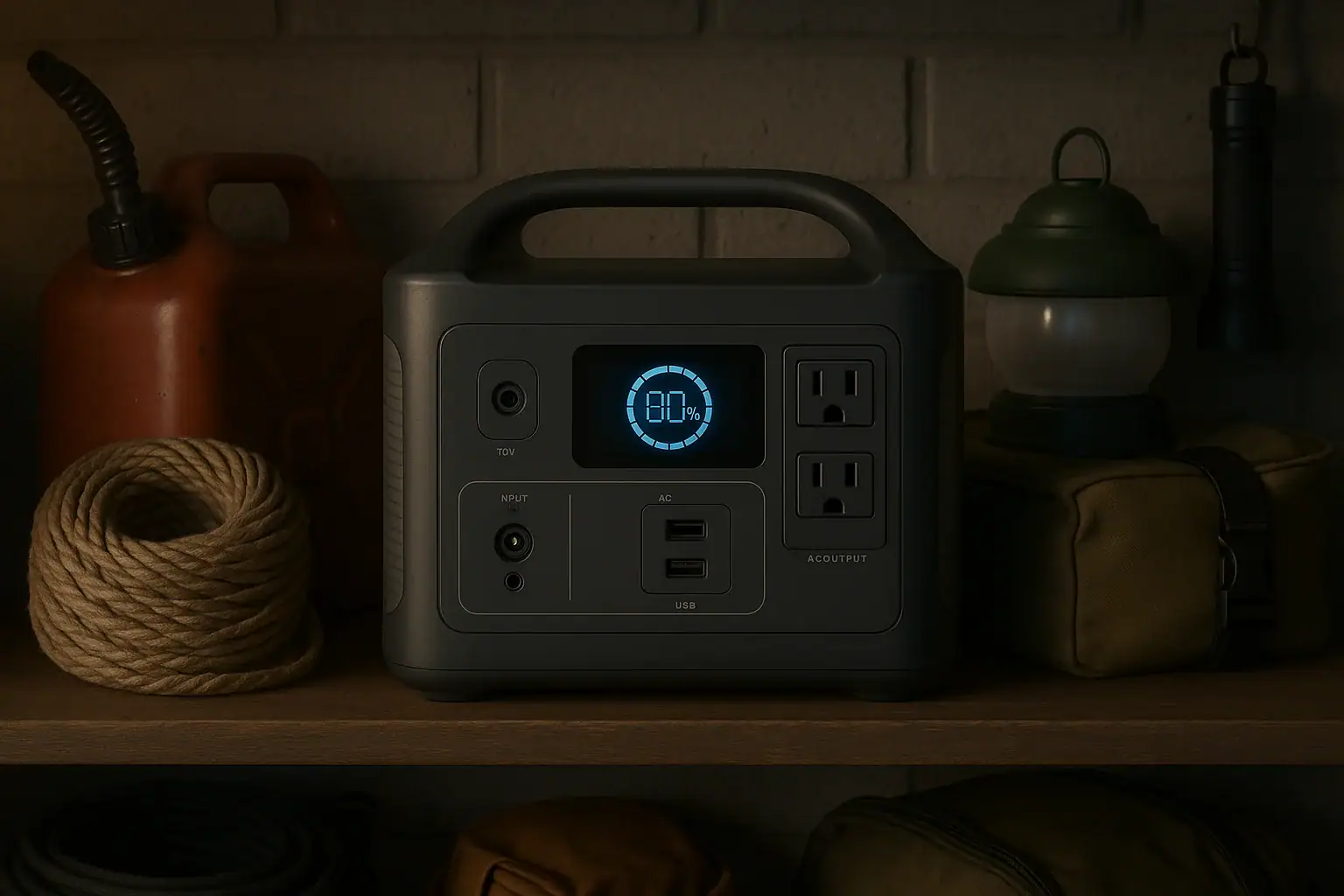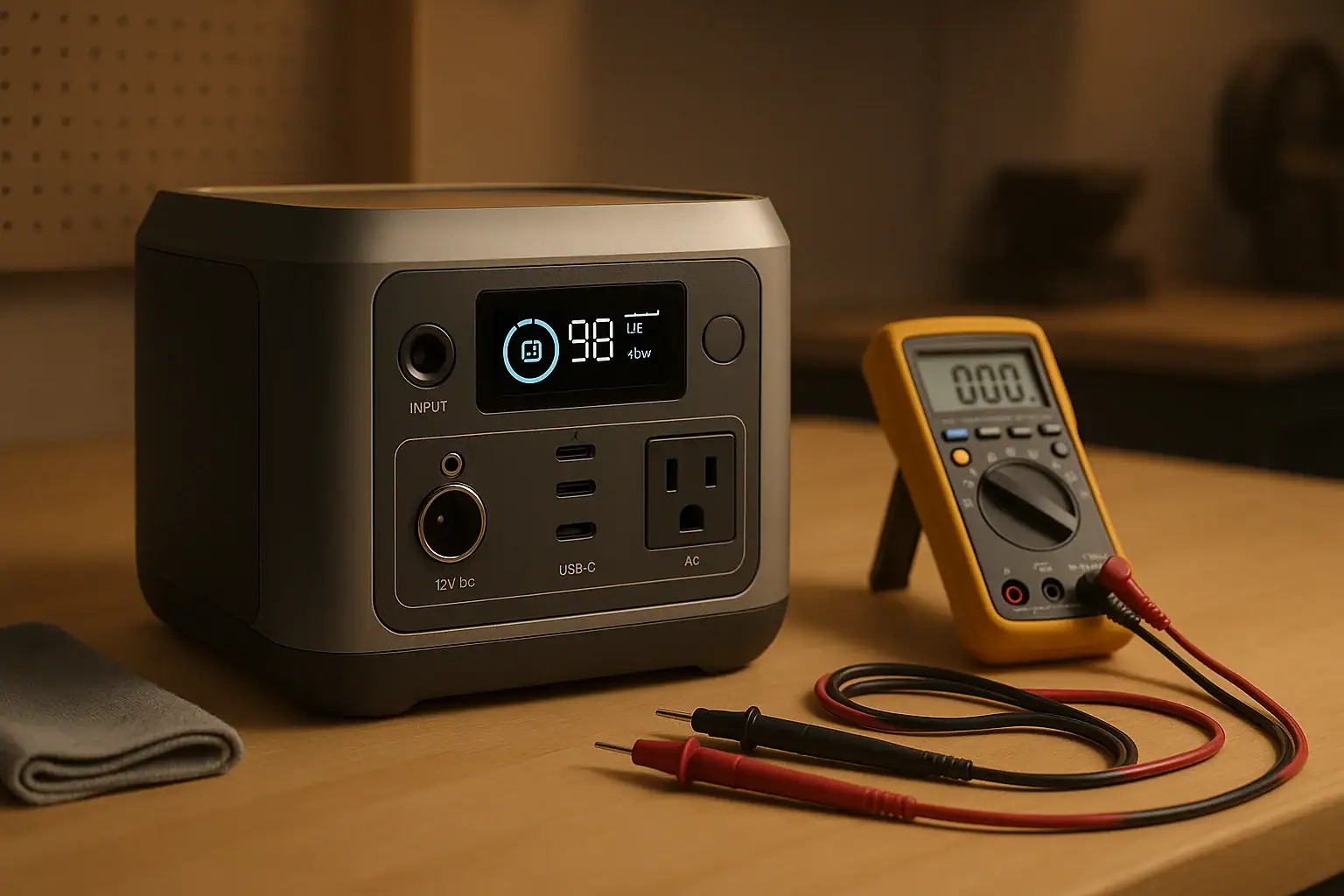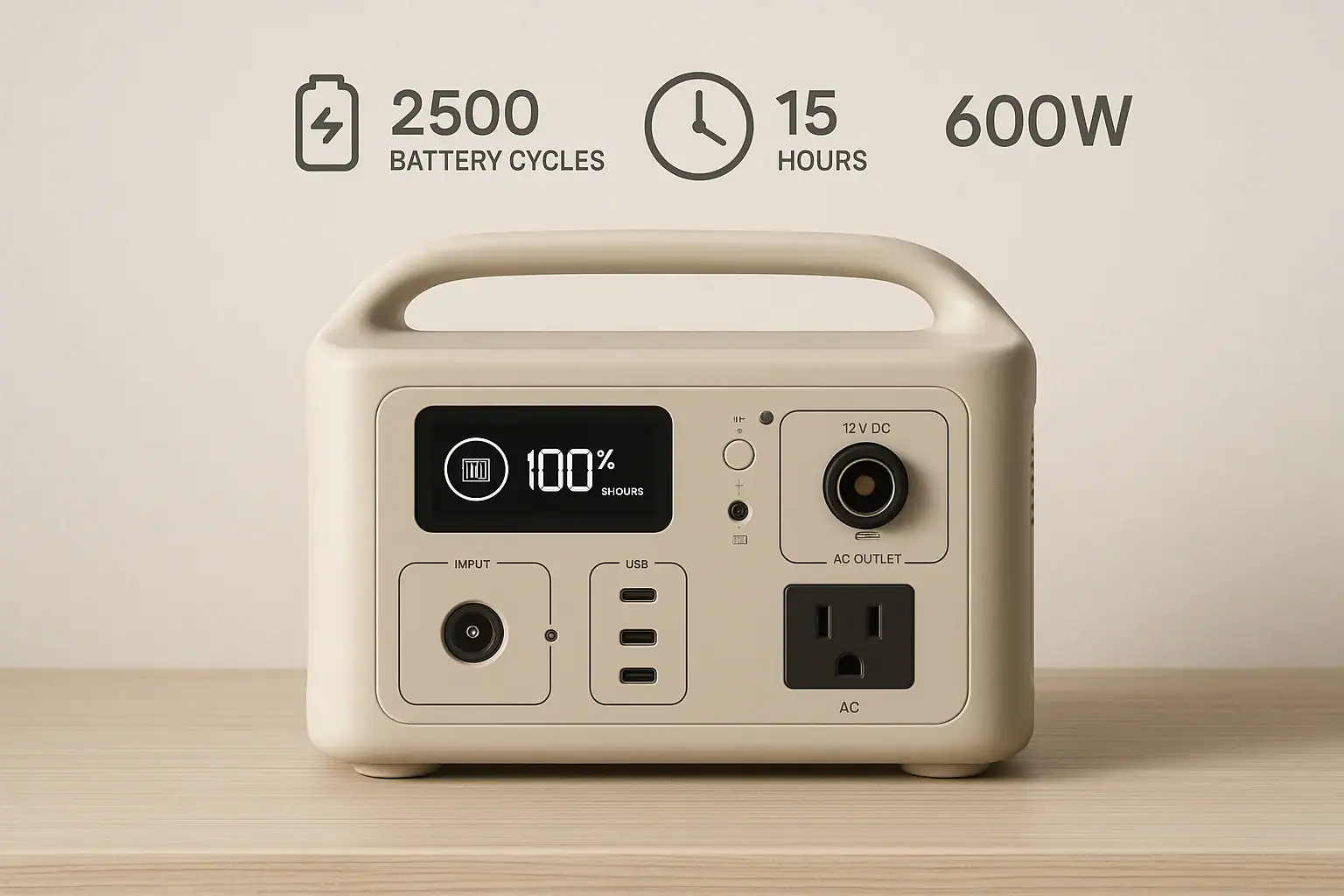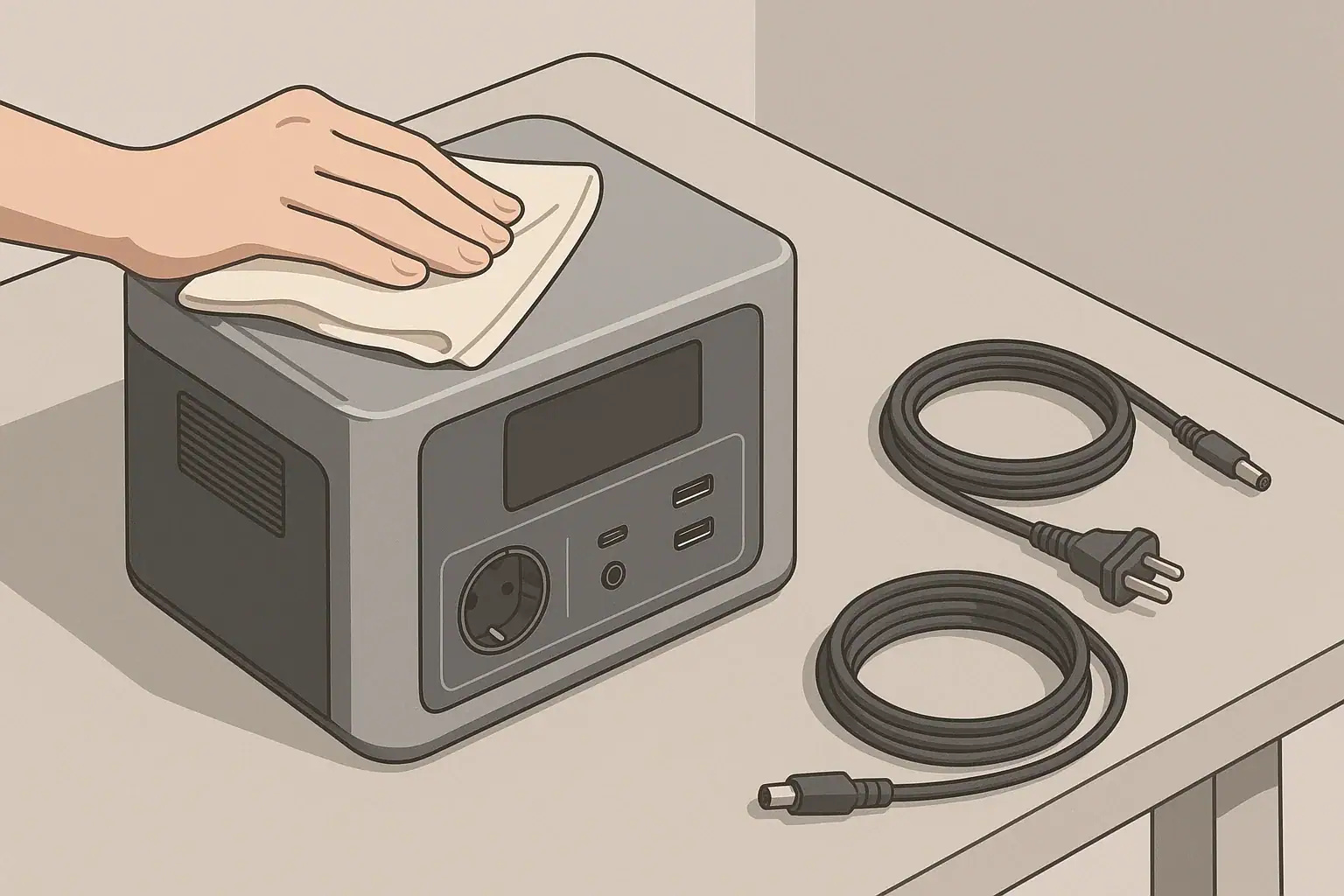
The best way to keep a backup power station ready without overcharging it is to store it at a moderate state of charge, recharge it on a schedule, and avoid leaving it full and plugged in unless its manufacturer specifically supports long-term standby charging.
Modern portable power stations use a battery management system, or BMS, to stop electrical overcharge under normal conditions. However, holding a lithium battery at a 100% charge level for weeks or months can still increase long-term battery wear, especially in warm storage. Charge limit settings, storage temperature, battery chemistry, standby mode, and self-discharge all affect readiness.
For most households, a practical approach is to keep the unit around 50% to 80% during routine storage, check it every one to three months, and top it up before severe weather or a planned outage. Exact targets vary, so the power station’s operating and storage instructions should take priority.
1. What Overcharging Means for a Backup Power Station
Electrical overcharging occurs when a battery continues receiving energy beyond its safe upper voltage. A functioning power station is designed to prevent this. Its BMS monitors cell voltage, current, and temperature, then reduces or stops charging when necessary. The external charger and internal charge controller also help regulate the process.
That protection does not mean a battery experiences no stress while sitting at 100%. A full lithium-ion battery remains at a relatively high cell voltage. Over time, high voltage and heat can accelerate chemical aging, reducing usable capacity and shortening runtime. This is better described as high-state-of-charge wear rather than uncontrolled overcharging.
Readiness and battery longevity therefore require a balance. Keeping a unit nearly empty may leave too little energy for an unexpected outage. Keeping it completely full in a hot room throughout the year may produce unnecessary wear. A moderate storage charge provides an energy reserve while reducing the time spent at maximum voltage.
Occasional charging to 100% is normal and useful before an expected outage, camping trip, or emergency. The greater concern is leaving the battery full for extended periods when immediate maximum capacity is not required.
2. How Charge Management and Battery Chemistry Work
Most backup power stations use either lithium iron phosphate, commonly called LFP or LiFePO4, or another lithium-ion chemistry such as nickel manganese cobalt. LFP batteries generally offer higher cycle-life ratings and good thermal stability, while other lithium-ion chemistries may provide lower weight for a given capacity. Both benefit from reasonable storage temperatures and avoiding unnecessary time at extreme charge levels.
The displayed percentage is an estimate calculated by the BMS rather than a direct measurement of stored watt-hours. It can drift after many partial cycles or long storage periods. Some models periodically benefit from a complete charge cycle for display calibration, but calibration should follow the manufacturer’s instructions and should not be performed more often than necessary.
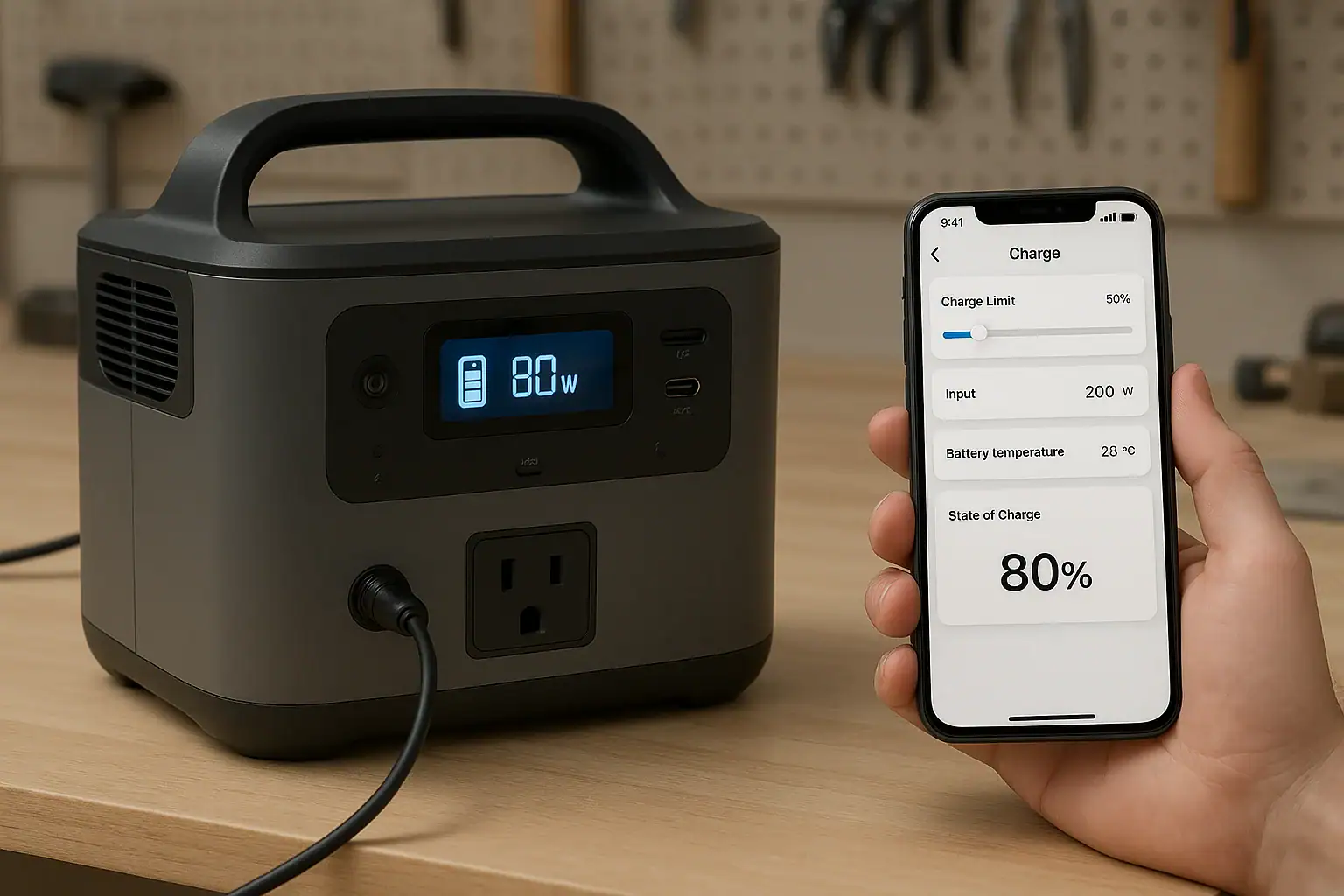
Charge limits can make routine storage easier. If a unit allows a maximum charge level of 70%, 80%, or 90%, the user can select a lower ceiling for everyday standby use and temporarily raise it before a likely outage. Models without an adjustable limit can be unplugged manually when they reach the desired range.
Self-discharge also matters. Even when outputs are off, the battery and internal electronics gradually consume energy. Wi-Fi, Bluetooth, illuminated displays, DC outputs, and inverter standby can increase this loss. Turning off unneeded functions helps preserve the stored charge.
| Charge condition | Typical use | Readiness | Battery-wear consideration |
|---|---|---|---|
| 30% to 50% | Longer storage | Limited immediate runtime | Moderate storage level, but may require charging before use |
| 50% to 80% | Routine emergency standby | Useful reserve for many loads | Balances readiness with reduced time at full charge |
| 90% to 100% | Outage expected soon | Maximum or near-maximum runtime | Best used temporarily rather than for months of storage |
| Below 10% | Nearly depleted | Poor emergency readiness | Extended storage at very low charge may be harmful |
3. Real-World Charging and Storage Examples
Routine household standby
A household stores a 1,000-watt-hour power station in a climate-controlled closet for occasional outages. Keeping it near 70% provides roughly 700 watt-hours before conversion losses and reserve limits are considered. The owner checks it every two months, confirms that all outputs are off, and restores the charge if it has fallen significantly.
Severe weather approaching
A storm is forecast within two days. The power station is increased from its routine 70% level to 100%, then disconnected once charging is complete. Charging to full in this situation is appropriate because the stored energy is likely to be used soon. After the risk passes, normal use can bring the battery back toward its routine storage range.
Power station used as an uninterruptible supply
Some units support pass-through power or an emergency power supply mode. In this setup, utility power feeds the connected equipment while the battery remains available for an outage. A model designed for this role may manage its battery differently from a unit intended only for occasional charging. Important specifications include transfer time, supported input power, output capacity, charge-limit controls, and whether long-term plugged-in operation is permitted.
Pass-through capability alone does not necessarily mean a power station should remain connected continuously. If the unit repeatedly drops a few percentage points and recharges, it may accumulate shallow cycles. The operating instructions should confirm the intended standby behavior.
4. Common Mistakes and Troubleshooting Cues
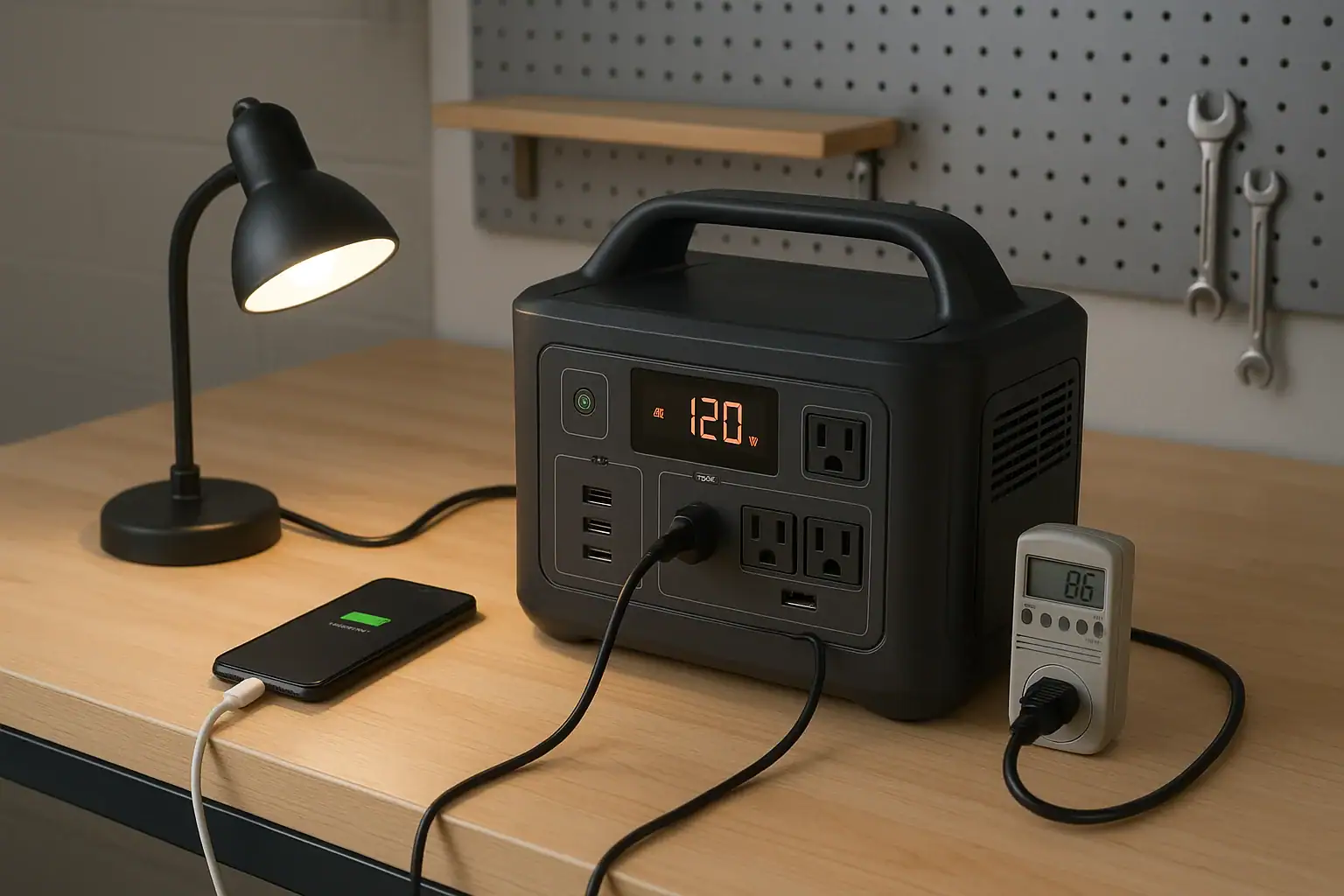
Leaving the inverter on during storage: The AC inverter can consume power even when no appliance is operating. If the charge level falls faster than expected, confirm that AC, DC, USB, wireless, and network functions are off.
Storing the battery completely full in heat: A garage, vehicle, attic, or sunlit room can reach damaging temperatures. High charge and high temperature together are especially unfavorable for lithium battery aging. Move the unit to a dry, ventilated indoor location within its stated storage range.
Allowing the battery to remain empty: A display reading of 0% does not necessarily mean every cell is at zero voltage, but the remaining protective reserve can decline during storage. Recharge a depleted unit promptly rather than leaving it unused for months.
Using an incompatible charger: A charger with the wrong voltage, connector, polarity, or power-delivery profile may fail to charge or could create a safety risk. Use an approved charging method that matches the specified input voltage, current, wattage, and connector type.
Assuming the percentage is perfectly accurate: If the display jumps, stalls, or reaches full unusually early, the estimate may need recalibration. First perform a normal restart and charge with the correct adapter at room temperature. If the behavior continues, follow the documented calibration procedure or request qualified service.
Ignoring abnormal behavior: Stop charging if the unit becomes unusually hot, produces an odor, swells, makes unexpected noises, shows repeated fault codes, or has damaged ports or cables. A power station that shuts down while charging may be responding to excess temperature, an unsuitable power source, or an internal fault.
5. Essential Charging and Battery Safety
Charge the power station on a stable, dry, nonflammable surface with ventilation around its cooling openings. Keep it away from direct sunlight, heaters, standing water, flammable materials, and areas accessible to small children or pets. Do not cover the unit while it is charging.
Inspect the charging cable, plug, adapter, and ports before use. Loose connections, bent contacts, frayed insulation, discoloration, or melted plastic require attention. Do not open the enclosure, replace internal cells, bypass the BMS, or modify charging hardware.
Temperature limits apply to both charging and storage. A cold battery may temporarily refuse to charge, while excessive heat can trigger shutdown or accelerate degradation. Allow a unit moved from a very cold or hot environment to return to an acceptable operating temperature before charging.
A portable power station should not be connected directly to household wiring through improvised cords or outlets. Any installation intended to power home circuits requires compatible transfer equipment and evaluation by a qualified electrician. Portable units should also be kept out of rain unless their stated ingress protection and operating instructions explicitly permit exposure.
6. A Practical Maintenance and Storage Schedule
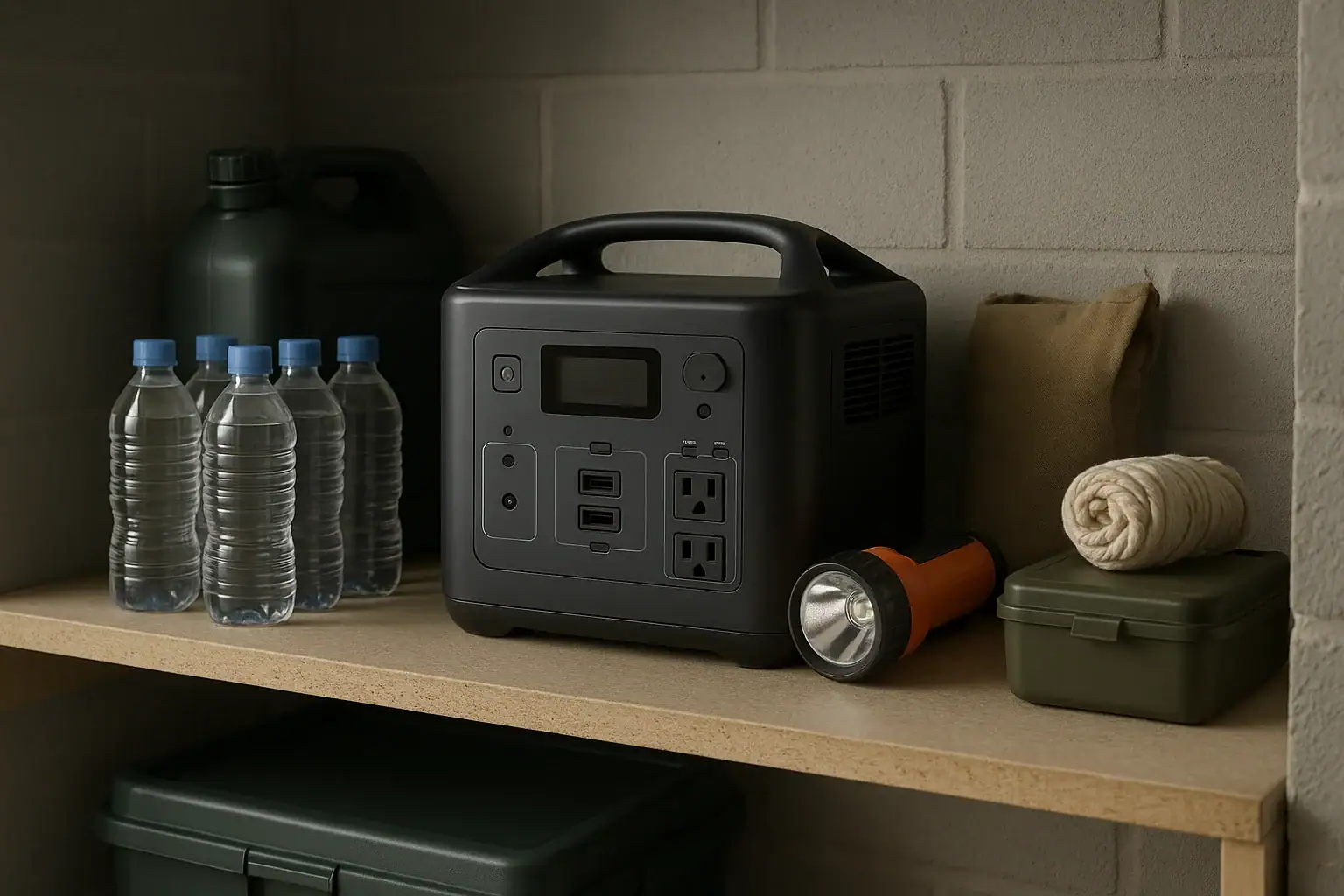
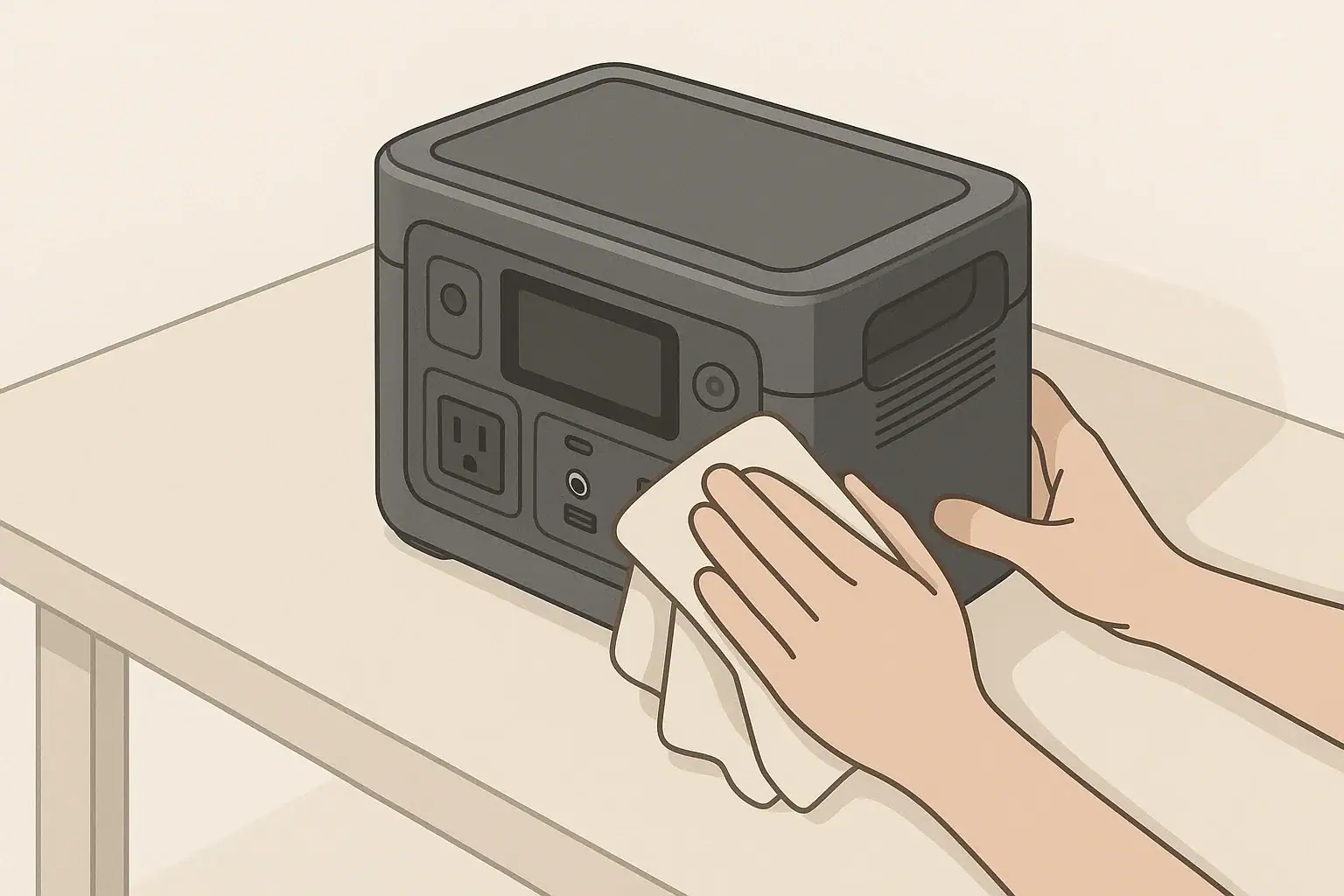
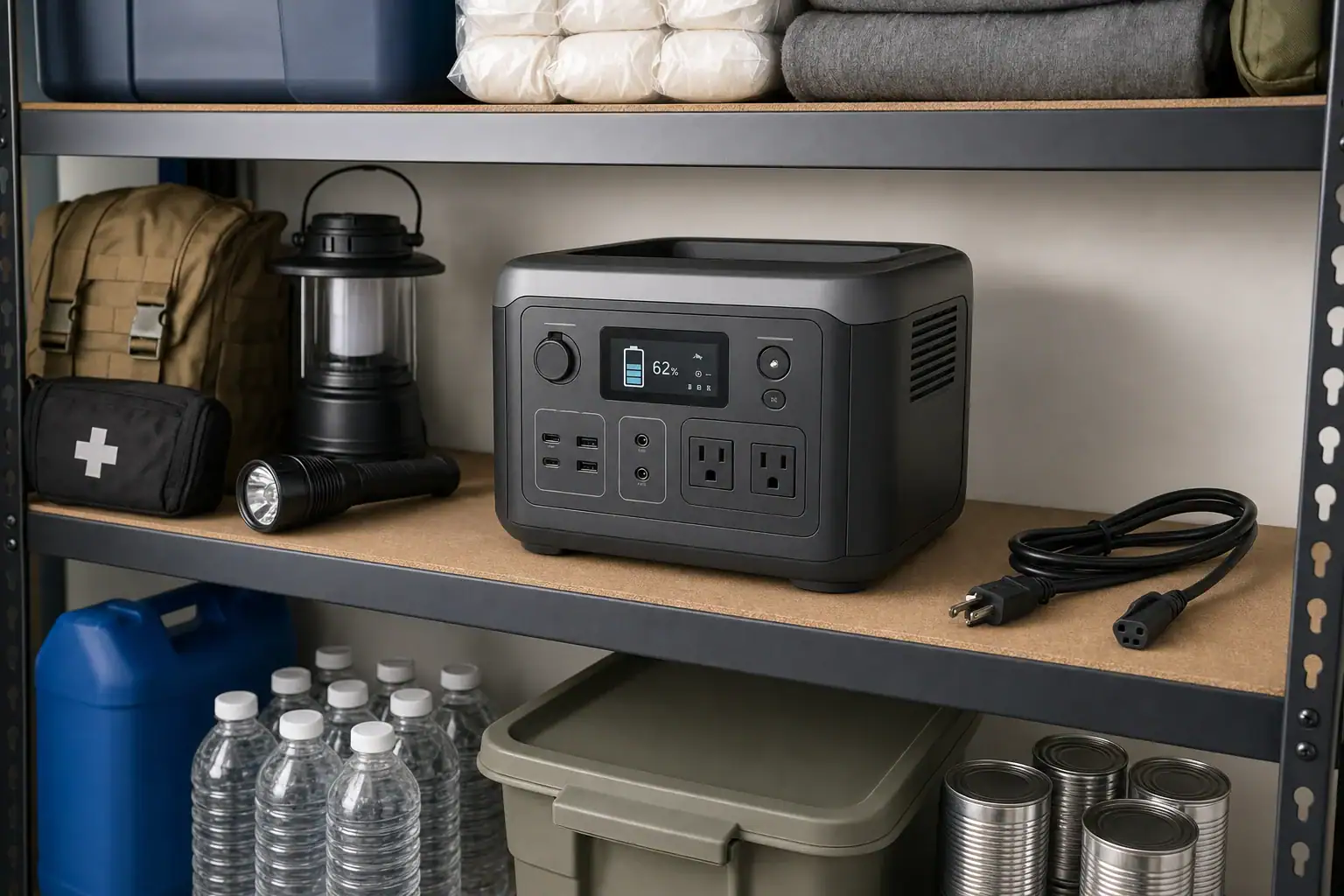
Choose a cool, dry storage location that is easy to access during an outage. Avoid placing heavy objects on the power station, and protect its ports from dust and impact. Store charging cables with the unit so the correct accessories are available when needed.
For routine standby, inspect the battery every one to three months. Check the displayed charge, look for physical damage, and verify that the unit powers on without a warning. If the charge has fallen below the chosen reserve level, recharge it to the preferred storage range. Units with higher standby drain may need more frequent checks.
Before a predictable seasonal risk, charge the battery fully and briefly test essential loads without exceeding the continuous output rating. A short functional test can reveal a damaged cable, weak adapter, inaccurate display, or appliance with unexpectedly high startup watts. Afterward, switch off all outputs before returning the unit to storage.
Keep a simple record of check dates, charge percentages, faults, and noticeable runtime changes. A gradual decline is normal with age, but a large unexplained capacity loss may indicate calibration drift, unusual standby consumption, extreme storage conditions, or battery deterioration.
| Interval | Maintenance action | What to verify |
|---|---|---|
| Monthly to quarterly | Check state of charge | Battery remains within the chosen standby range |
| Every few months | Inspect ports and cables | No damage, corrosion, looseness, or overheating marks |
| Before outage season | Charge and test essential loads | Normal charging, output, fan operation, and display behavior |
| After each use | Cool, clean, and recharge | Outputs are off before storage |
| During long storage | Review environmental conditions | Area remains dry, ventilated, and within the stated temperature range |
Related guides: Long-Term Storage Best Practices: Charge Level, Temperature, and Schedule • Should You Leave a Power Station Plugged In All the Time? • How Often Should You Test a Backup Power Station?
7. Practical Takeaways and Specs to Look For
For everyday readiness, use a moderate charge target rather than automatically keeping the battery at 100%. Check it periodically, disable unnecessary outputs, and move to a full charge when an outage is likely. Avoid prolonged storage near empty, excessive heat, incompatible chargers, and continuous plugged-in operation unless the power station is designed for that use.
The most useful maintenance features are those that make charge control, monitoring, and safe storage easier. Capacity and output ratings still matter, but they should be considered alongside chemistry, standby consumption, operating temperature, and charging controls.
Specs to look for
- Adjustable charge limit: Look for selectable ceilings such as 70%, 80%, or 90%; this reduces time spent at full charge during routine standby.
- Battery chemistry: Compare LFP with other lithium-ion designs and review expected cycle life; chemistry influences weight, longevity, and storage behavior.
- Cycle-life rating: Look for a stated number of cycles to a remaining capacity, such as 2,000 to 4,000 cycles to about 80%; consistent test terms make comparisons more meaningful.
- Storage and charging temperature ranges: Look for clearly separated ranges for charging, use, and storage; this helps determine whether the intended location is suitable.
- Standby power consumption: Look for low idle draw and the ability to disable AC, DC, wireless, and display functions; lower drain extends the time between maintenance checks.
- Pass-through or standby mode: Look for explicit support for long-term plugged-in operation, a stated transfer time, and battery-preservation controls; these matter when protecting continuously connected equipment.
- Input power and recharge time: Compare AC input wattage and estimated charging time, such as two to six hours; faster charging can restore emergency capacity when warning time is short.
- Battery management protections: Look for monitoring of overvoltage, undervoltage, overcurrent, short circuits, and temperature; these protections help the unit respond to abnormal conditions.
- Capacity and usable energy: Compare watt-hour ratings and any stated usable capacity; this determines expected runtime more directly than peak output alone.
- Continuous and surge output: Match continuous watts and short-duration surge watts to essential appliances; adequate headroom helps prevent overload shutdown during startup.
A well-maintained backup power station does not have to remain full every day to be dependable. A planned storage level, periodic inspection, suitable temperature, and timely top-up before a likely outage can preserve both emergency readiness and long-term battery capacity.
Frequently asked questions
What charge level should I keep a backup power station at between outages?
For routine storage, many households keep a backup power station around 50% to 80% charge. This provides a useful reserve while reducing the time the battery spends at maximum voltage; the manufacturer’s stated storage guidance should take priority.
Can I leave a backup power station plugged in all the time?
It depends on whether the model is specifically designed and documented for continuous standby or pass-through operation. A battery management system normally prevents electrical overcharge, but long-term full charge and repeated recharge cycles may still contribute to battery wear.
How often should I check a stored power station?
Checking the unit every one to three months is a practical schedule for many power stations. Verify its charge level, turn off unneeded outputs, inspect cables and ports, and recharge if the battery has dropped below the chosen reserve level.
Is it bad to store a power station at 100% charge?
Charging to 100% before a forecast outage or planned use is generally appropriate. Storing a lithium battery at full charge for long periods, particularly in a warm location, can accelerate capacity loss over time.
What features matter most when choosing a power station for emergency standby?
Useful standby features include an adjustable charge limit, low idle power consumption, clear storage-temperature guidance, and documented support for long-term plugged-in use if needed. Battery chemistry, usable watt-hours, continuous output, surge output, and charging time also affect how well the unit can support essential loads.
What safety steps should I follow when charging and storing a power station?
Charge and store the unit on a stable, dry surface with clear ventilation and away from heat, sunlight, water, and flammable materials. Use approved charging equipment, do not cover or modify the unit, and stop using it if it shows swelling, unusual heat, odors, damage, or persistent fault warnings.
Recommended next:
- How to Clean and Inspect Ports, Cables, and Fans (Without Causing Damage)
- Long-Term Storage Best Practices: Charge Level, Temperature, and Schedule
- Should You Leave a Power Station Plugged In All the Time?
- How to Test Real Capacity at Home: A Simple Step-by-Step Method
- Firmware Updates and App Control: What to Expect (and What to Avoid)
- When to Replace Cables and Adapters: Signs of Wear and Overheating
- More in Maintenance →