
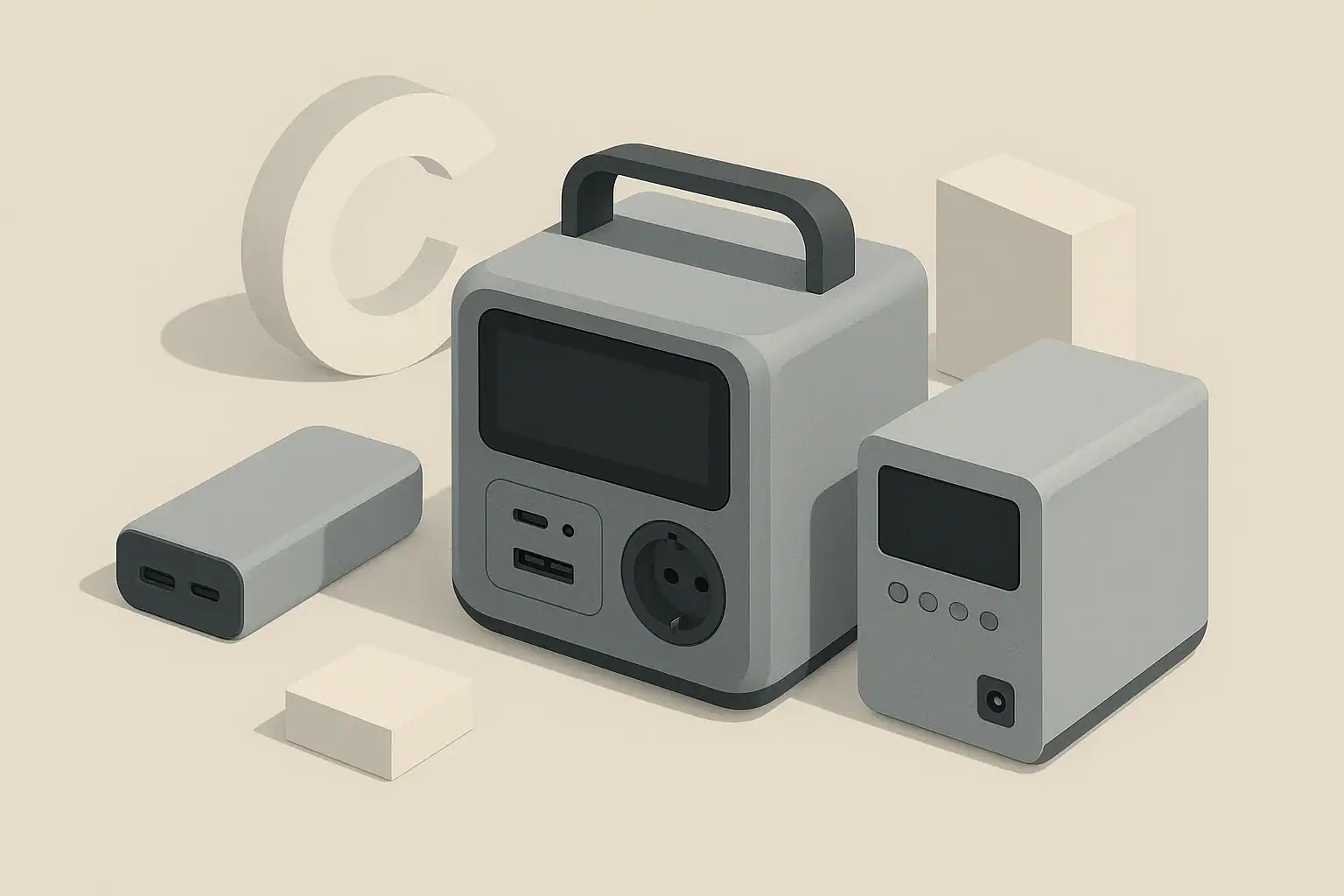
Choose a power bank for phones and small USB devices, a portable power station for higher-capacity AC and DC backup, and a UPS when electronics need automatic no-drop power during an outage.
These three backup power options overlap, but they are not interchangeable. A large USB battery pack may charge a laptop, yet it will not run a refrigerator. A portable power station may run home essentials, but many units do not switch fast enough to protect a desktop computer from shutting off. A UPS may keep a router alive, but it is usually built for minutes to a few hours, not a full camping weekend.
The best choice depends on what you need to power, how long it must run, whether it needs AC outlets, and whether a brief interruption is acceptable. Use the comparisons and examples below to match the device to your home backup, travel, remote work, or emergency power needs.
What each device means and why the choice matters
A power bank is the smallest category. It is usually a portable battery with USB-A, USB-C, or wireless charging output. Its job is to recharge phones, tablets, earbuds, cameras, handheld game systems, and sometimes USB-C laptops. Most power banks are easy to carry, simple to store, and practical for daily travel. Their limits are output wattage and total energy capacity.
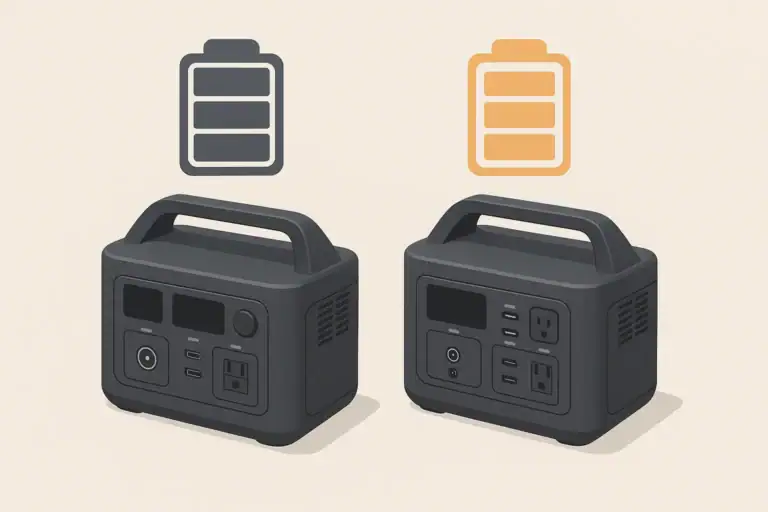
A portable power station is a larger battery system with a built-in inverter, battery management system, display, and multiple outputs. It commonly provides AC outlets for household plugs, DC ports, and USB ports. It can run mixed loads such as a laptop, router, light, fan, mini fridge, CPAP-style device, or small appliance if the wattage is within the unit rating. It is the most flexible option for camping, van use, job sites, apartments, and short home outages.
A UPS, or uninterruptible power supply, is designed to sit between wall power and sensitive equipment. When grid power drops, the UPS switches to battery automatically. That makes it useful for desktop computers, network equipment, external drives, security systems, and other electronics that can lose work or reboot when power flickers. Many UPS units also provide surge suppression and line conditioning features, but their runtime is often limited.
The choice matters because the wrong device can fail in a predictable way. A power bank may not have an AC outlet. A power station may have plenty of battery capacity but still trip on motor startup surge. A UPS may protect a computer perfectly for ten minutes but be the wrong tool for overnight appliance backup.
Key concepts: watts, watt-hours, outputs, and transfer time
Start with watts. Watts describe how much power a device draws at a moment in time. A phone may use 5 to 20 watts while charging, a laptop may use 45 to 100 watts, a Wi-Fi router may use 8 to 20 watts, and a heating appliance can use 750 to 1500 watts. Your backup device must have enough output wattage for everything you want to run at the same time.
Next, look at watt-hours. Watt-hours describe stored energy. A simple estimate is load watts multiplied by hours of use. If a router uses 12 watts and you want it to run for 10 hours, the ideal energy need is 120 watt-hours. In real use, add a margin because inverters, voltage converters, cooling fans, and standby electronics waste some energy as heat.
For AC loads, pay attention to continuous wattage and surge wattage. Continuous wattage is what the unit can supply steadily. Surge wattage is a short burst for startup. Refrigerators, pumps, compressors, and some tools can draw several times their running wattage for a moment. If the surge is too high, the power station or UPS may shut down even if the average wattage looks reasonable.
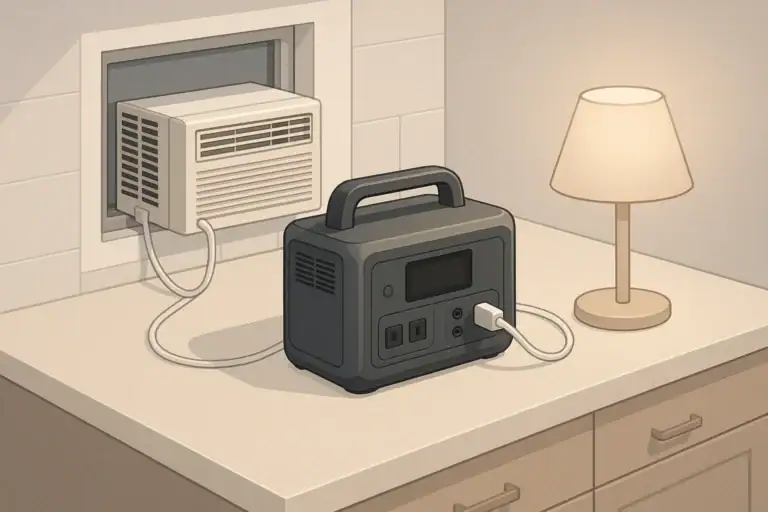
Also consider transfer time. A UPS is built to switch very quickly when utility power fails. Many portable power stations have a backup or pass-through mode, but transfer time varies and may not be suitable for all desktop computers or sensitive devices. If the connected equipment cannot tolerate even a brief interruption, use a UPS rated for that purpose.
| Need | Best fit | Why it fits | Watch closely |
|---|---|---|---|
| Phone, tablet, earbuds, camera | Power bank | Small, low-cost, USB-focused | USB-C output watts and battery size |
| USB-C laptop while traveling | High-output power bank or small power station | Can provide portable charging without wall power | Laptop charging wattage and airline battery limits |
| Router, modem, lights, fan during outage | Portable power station | More watt-hours and multiple outputs | Total load, runtime, and recharge plan |
| Desktop PC and monitor protection | UPS | Fast automatic switchover prevents abrupt shutdown | UPS watt rating and expected runtime |
| Camping with small appliances | Portable power station | AC outlets plus DC and USB in one unit | Appliance surge and daily energy use |
| Short outage backup for networking gear | UPS or portable power station | UPS protects against dropouts; power station may run longer | Whether seamless transfer is required |
Real-world examples for home, travel, and camping
For everyday travel, a power bank is usually enough. A small phone may have a battery around 10 to 15 watt-hours. A 20 to 30 watt-hour power bank might provide one full phone recharge and a partial second recharge after conversion losses. A larger USB-C power bank can help a laptop, but a 60 watt-hour laptop battery may drain most of it in one charge.
For remote work during a short outage, imagine a laptop drawing 50 watts, a router drawing 12 watts, and an LED light drawing 6 watts. The total is 68 watts. For six hours, the ideal need is 408 watt-hours. After allowing for conversion losses and some margin, a portable power station vs power bank in the 500 to 700 watt-hour class would be a more realistic target than a pocket power bank.
For a desktop setup, a UPS changes the goal. If a desktop computer and monitor draw 180 watts, a smaller UPS may only provide enough time to save work and shut down cleanly. That can still be valuable because the main job is preventing data loss or a hard reboot, not running the office all afternoon.
For camping, a portable power station works best when you list daily energy use. A 10 watt light for five hours uses 50 watt-hours. A 25 watt fan for eight hours uses 200 watt-hours. Charging phones and a camera may add another 80 watt-hours. That trip day already needs roughly 330 watt-hours before losses. Solar can help, but real solar output depends on clouds, shade, panel angle, and season.
| Load | Typical draw | Energy for 8 hours | Practical device type |
|---|---|---|---|
| Smartphone charging | 10 watts while charging | Depends on charge cycles | Power bank |
| Router and modem | 15 to 30 watts combined | 120 to 240 watt-hours | UPS or portable power station |
| Laptop | 45 to 90 watts | 360 to 720 watt-hours if running continuously | High-output power bank or power station |
| LED lamp | 5 to 15 watts | 40 to 120 watt-hours | Power bank if USB, power station if AC |
| Small fan | 15 to 40 watts | 120 to 320 watt-hours | Portable power station |
| Desktop PC and monitor | 120 to 300 watts | 960 to 2400 watt-hours | UPS for brief protection, power station for longer runtime |
Common mistakes and troubleshooting cues
Mistake one: buying by capacity only. A large watt-hour rating does not guarantee that a unit can run a high-wattage appliance. If a device needs 1200 watts and the inverter is rated for 600 watts, it will overload. Always compare the load wattage to the output rating first, then estimate runtime.
Mistake two: ignoring startup surge. If a fridge, pump, or compressor clicks on and the power station shuts off immediately, startup surge is a likely cause. Try removing other loads, using a lower-demand device, or choosing equipment with a higher surge rating. Do not repeatedly force restarts if the unit is showing overload warnings.
Mistake three: expecting perfect runtime math. A 500 watt-hour power station will not deliver 500 watt-hours to every AC appliance. Inverter losses, low-load overhead, high temperatures, cold batteries, and aging can reduce usable energy. For planning, many users should build in a 15 to 25 percent cushion, more if the load is critical.
Mistake four: using the wrong port or cable. A USB-C laptop may charge slowly or not at all if the cable lacks the required power rating or if the port supports only low output. Check the actual USB-C wattage, not just the connector shape. With power banks, the difference between a basic USB port and a high-output USB-C Power Delivery port can be significant.
Mistake five: treating a portable power station like a full UPS. If a computer reboots when wall power fails, the transfer delay may be too long. A UPS is the safer choice for equipment that must stay on continuously. A power station may still be useful after the UPS, but only if the setup is compatible and the total load is within rating.
Safety basics for indoor, outdoor, and backup use
Use all battery backup devices on a stable, dry surface with ventilation. Heat is a common enemy of batteries and electronics. Do not cover vents, place units under blankets, operate them inside sealed boxes, or stack gear on top of them. If a device becomes unusually hot, smells odd, swells, leaks, sparks, or shows damaged ports, stop using it.
Keep power banks, power stations, and UPS units away from water. Outdoor use should be protected from rain, puddles, sprinklers, and wet ground unless the equipment is specifically rated for those conditions. In damp locations, shock protection matters. Follow the product instructions and applicable electrical safety practices, especially when AC power and extension cords are involved.
Use cords that are rated for the load. A thin or damaged extension cord can overheat when running high-wattage appliances. Avoid daisy-chaining power strips, overloading UPS outlets, or connecting space heaters and other heavy resistive loads unless the device documentation clearly allows it. Many UPS units are not intended for heaters, refrigerators, laser printers, or large appliances.
Do not backfeed a home outlet or connect any backup device directly to household wiring without proper transfer equipment installed by a qualified electrician. Improper backfeeding can injure utility workers, damage equipment, and create fire hazards. For medical-related equipment or life-safety needs, do not rely on general consumer backup power alone; get professional guidance and plan redundancy.
Maintenance, storage, and long-term readiness
Backup power is only useful if it works when needed. Check stored devices periodically and recharge them before storm seasons, trips, or planned outages. Lithium-based power banks and power stations generally should not sit fully discharged for long periods. Many manufacturers recommend a moderate charge level for storage, then periodic top-ups.
Temperature affects both runtime and battery life. High heat can age batteries faster, and freezing conditions can temporarily reduce output. Avoid storing power banks in hot vehicles, power stations in hot attics, or UPS units in cramped spaces with poor airflow. If a battery has been in the cold, let it return to a safe operating temperature before charging if the manufacturer instructs you to do so.
UPS units deserve special attention because many use batteries that wear out after several years. A UPS may still turn on while providing much shorter runtime than it did when new. Use its self-test function if available, note alarm behavior, and replace the battery pack or the unit when runtime falls below your needs.
Portable power stations should be tested under light load every few months. Plug in a lamp, router, or other modest load and confirm that AC and USB outputs work. Check the display, input charging, cords, adapters, and any solar cables before you depend on them. Labeling cables and storing them with the device prevents last-minute confusion.
Practical takeaways and specs to look for
The simplest rule is to match the tool to the job. A power bank is best for personal electronics and lightweight travel. A portable power station is best for flexible home, vehicle, camping, and emergency use when you need more watt-hours and AC outlets. A UPS is best for automatic backup and protection of electronics that should not shut off abruptly.
For sizing, list every device you want to run, note its watts, and decide how many hours it must operate. Multiply watts by hours to estimate watt-hours, then add a realistic buffer for losses. If any device has a motor, compressor, heater, or large power supply, check continuous and surge requirements before assuming it will work.
Specs to look for
- Battery capacity: Compare watt-hours, not just marketing size or milliamp-hours.
- Continuous AC output: Must exceed the total watts of devices running at the same time.
- Surge rating: Important for refrigerators, pumps, tools, and compressor loads.
- USB-C output: For laptops, check the wattage of the port and the cable.
- Transfer time: Critical if you need UPS-like protection for computers or networking equipment.
- Recharge options: Wall charging, vehicle charging, and solar input affect how useful the device is during longer outages.
- Battery chemistry and cycle rating: Helpful for estimating long-term durability.
- Weight and size: A unit that is too heavy may stay in a closet instead of going on trips.
- Operating temperature range: Important for garages, vehicles, winter use, and hot climates.
- Safety certifications and protections: Look for overload, short-circuit, over-temperature, and battery management protections.
If you are buying for travel, start small and prioritize USB-C output and airline limits. If you are buying for outages, size around your essential loads rather than every appliance in the house. If you are protecting work equipment, prioritize reliable switchover and enough runtime to save work or bridge short interruptions. The right answer is often a combination: a power bank for daily carry, a UPS for sensitive electronics, and a portable power station for longer backup needs. For a gear-focused comparison, see Portable Power Station vs Power Bank vs UPS: Which Backup Fits Your Gear.
Additional practical question
How long will it take to recharge a large portable power station during an outage?
Recharge time equals battery capacity divided by the station’s maximum input wattage, adjusted for charging inefficiency; faster AC or car inputs recharge quicker than solar. Solar recharging is subject to panel wattage and sunlight variability, so plan for slower and variable recharge rates. Check the unit’s maximum input rating to set realistic expectations.
Where an AC power bank fits
A power bank with a small AC outlet sits between a USB-only power bank and a full portable power station. It can be useful for a low-power laptop charger or another small plug-in device, but its inverter rating, usable watt-hours, heat limits, and outlet design still determine what it can run. The presence of an AC socket does not by itself make the unit suitable for appliances or long backup periods.
Also check whether the product provides documented UPS or EPS behavior. Many AC power banks can charge while supplying power, but pass-through charging is not the same as a tested transfer-time guarantee for equipment that must stay online without interruption.
Frequently asked questions
Can a portable power station replace a UPS for a desktop computer?
Sometimes, but not always. A portable power station may provide enough runtime, yet its transfer time can be too slow for some desktops or monitors, causing a reboot when utility power fails. If uninterrupted operation matters, a UPS is the safer choice.
What specs matter most when choosing between these three options?
Focus on output wattage, battery capacity in watt-hours, and the type of ports you need. For computers and networking gear, transfer time matters as much as capacity. For appliances, check continuous and surge ratings before anything else.
What is the most common mistake people make when buying backup power?
The most common mistake is choosing by battery size alone. A unit can have a large capacity but still fail if its output wattage is too low for the device being powered. Always match the load first, then estimate runtime.
Is it safe to use these devices indoors?
Yes, if you use them as directed and keep them dry, ventilated, and undamaged. Do not cover vents, overload outlets, or use damaged cords. For any setup involving household wiring, use proper transfer equipment and follow electrical safety guidance.
How do I know whether I need a power bank or a portable power station?
If you only need to charge phones, tablets, earbuds, or a USB-C laptop, a power bank is usually enough. If you need AC outlets, longer runtime, or support for multiple devices at once, a portable power station is the better fit. The deciding factor is usually wattage and total energy demand.
Can a UPS run a router for several hours?
Yes, if the router load is small enough and the UPS battery capacity is sufficient. Many UPS units are designed mainly to bridge short outages, so runtime can vary a lot by load. For longer networking backup, a portable power station often provides more energy.
Related guides
Browse this topic →
- Beginner-friendly sizing, runtime & specs
- Solar & charging (MPPT, fast charging, cables)
- Batteries (LiFePO4, cycles, care & storage)
- Safety, cold-weather performance, real-world tips
More in Comparison
See all →Keep reading
About this site
Portable Energy Lab publishes practical, independent guides about portable power—clear sizing, safe use, and real-world expectations.
Affiliate disclosure
Some links on this site may be affiliate links. If you buy through these links, we may earn a small commission at no extra cost to you. This helps support our content. Read our affiliate disclosure.