
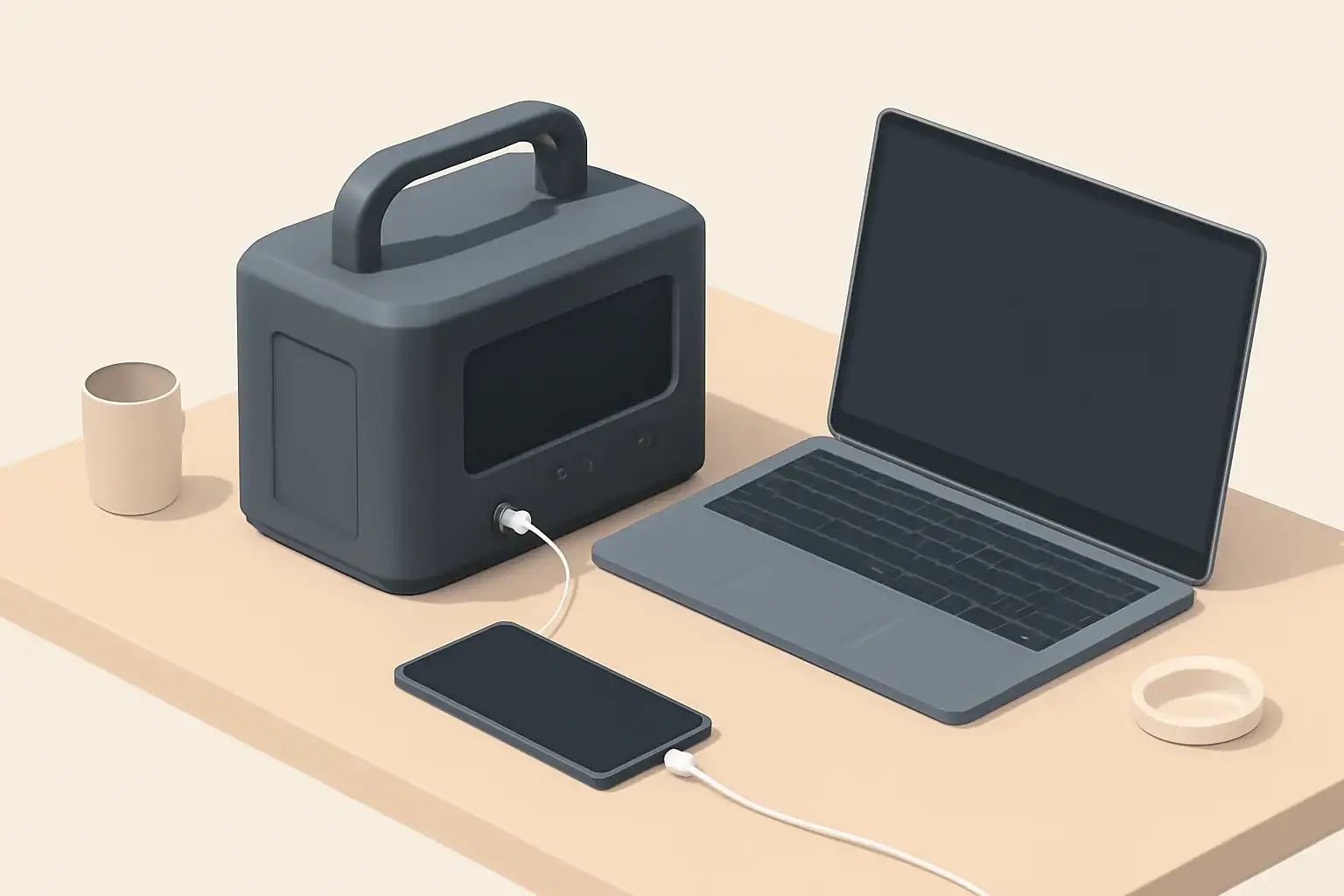
Portable power stations are becoming a core part of backup power, but they will complement rather than completely replace generators and whole‑home batteries. For many households, they are now the most practical way to keep essentials running during short outages, power camping setups, and support remote work off‑grid.
These compact battery power packs combine a rechargeable battery, inverter, and multiple outlets (AC, DC, and USB) in one box. Unlike traditional fuel generators, they are quiet, produce no exhaust at the point of use, and can often be recharged from solar panels. As power grids face more extreme weather and more people work from home, interest in portable backup power, solar generators, and battery stations has grown quickly.
This guide explains how portable power stations work, where they make sense, and where they fall short. You will see concrete runtime examples, common sizing mistakes, safety basics, and a practical checklist of specs to compare when deciding if a portable power station belongs in your backup plan.
What Portable Power Stations Are and Why They Matter for Backup Power
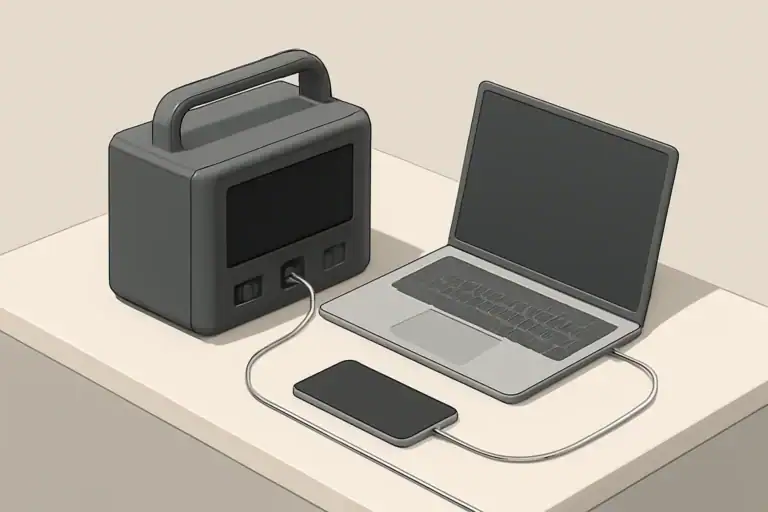
A portable power station is a self‑contained battery system that stores electricity and delivers it through built‑in outlets. Think of it as a large, rechargeable power bank with enough capacity and inverter power to run household devices instead of just phones.
For backup power, portable stations matter because they fill a gap between small uninterruptible power supplies and permanently installed generators or home batteries. They are especially well suited for:
- Short to medium power outages where you only need to run a few essential loads.
- Apartment or condo living where fuel storage and hard‑wired generators are impractical.
- Mobile use cases like camping, RVs, vanlife, and field work.
- Supplementing existing systems, for example keeping networking and electronics up while a generator covers heavy loads.
However, portable power stations are usually not sized to run an entire home with central air conditioning, electric water heating, or electric cooking for many hours. Their strengths are flexibility, portability, and clean operation, not unlimited energy.
Key Concepts: How Portable Power Stations Work
To decide whether a portable power station fits your backup strategy, it helps to understand the main components and ratings you will see on spec sheets.
Battery capacity and chemistry
The battery is the energy tank. Capacity is usually given in watt‑hours (Wh). Roughly speaking:
- 300–600 Wh: occasional charging, small lights, short router backup.
- 700–1,500 Wh: basic essentials for several hours, small fridge for part of a day.
- 2,000+ Wh: larger fridges, more devices, or longer runtimes.
Common chemistries include lithium‑ion and lithium iron phosphate. While the details differ, both are lighter and more energy‑dense than lead‑acid batteries. Cycle life (how many full charge‑discharge cycles the battery can handle before losing capacity) is an important factor for long‑term value.
Inverter power and surge
The inverter converts DC power from the battery into AC power for household devices. Two ratings matter:
- Continuous watts: how much power the station can deliver steadily.
- Surge watts: short bursts for startup spikes, such as compressors and motors.
If your combined running loads exceed the continuous rating, the unit may shut down. If a device’s startup surge exceeds the surge rating, it may fail to start or cause an overload error.
Charging inputs and power management
Most portable power stations support several charging methods:
- Wall charging: fastest and most convenient before a storm.
- Vehicle charging: useful while driving but usually slower.
- Solar charging: essential for extending runtime during long outages or off‑grid use.
Internal charge controllers and battery management systems regulate how the battery charges and discharges, protect against over‑current and over‑temperature, and may allow you to prioritize certain outputs or limit charge rates to preserve battery health.
| Use case | Example devices | Approx. load (W) | Estimated daily energy (Wh) | Suggested battery size (Wh) |
|---|---|---|---|---|
| Basic communications | Router (24h), 2 phones, 1 laptop | 40–60 | 300–500 | 500–700 |
| Essentials during outage | Router, 2 LED lights (6h), laptop (4h), fan (4h) | 120–180 | 600–900 | 1,000–1,500 |
| Fridge + essentials | Energy‑efficient fridge, router, lights | 150–250 avg. | 1,200–1,800 | 1,500–2,500 |
| RV / van weekend | 12 V fridge, lights, phones, laptop, small fan | 80–150 | 800–1,200 | 1,000–2,000 |
Real‑World Backup Power Examples
Abstract watt‑hours can be hard to visualize. The examples below show how portable power stations behave in practical situations. Actual results will vary with device efficiency, ambient temperature, and depth of discharge.
Keeping internet and lighting on during a short outage
Scenario: You want to stay connected and keep a couple of rooms lit during a 6‑hour evening outage.
- Wi‑Fi router and modem: 20 W.
- Two LED bulbs: 10 W each (20 W total), used for 6 hours.
- Phone charging: 10 W average over 3 hours.
Energy use estimate:
- Router: 20 W × 6 h = 120 Wh.
- Lights: 20 W × 6 h = 120 Wh.
- Phones: roughly 30 Wh.
Total is about 270 Wh. Allowing for inverter losses and some buffer, a station with around 400–500 Wh usable capacity can comfortably cover this scenario.
Running a refrigerator through an overnight outage
Scenario: A modern, efficient refrigerator that averages around 120 W over time (including compressor cycling) needs to stay cold for 10 hours.
- Fridge: 120 W × 10 h = 1,200 Wh.
- Router and a light: add another 200–300 Wh.
You are now in the range of 1,400–1,500 Wh or more. A portable power station with at least 1,500–2,000 Wh capacity is more appropriate, especially if you cannot recharge during the outage.
Supporting remote work and small appliances
Scenario: You work remotely and need to keep a laptop, monitor, and networking equipment powered for an 8‑hour workday during an outage.
- Laptop: 60 W × 8 h = 480 Wh.
- Monitor: 30 W × 8 h = 240 Wh.
- Router: 15 W × 8 h = 120 Wh.
- Occasional phone charging and a small desk fan: 100–150 Wh.
Total is roughly 950–1,000 Wh. A station around 1,200–1,500 Wh gives a comfortable margin, particularly if you want to avoid fully draining the battery.
Extending runtime with solar
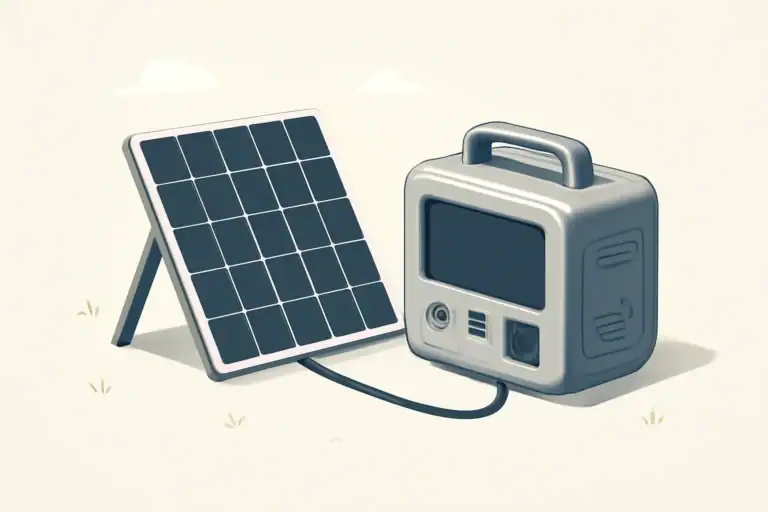
If your portable power station supports solar charging, even a modest solar array can significantly extend runtime in a multi‑day outage. For example, a 200 W solar panel in good sun might produce 800–1,000 Wh per day. That is enough to offset light loads like communications and lighting indefinitely, but not enough to run high‑draw appliances continuously without careful load management.
| Scenario | Symptom | Likely cause | Practical next step |
|---|---|---|---|
| Fridge will not start | Unit clicks or shows overload error | Startup surge exceeds inverter surge rating | Test with smaller loads; consider a higher‑power station or running fewer devices at once |
| Shorter than expected runtime | Battery drains in a few hours | Loads underestimated or capacity quoted is nominal, not usable | Measure or re‑check device wattage; assume 10–20% losses when sizing |
| Slow solar charging | Battery barely gains charge during the day | Panel under‑sized, poor sun angle, or input limit reached | Improve panel orientation, reduce loads while charging, or add panel wattage within input specs |
| Unit shuts down in cold weather | Warning icon or no output | Battery management system protecting against low temperature | Move the station indoors or into a temperature‑moderated space before use |
| Fan runs constantly | Noticeable noise even at low loads | High ambient temperature or internal heat buildup | Provide better ventilation, keep away from direct sun, and avoid enclosing the unit |
Common Mistakes and Troubleshooting Cues
Many disappointing experiences with portable power stations come from planning errors rather than hardware failures. Being aware of common pitfalls helps you avoid overspending or under‑preparing.
Undersizing capacity and inverter power
A frequent mistake is buying a unit based on peak advertised watts instead of actual energy needs. Signs you may be undersized include:
- The station shuts down when a fridge or power tool starts.
- Runtime is only a fraction of what you expected.
- You constantly juggle which devices can be plugged in.
Fix: Add up the running watts of devices you want to power at the same time, check their startup surges, and size both inverter power and battery capacity with a margin.
Ignoring usable capacity and efficiency losses
Not all of the quoted watt‑hours are usable. Battery management systems may reserve a portion to protect the battery, and inverters are not 100% efficient. If you rely on the printed Wh number without accounting for 10–20% losses, runtimes will fall short.
Fix: When planning, multiply the rated capacity by about 0.8–0.9 to estimate usable energy, then divide by your expected average load.
Overloading AC outlets or mixing incompatible loads
Plugging too many devices into a single AC bank or running inductive loads (like pumps and compressors) alongside sensitive electronics can trigger overload or cause voltage dips.
Fix: Spread loads across outlets where possible, avoid starting multiple heavy loads at the same time, and keep critical electronics on separate ports from large motors when feasible.
Expecting generator‑like performance without a recharge-plan
Portable power stations cannot run large resistive loads such as electric ovens, baseboard heaters, or central air conditioning for long. Treating them like fuel generators leads to rapid depletion.
Fix: Reserve the station for high‑value loads (communication, refrigeration, medical devices that are compatible, and essential lighting) and pair it with a recharge strategy such as solar or grid pre‑charging.
Basic troubleshooting checklist
- If a device will not power on: Check that the correct output (AC, DC, or USB) is enabled and that the device’s wattage is below the port limit.
- If runtime is unexpectedly short: Confirm actual device wattage with a plug‑in meter or manufacturer specs, and compare to your earlier estimates.
- If charging seems slow: Verify input wattage on the display, panel orientation, and that cables are fully seated and undamaged.
- If the unit feels hot: Move it to a shaded, ventilated area and reduce high‑draw loads until the fan cycles down.
Safety Basics When Using Portable Power Stations
Portable power stations remove many hazards associated with fuel generators, but they still store significant energy and must be treated with care.
Ventilation and placement
- Operate the unit on a stable, dry surface away from flammable materials.
- Allow space around air vents so internal fans can move heat away effectively.
- Avoid placing the station in direct sunlight or enclosed cabinets during heavy use.
Temperature limits
Battery performance and safety are closely tied to temperature. Extreme cold can reduce available capacity and trigger low‑temperature protection, while extreme heat accelerates wear and can cause automatic shutdowns.
- Do not charge or discharge outside the temperature range listed in the manual.
- Bring the station indoors or into a moderated environment during very hot or very cold weather.
Cable and load safety
- Use appropriately rated extension cords and avoid daisy‑chaining power strips.
- Do not attempt to back‑feed a home electrical panel without a proper transfer mechanism installed by a professional.
- Inspect cords and connectors for damage before use; replace damaged cables instead of taping them.
Using portable power with sensitive or critical equipment
Some devices, especially certain medical or laboratory equipment, have strict power quality and uptime requirements. Portable power stations may not be tested or certified for those uses.
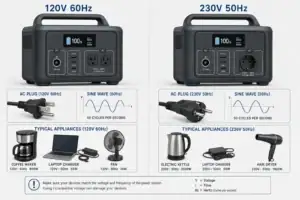
- Verify voltage and frequency requirements of critical devices.
- Confirm that the station’s output waveform and transfer behavior are compatible.
- Where uninterrupted power is essential, dedicated and appropriately rated backup systems may still be required.
Maintenance and Long‑Term Use
Unlike fuel generators, portable power stations need relatively little routine maintenance, but a few habits can significantly extend their useful life.
Regular cycling and state of charge
Batteries last longer when they are not left fully charged or fully empty for long periods. For most chemistries used in portable stations:
- Store the unit partially charged when it will sit unused for months.
- Top it up a few times per year and run a light load to exercise the battery.
- Avoid repeatedly draining to 0% if you do not need the absolute maximum runtime.
Environmental storage conditions
Heat is a major driver of battery degradation. Long‑term storage in hot garages or vehicles can reduce capacity noticeably over time.
- Store in a cool, dry place away from direct sunlight.
- Avoid leaving the unit in a closed vehicle during hot weather.
- Keep vents clear of dust; gently clean with a dry cloth if needed.
Periodic functional checks
Waiting until a storm hits to discover a problem is avoidable. A simple quarterly check can confirm everything still works as expected.
- Charge the station to a moderate level.
- Plug in a few representative devices and verify they power on normally.
- Confirm the display, ports, and fans behave as usual.
- Note any changes in noise, heat, or runtime and adjust your plans accordingly.
Battery aging expectations
All rechargeable batteries slowly lose capacity with use and time. After several hundred or thousand cycles (depending on chemistry and depth of discharge), the station may still function but run for fewer hours. Planning with some margin in your original sizing helps maintain useful performance even as capacity gradually declines.
Practical Takeaways and Specs to Look For
Portable power stations are likely to remain a major part of the future of backup power, especially for targeted, high‑value loads and mobile use. They are not a universal replacement for whole‑home systems or large generators, but they offer a flexible, low‑maintenance way to add resilience.
When deciding how a portable power station fits into your overall backup strategy, think in terms of roles: communications and lighting, refrigeration, remote work, or mobile living. Matching the station to a clear role leads to better sizing, more realistic expectations, and better value.
Use the checklist below to compare models and ensure the specs align with your needs.
Specs to look for checklist
- Battery capacity (Wh): Does the usable capacity (after losses) cover your estimated daily energy needs with some margin?
- Inverter continuous watts: Is it higher than the total running watts of all devices you plan to power at the same time?
- Surge watts: Can it handle the startup surge of fridges, pumps, or other motor loads you intend to run?
- Number and type of outlets: Are there enough AC, DC, and USB ports for your devices without relying on unsafe adapters?
- Charging options: Does it support wall, vehicle, and solar input at rates that fit your recharge plan?
- Solar input limits: Are the maximum input watts and voltage compatible with the solar panels you plan to use?
- Battery chemistry and cycle life: Is the rated cycle life appropriate for how often you expect to use the station?
- Weight and portability: Can you comfortably move the unit where you need it, especially in an emergency?
- Display and controls: Is it easy to see remaining capacity, input/output watts, and error indicators at a glance?
- Built‑in protections: Look for over‑current, over‑voltage, over‑temperature, and short‑circuit protection.
By focusing on these specifications and grounding your choice in realistic load estimates, you can decide where portable power stations belong in your backup power mix and how they can best support you during outages, travel, and everyday off‑grid tasks.
Frequently asked questions
What specifications and features should I prioritize when comparing portable power stations?
Prioritize usable battery capacity (Wh) after accounting for efficiency losses, inverter continuous and surge watt ratings, and the available charging inputs (wall, vehicle, and solar). Also check the number and types of outlets, solar input limits, battery chemistry and cycle life, and the unit’s weight and portability to match your intended use.
How can I avoid the common mistake of buying a unit that’s too small?
Calculate the combined running watts of devices you plan to power at the same time and note any startup surges for motors or compressors. Size both the battery capacity and inverter rating with a safety margin and account for usable capacity by subtracting roughly 10–20% for losses and reserves.
Are portable power stations safe to use indoors?
Portable power stations are generally safe indoors because they produce no exhaust, but they still store significant energy and must be used according to manufacturer guidelines. Ensure adequate ventilation for heat dissipation, avoid charging or discharging outside the recommended temperature range, and inspect cables and connections before use.
How long will a portable power station run my devices?
Runtime is roughly the station’s usable Wh capacity divided by the combined load in watts; for example, a 1,000 Wh usable capacity driving a 100 W load will last about 10 hours before losses. Remember to include inverter and conversion losses and avoid fully draining the battery to preserve cycle life.
Can solar panels reliably recharge a portable power station during a multi‑day outage?
Solar can extend runtime and sustain light loads, but daily recharge depends on panel wattage, available sun hours, and the station’s solar input limit. A modest 200 W array might produce 800–1,000 Wh on a good day, so plan for reduced output on cloudy days and confirm the station accepts the panel’s voltage and wattage.
Is it safe to power sensitive or medical equipment with a portable power station?
Possibly, but you must verify the equipment’s voltage, frequency, and power quality requirements and ensure the station’s output waveform and certifications are compatible. For critical medical devices or equipment with strict uptime needs, use dedicated, certified backup systems or consult a professional before relying on a portable station.
Related guides
Browse this topic →
- Beginner-friendly sizing, runtime & specs
- Solar & charging (MPPT, fast charging, cables)
- Batteries (LiFePO4, cycles, care & storage)
- Safety, cold-weather performance, real-world tips
More in Beginners
See all →- Charging an Electric Wheelchair or Mobility Scooter From a Portable Power Station
- Portable Power Station for a Gaming PC: Runtime, Load Spikes, and UPS Considerations
- Portable Power Station for a Pop-Up Camper: Lights, Fans, Fridge, and Recharge Plan
- Portable Power Station for a Shed or Outbuilding: Lights, Chargers, and Security
- Portable Power Station for a Boat: 12V Loads, Salt Air, and Safer Storage
Keep reading
About this site
Portable Energy Lab publishes practical, independent guides about portable power—clear sizing, safe use, and real-world expectations.
Affiliate disclosure
Some links on this site may be affiliate links. If you buy through these links, we may earn a small commission at no extra cost to you. This helps support our content. Read our affiliate disclosure.