
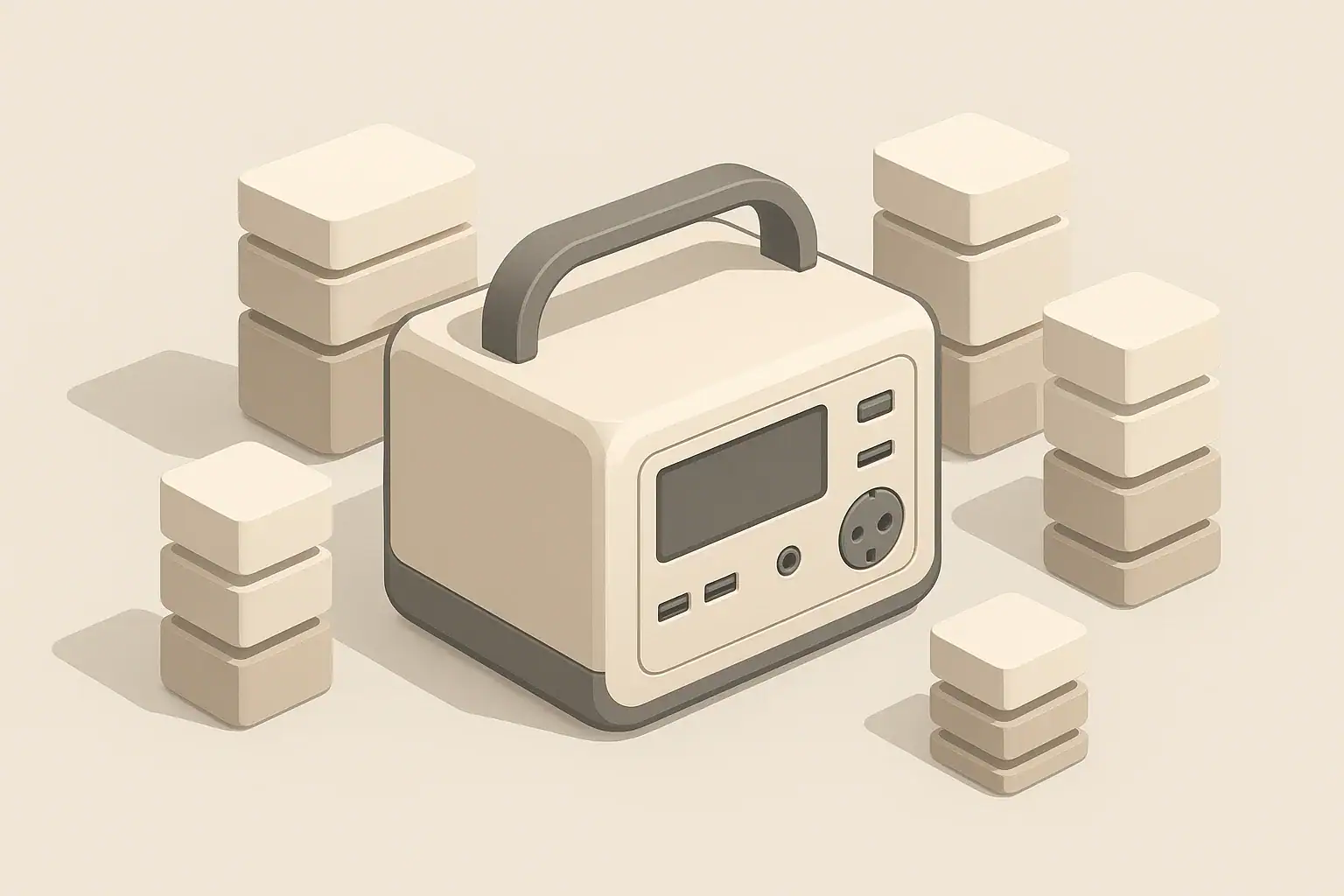
A 1000Wh portable power station usually delivers only about 700–850Wh of usable energy to your devices, not the full 1000Wh on the label. The missing watt-hours are lost in conversion losses, safety buffers, and battery management limits that protect the system. If you size your backup power or camping setup based only on the printed watt-hour rating, your real runtime will almost always be shorter than expected.
This article explains what “usable capacity” really means for a 1000Wh power station, why you never see the full rated watt-hours, and how to estimate realistic runtimes for common loads like refrigerators, CPAP machines, laptops, and lights. You will also see simple examples, a few quick rules of thumb, and a checklist of specs that matter when comparing models.
By the end, you should be able to look at any 1000Wh (or similar) battery power station and quickly translate the marketing number into a practical, real-world estimate of how long it can actually run the gear you care about.
What usable capacity really means for a 1000Wh power station
The watt-hour rating printed on a portable power station is its nominal battery capacity, not a guarantee of how much energy you can pull from the AC outlets. Usable capacity is the portion of that stored energy that actually reaches your devices before the system shuts itself down.
Inside every power station, a battery management system and inverter electronics enforce limits to protect the battery and prevent overheating. These protections keep the battery from charging all the way to its absolute maximum and from discharging all the way to empty. They also convert the battery’s DC power into the AC power most household devices expect, which introduces additional losses as heat.
In practice, a 1000Wh power station typically delivers something like 700–850Wh of usable AC energy, depending on load level, temperature, age of the battery, and how much you use DC outputs instead of AC. That difference can be the gap between making it through a full night of fridge plus lights, and having everything shut off a couple of hours early.
Understanding usable capacity matters most when you are planning for specific tasks: keeping a refrigerator cold during an outage, running a CPAP machine through the night, powering tools at a job site, or running a remote-work setup at a cabin. If you plan using the full 1000Wh, you will almost always be disappointed. If you plan around a realistic usable range, you can choose a larger unit when needed, or adjust your loads to stretch the same battery further.
Key concepts and how usable capacity works
To understand why you do not get the full 1000Wh from a 1000Wh power station, it helps to separate a few core ideas: power vs. energy, continuous vs. surge watts, and conversion efficiency.
Power vs. energy
- Power (W) is how fast electricity is used at any moment. A 100W device uses 100 watts of power while it is running.
- Energy (Wh) is how much electricity is used over time. A 100W device running for 5 hours uses about 500Wh.
On paper, a 1000Wh battery could run:
- 1000W for 1 hour (1000W × 1h = 1000Wh)
- 500W for 2 hours (500W × 2h = 1000Wh)
- 100W for 10 hours (100W × 10h = 1000Wh)
In reality, you will not reach those perfect numbers because some of the stored energy is lost before it reaches your devices.
Continuous vs. surge watts
- Continuous watts tell you how much power the inverter can deliver steadily without overheating.
- Surge watts (or peak watts) are short bursts used to start motors and compressors that temporarily draw more power, such as refrigerators or some power tools.
Running close to the continuous watt rating for long periods typically increases heat and reduces efficiency, which means you get fewer watt-hours to your devices than you would at a lighter load.
Conversion losses and battery buffers
The battery inside the power station stores DC power, but your wall-style outlets provide AC power. Converting DC to AC through an inverter is never perfectly efficient. Under typical loads, the inverter might be around 85–90% efficient, and at very low or very high loads it can be worse.
On top of inverter losses, the battery management system usually keeps a safety buffer at both the top and bottom of the charge range. It might, for example, only allow the battery to cycle between roughly 10% and 90% of its true capacity. That reserved energy never shows up at the outlets, but it helps the battery last for many more charge cycles.
| Scenario | Assumed efficiency and buffers | Approx. usable energy (Wh) | Notes |
|---|---|---|---|
| Ideal, no losses (theoretical only) | 100% efficiency, no buffer | 1000Wh | Not achievable in real power stations. |
| Typical AC use, moderate load | ~85% inverter, small battery buffer | 750–850Wh | Common real-world range for AC outlets. |
| Mostly DC loads (USB, 12V) | Higher efficiency, small buffer | 800–900Wh | Less conversion loss than AC, but still not 100%. |
| Cold weather, AC loads | Lower battery efficiency, same buffers | 650–800Wh | Cold reduces usable capacity and can trigger earlier cutoffs. |
| Aged battery, heavy AC loads | Reduced capacity, higher heat | 600–750Wh | Capacity fade and high load both reduce usable energy. |
These effects stack together: conversion losses, safety buffers, temperature, and battery aging all push usable capacity below the headline 1000Wh number.
Real-world examples of a 1000Wh power station in use
Once you accept that a 1000Wh power station will not deliver a full 1000Wh, the next step is turning that into practical runtimes. A simple rule of thumb for AC use is to assume about 75–80% of the label capacity as usable energy unless you have better data.
Example 1: Refrigerator plus lights during an outage
Assume:
- Refrigerator averages 80W over time (it cycles on and off).
- LED lights use 20W total.
- Average combined load: 100W.
- Usable energy from a 1000Wh unit on AC: about 800Wh (80% assumption).
Estimated runtime:
- Runtime ≈ 800Wh ÷ 100W = 8 hours of continuous operation.
If the fridge runs harder because you keep opening the door or the room is hot, its average wattage might climb, and real runtime will shrink.
Example 2: Overnight CPAP and phone charging
Assume:
- CPAP draws 40W on average.
- Phone charging averages 10W.
- Average combined load: 50W.
- Usable AC energy: again assume 800Wh.
Estimated runtime:
- Runtime ≈ 800Wh ÷ 50W = 16 hours.
That is enough for a full night plus some buffer, but if you add a heated humidifier on the CPAP or run a fan, your total load goes up and runtime drops.
Example 3: Remote work setup
Assume:
- Laptop uses 50W.
- External monitor uses 30W.
- Wi-Fi router and small modem use 15W together.
- Total: 95W.
If you power the laptop over USB-C (DC) and only the monitor and router are on AC, your overall efficiency may improve slightly. Suppose you effectively get 820Wh usable:
- Runtime ≈ 820Wh ÷ 95W ≈ 8.6 hours.
That is roughly a full workday, especially if you take breaks or occasionally close the laptop lid to reduce draw.
Example 4: Camping with mostly small electronics
On a camping trip, you might be charging phones, tablets, cameras, and running a small DC fan.
- Average daily use: 150–200Wh per day via mostly USB and 12V.
- Usable DC-heavy energy: perhaps 850Wh from a 1000Wh unit.
With 850Wh available, you could potentially cover 4–5 light-use days between recharges. If you add solar or vehicle charging, the practical trip length can be much longer.
| Use case | Approx. load (W) | Assumed usable energy (Wh) | Estimated runtime |
|---|---|---|---|
| Fridge (80W) + lights (20W) | 100W | 800Wh | ~8 hours continuous |
| CPAP (no humidifier) + phone | 50W | 800Wh | ~16 hours |
| Remote work: laptop, monitor, router | 95W | 820Wh | ~8.5 hours |
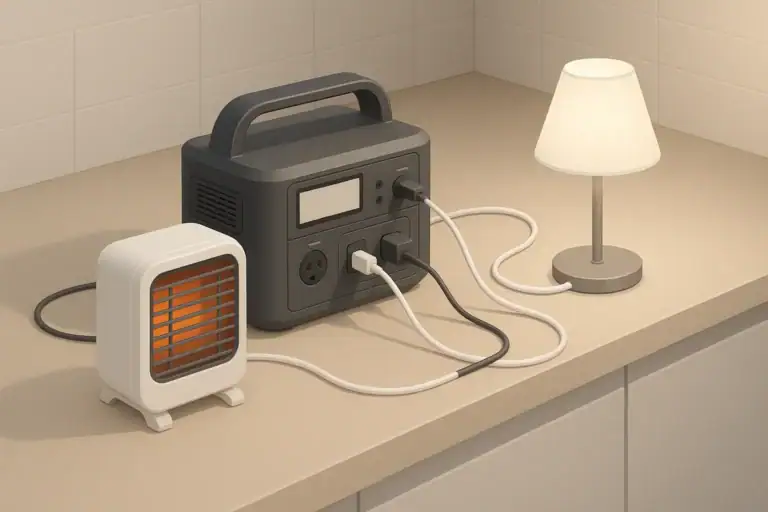
| Small heater on low | 400W | 750Wh | ~1.8 hours |
| Camping electronics (daily use) | ~40W average over 5h | 850Wh total | 4–5 light-use days |
These examples show how quickly a 1000Wh rating shrinks once you apply realistic assumptions. High-wattage devices, especially resistive heaters, chew through usable capacity very quickly, while small electronics barely dent it.
Common mistakes and troubleshooting cues
Many users first notice the gap between rated and usable capacity when their power station shuts off sooner than they expected. Often, nothing is “wrong” with the unit; the expectations were unrealistic. Here are common mistakes and what they usually look like in practice.
Mistake 1: Dividing 1000Wh by your load and assuming that runtime
Symptom: You calculate 1000Wh ÷ 100W = 10 hours and are surprised when the unit shuts off after around 7–8 hours.
What is happening: You ignored inverter losses and battery buffers. If you recalculate using 750–850Wh instead of 1000Wh, the numbers line up much better with reality.
Mistake 2: Running near the inverter’s maximum continuous rating
Symptom: The power station feels hot, the fan runs constantly, and runtime seems very short. In some cases, the unit may shut down unexpectedly under high load.
What is happening: Operating close to the continuous watt limit increases heat and conversion losses. The inverter works harder, wastes more energy as heat, and may trigger thermal protections, cutting power earlier than expected.
Mistake 3: Misreading the state-of-charge display
Symptom: The display still shows 5–10% remaining, but the unit shuts off anyway.
What is happening: The battery management system reserves a hidden buffer to avoid over-discharging the battery. The display is only an estimate, not a lab-grade meter. It is normal for the system to cut off while some indicated charge remains.
Mistake 4: Ignoring temperature effects
Symptom: The same setup that ran fine in mild weather suddenly gives much shorter runtimes in a cold garage or very hot shed.
What is happening: Batteries are less efficient in the cold and can deliver less usable energy before hitting low-voltage limits. In very hot conditions, the system may throttle or shut down to protect itself, again reducing usable capacity.
Mistake 5: Assuming a worn battery still behaves like new
Symptom: After a couple of years of frequent use, the unit does not run loads as long as it used to, even though your calculations have not changed.
What is happening: All rechargeable batteries lose capacity with age and cycles. A 1000Wh unit that has lost 20% of its battery capacity effectively behaves like an 800Wh unit before you even consider inverter losses.
When troubleshooting, it helps to log your approximate load (in watts) and runtime (in hours). If your observed watt-hours delivered are roughly in line with 70–85% of the label capacity, the system is probably functioning normally.
Safety basics: placement, ventilation, and load choices
The same factors that reduce usable capacity—especially heat and high loads—also relate directly to safe operation. Portable power stations pack a lot of energy into a small box, so giving them a safe environment is essential.
Placement and ventilation
- Keep the unit on a stable, dry, level surface.
- Leave space around vents and fans so air can circulate.
- Avoid covering the unit with blankets, clothing, or gear that could trap heat.
- Do not place the power station in enclosed cabinets or tightly packed storage bins while in use.
During heavy loads, it is normal for the case and exhaust air to feel warm. If the enclosure becomes uncomfortably hot to touch, reduce the load and improve airflow.
Temperature and environment
- Avoid using or storing the unit in areas that can reach very high temperatures, such as parked vehicles in direct sun.
- In freezing conditions, expect reduced performance and follow any guidance about minimum operating and charging temperatures.
- Keep the unit away from flammable materials that could be affected by heat or a rare fault.
Cords and connected devices
- Use extension cords and power strips that are rated for the loads you plan to run.
- Avoid daisy-chaining multiple strips, which can introduce extra resistance and potential hot spots.
- Keep connections dry and off the ground in damp environments.
- Do not attempt improvised connections to household wiring, breaker panels, or transfer switches without proper equipment and a qualified electrician.
Respecting these basics not only improves safety but also helps the inverter and battery run cooler and more efficiently, which in turn preserves usable capacity.
Maintenance and storage: preserving usable capacity over time
Usable capacity does not just depend on electronics and cutoffs; it also declines as the battery ages. Good maintenance and storage practices help keep your 1000Wh power station closer to its original performance for longer.
Store at a partial state of charge
Most lithium-based batteries prefer being stored somewhere in the middle of their charge range instead of at 0% or 100%. For long-term storage, many manufacturers recommend keeping the battery around the mid-range and topping it up every few months.
Avoid extreme temperatures in storage
Long-term exposure to heat accelerates battery degradation. Very cold storage is less damaging than high heat, but charging a very cold battery can be problematic. A cool, dry indoor location is usually best.
Exercise the system periodically
Running the power station under a light or moderate load a few times per year confirms that everything still works and helps you notice changes in runtime over time. This is especially important if you plan to rely on the unit for emergencies.
| Task | Suggested interval | Purpose / what to look for |
|---|---|---|
| Top up battery to mid–high charge | Every 3–6 months | Offset self-discharge and avoid sitting at 0% for long periods. |
| Test under a light load (e.g., 50–100W) | Every 3–6 months | Verify outputs work, check fan behavior, and note approximate runtime. |
| Inspect case, vents, and ports | Every 3–6 months | Look for cracks, swelling, dust buildup, or loose connectors. |
| Clean dust from vents and around ports | As needed | Use a dry cloth or gentle air to maintain airflow and good connections. |
| Review storage location | Seasonally | Confirm it stays cool, dry, and out of direct sun or freezing drafts. |
If you notice a clear drop in runtime under the same load and conditions, it may indicate natural capacity fade from age and cycles. At that point, treat the unit as if it had a smaller battery when estimating runtimes (for example, think of an older 1000Wh unit as if it were 800–900Wh).
Practical takeaways and specs to look for
When planning how to use a 1000Wh power station, treat the 1000Wh label as a ceiling, not a promise. For most AC-heavy use, assuming 70–85% of that number as usable capacity will get you much closer to real runtimes.
Key practical points:
- Expect less than 1000Wh at the outlets; 700–850Wh is common for AC use.
- Use DC outputs (USB, 12V, USB-C) where practical to reduce conversion losses.
- Keep your continuous load comfortably below the inverter’s running watt rating.
- Account for cold or hot environments, which can reduce usable capacity or trigger protective shutdowns.
- Maintain and store the battery properly to slow long-term capacity loss.
- Test critical setups (like medical devices or work gear) before you rely on them in an emergency.
Specs to look for when comparing 1000Wh-class power stations
When you are evaluating a 1000Wh power station or something in that range, these specs and design details have the biggest impact on usable capacity and real-world performance:
- Battery capacity (Wh): Indicates total stored energy. For a 1000Wh unit, mentally reduce this to 700–850Wh for typical AC use.
- Inverter continuous watts: Determines how many devices you can run at once. Aim to keep your planned average load well below this number.
- Inverter surge watts: Important if you plan to start refrigerators, pumps, or tools with motors that need brief startup surges.
- Inverter efficiency (if listed): Higher typical efficiency means more of the battery’s energy reaches your devices instead of turning into heat.
- DC output options: USB, USB-C, and 12V outputs let you power many devices more efficiently than running them on AC.
- Low-voltage cutoff behavior: Influences how much of the battery’s stored energy is accessible before shutdown.
- Display or app data: Real-time wattage and estimated remaining time help you fine-tune loads and avoid surprises.
- Operating temperature range: A wider recommended range gives you more flexibility in garages, cabins, or vehicles.
- Cycle life rating: Indicates how many full charge–discharge cycles the battery is designed to handle before its capacity noticeably drops.
If you combine these specs with the simple habit of planning around realistic usable capacity instead of the headline 1000Wh figure, you will have a much clearer sense of what your power station can actually do in outages, on the road, or off the grid.
Frequently asked questions
Which specs and features most affect the usable capacity of a 1000Wh power station?
Key specs include inverter efficiency, inverter continuous and surge watt ratings, low-voltage cutoff behavior, and the battery’s usable percentage or buffer limits. Other important features are available DC outputs (USB/12V), operating temperature range, and cycle life, all of which influence how much of the stored energy actually reaches your devices.
Why does my power station shut off before the display reaches zero?
The battery management system usually reserves hidden top and bottom buffers to protect the battery, and the displayed state-of-charge is an estimate rather than an exact meter. When the unit hits its programmed low-voltage cutoff it will shut down even if the display still shows a small remaining percentage.
How can I maximize real runtime from a 1000Wh unit without buying a bigger battery?
Lower your continuous load, use DC outputs instead of AC where possible, and avoid high-wattage resistive devices like space heaters. Also keep the unit in a moderate temperature environment and avoid running it near the inverter’s maximum continuous rating for extended periods.
Is it safe to run high-wattage appliances from a portable power station?
Running high-wattage appliances can be safe if the appliance’s starting and continuous draw stays within the inverter’s surge and continuous ratings, and if the unit has adequate ventilation. However, heavy loads increase heat, reduce efficiency, and may trigger thermal protections, so use proper cords and avoid prolonged operation at or above the unit’s limits.
How does temperature affect usable capacity and performance?
Cold temperatures reduce battery efficiency and available capacity, often causing earlier cutoffs, while very hot conditions can force throttling or shutdown to protect components. Storing and operating the unit in a moderate, dry environment preserves usable capacity and prolongs battery life.
Should I use AC or DC outputs to get the most usable energy?
DC outputs (USB, USB-C, 12V) are generally more efficient because they avoid the inverter’s DC-to-AC conversion losses, so they deliver more of the battery’s stored energy to compatible devices. Use AC only when devices require it or when DC alternatives are not available.
Related guides
Browse this topic →
- Beginner-friendly sizing, runtime & specs
- Solar & charging (MPPT, fast charging, cables)
- Batteries (LiFePO4, cycles, care & storage)
- Safety, cold-weather performance, real-world tips
More in Capacity
See all →- Wh per Pound: How to Compare Portable Power Station Weight and Capacity
- Two Small Power Stations vs One Large Power Station: Which Backup Setup Is Better?
- How to Build a Load Priority List for a Portable Power Station During Blackouts
- Usable Capacity vs Advertised Capacity: Why 1,000Wh Doesn’t Mean 1,000Wh at the Outlet
- Why Output Ports Have Separate Watt Limits on Portable Power Stations
Keep reading
About this site
Portable Energy Lab publishes practical, independent guides about portable power—clear sizing, safe use, and real-world expectations.
Affiliate disclosure
Some links on this site may be affiliate links. If you buy through these links, we may earn a small commission at no extra cost to you. This helps support our content. Read our affiliate disclosure.