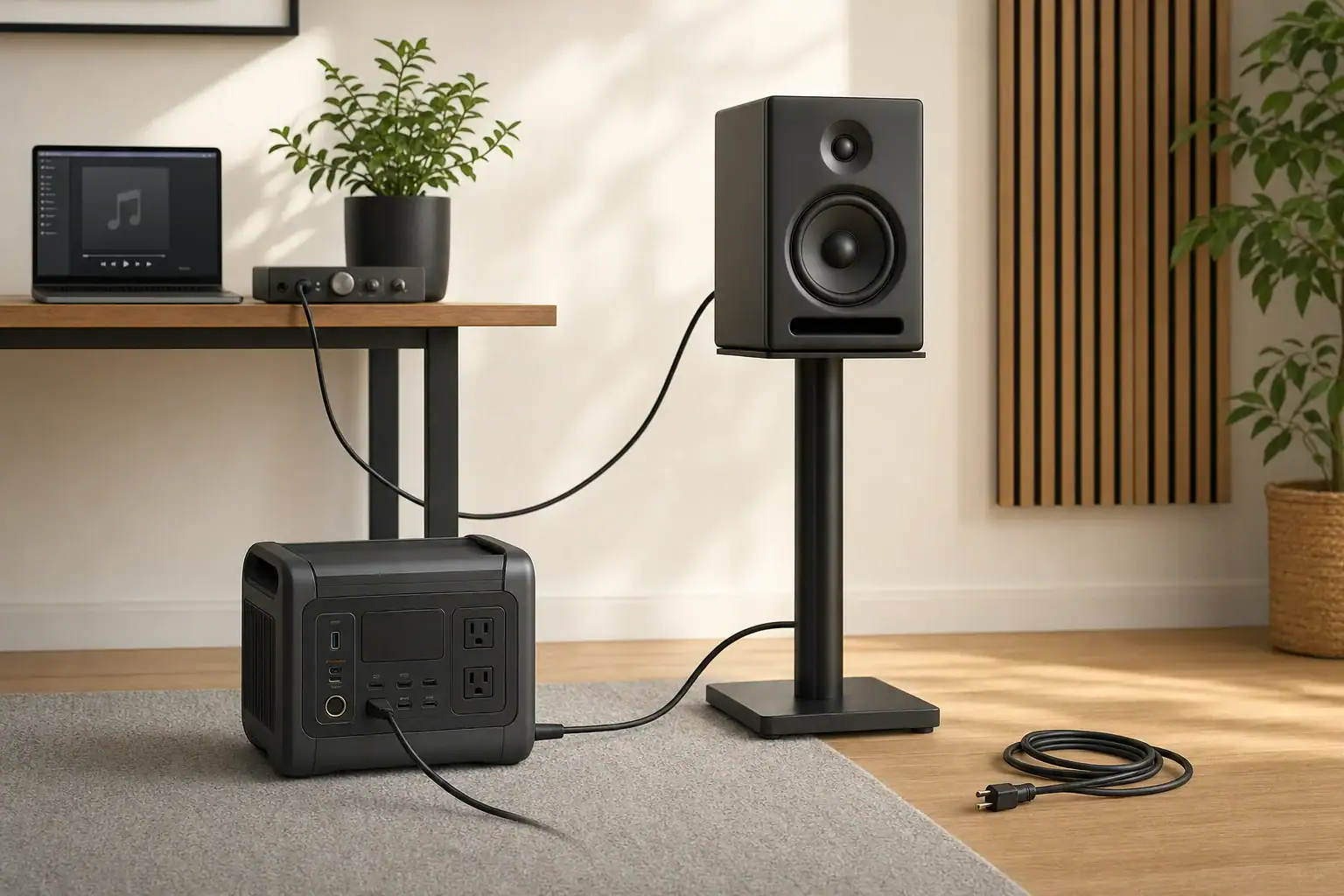
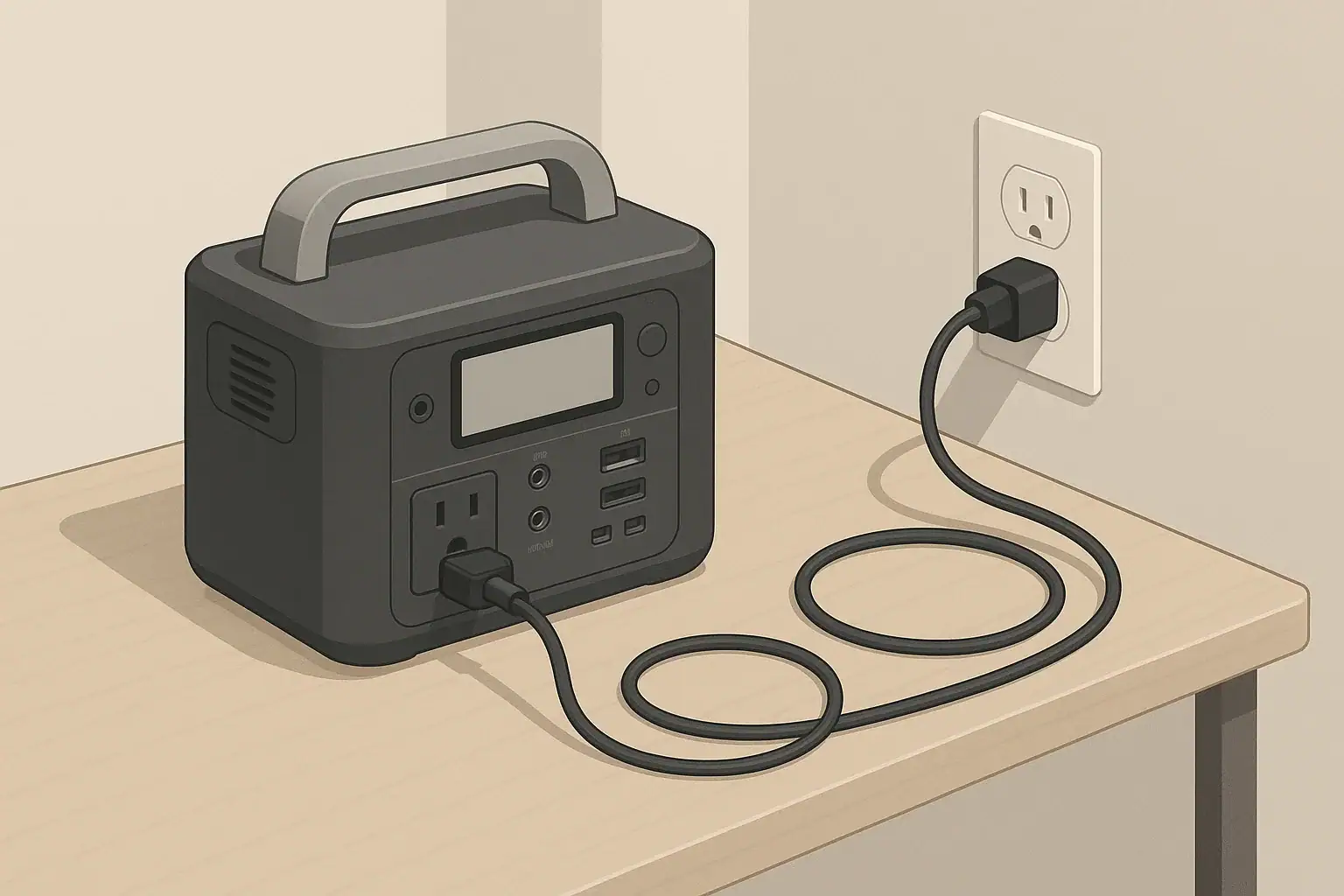
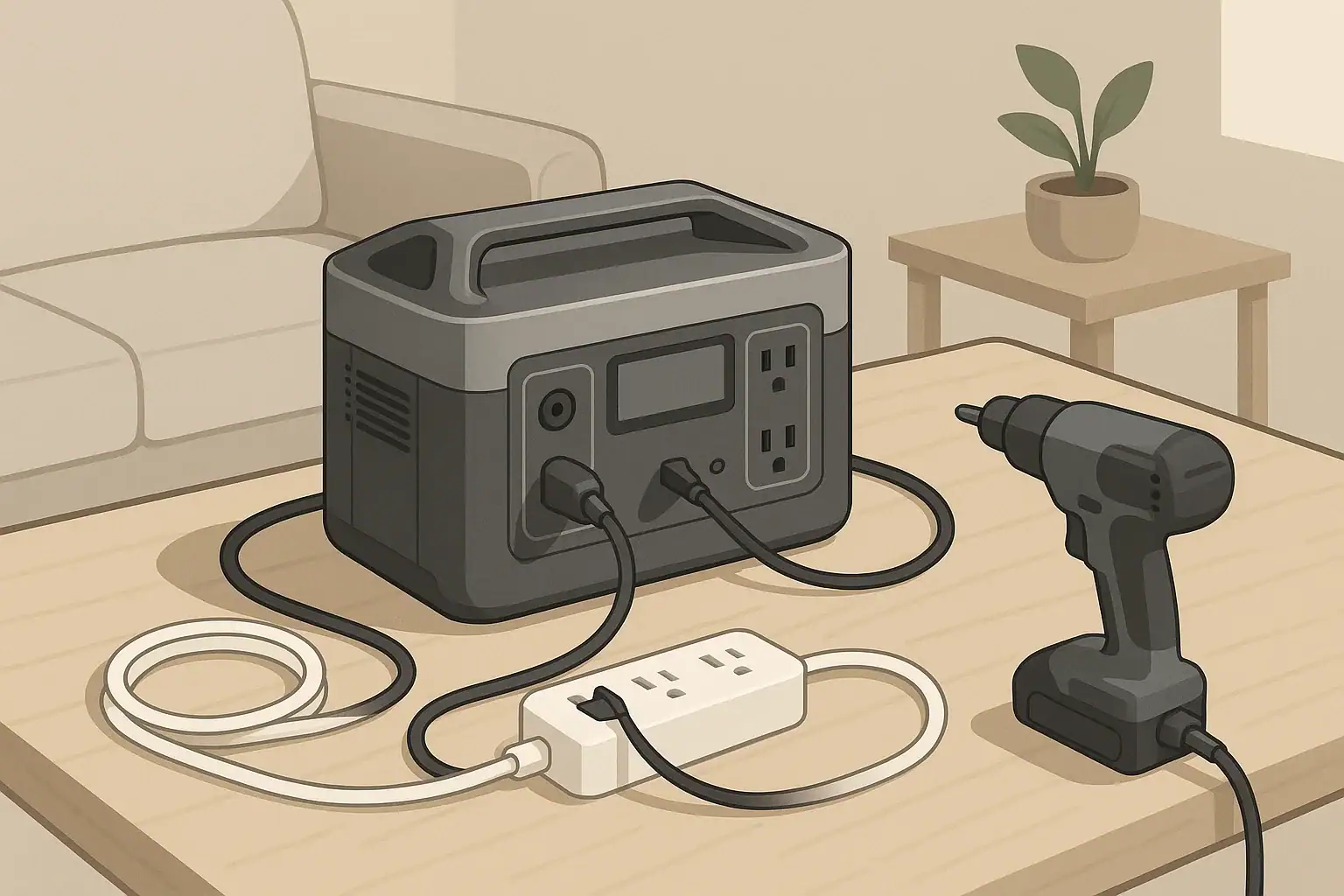
Quick answer: Speaker hum on a portable power station can come from the charging state, audio cable, source charger, powered speaker, or another connected device. Lower the volume and change one approved connection at a time. Stop immediately for heat, odor, sparks, damage, fault warnings, shock, or tingling.
Portable power station speaker hum: start with safe isolation
Hum is a symptom, not a diagnosis. First determine whether the sound comes through the speaker cone or is mechanical noise from the power station, its charger, or the speaker cabinet. A pure-sine-wave label alone does not establish that an audio setup will be noise-free, and hum does not by itself prove the station is defective.
Lower the speaker volume first. This reduces the chance of a loud transient while connections change.
Remove audio inputs. Check whether a powered speaker hums with only its power cord connected.
Compare charging states. If the station manual permits operation while charging, compare charging with battery-only operation.
Change one approved item per test. Try a known-good audio cable, source device, or source-charger state.
Stop for warning signs. Do not continue if there is heat, odor, smoke, sparks, arcing, damaged insulation, a fault warning, shock, or tingling.
For passive speakers, perform these checks on the separate amplifier or receiver and its audio connections. The passive speaker itself is not the powered component in that chain.
Speaker-hum decision table
What changes?
Controlled check
What the result can point toward
When to stop
Hum occurs only while the station is charging
With volume lowered, disconnect the station charging input only as its manual permits. Retest on battery power.
The charging source, an added connection path, or an interaction during charging and output.
Heat, odor, sparks, fault warnings, or abnormal physical noise from the station.
Hum stops when the audio cable is removed
Use a known-good cable of the correct type and reroute it away from chargers and AC cords where practical.
The cable, its route, an unbalanced signal connection, or the source device.
Loose, hot, damaged, or exposed connectors.
Hum remains with all audio inputs removed
If both equipment manuals allow it and conditions are safe, compare the speaker on another known-good approved supply.
The powered speaker, its power cord, or its interaction with the supply.
Speaker overheating, unusual smell, harsh crackling, or a fault indication.
Hum follows a laptop or source charger
Run the source on its own battery, or use another approved source while leaving the rest of the setup unchanged.
The source charger, USB connection, or source-device signal path.
A charger that is damaged, unusually hot, sparking, or making abnormal noise.
Hum begins after another component is added
Disconnect the added components, then reconnect them individually.
An added signal path, multiple ground paths, or noise from the new component.
Any shock, tingling, arcing, or visible damage.
Does the hum stop when station charging is disconnected?
This is a useful comparison because it changes the charging path while leaving the speaker, source, and audio cable in place. Focusrite’s monitor-noise guidance recommends process-of-elimination checks, including disconnecting devices and comparing a laptop on battery with charger-connected operation.
Check the exact power-station manual before making this comparison. Whether a station can supply loads while charging is model-specific. For example, the Jackery Explorer 2000 Pro manual permits charging while devices are connected for that model; it is not a rule for every portable power station. For general background, see how pass-through charging differs from UPS operation.
Record the charging source and all loads connected to the station.
Lower or mute the speaker volume.
Follow the manufacturer’s stated procedure to disconnect the charging input; do not pull a connector by its cord.
Leave the speaker power connection and audio path unchanged.
Listen again while the station runs on battery power.
If the hum stops, the charging state is associated with the symptom. It does not prove that the station, charger, building wiring, or speaker has failed. Continue by isolating the source charger and audio connections. If the manual does not permit supplying a load while charging, skip this comparison and contact the station manufacturer for guidance.
Check the audio cable and source device
Test with audio inputs removed
Turn the volume down, disconnect the speaker’s audio inputs, then bring the volume back only to a moderate level. If the hum remains, the source device and audio cable are no longer necessary for producing the symptom. The remaining possibilities include the powered speaker, its power cord, and its interaction with the supply.
If the hum disappears, reconnect one cable and source component at a time. Mackie notes that hum appearing only after another item is connected can indicate a ground-loop issue in that signal chain, but this is a diagnostic clue rather than proof for every setup. Its guidance also warns not to defeat the AC safety ground: Mackie’s SRM FAQ.
Use a known-good, compatible audio cable
Use a cable that matches the connectors and instructions for both devices. Keep audio leads separated from charging bricks, AC cords, and other power wiring where practical. RØDE advises separating audio and USB cables when possible, and Focusrite identifies nearby power supplies and mains cables as possible noise sources.
A balanced connection requires compatible balanced circuitry at the source output, cable, and speaker input; the connector shape alone does not establish that a connection is balanced. See RØDE’s monitor-buzz guidance and Focusrite’s troubleshooting guidance.
Compare source-charger and battery operation
If a phone, tablet, or laptop can run from its own battery, compare it with its charger connected. Alternatively, substitute another approved source while retaining the same speaker, station, cable route, and listening level. If the hum consistently follows one source or charger, that part of the signal path deserves further manufacturer-supported troubleshooting.
Do not add a generic signal isolator until the connection carrying the noise has been identified. Signal isolation is connection- and equipment-specific. Sound Devices’ ground-loop guidance explains that there is no single remedy for every noise problem and discusses balanced connections and properly selected signal isolation as possible professional approaches.
Reconnect components one at a time
Build the simplest setup first: power station, powered speaker, and one source. Add mixers, computers, USB hubs, displays, chargers, or additional speakers individually. Record the first addition that makes the noise appear.
Never remove a ground pin, use a cheater adapter, improvise a neutral-to-ground bond, attach a grounding rod, backfeed an outlet, or modify either device to chase a hum. Do not open a power station, speaker, charger, or adapter. The Jackery manual cited above prohibits dismantling its product and using damaged cords or plugs; follow the instructions for the exact equipment you own.
Measurement and manual-reading checklist
Change one variable per trial and write down the result. This creates useful evidence for the equipment manufacturer without treating a watt display as an audio-quality instrument.
Power-station manufacturer and exact model
Powered speaker, amplifier, or receiver manufacturer and exact model
Station state: battery-only, AC charging, vehicle charging, or solar charging
Battery percentage, warning icons, and the AC output watts shown before and after switching on the speaker
Every other load connected to the station, including USB and DC devices
Speaker power connection and the exact station outlet used
Source device and whether it is on battery or connected to a charger
Audio cable type, approximate length, connector type, and cable route
Result with every audio input removed from the powered speaker
Result with a known-good compatible audio cable and a different approved source
Result with charging disconnected, only if the station manual permits the test
Whether the sound comes from the speaker cone, station, charger, or speaker cabinet
Any heat, odor, sparks, crackling, damaged insulation, loose connectors, shock, or tingling
The station’s watt display is an operating log: watts (W) describe power at a moment in time. Watt-hours (Wh) describe energy capacity or energy used over time, as explained in this watt-hours guide. Neither reading identifies waveform quality, audio interference, or electrical safety on its own.
When to stop troubleshooting
Stop using the affected equipment and contact the manufacturer if you find excessive or increasing heat, an unusual odor, smoke, sparks, arcing, persistent fault warnings, liquid exposure, a swollen or deformed enclosure, or damaged cords or connectors. Treat shock or tingling as an immediate stop condition.
Also stop if the sound is not speaker hum but abnormal mechanical noise from the power station or charger. Do not disassemble equipment to investigate it. Give support your connection log, charger state, displayed load, warning indicators, and comparison results; that is more useful than assuming the cause is an inverter or a ground loop.
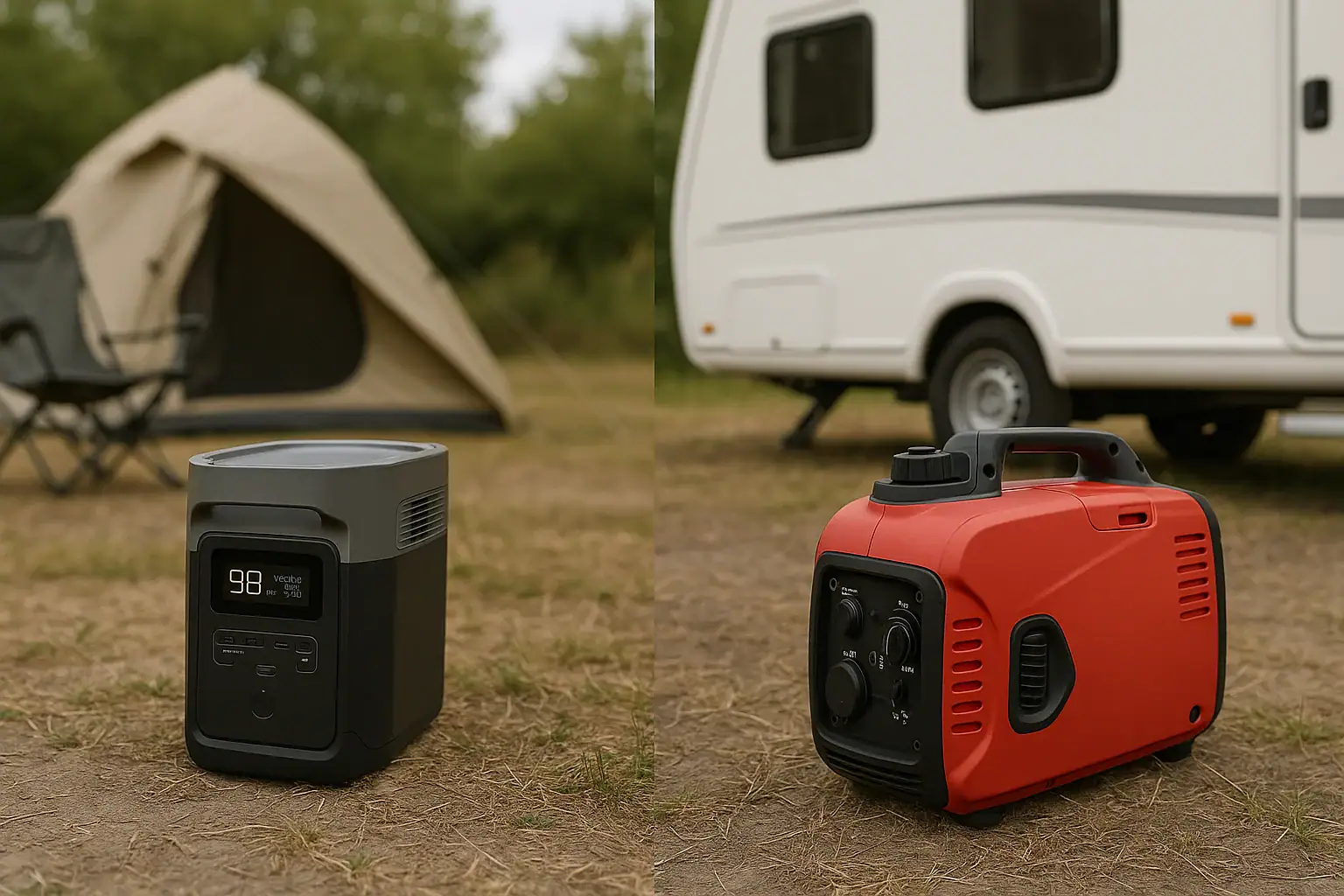
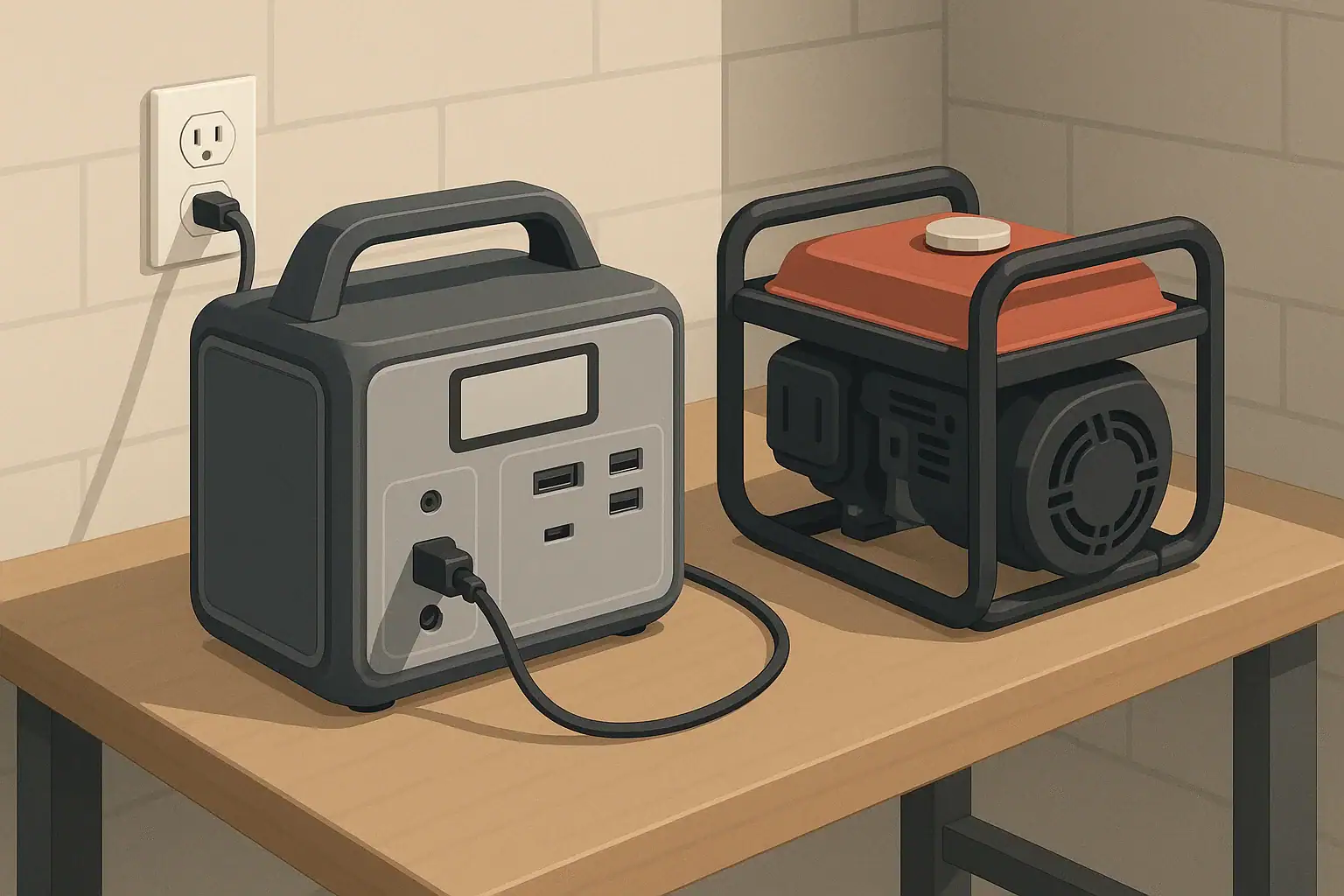
When you compare a portable power station vs inverter generator, the main differences are how they create power, noise level, fuel source, and maintenance needs, which all affect runtime, surge watts, and what devices you can safely run. Portable power stations use built-in batteries and inverters, while inverter generators burn fuel to make AC power continuously.
People often search for terms like backup power, off-grid camping power, clean power, total wattage, and starting watts when deciding between these two options. The right choice depends on whether you prioritize silent operation, low maintenance, and indoor-friendly use, or longer runtime, fast refueling, and higher continuous output. Understanding capacity, inverter quality, and load limits will help you size your system correctly and avoid overloads or short runtimes.
This guide breaks down how each option works, common use cases, safety basics, and the key specs—like wattage, battery capacity, and outlets—to focus on when you are ready to compare models later.
What a Portable Power Station and an Inverter Generator Are and Why the Difference Matters
A portable power station is a self-contained battery system with an inverter and multiple output ports. It stores energy in an internal battery (often lithium-based) and converts it into usable AC and DC power for electronics, appliances, and tools. You charge it from wall outlets, vehicle sockets, or solar panels, then discharge it later where grid power is unavailable.
An inverter generator is a fuel-powered machine (typically gasoline or propane) that spins an alternator to make AC electricity. Its built-in inverter cleans and stabilizes the output so it is safe for sensitive electronics. Unlike a power station, it does not store significant energy; it produces power as long as it has fuel and is running.
This distinction matters for several reasons:
Noise and location: Portable power stations are nearly silent and can be used indoors. Inverter generators are quieter than conventional generators but still produce noticeable noise and must be used outdoors.
Fuel vs stored energy: Generators can run as long as you have fuel. Power stations are limited by battery capacity and charging speed.
Maintenance and emissions: Power stations require minimal upkeep and produce no exhaust. Generators need regular engine maintenance and must be ventilated properly due to emissions.
Use cases: Power stations excel for camping, small backup loads, and electronics. Inverter generators are better for higher loads and extended outages where refueling is practical.
Knowing these differences helps you match the right type of portable power to your situation, whether that is emergency backup, RV travel, job-site tools, or off-grid living.
How Portable Power Stations and Inverter Generators Work
Portable power stations and inverter generators both deliver AC power, but the internal processes are completely different. Understanding the basics of wattage, voltage, and inverter operation will help you interpret specs like surge watts, continuous watts, and runtime.
How a Portable Power Station Works
A portable power station is essentially a large rechargeable battery with power electronics around it. Its main components are:
Battery pack: Usually lithium-ion or lithium iron phosphate, measured in watt-hours (Wh). This determines how much total energy the unit can store.
Battery management system (BMS): Protects the battery from overcharge, over-discharge, overheating, and short circuits.
Inverter: Converts DC battery power into AC power (typically 120V in North America) at a stable frequency for household devices.
DC outputs: USB-A, USB-C PD, 12V car sockets, and sometimes high-current DC ports for specific devices.
Charge controller: Manages charging from AC wall outlets, vehicle sockets, or solar panels, respecting input limits and voltage ranges.
When you plug in a device, the inverter draws DC from the battery, converts it to AC, and supplies it to the outlet. Total output is limited by the inverter’s continuous watt rating and short-term surge rating for starting loads like compressors or motors.
How an Inverter Generator Works
An inverter generator uses a small engine to spin a generator head, creating raw AC power. The process typically looks like this:
Engine and fuel system: A combustion engine burns gasoline or propane to provide mechanical energy.
Alternator: Converts mechanical energy into AC electricity.
Rectifier and inverter: The raw AC is converted to DC, then back to clean, stable AC at a fixed voltage and frequency. This is what makes it an “inverter” generator.
Throttle control (eco-mode): The engine speed adjusts based on load, improving fuel efficiency and reducing noise at lower loads.
Unlike a power station, an inverter generator does not have a large internal energy store; runtime is determined by fuel tank size and engine efficiency at a given load.
Key Power Concepts: Watts, Watt-Hours, and Surge
To compare the two technologies, it helps to understand a few core terms:
Continuous watts: The maximum power a device can supply steadily. This limits how many appliances you can run at once.
Surge watts (starting watts): The short burst of power available to start motors and compressors, which can be 2–3 times their running watts.
Watt-hours (Wh): A measure of stored energy, mainly used for batteries and portable power stations. It determines how long you can run a given load.
Runtime: For generators, often given as “hours at 25% load” or similar, based on fuel tank size and efficiency.
Portable power stations are defined mainly by storage (Wh) and inverter output (W), while inverter generators are defined by output (W) and fuel-based runtime.
Example values for illustration.
Feature
Portable Power Station
Inverter Generator
Power source
Internal battery (DC)
Fuel-powered engine
Typical rating
300–2,000 W output
1,000–4,000 W output
Energy measure
Watt-hours (e.g., 500–2,000 Wh)
Fuel tank & hours at % load
Noise level
Near silent (fan noise only)
Low to moderate engine noise
Emissions
No exhaust at point of use
Requires outdoor ventilation
Refueling / recharging
AC, DC, or solar charging
Gasoline or propane refills
Real-World Use Cases: When a Power Station or Inverter Generator Fits Best
Once you understand how each system works, the next step is matching it to real-world scenarios. Capacity, peak load, and noise restrictions all influence what will serve you best.
Camping and Overlanding
For tent camping, car camping, and overlanding, a portable power station is often more convenient. It provides quiet, emission-free power for LED lights, phones, cameras, small fans, laptops, and portable fridges. Many campgrounds have noise rules, and a silent battery pack is easier to live with overnight.
Inverter generators can still be useful for RVs or large trailers where you need to run air conditioners or microwaves that exceed the typical output of small power stations. However, they must be placed outdoors, and their exhaust and sound may be restricted by campground rules.
Home Backup During Outages
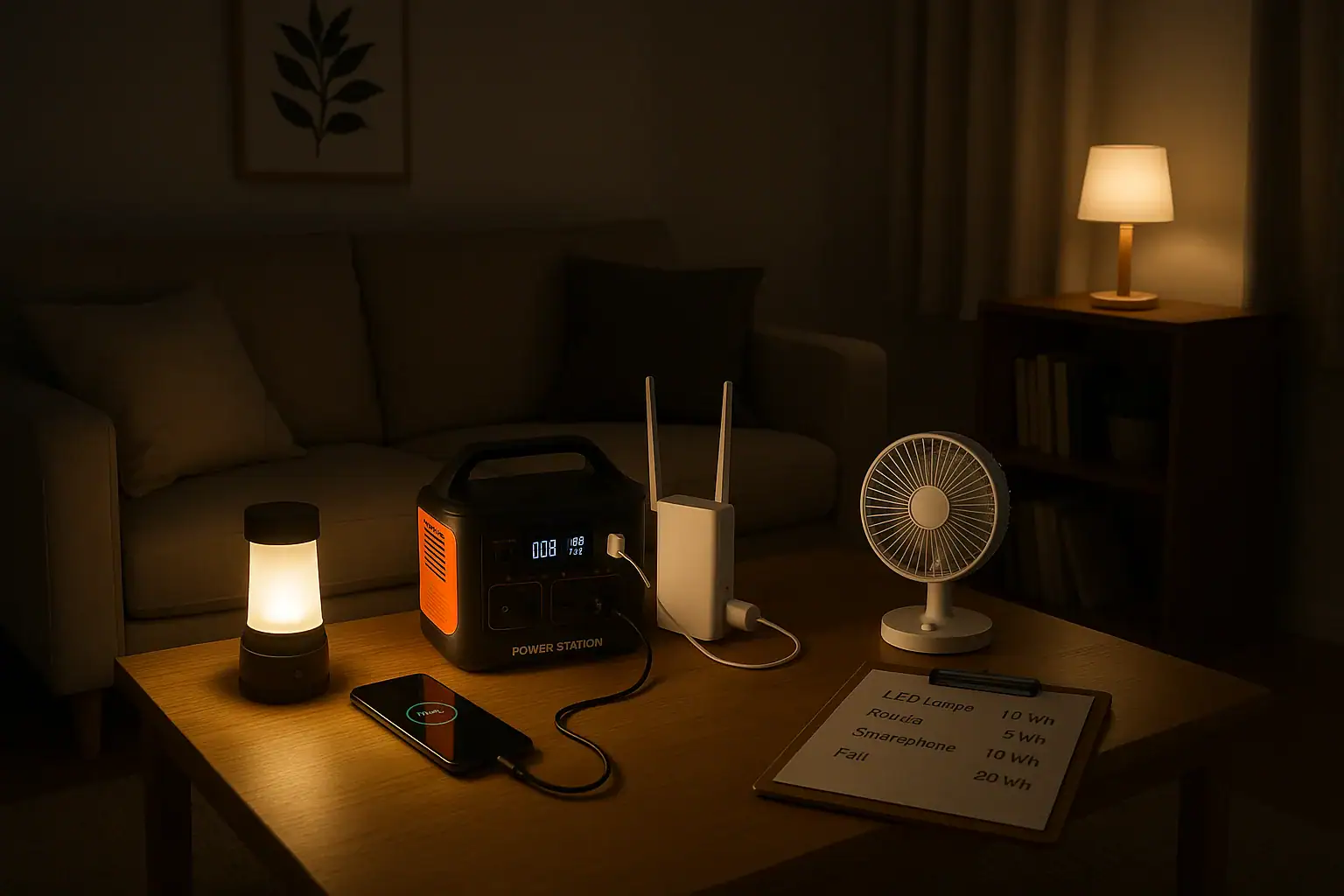
For brief power outages and small backup loads, a portable power station can keep essentials like phones, a modem/router, a laptop, and a few LED lamps running. Larger units may power a refrigerator or CPAP machine for several hours if you manage the load carefully.
For extended outages or when you need to run higher-wattage appliances—such as a full-size refrigerator, sump pump, or portable heater—an inverter generator is usually more practical. You can refuel as needed and maintain higher continuous output. For any connection to home circuits, a qualified electrician should be involved to ensure safe and code-compliant installation.
RV and Vanlife Power
In RVs and camper vans, both technologies play a role. A portable power station can serve as a flexible, plug-and-play battery bank to run laptops, lights, fans, and low-wattage cooking gear. Solar charging on the roof or portable panels can extend off-grid time without fuel.
An inverter generator becomes attractive when you want to run rooftop air conditioning, electric water heaters, or other heavy loads for longer periods. Many travelers use a combination: a battery-based system for everyday use and a generator as a backup for high-demand situations or poor solar conditions.
Job Sites and Tools
On construction sites or remote work areas, the choice depends on tool type and duty cycle. A high-capacity portable power station can run lower-wattage tools, chargers, and electronics quietly, which may be important in residential neighborhoods with noise ordinances.
For continuous use of high-amp saws, compressors, or welders, an appropriately sized inverter generator usually offers more sustained output and faster “refueling” via fuel canisters. Some crews use a power station for lighter loads and a generator for heavy-duty tasks.
Events, Tailgating, and Outdoor Gatherings
For events where quiet operation is important—like backyard parties, outdoor movie nights, or tailgating—a portable power station is often preferred. It can run speakers, projectors, small cooking appliances, and lighting without engine noise or exhaust.
An inverter generator can support larger sound systems, multiple electric grills, or other high-demand setups, but it must be placed where noise and exhaust will not bother guests.
Common Mistakes, Limitations, and Troubleshooting Clues
Both portable power stations and inverter generators can be misused if their limits are not understood. Recognizing common mistakes helps you avoid overloads, short runtimes, or safety issues.
Underestimating Total Wattage and Surge Needs
A frequent mistake is adding up only the running watts of devices and ignoring starting watts. Appliances with compressors or motors—like refrigerators, air conditioners, and some power tools—can draw 2–3 times their running watts for a few seconds at startup.
Signs you are hitting surge or continuous limits include:
Power station shutting off when a device starts.
Generator bogging down, changing tone, or tripping its overload indicator.
Lights flickering or electronics rebooting when a large load kicks on.
To avoid this, check appliance labels or manuals for starting watts, or assume a generous buffer above running watts when sizing your system.
Overlooking Battery Capacity and Realistic Runtime
With portable power stations, another common issue is expecting long runtimes from a small battery. For example, a 500 Wh unit running a 100 W load will last roughly 4–5 hours after accounting for inverter losses, not all day.
Clues that you are pushing capacity too hard include:
Battery percentage dropping quickly under moderate loads.
Unit warming up and fans running constantly.
Low-battery or overload warnings when using several devices at once.
Reducing load, cycling devices (not running everything at once), and using more efficient appliances can stretch runtime.
Ignoring Fuel Quality and Load Management on Generators
For inverter generators, stale fuel, clogged filters, or running at maximum load for long periods can cause problems. Symptoms include:
Hard starting or failure to start.
Rough running, surging, or stalling under load.
Overload lights illuminating or breakers tripping.
Keeping fresh fuel, observing recommended service intervals, and operating below the maximum continuous watt rating help maintain reliability.
Using the Wrong Outlets or Cables
Another issue is using cables or adapters that are not rated for the load. Overheating cords, warm plugs, or intermittent power can indicate an undersized extension cord or loose connection.
For portable power stations, make sure USB-C PD cables match the PD profile and wattage you expect. For generators, use heavy-gauge outdoor-rated cords sized for the current draw and distance.
Misinterpreting Eco-Modes and Power-Saving Features
Both technologies may have eco or power-saving modes. On power stations, these can shut off AC output after a period of low load, which may surprise users running small devices like routers or phone chargers.
On inverter generators, eco-mode lowers engine speed at low load. If the load suddenly spikes, the engine may take a moment to respond, potentially causing lights to flicker or sensitive devices to reset. Understanding how these modes behave helps you decide when to enable or disable them.
Safety Basics for Portable Power Stations and Inverter Generators
While portable power stations and inverter generators are designed with safety features, they still require responsible use, especially around moisture, heat, and enclosed spaces.
Ventilation and Exhaust
Portable power stations do not produce exhaust at the point of use and can be operated indoors, but they still need adequate airflow. Do not cover vents or place them in tightly enclosed spaces where heat can build up.
Inverter generators, by contrast, must always be used outdoors and away from windows, doors, and vents. Engine exhaust contains carbon monoxide, which is colorless and odorless but potentially deadly. Never run a generator in a garage, basement, or any enclosed or partially enclosed area, even with doors open.
Electrical Safety and Overload Protection
Both device types include overload protection, but users should still respect their ratings. Avoid daisy-chaining power strips, and do not exceed the rated amperage of any outlet. If a device repeatedly trips overload protection, reduce the load instead of bypassing or resetting repeatedly.
For any connection to a building’s electrical system, consult a qualified electrician. Improper backfeeding into home circuits can endanger utility workers and damage equipment.
Heat, Moisture, and Placement
Keep portable power stations and inverter generators dry. Avoid using them in standing water, heavy rain, or snow. Moisture can damage electronics and create shock hazards. If outdoor use in damp conditions is unavoidable, place the unit under a canopy or other cover that does not restrict airflow.
Do not place combustible materials close to an inverter generator’s exhaust or engine area. Hot surfaces and exhaust gases can ignite nearby items. Similarly, avoid placing a power station on soft surfaces that block vents or trap heat.
Battery Handling and Charging Practices
For portable power stations, use only the recommended charging methods and cables. Avoid exposing the unit to extreme temperatures, especially high heat, which can degrade batteries faster. If the case becomes unusually hot, emits a strong odor, or shows signs of swelling or damage, stop using it and follow the manufacturer’s guidance.
Do not attempt to open the case, modify the battery pack, or bypass built-in protections. Internal components are not user-serviceable and can pose shock or fire risks if tampered with.
Fuel Storage and Fire Risk
For inverter generators, store fuel in approved containers away from living spaces and ignition sources. Allow the generator to cool before refueling to reduce fire risk. Spilled fuel should be cleaned up before restarting the unit.
Having an appropriate fire extinguisher nearby, especially when running an engine-driven generator, adds an extra layer of safety.
Maintenance and Storage: Keeping Your Power Source Ready
Proper maintenance and storage practices extend the life of both portable power stations and inverter generators, ensuring they are ready when you need them.
Maintaining a Portable Power Station
Portable power stations require relatively little maintenance compared to engines, but a few habits make a big difference:
Regular cycling: Periodically charge and discharge the battery within normal operating ranges to keep it healthy.
Firmware and updates: Some units support firmware updates via apps or connections; keeping these current can improve performance and safety features.
Clean ports and vents: Dust and debris can accumulate in vents and connectors. Gently clean these areas to maintain airflow and reliable connections.
Most modern battery systems manage cell balancing and protection automatically, so user maintenance focuses on usage patterns and storage conditions.
Storing a Portable Power Station
When not in use, store a portable power station in a cool, dry place away from direct sunlight. Many manufacturers recommend storing at a partial state of charge (often around 40–60%) rather than fully drained or fully charged for long periods.
Check the charge level every few months and top up if it has dropped significantly. Extremely low voltage for extended periods can damage lithium batteries.
Maintaining an Inverter Generator
Inverter generators need more traditional engine maintenance. Typical tasks include:
Oil changes: Change engine oil at the recommended intervals or after extended use.
Air filter cleaning/replacement: A clean filter improves performance and reduces wear.
Spark plug inspection: Replace worn or fouled plugs to maintain easy starting and smooth operation.
Fuel system care: Use fresh fuel and consider fuel stabilizers if the generator will sit unused for long periods.
Follow the service schedule in the documentation and keep records of maintenance to track when tasks are due.
Storing an Inverter Generator
For seasonal or long-term storage, many users either run the generator dry or treat the fuel with stabilizer and run it briefly to circulate treated fuel through the system. This helps prevent varnish and deposits in carburetors and injectors.
Store the generator in a dry, covered area where it is protected from dust and moisture. Disconnecting or maintaining the starter battery (if equipped) according to the instructions helps ensure it will crank when needed.
Choosing between a portable power station and an inverter generator comes down to your priorities: silence and simplicity versus higher output and fuel-based runtime. For short-term, low-to-moderate loads—especially indoors or in noise-sensitive areas—a portable power station is often the better fit. For heavier loads and extended outages where refueling is practical, an inverter generator usually makes more sense. If you plan to recharge a power station from a generator, output frequency and grounding can determine compatibility.
Many users find that a combination of both provides the most flexibility: a quiet battery system for everyday or nighttime use and an engine-driven generator for peak loads or long emergencies. Whichever direction you lean, focusing on the right specifications will help you compare options effectively later.
Specs to look for
Continuous AC output (watts): Look for a rating that exceeds your typical combined load by 20–30% (for example, 800–1,000 W for light use, 2,000+ W for larger setups). This buffer reduces overload risk.
Surge/starting watts: Choose a unit with surge capacity 2–3 times the largest motor load you plan to start (such as a fridge or AC). Adequate surge helps prevent shutdowns during startup.
Battery capacity or fuel runtime: For power stations, compare watt-hours (e.g., 500–2,000 Wh) against your hourly load to estimate runtime. For generators, look at hours of runtime at 25–50% load to gauge fuel efficiency.
Output ports and receptacles: Ensure there are enough AC outlets, USB-A, USB-C PD, and 12V ports for your devices. The right mix reduces the need for adapters and power strips.
Noise level: Check approximate decibel ratings where available (for generators, often 50–65 dB at a specified distance). Lower noise is important for camping, neighborhoods, and nighttime use.
Weight and portability: Consider total weight and handle or wheel design. Sub-20 lb units are easy to carry; 40–80 lb units may need wheels or two-person lifting.
Charging or refueling options: For power stations, look at AC input watts, solar input limits, and vehicle charging support. Faster input means quicker turnaround between uses. For generators, consider tank size and fuel type.
Inverter quality and waveform: A pure sine wave inverter is preferred for sensitive electronics, reducing the risk of noise, overheating, or malfunction in laptops and medical devices.
Environmental and safety features: Look for protections such as overload, over-temperature, low-oil shutdown (for generators), and clear ventilation requirements. These features help prevent damage and accidents.
By matching these specs to your actual devices and usage patterns, you can make an informed decision about whether a portable power station, an inverter generator, or a combination of both will best meet your portable power needs.
Frequently asked questions
Which specs and features matter most when comparing a portable power station vs inverter generator?
Prioritize continuous watts, surge/starting watts, and battery capacity (watt-hours) for power stations or fuel runtime for generators. Also check inverter waveform (pure sine preferred), available outlets/ports, charging input limits (for solar/AC), noise levels, and weight/portability. These specs determine what devices you can run, for how long, and how convenient the unit will be to use.
Why do people often overestimate how long a portable power station will run their devices?
Run-time is commonly overestimated because users ignore inverter losses, depth-of-discharge limits, and startup surges that consume extra energy. Calculating expected runtime requires dividing the battery’s usable watt-hours by the actual device load and including a safety buffer. Assuming ideal conditions or ignoring simultaneous device draws leads to disappointing runtimes.
Can I safely use a portable power station indoors, and what precautions should I take?
Portable power stations produce no exhaust and are generally safe for indoor use, but keep vents unobstructed and avoid extreme temperatures or high humidity. Use only recommended charging methods and do not attempt to open or modify the battery pack. Follow manufacturer safety guidance and monitor for overheating or unusual odors.
How do noise levels compare between portable power stations and inverter generators?
Portable power stations are near-silent aside from occasional fan noise, making them well suited to quiet environments. Inverter generators are much quieter than conventional generators but still produce engine noise, typically ranging from about 50–65 dB at a specified distance depending on load and model. If quiet operation is important, noise specs and real-world reviews are useful to compare.
Can I recharge a portable power station with solar panels during an outage?
Yes—many power stations accept solar input if the panels meet the unit’s voltage and current requirements and use an appropriate charge controller or MPPT. Charging speed depends on the station’s maximum solar input watts and available sunlight, so solar can extend runtime but may not fully replace fuel-based refueling for high continuous loads. Verify compatibility and recommended panel configurations before relying on solar for critical needs.
Do inverter generators require more maintenance than portable power stations?
Yes, inverter generators require routine engine maintenance such as oil changes, air filter and spark plug service, and fuel system care. Portable power stations have minimal mechanical maintenance, mostly firmware updates, keeping ports clean, and occasional cycling or topping charges to preserve battery health. The long-term upkeep and fuel storage needs are higher for engine-driven generators.
An effective energy budget for a power outage means estimating how many watt-hours you need to keep lights, phone, internet, and small appliances running for your target runtime. You match that total to the capacity and output limits of a portable power station so you do not overload it or run out of power too soon. Thinking in terms of wattage, watt-hours, surge watts, and battery capacity helps you plan realistically instead of guessing.
When you map out your loads and hours of use, you can see whether a compact backup unit is enough for basic communication and lighting or if you need a larger capacity setup for extended blackouts. This same method works whether you are calculating a simple phone-charging kit, a work-from-home backup for your modem and router, or a small emergency power system for fans and a compact fridge. The goal is a clear, repeatable process you can adjust as your needs or devices change.
Understanding Your Energy Budget During an Outage
An energy budget for a power outage is a simple plan that matches what you want to power with how much stored energy you actually have. Instead of asking, “How long will this portable power station last?” you ask, “How many watt-hours will my essential devices use, and does my battery capacity cover that?”
For portable power stations, three ideas matter most:
Power (watts): how much power devices draw at a given moment.
Energy (watt-hours): how long that power draw can be sustained.
Capacity: the size of the battery, usually in Wh, which sets your total energy limit.
During an outage, you typically care about four categories of loads:
Lights (LED lamps, lanterns, small work lights).
Communication (phones, tablets, laptops).
Internet (modem, router, maybe a low-power switch).
Small appliances (fans, compact fridge, coffee maker, microwave in short bursts).
The reason this energy budgeting matters is that battery capacity is finite. Every extra light left on or appliance cycled longer than planned eats into runtime. By assigning rough watt and watt-hour numbers to each item, you can decide what to prioritize, what to limit, and whether your existing power station capacity is enough for a 4-hour, 8-hour, or multi-day outage.
Key Concepts: Watts, Watt-Hours, and Portable Power Capacity
To build a reliable outage plan, you need to understand how power and energy relate to a portable power station’s capacity and output limits.
Power (Watts) vs. Energy (Watt-Hours)
Watts (W) measure the rate of power use. A 10 W LED bulb uses 10 watts whenever it is on. A 60 W laptop adapter uses up to 60 watts while charging at full speed.
Watt-hours (Wh) measure energy over time. The basic formula is:
Energy (Wh) = Power (W) × Time (hours)
If that 10 W bulb runs for 5 hours, it uses 10 W × 5 h = 50 Wh. A 60 W laptop charger running for 2 hours uses about 120 Wh.
Portable Power Station Capacity
Portable power stations list a battery capacity such as 300 Wh, 500 Wh, 1000 Wh, or more. This is the theoretical energy the battery can store. In practice, usable energy is lower because of inverter and conversion losses, often leaving you with roughly 80–90% of the rated capacity for AC loads.
Usable energy estimate:
Usable Wh ≈ Rated Wh × 0.8 to 0.9
For a 500 Wh unit, that might mean 400–450 Wh available to run AC devices.
Continuous Watts and Surge Watts
Power stations also list a continuous output (for example, 300 W, 600 W, 1000 W) and a higher surge or peak rating. Continuous watts is what it can safely output for long periods. Surge watts handle brief startup spikes, such as from a small compressor or motor.
For an outage energy budget, you must keep your total running loads under the continuous watt rating and make sure any devices with motors fall under the surge rating when they start.
Input Limits and Recharge Strategy
Your energy budget also depends on how quickly you can recharge. Portable power stations have an input limit in watts for AC charging, solar input, or car charging. If the input limit is low, you cannot replace energy as fast as you use it, which shortens practical runtime over a long outage.
Thinking in terms of daily energy use vs. daily recharge helps you decide whether you can sustain internet and lighting for multiple days or if you must conserve aggressively.
Device
Typical Power (W)
Example Daily Use (hours)
Approx. Energy Use (Wh)
LED room light
8–12
4
32–48
Wi-Fi router + modem
15–25
6
90–150
Smartphone charging
5–15
2
10–30
Laptop charging
40–70
2
80–140
Small fan
20–40
4
80–160
Compact fridge (cycling)
50–80 avg.
8 (on/off)
400–640
Example values for illustration.
Real-World Energy Budget Examples for Lights, Phone, Internet, and Small Appliances
Once you understand watts and watt-hours, you can build sample energy budgets to see how far different portable power station capacities will go.
Scenario 1: Basic Communication and Safety Lighting (Short Outage)
Goal: keep a small household connected and safely lit during a 4–6 hour outage in the evening.
Two LED bulbs at 10 W each, on for 4 hours: 2 × 10 W × 4 h = 80 Wh.
Wi-Fi router + modem at 20 W for 4 hours: 20 W × 4 h = 80 Wh.
Two smartphones charging at 10 W each for 1.5 hours: 2 × 10 W × 1.5 h = 30 Wh.
Occasional laptop top-up at 50 W for 1 hour: 50 Wh.
Total: about 240 Wh.
A portable power station with around 300–400 Wh usable capacity could comfortably handle this scenario without running flat, assuming you stay under its continuous watt rating (in this case, your peak draw is around 100–120 W).
Scenario 2: Work-from-Home Backup for a Full Day
Goal: keep internet, a laptop, and modest lighting running for remote work during an 8–10 hour daytime outage.
Wi-Fi router + modem at 20 W for 9 hours: 180 Wh.
Laptop at an average of 45 W for 6 hours (periodic charging): 270 Wh.
One LED desk lamp at 8 W for 6 hours: 48 Wh.
Phone charging at 10 W for 2 hours: 20 Wh.
Total: about 520 Wh.
With inverter losses, you would want a power station rated around 700–800 Wh or more to have margin for higher draw moments, background losses, and any unplanned use, such as briefly running a low-power fan.
Scenario 3: Overnight Comfort with a Fan and Small Fridge
Goal: maintain some food cooling and basic comfort overnight (8–12 hours).
LED room light at 10 W for 3 hours in the evening: 30 Wh.
Wi-Fi router + modem at 20 W for 4 hours: 80 Wh.
Small fan at 30 W for 8 hours: 240 Wh.
Compact fridge averaging 60 W over 10 hours (cycling): 600 Wh.
Total: about 950 Wh.
For this scenario, a 1000 Wh class portable power station may be just adequate, but you would want to watch fridge duty cycle, fan speed, and unnecessary loads. If you cannot recharge during the day, using the fridge only intermittently or pre-chilling items before the outage becomes important.
Scenario 4: Stretching Limited Capacity Over Multiple Days
Goal: make a mid-size power station last through a 2–3 day outage by limiting daily use.
Assume a 1000 Wh unit with about 800 Wh usable each day after some recharge from solar or occasional AC input. You might plan:
LED lighting: 2 bulbs at 8 W each for 3 hours: 48 Wh.
Internet: router + modem 20 W for 3 hours: 60 Wh.
Phones and a tablet: 30 Wh.
Laptop: 50 W for 2 hours: 100 Wh.
Small fan: 25 W for 4 hours: 100 Wh.
Total: about 338 Wh per day.
This leaves margin for inverter losses and unplanned draws while giving you critical services each day. The key is strict control of hours used, especially for fans and internet, which can quietly consume a lot of watt-hours if left on continuously.
Common Energy Budget Mistakes and How to Spot Problems
Energy budgeting for outages is straightforward, but several recurring mistakes cause people to run out of power earlier than expected or overload their portable power station.
Underestimating Runtime for Always-On Devices
Many users underestimate how long they leave certain devices on. Routers, modems, and lights often run far longer than planned. A 20 W router running for 12 hours uses 240 Wh by itself. If your battery is only 300–400 Wh usable, that single device can dominate your energy budget.
Troubleshooting cue: if your battery drains faster than your paper calculations, check which devices stayed on continuously and how many hours they actually ran.
Ignoring Inverter and Conversion Losses
Calculations that simply sum watt-hours of devices and compare directly to rated battery capacity ignore conversion losses. Running AC loads through an inverter may reduce usable energy by 10–20% or more.
Troubleshooting cue: if you expect 500 Wh of use from a 500 Wh unit but see shutdown earlier, assume only 400–450 Wh are practically available and rebuild your plan with that in mind.
Overloading Continuous Watt Capacity
Even if you have plenty of watt-hours, you can still trip the inverter by exceeding the continuous watt rating. For example, a coffee maker at 900 W plus a microwave at 700 W will overload a 1000 W power station, even if you only run them briefly.
Troubleshooting cue: if the AC output shuts off when you start a high-power appliance, add up the watt ratings of everything running at that moment and compare to the power station’s continuous output spec.
Forgetting Surge Watts for Motor Loads
Small fridges, pumps, and some fans draw a higher surge current at startup. If that surge exceeds the power station’s surge rating, the unit can fault or shut down even though the running watts look safe on paper.
Troubleshooting cue: if a device trips the power station only at startup, but runs fine when started alone, you are likely at or above the surge limit when other loads are present.
Not Accounting for Charging Efficiency of Phones and Laptops
Charging electronics is not perfectly efficient. A 60 W laptop adapter may draw close to its rating even when the laptop battery is nearly full, then taper off. Fast-charging phones at high PD profiles can also draw more than expected for a short period.
Troubleshooting cue: if runtime is shorter than expected when fast-charging, consider reducing charging speed, staggering device charging, or using lower-power USB outputs instead of AC adapters.
Safety Basics When Using Portable Power for Outages
Safety is as important as runtime when using portable power stations during an outage. High-capacity batteries and inverters can deliver significant current, so basic precautions help prevent damage and injury.
Avoid Overloading Outlets and Cords
Even if your power station can supply 1000 W, the cords and power strips you use must be rated for the loads you plug into them. Use heavy-duty extension cords for higher-wattage devices and avoid daisy-chaining multiple power strips.
Keep total loads within the power station’s continuous watt rating and within the limits of each outlet or extension cord. If cords feel hot to the touch, reduce the load or replace them with higher-rated ones.
Ventilation and Heat Management
Portable power stations contain electronics and batteries that generate heat under load and while charging. Place the unit on a hard, flat surface with adequate airflow around vents. Avoid covering it with blankets or clothing, and keep it away from direct heat sources.
High temperatures reduce battery life and can trigger thermal protection, shutting the unit down when you need it most.
Indoor Use and Appliance Selection
Use only electric devices with a portable power station. Never try to power fuel-burning heaters or similar appliances designed for direct fuel use through a battery-based system. For heat, rely on safe electric space heaters only if your power station and wiring can handle the load, and even then, use them sparingly because they draw large amounts of power.
For cooking, small electric appliances such as low-wattage kettles or compact induction plates can work in short bursts if their wattage is within your power station’s limits.
High-Level Connection Guidance
Do not attempt to wire a portable power station directly into your home’s electrical panel or circuits without a proper transfer device and a qualified electrician. Backfeeding a home system can be dangerous to you and to utility workers.
Instead, plug essential devices directly into the power station or into appropriately rated extension cords. If you need whole-circuit backup, consult a licensed electrician about safe, code-compliant options.
Battery and Child Safety
Keep the power station out of reach of small children and pets, especially during outages when the unit may be on the floor and surrounded by cords. Do not place liquids on top of the unit and avoid operating it in damp or wet locations.
Maintaining and Storing Your Portable Power for Reliable Outage Use
A well-maintained portable power station is much more likely to deliver its rated capacity during an unexpected outage. Batteries age over time, and poor storage habits can significantly reduce runtime when you need it most.
Regular Top-Ups and Exercise Cycles
Most modern portable power stations prefer to be stored partially charged rather than completely full or empty. Check the manufacturer’s guidance, but a typical recommendation is to keep the battery between about 30% and 80% when stored long term.
Every few months, it is helpful to:
Charge the unit to a moderate level.
Run a few typical devices (lights, router, phone) for a few hours.
Recharge it again to your preferred storage level.
This light exercise helps the battery management system stay calibrated and confirms that your energy budget estimates still match real-world behavior.
Storage Temperature and Environment
Store your power station in a cool, dry place away from direct sunlight and extreme temperatures. High heat accelerates battery degradation, while very low temperatures can temporarily reduce capacity and may prevent charging.
During winter, avoid leaving the unit in an unheated garage for long periods if you expect to need it quickly. Bring it indoors so it can deliver closer to its rated capacity during a cold-weather outage.
Monitoring Capacity Over Time
Batteries slowly lose capacity with age and use. Over several years, you may notice that your power station does not last as long as it did when new. To track this, occasionally compare your expected runtime for a known set of loads with what you actually get.
If you see a consistent drop, adjust your energy budget by reducing daily watt-hour expectations or planning for an earlier recharge. In some cases, you might need to upgrade to a larger capacity unit or add a secondary system to cover longer outages.
Cable and Port Care
Inspect power cords, DC cables, and USB leads for wear, fraying, or loose connectors. Damaged cables can cause intermittent charging, wasted energy, or even short circuits. Replace questionable cables and avoid sharply bending or pinching them in doors or windows.
Keep ports clean and free of dust. Gently unplug connectors by the plug body rather than pulling on the cable to extend their life.
Keeping an Updated Outage Plan
Your energy budget should evolve as your devices and household needs change. If you add a more powerful router, multiple laptops, or extra lighting, revisit your watt and watt-hour estimates. Keep a simple written list of priority loads and their approximate consumption so you can make quick decisions during an outage.
Practical Takeaways and Specs to Look For in a Portable Power Station
Planning an energy budget for a power outage comes down to three steps: list the devices you truly need, estimate their watt-hour use over the hours you expect to be without grid power, and choose a portable power station whose usable capacity and output ratings comfortably cover that total.
For lights, phone, internet, and a few small appliances, many households find that keeping daily use under a few hundred watt-hours is realistic if they prioritize and avoid running high-wattage devices continuously. Short, high-power tasks (like making coffee or briefly using a microwave) are possible if they fit within the inverter’s continuous and surge ratings and do not consume too much of your limited energy budget.
As you fine-tune your plan, remember that conservation is often the easiest “upgrade.” Dimming or reducing lights, limiting router uptime, and staggering phone and laptop charging can extend runtime dramatically without changing any hardware.
Specs to look for
Battery capacity (Wh) – For basic lights, phone, and internet, look for roughly 300–800 Wh; for adding small appliances or multi-day use, 800–1500 Wh or more. Higher capacity extends runtime but adds weight and cost.
Usable continuous AC output (W) – Aim for at least 300–600 W for lights, router, and electronics; 800–1200 W if you plan to run a compact fridge, microwave, or coffee maker briefly. This determines what you can run at the same time.
Surge/peak watt rating – Choose a unit whose surge rating comfortably exceeds the startup draw of any motor loads (fans, small fridge). A surge rating around 1.5–2× the continuous rating offers more headroom for brief spikes.
Number and type of outlets – Look for a mix of AC outlets, USB-A, and USB-C (including higher-wattage PD profiles such as 45–100 W) to charge phones and laptops efficiently without extra adapters. More ports allow simultaneous charging without overloading any one outlet.
Charging input options and max input (W) – A higher AC and solar input limit (for example, 100–400 W) lets you recharge faster between outages or during daytime. Multiple input paths (AC, car, solar) add flexibility in emergencies.
Display and monitoring – A clear screen showing remaining percentage, estimated runtime, input/output watts, and error indicators helps you manage your energy budget in real time instead of guessing.
Efficiency and inverter type – A pure sine wave inverter with good efficiency reduces wasted energy and works better with sensitive electronics and some small appliances. Higher efficiency means more usable watt-hours from the same capacity.
Battery chemistry and cycle life – Look for batteries rated for many charge cycles (for example, 500–3000 cycles to a given percentage of original capacity). Longer cycle life supports years of seasonal tests and real outages without major capacity loss.
Weight, size, and portability – Consider whether you need to move the unit between rooms or locations. Lighter, more compact models are easier to deploy quickly, while heavier, higher-capacity units may be better as semi-permanent home backups.
Built-in protections and certifications – Features such as overcurrent, overvoltage, short-circuit, and temperature protection, plus relevant safety certifications, help ensure safe operation under varying loads during outages.
By matching these specs to your calculated energy budget and realistic usage patterns, you can choose and use a portable power station that keeps your essential lights, communication, internet, and small appliances running smoothly through most outages.
Which specifications should I prioritize when selecting a portable power station for outage use?
Prioritize battery capacity in watt-hours (Wh) to meet your energy needs, the continuous AC output (W) so you can run required devices simultaneously, and the surge rating to handle motor start-ups. Also consider usable port types (AC, USB-C PD), input recharge power (for solar or AC charging), inverter efficiency, and monitoring features to manage runtime effectively.
How do people most often miscalculate the battery capacity they need?
Common miscalculations come from assuming rated Wh equals usable energy, ignoring inverter/conversion losses, and underestimating how long always-on devices (like routers) run. Failing to account for surge draws or frequent fast-charging spikes can also make real-world runtime much shorter than paper estimates.
What are the basic safety steps for using a portable power station indoors during an outage?
Place the unit on a hard, flat surface with good ventilation, keep it dry and away from children and pets, and use properly rated cords and outlets. Never backfeed household wiring without a licensed electrician and a transfer switch, and avoid operating fuel-burning appliances with a battery-based station.
Can a 500 Wh power station run a home router and charge phones for a day?
Yes, typically a 500 Wh unit has about 400–450 Wh usable after losses; a 20 W router could run for roughly 20 hours on 400 Wh, and phone charges generally consume only tens of watt-hours each. Actual runtime depends on router draw, number of phone charges, and inverter efficiency.
Is solar a practical way to recharge a portable power station during extended outages?
Solar can be practical if the power station supports solar input and your panel array can deliver near the unit’s max input rating; clear weather and properly sized panels improve recharge speed. Expect variability from weather and allow for slower recharge on cloudy days, so factor daily recharge potential into your energy budget.
What are the easiest ways to extend a power station’s runtime without buying a larger battery?
Reduce consumption by dimming or limiting lighting hours, staggering and slowing device charging, preferring efficient DC/USB charging over AC adapters, and turning off routers or fans when not needed. Pre-chilling food, minimizing high-wattage appliance use, and strict scheduling of essentials all help stretch available watt-hours.
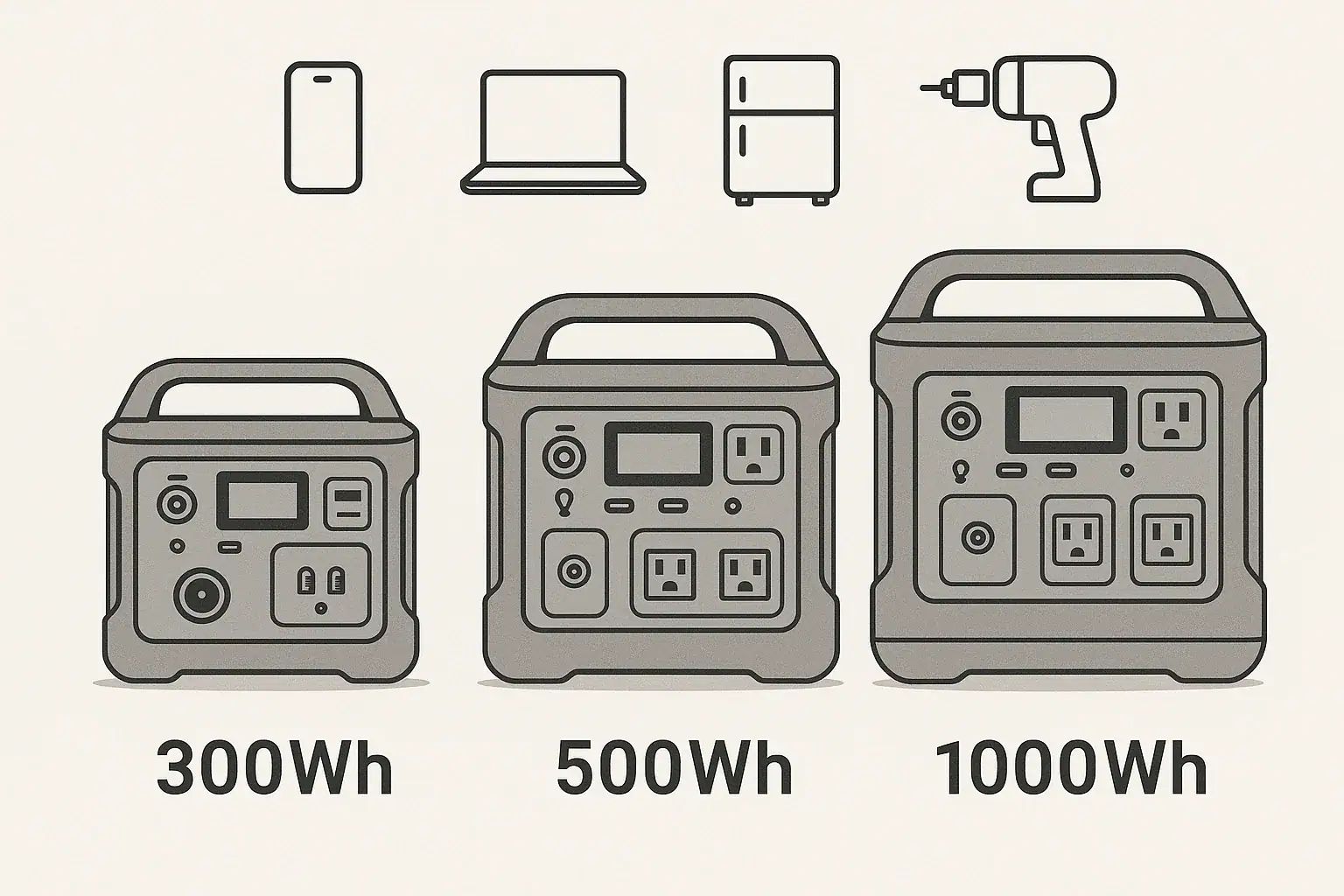
300Wh, 500Wh, and 1000Wh portable power stations mainly differ in how long they can run your devices and what loads they can realistically support. In practice, capacity affects runtime, recharge time, weight, and how many devices you can power at once. When people search for terms like runtime calculator, watt-hour capacity, surge watts, or off-grid backup, they are really asking: how big does my battery need to be for my specific use case?
This guide explains 300Wh vs 500Wh vs 1000Wh in plain language, then walks through real-world examples such as camping, CPAP backup, laptops, fridges, and small power tools. You will see how watt-hours, inverter efficiency, and continuous vs surge watts all interact so you can estimate runtime and avoid overloading. By the end, you will know which capacity range fits your needs today—and which specs to prioritize if you later compare different portable power stations.
Understanding 300Wh, 500Wh, and 1000Wh: What Capacity Really Means
Watt-hours (Wh) measure how much energy a portable power station can store. A 300Wh unit can theoretically deliver 300 watts for one hour, 150 watts for two hours, and so on. A 500Wh model stores more energy, and a 1000Wh model roughly doubles that again.
In simple terms:
300Wh: Suited for light loads and short trips—phones, cameras, small lights, and a laptop for part of a day.
500Wh: A mid-range option—better for overnight use, running more devices at once, or powering small appliances briefly.
1000Wh: A larger battery bank—suitable for longer runtimes on fridges, CPAP machines, or multiple laptops and lights.
Actual runtime depends on load wattage, inverter efficiency, and how far the battery is discharged. Most portable power stations use an inverter to convert DC battery power to AC; this conversion is not 100% efficient, so real-world runtimes are lower than simple math suggests.
Capacity matters because it determines:
How long you can run critical devices (runtime).
How many devices you can power at once without draining the battery too quickly.
How often you need to recharge from wall outlets, solar panels, or vehicle DC ports.
Weight and size—the higher the capacity, generally the bulkier the unit.
Choosing between 300Wh, 500Wh, and 1000Wh is about matching stored energy to your typical daily consumption and backup needs, not just picking the biggest number.
How Capacity, Watts, and Runtime Work Together
To compare 300Wh vs 500Wh vs 1000Wh meaningfully, it helps to understand how watt-hours, watts, and runtime interact.
Continuous output (W): The maximum power the inverter can supply continuously. A 300Wh unit might provide 200–300W continuous, while a 1000Wh unit can often support 800–1200W or more, depending on design.
Surge or peak watts: Short bursts for starting motors or compressors. Even if capacity is high, low surge watts can prevent starting devices like fridges or some power tools.
Input limits: How fast the station can recharge from AC, car DC, or solar. Larger batteries (1000Wh) usually take longer to refill, especially if the input wattage is modest.
Depth of discharge: Many systems reserve some capacity to protect the battery, so you rarely get 100% of the rated Wh.
The right capacity is the one that gives you enough usable watt-hours for your daily or overnight loads, within the continuous and surge watt limits of the power station.
Comparison of 300Wh, 500Wh, and 1000Wh capacities, typical continuous output ranges, and example runtimes for a 60W load. Example values for illustration.
Rated Capacity
Approx. Usable Wh*
Typical Continuous Output Range
Est. Runtime @ 60W Load
300Wh
~240Wh
150–300W
~4 hours
500Wh
~400Wh
300–600W
~6.5 hours
1000Wh
~800Wh
600–1200W
~13 hours
Real-World Use Cases: 300Wh vs 500Wh vs 1000Wh
Looking at specific scenarios makes it easier to choose between 300Wh, 500Wh, and 1000Wh. These examples assume around 80% usable capacity and typical device wattages.
Light travel, day hikes, and short work sessions (300Wh)
Phones and small devices: A modern smartphone battery is roughly 10–15Wh. With 240Wh usable in a 300Wh unit, you could get 10–15 full phone charges, plus some extra for lights.
Laptop and camera: A 60W laptop plus a 10W camera charger might draw ~70W. Estimated runtime: 240Wh ÷ 70W ≈ 3.4 hours of continuous charging.
LED lighting: Two 5W LED lights (10W total) could run for 240Wh ÷ 10W ≈ 24 hours.
A 300Wh power station works well for single-day events, light vanlife work sessions, or as a compact backup for small electronics.
Weekend camping and basic home backup (500Wh)
CPAP machine (with DC adapter, ~40W average): 400Wh usable ÷ 40W ≈ 10 hours. Many users can get a full night or more, depending on settings and humidifier use.
Laptop + phone charging + lights: Suppose 60W laptop + 10W phone + 10W lights = 80W. Runtime: 400Wh ÷ 80W ≈ 5 hours of continuous use, often enough for an evening’s work and entertainment.
Small cooler or mini-fridge: A very efficient 60W average-draw cooler might run ~6.5 hours. Real fridges cycle on and off, so practical runtime can be longer, but 500Wh is still better for short-term rather than multi-day refrigeration.
A 500Wh unit is a versatile mid-size option for weekend camping, short power outages, or portable work setups where you need more headroom than a 300Wh can offer.
Longer outages, RV use, and heavier loads (1000Wh)
Household fridge: A modern fridge may average 80–150W over time. With 800Wh usable, a realistic runtime might be 5–8 hours, depending on efficiency and how often the compressor cycles. It is not full-house backup, but it can bridge shorter outages.
Multiple laptops and devices: Two 60W laptops + 20W of phones and lights ≈ 140W. Runtime: 800Wh ÷ 140W ≈ 5.7 hours continuous, often enough for a full workday when usage is intermittent.
CPAP plus other loads: A 40W CPAP overnight plus intermittent phone and light use is more comfortable on 1000Wh, especially for multi-night trips or unreliable grid power.
Small power tools: Occasional use of a 300–500W tool is more realistic on a 1000Wh unit with a higher continuous and surge rating, though it is still not a substitute for a full jobsite power source.
If your priority is extended runtime for essential loads—fridge, CPAP, work electronics, or a small entertainment setup—a 1000Wh power station offers significantly more flexibility than 300Wh or 500Wh.
Confusing watts with watt-hours: Watts measure power at a moment; watt-hours measure energy over time. A 300W device can run on a 300Wh battery, but only for about an hour at best, not all day.
Ignoring inverter efficiency: Assuming the full rated Wh is available leads to optimistic runtime expectations. Planning with 70–80% of rated capacity is more realistic.
Overlooking continuous output limits: A 1000Wh unit with a 500W inverter cannot run a 900W appliance, no matter how big the battery is. Capacity and inverter rating must both be adequate.
Underestimating surge watts: Devices with motors or compressors (fridges, some pumps, some tools) can need 2–3× their running watts to start. A 500Wh power station with low surge capacity may fail to start them even if average watts look fine.
Stacking too many small loads: Multiple chargers, routers, and lights can add up. A 500Wh unit that seems large on paper can drain fast if total draw is 200–300W for several hours.
Not accounting for recharge opportunities: For solar or vehicle charging, smaller capacities (300Wh or 500Wh) may refill fully during a day of sun, while a 1000Wh unit may not, depending on panel wattage and input limits.
Troubleshooting cues that suggest you chose the wrong capacity:
Battery drops from full to empty in a few hours at your typical use—consider stepping up from 300Wh to 500Wh or from 500Wh to 1000Wh.
Devices shut off when they start up, even though running watts seem within limits—check surge ratings and consider a larger, higher-output unit.
You regularly hit low-battery warnings before night is over—your daily consumption is higher than the stored energy; a capacity upgrade or reduced load is needed.
Carefully listing your devices and estimating their wattage and runtime before purchasing is the best way to avoid these issues.
Safety Basics When Using Different Capacity Sizes
Regardless of whether you choose a 300Wh, 500Wh, or 1000Wh power station, the core safety principles remain the same. Higher capacity increases the amount of stored energy, so it is important to use and manage it responsibly.
Stay within rated output limits: Never exceed the continuous or surge watt ratings of the AC, DC, or USB outputs. Overloading can trigger protection circuits or cause overheating.
Allow ventilation: Place the power station on a stable surface with adequate airflow. Avoid covering vents or enclosing the unit in tight spaces, especially at higher loads.
Avoid extreme temperatures: High heat accelerates battery wear and can trigger thermal protection; deep cold can temporarily reduce capacity. Follow the manufacturer’s recommended operating ranges.
Use compatible chargers and cables: Match input voltage and current ratings. For DC and solar inputs, only use supported profiles and connectors to avoid damage.
Keep away from moisture: Even rugged units are vulnerable to water intrusion. Protect from rain, splashes, and condensation, particularly when using AC outlets.
Do not open or modify the unit: Internal components store significant energy. Repairs, modifications, or battery replacements should be handled by qualified professionals or authorized service providers.
Be cautious with high-power appliances: Larger capacity (like 1000Wh) may tempt use with space heaters or kettles. These devices often exceed safe continuous output or drain the battery extremely quickly.
Following these high-level practices helps ensure that whichever capacity you choose, you use it within its safe operating envelope.
Typical safety considerations for 300Wh, 500Wh, and 1000Wh portable power stations, including load limits and operating environments. Example values for illustration.
Capacity Class
Typical Use
Common Load Range
Key Safety Focus
300Wh
Small electronics, lights
10–150W
Prevent overload from unexpected high-watt devices
500Wh
CPAP, laptops, small appliances
50–300W
Ventilation and managing multiple simultaneous loads
Maintenance and Storage Considerations by Capacity Size
Good maintenance habits extend the life of any portable power station, but capacity influences how you approach storage, cycling, and recharging.
Periodic cycling: All sizes benefit from being used and recharged periodically. Lightly cycling a 300Wh, 500Wh, or 1000Wh unit every 1–3 months helps keep battery management systems active and healthy.
Storage charge level: Many lithium-based systems last longer when stored partially charged (often around 40–60%), rather than at 0% or 100%. Check your manual for specific guidance.
Self-discharge over time: Larger capacities like 1000Wh can take longer to recharge if allowed to sit discharged. Before storms, trips, or expected outages, top up the battery so full capacity is available.
Charging sources and time: A 300Wh unit may recharge in a few hours from a standard AC adapter, while a 1000Wh unit can take significantly longer at the same input wattage. For solar, match panel power and available sunlight to the battery size you choose.
Temperature-controlled storage: Store all capacity sizes in cool, dry environments. Prolonged exposure to high heat (for example, in a closed vehicle in summer) can permanently reduce capacity.
Keep connectors clean: Dust and oxidation on AC, DC, and USB ports can cause poor connections or intermittent charging. Periodically inspect and gently clean connectors as recommended by the manufacturer.
Monitor firmware and indicators: Some units provide state-of-charge, cycle count, or health indicators. Regularly checking these can help you notice early signs of capacity loss or charging issues.
Whether you own a compact 300Wh unit for occasional use or a 1000Wh system for backup, consistent maintenance and thoughtful storage can preserve usable capacity for years.
Putting It All Together: Which Capacity Should You Choose?
Choosing between 300Wh, 500Wh, and 1000Wh comes down to your devices, how long you need to run them, and how often you can recharge.
Choose around 300Wh if you mainly charge phones, cameras, and a laptop for short periods, want a lightweight option, and have frequent access to recharging.
Choose around 500Wh if you need overnight capability for a CPAP, more comfortable runtimes for laptops and lights during camping, or a compact backup for brief outages.
Choose around 1000Wh if you want longer runtimes for fridges, multi-device work setups, or several nights of essential loads without constant recharging.
Always start by estimating your daily watt-hour usage. List your devices, note their wattage, and multiply by the hours you expect to run them. Then match that total to a capacity tier with some safety margin.
Specs to look for
Battery capacity (Wh): Look for 250–350Wh for light use, 400–700Wh for mid-range, and 800–1200Wh for heavier or multi-day needs. This determines how long your devices can run.
Continuous AC output (W): Aim for at least 200–300W for 300Wh units, 300–600W for 500Wh, and 600–1200W for 1000Wh class. Ensures your typical loads can run without tripping protection.
Surge/peak watts: Seek surge ratings roughly 1.5–2× the continuous output if you plan to run fridges, pumps, or tools. This helps start inductive loads without shutdowns.
AC, DC, and USB port mix: Ensure enough outlets for your devices (for example, 1–2 AC outlets, multiple USB-A, and at least one USB-C PD port). The right mix avoids overloading a single port.
Input charging power (W): For 300Wh, 60–150W input can recharge in a few hours; for 1000Wh, 200–400W or more is helpful. Higher input reduces downtime between uses.
Battery chemistry and cycle life: Compare typical cycle life ranges (for example, 500–2500 cycles to 80% capacity). Longer cycle life is valuable if you use the station frequently.
Weight and portability: 300Wh units may weigh under 10 lb, 500Wh around 10–20 lb, and 1000Wh often 20–30 lb or more. Consider how far and how often you will carry it.
Display and monitoring: A clear screen with remaining percentage, estimated runtime, and input/output watts helps you manage capacity and avoid surprises.
Operating temperature range: Check that the specified range matches your climate and intended use (for example, cold-weather camping or hot garages).
Built-in protections: Look for overcurrent, overvoltage, short-circuit, and temperature protections. These features safeguard both the power station and your devices.
By focusing on these specs and understanding how 300Wh, 500Wh, and 1000Wh capacities translate into real runtimes, you can select a portable power station that fits your actual use case instead of relying on guesswork.
Frequently asked questions
Which specs and features should I prioritize when comparing 300Wh, 500Wh, and 1000Wh power stations?
Prioritize battery capacity (Wh) for runtime, continuous AC output (W) for the types of devices you plan to run, and surge watts for motor-starting loads. Also consider input charging power, port mix (AC, DC, USB-C), cycle life, weight, and built-in protections like overcurrent and thermal limits.
What is a common mistake people make when estimating runtime?
A frequent mistake is confusing watts with watt-hours and assuming 100% of rated Wh is usable. Plan using a realistic usable Wh (often 70–80% of rated capacity) and check inverter efficiency and continuous/surge limits for a more accurate runtime estimate.
Are larger capacity units inherently safer than smaller ones?
Not necessarily—larger units store more energy, which increases the potential hazard if misused. Safety depends on following rated output limits, ensuring ventilation, avoiding extreme temperatures and moisture, and using the unit within the manufacturer’s specifications.
How do I calculate how long a specific device will run on a given battery capacity?
Estimate runtime by dividing usable Wh by the device’s watt draw: Runtime ≈ usable Wh ÷ device watts. Use a conservative usable Wh (for example, 70–80% of rated capacity) and account for duty cycles, inverter losses, and intermittent use to refine the estimate.
Can I recharge a 1000Wh unit fully in one day with solar panels?
Possibly, but it depends on panel wattage, available sun hours, and the station’s input limits. A 1000Wh battery typically needs several hundred watts of sustained input (for example, 200–400W) and multiple peak-sun hours to recharge fully in a day once conversion losses are considered.
How often should I cycle or top up my portable power station in storage?
Periodically cycle and top up batteries every 1–3 months to keep the battery management system active and preserve capacity. Store most lithium-based units at a partial charge (commonly around 40–60%) and follow the manufacturer’s specific storage recommendations.
Neutral-ground bonding on a portable power station is simply how the neutral wire is connected (or not connected) to the safety ground inside the unit, and it only really matters when you plug the power station into a bigger wiring system like an RV panel or a home transfer switch. For most people who just plug appliances directly into the outlets on the power station, you do not need to change or add any bonding at all.
Still, understanding whether your power station uses a floating neutral or a bonded neutral helps explain odd behavior like GFCI trips, plug-in testers showing “faults,” or transfer switches not working as expected. It also helps you know when to bring in a qualified electrician instead of experimenting with adapters.
This guide walks through what neutral-ground bonding means, how it works in portable power systems, practical examples (home backup, RV, camping), common mistakes, safety basics, and the key specs to check on a spec sheet or user manual before you connect anything more complex than a simple appliance.
What neutral-ground bonding means and why it matters
In any AC power system, you have at least three conductors: hot, neutral, and equipment ground. Neutral carries return current during normal operation. The equipment ground is a safety path that is normally unused unless there is a fault. Neutral-ground bonding is the intentional connection between neutral and the equipment grounding conductor at one specific point in the system.
In a typical home in the United States, this bond is made in the main service panel. That single bond defines neutral as “0 volts” with respect to earth and gives fault current a low-resistance path so breakers or fuses trip quickly if something goes wrong.
Portable power stations also create 120V AC output, but they are not always wired like a house. Some have a floating neutral, where neutral is isolated from ground inside the unit. Others have an internal neutral-ground bond, or they allow a bond to be created with a specific adapter or connection method described in the manual.
Why this matters:
It affects how GFCI devices behave and whether plug-in testers show “correct” wiring.
It changes how safe or unsafe a DIY connection to an RV panel or home circuits might be.
It can explain nuisance shutdowns or tripping when using surge strips or transfer switches.
Used as intended, both floating-neutral and bonded-neutral portable power stations can be safe. Problems usually appear when users try to make them behave like a permanently installed generator or home panel without understanding how the neutral and ground are already handled.
Key concepts: floating vs bonded neutral and how it works
Most of the confusion around neutral-ground bonding in portable power stations comes down to two designs: floating neutral and bonded neutral.
Floating neutral means the neutral conductor is not intentionally connected to the equipment ground inside the power station. The AC output “floats” with respect to earth. If you measure from either hot or neutral to a separate earth reference, you may see odd or unstable voltages, but the hot-to-neutral voltage is still around 120V.
Bonded neutral means the neutral conductor is tied to the equipment ground at one point inside the unit. This makes the power station behave more like a small standalone generator or a mini service panel, with neutral defined at ground potential.
Key behaviors to understand:
Protective devices: Breakers, fuses, and GFCIs rely on predictable current paths. A bond point helps fault current flow in a way that trips protection quickly.
Single bond rule: In a given system, neutral and ground should be bonded in only one place. Multiple bonds can create unintended current on grounding conductors and metal parts.
Testers and indicators: Many three-light plug-in testers assume a bonded-neutral system. On a floating-neutral power station, they may show “open ground” or other unusual results even if the unit is operating as designed.
Neutral-ground bonding does not change how many watts the power station can supply, but it can change whether it is appropriate to back-feed a small subpanel, connect through a transfer switch, or plug into an RV shore-power inlet without extra planning.
The table below summarizes how floating and bonded neutrals typically interact with common use cases.
Neutral-ground behavior overview – Floating vs bonded neutral in typical scenarios. Example values for illustration.
Use case
Floating neutral behavior
Bonded neutral behavior
What usually needs attention
Plugging appliances directly into the power station
Normally works as designed; plug-in testers may show nonstandard readings
Also works as designed; behavior similar to a small generator
Generally none beyond following the manual and load limits
Using external GFCI power strips or cords
Some GFCI devices may not test as expected but can still trip on real faults
GFCIs usually behave more like on household circuits
Confirm GFCI test button works; avoid home-made bonding adapters
Feeding an RV distribution panel via shore-power inlet
May be acceptable if the RV is wired for a single bond elsewhere
Risk of multiple neutral-ground bonds if the RV also bonds neutral
Have an RV tech or electrician verify where the bond should be
Connecting through a home transfer switch to selected circuits
Transfer switch may expect a bonded neutral and behave oddly
More compatible with transfer switches designed for generators
Electrician should match transfer switch type to the power station design
Using plug-in outlet testers
Often shows “open ground” or “open neutral” even if safe
Typically shows “correct” wiring if wired properly
Treat confusing tester results as a cue to check the manual
How bonding interacts with fault currents
When a hot wire touches a metal case or other grounded surface, you want a large, fast surge of current through the equipment ground so a breaker or fuse opens quickly. A proper neutral-ground bond in the system helps make that happen.
In a floating-neutral portable power station, the manufacturer may rely on different protection strategies, such as internal sensing and shutdown, double insulation, or GFCI-type electronics. That is why adding your own bond or adapters can confuse the built-in protections and create new hazards instead of fixing anything.
Real-world examples: home backup, RVs, and camping
Neutral-ground bonding becomes easier to understand when you look at specific setups. Here are three common scenarios with approximate numbers to illustrate what happens.
Example 1: Short home outage with direct plug-in loads
Scenario: A short neighborhood outage, and you want to power a refrigerator, a Wi-Fi router, a few LED lights, and charge phones and a laptop. You plug everything directly into the power station’s AC outlets or a simple power strip.
Refrigerator: about 150 W running, 600–800 W surge
Router and modem: about 20–30 W
LED lights: about 20–40 W total
Charging electronics: about 40–80 W
Total running load might be around 250–300 W with a brief surge under about 800 W. A power station with a 1,000 W continuous inverter and around 1,000 Wh of battery capacity can usually handle this. With roughly 80% practical AC efficiency, you might see about 800 Wh of usable energy, or roughly 2.5–3 hours at a 300 W average draw.
Bonding impact: Because everything is plugged directly into the unit, you typically do not change or worry about neutral-ground bonding. The manufacturer has already designed internal protections for this kind of use.
Example 2: RV or camper shore-power inlet
Scenario: You park an RV or camper and want to power the whole rig by plugging the portable power station into the RV’s shore-power cord.
Loads may include a converter/charger, lights, fans, outlets, and possibly a small microwave or coffee maker.
Total running loads might range from 200 W for light use up to 1,000 W or more if several appliances run at once.
Bonding impact: Many RVs are wired with the expectation that neutral and ground are bonded at the source (like a campground pedestal) and not inside the RV panel. If your power station has a floating neutral, the RV may effectively treat it like a subpanel, and the overall system can still have a single bond at the correct place. If the RV or an adapter adds its own bond and your power station is already bonded internally, you now have multiple bond points. That can put return current on grounding conductors and metal frames, which is not what you want.
In this scenario, the safe approach is to have an RV technician or electrician confirm where the neutral-ground bond should exist and how the RV is wired before relying on the power station as a primary source.
Example 3: Camping or jobsite near water
Scenario: You are camping or working outdoors and using the power station to run string lights, a small pump, or power tools near damp ground or water.
Loads might be 50–300 W for lights and pumps, or 500–800 W for tools.
You may use long extension cords and possibly a portable GFCI device.
Bonding impact: Here, the primary concern is shock protection. A floating-neutral design may behave differently than a house circuit, and some GFCI devices may not test the way you expect. However, the power station’s built-in protections are designed around its bonding scheme. Trying to “fix” tester readings by adding a neutral-ground bond adapter can bypass those protections and reduce safety in wet conditions.
In practice, it is safer to keep the power station itself away from water, use properly rated outdoor cords and GFCI devices, and follow the manual rather than altering bonding.
Common mistakes and troubleshooting cues
Most neutral-ground bonding problems show up as odd symptoms rather than obvious sparks or smoke. Recognizing the patterns can help you troubleshoot without creating new hazards.
Mistake 1: Assuming the power station is identical to a wall outlet
Portable power stations often shut down faster than a home breaker would. If your loads suddenly turn off:
Check whether the total running watts exceeded the inverter’s continuous rating.
Consider whether a motor load (pump, fridge, power tool) has a high surge that trips the inverter.
Look for error codes or indicators on the display that point to overload or over-temperature.
Bonding rarely causes these shutdowns directly, but misunderstanding it can send you looking in the wrong place.
Mistake 2: Using plug-in testers as the final word
Simple three-light testers are designed for fixed home wiring with a bonded neutral. On a floating-neutral power station, they may show “open ground” or other warnings even when the unit is operating as intended. Treat those results as informational, not as a reason to rewire the power station.
Mistake 3: Adding DIY neutral-ground bonds or adapters
One of the most serious mistakes is using homemade bonding plugs, modified cords, or adapters that intentionally tie neutral and ground together outside of the locations specified by the manufacturer. This can:
Create multiple bond points that put current on grounding conductors and metal frames.
Interfere with built-in protective electronics that expect a floating neutral.
Defeat some types of GFCI or fault detection inside the power station.
If you see repeated nuisance trips or confusing behavior, simplify the setup instead of adding adapters: shorten cord runs, remove extra strips, and try a single load directly on the power station to see if the problem persists.
Mistake 4: Complex RV or home backup hookups without expert review
Connecting a portable power station to a transfer switch, interlock, or RV panel can be safe, but only when the overall system has exactly one neutral-ground bond in the correct place. Common red flags include:
Metal parts tingling when touched.
GFCIs tripping randomly with light loads.
Breaker behavior that changes when you switch between grid and power station.
These are cues to stop and have a qualified electrician or RV technician review the wiring and bonding, rather than experimenting further.
Troubleshooting cues – What you see, likely causes, and first steps. Example values for illustration.
Symptom
Likely cause
First things to check
Power station shuts off when a tool or fridge starts
Startup surge exceeds inverter capability
Compare load wattage to inverter surge rating; try starting large loads one at a time
GFCI trips immediately when connected to power station
Leakage current, multiple bonds, or incompatible bonding scheme
Remove extra adapters and strips; test with a single cord and one device
Outlet tester shows “open ground” or “open neutral”
Floating-neutral design confusing the tester
Check the manual for bonding notes; do not add a bond unless specified
Metal surfaces or RV frame feel tingly
Possible current on grounding conductors due to multiple bonds or faults
Disconnect the power station immediately and have wiring inspected
Charging slows or stops unexpectedly
High state of charge, high temperature, or internal protection limits
Check battery percentage, ventilation, and ambient temperature
Safety basics with neutral-ground bonding in mind
Most safety practices around portable power stations are the same whether the neutral is floating or bonded, but bonding affects how protective devices behave when something goes wrong.
Placement and ventilation
Set the power station on a stable, dry, level surface.
Leave several inches of clearance around vents and fans for airflow.
Avoid closed cabinets, piles of gear, or direct sun that can trap heat.
Overheating can trigger shutdowns or shorten component life, regardless of bonding.
Cords, extension cables, and power strips
Use cords rated for at least the maximum load you expect, with heavier-gauge wire for longer runs.
Keep cords as short as practical to reduce voltage drop and heat.
Avoid daisy-chaining multiple power strips or reels.
Remember that extension cords and strips are part of the safety system. Damaged insulation or loose connections can defeat the benefits of proper bonding and grounding.
Wet or outdoor locations
Keep the power station itself away from rain, splashes, and standing water.
Use outdoor-rated cords and, where appropriate, GFCI devices near water.
Do not stand in water or on wet ground while plugging or unplugging cords.
Whether neutral is floating or bonded, water lowers resistance and can turn minor faults into serious shock risks. Proper equipment and careful handling matter more than trying to force the power station to mimic household wiring.
Professional help for complex systems
Any time your setup involves:
Transfer switches or interlock kits for home backup,
RV or boat distribution panels, or
Permanent or semi-permanent wiring changes,
you should plan on involving a qualified electrician or RV technician. Their job is to confirm that there is exactly one neutral-ground bond in the overall system and that protective devices still operate correctly with the portable power station as a source.
Maintenance and long-term use
Neutral-ground bonding does not change basic maintenance needs, but regular checks help ensure that outlets, cords, and protective features keep working the way they should over time.
Battery care and storage
Avoid storing the battery at 0% or 100% state of charge for long periods.
For multi-month storage, a moderate charge level (often around the middle of the range) is usually recommended.
Top up the battery every few months to account for self-discharge.
Keeping the battery healthy ensures that protection circuits and inverters receive stable power when you need them most, such as during an outage.
Temperature and environment
Store the power station in a cool, dry place away from direct sun.
Avoid leaving it in a hot vehicle or unconditioned shed for long periods.
In cold conditions, allow the unit to warm gradually before high-rate charging.
Extreme heat can permanently reduce capacity, while cold can temporarily reduce runtime and charging performance.
Periodic functional checks
Every few months, plug in a small AC load (such as a lamp or fan) and verify that the inverter starts and runs normally.
Check that any built-in GFCI or protection indicators work as described in the manual.
Inspect cords, plugs, and outlets for discoloration, looseness, or damage.
If you use the power station with an RV or home circuits, schedule occasional professional inspections of those connection points, especially if you notice any unusual behavior like tingling metal, burning smells, or frequent tripping.
Practical takeaways and specs to look for
Neutral-ground bonding in portable power stations is mainly about system compatibility and fault behavior, not about how much power you have. When you plug devices directly into the unit, you usually do not need to change anything. When you connect into a larger wiring system, the goal is to keep a single, correctly located neutral-ground bond and preserve the function of protective devices.
Use the checklist below when evaluating a power station or planning a setup that might involve bonding questions.
Quick planning checklist
List your key loads (refrigerator, router, lights, tools, etc.) and estimate both running and surge watts.
Plan to stay under about 70–80% of the inverter’s continuous watt rating for routine use.
Use short, appropriately rated extension cords; avoid unnecessary power strips and adapters.
Place the power station on a stable, dry, ventilated surface away from water and direct sun.
Never add or remove neutral-ground bonds yourself unless the manual explicitly instructs you how.
For RVs, boats, and home transfer switches, assume you need a qualified electrician or technician to verify bonding.
Treat any odd tester readings, tingling metal, or frequent GFCI trips as warnings to stop and investigate.
Specs to look for on a portable power station
When you read a spec sheet or manual, these items help you understand how the unit will behave in real-world setups:
Inverter continuous watt rating: The maximum power it can supply for extended periods.
Inverter surge rating: How much short-term power it can provide for motor starts and compressor kicks.
Battery capacity (Wh): Combined with estimated efficiency, this tells you how long loads can run.
Neutral-ground configuration: Whether the neutral is floating, bonded internally, or configurable.
GFCI presence: Whether any AC outlets are GFCI-protected and how they are labeled.
Approved connection types: Any notes about using RV inlets, transfer switches, or subpanels.
Operating and storage temperature ranges: Helps you plan where and how to store the unit.
Recommended maintenance interval: Guidance on how often to check or top up the battery.
By focusing on these specs and respecting the built-in bonding design, you can use a portable power station safely for home backup, RV travel, camping, and work sites without needing to modify the wiring inside the unit.
Primary reference:OSHA’s grounding and bonding fact sheet explains the distinction between grounding and neutral bonding for portable generators. A portable power station may be designed differently, so never add a bonding plug unless the manufacturer explicitly permits it for the intended setup.
Frequently asked questions
Which specs or features on a portable power station should I check to understand its neutral-ground bonding behavior?
Look for the neutral-ground configuration (floating, internally bonded, or configurable) on the spec sheet or in the manual, whether any AC outlets are GFCI-protected, approved connection types (RV inlet or transfer switch), and the inverter continuous and surge ratings. These items tell you how the unit will interact with external wiring and what connection methods are supported.
Is it safe to use a DIY neutral-ground bonding adapter or modified cord to force a bond?
No. Homemade bonding adapters can create multiple bond points, place return current on grounding conductors and metal frames, and interfere with the unit’s built-in protective electronics, increasing shock and fire risk. If bonding is required, follow manufacturer guidance or have a qualified electrician make any changes.
Does neutral-ground bonding significantly affect the safety of using a portable power station?
Bonding affects how fault current flows and how protective devices behave, so it matters for safety when the station is connected to larger wiring systems like an RV panel or home transfer switch. For direct appliance use from the station, the manufacturer’s designed protections are typically sufficient; for integrated setups, ensuring a single correct bond is important.
Why does a three‑light outlet tester show “open ground” or “open neutral” on my power station?
Many simple testers assume household wiring with a bonded neutral; on a floating-neutral power station they can show “open ground” or similar warnings even when the unit is operating as intended. Treat tester results as informational and consult the manual rather than adding bonds to force a “correct” reading.
How should I approach connecting a portable power station to an RV shore inlet or a home transfer switch?
Have an RV technician or a qualified electrician verify where the single neutral-ground bond should exist and whether the transfer switch is compatible with a floating or bonded neutral. Use only approved connection types and follow the manufacturer’s instructions instead of improvising with adapters.
What should I do immediately if metal parts feel tingly or GFCIs trip frequently when using the power station?
Disconnect the power station immediately and stop using the setup; these are signs of possible leakage, multiple bond points, or wiring faults. Have a qualified electrician or RV technician inspect the system before attempting to use it again.
GFCI outlets on portable power stations usually trip because of small leakage currents, damaged cords, or motor surges that look like a ground fault to the safety circuit. In other words, the power station is cutting power because it thinks some current is escaping the normal path and could shock someone, even when the device appears to work fine on a wall outlet.
Understanding GFCI tripping on power stations helps you tell the difference between a real electrical problem and a nuisance trip. That is essential when you rely on a power station for power tools, refrigerators, sump pumps, or electronics during outages, camping, or jobsite work.
This guide explains what GFCI protection actually does inside a portable power station, how it interacts with watts, surge loads, extension cords, and moisture, and what to check when it keeps shutting off. You will see practical examples, simple troubleshooting steps, and the key specs to look for when you choose or upgrade a power station for GFCI-sensitive loads.
What GFCI Tripping Means on Portable Power Stations
A ground-fault circuit interrupter (GFCI) constantly compares the current on the hot wire with the current on the neutral wire. If it detects even a small difference, it assumes that current is leaking somewhere else (often through a person or a damp surface) and shuts off power in a fraction of a second.
On a portable power station, a GFCI trip usually shows up as:
AC output suddenly turning off while the battery still shows plenty of charge
A fault or “GFCI” indicator on the display, often with no overload warning
The need to press a reset button or power the AC output back on
This is different from a low-battery shutdown or overload shutdown. GFCI trips are about where the current is going, not how much you are using overall. Common triggers include:
Power tools and compressors with worn insulation or internal leakage
Long, thin, or damp extension cords that provide leakage paths to ground
Multiple electronic chargers whose tiny leakage currents add up
Waveform differences between inverter power and utility power
Because many power stations combine an inverter, GFCI, and overload protection in one compact unit, it can be confusing when everything shuts down at once. Learning to recognize a GFCI trip helps you decide whether you are dealing with a safety issue (damaged equipment, moisture) or an operational issue (load size, cord choice, or inverter limits).
Key Concepts: How GFCI Protection and Power Station Limits Interact
Three ideas explain most GFCI tripping behavior on portable power stations: power (watts), surge behavior, and leakage current.
Watts, surge watts, and runtime basics
Every power station has two AC output limits:
Continuous watts – what the inverter can deliver steadily
Surge watts – what it can deliver briefly during startup
Many tools and appliances pull 2–3 times their normal running watts when they first start. A 400-watt rated fridge compressor may briefly demand 800–1,000 watts. If the surge capability is too low, the inverter may shut down or sag in voltage, which can indirectly contribute to GFCI trips or overload errors.
Battery capacity is usually given in watt-hours (Wh). That tells you how long you can run a given load, but not whether the inverter and GFCI can handle it safely at all. Inverter efficiency (often around 85–90%) also means the battery has to supply more watts than your devices actually use at the outlets.
Leakage current and GFCI sensitivity
A GFCI does not care how many watts you use. It trips when the difference between hot and neutral exceeds a small threshold. That difference, called leakage current, can come from:
Moisture on plugs, outlets, or cords
Filters inside power supplies that intentionally bleed tiny currents
Damaged insulation inside a tool or appliance
Long cable runs with higher capacitance to nearby surfaces
On a house circuit, leakage from several devices is spread out over a larger system. On a compact inverter with only one or two outlets, the same combined leakage can reach the GFCI threshold more quickly, especially when several chargers and power supplies are plugged in together.
How these pieces combine in real use
In practical terms, you want to know whether a shutdown was caused by watts (overload), temperature (thermal), or leakage (GFCI). The table below summarizes the differences and what they usually look like on a power station.
Shutdown Types on Portable Power Stations Example values for illustration.
Shutdown type
Main cause
Typical timing
What you usually see
GFCI trip
Leakage current or ground fault
Instant, often at startup or when a device is plugged in
AC cuts out suddenly, battery still charged; GFCI/fault indicator lights
Overload (watts)
Total load exceeds continuous or surge rating
Instant or within a few seconds of turning on a big load
Overload warning; unit may beep and shut off when tool starts
Low-battery cutoff
Battery voltage falls below safe limit
After minutes or hours of use
Battery gauge low; unit may warn before shutting down
Thermal shutdown
Inverter or battery overheats
After running near maximum load, especially in hot spaces
Fan runs hard; sometimes a temperature icon or derated output first
Real-World Examples of GFCI Tripping and Power Use
Seeing how specific tools and appliances behave on a power station makes GFCI tripping easier to understand and prevent.
Example 1: Corded drill on a midsize power station
Imagine a corded drill labeled 6 amps at 120 volts (about 720 watts). On light duty, it may draw far less. But when you start the drill under load or if the bit binds, the motor can momentarily pull well above 720 watts.
On a power station rated for 800 watts continuous with modest surge capability:
The drill may run fine at low speed or no-load.
The moment you bore into a dense stud, the startup surge plus load can cause a brief voltage dip.
If the drill cord is long, thin, or slightly damaged, small leakage currents can appear.
The result can be a GFCI trip or overload shutdown right when you squeeze the trigger hard. The same drill may seem to work “better” on a household outlet because the building circuit may have more surge headroom and different grounding characteristics.
Example 2: Small air compressor during an outage
A compact air compressor might list 8 amps (around 960 watts) but surge several times higher when the motor starts against tank pressure. On a dedicated household circuit with a standard GFCI receptacle, it might start reliably.
On a similarly sized power station:
The motor surge can exceed the inverter’s surge rating.
The compressor’s internal wiring or motor windings may leak a tiny current to its metal frame.
Moisture in a garage or driveway can provide a path for that leakage to ground.
The GFCI sees this as a potential shock hazard and trips. From the user’s perspective, it feels like the power station is “too sensitive,” but it is actually reacting to conditions that are less noticeable on a building circuit.
Example 3: Electronics and chargers on a small station
Consider a setup with a laptop charger, two phone chargers, a camera battery charger, and a small LED desk lamp. None of these loads are big, and the total watts may be well under 200.
However, many modern power supplies and LED drivers include filters that intentionally leak a tiny current to ground. One charger alone is not a problem. Five or six together on a small inverter can push the combined leakage above the GFCI threshold.
The result is a seemingly random GFCI trip, even though the wattage is low and nothing appears wrong. Unplugging one or two chargers often stops the nuisance tripping.
Example 4: Mixed household loads in a short blackout
During a short outage, a typical home setup on a portable power station might include:
Refrigerator (compressor motor)
Wi-Fi router and modem
Laptop
Two or three LED lamps
The total running watts are within the station’s rating. But when the fridge compressor cycles on, the surge combines with the leakage currents from all the small power supplies and the resistance of any extension cords. That can lead to either an overload shutdown or a GFCI trip, depending on which limit the system hits first.
Common Mistakes and Troubleshooting Cues
Most recurring GFCI tripping on power stations comes down to a few predictable mistakes. Systematically checking for them usually solves the problem without disabling any safety features.
Typical user mistakes
Undersizing the power station – Choosing a unit whose continuous and surge ratings are too close to the running wattage of the largest tool or appliance.
Ignoring startup surge – Assuming a 600-watt device is fine on a 600-watt inverter, leaving no headroom for 2–3x startup current.
Using long, thin extension cords – Running 50–100 feet of light-duty cord that increases resistance, voltage drop, and leakage paths.
Mixing many small chargers on one outlet – Stacking multiple phone, camera, and laptop chargers that add up to significant leakage current.
Operating in damp or dirty conditions – Using the station or cords on wet ground, in dew, or with dirty connectors that trap moisture.
Assuming every trip is a “bad” GFCI – Resetting and retrying without inspecting the tool, cord, or environment for real faults.
Step-by-step troubleshooting approach
When a tool or appliance trips the GFCI on your power station, work through these steps:
Confirm it is a GFCI trip. Check whether the display or indicator shows a fault separate from overload or low battery. If the battery is still well charged, suspect GFCI or thermal issues first.
Test the device alone. Unplug everything else and plug only the suspect device directly into the power station with no extension cord. If it runs without tripping, the problem may be combined leakage from multiple devices or a bad cord.
Swap cords and reduce length. Replace long or thin cords with a shorter, heavier one. If the GFCI stops tripping, the original cord may have damage or too much leakage.
Check for moisture and dirt. Inspect plugs, outlets, and cord ends for condensation, mud, or corrosion. Let them dry completely and clean them carefully before retrying.
Compare behavior on another GFCI source. If the same tool trips a different GFCI-protected outlet, the tool itself may have internal leakage and should be inspected or replaced.
Review load size versus ratings. If trips occur only under heavy load or at startup, you may be near the inverter’s surge or continuous limits, even if the nameplate wattage seems acceptable.
The table below shows common patterns and likely causes you can use as a quick diagnostic reference.
Patterns of GFCI Tripping and Likely Causes Example values for illustration.
What you notice
Most likely cause
First things to check
Trips only when one specific tool runs
Internal leakage or insulation wear in that tool
Try tool on another GFCI outlet; inspect cord and housing for damage
Trips only outdoors or in damp weather
Moisture on cords, plugs, or surfaces
Dry all connectors; keep cords off wet ground; use shorter runs
Trips when several chargers are plugged in together
Combined leakage from multiple power supplies
Unplug some chargers; spread loads across different outlets or circuits
Trips when a motor starts, even though watts look okay
Startup surge plus small leakage pushes system over the edge
Check surge rating; reduce other loads; use a heavier extension cord
Trips after long use in a hot area
Heat increasing sensitivity of protection circuits
Improve ventilation; lower the load; allow the unit to cool
Safety Basics: Placement, Cords, Heat, and GFCI
GFCI protection is one part of a broader safety strategy when using portable power stations. Good placement, cable management, and operating habits reduce both real hazards and nuisance trips.
Dry, stable placement
Set the power station on a stable, level surface.
Keep it away from standing water, wet grass, puddles, or snow.
Avoid placing it directly under open windows, awnings, or areas where rain or condensation can drip onto outlets.
Ventilation and heat control
Leave several inches of clearance around all sides and above the unit.
Do not cover the power station with blankets, clothing, or gear while it is running or charging.
In hot weather or enclosed spaces, consider reducing the load to keep internal temperatures lower and reduce the chance of thermal shutdowns.
Extension cords and accessories
Use cords rated for the current your tools require, with heavier gauge wire for higher loads or longer runs.
Keep cords as short as practical to reduce resistance, voltage drop, and leakage paths.
Inspect cords regularly for cuts, crushed insulation, or loose plugs. Replace damaged cords rather than taping over faults.
Avoid daisy-chaining multiple power strips or adapters, which can complicate grounding and increase leakage.
Respecting GFCI protection
Never defeat the ground pin on plugs or use adapters that bypass grounding.
Do not attempt to modify or bypass the GFCI function inside the power station.
If a particular tool or appliance repeatedly trips GFCI protection on any source, treat that as a sign it needs inspection or replacement.
For complex setups, such as tying a power station into an RV or building electrical system, consult a qualified electrician.
Maintenance and Storage for Reliable Operation
Good maintenance and storage practices help your power station deliver stable power and reduce unexpected trips or shutdowns over its lifetime.
Battery care and long-term storage
Avoid leaving the battery at 0% for long periods; recharge after use.
For seasonal storage, keep the state of charge in a moderate range rather than fully full or empty.
Top up the battery every few months to offset self-discharge.
Environmental conditions
Store the unit in a dry, temperature-controlled space whenever possible.
Avoid prolonged exposure to extreme heat or freezing temperatures, which can shorten battery life and affect GFCI behavior.
Let a cold-soaked unit warm up to a moderate temperature before applying heavy loads.
Regular inspections
Check AC outlets and ports for debris, corrosion, or looseness.
Keep ventilation grills free of dust and pet hair to maintain airflow.
Inspect frequently used cords and tools, especially those that have caused GFCI trips in the past.
If your unit provides error codes or status lights, learn what the main indicators mean so you can distinguish GFCI trips from overload or low-battery conditions.
Testing key appliances on the power station once or twice a year, under controlled conditions, is a simple way to confirm compatibility, check for nuisance trips, and verify that battery capacity still meets your needs.
Practical Takeaways and Specs to Look For
Managing GFCI tripping on portable power stations is about matching the right hardware to your loads and using it in a way that respects how GFCI protection works. Once you understand that GFCI trips are triggered by leakage current rather than total watts, it becomes easier to separate real hazards from avoidable nuisance trips.
In everyday use, you can think in terms of three questions:
Is my power station large enough for the running and surge loads I want to power?
Are my cords, environment, and devices creating extra leakage or moisture paths?
Am I maintaining and storing the unit in a way that keeps it reliable over time?
Specs to look for when choosing or upgrading a power station
When you plan to run GFCI-sensitive loads such as power tools, pumps, or mixed household devices, pay close attention to these specifications and features:
Continuous AC output (watts) – Choose a rating that comfortably exceeds the combined running watts of your largest planned loads, not just by a few watts.
Surge or peak output (watts) – Look for enough surge capacity to handle 2–3x the running wattage of motor loads like fridges, compressors, and pumps.
Number and type of AC outlets – More outlets can help spread out chargers and reduce combined leakage on a single receptacle.
GFCI protection on outlets – Note which outlets are GFCI-protected and how the unit indicates a GFCI trip versus an overload or low-battery event.
Inverter type and efficiency – A high-quality inverter with good efficiency can reduce heat and voltage sag, which may help minimize nuisance trips.
Operating temperature range – Check that the unit is rated for the conditions where you plan to use it (garage, workshop, RV, or outdoor environments).
Battery capacity (Wh) – Ensure there is enough energy to run your critical loads for the duration you expect, while remembering that usable capacity is lower than the raw rating due to inverter losses.
Thermal management – Fans, vents, and thermal protections help keep the unit safe under continuous load; good cooling can also reduce sensitivity to trips at high temperatures.
Status indicators and error codes – Clear icons or messages for GFCI, overload, and low battery make troubleshooting much easier in the field.
With the right combination of specs, careful cord choices, and basic maintenance, you can keep GFCI protection working for your safety while significantly cutting down on nuisance trips that interrupt your work, travel, or backup power plans.
Frequently asked questions
Which specs and features should I prioritize when buying a portable power station to reduce GFCI tripping?
Prioritize continuous AC output and surge/peak watt ratings so the inverter can handle both running loads and motor startup surges. Also look for multiple outlets to spread chargers, clear GFCI/ fault indicators, good inverter efficiency, and robust thermal management. These features together reduce nuisance trips and make troubleshooting easier.
Why do multiple chargers and small electronics cause a power station GFCI to trip?
Many modern chargers and LED drivers leak a tiny amount of current to ground as part of their filtering. When several are plugged into the same compact inverter, the combined leakage can exceed the GFCI threshold even though total wattage is low. Unplugging or spreading chargers across outlets usually resolves the issue.
Is using long, thin extension cords a common cause of GFCI trips on power stations?
Yes. Long, undersized cords increase resistance and can develop higher leakage to nearby surfaces, and they worsen voltage drop during surges. Using a shorter, heavier-gauge cord reduces these effects and often stops nuisance GFCI trips.
Can motor startup surges make a power station’s GFCI trip even if the running watts are within limits?
Motor startup surges can cause voltage sag and stress on the inverter, which may interact with protection circuits and contribute to a GFCI trip or overload shutdown. Choosing a station with adequate surge capacity and reducing other concurrent loads helps prevent those startup-related trips.
Is it safe to disable or bypass the GFCI on a portable power station to stop nuisance trips?
No. Bypassing or defeating GFCI protection creates a real electric shock hazard and is unsafe. If nuisance trips persist, troubleshoot cords, devices, and environmental moisture, or consult a qualified electrician rather than disabling safety features.
How can I test whether a GFCI trip indicates a real fault or just a nuisance trip?
Isolate the suspect device by unplugging everything else and test it directly on the station without extension cords; if it still trips other GFCI outlets, the device likely has internal leakage. Also inspect for moisture, swap cords with a known-good heavy gauge cord, and observe the station’s fault indicators to distinguish leakage from overload or thermal shutdowns.
If your power station will not charge from a generator, it usually means the generator’s output is outside the power station’s safety limits for voltage, frequency, waveform, or grounding. The power station is protecting itself, not necessarily failing. You might see the input watts jump around, hear relays click on and off, get an error icon, or see no charging at all even though the generator runs normally.
This problem shows up in many situations: backup power during an outage, RV or van setups, camping, or job sites where a generator and battery power station are combined. From the outside, the plug looks just like a wall outlet, but the quality of generator power can be very different from grid power. Understanding what your power station expects and what your generator actually delivers is the key to fixing the issue safely.
The guide below explains why a power station rejects generator power, how to troubleshoot step by step, and how to choose generator and power station specs that play well together without unsafe workarounds.
What it means when a power station won’t charge from a generator
When a portable power station refuses to charge from a generator, the internal charger is detecting something “out of spec” and shutting itself down. Instead of accepting power like it does from a standard wall outlet, it may:
Show zero or very low input watts on the display
Start charging briefly, then stop and repeat in a loop
Display a generic AC input or fault icon
Stay completely idle even though the generator outlet works with other devices
Inside the power station, electronics constantly monitor:
Voltage – Is it close to the expected 120 V (in North America) or within the rated range?
Frequency – Is it near 60 Hz and reasonably stable?
Waveform – Is it a clean sine wave or a distorted, choppy shape?
Grounding and neutral reference – Are hot, neutral, and ground in a safe configuration?
If any of these are too far outside the design window, the charger shuts off to protect the battery and electronics. That is why a simple appliance like a light or resistive heater might work fine on the same generator outlet, while the power station refuses to charge. The light does not care about small frequency shifts or waveform distortion; the charger does.
This behavior matters because many people plan on using a generator to refill a power station during long outages or off-grid trips. If the two are not compatible, you can burn fuel for hours and still end up with a nearly empty battery.
Key concepts: power, energy, and electrical quality
To understand why a power station will or will not charge from a generator, it helps to separate three ideas:
How big the power flow is (watts)
How much energy you are storing (watt-hours)
How clean and stable the electricity is (voltage, frequency, waveform, grounding)
Power vs. energy. Generator and charger ratings are usually in watts (W). Battery capacity is in watt-hours (Wh). A 1,000 Wh power station charged at a steady 500 W would need about 2 hours in a perfect world. In real use, conversion losses and tapering near full charge add time.
Efficiency and losses. When AC from the generator is converted to DC to charge the battery, some power is lost as heat. Many systems lose around 10–20%. That means a generator delivering 600 W might only produce 480–540 W of actual charging into the battery.
Surge vs. running power. Generators and inverters often list both a higher “starting” or “surge” watt rating and a lower “running” watt rating. The running rating is what really matters for continuous charging. If other loads share the generator, the combined running load can push the generator near its limit and cause voltage dips or frequency swings that upset the power station.
Electrical quality. Most power stations sold in North America are designed for something close to utility power: roughly 120 V, 60 Hz, and a reasonably clean sine wave. Small non-inverter generators can wander outside these limits, especially when loads cycle on and off. Some also have a floating neutral or unusual grounding arrangement that triggers safety checks inside the power station.
The table below gives a simple way to think about sizing and electrical quality when pairing a generator and power station.
Generator-to-power-station sizing and quality guide – Example values for illustration.
Item to compare
What to look for
Typical example target
Power station AC charge rate
Maximum watts it can draw from AC input
Example: 500 W AC charging
Generator running watts
Continuous output, not surge rating
At least 1.5× charge rate (e.g., 750+ W)
Other loads on generator
Appliances that run at the same time
Keep total below ~70% of running watts
Voltage stability
How much voltage sags under load
Stay roughly within 110–125 V while charging
Frequency stability
How close it stays to 60 Hz
Minimal drift when loads turn on/off
Waveform type
Sine wave quality from generator
Inverter-style outputs are usually cleaner
Grounding / neutral reference
Clear, documented configuration
Matches what the power station manual expects
Real-world examples of generator and power station behavior
Concrete scenarios make it easier to see why a power station sometimes charges well and sometimes refuses.
Example 1: Mid-sized power station and a right-sized generator
Imagine a power station with about 1,000 Wh of capacity and a maximum AC charge rate of 600 W. It is paired with a generator rated for 2,000 running watts. No other loads are connected.
The power station starts at 20% state of charge.
It quickly ramps up to around 550–600 W of input.
The generator’s engine note changes slightly as it takes the load, then stays steady.
After roughly 1.5–2 hours, the power station begins to taper down to 300 W, then 150 W near full.
The generator is comfortably loaded, voltage and frequency stay stable, and the power station charges without interruption.
Example 2: Small generator plus cycling appliances
Now take the same power station, but pair it with a 1,000 running watt generator. At the same time, a refrigerator (with a compressor) and some lights are running from the generator.
The power station tries to pull 500–600 W, the fridge runs at about 120 W, and lights add another 50 W.
When the fridge compressor starts, it briefly needs several hundred extra watts.
The generator voltage dips, frequency sags below 60 Hz, and the engine bogs down.
The power station senses the disturbance and shuts off charging or drops to a much lower input.
To the user, it looks like the power station “won’t charge” or charges only in short bursts. In reality, the generator is being overloaded in short spikes, and the power station is reacting to unstable power.
Example 3: Waveform quality and light loads
Consider a non-inverter generator running a very light load: only the power station. Some generators produce a more distorted waveform at low loads. The power station’s charger samples the waveform and decides it is too noisy or irregular.
The charging icon appears, input watts briefly climb to 100–200 W.
Within a few seconds, the input drops back to zero.
This cycle repeats, sometimes accompanied by quiet clicking from internal relays.
A simple work light plugged into the same generator outlet glows normally, so it is tempting to blame the power station. But the underlying cause is waveform distortion that the light does not care about and the charger does.
Example 4: Grounding and neutral reference confusion
In another scenario, a generator with a floating neutral is used to charge a power station through a transfer device or power strip. The power station checks the relationship between hot, neutral, and ground. Because the neutral is not bonded in the way the device expects, it flags a fault and refuses to draw current.
A plug-in tester might show an unusual or “open ground” pattern.
The power station may show an AC fault symbol but no detailed error code.
Other basic tools or heaters run fine from the same outlet.
Here the issue is not wattage at all; it is the grounding and bonding arrangement. Solving it safely usually requires understanding the generator’s design and, where permanent connections are involved, help from a qualified electrician.
Common mistakes and troubleshooting cues
Most charging problems between a generator and power station boil down to a few repeatable mistakes. Recognizing them speeds up troubleshooting and reduces the temptation to use unsafe workarounds.
Seeing that a generator is “bigger” in watts than the power station’s charge rate does not guarantee stable charging. If the generator’s voltage and frequency wander significantly under load, the power station may still shut down.
How to check: Listen to the generator. If the engine repeatedly surges up and down or sounds like it is hunting for a steady speed while the power station is plugged in, the power output is probably unstable.
Mistake 2: Using eco / idle modes while charging
Economy or idle-down modes let the generator slow the engine when loads are light. When the power station changes its input current, the generator has to speed up or slow down, and frequency can briefly drift out of range.
Charging may start, then stop when the generator changes speed.
The power station may never reach its full rated input.
Fix: Temporarily turn off eco mode and run the generator at a constant speed while testing. If charging becomes stable, you have found the cause.
Mistake 3: Thin or very long extension cords
Undersized cords add resistance and cause voltage drop. When the power station tries to pull near its maximum input, the voltage at its plug can fall below the acceptable range, even though the generator itself is fine.
Fix: Use a short, heavy-gauge outdoor cord rated for the current. If charging improves when you switch cords or plug in directly, cord voltage drop was part of the problem.
Mistake 4: Stacking multiple cycling loads on one small generator
Refrigerators, freezers, pumps, and air conditioners have high startup surges. When they kick on while a power station is charging, the brief overload can cause enough disturbance for the power station to shut down.
Fix: Test with the power station as the only load. If it charges normally alone but not with other appliances, you need either a larger generator or a different load schedule.
Mistake 5: Trying to “force” charging by altering grounding
Some users are tempted to modify plugs, defeat safety features, or add improvised bonding jumpers to make a stubborn setup work. This can create shock and fire hazards and may still not solve the underlying compatibility issue.
Fix: Treat grounding and bonding as safety-critical. If grounding appears to be the issue (for example, GFCI outlets trip or testers show unusual patterns), consult documentation and, for permanent or whole-house setups, a licensed electrician.
The table below summarizes common symptoms and likely causes to guide your troubleshooting.
Common symptoms and likely causes when a power station won’t charge – Example values for illustration.
What you see or hear
Likely cause
First thing to try
Charging starts, then stops every few seconds
Unstable voltage or frequency, often from eco mode or overload
Turn off eco mode and remove other loads
No charging, but simple tools work fine
Waveform distortion or grounding/neutral configuration
Test with a different generator or outlet if available
Generator engine surges or bogs when charging begins
Generator near capacity or poor engine tuning
Reduce charging rate if adjustable, or use larger generator
Input watts much lower than expected
Voltage drop in long/thin cords or generator running at low voltage
Use a shorter, heavier cord or plug in directly
GFCI outlet trips when power station is plugged in
Ground fault, leakage current, or incompatible bonding
Stop using that configuration and investigate grounding
Charging fine at first, then stops after warming up
Overheating in generator, cord, or power station
Improve ventilation and check for hot plugs or cables
Safety basics when pairing a generator and power station
Charging a power station from a generator adds extra cords, equipment, and fuel into the picture. A few high-level safety practices make a big difference.
Never run fuel-powered generators indoors. Operate them outside, far from doors, windows, and vents. Carbon monoxide is odorless and deadly.
Keep the power station dry. Place it where rain, puddles, and spray cannot reach it. Moisture plus AC power is a shock and corrosion risk.
Ensure good ventilation. Both generator and power station need clear airflow. Blocked vents can cause overheating and automatic shutdowns.
Use proper cords. Heavy-duty, outdoor-rated extension cords sized for the current reduce overheating and voltage drop.
Do not modify plugs or bypass safety devices. Cutting ground pins, using cheater adapters, or defeating GFCI protection can create serious hazards.
Respect temperature limits. Charging batteries in very high or very low temperatures can shorten life or trigger protective shutdowns.
If you plan to integrate a generator and power station into a home backup system using transfer equipment, the design and installation should follow electrical codes and typically involve a licensed electrician. The goal is not only to make things work, but to keep people and property safe.
Maintenance and long-term reliability
Even a perfectly matched generator and power station can behave badly if one of them is poorly maintained. Small issues like stale fuel or clogged air filters can turn into voltage and frequency instability that the power station interprets as unsafe power.
Generator maintenance for stable output
Run the generator periodically. Exercise runs with a moderate load keep carburetors cleaner and reveal problems before an emergency.
Keep fuel fresh. Old fuel can cause rough running, surging, and stalling, all of which affect power quality.
Follow oil and filter schedules. Poor lubrication and airflow can cause overheating and engine speed fluctuations.
Power station care for consistent charging
Store at a partial state of charge. Many lithium-based batteries prefer storage around the middle of their charge range.
Avoid extreme heat and cold. Very high or very low temperatures accelerate aging and can trigger protective limits.
Inspect ports and cables. Dirt, corrosion, or bent pins can cause intermittent connections that look like charging problems.
It can be helpful to keep simple notes: which generator you used, approximate load, how many watts the power station showed while charging, and how long a typical recharge took. Over time, noticeable changes can point to developing issues before they become failures.
Practical takeaways and specs to look for
When a power station will not charge from a generator, it is almost always a compatibility or power-quality issue, not a random mystery. The power station is doing its job by rejecting voltage, frequency, waveform, or grounding conditions that fall outside its design window.
Before buying or pairing equipment, or when diagnosing a stubborn setup, use the following practical checklist.
Step-by-step troubleshooting checklist
Test the power station as the only load on the generator.
Turn off eco / idle modes and let the generator run at constant speed.
Use a short, heavy-gauge cord or plug in directly to reduce voltage drop.
Listen for engine surging; if it hunts or bogs, reduce load or service the generator.
Feel cords and plugs for excess heat; warm is normal, hot is not.
If GFCI devices trip or indicators show unusual grounding, stop and investigate rather than bypassing safety.
Specs to look for when planning a generator + power station setup
Generator running watts: At least 1.5 times the power station’s maximum AC charge rate, plus headroom for any other loads.
Generator type: Models designed to produce a stable, low-distortion sine wave are generally more compatible with sensitive chargers.
Voltage regulation: Look for stable output within the expected range under varying loads.
Frequency stability: The closer it stays to 60 Hz under changing loads, the better.
Documented grounding/neutral configuration: Clear information on whether the neutral is bonded or floating helps avoid surprises with GFCI protection and power station safety checks.
Power station AC input rating: Know the maximum watts it can accept and whether the charge rate is adjustable.
Operating temperature range: Ensure both generator and power station will be used within their recommended temperature limits.
By matching these specs thoughtfully, maintaining both pieces of equipment, and following basic safety practices, you can turn a frustrating “won’t charge from generator” situation into a reliable, repeatable part of your backup or off-grid power plan.
Primary reference:OSHA’s portable-generator grounding guidance provides background on grounding and bonding. Accepted voltage, frequency, waveform, and neutral behavior remain model-specific and should be verified in both manuals.
Frequently asked questions
Which generator and power-station specifications most affect whether charging will work?
Key specs are the power station’s AC charge rate and the generator’s continuous (running) watts, waveform quality (inverter vs. non-inverter), voltage regulation, frequency stability, and the generator’s grounding/neutral configuration. Ensuring the generator has ample headroom (commonly 1.5× the charge rate) and a clean, stable sine-wave output reduces the chance the charger will reject the input.
Can running a generator in eco or idle mode prevent my power station from charging?
Yes. Eco or idle modes allow engine speed to change with light loads, which can cause brief voltage and frequency shifts when the charger changes current. Temporarily disabling eco mode and running the generator at a steady speed during testing often shows whether this is the problem.
Is it safe to modify grounding or use adapters to force a power station to charge?
No. Altering grounding, cutting ground pins, or bypassing safety devices can create serious shock and fire hazards and may not fix the underlying compatibility issue. For persistent grounding or bonding questions—especially in permanent or whole-house setups—consult documentation and a licensed electrician.
How can I tell if waveform distortion or frequency instability is causing the charger to refuse power?
Typical signs include charging that starts briefly and then stops, fluctuating input watts, and audible relay clicks inside the power station, while simple resistive loads run fine. To confirm, test the power station as the only load, try a different generator or outlet if available, and observe whether disabling eco mode or increasing load stability changes the behavior.
Will a small portable generator ever reliably charge a medium-sized power station?
Possibly, but only if the generator’s running watts comfortably exceed the power station’s maximum AC charge rate and its output remains stable under load. In practice, undersized generators or ones with poor regulation often cause intermittent charging, so choosing a generator with adequate headroom and good voltage/frequency control is important.
What are the quickest troubleshooting steps to get my power station charging from a generator?
Start by testing the power station as the only load, turn off eco/idle modes, and plug in with a short, heavy-gauge cord or directly into the generator. Listen for engine hunting, watch input watts, feel for hot plugs or cables, and stop if GFCI trips or grounding indicators show faults—investigate those rather than bypassing protection.
Inverter idle consumption is the power your portable power station wastes just by leaving the AC output turned on, even when nothing is plugged in. Any time the AC or “inverter” button is enabled, internal electronics stay awake and draw a small but constant load from the battery. Over hours or days, that idle draw can eat a surprising chunk of your available runtime.
Understanding this standby or no-load consumption helps explain why a battery seems to drain overnight with no obvious appliances running, and why real-world runtimes are often shorter than the marketing numbers. Once you know roughly how many watts your inverter uses at idle and how long you tend to leave AC enabled, you can predict and control that loss.
This guide walks through what inverter idle consumption really means, how it interacts with watts and watt-hours, and how it affects camping trips, outages, and remote work.
What Inverter Idle Consumption Means and Why It Matters
Inverter idle consumption is the power draw of the AC inverter when it is turned on but not doing useful work. The display might show 0 watts going to loads, yet the inverter itself can still be pulling 5–30 watts from the battery just to stay ready.
Think of it as the “idling engine” of your portable power station. Just like a parked car with the engine running burns fuel, an inverter with AC enabled burns battery capacity even if no appliances are running. That overhead is always there as long as AC is on.
This matters because portable power stations are usually sized for specific scenarios: keeping a fridge cold through a 10-hour outage, running a CPAP overnight, or powering small electronics over a weekend. If you ignore idle consumption, your estimates can be off by hours. For small or intermittent loads, idle draw can be as large as, or larger than, the devices you actually care about.
In practice, knowing about inverter idle consumption helps you:
Understand why the battery drops even when you think “nothing is on.”
Decide when to use AC versus DC or USB outputs for small devices.
Plan runtimes more realistically for camping, off-grid cabins, and emergencies.
Develop habits like turning AC off between tasks to stretch the same battery further.
Key Concepts: Watts, Watt-Hours, and How Idle Draw Adds Up
To see how inverter idle consumption affects runtime, it helps to separate power (watts) from energy (watt-hours) and do a few quick back-of-the-envelope calculations.
Power (W): The rate of energy use at a moment. A 10 W idle draw means the inverter is constantly using 10 watts as long as AC is on.
Energy (Wh): Power used over time. To get watt-hours, multiply watts by hours. This is the unit used to rate battery capacity in portable power stations.
For example, a 10 W idle draw running for 10 hours uses:
10 W × 10 h = 100 Wh
If your battery is rated at 500 Wh, that 100 Wh is about 20% of the total capacity spent on nothing but keeping the inverter awake.
Idle consumption also interacts with inverter efficiency. Inverters are less efficient at very low loads, so the percentage of power wasted as heat is higher when you are only running a small device. That means a 10 W phone charger on AC might cause the system to draw 20–25 W from the battery once you include idle overhead and conversion losses.
The table below shows how idle draw, battery size, and hours of AC-on time combine to affect runtime.
Estimating energy lost to inverter idle consumption. Example values for illustration.
Battery size (Wh)
Idle draw (W)
Hours AC left on
Energy lost to idle (Wh)
Approx. % of battery lost
300
8
12
8 × 12 = 96
~32%
500
10
24
10 × 24 = 240
~48%
1000
15
24
15 × 24 = 360
~36%
1500
20
24
20 × 24 = 480
~32%
2000
25
24
25 × 24 = 600
~30%
Even modest idle draws become significant over long periods. The key takeaway is that every hour you leave AC on has a fixed cost. Reducing the number of hours AC stays enabled is usually more effective than making small changes to what you plug in.
Real-World Examples: How Idle Consumption Affects Runtime
Seeing how idle draw behaves in everyday scenarios makes it easier to set expectations and adjust your habits.
Example 1: Overnight phone charging
Imagine a 500 Wh power station with a 10 W idle draw:
You plug in a phone charger that uses 8 W at the wall.
The inverter overhead is 10 W, so the battery sees roughly 18 W total.
The phone finishes charging in 2 hours, then draws almost nothing.
You forget and leave AC on for another 8 hours overnight.
Approximate energy use:
During active charging: 18 W × 2 h = 36 Wh
Overnight idle: 10 W × 8 h = 80 Wh
You used more than twice as much energy on idle overhead as you did actually charging the phone.
Example 2: Router and modem during an outage
Consider a 1000 Wh power station running a 15 W router and modem through AC with a 10 W idle draw:
Total AC load: 15 W (devices) + 10 W (idle) = 25 W
Runtime estimate: 1000 Wh ÷ 25 W ≈ 40 hours (ignoring other losses)
Now imagine you could power the router and modem from DC outputs at 15 W without using the inverter:
Total DC load: 15 W (devices) + minimal DC overhead
Runtime estimate: 1000 Wh ÷ 15 W ≈ 66 hours
Simply avoiding inverter idle consumption can add a full extra day of connectivity in an extended outage.
Example 3: High-power appliance
Now take a 1500 Wh power station running a 300 W appliance for 3 hours, with the same 10 W idle draw:
Total draw: about 310 W
Energy used: 310 W × 3 h = 930 Wh
Idle portion: 10 W × 3 h = 30 Wh (about 3% of the total)
In this case, idle consumption is a small fraction of the total energy use. You will notice idle losses most when the loads are tiny or when AC is left on for long stretches with nothing running.
Common Mistakes and Troubleshooting Cues
Many runtime problems that look like “bad batteries” or “false advertising” are actually caused by inverter idle consumption and low-load inefficiency. Recognizing the patterns can save time and frustration.
Common inverter idle consumption pitfalls and how to spot them. Example values for illustration.
Symptom
Likely cause
What to check or try
Battery drops 20–40% overnight with “nothing plugged in”
AC inverter left on, drawing 8–25 W idle
Confirm AC icon is lit, turn AC off, repeat test for one night
Runtime for small devices is much shorter than expected
Low-load inefficiency and fixed inverter overhead
Compare runtime using DC/USB vs AC for the same device
AC output shuts off even though a small device is connected
Eco/auto-sleep mode sees load as “zero”
Check mode settings, increase load slightly, or disable eco mode
Power station barely charges while powering AC loads
Input charger power ≈ loads + idle draw
Temporarily unplug AC loads or use DC to see if SOC rises faster
Unit feels warm and fans cycle even with no visible load
Inverter and cooling system running at idle
Turn AC off and see if fan and heat decrease after a few minutes
Simple at-home test for idle draw
You can get a rough idea of your inverter’s idle consumption without special meters:
Fully charge the power station.
Turn AC on with nothing plugged in.
Note the state of charge (SOC) percentage.
Leave AC on for a known time, such as 4 or 8 hours.
Record the new SOC, then turn AC off.
If a 1000 Wh unit drops from 100% to 90% over 4 hours with no load, it used about 100 Wh. That implies an average idle draw around 25 W (100 Wh ÷ 4 h).
When to suspect a problem vs normal behavior
Likely normal: 5–25 W idle draw, moderate warmth around vents, gradual SOC drop with AC left on.
Worth investigating: SOC plunging rapidly with AC on and no load, fans running constantly in cool conditions, or idle draw clearly higher than the specification.
If your rough test shows idle consumption far above typical values, double-check that no small standby devices are still plugged in, then repeat the test. Persistent high idle draw with no load can indicate an issue that may need professional support.
Safety Basics: Heat, Placement, and AC Use
Inverter idle consumption does more than just drain the battery; it also generates heat. Even a 10–20 W idle draw produces continuous warmth inside the unit, so safe placement and ventilation still matter when “nothing is running.”
Keep these safety basics in mind whenever AC is enabled:
Ventilation: Place the power station on a stable, dry, non-flammable surface with vents unobstructed. Avoid enclosing it in cabinets, boxes, or under bedding while AC is on.
Heat awareness: Light warmth around vents is expected, but surfaces should not become too hot to touch. If the case is very hot during idle or light loads, turn AC off and let it cool, then reassess placement and ambient temperature.
Cord selection: Use extension cords rated for your maximum expected load, and keep them as short as practical. Undersized or damaged cords can overheat even at moderate power levels.
Trip and pinch hazards: Route cords to avoid walking paths, sharp edges, and pinch points such as doors or windows. Do not run cords under rugs where heat can build up unnoticed.
Moisture and shock risk: Keep the power station and AC connections away from puddles, wet ground, and condensation. Use appropriate protection when operating in damp environments.
No backfeeding: Do not plug the power station into household outlets or attempt improvised connections to home wiring. That can be dangerous for you and for utility workers.
Idle consumption may seem small, but it still means the inverter is active. Treat an “idling” power station with the same basic respect you would when it is under load.
Maintenance and Storage: Preventing Silent Battery Drain
Because inverter idle consumption continues as long as AC is on, it can silently drain a stored power station over days or weeks. That is hard on batteries and can leave you with less backup power than you expect.
Good maintenance and storage habits help you avoid deep discharges caused by accidentally leaving AC enabled.
Before storage: Turn off all outputs (AC, DC, USB) and the main power if your unit has one. Verify that no status icons indicate active outputs.
State of charge for storage: Many lithium-based batteries are happiest stored around the middle of their range rather than full or empty. A moderate SOC reduces stress during long storage.
Periodic checks: Even with everything off, batteries slowly self-discharge. Plan to check SOC every few months and top up if it falls too low.
Temperature: Store in a cool, dry place within the recommended temperature range. High heat accelerates aging and can increase standby losses; extreme cold can temporarily reduce capacity.
When you bring the unit back into service after storage, do a quick functional check:
Turn it on and confirm the display and controls behave normally.
Test AC with a small load and listen for fans under load.
Watch for unusually rapid SOC drops with AC enabled and no load, which could indicate the inverter is drawing more idle power than expected.
Practical Takeaways and Specs to Look For
Managing inverter idle consumption is mostly about awareness and simple habits, not complicated math. Once you understand that “AC on” always has a cost, you can decide when that cost is worth paying.
Turn AC off whenever you are not actively using AC-powered devices.
Batch AC tasks together (for example, charge multiple laptops and camera batteries in one session) instead of many short sessions spread across the day.
Use DC or USB outputs for phones, tablets, small lights, and other low-power electronics whenever possible.
Pay extra attention to idle draw during long outages or multi-day trips, where hours of standby add up.
Test your own unit’s idle behavior so you can plan runtimes realistically.
Specs to look for when comparing or configuring a system
Whether you are choosing a new portable power station or trying to get the most from one you already own, a few key specifications and features have a big impact on idle consumption and real-world runtime.
Inverter idle draw (no-load power): Look for a clearly stated idle watt value. Lower is better, especially if you plan to leave AC on for hours at a time.
Inverter efficiency curve: Overall efficiency matters, but pay attention to performance at low loads (under about 50 W), where overhead is a larger share of total draw.
Battery capacity (Wh): A larger battery gives more room for both idle overhead and actual loads, but idle draw still scales with time, not capacity.
AC eco/auto-sleep modes: Check whether the unit can shut off AC automatically at very low loads, and how easily you can enable or disable that behavior.
DC output options: Multiple DC and USB ports, including higher-power USB outputs, make it easier to avoid using AC for small devices.
Display detail: A display that shows real-time watts and cumulative energy used can help you see idle draw directly and adjust your habits.
Thermal management: Well-designed cooling reduces unnecessary fan use and heat buildup during idle, which can slightly reduce losses and improve comfort.
If you already own a unit and the idle draw is higher than you would like, focus on behavior changes: keep AC off by default, move as many small loads as possible to DC, and use eco modes where they fit your needs. With those adjustments, you can often stretch the same battery to cover significantly more useful work instead of silently burning capacity on inverter idle consumption.
Frequently asked questions
Which inverter specifications and features most affect idle consumption?
Look for a stated no-load or idle watt value first, then check the inverter’s efficiency at low loads and whether it has an eco/auto-sleep mode. Good thermal management and informative real-time wattage or energy displays also help you manage and reduce idle losses.
Why does my power station lose charge overnight even when nothing appears plugged in?
That is commonly caused by the inverter remaining enabled and drawing a continuous idle current, plus any small standby devices that were left connected. Confirm AC is off and repeat a short SOC test to isolate idle draw from other causes.
Is it safe to leave the inverter (AC) enabled for long periods?
Leaving AC on is generally safe if the unit is well ventilated and within its rated temperature range, but it will produce continuous heat and use battery capacity. For safety and longevity, avoid enclosing the unit, monitor surface temperature, and turn AC off when not needed.
Can I estimate inverter idle draw without specialized meters?
Yes — use the unit’s state-of-charge readings over a known time with AC on and no load to estimate average wattage consumed (Wh used ÷ hours). Repeat the test to confirm results and ensure no small devices are accidentally connected.
Will using DC or USB outputs instead of AC reduce overall energy loss?
Yes. DC/USB paths avoid inverter conversion and its idle overhead, so small devices are usually more efficient when powered directly from DC or USB outputs. This can substantially extend runtime during long outages or for low-power devices.
How much does idle consumption typically affect runtime for small loads?
Idle consumption can be as large as or larger than small loads; a 10–20 W idle draw running for many hours can use more energy than a single low-power device. It becomes most significant when loads are tiny or when AC is left on for extended periods.
VA and watts are related but not the same: watts measure the real power your devices actually use, while VA (volt-amperes) measure apparent power and can be higher than the usable watts. For portable power stations, computers, and UPS units, you should always size and compare equipment using watts, not VA, to avoid overloads and surprise shutdowns.
This guide explains how VA and watts work together, how they show up on UPS labels and computer power supplies, and how to translate those numbers into practical choices for portable power stations. You will see how to convert between ratings, estimate runtime in watt-hours, and decide whether a power station can safely replace or supplement a UPS for your home office or remote work setup.
Along the way, you will find concrete examples, simple formulas, and troubleshooting cues. The goal is to help you confidently match inverter size and battery capacity to real-world loads like laptops, monitors, routers, and small electronics without needing a deep electrical engineering background.
What VA vs watts means and why it matters for portable power
When you shop for backup power, you quickly see three related terms: VA, watts (W), and watt-hours (Wh). They sound similar, but each answers a different question:
VA (volt-amperes) – apparent power: voltage multiplied by current, without considering how efficiently that power is used.
Watts (W) – real power: the portion that actually does work, like running a CPU, lighting a screen, or spinning a fan.
Watt-hours (Wh) – stored energy: how much work a battery can do over time.
For simple resistive loads (like many heaters), VA and watts are almost identical. For most electronics (computers, monitors, routers, chargers), they are not. The ratio between watts and VA is called power factor. A power factor of 0.6 means 600 VA only delivers about 360 W of real power.
This matters because:
UPS units are often labeled in VA, with a smaller watt rating in fine print.
Portable power stations advertise inverter output in watts, not VA.
Computer power supplies may list both VA and W, or just a watt rating.
If you treat VA as if it were watts, you can overload a UPS or misjudge whether a portable power station can handle your setup. Understanding the difference helps you avoid nuisance shutdowns, undersized equipment, and unrealistic runtime expectations.
Key concepts: power factor, inverter ratings, and runtime math
To use VA and watts correctly with portable power stations, there are four key ideas to keep in mind: power factor, inverter ratings, battery capacity, and efficiency losses.
Power factor: linking VA and watts
Power factor (PF) = watts ÷ VA.
For many computer and office loads, PF often falls between about 0.6 and 0.9.
Watts = VA × PF. If PF is unknown, assume the lower end (around 0.6–0.7) for safety when planning.
Example: A UPS labeled 1000 VA with a typical PF of 0.6 would support about 600 W of real load, not 1000 W.
Inverter ratings: continuous vs surge watts
Continuous watts – what the inverter can supply steadily.
Surge watts – a short-term higher limit (often a few seconds) for startup spikes.
Portable power stations usually list both. You should size your normal load below the continuous rating and only rely on the surge rating for brief inrush currents, such as when a desktop power supply or small compressor first starts.
Battery capacity and runtime
Battery capacity in watt-hours answers: “How long can I run my devices?” A quick estimate for AC loads is:
Runtime (hours) ≈ (battery Wh × 0.8) ÷ load watts
The 0.8 factor is a simple way to account for inverter and internal losses. Some setups may be a bit better or worse, but 0.8 is a practical starting point.
Bringing it together: VA, watts, and Wh
When you move from a UPS environment (VA-focused) to a portable power station (watt and Wh-focused), use this sequence:
Find or estimate the watt draw of your devices (not just VA).
Confirm your total watts are safely under the inverter’s continuous rating.
Check if any devices have surge or startup spikes and compare to the surge rating.
Use battery Wh and the runtime formula to decide if the capacity is enough.
Table 1: Translating VA, watts, and Wh into practical sizing decisions. Example values for illustration.
Step
What to look at
How to use it
Illustrative example
1. From VA to watts
UPS label (VA and PF or watts)
Watts = VA × PF; if PF unknown, assume 0.6–0.7
1000 VA × 0.6 ≈ 600 W usable
2. Check inverter size
Portable power station continuous watts
Keep total load under about 70–80% of rating
For 800 W inverter, target ≤ 560–640 W
3. Account for surge
Devices with motors or high inrush
Allow 20–50% headroom vs. running load
300 W desktop may briefly hit 400–450 W
4. Estimate runtime
Battery Wh and total watts
Runtime ≈ Wh × 0.8 ÷ load (W)
500 Wh × 0.8 ÷ 100 W ≈ 4 hours
5. Refine with real data
Measured power draw (meter or device info)
Update load watts and repeat runtime math
If real load is 70 W, runtime ≈ 5.7 hours
Real-world examples: computers, home offices, and small loads
To make VA vs watts more concrete, it helps to walk through typical setups and compare UPS labels to portable power station ratings.
Example 1: Simple laptop workstation
Laptop charger: 65 W
External monitor: 30 W
Wi‑Fi router: 10 W
Total estimated load: 65 + 30 + 10 = 105 W.
A portable power station with a 300 W continuous inverter can easily handle this. With a 500 Wh battery:
Usable Wh ≈ 500 × 0.8 = 400 Wh
Runtime ≈ 400 ÷ 105 ≈ 3.8 hours
In practice, your laptop may not draw the full 65 W all the time, and the monitor may dim, so real runtime can be a bit longer.
Example 2: Comparing a small UPS to a power station
Suppose you have a UPS labeled 600 VA / 360 W supporting a desktop and monitor:
Desktop PC (typical while working): 150 W
Monitor: 30 W
Router: 10 W
Total load: 190 W. The UPS is fine because 190 W is well below its 360 W rating.
If you replace this UPS with a portable power station:
Any inverter with at least 300 W continuous can handle the load.
If the station has 700 Wh of capacity, usable energy is about 560 Wh (700 × 0.8).
Estimated runtime ≈ 560 ÷ 190 ≈ 2.9 hours.
If you mistakenly treated 600 VA as 600 W and added devices until you reached 550–600 W, the UPS would overload, even though the VA number seemed high enough. The portable power station’s watt rating is already “real power,” so the comparison must be done in watts.
Example 3: Small outage essentials
Consider a short power outage where you want just the essentials:
Internet router: 10 W
LED light strip: 20 W
Laptop (average while working): 40 W
Total load: 70 W.
With a 300 Wh portable power station:
Usable Wh ≈ 300 × 0.8 = 240 Wh
Runtime ≈ 240 ÷ 70 ≈ 3.4 hours
If you add a second monitor at 30 W, the load jumps to about 100 W and runtime drops to roughly 2.4 hours. A small change in connected devices can noticeably affect runtime.
Example 4: Desktop with higher startup surge
Some desktops and gaming systems have power supplies labeled 500–750 W, but their typical draw while working may be only 200–300 W. At startup or under brief heavy load, they can spike significantly higher.
If your desktop averages 250 W but can surge to 450 W for a second or two, a 500 W continuous / 800 W surge inverter is generally comfortable.
If you run that desktop plus a 100 W monitor and other accessories, your running load might approach 350–400 W. That is still under 500 W but leaves less headroom for spikes and heat.
In this case, staying near 70–80% of the inverter’s continuous rating (350–400 W on a 500 W inverter) helps reduce nuisance trips when the system briefly peaks.
Table 2: Example loads and what they mean for VA, watts, and runtime. Example values for illustration.
Scenario
Approx. load (W)
UPS label example
Suggested inverter (continuous W)
Estimated runtime on 500 Wh battery
Laptop + monitor + router
≈ 100–120 W
600 VA / 360 W
≥ 300 W
500 Wh × 0.8 ÷ 110 ≈ 3.6 h
Desktop + monitor + router
≈ 180–220 W
1000 VA / 600 W
≥ 500 W
500 Wh × 0.8 ÷ 200 ≈ 2.0 h
Router + LED light only
≈ 25–35 W
400 VA / 240 W
≥ 150 W
500 Wh × 0.8 ÷ 30 ≈ 13.3 h
Remote work with 2 laptops
≈ 120–160 W
700 VA / 420 W
≥ 400 W
500 Wh × 0.8 ÷ 140 ≈ 2.9 h
Common mistakes and troubleshooting when VA and watts do not match
Most problems people see with portable power stations and UPS units come from mixing up VA, watts, and real-world behavior. Here are frequent issues and what they usually mean.
Mistake 1: Treating VA as watts
Symptom: A UPS or power station shuts down or beeps even though your math says you are “under the rating.”
Likely cause: You used the VA number (for example, 1000 VA) as if it were watts. The unit’s actual watt limit is lower (for example, 600 W), and your devices exceeded that.
Fix: Always plan using the watt rating. If only VA is listed, multiply by a conservative power factor (around 0.6–0.7) to estimate watts.
Mistake 2: Ignoring inverter efficiency and idle draw
Symptom: Runtime is much shorter than expected when using AC outlets.
Likely cause: You divided battery Wh by load watts without subtracting losses. The inverter itself uses power, even at light loads.
Fix: Multiply battery Wh by about 0.8 before dividing by watts. For very light AC loads, efficiency can be even lower, so consider switching to DC or USB outputs when possible.
Mistake 3: Overloading with short surges
Symptom: The power station shuts off right when a device starts, but seems fine once everything is running.
Likely cause: Startup surge exceeded the inverter’s surge rating, even though the running load is under the continuous rating.
Fix: Identify which device has the high inrush (often desktops, pumps, or compressors). Start that device first with other loads unplugged, or size up to an inverter with higher surge capability.
Mistake 4: Misunderstanding pass-through-charging
Symptom: The power station appears to charge very slowly or not at all while powering devices.
Likely cause: Most of the incoming energy is going straight to the connected load, leaving little left to refill the battery.
Fix: Check the input wattage and output wattage. If they are similar, net charging will be minimal. Reduce the load or charge the power station separately when you need a full recharge.
Mistake 5: Misreading nameplate ratings
Symptom: A device labeled 500 W seems to run fine on a much smaller inverter.
Likely cause: The 500 W rating is the maximum the power supply can deliver to the device, not what it always draws from the wall. Real usage is often lower.
Fix: Treat nameplate wattage as an upper bound. For more accurate planning, measure real draw with a power meter or use manufacturer power consumption data when available.
Safety basics for portable power stations, UPS units, and computer loads
Even when VA and watts are sized correctly, safe use still matters. Portable power stations and UPS units concentrate significant energy in a small box, and careless placement or wiring can create risks.
Placement and ventilation
Place units on a stable, dry, non-flammable surface.
Leave several inches of clearance around vents; do not cover them with clothing, paper, or other equipment.
Avoid closed cabinets without airflow, especially under heavy load, to reduce heat buildup and thermal shutdowns.
Cords, power strips, and adapters
Use extension cords and power strips rated for at least the maximum watts you plan to draw.
Avoid daisy-chaining multiple power strips or adapters into a single outlet on the power station.
Inspect cords for cuts, frays, or crushed sections; replace damaged cords instead of taping them.
Moisture and outdoor use
Keep units away from puddles, condensation, and direct rain.
In damp areas, place the power station on a raised, dry platform rather than directly on the ground.
If your unit has GFCI outlets and they trip repeatedly, investigate the connected device and environment before resetting.
Connection to building wiring
Do not backfeed a house circuit by plugging a portable power station into a wall outlet.
Any connection to a home panel or transfer switch should be designed and installed by a qualified electrician.
Maintenance and storage for reliable long-term use
Portable power stations and UPS units rely on rechargeable batteries that slowly age and self-discharge. Good storage habits can extend usable life and make sure your backup power is ready when you need it.
State of charge and self-discharge
For long-term storage, many lithium-based systems do best at a moderate state of charge, often around 30–60%.
Check charge level every few months; top up if it has dropped significantly.
Avoid storing at 0% or leaving at 100% for many months, especially in warm environments.
Temperature and environment
Store units in a cool, dry area away from direct sun and heat sources.
A hot vehicle, attic, or shed can accelerate battery aging.
If the unit has been in freezing conditions, let it warm to room temperature before charging.
Routine checks and test runs
Every few months, power the unit on and run a small load (such as a lamp or laptop) for a short time.
Verify that AC and DC outputs work, and confirm that it still charges properly from your usual source.
Dust vents gently to keep airflow unobstructed.
These simple checks help you discover issues early instead of during a critical outage.
Practical takeaways and specs to look for
VA vs watts can feel abstract, but the practical rules are straightforward once you focus on real power, not just apparent power. Use watts to decide what your portable power station or UPS can actually run, and use watt-hours to decide how long it can run those devices.
Think in watts for load sizing and watt-hours for runtime.
Treat VA ratings as a starting point only; adjust with power factor to estimate watts.
Stay comfortably below the inverter’s continuous watt rating to allow for surges and heat.
Prefer DC or USB outputs for small electronics when you want to stretch runtime.
Specs to look for when comparing units
When you read spec sheets or labels for portable power stations, UPS units, or computer power supplies, these are the most important details to watch:
Inverter continuous watt rating – The real power limit for what you can run long term. Aim to use no more than about 70–80% of this value in regular use.
Inverter surge watt rating – Short-term capacity for startup spikes. Useful if you run desktops, pumps, or other loads with inrush current.
Battery capacity (Wh) – Use this with the runtime formula (Wh × 0.8 ÷ watts) to estimate how long your setup will run.
UPS VA and watt ratings – For UPS units, note both numbers. Use the watt rating for planning; treat VA as a maximum apparent power figure.
Power factor information – If listed for either the UPS or your load, it helps you convert VA to watts more accurately.
Number and type of outlets – Count how many AC, DC, and USB outputs you have and whether they match your devices without overloading a single outlet.
Supported input charging power – Higher input wattage can recharge the battery faster between outages or during the day.
Operating and storage temperature ranges – Check that they fit where you plan to use and store the unit.
If you build your plan around these specs, using watts and watt-hours as your main guideposts, you can match portable power stations and UPS units to your actual computer and home office loads with fewer surprises and more reliable runtime.
Frequently asked questions
Which specs and features matter most when choosing a portable power station for running computers and UPS-like loads?
Prioritize the inverter’s continuous watt rating, surge watt rating, and the battery capacity in watt-hours because they determine what you can run and for how long. Also check power factor (for VA-to-watt conversions), the number and type of outlets, supported input charging power, and operating temperature ranges. These together tell you whether the unit will handle your devices and recharge at a useful rate.
Can I size a UPS or power station using only the VA rating?
No. VA is apparent power and does not account for power factor, so it can overstate usable capacity for electronic loads. Use the watt rating for load sizing or multiply VA by a conservative power factor (around 0.6–0.7) if the watt number is not provided.
What are the main safety risks when using portable power stations and UPS units?
Key risks include overheating from poor ventilation, moisture exposure, overloaded or damaged cords, and improper connections to building wiring that could cause backfeeding. Follow placement, cord, and wiring guidance and consult a qualified electrician for panel connections to reduce these hazards.
How can I quickly estimate how long a power station will run my laptop and monitor?
Estimate device watts, add them up, then apply the runtime formula: Runtime ≈ (battery Wh × 0.8) ÷ total load (W). The 0.8 factor accounts for inverter and internal losses, so adjust if you have measured efficiency data or use DC/USB outputs for better efficiency.
Why does my UPS or power station shut off during device startup even though the running load is below the limit?
Startup surge or inrush current can exceed the inverter’s surge rating even when the steady-state draw is acceptable. Identify high-inrush devices, start them with other loads unplugged, or choose an inverter with a higher surge capacity to avoid these trips.
Are there ways to extend runtime without buying a larger battery?
Yes. Reduce the load by dimming displays, closing unnecessary peripherals, and using energy-saving modes; prefer DC or USB outputs which bypass inverter losses; and avoid powering high-draw accessories. These steps lower average watts and increase runtime from the same battery capacity.
A 1000Wh portable power station usually delivers only about 700–850Wh of usable energy to your devices, not the full 1000Wh on the label. The missing watt-hours are lost in conversion losses, safety buffers, and battery management limits that protect the system. If you size your backup power or camping setup based only on the printed watt-hour rating, your real runtime will almost always be shorter than expected.
This article explains what “usable capacity” really means for a 1000Wh power station, why you never see the full rated watt-hours, and how to estimate realistic runtimes for common loads like refrigerators, CPAP machines, laptops, and lights. You will also see simple examples, a few quick rules of thumb, and a checklist of specs that matter when comparing models.
By the end, you should be able to look at any 1000Wh (or similar) battery power station and quickly translate the marketing number into a practical, real-world estimate of how long it can actually run the gear you care about.
What usable capacity really means for a 1000Wh power station
The watt-hour rating printed on a portable power station is its nominal battery capacity, not a guarantee of how much energy you can pull from the AC outlets. Usable capacity is the portion of that stored energy that actually reaches your devices before the system shuts itself down.
Inside every power station, a battery management system and inverter electronics enforce limits to protect the battery and prevent overheating. These protections keep the battery from charging all the way to its absolute maximum and from discharging all the way to empty. They also convert the battery’s DC power into the AC power most household devices expect, which introduces additional losses as heat.
In practice, a 1000Wh power station typically delivers something like 700–850Wh of usable AC energy, depending on load level, temperature, age of the battery, and how much you use DC outputs instead of AC. That difference can be the gap between making it through a full night of fridge plus lights, and having everything shut off a couple of hours early.
Understanding usable capacity matters most when you are planning for specific tasks: keeping a refrigerator cold during an outage, running a CPAP machine through the night, powering tools at a job site, or running a remote-work setup at a cabin. If you plan using the full 1000Wh, you will almost always be disappointed. If you plan around a realistic usable range, you can choose a larger unit when needed, or adjust your loads to stretch the same battery further.
Key concepts and how usable capacity works
To understand why you do not get the full 1000Wh from a 1000Wh power station, it helps to separate a few core ideas: power vs. energy, continuous vs. surge watts, and conversion efficiency.
Power vs. energy
Power (W) is how fast electricity is used at any moment. A 100W device uses 100 watts of power while it is running.
Energy (Wh) is how much electricity is used over time. A 100W device running for 5 hours uses about 500Wh.
On paper, a 1000Wh battery could run:
1000W for 1 hour (1000W × 1h = 1000Wh)
500W for 2 hours (500W × 2h = 1000Wh)
100W for 10 hours (100W × 10h = 1000Wh)
In reality, you will not reach those perfect numbers because some of the stored energy is lost before it reaches your devices.
Continuous vs. surge watts
Continuous watts tell you how much power the inverter can deliver steadily without overheating.
Surge watts (or peak watts) are short bursts used to start motors and compressors that temporarily draw more power, such as refrigerators or some power tools.
Running close to the continuous watt rating for long periods typically increases heat and reduces efficiency, which means you get fewer watt-hours to your devices than you would at a lighter load.
Conversion losses and battery buffers
The battery inside the power station stores DC power, but your wall-style outlets provide AC power. Converting DC to AC through an inverter is never perfectly efficient. Under typical loads, the inverter might be around 85–90% efficient, and at very low or very high loads it can be worse.
On top of inverter losses, the battery management system usually keeps a safety buffer at both the top and bottom of the charge range. It might, for example, only allow the battery to cycle between roughly 10% and 90% of its true capacity. That reserved energy never shows up at the outlets, but it helps the battery last for many more charge cycles.
Rated vs. usable capacity for a 1000Wh power station – Example values for illustration.
Scenario
Assumed efficiency and buffers
Approx. usable energy (Wh)
Notes
Ideal, no losses (theoretical only)
100% efficiency, no buffer
1000Wh
Not achievable in real power stations.
Typical AC use, moderate load
~85% inverter, small battery buffer
750–850Wh
Common real-world range for AC outlets.
Mostly DC loads (USB, 12V)
Higher efficiency, small buffer
800–900Wh
Less conversion loss than AC, but still not 100%.
Cold weather, AC loads
Lower battery efficiency, same buffers
650–800Wh
Cold reduces usable capacity and can trigger earlier cutoffs.
Aged battery, heavy AC loads
Reduced capacity, higher heat
600–750Wh
Capacity fade and high load both reduce usable energy.
These effects stack together: conversion losses, safety buffers, temperature, and battery aging all push usable capacity below the headline 1000Wh number.
Real-world examples of a 1000Wh power station in use
Once you accept that a 1000Wh power station will not deliver a full 1000Wh, the next step is turning that into practical runtimes. A simple rule of thumb for AC use is to assume about 75–80% of the label capacity as usable energy unless you have better data.
Example 1: Refrigerator plus lights during an outage
Assume:
Refrigerator averages 80W over time (it cycles on and off).
LED lights use 20W total.
Average combined load: 100W.
Usable energy from a 1000Wh unit on AC: about 800Wh (80% assumption).
If the fridge runs harder because you keep opening the door or the room is hot, its average wattage might climb, and real runtime will shrink.
Example 2: Overnight CPAP and phone charging
Assume:
CPAP draws 40W on average.
Phone charging averages 10W.
Average combined load: 50W.
Usable AC energy: again assume 800Wh.
Estimated runtime:
Runtime ≈ 800Wh ÷ 50W = 16 hours.
That is enough for a full night plus some buffer, but if you add a heated humidifier on the CPAP or run a fan, your total load goes up and runtime drops.
Example 3: Remote work setup
Assume:
Laptop uses 50W.
External monitor uses 30W.
Wi-Fi router and small modem use 15W together.
Total: 95W.
If you power the laptop over USB-C (DC) and only the monitor and router are on AC, your overall efficiency may improve slightly. Suppose you effectively get 820Wh usable:
Runtime ≈ 820Wh ÷ 95W ≈ 8.6 hours.
That is roughly a full workday, especially if you take breaks or occasionally close the laptop lid to reduce draw.
Example 4: Camping with mostly small electronics
On a camping trip, you might be charging phones, tablets, cameras, and running a small DC fan.
Average daily use: 150–200Wh per day via mostly USB and 12V.
Usable DC-heavy energy: perhaps 850Wh from a 1000Wh unit.
With 850Wh available, you could potentially cover 4–5 light-use days between recharges. If you add solar or vehicle charging, the practical trip length can be much longer.
Typical runtimes from a 1000Wh power station – Example values for illustration.
Use case
Approx. load (W)
Assumed usable energy (Wh)
Estimated runtime
Fridge (80W) + lights (20W)
100W
800Wh
~8 hours continuous
CPAP (no humidifier) + phone
50W
800Wh
~16 hours
Remote work: laptop, monitor, router
95W
820Wh
~8.5 hours
Small heater on low
400W
750Wh
~1.8 hours
Camping electronics (daily use)
~40W average over 5h
850Wh total
4–5 light-use days
These examples show how quickly a 1000Wh rating shrinks once you apply realistic assumptions. High-wattage devices, especially resistive heaters, chew through usable capacity very quickly, while small electronics barely dent it.
Common mistakes and troubleshooting cues
Many users first notice the gap between rated and usable capacity when their power station shuts off sooner than they expected. Often, nothing is “wrong” with the unit; the expectations were unrealistic. Here are common mistakes and what they usually look like in practice.
Mistake 1: Dividing 1000Wh by your load and assuming that runtime
Symptom: You calculate 1000Wh ÷ 100W = 10 hours and are surprised when the unit shuts off after around 7–8 hours.
What is happening: You ignored inverter losses and battery buffers. If you recalculate using 750–850Wh instead of 1000Wh, the numbers line up much better with reality.
Mistake 2: Running near the inverter’s maximum continuous rating
Symptom: The power station feels hot, the fan runs constantly, and runtime seems very short. In some cases, the unit may shut down unexpectedly under high load.
What is happening: Operating close to the continuous watt limit increases heat and conversion losses. The inverter works harder, wastes more energy as heat, and may trigger thermal protections, cutting power earlier than expected.
Mistake 3: Misreading the state-of-charge display
Symptom: The display still shows 5–10% remaining, but the unit shuts off anyway.
What is happening: The battery management system reserves a hidden buffer to avoid over-discharging the battery. The display is only an estimate, not a lab-grade meter. It is normal for the system to cut off while some indicated charge remains.
Mistake 4: Ignoring temperature effects
Symptom: The same setup that ran fine in mild weather suddenly gives much shorter runtimes in a cold garage or very hot shed.
What is happening: Batteries are less efficient in the cold and can deliver less usable energy before hitting low-voltage limits. In very hot conditions, the system may throttle or shut down to protect itself, again reducing usable capacity.
Mistake 5: Assuming a worn battery still behaves like new
Symptom: After a couple of years of frequent use, the unit does not run loads as long as it used to, even though your calculations have not changed.
What is happening: All rechargeable batteries lose capacity with age and cycles. A 1000Wh unit that has lost 20% of its battery capacity effectively behaves like an 800Wh unit before you even consider inverter losses.
When troubleshooting, it helps to log your approximate load (in watts) and runtime (in hours). If your observed watt-hours delivered are roughly in line with 70–85% of the label capacity, the system is probably functioning normally.
Safety basics: placement, ventilation, and load choices
The same factors that reduce usable capacity—especially heat and high loads—also relate directly to safe operation. Portable power stations pack a lot of energy into a small box, so giving them a safe environment is essential.
Placement and ventilation
Keep the unit on a stable, dry, level surface.
Leave space around vents and fans so air can circulate.
Avoid covering the unit with blankets, clothing, or gear that could trap heat.
Do not place the power station in enclosed cabinets or tightly packed storage bins while in use.
During heavy loads, it is normal for the case and exhaust air to feel warm. If the enclosure becomes uncomfortably hot to touch, reduce the load and improve airflow.
Temperature and environment
Avoid using or storing the unit in areas that can reach very high temperatures, such as parked vehicles in direct sun.
In freezing conditions, expect reduced performance and follow any guidance about minimum operating and charging temperatures.
Keep the unit away from flammable materials that could be affected by heat or a rare fault.
Cords and connected devices
Use extension cords and power strips that are rated for the loads you plan to run.
Avoid daisy-chaining multiple strips, which can introduce extra resistance and potential hot spots.
Keep connections dry and off the ground in damp environments.
Do not attempt improvised connections to household wiring, breaker panels, or transfer switches without proper equipment and a qualified electrician.
Respecting these basics not only improves safety but also helps the inverter and battery run cooler and more efficiently, which in turn preserves usable capacity.
Maintenance and storage: preserving usable capacity over time
Usable capacity does not just depend on electronics and cutoffs; it also declines as the battery ages. Good maintenance and storage practices help keep your 1000Wh power station closer to its original performance for longer.
Store at a partial state of charge
Most lithium-based batteries prefer being stored somewhere in the middle of their charge range instead of at 0% or 100%. For long-term storage, many manufacturers recommend keeping the battery around the mid-range and topping it up every few months.
Avoid extreme temperatures in storage
Long-term exposure to heat accelerates battery degradation. Very cold storage is less damaging than high heat, but charging a very cold battery can be problematic. A cool, dry indoor location is usually best.
Exercise the system periodically
Running the power station under a light or moderate load a few times per year confirms that everything still works and helps you notice changes in runtime over time. This is especially important if you plan to rely on the unit for emergencies.
Simple maintenance plan for a 1000Wh power station – Example values for illustration.
Task
Suggested interval
Purpose / what to look for
Top up battery to mid–high charge
Every 3–6 months
Offset self-discharge and avoid sitting at 0% for long periods.
Test under a light load (e.g., 50–100W)
Every 3–6 months
Verify outputs work, check fan behavior, and note approximate runtime.
Inspect case, vents, and ports
Every 3–6 months
Look for cracks, swelling, dust buildup, or loose connectors.
Clean dust from vents and around ports
As needed
Use a dry cloth or gentle air to maintain airflow and good connections.
Review storage location
Seasonally
Confirm it stays cool, dry, and out of direct sun or freezing drafts.
If you notice a clear drop in runtime under the same load and conditions, it may indicate natural capacity fade from age and cycles. At that point, treat the unit as if it had a smaller battery when estimating runtimes (for example, think of an older 1000Wh unit as if it were 800–900Wh).
Practical takeaways and specs to look for
When planning how to use a 1000Wh power station, treat the 1000Wh label as a ceiling, not a promise. For most AC-heavy use, assuming 70–85% of that number as usable capacity will get you much closer to real runtimes.
Key practical points:
Expect less than 1000Wh at the outlets; 700–850Wh is common for AC use.
Use DC outputs (USB, 12V, USB-C) where practical to reduce conversion losses.
Keep your continuous load comfortably below the inverter’s running watt rating.
Account for cold or hot environments, which can reduce usable capacity or trigger protective shutdowns.
Maintain and store the battery properly to slow long-term capacity loss.
Test critical setups (like medical devices or work gear) before you rely on them in an emergency.
Specs to look for when comparing 1000Wh-class power stations
When you are evaluating a 1000Wh power station or something in that range, these specs and design details have the biggest impact on usable capacity and real-world performance:
Battery capacity (Wh): Indicates total stored energy. For a 1000Wh unit, mentally reduce this to 700–850Wh for typical AC use.
Inverter continuous watts: Determines how many devices you can run at once. Aim to keep your planned average load well below this number.
Inverter surge watts: Important if you plan to start refrigerators, pumps, or tools with motors that need brief startup surges.
Inverter efficiency (if listed): Higher typical efficiency means more of the battery’s energy reaches your devices instead of turning into heat.
DC output options: USB, USB-C, and 12V outputs let you power many devices more efficiently than running them on AC.
Low-voltage cutoff behavior: Influences how much of the battery’s stored energy is accessible before shutdown.
Display or app data: Real-time wattage and estimated remaining time help you fine-tune loads and avoid surprises.
Operating temperature range: A wider recommended range gives you more flexibility in garages, cabins, or vehicles.
Cycle life rating: Indicates how many full charge–discharge cycles the battery is designed to handle before its capacity noticeably drops.
If you combine these specs with the simple habit of planning around realistic usable capacity instead of the headline 1000Wh figure, you will have a much clearer sense of what your power station can actually do in outages, on the road, or off the grid.
Frequently asked questions
Which specs and features most affect the usable capacity of a 1000Wh power station?
Key specs include inverter efficiency, inverter continuous and surge watt ratings, low-voltage cutoff behavior, and the battery’s usable percentage or buffer limits. Other important features are available DC outputs (USB/12V), operating temperature range, and cycle life, all of which influence how much of the stored energy actually reaches your devices.
Why does my power station shut off before the display reaches zero?
The battery management system usually reserves hidden top and bottom buffers to protect the battery, and the displayed state-of-charge is an estimate rather than an exact meter. When the unit hits its programmed low-voltage cutoff it will shut down even if the display still shows a small remaining percentage.
How can I maximize real runtime from a 1000Wh unit without buying a bigger battery?
Lower your continuous load, use DC outputs instead of AC where possible, and avoid high-wattage resistive devices like space heaters. Also keep the unit in a moderate temperature environment and avoid running it near the inverter’s maximum continuous rating for extended periods.
Is it safe to run high-wattage appliances from a portable power station?
Running high-wattage appliances can be safe if the appliance’s starting and continuous draw stays within the inverter’s surge and continuous ratings, and if the unit has adequate ventilation. However, heavy loads increase heat, reduce efficiency, and may trigger thermal protections, so use proper cords and avoid prolonged operation at or above the unit’s limits.
How does temperature affect usable capacity and performance?
Cold temperatures reduce battery efficiency and available capacity, often causing earlier cutoffs, while very hot conditions can force throttling or shutdown to protect components. Storing and operating the unit in a moderate, dry environment preserves usable capacity and prolongs battery life.
Should I use AC or DC outputs to get the most usable energy?
DC outputs (USB, USB-C, 12V) are generally more efficient because they avoid the inverter’s DC-to-AC conversion losses, so they deliver more of the battery’s stored energy to compatible devices. Use AC only when devices require it or when DC alternatives are not available.