
What the topic means and why it matters
When people ask whether they should leave a portable power station plugged in all the time, they are usually thinking about a few different issues at once: battery health, safety, and convenience. A portable power station is essentially a rechargeable battery pack with an inverter and multiple outlets that can power laptops, lights, small appliances, and other devices when you are away from the grid or during an outage.
Leaving a power station plugged into the wall means it stays topped off and ready for use, but it also means the battery, charger, and internal electronics are active more often. Modern units generally manage charging automatically, but constant connection can still affect long-term battery life, heat buildup, and efficiency. Understanding how these systems work helps you decide when continuous plug-in makes sense and when it is better to unplug.
This topic also ties into how you size and use your power station overall. If your unit is undersized for your loads, it may cycle more often and spend more time on the charger, which can accelerate wear. If it is oversized, it may sit at full charge for long periods, which can also influence battery aging depending on the chemistry and temperature.
Finally, knowing when and how to keep a power station plugged in helps you prepare for realistic scenarios such as short power outages, remote work sessions, camping trips, and RV or vanlife setups. With a basic understanding of capacity, runtime, and safe operation, you can balance readiness, convenience, and long-term reliability.
Key concepts & sizing logic
To decide whether to leave a power station plugged in, it helps to review how sizing and energy use work. Capacity is usually measured in watt-hours (Wh). This tells you how much energy the battery can store. Power draw is measured in watts (W). This describes how quickly devices consume energy. In simple terms, if you have a 500 Wh power station running a 100 W load, an idealized runtime would be about 5 hours (500 Wh ÷ 100 W).
Most devices have two power levels to think about: surge (or peak) and running (or continuous). Surge is the brief higher wattage a device may need when starting up, such as a small refrigerator compressor or a power tool. Running watts are what the device typically draws once it is operating. Your power station’s inverter must handle the surge without shutting down, and its continuous rating must cover the total running watts of all devices you plug in at the same time.
Inverters and internal electronics are not 100 percent efficient. When converting battery DC power to AC output, some energy is lost as heat. Real-world efficiency might reduce your usable capacity by a noticeable margin compared to the label. Standby loads, such as screens and always-on USB ports, also consume a bit of energy whenever the unit is on. If you leave a power station plugged in while powering devices, it may use wall power to cover some of these losses and keep the battery topped up, depending on its design.
Pass-through charging is another important concept. This is when a power station is plugged into a wall outlet or other charging source and simultaneously powers devices. Some units are designed for this and manage battery charge levels automatically. Others may limit how much power can pass through or slow charging when the load is high. Understanding your unit’s ratings and behavior helps you decide whether to use it as a semi-permanent UPS-style backup or as an occasional portable source you charge only when needed.
| What to check | Why it matters | Example notes |
|---|---|---|
| Total running watts of your devices | Prevents overloads and inverter shutdowns | Add up laptop, router, lights; keep below continuous rating |
| Highest surge wattage | Ensures the power station can start motors or compressors | Small fridge or pump may briefly draw 2–3x running watts |
| Battery capacity in Wh | Helps estimate runtime if wall power fails | 500 Wh with a 100 W load gives about 3.5–4.5 hours, considering losses |
| Charging input wattage | Shows how quickly the unit can recharge between uses | Lower input means longer recovery time after outages |
| Pass-through charging capability | Determines if UPS-style use is supported | Some models reduce charging speed while powering loads |
| Manufacturer guidance on storage | Indicates if long-term full charge is recommended or not | Some chemistries prefer partial charge when stored for months |
| Typical ambient temperature | Affects battery life and safety while plugged in | Aim for a cool, dry indoor location away from heat sources |
Real-world examples of use and plug-in behavior
Consider a small remote work setup where you rely on a power station to run a laptop, modem, and router during short outages. The combined running power might be around 80–120 W. With a 500–700 Wh power station, you could expect several hours of runtime, even accounting for inverter losses. In this case, leaving the power station plugged into the wall can make sense so it is always ready. During normal operation, it may act like a buffer: wall power feeds the charger, and the unit keeps its battery at or near full while supplying your devices.
Now picture a camping or vanlife scenario where you only charge the power station from a wall outlet before trips, then rely on solar panels or a vehicle outlet while off-grid. Here, you might not leave it plugged in continuously at home. Instead, you might top it off a day or two before departure and then unplug. Occasional plug-in reduces the time the battery spends at 100 percent, which can be beneficial for long-term life, especially if the unit is stored in a warm environment.
For short household outages, some people treat a power station like a small uninterruptible power supply. They plug a few essential loads such as a Wi-Fi router, phone chargers, and a small lamp into the unit, and keep the unit connected to a 120 V wall outlet. If grid power fails, the power station’s battery takes over. This can be convenient but may also keep the electronics and battery cycling more frequently, depending on design. If you take this approach, it is important to stay well within the unit’s power ratings and to place it where heat can dissipate.
In all these examples, the key questions are how often you truly need instant backup, how sensitive your devices are to brief interruptions, and how much you prioritize long battery life over always-on convenience. The answers will guide whether you leave the unit plugged in all the time, plug it in only for active use, or keep it mostly in storage at a partial charge.
Common mistakes & troubleshooting cues
One common mistake is assuming that if a power station is plugged into the wall, it can power anything you connect to it indefinitely. In reality, the built-in charger has a maximum input wattage. If your connected devices draw more power than the charger can provide, the system will slowly drain the battery even while plugged in. When the battery reaches a low limit, the unit may shut off to protect itself. This can surprise users who expect the behavior of a traditional UPS, which is designed specifically for continuous backup service.
Another oversight is ignoring efficiency losses and standby loads. Running devices through the inverter introduces conversion losses, and leaving the AC output or display on when not needed wastes energy. If you notice the battery percentage dropping faster than expected, check whether unused ports or high-power AC modes are turned on. Some units will reduce charging speed if the internal temperature rises, so charging may slow down if the unit is enclosed in a cabinet or sitting in direct sun.
Users also sometimes misinterpret automatic shutoffs as defects. Many power stations include low-load or idle shutdown features to prevent self-discharge when only very small loads are present. If your power station turns off overnight while only powering a tiny device, this may be a design choice, not a failure. Likewise, if you leave it plugged in at full charge, some units will periodically stop and start charging within a narrow band to reduce wear on the battery.
Pay attention to cues like unexpected fan noise, warm surfaces, or frequent restarts. These can indicate that the unit is working hard, dealing with high ambient temperatures, or operating near its limits. If problems persist despite reducing the load and improving ventilation, consult the user manual or contact the manufacturer rather than attempting to open or modify the device yourself.
Safety basics for a plugged-in power station
Safety is a major factor when deciding whether to leave a power station plugged in around the clock. Placement is the first consideration. Use a stable, flat surface where the unit cannot easily be knocked over. Keep it away from flammable materials such as curtains, bedding, or cardboard. Ensure that air vents are not blocked, since many units rely on internal fans and airflow to manage heat during charging and high-power use.
Ventilation is especially important if the power station is plugged in all the time and occasionally powering loads. Charging circuitry and the inverter generate heat, and elevated temperatures can shorten battery life or trigger protective shutoffs. Avoid placing the unit in enclosed cabinets, very tight shelves, or near heat sources like radiators or space heaters. A cool, dry, indoor location is usually best.
Cord management also matters. Use appropriately rated extension cords and power strips if you need extra reach, and avoid daisy-chaining multiple strips together. Inspect cords for damage, frayed insulation, or loose plugs, and replace them if needed. When plugging into household outlets, using ground-fault circuit interrupters (GFCIs) can add a layer of protection in damp or potentially wet areas such as garages or basements.
Finally, treat the power station as you would any other household appliance for general electrical safety. Do not cover it with clothing or blankets, do not use it in standing water or in the rain unless it is specifically rated for such conditions, and do not attempt to integrate it directly into your home wiring on your own. For any connection that might interact with a building’s electrical system, a qualified electrician should evaluate the setup to prevent backfeed and other hazards.
Maintenance & storage for long life
How you maintain and store a power station has a direct impact on whether it is wise to leave it plugged in continuously. Batteries slowly self-discharge even when not in use, and internal management systems may draw a small standby current. Many manufacturers recommend keeping the battery within a certain state-of-charge (SOC) window when stored for months, often somewhere in the middle of the capacity range rather than at 0 percent or 100 percent.
If you store the power station for long periods without use, it is usually better not to leave it plugged in nonstop. Instead, you can charge it to the recommended storage level, unplug it, and check it every few months. Top it up as needed to stay within the suggested SOC band. This approach balances readiness with reduced wear from staying at full charge. In contrast, if you depend on it as emergency backup for critical devices, you may accept more frequent top-offs in exchange for maximum readiness.
Temperature management is another key factor. Extreme heat accelerates battery aging, while very low temperatures can temporarily reduce available capacity. For long-term storage, aim for a cool, dry environment away from direct sunlight. Avoid leaving a power station in a hot vehicle or an unventilated shed for extended periods. If the unit gets cold, allow it to warm up gradually to room temperature before charging.
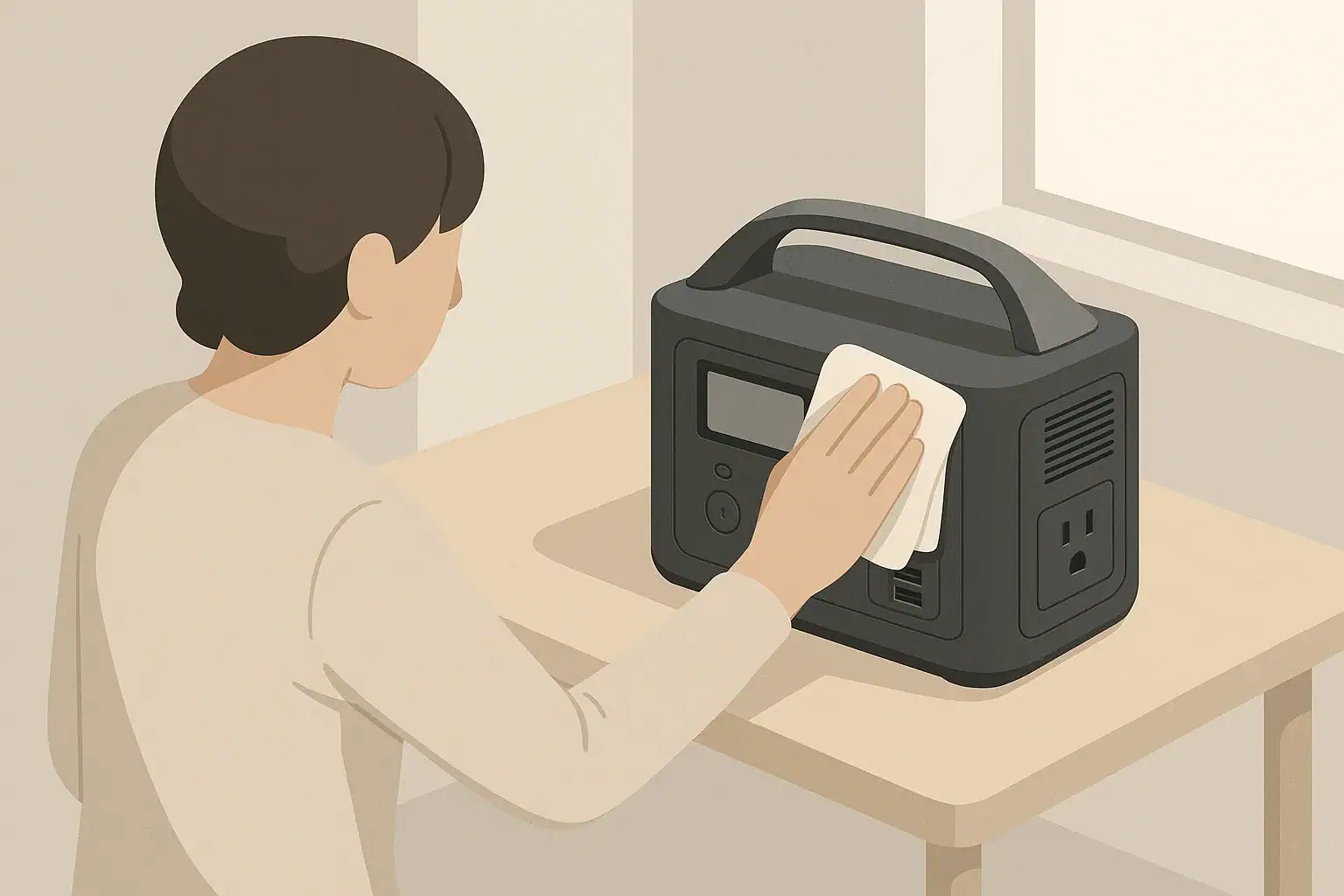
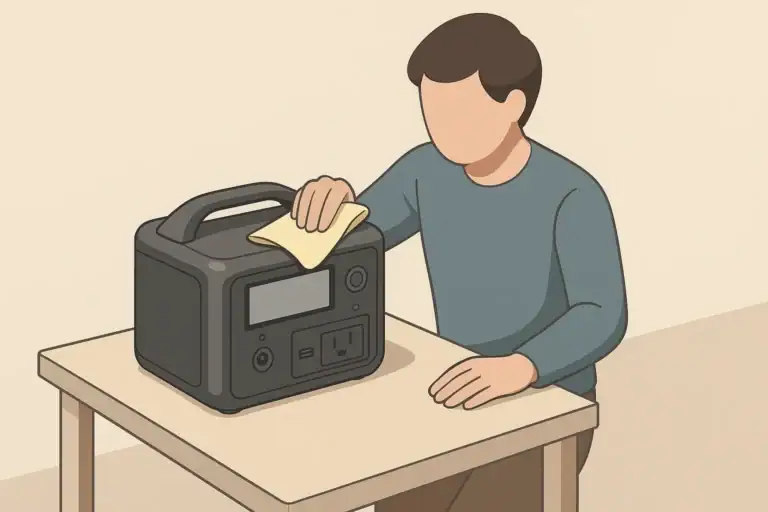
Routine checks help catch early signs of issues. Periodically inspect the unit for physical damage, loose ports, or unusual odors. Lightly clean dust from vents and surfaces with a dry or slightly damp cloth, keeping liquids away from ports. Confirm that firmware or software, if applicable, is up to date by following the manufacturer’s guidance, but do not attempt to open the casing or bypass safety features. With consistent, low-effort maintenance, a power station can remain dependable for years of intermittent or standby use.
| Scenario | Suggested SOC range | Check frequency | Notes |
|---|---|---|---|
| Emergency-only home backup | 70–100% | Every 1–2 months | Keep plugged in or top off regularly if outages are common |
| Seasonal camping or RV trips | 40–60% | Every 3–4 months | Charge to full a day or two before each trip |
| Daily remote work backup | 60–90% | Weekly | Can stay plugged in with occasional full discharge and recharge cycles |
| Rarely used household spare | 40–60% | Every 4–6 months | Store in a cool, dry place away from direct sun |
| Vehicle-based setup | 50–80% | Every 1–2 months | Avoid leaving fully charged in hot vehicles for long periods |
| Cold-weather storage | 50–70% | Every 3–4 months | Let unit warm to room temperature before charging |
| Shared family or office unit | 60–90% | Monthly | Assign someone to check SOC and cords for wear |
Practical takeaways and when to leave it plugged in
Whether you should leave a power station plugged in all the time depends on how you use it, how critical instant backup is, and how you prioritize long-term battery life. Occasional or seasonal users may prefer to store the unit at a partial charge and plug it in only before planned trips or storm seasons. People who rely on a power station for daily remote work or frequent outages may choose to keep it plugged in, accepting some extra wear in exchange for convenience.
Continuous plug-in is more reasonable when loads are modest, temperatures are moderate, and the unit is placed in a safe, ventilated location. It is less ideal if the power station is undersized for your devices, frequently overheats, or lives in a hot or cramped environment. In those cases, reducing load, improving placement, or unplugging between uses can improve performance and longevity.
- Match your loads to the power station’s continuous and surge ratings, with margin to spare.
- Use continuous plug-in mainly for critical or frequently used setups; otherwise, store at a partial charge.
- Place the unit on a stable, ventilated surface away from heat sources and flammable materials.
- Keep cords tidy and undamaged, and consider GFCI-protected outlets in garages or basements.
- Check the unit periodically for temperature, noise, and unexpected shutdowns as early warning signs.
- Avoid extreme heat or cold during storage, and let the unit warm to room temperature before charging.
- Consult the manual for chemistry-specific guidance on storage SOC and plug-in recommendations.
By combining right-sizing, mindful placement, and simple maintenance, you can safely decide when to keep your power station plugged in and when to give it a rest, maintaining both readiness and long-term reliability.
Additional practical example
Charge limits and user settings
More advanced units let you set:
- Maximum charge percentage (for example, stop at 80–90%) to reduce stress on the battery.
- Charge current or input limit to manage heat and circuit load.
- Eco or sleep modes that shut off outputs after a period of low load to cut idle draw.
These controls significantly affect whether always-on charging is merely acceptable or truly optimized for long-term use.
| Operating State | Typical Behavior | Impact When Left Plugged In |
|---|---|---|
| Plugged in, outputs off | Battery charges to target SoC, then charger idles | Low wear if room temperature and not stored at 100% for months |
| Plugged in, outputs on (no load) | Inverter and electronics idle, small standby draw | Minor extra cycling and heat, slightly faster aging |
| Plugged in, powering light loads | Acts like small UPS, occasional top-up cycles | Moderate cycling; fine for daily use with quality BMS |
| Plugged in, powering heavy loads | High internal temps, frequent fan use | More heat and cycles; long-term impact depends on cooling and design |
Frequently asked questions
Can I leave a power station plugged in all the time without damaging the battery?
Modern power stations often include charge-management systems that prevent overcharging, so leaving one plugged in as a backup is acceptable for many users. However, keeping a battery at 100% state-of-charge for long periods—especially in warm conditions—can accelerate calendar aging, so storage at a partial SOC is recommended if you won’t need immediate readiness.
Is it safe to use a power station as a UPS by leaving it plugged in and powering devices continuously?
Some units support pass-through charging and UPS-like operation, but not all are designed for continuous UPS duty. Check whether your model explicitly supports pass-through/UPS, verify that the charger input can meet your load, and ensure proper ventilation to avoid overheating when used this way.
How does leaving a power station plugged in affect battery life and what SOC should I maintain during storage?
Constant full charge increases long-term battery wear, and high temperatures make this effect worse. For storage, aim for the manufacturer-recommended SOC bands (commonly 40–60% for seasonal storage or 60–90% for regular backup) and top up every few months as needed.
What ventilation and placement practices should I follow if I plan to keep a power station plugged in?
Place the unit on a stable, flat surface with unobstructed air vents, away from flammable materials and heat sources. Avoid enclosed cabinets, direct sunlight, and very hot locations so internal cooling can work effectively while charging or powering loads.
Why does my power station not keep devices powered indefinitely when plugged in?
If the devices draw more power than the unit’s charger input can supply, the battery will slowly drain even while plugged in; some models also limit pass-through power or reduce charging when hot. Verify continuous and input wattage ratings and reduce loads or consult the manual if the unit behaves like it is losing charge while connected.
Related guides
Browse this topic →

- Beginner-friendly sizing, runtime & specs
- Solar & charging (MPPT, fast charging, cables)
- Batteries (LiFePO4, cycles, care & storage)
- Safety, cold-weather performance, real-world tips
More in Maintenance
See all →- Where to Store a Portable Power Station at Home: Heat, Humidity, and Access
- How App Control and Smart Charging Affect Portable Power Station Battery Health
- How to Maintain a Portable Power Station
- How Long Do Portable Power Stations Last?
- Are Portable Power Stations Sustainable? Repairability, Recycling, and E-Waste
Keep reading
About this site
Portable Energy Lab publishes practical, independent guides about portable power—clear sizing, safe use, and real-world expectations.
Affiliate disclosure
Some links on this site may be affiliate links. If you buy through these links, we may earn a small commission at no extra cost to you. This helps support our content. Read our affiliate disclosure.