
What the topic means (plain-English definition + why it matters)
Testing real capacity at home means checking how much usable energy your portable power station actually delivers compared with its listed watt-hour rating. Instead of relying only on the number printed on the label, you measure how long it can power known loads and calculate the energy that really comes out.
This matters because every power station loses some energy to heat, electronics, and inverter losses. The capacity you can actually use to run appliances is usually lower than the advertised value. Knowing the real capacity helps you plan runtimes during power outages, camping trips, remote work sessions, or RV use.
By running simple at-home tests, you can set realistic expectations for how long essentials like lights, routers, fans, and laptops will run. You can also compare your own results over time to notice changes in performance that may signal aging batteries or issues with how you use and store the unit.
Real capacity testing does not require advanced tools or technical expertise. With a few everyday appliances, a basic plug-in power meter if you have one, and some careful timing and math, you can create a repeatable process that works for your specific setup and climate.
Key concepts & sizing logic (watts vs Wh, surge vs running, efficiency losses)
Before testing, it helps to understand some basic terms. Watts (W) describe the rate at which a device uses power at any moment, similar to the speed of water flowing through a pipe. Watt-hours (Wh) describe the total amount of energy used over time, similar to the total volume of water that flowed. Your portable power station’s capacity is usually listed in watt-hours.
Surge watts refer to the brief, higher power draw when certain devices start up, like refrigerators, pumps, or some power tools. Running watts refer to the lower, steady draw after startup. Portable power stations must handle both, but surge ratings are usually tolerated only for a few seconds. When you test capacity, you are more interested in the running watts, because they dominate over the full test duration.
Efficiency losses mean that not all the energy stored in the battery becomes usable output. The inverter that turns DC battery power into 120 V AC, the internal wiring, and the power electronics all waste some energy as heat. The higher the load and the less efficient the system, the more you lose. As a result, many users see usable capacity that is only around 80–90% of the labeled watt-hours when using AC outlets.
To estimate runtimes, you use this basic logic: runtime in hours is approximately usable capacity in watt-hours divided by the average running watts of your devices. When you test at home, you are doing the reverse: you control the load and measure runtime to calculate how many watt-hours actually came out of the battery under your conditions.
| What to check | Why it matters | Typical example |
|---|---|---|
| State of charge before test | Starting from 100% makes results comparable | Charge fully until unit shows full or all LEDs lit |
| Ambient temperature | Extreme cold or heat changes battery performance | Room temperature around 60–77 °F as a reference |
| Load type | Stable loads give easier calculations than cycling loads | A constant small heater or incandescent lamp |
| Total power draw | Too small or too large loads skew efficiency | Roughly 15–40% of the station’s continuous rating |
| Measurement tools | Simple tools improve accuracy and repeatability | Wall timer, notebook, optional plug-in power meter |
| Safety conditions | Reduces risk during a long discharge test | Clear airflow, away from flammables and water |
| End-of-test point | Consistent stop point makes results comparable | Stop when unit shuts off or reaches 0% display |
Real-world examples (general illustrative numbers; no brand specs)
Testing at home follows a straightforward pattern. First, charge your portable power station to 100% and let it rest for a short period so the display stabilizes. Then connect a known load, such as a small space heater on a low setting or a string of incandescent bulbs, and record the time when you start the test. Let the system run until the power station shuts off on its own or reaches 0% and turns off output.
Suppose you use a heater that draws about 200 W steadily, and your power station runs it for 3 hours before shutting down. The approximate usable capacity equals 200 W times 3 hours, or 600 Wh. If the labeled capacity is 750 Wh, your test suggests about 80% usable capacity with that particular load and test method. That is within a reasonable range for many systems under real-world AC use.
As another example, imagine running a 60 W light and a 40 W router together for a combined 100 W load. If your station runs them for 5 hours, that is about 500 Wh delivered. If the label says 600 Wh, you are seeing around 83% of rated capacity. Repeating this test a few times on different days can give you a more reliable average, especially if room temperature and starting conditions stay similar.
These examples are simplified on purpose and assume reasonably stable loads. Devices that cycle on and off, like refrigerators or some fans, make testing more complex because the power draw changes over time. For home testing, starting with steady loads makes it much easier to understand your results and build confidence before you test more complicated setups.
Common mistakes & troubleshooting cues (why things shut off, why charging slows, etc.)
Several common mistakes can cause confusing results when you test real capacity. One is starting from less than a full charge. If you begin at 70% instead of 100% but calculate as if you had used the entire battery, your estimated capacity will look lower than reality. Always note the start and end state of charge shown on the display, and try to test from full whenever possible.
Another mistake is using loads that are too small or too large. Very small loads, like a single phone charger, may run for many hours but exaggerate apparent capacity because idle electronics inside the power station waste proportionally less energy. Very heavy loads near the station’s maximum continuous rating can reduce efficiency and make capacity look worse than typical everyday use. A moderate load often gives the most representative results.
Unexpected shutdowns during testing sometimes cause concern. Power stations usually shut off to protect the battery if voltage gets too low, temperature gets too high, or the output is overloaded. If your unit turns off early, check whether the load briefly exceeded its limits, the vents were blocked, or the room was too hot. Many models also have an automatic sleep function that turns off AC output at very low loads after a period of time; in that case the station is protecting itself, not failing.
Charging slowdowns can also affect testing schedules. If you see charging suddenly slow or pause, the unit may be balancing cells, limiting current due to heat, or simply reducing power as it nears a full charge. For reliable back-to-back tests, allow extra time for the unit to cool between full discharge and recharge, and avoid testing in direct sun or enclosed spaces that trap heat.
Safety basics (placement, ventilation, cords, heat, GFCI basics at a high level)
Even though testing real capacity at home uses everyday appliances, you are still dealing with concentrated stored energy and household voltage. Place the portable power station on a stable, flat surface where it cannot tip or be covered by blankets, clothing, or paper. Keep the unit away from sinks, bathtubs, and outdoor puddles, and avoid testing in damp or wet areas.
Ventilation is important. Most power stations rely on internal fans and passive vents to control temperature. During a long discharge test at moderate to high loads, the unit may get warm. Leave several inches of space around the vents, do not block them with walls or clutter, and keep dust or pet hair from building up in the openings. If you notice very hot surfaces or unusual smells, stop the test and let the unit cool while unplugged.
Use cords and power strips that are in good condition and have appropriate ratings for the load. Avoid daisy-chaining multiple power strips or using damaged extension cords, especially with higher-wattage devices like heaters. For outdoor or damp uses, outlets protected by ground-fault circuit interrupters (GFCI) provide an added layer of protection by cutting power if they detect imbalance between hot and neutral conductors.
If you are ever unsure about how to connect your portable power station to a larger home system, such as existing circuits or a transfer device, do not attempt to design or wire it yourself. Testing capacity is best done with stand-alone appliances plugged directly into the station. For any changes to building wiring or panel-based connections, consult a licensed electrician who understands local codes and safe integration practices.
Maintenance & storage (SOC, self-discharge, temperature ranges, routine checks)
Good maintenance habits make your real capacity tests more meaningful over time because they slow down capacity loss. Batteries gradually lose some maximum capacity as they age, and their performance is sensitive to how full they are kept and the temperatures they experience. Many portable power stations are happiest when stored at a partial state of charge rather than fully full or completely empty for long periods.
Self-discharge means that batteries slowly lose charge even when turned off. The rate depends on chemistry, age, and temperature. Checking state of charge every couple of months and topping up when needed helps ensure the unit is ready for emergencies and keeps your test results from being skewed by unexpected low starting levels. Avoid letting the battery sit at 0% for long, as that can accelerate degradation.
Temperature management is also important. Most manufacturers recommend storage at moderate indoor temperatures, often in the range of roughly 50–77 °F for long-term storage, with use allowed over a somewhat wider range. Very high heat can permanently reduce capacity, while extreme cold can temporarily reduce runtime and charging efficiency. If you plan to test capacity in cold conditions, let the unit warm up indoors before charging to full.
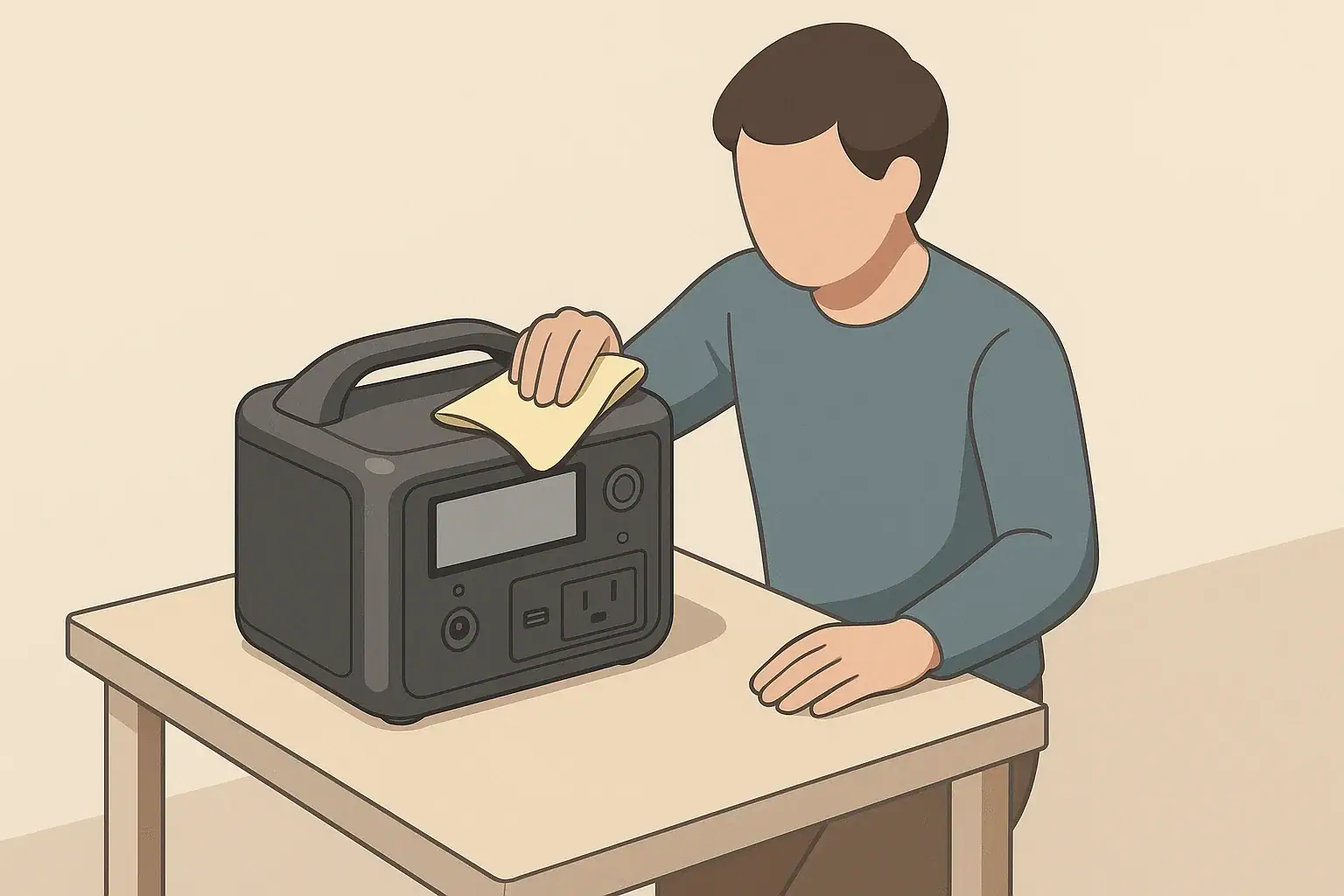
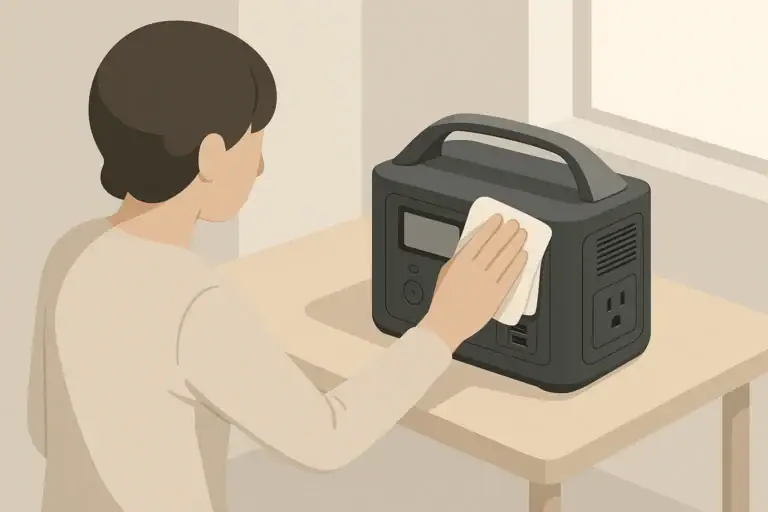
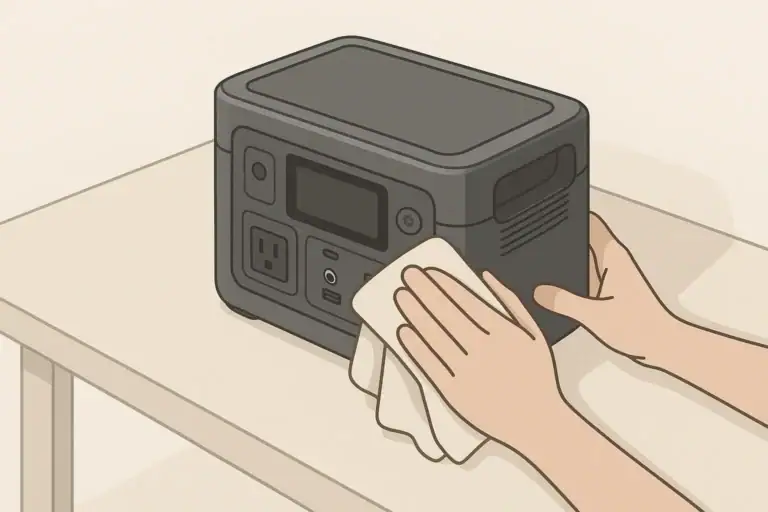
Routine visual checks are simple but effective. Look for damage to cases, cords, and outlets, and keep dust away from vents and fans. Wiping the exterior with a dry or lightly damp microfiber cloth and keeping the unit in a dry location protect both safety and performance. Periodic capacity tests, done under similar conditions each time, can serve as a long-term health check for the power station’s battery.
| Task | Suggested timing | Notes |
|---|---|---|
| Top up state of charge | Every 2–3 months | Keep around 40–60% if storing long term |
| Full charge and discharge test | 1–2 times per year | Track runtime to watch for capacity changes |
| Visual inspection of cords and outlets | Every few months | Check for cracks, discoloration, or loose fit |
| Vent and fan cleaning | Every 6 months or as needed | Gently remove dust with cloth or low suction |
| Storage location review | Seasonally | Confirm area is dry and temperature moderate |
| Label update with test results | After each capacity test | Note date, load, and runtime for reference |
| Battery health evaluation | Annually | Compare current test data with earlier records |
Example values for illustration.
Practical takeaways (non-salesy checklist bullets, no pitch)
Testing real capacity at home gives you a clearer picture of what your portable power station can actually do in everyday situations. By combining simple measurements with basic math, you can turn the labeled watt-hours into realistic expectations for your own appliances and habits. That knowledge is especially useful when planning for short outages, camping trips, or remote work sessions where you cannot easily recharge.
You do not need specialized instruments to get useful data. Carefully chosen loads, accurate timekeeping, and consistent test conditions go a long way. Recording your results in a notebook or digital document makes it easier to repeat the test later and notice trends as the battery ages or your usage patterns change.
As you build up a small set of test results, you can create your own quick reference for how long certain combinations of devices tend to run. That information can help you decide which loads to prioritize during an outage, how often you need to recharge on trips, and when it may be time to adjust your maintenance or storage practices.
- Charge to full and start tests from a known state of charge.
- Use steady, moderate loads to simplify calculations.
- Multiply average watts by runtime to estimate usable watt-hours.
- Expect some difference between labeled and usable capacity.
- Test under safe, well-ventilated, dry conditions.
- Repeat tests occasionally and log your numbers for comparison.
- Maintain moderate storage temperatures and partial charge for longevity.
- Consult a qualified electrician for anything involving building wiring.
Over time, these straightforward steps turn your portable power station from a black box with a big number on the label into a tool you understand and can rely on with confidence.
Frequently asked questions
How do I calculate usable watt-hours when I test real capacity at home?
Measure the average steady load in watts and the elapsed runtime in hours, then multiply watts by hours to get delivered watt-hours (W × h). Start the test from a known state of charge (ideally 100%) and stop at the same defined end point (unit shutdown or 0% display) so results are comparable. Record ambient conditions and start/end SOC to help interpret the result.
What type and size of load should I use for the most reliable home test?
Use a steady, resistive load in the moderate range (roughly 15–40% of the station’s continuous rating) because it gives consistent draw and representative efficiency. Examples include an incandescent lamp string or a low-setting space heater; avoid cyclical or highly variable loads like refrigerators for initial tests. Very small loads can overstate usable capacity and very large loads can understate it due to efficiency differences.
How do temperature and other environmental factors affect test results?
Battery performance drops in cold conditions and may be reduced temporarily until the unit warms up; high temperatures can lower capacity and trigger protective shutdowns. For comparable tests, perform them at moderate room temperatures and note ambient conditions so you can compare like with like over time. Poor ventilation during a long test can also increase internal heat and reduce delivered energy.
How often should I repeat capacity tests to monitor battery health?
Perform a full charge/discharge test one to two times per year to establish a baseline and watch for gradual capacity loss, and repeat sooner after events like deep discharges or exposure to extreme temperatures. Keep a simple log of date, load, runtime, and start/end SOC to track trends over time. More frequent testing may be useful if you suspect an issue or see unexpected runtime changes.
Is it safe to run a full discharge test at home, and what precautions should I take?
Yes, full discharge tests can be done safely if you follow basic precautions: place the unit on a stable, non-flammable surface with clear ventilation, use rated cords and avoid damaged power strips, and monitor for excessive heat or unusual smells. Stop the test immediately if you notice overheating or strange behavior, and do not attempt to wire the station into home circuits without a qualified electrician.
Recommended next:
Related guides
Browse this topic →
- Beginner-friendly sizing, runtime & specs
- Solar & charging (MPPT, fast charging, cables)
- Batteries (LiFePO4, cycles, care & storage)
- Safety, cold-weather performance, real-world tips
More in Maintenance
See all →Keep reading
About this site
Portable Energy Lab publishes practical, independent guides about portable power—clear sizing, safe use, and real-world expectations.
Affiliate disclosure
Some links on this site may be affiliate links. If you buy through these links, we may earn a small commission at no extra cost to you. This helps support our content. Learn more.