
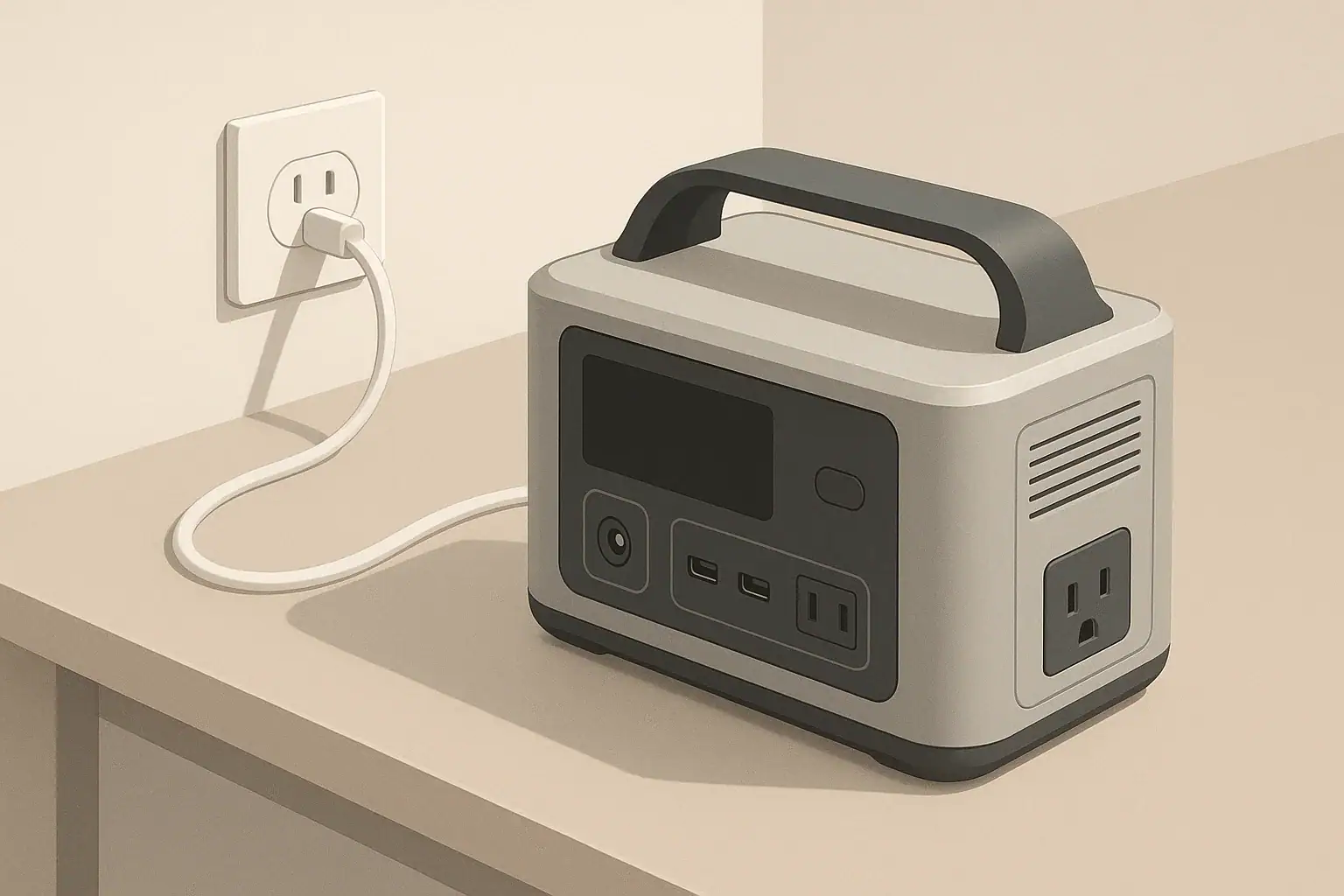
Charging slows down near 80–100% because the battery’s protection system deliberately reduces current to keep voltage, temperature, and cell balance within safe limits. This is normal behavior for lithium batteries in portable power stations, phones, laptops, and similar devices. It is not a sign of a weak charger or a failing battery.
Once you understand why charging feels fast at first and slow at the end, you can plan your charging schedule better, avoid unnecessary waiting, and reduce long‑term wear on your battery. This guide explains what is happening inside the battery, shows how it appears in real‑world use, and gives practical tips to decide when it is worth waiting for 100% and when stopping around 80–90% makes more sense.
The explanations here apply to most modern lithium‑ion and lithium iron phosphate (LiFePO4) portable power stations, as well as many other rechargeable devices that use similar charging strategies.
What the 80–100% Slowdown Really Means (And Why It Matters)
When people ask why charging slows down near 80 percent, they are really noticing the built‑in charge profile of lithium batteries. The battery accepts power quickly at lower states of charge, then tapers off as it approaches full to avoid overcharging and overheating.
In practical terms, this means:
- The jump from, for example, 20% to 70% can be surprisingly fast.
- The final stretch from about 80% to 100% can take almost as long as the earlier 20–60% part.
- A powerful wall charger or solar array speeds up the early part of charging but cannot remove the slowdown near full.
This matters for portable power stations because you often care more about usable runtime than about the exact percentage on the screen. Understanding the slowdown helps you:
- Decide when to unplug early to save time.
- Recognize normal behavior versus possible faults.
- Adopt habits that extend battery lifespan instead of shortening it.
How Lithium Batteries Charge: CC/CV, Cell Balancing, and Temperature Limits
Most portable power stations use a two‑stage charging method called constant current / constant voltage (CC/CV). A battery management system (BMS) supervises this process and adds extra protections.
Stage 1: Constant Current (Fast Part)
In the constant current stage, the charger sends a steady current into the battery until a target voltage is reached.
- The charger operates near its rated power (for example, 300 W or 600 W input).
- The battery percentage climbs quickly from low levels up to roughly 60–80%.
- The battery voltage rises as energy is stored.
Because the current is held high and steady, this stage feels fast. Manufacturers often advertise “0–80% in X minutes” because that portion takes place mostly in constant current.
Stage 2: Constant Voltage (Slow Top‑Off)
Once the pack reaches its target voltage, the BMS switches to constant voltage. Instead of pushing in as much current as possible, the system holds the voltage nearly constant and allows current to taper down gradually.
- Charging current drops as the battery gets closer to full.
- Each additional percent takes longer than the last.
- The last few percent may take as long as the jump from 20% to 60% did.
This is the main reason charging seems to “crawl” from about 80% to 100%.
Why the BMS Slows Charging Near Full
The BMS monitors voltage, current, and temperature at pack and cell level. Near the top of the charge, it slows things down for three main reasons:
- Safety: Prevents overvoltage and excessive heat that could damage cells.
- Cell balancing: Gently equalizes small differences between cells in the pack.
- Longevity: Reduces stress on battery materials at very high state of charge.
| Charge range (displayed %) | Charging stage | Typical behavior | What you notice |
|---|---|---|---|
| 0–20% | Constant current | High current, rising voltage | Percentage climbs quickly, device may warm up |
| 20–80% | Mostly constant current | Near‑maximum input power | Fast progress, advertised “quick charge” window |
| 80–95% | Transition to constant voltage | Current starts tapering | Percentage slows; time estimates stretch |
| 95–100% | Constant voltage | Very low current, cell balancing | Long dwell at 99–100%, fan noise usually lower |
Lithium‑Ion vs LiFePO4 Behavior
Both lithium‑ion and LiFePO4 packs use CC/CV, but their voltage curves differ:
- Lithium‑ion (NMC, NCA, etc.): Voltage rises more gradually; the slowdown feels spread over a wider range.
- LiFePO4: Voltage stays flatter through much of the range, then rises sharply near full; the slowdown can feel more sudden in the high 80–100% band.
In both cases, the visible result is the same: fast early charging, slow final top‑off.
Temperature Limits and Power Input
Temperature strongly affects how much current the BMS will allow:
- Cold conditions: The BMS may cut current early, extend the taper, or even block charging below a minimum temperature.
- Hot conditions: The BMS may lower input power or pause charging to prevent overheating, especially near full.
A high‑wattage charger or strong solar input can speed up the constant current stage, but once the BMS decides to taper, extra available power no longer makes charging faster.
Real‑World Charging Examples and What to Expect
Understanding the pattern is easier with concrete numbers. Actual values depend on battery size, charger rating, and temperature, but the ratios are surprisingly consistent across many portable power stations.
Example: 1 kWh Portable Power Station
Imagine a 1,000 Wh portable power station charging from a 500 W wall input under moderate room temperature. A typical charge session might look like this:
- 10% to 80%: roughly 1 hour.
- 80% to 100%: another 30–50 minutes.
- Total 10% to 100% time: about 1.5 hours or slightly more.
Even though the last 20% contains only one quarter of the total energy, it can take one third or more of the total time because of the tapering current.
Example: Smaller 300 Wh Unit with Lower Input
Now consider a 300 Wh unit limited to 120 W input:
- 10% to 80%: about 1.5–2 hours.
- 80% to 100%: about 40–60 minutes.
The absolute numbers are smaller, but the pattern is the same: the 80–100% segment is much slower than the 20–60% segment.
How the Display Can “Stick” Near the Top
State‑of‑charge (SoC) is an estimate, not a direct measurement. At high SoC, small changes in voltage and current provide less information, so the BMS relies more on learned behavior and conservative assumptions.
- The display may sit at 99% for a long time while tiny amounts of energy are added.
- The percentage may jump from 96% to 100% suddenly after a balancing cycle finishes.
- Time‑remaining estimates can fluctuate as the BMS re‑evaluates the taper rate.
All of this is normal and simply reflects the difficulty of measuring the last few percent precisely.
Solar and Vehicle Charging Examples
With solar or vehicle charging, the same slowdown appears, but with more variability:
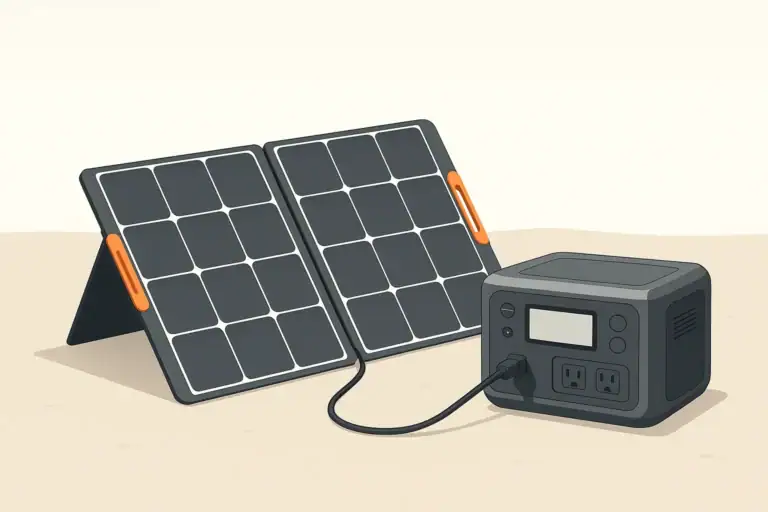
- Solar: Under full sun, the unit may pull its maximum solar input up to around 70–80%, then gradually reduce current even though the panels could supply more.
- Car outlet: Input is often limited (for example, 60–120 W). The constant current stage is already slower, and the constant voltage stage still adds extra time at the top.
If you notice that input watts drop sharply after around 80–90% while the sun or charger has not changed, that is simply the BMS tapering current in the constant voltage stage.
Common Mistakes and Troubleshooting Slow Charging
Because the 80–100% slowdown is normal, it can hide real problems. The key is to distinguish expected tapering from avoidable mistakes or hardware issues.
Normal vs Problem Behavior
These patterns are generally normal:
- Fast rise from low percentage to about 70–80%.
- Noticeable slowdown and falling input watts above 80%.
- Long dwell at 99–100% with very low input power.
- Moderate warmth during heavy charging, then cooling as current tapers.
These patterns may indicate a problem:
- Charging is very slow even below 50%, despite a suitable charger and cable.
- Percentage jumps backwards, resets, or never exceeds an unusually low value (for example, stops at 75% every time).
- The unit becomes excessively hot, or cooling fans run loudly for long periods even at the end of charging.
- Charging stops unexpectedly and does not resume until the unit is power‑cycled or cooled down.
| Symptom | Likely cause | Simple checks |
|---|---|---|
| Slow at all percentages | Under‑rated charger or cable, limited input setting | Confirm charger wattage, try a different cable, check input mode |
| Stops around 70–80% and will not go higher | Battery protection trigger or inaccurate SoC reading | Restart unit, perform a full discharge/charge cycle if recommended |
| Very hot case and loud fan near full | High ambient temperature or blocked ventilation | Move to cooler area, clear vents, avoid direct sun during charging |
| Percentage jumps suddenly at high SoC | BMS recalibration or cell balancing | Usually normal; observe over several full cycles |
Frequent User Mistakes
- Expecting linear time: Assuming that if 0–50% took 30 minutes, then 50–100% will take another 30 minutes. In reality, the second half is slower.
- Judging chargers only by the last 10%: Declaring a charger “bad” because it appears to slow down near full, even though that slowdown is controlled by the battery, not the charger.
- Testing in extreme temperatures: Evaluating performance in a hot car or freezing garage, where the BMS deliberately restricts current.
- Leaving the unit buried under gear: Blocking ventilation so the BMS must reduce power to keep temperatures in range.
Simple Troubleshooting Steps
- Test with the original or a known‑good charger and cable.
- Charge from a wall outlet at room temperature with no heavy loads running from the unit.
- Note the input watts at 30%, 60%, and 90%. A large drop only near 90% is normal; low power at 30% suggests an input or charger issue.
- If the unit never reaches full or stops at a fixed percentage, perform a full discharge and full recharge if the manual allows it, then re‑check.
Safety Basics When Charging Near 80–100%
Portable power stations are designed with multiple safety layers, but user habits still matter, especially near full charge when voltage and stored energy are highest.
How the System Protects Itself
- Overvoltage protection: The BMS prevents the pack from exceeding its maximum safe voltage.
- Overcurrent protection: Input current is limited to prevent overheating of cells and internal wiring.
- Temperature monitoring: Sensors can reduce power or stop charging if the pack becomes too hot or too cold.
- Cell balancing: High cells are gently bled down so that all cells stay within a safe window.
Practical Safety Habits
- Provide airflow: Keep vents clear and avoid covering the unit with blankets, clothing, or bags during charging.
- Avoid extreme temperatures: Charge in a cool, dry place whenever possible. Avoid charging in a closed, hot vehicle or directly in the sun.
- Use appropriate chargers: Use chargers that match the input voltage and wattage limits listed for the device. Higher‑watt chargers do not force the battery to charge faster beyond its programmed limits.
- Do not bypass protections: Avoid homemade adapters or wiring changes that could defeat built‑in safety features.
When to Be Cautious of the 80–100% Region
The high‑SoC region is where the battery is most sensitive to heat and overvoltage. Extra caution is useful if:
- The environment is very hot, such as a parked vehicle in summer.
- The unit is charging and discharging heavily at the same time (for example, charging while running high‑wattage appliances).
- You notice unusual smells, deformation, or repeated thermal shutdowns.
In such cases, stop charging, let the unit cool, and consult the manual or support resources before continuing.
Charging Habits, Storage, and Long‑Term Battery Health
Because the 80–100% region is slower and more stressful for lithium cells, adjusting your habits can improve both convenience and battery lifespan.
When You Do Not Need 100%
For everyday or light use, a full charge is often unnecessary. Examples include:
- Short day trips where you can recharge at night.
- Using the power station as a backup for small electronics or tools.
- Bench testing or experimenting with loads.
In these situations, unplugging at 80–90% can:
- Save 20–40 minutes of waiting time per charge cycle.
- Reduce the time the battery spends at its highest voltage.
- Support better long‑term capacity retention.
When Waiting for 100% Makes Sense
There are times when the slow final phase is worth it:
- Before extended camping trips without reliable power.
- When preparing for forecasted power outages or storms.
- Any situation where you plan to run larger appliances for many hours.
In those cases, start charging early so the last 20% finishes before you actually need to use the unit.
Storage and Partial Charge
For long‑term storage (weeks or months), many manufacturers recommend storing lithium batteries at a moderate state of charge rather than full:
- A typical recommended range is around 40–60%.
- Top up every few months if the battery slowly self‑discharges.
- Avoid leaving the unit plugged in at 100% for months unless the manual explicitly says this is how it is designed to be used.
Storing at moderate charge reduces chemical stress and can noticeably improve long‑term capacity retention.
Periodic Full Cycles for Calibration
Some BMS designs benefit from occasional full cycles to keep the state‑of‑charge estimate accurate. If recommended in your manual, you might:
- Once in a while, discharge the unit to a low but safe level.
- Then recharge it all the way to 100% in one continuous session.
This does not need to be done frequently, but it can help the percentage display track the real capacity more closely.
Practical Takeaways and Specs to Look For
Understanding why charging slows down near 80–100% helps you interpret what you see on the screen and choose gear that matches your needs.
In everyday use, it is often more efficient to focus on how quickly your portable power station can reach about 80% and how much runtime that provides, rather than obsessing over the last few percent.
Key Practical Takeaways
- Slower charging above roughly 80% is normal and driven by the battery, not a weak charger.
- The last 20% can take one third or more of the total charge time.
- Stopping around 80–90% saves time and can reduce long‑term wear for routine use.
- Waiting for 100% is best reserved for trips, outages, or heavy‑load scenarios.
- Temperature and ventilation significantly influence how quickly the unit can safely charge.
Specs to Look For When Comparing Portable Power Stations
When you compare models or plan how to use one you already own, these specifications and features help you understand real‑world charging behavior:
- Battery capacity (Wh): Determines how much energy the unit can store and how long it will run your devices.
- Maximum AC input power (W): Higher values shorten the constant current phase and get you to 60–80% faster.
- Maximum DC / car / solar input (W): Important if you plan to charge on the road or from panels.
- Advertised “0–80%” charge time: Gives a realistic picture of how fast the useful part of the charge completes.
- Battery chemistry (lithium‑ion vs LiFePO4): Affects cycle life, weight, and how sharply the slowdown appears near full.
- Charge limit settings: Some units let you cap charging at, for example, 80% or 90% to save time and extend battery life.
- Operating temperature range: Indicates how tolerant the unit is to hot or cold charging environments.
- Cooling design: Fan placement and ventilation help maintain safe temperatures at high input power.
- Display detail: Input watts, output watts, and estimated time remaining make it easier to see when tapering begins and to plan around it.
If you keep these points in mind, the slowdown near 80–100% becomes a predictable, manageable part of using any portable power station instead of a frustrating mystery.
Additional practical example
Charging while powering appliances
If the station is running a 200-watt appliance while receiving 300 watts, only the net difference is available to increase the battery’s charge. Near full, the BMS may reduce battery charging further while the connected load continues operating. The screen may show substantial input but little movement in battery percentage because some energy is passing directly to the load.
Frequently asked questions
Which specs or features should I check to understand real‑world charging speed?
Look at battery capacity (Wh), maximum AC and DC/solar input power (W), and the advertised 0–80% charge time for realistic expectations. Also check charge‑limit settings, operating temperature range, cooling design, and whether the display shows input watts and time remaining so you can see when tapering begins.
Is judging a charger by how fast it charges the last 10% a valid test?
No. The slow final 10% is usually caused by the battery’s CC/CV tapering and BMS cell balancing, not the charger’s poor performance. A charger that reaches the constant current stage quickly is still effective even if the last few percent take longer.
Is it unsafe to charge a portable power station near 100%?
Generally no — portable power stations include BMS protections for overvoltage, overcurrent, and temperature. However, exercise extra caution in very hot environments, if ventilation is blocked, or if you notice unusual heat or smells; in those cases stop charging and investigate.
Am I harming the battery by always charging to 100%?
Keeping a lithium battery at 100% all the time can modestly accelerate aging compared with storing or cycling at lower states of charge. For routine daily use, capping charging around 80–90% reduces stress and can extend long‑term capacity, while occasional full cycles can help calibration.
Why does my display sit at 99% for a long time?
State‑of‑charge estimates become less precise near full, and the BMS may add very small amounts of energy while balancing cells, so the percentage can appear to “stick.” This is normal and often resolves after balancing or when charging finishes.
Does temperature significantly affect charging speed?
Yes. The BMS reduces or blocks charging in cold or hot conditions to protect cells, which can extend the taper and overall charge time. Charging in a cool, ventilated area gives the most consistent and fastest safe charging.
Related guides
Browse this topic →

- Beginner-friendly sizing, runtime & specs
- Solar & charging (MPPT, fast charging, cables)
- Batteries (LiFePO4, cycles, care & storage)
- Safety, cold-weather performance, real-world tips
More in Charging
See all →- Can You Daisy-Chain Portable Power Stations? Why It Usually Isn’t a Good Idea
- USB-C Input vs AC Input on Portable Power Stations: Which Charging Method Makes Sense?
- Car Alternator Charging vs Cigarette Lighter Charging: What Changes for Power Stations?
- Charging a Portable Power Station From an RV Outlet: 12V, 24V, and Safety Limits
- Fast AC Charging vs Battery Longevity: Should You Use Turbo Mode Every Time?
Keep reading
About this site
Portable Energy Lab publishes practical, independent guides about portable power—clear sizing, safe use, and real-world expectations.
Affiliate disclosure
Some links on this site may be affiliate links. If you buy through these links, we may earn a small commission at no extra cost to you. This helps support our content. Read our affiliate disclosure.