
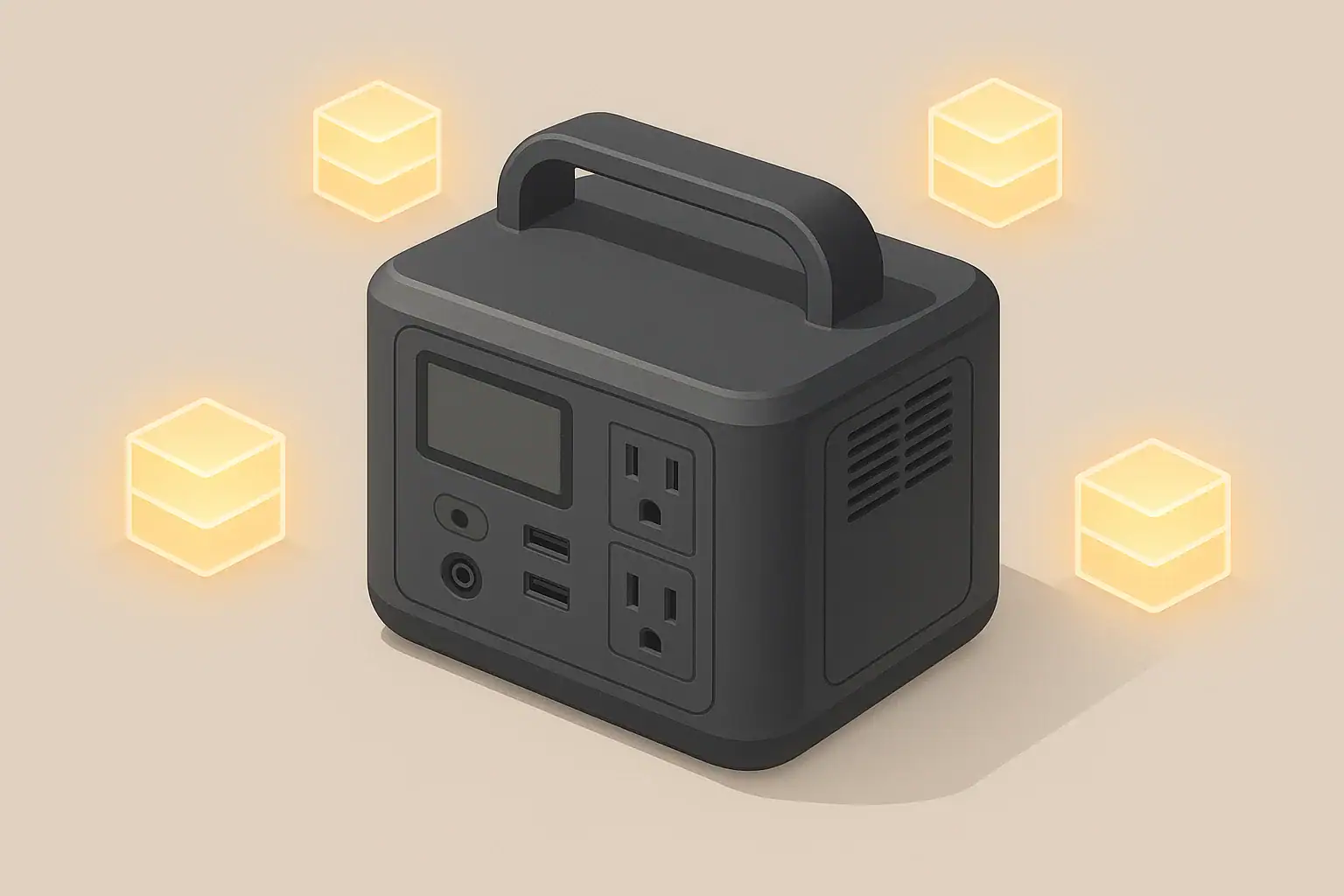
Inverter idle consumption is the power a portable power station uses just to keep its AC output turned on, even when nothing is plugged in or your devices are drawing very little. Any time the AC outlet or “inverter” switch is enabled, internal electronics stay awake, convert DC battery power to AC, and consume energy in the process.
This idle draw is usually small compared to running a large appliance, but it can add up over hours or days. For short bursts of use, you may barely notice it. For overnight runs, camping weekends, or longer power outages, idle consumption can noticeably reduce your available runtime.
Understanding inverter idle consumption helps you estimate how long your portable power station will last in real use, not just on paper. It explains why a battery may drain faster than expected when you leave AC on for convenience, and it helps you decide when to use AC versus DC outputs for small devices.
What Inverter Idle Consumption Means and Why It Matters
Knowing how much power is lost just by having AC enabled also guides habits like turning the inverter off when not needed, grouping AC usage into fewer time blocks, and choosing the most efficient way to power certain loads. These small decisions can significantly extend usable runtime from the same battery capacity.
Key Concepts: Watts, Watt-Hours, Surge, and Efficiency Losses
To understand inverter idle consumption, it helps to separate power (watts) from energy (watt-hours (Wh)). Power in watts (W) is the rate at which electricity is used at any moment. Energy in watt-hours (Wh) is how much electricity is used over time. Portable power stations are usually rated in watt-hours, which tells you how much load they can support for how long.
For example, if an inverter draws 10 watts of idle power, that is the continuous rate. If you leave AC on for 10 hours, it will use about 10 W × 10 h = 100 Wh of battery capacity, even before powering anything else. This is why a small continuous idle load can be significant over long periods.
Surge and running power ratings are also important to understand. The running rating (sometimes called continuous) is how many watts they can supply steadily. The surge rating is a short burst of higher power that some appliances need when starting, such as a refrigerator or a pump. Idle consumption happens well below either rating, but every bit of capacity spent on idle draw is capacity you cannot use for surge or running loads.
Finally, all inverters have efficiency losses. They convert DC battery power to AC power, and some energy becomes heat during this process. At low loads, efficiency is often worse, meaning more percentage of the power goes to overhead and heat. Idle consumption is essentially pure overhead: power spent to keep the AC system ready, not to do useful work. Factoring in these losses is critical when sizing a power station and planning runtimes for low or intermittent loads.
| What to check | Why it matters | Notes (example values) |
|---|---|---|
| Idle power draw in watts | Shows how much power is used with AC on and no load | Example: 8–25 W typical idle range |
| Battery capacity in Wh | Determines how long idle draw can be sustained | Example: 500–1500 Wh portable units |
| Expected AC-on hours per day | Converts idle watts into real energy loss | Example: 10 W × 12 h = 120 Wh used |
| Typical AC load level | Affects inverter efficiency at low vs high loads | Example: 30 W phone and router vs 300 W appliance |
| Use of DC/USB outputs | Can bypass inverter losses for small electronics | Example: phone charging over USB instead of AC brick |
| Auto-sleep or eco modes | May reduce idle draw by turning AC off with no load | Example: AC shuts down after several minutes at 0 W |
| Ambient temperature | Impacts cooling needs and efficiency | Example: higher fan use in hot environments |
Real-World Examples: How Idle Consumption Affects Runtime
Idle consumption becomes most noticeable with small or intermittent loads, where the inverter overhead is a large share of total power use. Consider a mid-size portable power station with a 1000 Wh battery and an inverter that draws 10 W with AC turned on but no load connected. If you left the AC switch on for 24 hours straight, the idle draw alone would consume about 240 Wh, or roughly one quarter of the battery capacity.
Now add a small continuous load, such as a Wi-Fi router and modem drawing 15 W together through AC. The inverter still consumes its 10 W overhead, so the total AC load becomes about 25 W. Over 24 hours, that uses 25 W × 24 h = 600 Wh. In this example, idle consumption is 10 W × 24 h = 240 Wh of that total. Idle draw accounts for 40% of the energy used, which is a major share of the battery.
Compare that with powering a larger device, such as a 300 W appliance running for 3 hours. If the same inverter overhead of 10 W applies, total draw might be about 310 W during those 3 hours. The inverter overhead then uses about 30 Wh (10 W × 3 h) versus 900 Wh for the appliance. Idle consumption is only a small fraction of the total, and you may hardly notice its effect on runtime.
Short, sporadic use also matters. If you flip AC on to charge a laptop for 30 minutes, then forget to turn it off, the inverter may sit idle at 10–20 W for hours afterward. Over an evening or night, that wasted energy can equal or exceed what you actually used to charge the laptop. Recognizing these patterns helps you adjust habits, such as batching AC tasks together and turning off AC output when devices are done.
Common Mistakes and Troubleshooting Cues
A frequent mistake is assuming that a portable power station only uses energy when something is plugged in. People are often surprised to find that the state of charge drops overnight even though they unplugged devices, but left the AC output switch on. In reality, inverter idle consumption has been slowly draining the battery the entire time.
Another common issue is misreading runtime estimates. Many users size their power stations based solely on the appliance wattage and battery watt-hours. They may ignore efficiency losses and idle draw, then wonder why a system cuts out earlier than expected. This is especially true with low loads like phone chargers or small fans, where overhead is a large percentage of total draw.
Unexpected shutoffs can also be related to idle behavior. Some units have eco or auto-sleep modes that turn off the inverter when the AC load drops below a threshold for a set time. If you are powering a device that has a very low standby draw—such as a clock, small charger, or some routers—the inverter may read this as “no load” and shut down AC, even though you wanted it to stay on.
Slow charging of the power station itself can be indirectly related to idle consumption. If you are pass-through charging (charging the battery while powering devices), a portion of the input power goes to inverter overhead and AC loads before any net energy reaches the battery. If your charger provides modest power and your loads plus inverter idle draw use most of that, the battery may charge very slowly or even hold steady instead of gaining energy.
Safety Basics: Placement, Ventilation, Cords, Heat, and GFCI
Because inverter idle consumption adds heat as well as using stored energy, safe placement and ventilation are important. Even when AC is on with no load, internal components can get warm. Place portable power stations on a stable, dry, non-flammable surface with clear airflow around vents. Avoid covering the unit or placing it in tightly enclosed spaces while AC power is active.
Use extension cords that are properly rated for your expected loads, keeping them as short as practical and avoiding damage, pinching, or tripping hazards. Long, undersized cords can overheat, especially when running higher-power appliances. Check plugs and receptacles periodically for warmth; consistent heat at connections can indicate a poor contact or undersized cord.
GFCI (ground-fault circuit interrupter) protection helps reduce the risk of shock in damp or outdoor environments. Many indoor extension cords are not GFCI-protected. When using a portable power station near moisture—such as in a garage, workshop, or campsite with damp ground—consider routing AC power through a GFCI-protected device or outlet rated for portable use. Do not modify the power station or bypass any built-in protection features.
Avoid creating ad-hoc wiring schemes to share power between the portable unit and building wiring. Do not plug a portable power station into a household outlet to backfeed circuits, and do not attempt to integrate it with home wiring without a properly designed solution. For any connection that interacts with a home electrical system, consult a qualified electrician and follow applicable codes and manufacturer guidance.
Maintenance and Storage: SOC, Self-Discharge, and Routine Checks
Inverter idle consumption ties directly into how you maintain and store your portable power station. If you forget to switch AC off before storage, the inverter can slowly drain the battery even when the unit is not actively used. Over weeks, this can lead to a very low state of charge (SOC), which is not healthy for most lithium-based batteries and can shorten their lifespan.
Most portable power stations also experience natural self-discharge, where the battery slowly loses charge over time even when powered off. Self-discharge is usually lower than inverter idle draw, but the two effects can combine if AC is left enabled. A practical approach is to store the unit at a moderate SOC—often around 40–60% is suggested in general battery guidance—and verify that all outputs, including AC, are switched off.
Temperature matters for both storage and operation. Storing or running a power station in very hot environments can accelerate aging and increase inverter cooling loads, while very cold conditions can reduce usable capacity and affect performance. Aim to store the unit in a cool, dry place within the temperature range recommended by the manufacturer, and avoid charging at extreme low or high temperatures.
Routine checks help catch issues early. Periodically power the unit on, confirm that AC, DC, and USB outputs behave normally, and verify that fans operate when the inverter is under load. If you notice the battery dropping faster than expected while AC is on with no or very light load, that can be a clue that idle consumption is higher than you assumed, or that an unnoticed standby device is drawing power.
| Task | Suggested interval | Example notes |
|---|---|---|
| Check state of charge (SOC) | Every 1–3 months | Top up to around mid-range if below about 30–40% |
| Verify AC output is off before storage | Every time you put it away | Prevents slow drain from inverter idle draw |
| Test AC and DC outputs with a small load | Every 3–6 months | Confirm inverter starts, fans run, and devices power correctly |
| Inspect vents and clean dust | Every 3–6 months or before long trips | Use a dry cloth or gentle air to keep airflow clear |
| Check cords and plugs for wear | Before major use or trips | Look for nicks, crushed sections, or hot spots after use |
| Store in moderate temperature | Ongoing | Aim for cool, dry locations away from direct sun |
| Full charge-discharge exercise (if recommended) | Occasionally, per manual guidance | Some units benefit from periodic full cycles for calibration |
Practical Takeaways: Reducing Wasted Power from Idle Inverters
Managing inverter idle consumption is less about complex calculations and more about everyday habits. Turning off the AC output when you are not actively using it is the single most effective step to reduce wasted energy. If you tend to leave AC on for convenience, especially overnight or between brief tasks, consider whether you can group AC-powered activities into fewer, longer sessions instead of many small ones.
Whenever possible, use DC or USB outputs for small electronics like phones, tablets, and some lights. These paths often bypass the inverter and avoid its idle overhead entirely. For devices that must use AC, be aware that very small loads can be relatively inefficient due to fixed inverter overhead and that some eco modes may shut off AC if the load is too low.
- Make a habit of checking that the AC switch is off before storage or sleep.
- Estimate idle losses by multiplying idle watts by expected AC-on hours.
- Use DC/USB outputs for small devices when practical.
- Watch for eco modes that may turn AC off with very low loads.
- Plan runtimes with both load watts and inverter overhead in mind.
- Keep the unit ventilated so idle and load heat can dissipate safely.
By understanding that keeping AC on has a constant cost in watts, you can plan more realistic runtimes for camping, outages, and remote work. With a few simple adjustments, the same portable power station can cover more hours of the loads that truly matter, rather than quietly burning capacity just to keep the inverter awake.
Frequently asked questions
How much power does inverter idle consumption typically use?
Most portable power station inverters draw roughly 8–25 watts when AC is enabled with no load, though some high-efficiency models can be lower and older or feature-rich units can be higher. Check the unit’s specification sheet or measure directly to know your inverter’s exact idle draw.
How can I measure inverter idle consumption myself?
Use an inline AC power meter to read watts while the AC output is switched on and no devices are plugged in, and record the energy used over several hours to get Wh. Some units also provide built-in monitoring that reports instantaneous watts and cumulative energy while AC is active.
Does inverter idle consumption change with temperature or battery state of charge?
Yes—higher ambient temperatures can cause fans to run and increase idle draw, and efficiency can shift slightly at different states of charge, affecting overhead. Extreme temperatures have a larger effect on cooling needs and usable capacity, so expect modest variation under typical conditions.
Will eco or auto-sleep modes remove idle consumption completely?
Eco or auto-sleep modes reduce idle consumption by shutting the inverter off when load falls below a threshold, but they do not eliminate all standby draw and can cause unwanted shutdowns for very low-draw devices. Review the mode behavior and threshold values so they match how you intend to use the AC output.
What are the best ways to minimize losses from inverter idle consumption?
Turn the AC output off when not needed, use DC/USB outputs for small electronics, batch AC tasks, and choose a unit with a low idle specification if long standby runtime matters. These habits and choices can meaningfully extend available battery hours.
Recommended next:
- Pure Sine Wave vs Modified Sine Wave: Does It Matter for a Portable Power Station?
- Surge Watts vs Running Watts: How to Size a Portable Power Station
- Inverter Efficiency Explained: Why Your Runtime Is Shorter Than Expected
- AC vs DC Power: How to Maximize Efficiency and Runtime
- How to Calculate Watt-Hours From Amp-Hours (and Avoid Common Mistakes)
- Why a 1000Wh Power Station Doesn’t Give 1000Wh: Usable Capacity Explained (Efficiency + Cutoffs)
- More in Capacity →
Related guides
Browse this topic →

- Beginner-friendly sizing, runtime & specs
- Solar & charging (MPPT, fast charging, cables)
- Batteries (LiFePO4, cycles, care & storage)
- Safety, cold-weather performance, real-world tips
More in Capacity
See all →- Battery Calibration Explained: When (and How) to Do a Full Discharge Without Damaging the Pack
- VA vs Watts Explained for Portable Power Stations: Computers, Power Supplies, and UPS Confusion
- Why a 1000Wh Power Station Doesn’t Give 1000Wh: Usable Capacity Explained (Efficiency + Cutoffs)
- How to Calculate Watt-Hours From Amp-Hours (and Avoid Common Mistakes)
- Inverter Efficiency Explained: Why Your Runtime Is Shorter Than Expected
Keep reading
About this site
Portable Energy Lab publishes practical, independent guides about portable power—clear sizing, safe use, and real-world expectations.
Affiliate disclosure
Some links on this site may be affiliate links. If you buy through these links, we may earn a small commission at no extra cost to you. This helps support our content. Learn more.