
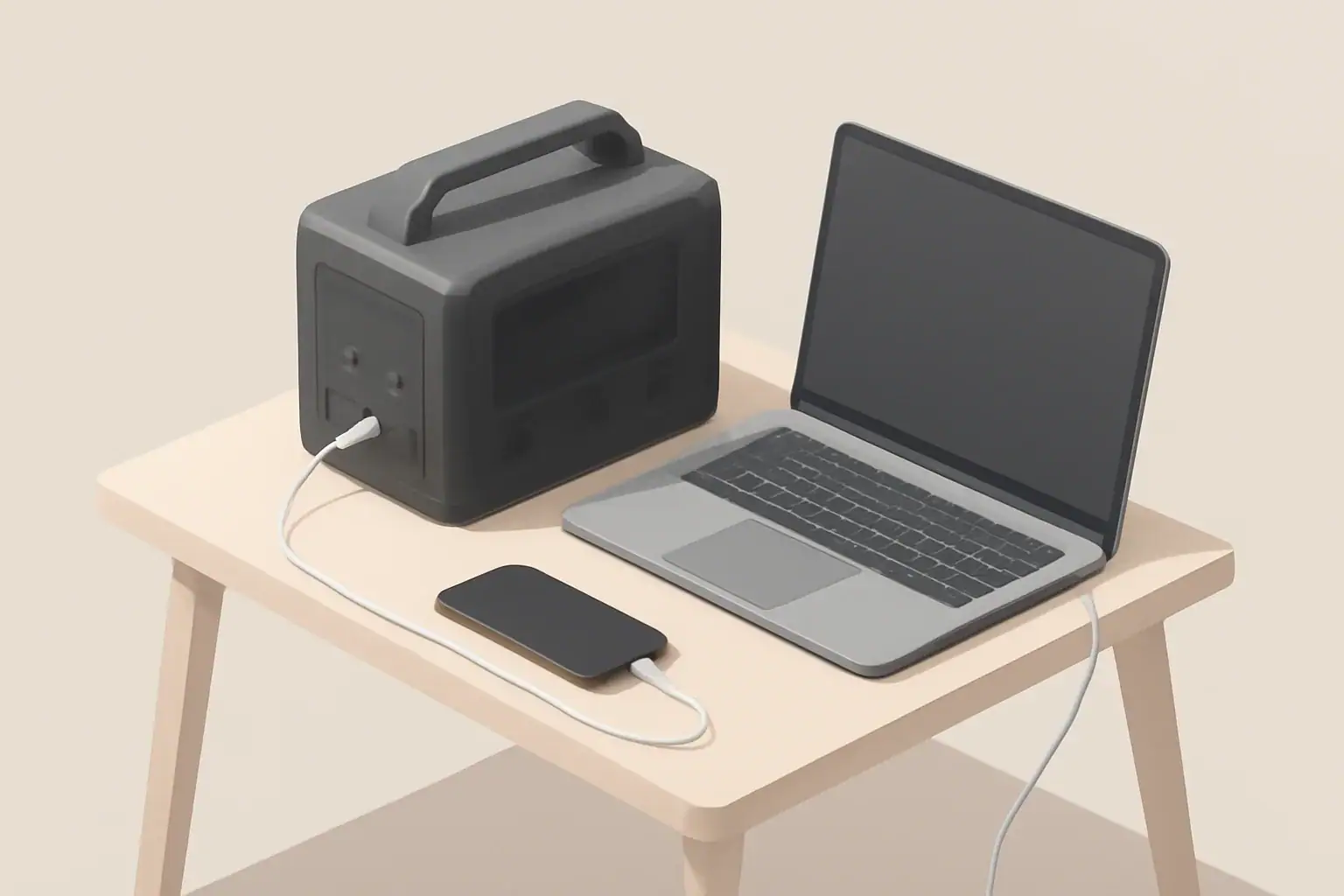
Portable power stations provide portable, reliable electricity for camping, work, and emergency backup. These all-in-one units combine a high-capacity battery with inverters, chargers, and multiple output ports so you can run AC appliances, charge phones and laptops, or power 12V devices without a generator. Choosing the right model involves trade-offs between capacity, weight, charging speed, and supported outputs. Practical considerations include how you will recharge the unit (wall, car, or solar), the continuous and surge inverter ratings for high-draw appliances, battery chemistry and expected cycle life, and whether pass-through charging or UPS-like behavior is needed. This guide breaks down the key specifications, sizing calculations, charging methods, and real-world use cases to help you match a unit to your needs and avoid common pitfalls. Also consider warranty, support, and replacement battery availability for long-term ownership.
What is a portable power station?
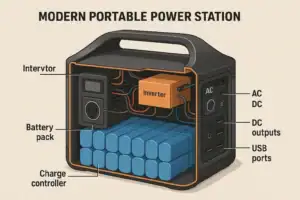
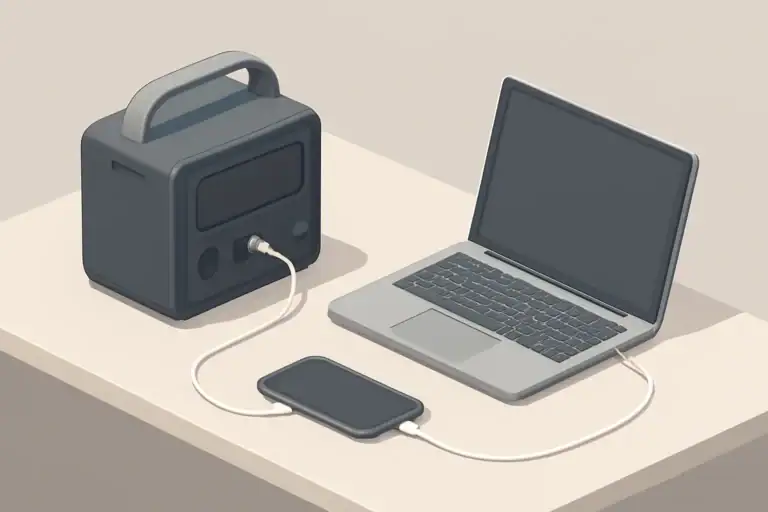
A portable power station is a compact battery system that stores electrical energy and delivers AC and DC power for devices and appliances. Unlike small power banks designed only for phones, these units offer higher capacity and multiple output types—such as AC outlets, USB ports, and 12V sockets—making them suitable for camping, job sites, emergency backup, and mobile offices.
Key specifications to compare
When shopping, the product specifications tell most of the story. Understanding the key metrics helps you match a unit to your needs.
Watt-hours (Wh) — usable energy
Watt-hours measure stored energy. Higher Wh means longer runtime or ability to power larger loads. For example, a 500 Wh unit can theoretically deliver 500 watts for one hour.
Keep in mind usable Wh can be lower than stated capacity due to inverter inefficiency and recommended battery depth of discharge.
Rated output in watts (continuous and peak)
Continuous watt rating indicates the maximum load the inverter can supply continuously. Peak or surge ratings show short-term capacity to start motors and compressors.
Match continuous watt rating to the appliances you expect to run. Devices with electric motors or heating elements often require higher startup power.
Inverter type and efficiency
The inverter converts DC battery power to AC. Pure sine wave inverters deliver clean power suitable for sensitive electronics. Modified sine inverters are cheaper but may not be appropriate for all devices.
Consider inverter efficiency; higher efficiency means less energy lost during conversion.
Battery chemistry
Common chemistries include lithium-ion and lithium iron phosphate. Differences affect energy density, lifespan (cycle life), thermal stability, and weight.
Battery chemistry influences cost and longevity. For frequent deep cycling, choose a chemistry with a higher cycle life.
Charging options and time
Check supported charging methods: AC wall charger, car (12V), solar input, and sometimes USB-C PD. Charging time varies by input power and supported maximum charging watts.
Faster charging can be convenient but may generate more heat—look for thermal management and manufacturer charging limits.
Pass-through charging
Pass-through charging allows the station to be charged while powering devices. This is useful for continuous setups but may reduce battery longevity if used constantly.
Ports and outlets
Review the number and types of outputs: AC outlets, USB-A, USB-C, car ports (12V), DC barrel ports, and specialized ports like Anderson Powerpole. Confirm voltage and amperage limits per port.
Portability: weight and form factor
Consider weight, handle design, and dimensions. Higher capacity units are heavier. If you plan to carry the unit frequently—hiking or rooftop storage—prioritize lower weight and ergonomic handles.
Noise levels
Some units include active cooling fans that run under load or during charging. If you need a quiet unit for camping or night use, look for quieter models or lower-noise cooling systems.
Operating temperature and cold weather performance
Batteries have temperature ranges for charging and discharge. Cold environments reduce effective capacity and may prevent charging in extreme cold. Check stated operating and storage temperatures.
Safety features
Essential protections include overcharge, overdischarge, short circuit, overcurrent, and thermal protection. For sensitive or medical applications, verify certifications and specific safety features.
Sizing and calculating capacity
Choosing the right capacity starts with determining what you want to power and for how long.
Step-by-step runtime calculation
1. List devices and their power draw in watts (check device labels or use typical values).
2. Estimate hours of use per device.
3. Multiply watts by hours to get watt-hours required per device.
4. Sum all watt-hours for total daily energy need.
5. Add a margin (20–30%) for inverter losses and unexpected usage.
Example calculation
If you want to power a 60 W laptop for 8 hours: 60 W × 8 h = 480 Wh. Accounting for inverter losses, you might need 600 Wh capacity.
A coffee maker drawing 1,000 W for 5 minutes (0.083 h) uses roughly 83 Wh—short high-power bursts matter more for inverter peak ratings than total Wh.
Charging methods and practical considerations
How you recharge affects portability and usefulness in off-grid situations.
AC wall charging
Fastest and most convenient when mains power is available. Charging wattage varies; higher input wattage reduces charge time.
Solar charging
Solar input enables off-grid recharging. Check maximum solar input watts, MPPT charge controllers, and required panel voltage range.
Consider available sun hours and panel portability for realistic recharge plans.
Car charging
Useful for road trips. Charging speed over a car outlet is typically slower than AC wall charging unless the unit supports higher input via DC fast charging.
USB-C Power Delivery and smart charging
USB-C PD provides efficient charging for laptops and phones and may support both input and output. If you rely on USB-C devices, prioritize units with high-watt PD ports.
Use cases and matching features
Different applications have distinct priorities. Match features to your primary use case.
Camping and vanlife
- Priorities: weight, quiet operation, solar charging support
- Small to mid-size capacity often suffices for lights, phones, and small appliances
RV and motorhome
- Priorities: higher capacity, multiple AC outlets, support for refrigerators and CPAP machines
- Check inverter continuous and surge ratings carefully
Home backup for outages
- Priorities: larger capacity, UPS-like features, safe indoor use
- Consider models designed for extended backup and with appropriate certifications
Remote work and job sites
- Priorities: high-watt USB-C PD, durable casing, multiple output types
- Balance capacity with portability for frequent transport
Maintenance, storage, and safety best practices
Proper care extends battery life and ensures safe operation.
Storage and self-discharge
Store in a cool, dry place with partial charge (often 40–60%). Avoid prolonged storage at 0% or 100% unless specified by the manufacturer.
Charging and cycle habits
Avoid keeping the unit at extreme states of charge. Regular moderate discharges and recharges typically prolong battery life.
Cleaning and inspection
Keep vents clear and ports clean. Inspect cables and connectors for damage before each use.
Cold weather and thermal management
Cold reduces capacity and may prevent charging. If you must use a unit in cold conditions, consider insulating it or keeping it in a temperature-controlled space when possible.
Safety around appliances and medical devices
For critical devices like medical equipment, confirm compatibility and consider units with UPS or regulated output modes. Always consult device documentation for power requirements.
Buying checklist and final considerations
Use this checklist to compare models and make a practical selection:
- Calculate required daily watt-hours and peak watt draw
- Confirm continuous and surge watt ratings meet your highest-load devices
- Choose battery capacity (Wh) with a margin for inverter losses and future needs
- Select appropriate battery chemistry for cycle life and safety needs
- Verify supported charging methods and maximum input watts for recharge speed
- Ensure needed ports and outlets are present and rated correctly
- Check weight and dimensions for intended mobility
- Review safety protections, certifications, and cold-weather specs if relevant
- Consider warranty, support options, and replacement battery availability
Prioritize the features that align with your typical use case rather than every available spec. Document realistic charging options and plan for how you will recharge in the field or during an outage.
Further reading
After narrowing your requirements, consult detailed product specifications, user manuals, and third-party performance tests to confirm real-world runtimes and reliability.
Frequently asked questions
How do I estimate the watt-hours needed for a weekend camping trip?
List each device and its watt draw, multiply by expected hours of use to get watt-hours per device, then sum those values. Add a 20–30% margin for inverter losses and unexpected use, and factor in any planned solar or vehicle recharging capacity.
Can a portable power station run a refrigerator or microwave?
Possibly, but you must check both the continuous watt rating and the surge (peak) rating; refrigerators and microwaves have high startup currents. Also ensure the unit has sufficient Wh capacity for the intended runtime and that the inverter provides a clean sine wave for sensitive motors or electronics.
Is solar charging practical for multi-day off-grid use?
Solar can be practical when panel wattage, available sun hours, and an MPPT controller match your daily energy needs; plan using realistic sun-hour estimates and account for weather variability. For reliable multi-day operation, size panels and battery capacity to maintain a charge window that covers expected consumption plus reserves.
How does cold weather affect performance and charging?
Cold temperatures reduce available capacity and can prevent charging until the battery warms to its safe charging range. Store units at partial charge in a warmer environment when possible, and consider insulating or moving the unit to a temperature-controlled area during use in very cold conditions.
What safety features are important when powering medical or critical devices?
Look for pure sine wave output, UPS-style or regulated output modes, certifications for safe indoor use, and protections such as overcurrent and thermal shutdown. Verify the device’s power requirements and consult medical device documentation before using a portable power station for critical equipment.
Recommended next:
Related guides
Browse this topic →

- Beginner-friendly sizing, runtime & specs
- Solar & charging (MPPT, fast charging, cables)
- Batteries (LiFePO4, cycles, care & storage)
- Safety, cold-weather performance, real-world tips
More in Beginners
See all →- Emergency Preparedness: Building a Home Backup Plan Around a Power Station
- Powering a 12V Fridge Efficiently: DC Options and Best Practices
- RV Basics: Using a Power Station for 12V Loads and House Power
- Camping Power Planning: A Simple Energy Budget for a Weekend
- Remote Work Power Kit: Keeping Laptop, Monitor, and Internet Running
Keep reading
About this site
Portable Energy Lab publishes practical, independent guides about portable power—clear sizing, safe use, and real-world expectations.
Affiliate disclosure
Some links on this site may be affiliate links. If you buy through these links, we may earn a small commission at no extra cost to you. This helps support our content. Learn more.