
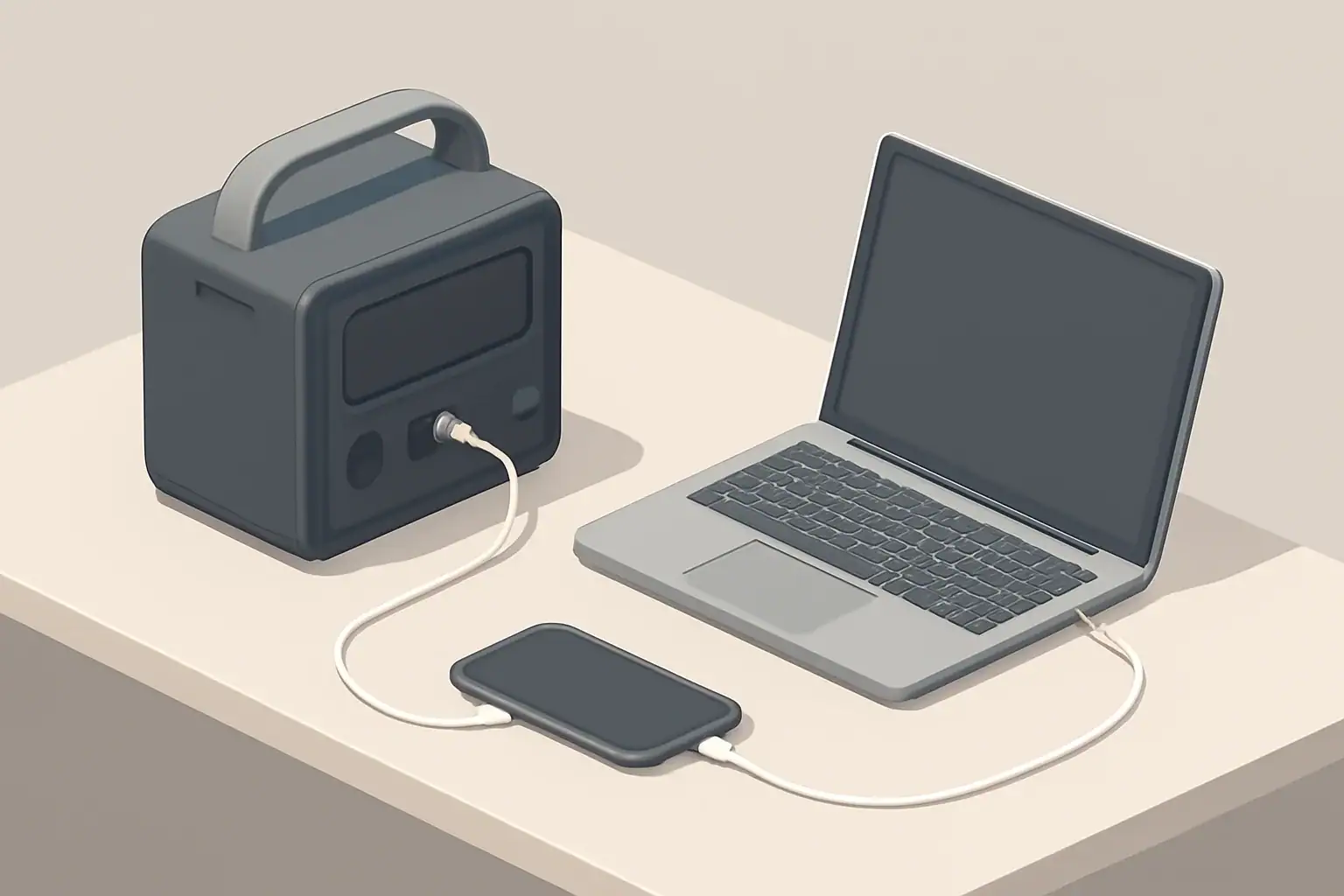
The most common portable power station mistakes come from misreading the specs, especially mixing up watts and watt-hours, and underestimating how much energy you actually need. If you fix those two issues and double-check ports, charging options, and safety limits, you can usually choose the right unit the first time.
This guide walks through the most frequent errors people make when buying a battery power station for camping, RVs, tailgating, or home backup. You will see what each spec really means, how it affects runtime, and how to match a unit to your devices without guesswork.
Instead of generic advice, you will get concrete examples, comparison tables, and quick troubleshooting cues. By the end, you will know how to read a spec sheet like a checklist and avoid paying for capacity or features you will never use.
What a Portable Power Station Really Does and Why It Matters
A portable power station is a rechargeable battery box with built-in electronics that lets you plug in AC and DC devices when there is no wall outlet. It sits between a small power bank and a full home backup system, making it popular for off-grid power, emergency preparedness, and mobile work setups.
Inside, the main components are:
- A battery pack that stores energy (measured in watt-hours, Wh)
- An inverter that turns DC battery power into AC outlet power (measured in watts, W)
- DC and USB converters for phones, laptops, and 12 V devices
- A charge controller to manage charging from wall, vehicle, or solar
Why this matters when buying: every part has limits. If you only look at one headline number (like “1000W”), you can end up with a station that technically turns on your gear but runs out of energy in an hour, or one that has a big battery but cannot handle the surge power of a fridge or power tool.
Understanding the difference between power, energy, and charging speed helps you match a power station to real-life use cases such as running a CPAP overnight, keeping a router and laptop online during an outage, or powering a cooler all weekend.
Key Specs and How They Actually Work
Most buying mistakes start with misinterpreting a few key specs. Here is how the main numbers work together.
Power (W) vs. Energy (Wh)
Watt-hours (Wh) describe how much energy is stored. A 500 Wh battery can theoretically deliver 500 W for 1 hour, or 100 W for 5 hours, before losses.
Watts (W) describe how fast energy is used or delivered at a moment in time. A 100 W light bulb draws 100 W while it is on. A power station inverter rated for 500 W continuous can run up to 500 W of AC load at once.
A simple approximation for runtime is:
Runtime (hours) ≈ Battery capacity (Wh) × 0.8 ÷ Load (W)
The 0.8 factor roughly accounts for inverter and system losses.
| Battery capacity (Wh) | Average load (W) | Estimated runtime (hours) |
|---|---|---|
| 300 Wh | 60 W (laptop + phone) | 300 × 0.8 ÷ 60 ≈ 4 hours |
| 500 Wh | 100 W (router + small TV) | 500 × 0.8 ÷ 100 ≈ 4 hours |
| 1000 Wh | 250 W (mini-fridge + lights) | 1000 × 0.8 ÷ 250 ≈ 3.2 hours |
| 1500 Wh | 80 W (CPAP + fan) | 1500 × 0.8 ÷ 80 ≈ 15 hours |
Inverter ratings: continuous vs. surge
The inverter has two important ratings:
- Continuous power (W): the maximum power it can deliver steadily.
- Surge or peak power (W): a higher short-term limit (often a few seconds) to handle motor startup.
Devices with compressors or motors (refrigerators, well pumps, some fans, some power tools) can draw 2–3 times their running watts at startup. If the surge rating is too low, the power station may shut down immediately.
Also check the waveform. Pure sine wave inverters generally work best and most reliably with sensitive electronics, chargers, and induction motors.
Battery chemistry and cycle life
Most portable power stations use either lithium iron phosphate (LiFePO4) or other lithium-ion chemistries. You will often see a cycle life rating such as “2,000 cycles to 80% capacity.” That means the battery is expected to retain about 80% of its original capacity after that many full charge–discharge cycles.
Higher cycle life is especially important if you plan to use the unit daily (for full-time RV living, off-grid cabins, or frequent jobsite use). For occasional emergency use, capacity retention over calendar years and proper storage matter more than daily cycling.
Charging inputs and speed
Charging options usually include AC wall charging, DC car charging, and optional solar input. The key spec is maximum input wattage, which defines how fast the unit can realistically recharge.
Approximate full-charge time can be estimated as:
Charge time (hours) ≈ Battery capacity (Wh) ÷ Input power (W)
In practice, the last 10–20% of charge may be slower as the battery management system tapers current, so add some margin.
Ports and compatibility
Look at both the number and type of outputs:
- AC outlets (for appliances, TVs, chargers)
- USB-A (standard charging)
- USB-C with Power Delivery (for laptops, tablets, fast-charging phones)
- 12 V car-style sockets and DC barrel ports (for coolers, some routers, ham radios)
Each port type has its own maximum wattage. A USB-C port that only provides 18 W may not power a power-hungry laptop that expects 60–100 W USB-C PD.
Real-World Portable Power Examples
To avoid buying the wrong station, it helps to translate specs into everyday scenarios. Below are simplified examples you can adapt to your own devices.
Example 1: Working through a power outage
Suppose you want to keep a laptop, Wi‑Fi router, and a small LED desk lamp running during a 4-hour outage.
- Laptop: 60 W while in use
- Router: 10 W
- LED lamp: 10 W
Total continuous load: 80 W.
Required energy (ideal) for 4 hours: 80 W × 4 h = 320 Wh.
Accounting for losses with a 0.8 factor: 320 Wh ÷ 0.8 ≈ 400 Wh usable battery capacity.
In this case, many buyers mistakenly choose a small 250–300 Wh unit based on price, then discover it only lasts 2–3 hours under real conditions.
Example 2: Overnight CPAP use while camping
Assume a CPAP draws 40 W on average without a heated humidifier, and you want 8 hours of sleep.
Energy need (ideal): 40 W × 8 h = 320 Wh.
Adjusted for losses: 320 Wh ÷ 0.8 ≈ 400 Wh usable capacity.
If you add a small 10 W fan and occasional phone charging (about 10 W average), the total becomes roughly 50 W, and the required usable capacity rises to about 500 Wh for a full night with margin.
Example 3: Weekend camping fridge
A typical portable compressor fridge might average 40–60 W over time, depending on size, insulation, ambient temperature, and how often it is opened. For a 24-hour period at 50 W average:
Energy need (ideal): 50 W × 24 h = 1200 Wh.
Adjusted for losses: 1200 Wh ÷ 0.8 ≈ 1500 Wh usable capacity.
Many buyers underestimate this and select a 500–700 Wh power station, which runs the fridge for less than a day unless solar panels are added and conditions are ideal.
Example 4: Tools and short high-power loads
Suppose you want to run a 600 W power tool intermittently for 1 hour total across a day. You also have 50 W of lights for 3 hours.
- Tool: 600 W × 1 h = 600 Wh
- Lights: 50 W × 3 h = 150 Wh
Total ideal energy: 750 Wh.
Adjusted for losses: 750 Wh ÷ 0.8 ≈ 940 Wh usable capacity.
Here, you need both a power station with at least a 600 W continuous inverter and close to 1000 Wh usable capacity. A common mistake is focusing on the inverter rating and ignoring the relatively small battery behind it.
Examples of realistic vs. unrealistic expectations
| Use case | Common unrealistic expectation | More realistic outcome |
|---|---|---|
| Mini-fridge on a 300 Wh unit | “It should run all day because it is a small fridge.” | Often 3–5 hours depending on duty cycle and temperature. |
| Full-size coffee maker on a 500 W inverter | “500 W is enough for anything small.” | Many drip brewers draw 800–1200 W and may overload the inverter. |
| CPAP on a 250 Wh unit overnight | “It is just a medical device, it must be efficient.” | Frequently runs out after 3–5 hours, especially with humidifier on. |
| Weekend camping with lights and cooler | “One charge will cover two nights easily.” | Often requires either a larger battery or daily solar/vehicle recharging. |
Common Buying Mistakes and How to Spot Them Early
This section focuses on the most frequent portable power station mistakes, plus quick troubleshooting cues you can use while comparing models.
Mistake 1: Confusing watts and watt-hours
Symptom during shopping: choosing a station because “it is 1000 W,” without checking battery capacity in Wh.
Result: it can run high-power devices briefly but drains quickly.
How to avoid: always calculate approximate runtime using battery Wh and your expected load. Treat inverter watts and battery watt-hours as separate decisions.
Mistake 2: Underestimating capacity needs
Symptom: picking the smallest battery that fits the budget and assuming it will “probably be enough.”
Result: frequent deep discharges, short runtimes, and the need to ration power.
Quick check:
- Add up your device wattage.
- Multiply by hours of use.
- Divide by 0.8 to account for losses.
- Choose a station with at least that many watt-hours, ideally 20–30% more.
Mistake 3: Ignoring inverter type and ratings
Symptom: the product page says “pure sine wave,” but you do not check continuous and surge wattage against your devices.
Result: tripping the inverter when a fridge or tool starts, or not being able to run a device at all.
Troubleshooting cue: look up both running watts and startup/surge watts of your biggest appliance. Confirm the inverter’s surge rating is comfortably above that number.
Mistake 4: Overlooking battery chemistry and cycle life
Symptom: comparing only capacity and price, ignoring cycle life and calendar life.
Result: a unit that loses useful capacity sooner than expected if used frequently.
How to avoid: read the cycle life spec (for example, “X cycles to 80%”). If you plan daily or weekly use, higher cycle life is usually worth paying for.
Mistake 5: Neglecting charging options and times
Symptom: assuming any wall charger or solar panel will refill the station quickly.
Result: arriving at camp or facing an outage with a half-charged battery and no fast way to top it off.
Troubleshooting cue: divide battery Wh by the stated AC input watts to estimate minimum charge time, then add 20–30% for tapering and inefficiencies. Do the same for solar and car charging.
Mistake 6: Assuming rated-runtime-equals-real-world-runtime
Symptom: trusting marketing claims like “runs a fridge for 20 hours” without reading the test conditions.
Result: disappointment when your fridge runs for half that time in hot weather or with frequent door openings.
How to avoid: use your own calculations with the 0.8 loss factor and consider worst-case conditions (higher ambient temperature, higher load, or longer use).
Mistake 7: Failing to check outlet types and port power
Symptom: buying based on total wattage while assuming all ports can deliver high power.
Result: a laptop that charges slowly or not at all via USB-C, or not enough AC outlets for your gear.
Troubleshooting cue: match each critical device to a specific port and confirm the port’s maximum wattage is equal to or higher than what the device expects.
Mistake 8: Not accounting for surge currents
Symptom: the station shows enough continuous watts on paper, but still shuts down when appliances start.
Result: intermittent power, inverter overload errors, or protective shutdowns.
How to avoid: for anything with a motor or compressor, assume startup draw can be 2–3× the running watts unless the manufacturer specifies otherwise. Choose an inverter with a surge rating that comfortably exceeds this.
Mistake 9: Overlooking weight, size, and portability
Symptom: focusing on capacity alone.
Result: a unit that is too heavy to move easily between car and campsite, or awkward to store in a small apartment.
Troubleshooting cue: check the weight in pounds and imagine carrying it with one hand up stairs or across a parking lot. For frequent moves, many people find 30–40 lb to be a practical upper limit.
Mistake 10: Ignoring environmental suitability
Symptom: using the station in very hot or cold conditions without checking its temperature ratings.
Result: reduced capacity, slower charging, or protective shutdowns in cold or heat.
How to avoid: compare your typical environment (garage in winter, hot van in summer) to the stated operating and storage temperature ranges.
Mistake 11: Skipping maintenance and storage requirements
Symptom: leaving the station fully charged or fully drained in a closet for a year.
Result: noticeable capacity loss or a battery that will not wake up easily.
Troubleshooting cue: plan to check and top up the battery every few months if it is not used regularly, and store it at a moderate state of charge in a cool, dry place.
Mistake 12: Overlooking warranty details and support
Symptom: treating all warranties as equivalent.
Result: surprises about what is actually covered if something fails.
How to avoid: read what the warranty covers (battery capacity loss, electronics, or manufacturing defects) and for how long. Note any conditions that could void coverage, such as using unsupported charging methods.
Safety Basics When Using a Portable Power Station
Portable power stations are generally safer than fuel generators, but they still concentrate significant energy in a small box. A few high-level practices reduce risk and help you stay within design limits.
Respect power and temperature limits
- Do not exceed the inverter’s continuous or surge ratings; frequent overloads stress components and may lead to shutdown or damage.
- Avoid using the station in direct, intense sunlight or in closed, unventilated spaces where heat cannot dissipate.
- Follow the stated operating temperature range, especially for charging; many batteries should not be charged below freezing.
Use appropriate cables and adapters
- Use cables rated for the current they will carry; thin or damaged cords can overheat.
- Avoid daisy-chaining multiple power strips or extension cords from a single outlet on the station.
- Check that DC barrel connectors and adapters match the voltage and polarity of the devices you are powering.
Ventilation and placement
- Place the station on a stable, dry, non-flammable surface.
- Keep vents clear; do not cover the unit with blankets or clothing, especially while charging or under heavy load.
- Keep away from standing water, rain, or heavy condensation.
Charging safety
- Only use compatible chargers and observe maximum input ratings for AC, car, and solar.
- If pass-through charging is allowed, monitor temperature and avoid running the station at its limits while charging continuously.
- Unplug the charger if you notice unusual smells, sounds, or excessive heat.
Device compatibility and critical loads
- Test critical devices (such as medical equipment) with the power station before relying on them in the field.
- For sensitive electronics, prefer pure sine wave AC outputs and avoid modified sine wave inverters when possible.
- Do not attempt to backfeed household wiring unless you have appropriate transfer equipment installed by a qualified professional.
Maintenance and Long-Term Storage
Proper care extends the useful life of your portable power station and helps it perform as expected when you actually need it.
Regular use and cycling
- Use the station periodically instead of leaving it idle for years; controlled cycling keeps the battery management system active.
- Avoid frequent full discharges to 0%; shallow to moderate cycles are generally easier on most lithium chemistries.
- Keep firmware up to date if your unit supports updates, as manufacturers may improve charging behavior or safety limits over time.
Storage level and environment
- Store the unit in a cool, dry place away from direct sunlight and moisture.
- Many lithium batteries prefer storage around 30–60% state of charge rather than 0% or 100% for long periods.
- Check the state of charge every 3–6 months and top up if it has fallen significantly.
Signs your power station needs attention
- Noticeably shorter runtimes with the same loads and conditions.
- Unusual noises from internal fans, or the unit becoming much hotter than usual under similar loads.
- Inconsistent state-of-charge readings or sudden drops in the battery indicator.
Simple maintenance actions
- Keep vents and fans free of dust and debris.
- Inspect cables, plugs, and ports for wear or damage; replace problem cables promptly.
- Label the unit with purchase date and any key specs so you can quickly reference age and capability during emergencies.
Practical Takeaways and Specs to Look For
Choosing the right portable power station is mainly about matching real energy needs to honest specifications and avoiding a few predictable traps.
Summarized, you will avoid most portable power station mistakes if you:
- Calculate your watt-hour needs instead of guessing.
- Ensure the inverter’s continuous and surge ratings exceed your heaviest loads.
- Confirm that ports, voltages, and power levels match your specific devices.
- Plan how you will recharge in real conditions, not just in theory.
- Respect safety and storage guidelines to preserve battery life.
Specs to look for checklist
Use this checklist as a quick reference when comparing models or reading spec sheets:
- Battery capacity: At least your calculated Wh need divided by 0.8, with 20–30% extra margin for inefficiencies and unplanned loads.
- Inverter rating: Continuous watts higher than your total expected load; surge watts comfortably above the startup draw of any motor-driven appliances.
- Waveform: Pure sine wave AC output for compatibility with sensitive electronics and motors.
- Ports: Enough AC outlets, plus USB-A and USB-C ports with wattage that matches your laptop, tablet, and phone requirements; appropriate DC outputs if you use 12 V gear.
- Charging inputs: Clear AC, car, and solar input wattage; realistic full-charge times that fit your use case (daily use vs. occasional backup).
- Battery chemistry and cycle life: Cycle life rating that matches how often you will use the unit (occasional vs. daily).
- Operating and storage temperatures: Ranges that fit your climate, vehicle storage, or garage conditions.
- Weight and size: Manageable for how often and how far you need to carry it.
- Warranty: Clear coverage for both the battery and electronics over a period that matches your expected ownership.
If you walk through this checklist with your own devices and scenarios in mind, you can quickly filter out units that look impressive in marketing but would disappoint in real-world use.
Frequently asked questions
What specs and features matter most when choosing a portable power station?
Focus on battery capacity (Wh) to determine runtime, inverter continuous and surge watt ratings to know what devices you can run, and port types/power for device compatibility. Also check maximum input wattage for recharge speed and battery cycle life for long-term durability.
How can mixing up watts and watt-hours lead to a bad purchase?
Watts describe how much power a device draws at a moment, while watt-hours measure stored energy; confusing them often results in picking a unit with a strong inverter but too small a battery. That produces short runtimes despite the ability to start or run the device briefly.
What are the key safety precautions when using a portable power station?
Keep the unit within its specified operating temperatures, avoid exceeding continuous and surge ratings, and ensure adequate ventilation and correct cabling. Test critical equipment beforehand and never backfeed household wiring without a proper transfer switch and professional installation.
How can I estimate how long a power station will run my devices?
Add up the wattage of your devices to get a total load, then divide the battery capacity in Wh by that load and apply an efficiency factor (commonly about 0.8) to estimate runtime. Be conservative and account for variable duty cycles and environmental factors that increase consumption.
How long does it typically take to recharge a portable power station?
Estimate charge time by dividing the battery capacity (Wh) by the maximum input power (W) of the charging method (AC, car, or solar), then add 20–30% for tapering and inefficiencies. Actual times vary with input limits, temperature, and the quality of the charger or solar array.
Is weight and portability an important factor to consider?
Yes — higher-capacity units are often heavy and can be difficult to transport frequently, so check the weight and plan how you will carry it. For regular on-the-go use, many people prefer units that they can lift comfortably by hand, typically under about 30–40 lb depending on the user.
Related guides
Browse this topic →
- Beginner-friendly sizing, runtime & specs
- Solar & charging (MPPT, fast charging, cables)
- Batteries (LiFePO4, cycles, care & storage)
- Safety, cold-weather performance, real-world tips
More in Beginners
See all →- Charging an Electric Wheelchair or Mobility Scooter From a Portable Power Station
- Portable Power Station for a Gaming PC: Runtime, Load Spikes, and UPS Considerations
- Portable Power Station for a Pop-Up Camper: Lights, Fans, Fridge, and Recharge Plan
- Portable Power Station for a Shed or Outbuilding: Lights, Chargers, and Security
- Portable Power Station for a Boat: 12V Loads, Salt Air, and Safer Storage
Keep reading
About this site
Portable Energy Lab publishes practical, independent guides about portable power—clear sizing, safe use, and real-world expectations.
Affiliate disclosure
Some links on this site may be affiliate links. If you buy through these links, we may earn a small commission at no extra cost to you. This helps support our content. Read our affiliate disclosure.