
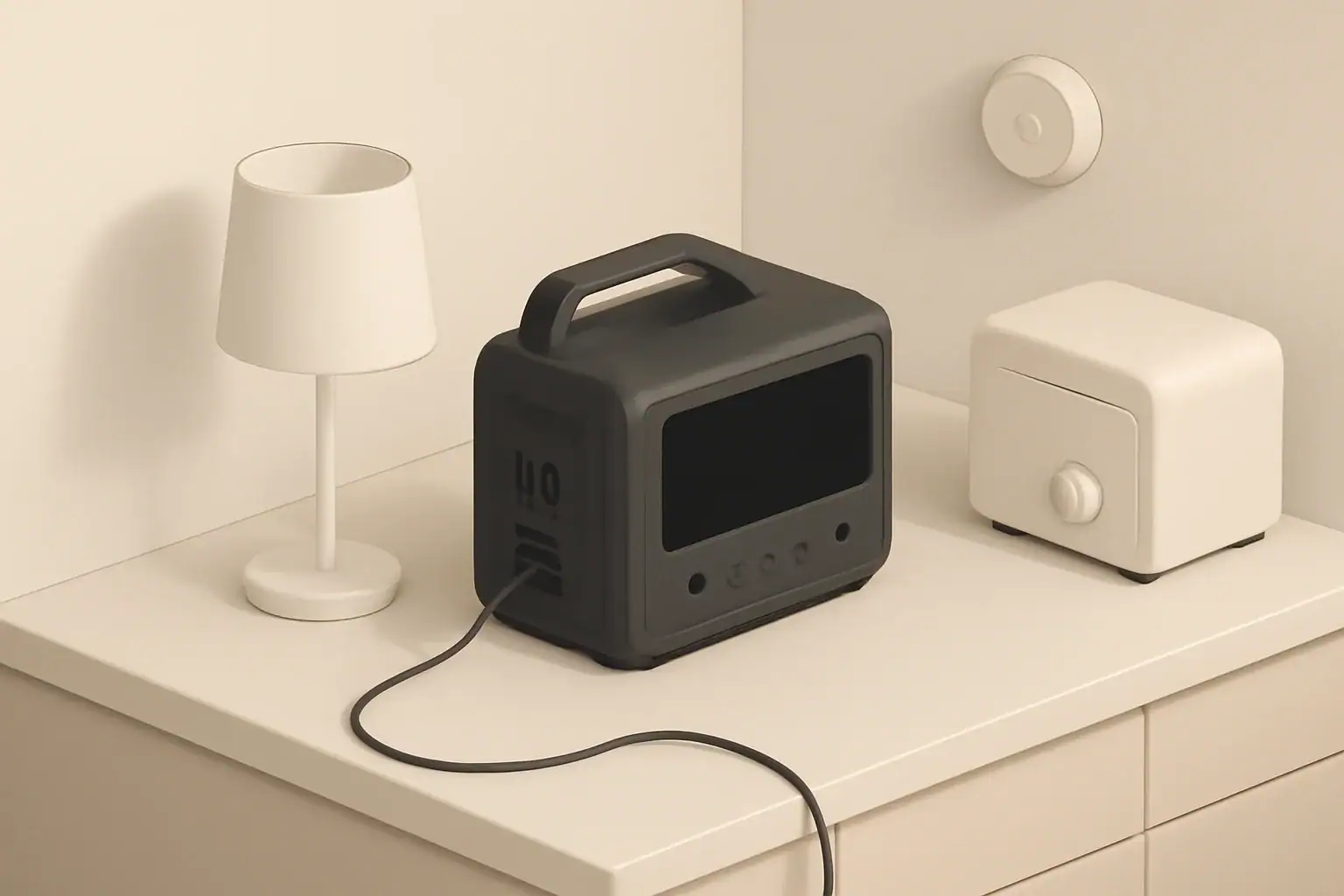
Portable power stations can safely provide short-term backup power in most apartments when sized correctly and used with basic precautions. For renters and condo owners who cannot install permanent generators or large battery systems, these compact units offer a practical way to keep lights, Wi‑Fi, laptops, phones, and some small appliances running during blackouts.
Because apartment living comes with limited space, shared electrical circuits, and stricter fire rules, choosing the right portable battery is less about maximum size and more about matching capacity, noise level, and safety features to your actual needs. This guide explains how portable power stations work in an apartment, how to estimate runtimes, and how to avoid common mistakes like overloading circuits or blocking ventilation. Campus housing and dorm rooms may impose additional battery, appliance, and fire-safety rules.
By the end, you will know how to size a unit for outages, set realistic expectations for what it can run, and create a simple plan so your backup power is ready before the lights go out.
What Portable Power Stations Do in Apartments and Why They Matter
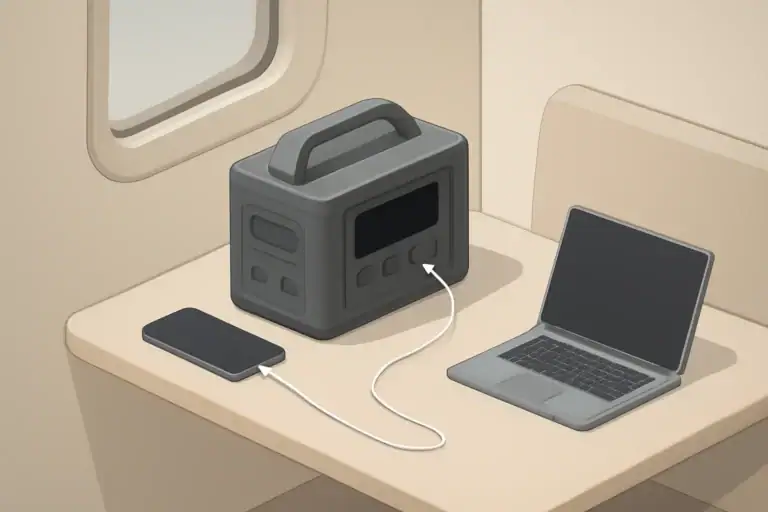
A portable power station is a rechargeable battery with an inverter and multiple output ports (AC outlets, USB, and DC). In an apartment, it acts like a temporary, quiet power source that you can move between rooms without any wiring changes.
For apartment dwellers, portable power stations matter because they solve several common problems:
- Short outages and rolling blackouts: Keep internet, phones, and basic lighting running without candles or noisy fuel generators.
- Remote work continuity: Power a laptop, monitor, and router through a workday if your building loses power.
- Essential comfort and safety: Run a small fan, charge flashlights, or keep a compact fridge or medication cooler operating for limited periods.
- Building restrictions: Provide backup power even when fuel generators are banned on balconies, rooftops, or common areas.
Unlike permanently installed systems, portable units stay completely within your leased space, so you usually do not need landlord approval for basic use, as long as you follow house rules about battery storage and fire safety.
Key Concepts: Capacity, Power, and How Apartment Use Works
To choose a portable power station for an apartment, you mainly need to understand three ideas: capacity (watt‑hours), power output (watts), and how they interact with your devices.
Capacity (watt‑hours, Wh)
Capacity tells you how much energy the battery can store. It is usually listed in watt‑hours (Wh). A simple way to think about it:
- Roughly 300–500 Wh: basic communications (router, phones, a laptop) for a few hours.
- Roughly 500–1000 Wh: remote work and some small appliances for part of a day.
- 1000+ Wh: longer runtimes and heavier loads like small refrigerators or multiple devices at once.
Real runtime is always less than the math suggests because of inverter losses and how your devices cycle on and off.
Power output (continuous watts and surge)
Power output tells you how much a station can deliver at once:
- Continuous watts: What it can supply steadily (for example, 600 W continuous).
- Surge watts: Short bursts for starting motors or compressors (for example, 1200 W surge).
Devices with motors (refrigerators, some fans, certain pumps) often need a surge several times higher than their running wattage when they start. In a small apartment, that means you must check both the running and startup needs of any appliance you want to support.
Inverter type and outlets
Most apartment users should look for a pure sine wave inverter, which closely mimics grid power and works well with laptops, routers, and medical electronics. A typical apartment‑friendly unit might include:
- One to four AC outlets for small appliances and chargers.
- USB‑A and USB‑C ports for phones, tablets, and newer laptops.
- 12 V DC outputs for some lights and accessories.
Battery chemistry and apartment implications
Two common chemistries are used in portable stations:
- Lithium‑ion (NMC or similar): Lighter, more compact, but typically fewer charge cycles.
- LiFePO4 (lithium iron phosphate): Often heavier for the same capacity, but usually longer cycle life and more stable thermal behavior, which can be reassuring in small indoor spaces.
Either chemistry can be safe indoors when built and used correctly, but LiFePO4 is often favored where frequent cycling and long service life matter.
Charging options in apartments
Most apartment users charge their stations from a standard wall outlet. Key points:
- Wall charging: Easiest and usually fastest; confirm that the charging power (for example, 300 W) is reasonable for the circuit you are using.
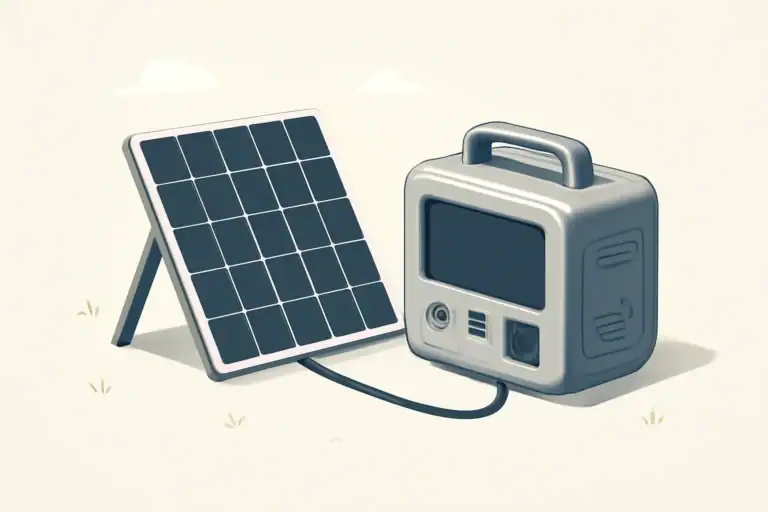
- Solar charging: Possible on balconies or near sunny windows if allowed, but shading and building rules often limit output.
- Car charging: Mostly useful for travel; less relevant if you park far from your unit.
In all cases, check estimated recharge times so you know how long it takes to refill after an outage.
| Device | Typical Power Draw (W) | 300 Wh Station (hrs) | 600 Wh Station (hrs) | 1000 Wh Station (hrs) |
|---|---|---|---|---|
| Wi‑Fi router | 10–20 | 10–20 | 20–40 | 35–70 |
| Laptop (office work) | 40–60 | 4–6 | 8–12 | 14–20 |
| LED light bulb | 8–12 | 15–25 | 30–50 | 55–90 |
| Mini fridge (average) | 40–80 (duty‑cycled) | 3–6 | 6–12 | 10–18 |
| CPAP (no heated hose) | 30–60 | 4–8 | 8–16 | 13–24 |
Real‑World Apartment Scenarios and How to Size Your System
Instead of thinking in abstract watt‑hours, it helps to build a few realistic apartment scenarios and work backward to a size that fits.
Step‑by‑step sizing method
- List essentials: Decide what you truly need during an outage (for example, router, phone charging, laptop, one light).
- Note wattage: Check the label on each device or use typical values (for example, laptop 60 W, router 15 W).
- Estimate runtime: Decide how many hours you want to run each device (for example, 8 hours overnight).
- Calculate energy: Multiply watts × hours for each device, then add them.
- Add overhead: Add 15–20% to cover inverter losses and real‑world variation.
Example: You want 8 hours of basic connectivity and light:
- Router: 15 W × 8 h = 120 Wh
- Laptop: 60 W × 4 h (not all night) = 240 Wh
- LED light: 10 W × 4 h = 40 Wh
Total = 400 Wh. Add 20% overhead → about 480 Wh. A unit in the 500 Wh range is a reasonable target for this scenario.
Typical apartment use cases
Here are common goals and what capacity ranges often make sense:
- Basic outage kit (lights, phones, router): 300–600 Wh, especially if outages are usually a few hours.
- Remote work day (laptop, monitor, router, phone): 500–1000 Wh, depending on whether you need a full 8‑hour day or just a few hours of coverage.
- Short fridge backup: Often 1000+ Wh plus adequate surge rating; test with your specific fridge to confirm.
- Medical device backup: Capacity depends on device and hours needed; confirm power draw and plan redundancy where possible.
Matching station size to apartment constraints
In a small unit, bigger is not always better. Consider:
- Weight: Large stations can weigh 30–60 lb, which is awkward to move between rooms or up stairs.
- Storage space: Check where it will live when not in use (closet floor, under a desk, beside a couch).
- Noise: Larger inverters and faster charging often mean louder fans, which can be noticeable in studios and bedrooms.
Many apartment residents end up with one mid‑size unit (around 500–1000 Wh) as a primary backup and possibly a smaller one for everyday device charging or travel.
| Use Case | Typical Devices | Suggested Capacity Range | Key Considerations |
|---|---|---|---|
| Short evening outage | Router, phones, 1–2 LED lights | 300–500 Wh | Prioritize quiet operation and small footprint. |
| Work‑from‑home backup | Laptop, monitor, router, phone | 500–1000 Wh | Check AC outlet count and USB‑C output. |
| Mini fridge support | Mini fridge, router, light | 1000–1500 Wh | Verify surge rating and test fridge startup. |
| Overnight CPAP backup | CPAP, small light, phone | 400–800 Wh | Use pure sine wave AC; confirm runtime in advance. |
| Shared household hub | Multiple phones, tablets, laptops | 500–1000 Wh | Look for many USB ports and fast charging. |
Common Apartment Mistakes and How to Troubleshoot Them
Portable power stations are simple to use, but apartment conditions create a few predictable problems. Recognizing them early helps you avoid tripped breakers, short runtimes, or overheating.
Mistake 1: Overestimating what the station can run
People often assume a station can power anything that physically plugs into it. In practice:
- High‑draw appliances (space heaters, hair dryers, electric kettles) can drain even large batteries in under an hour.
- Some devices will not start at all if the surge requirement exceeds the inverter’s rating.
Troubleshooting cue: If a device will not start or the station shuts down immediately, compare the device’s rated watts and startup behavior with the station’s continuous and surge limits. Try unplugging other loads and restarting with only that device.
Mistake 2: Ignoring shared apartment circuits while charging
In older buildings, multiple outlets may share a single breaker. Fast chargers can add 200–600 W of continuous load.
Troubleshooting cue: If a breaker trips when you plug in or while charging:
- Move the charger to a different outlet on another circuit if available.
- Avoid running other heavy loads (microwave, toaster, space heater) on the same circuit while charging.
- Use lower‑power charging modes if the unit supports them.
Mistake 3: Blocking ventilation in tight spaces
It is tempting to hide a power station in a cabinet or behind furniture. Without airflow, heat builds up, fans run constantly, or the unit may shut down.
Troubleshooting cue: If you notice frequent fan noise, warm surfaces, or thermal warnings:
- Move the unit to an open area with a few inches of space around vents.
- Reduce the load or pause charging until it cools.
- Keep dust and pet hair away from vents.
Mistake 4: Not testing critical devices before an outage
Devices like refrigerators and medical equipment may behave differently than you expect. Waiting until a real outage to test them is risky.
Troubleshooting cue: Before relying on the station:
- Connect the device while grid power is available and observe startup and runtime.
- Check whether alarms, error lights, or overheating occur.
- Adjust your plan if runtime is shorter than expected.
Mistake 5: Letting the battery sit unused and fully discharged
Leaving a station drained for months can shorten battery life or prevent it from waking up.
Troubleshooting cue: If the unit will not turn on after long storage:
- Try charging it with the supplied charger for several hours even if the display stays dark at first.
- If it still does not respond, consult the manual for storage recovery guidance or contact support.
- Going forward, store it partially charged and top it up every few months.
High‑Level Safety Basics for Using Batteries in Apartments
Portable power stations are designed for indoor use, but apartments add constraints like shared hallways, limited escape routes, and nearby neighbors. A few high‑level practices significantly reduce risk.
Placement and environment
- Place the unit on a stable, non‑combustible surface such as tile, concrete, or a solid shelf.
- Keep it away from bedding, curtains, stacks of paper, or other easily ignited materials.
- Provide several inches of clearance around all vents so air can circulate freely.
- Avoid operating it in closets, sealed cabinets, or directly under hanging clothing.
Building and lease considerations
- Review building policies for limits on lithium battery size or storage locations.
- Do not store large batteries in common hallways or stairwells unless explicitly allowed.
- Consider notifying management if you plan to keep multiple large units in a small apartment.
Charging and cord safety
- Use only the supplied or approved chargers and cables.
- Do not run extension cords under rugs or across high‑traffic walkways.
- Avoid daisy‑chaining power strips or plugging the station into an overloaded multi‑tap adapter.
- Unplug the charger if you notice unusual smells, excessive heat, or visible damage.
Battery condition and end of life
- Stop using the station if the case is cracked, swollen, or discolored.
- Do not attempt to open the enclosure or replace internal cells yourself.
- Follow local guidelines for recycling or disposal when the battery no longer holds useful charge.
Maintenance and Long‑Term Use in Small Spaces
A little routine care keeps your apartment power station reliable for years and reduces the chance of failure during a blackout.
Storage level and cycling
- For long breaks between uses, store the battery around 40–60% charge unless the manual specifies otherwise.
- Every few months, discharge it modestly through normal use and recharge it to keep the cells active.
- Avoid leaving it at 0% or 100% for many weeks in a warm room.
Temperature and humidity
- Keep the unit in a cool, dry place away from direct sunlight, radiators, or heaters.
- Avoid storage in damp basements or unconditioned attics if you live in a multi‑level building.
- In very hot climates, consider placing it in the coolest room to reduce thermal stress.
Periodic inspection and testing
- Inspect the case, ports, and cables for damage, corrosion, or loose connections.
- Clean vents gently with a dry cloth or low‑power vacuum attachment to remove dust and pet hair.
- Test your planned outage setup (router, lights, laptop, or other essentials) once or twice a year.
Apartment‑friendly organization
- Store the station where you can reach it in the dark, such as near the main living area or hallway.
- Keep a small “power outage kit” next to it: extension cord rated for the load, LED lamp, and any adapters you need.
- Label which devices you will plug in first so household members can follow the plan without guesswork.
Practical Takeaways and Specs to Look For
Choosing a portable power station for an apartment is easier when you translate technical specs into simple yes/no checks and realistic expectations for your space.
Key takeaways for apartment use
- Decide what you truly need to power for 4–12 hours; size the station around those essentials, not every appliance you own.
- Expect to support electronics, lights, and small appliances comfortably; treat high‑wattage heaters and cookers as off‑limits.
- Prioritize quiet operation, safe indoor placement, and manageable weight over maximum capacity.
- Test your setup under normal conditions so you know how long it actually lasts before a real outage.
Specs to look for checklist
- Capacity (Wh): Matches your calculated needs; for many apartments, 500–1000 Wh strikes a good balance.
- Continuous / surge watts: Continuous rating higher than the sum of your simultaneous loads; surge rating adequate for any motor‑driven devices.
- Inverter type: Pure sine wave output for laptops, routers, and sensitive electronics.
- Battery chemistry: Lithium‑ion or LiFePO4, with cycle life and warranty suitable for how often you expect to use it.
- Ports and layout: Enough AC outlets and USB ports so you do not need multiple power strips; at least one high‑power USB‑C if you use modern laptops.
- Noise level: Fan noise acceptable for your sleeping and working areas; consider placement in a hallway or corner to reduce disturbance.
- Charging speed and flexibility: Wall charging time that fits your schedule; optional solar input if balcony or window use is realistic.
- Size and weight: Compact enough to store easily and light enough to move between rooms without strain.
- Display and controls: Clear state‑of‑charge indicator, remaining runtime estimate, and simple buttons that are easy to read in low light.
- Safety features: Overload, short‑circuit, over‑temperature, and low‑temperature protections clearly documented.
If you match these specs to your apartment layout, outage history, and daily habits, a portable power station can become a reliable, low‑maintenance part of your home’s resilience without taking over your living space.
Extra considerations for renters
Renters should plan around lease rules, shared spaces, and limited cable routes. Keep the station inside the apartment in a dry, ventilated location, do not block an exit with extension cords, and do not place equipment in a common hallway or other area controlled by the building.
A portable station should power selected devices directly. Never connect it to an apartment receptacle or attempt to energize building wiring through a homemade backfeed connection. If a permanently connected circuit or transfer equipment is needed, the property owner and a qualified electrician must be involved.
Include emergency lighting during an outage in the apartment load plan, because efficient lights usually preserve far more runtime than heating or cooking loads.
Frequently asked questions
Which specs and features matter most when choosing a portable power station for an apartment?
Prioritize capacity (watt‑hours) for the runtime you need and continuous/surge watt ratings to ensure the station can run and start your intended devices. Look for a pure sine wave inverter for sensitive electronics, enough AC and USB ports to avoid daisy‑chaining, and documented safety protections; also consider weight and noise for indoor use.
How can I avoid overloading shared apartment circuits while charging or using a station?
Check the circuit breaker rating and spread high‑draw devices across different outlets or circuits when possible. Avoid running heavy appliances on the same circuit while charging, use lower charging rates if available, and unplug other loads if breakers trip.
Is it safe to store and operate a portable power station inside my apartment?
Yes, if you follow basic precautions: place it on a stable, noncombustible surface with clearance around vents, keep it away from flammable materials, use the supplied charger, and follow building rules about lithium battery storage. Regular inspection and storing at a partial charge reduce long‑term risk.
Can a portable power station run high‑wattage appliances like space heaters or full‑size refrigerators?
Most compact stations are not suitable for space heaters or other very high‑wattage appliances because those loads quickly drain batteries and may exceed inverter limits. Some refrigerators may work if the station has adequate continuous and surge ratings, but you should test the specific fridge and confirm startup surge capacity before relying on it.
How long will a 500 Wh station typically power a laptop and a router?
Assuming a laptop uses about 50–60 W and a router 10–20 W, the combined draw is roughly 60–80 W; a 500 Wh battery would run them for about 6–8 hours in ideal math. After accounting for inverter losses and real‑world cycling, expect around 4.5–6 hours of practical runtime.
Related guides
Browse this topic →
- Beginner-friendly sizing, runtime & specs
- Solar & charging (MPPT, fast charging, cables)
- Batteries (LiFePO4, cycles, care & storage)
- Safety, cold-weather performance, real-world tips
More in Home / Appliances
See all →Keep reading
About this site
Portable Energy Lab publishes practical, independent guides about portable power—clear sizing, safe use, and real-world expectations.
Affiliate disclosure
Some links on this site may be affiliate links. If you buy through these links, we may earn a small commission at no extra cost to you. This helps support our content. Read our affiliate disclosure.