
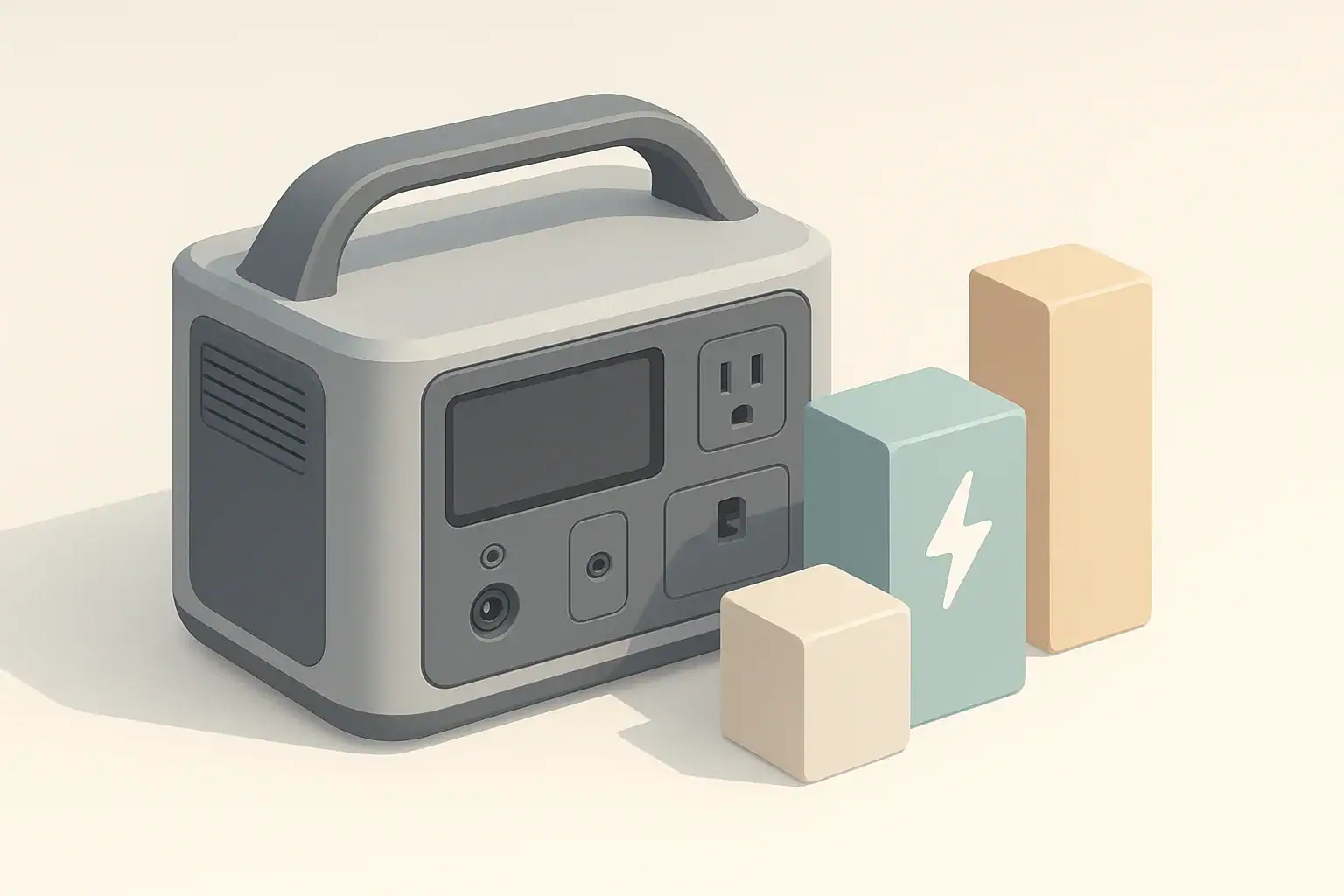
VA and watts are related but not the same: watts measure the real power your devices actually use, while VA (volt-amperes) measure apparent power and can be higher than the usable watts. For portable power stations, computers, and UPS units, you should always size and compare equipment using watts, not VA, to avoid overloads and surprise shutdowns.
This guide explains how VA and watts work together, how they show up on UPS labels and computer power supplies, and how to translate those numbers into practical choices for portable power stations. You will see how to convert between ratings, estimate runtime in watt-hours, and decide whether a power station can safely replace or supplement a UPS for your home office or remote work setup.
Along the way, you will find concrete examples, simple formulas, and troubleshooting cues. The goal is to help you confidently match inverter size and battery capacity to real-world loads like laptops, monitors, routers, and small electronics without needing a deep electrical engineering background.
What VA vs watts means and why it matters for portable power
When you shop for backup power, you quickly see three related terms: VA, watts (W), and watt-hours (Wh). They sound similar, but each answers a different question:
- VA (volt-amperes) – apparent power: voltage multiplied by current, without considering how efficiently that power is used.
- Watts (W) – real power: the portion that actually does work, like running a CPU, lighting a screen, or spinning a fan.
- Watt-hours (Wh) – stored energy: how much work a battery can do over time.
For simple resistive loads (like many heaters), VA and watts are almost identical. For most electronics (computers, monitors, routers, chargers), they are not. The ratio between watts and VA is called power factor. A power factor of 0.6 means 600 VA only delivers about 360 W of real power.
This matters because:
- UPS units are often labeled in VA, with a smaller watt rating in fine print.
- Portable power stations advertise inverter output in watts, not VA.
- Computer power supplies may list both VA and W, or just a watt rating.
If you treat VA as if it were watts, you can overload a UPS or misjudge whether a portable power station can handle your setup. Understanding the difference helps you avoid nuisance shutdowns, undersized equipment, and unrealistic runtime expectations.
Key concepts: power factor, inverter ratings, and runtime math
To use VA and watts correctly with portable power stations, there are four key ideas to keep in mind: power factor, inverter ratings, battery capacity, and efficiency losses.
Power factor: linking VA and watts
- Power factor (PF) = watts ÷ VA.
- For many computer and office loads, PF often falls between about 0.6 and 0.9.
- Watts = VA × PF. If PF is unknown, assume the lower end (around 0.6–0.7) for safety when planning.
Example: A UPS labeled 1000 VA with a typical PF of 0.6 would support about 600 W of real load, not 1000 W.
Inverter ratings: continuous vs surge watts
- Continuous watts – what the inverter can supply steadily.
- Surge watts – a short-term higher limit (often a few seconds) for startup spikes.
Portable power stations usually list both. You should size your normal load below the continuous rating and only rely on the surge rating for brief inrush currents, such as when a desktop power supply or small compressor first starts.
Battery capacity and runtime
Battery capacity in watt-hours answers: “How long can I run my devices?” A quick estimate for AC loads is:
Runtime (hours) ≈ (battery Wh × 0.8) ÷ load watts
The 0.8 factor is a simple way to account for inverter and internal losses. Some setups may be a bit better or worse, but 0.8 is a practical starting point.
Bringing it together: VA, watts, and Wh
When you move from a UPS environment (VA-focused) to a portable power station (watt and Wh-focused), use this sequence:
- Find or estimate the watt draw of your devices (not just VA).
- Confirm your total watts are safely under the inverter’s continuous rating.
- Check if any devices have surge or startup spikes and compare to the surge rating.
- Use battery Wh and the runtime formula to decide if the capacity is enough.
| Step | What to look at | How to use it | Illustrative example |
|---|---|---|---|
| 1. From VA to watts | UPS label (VA and PF or watts) | Watts = VA × PF; if PF unknown, assume 0.6–0.7 | 1000 VA × 0.6 ≈ 600 W usable |
| 2. Check inverter size | Portable power station continuous watts | Keep total load under about 70–80% of rating | For 800 W inverter, target ≤ 560–640 W |
| 3. Account for surge | Devices with motors or high inrush | Allow 20–50% headroom vs. running load | 300 W desktop may briefly hit 400–450 W |
| 4. Estimate runtime | Battery Wh and total watts | Runtime ≈ Wh × 0.8 ÷ load (W) | 500 Wh × 0.8 ÷ 100 W ≈ 4 hours |
| 5. Refine with real data | Measured power draw (meter or device info) | Update load watts and repeat runtime math | If real load is 70 W, runtime ≈ 5.7 hours |
Real-world examples: computers, home offices, and small loads
To make VA vs watts more concrete, it helps to walk through typical setups and compare UPS labels to portable power station ratings.
Example 1: Simple laptop workstation
- Laptop charger: 65 W
- External monitor: 30 W
- Wi‑Fi router: 10 W
Total estimated load: 65 + 30 + 10 = 105 W.
A portable power station with a 300 W continuous inverter can easily handle this. With a 500 Wh battery:
- Usable Wh ≈ 500 × 0.8 = 400 Wh
- Runtime ≈ 400 ÷ 105 ≈ 3.8 hours
In practice, your laptop may not draw the full 65 W all the time, and the monitor may dim, so real runtime can be a bit longer.
Example 2: Comparing a small UPS to a power station
Suppose you have a UPS labeled 600 VA / 360 W supporting a desktop and monitor:
- Desktop PC (typical while working): 150 W
- Monitor: 30 W
- Router: 10 W
Total load: 190 W. The UPS is fine because 190 W is well below its 360 W rating.
If you replace this UPS with a portable power station:
- Any inverter with at least 300 W continuous can handle the load.
- If the station has 700 Wh of capacity, usable energy is about 560 Wh (700 × 0.8).
- Estimated runtime ≈ 560 ÷ 190 ≈ 2.9 hours.
If you mistakenly treated 600 VA as 600 W and added devices until you reached 550–600 W, the UPS would overload, even though the VA number seemed high enough. The portable power station’s watt rating is already “real power,” so the comparison must be done in watts.
Example 3: Small outage essentials
Consider a short power outage where you want just the essentials:
- Internet router: 10 W
- LED light strip: 20 W
- Laptop (average while working): 40 W
Total load: 70 W.
With a 300 Wh portable power station:
- Usable Wh ≈ 300 × 0.8 = 240 Wh
- Runtime ≈ 240 ÷ 70 ≈ 3.4 hours
If you add a second monitor at 30 W, the load jumps to about 100 W and runtime drops to roughly 2.4 hours. A small change in connected devices can noticeably affect runtime.
Example 4: Desktop with higher startup surge
Some desktops and gaming systems have power supplies labeled 500–750 W, but their typical draw while working may be only 200–300 W. At startup or under brief heavy load, they can spike significantly higher.
- If your desktop averages 250 W but can surge to 450 W for a second or two, a 500 W continuous / 800 W surge inverter is generally comfortable.
- If you run that desktop plus a 100 W monitor and other accessories, your running load might approach 350–400 W. That is still under 500 W but leaves less headroom for spikes and heat.
In this case, staying near 70–80% of the inverter’s continuous rating (350–400 W on a 500 W inverter) helps reduce nuisance trips when the system briefly peaks.
| Scenario | Approx. load (W) | UPS label example | Suggested inverter (continuous W) | Estimated runtime on 500 Wh battery |
|---|---|---|---|---|
| Laptop + monitor + router | ≈ 100–120 W | 600 VA / 360 W | ≥ 300 W | 500 Wh × 0.8 ÷ 110 ≈ 3.6 h |
| Desktop + monitor + router | ≈ 180–220 W | 1000 VA / 600 W | ≥ 500 W | 500 Wh × 0.8 ÷ 200 ≈ 2.0 h |
| Router + LED light only | ≈ 25–35 W | 400 VA / 240 W | ≥ 150 W | 500 Wh × 0.8 ÷ 30 ≈ 13.3 h |
| Remote work with 2 laptops | ≈ 120–160 W | 700 VA / 420 W | ≥ 400 W | 500 Wh × 0.8 ÷ 140 ≈ 2.9 h |
Common mistakes and troubleshooting when VA and watts do not match
Most problems people see with portable power stations and UPS units come from mixing up VA, watts, and real-world behavior. Here are frequent issues and what they usually mean.
Mistake 1: Treating VA as watts
Symptom: A UPS or power station shuts down or beeps even though your math says you are “under the rating.”
Likely cause: You used the VA number (for example, 1000 VA) as if it were watts. The unit’s actual watt limit is lower (for example, 600 W), and your devices exceeded that.
Fix: Always plan using the watt rating. If only VA is listed, multiply by a conservative power factor (around 0.6–0.7) to estimate watts.
Mistake 2: Ignoring inverter efficiency and idle draw
Symptom: Runtime is much shorter than expected when using AC outlets.
Likely cause: You divided battery Wh by load watts without subtracting losses. The inverter itself uses power, even at light loads.
Fix: Multiply battery Wh by about 0.8 before dividing by watts. For very light AC loads, efficiency can be even lower, so consider switching to DC or USB outputs when possible.
Mistake 3: Overloading with short surges
Symptom: The power station shuts off right when a device starts, but seems fine once everything is running.
Likely cause: Startup surge exceeded the inverter’s surge rating, even though the running load is under the continuous rating.
Fix: Identify which device has the high inrush (often desktops, pumps, or compressors). Start that device first with other loads unplugged, or size up to an inverter with higher surge capability.
Mistake 4: Misunderstanding pass-through-charging
Symptom: The power station appears to charge very slowly or not at all while powering devices.
Likely cause: Most of the incoming energy is going straight to the connected load, leaving little left to refill the battery.
Fix: Check the input wattage and output wattage. If they are similar, net charging will be minimal. Reduce the load or charge the power station separately when you need a full recharge.
Mistake 5: Misreading nameplate ratings
Symptom: A device labeled 500 W seems to run fine on a much smaller inverter.
Likely cause: The 500 W rating is the maximum the power supply can deliver to the device, not what it always draws from the wall. Real usage is often lower.
Fix: Treat nameplate wattage as an upper bound. For more accurate planning, measure real draw with a power meter or use manufacturer power consumption data when available.
Safety basics for portable power stations, UPS units, and computer loads
Even when VA and watts are sized correctly, safe use still matters. Portable power stations and UPS units concentrate significant energy in a small box, and careless placement or wiring can create risks.
Placement and ventilation
- Place units on a stable, dry, non-flammable surface.
- Leave several inches of clearance around vents; do not cover them with clothing, paper, or other equipment.
- Avoid closed cabinets without airflow, especially under heavy load, to reduce heat buildup and thermal shutdowns.
Cords, power strips, and adapters
- Use extension cords and power strips rated for at least the maximum watts you plan to draw.
- Avoid daisy-chaining multiple power strips or adapters into a single outlet on the power station.
- Inspect cords for cuts, frays, or crushed sections; replace damaged cords instead of taping them.
Moisture and outdoor use
- Keep units away from puddles, condensation, and direct rain.
- In damp areas, place the power station on a raised, dry platform rather than directly on the ground.
- If your unit has GFCI outlets and they trip repeatedly, investigate the connected device and environment before resetting.
Connection to building wiring
- Do not backfeed a house circuit by plugging a portable power station into a wall outlet.
- Any connection to a home panel or transfer switch should be designed and installed by a qualified electrician.
Maintenance and storage for reliable long-term use
Portable power stations and UPS units rely on rechargeable batteries that slowly age and self-discharge. Good storage habits can extend usable life and make sure your backup power is ready when you need it.
State of charge and self-discharge
- For long-term storage, many lithium-based systems do best at a moderate state of charge, often around 30–60%.
- Check charge level every few months; top up if it has dropped significantly.
- Avoid storing at 0% or leaving at 100% for many months, especially in warm environments.
Temperature and environment
- Store units in a cool, dry area away from direct sun and heat sources.
- A hot vehicle, attic, or shed can accelerate battery aging.
- If the unit has been in freezing conditions, let it warm to room temperature before charging.
Routine checks and test runs
- Every few months, power the unit on and run a small load (such as a lamp or laptop) for a short time.
- Verify that AC and DC outputs work, and confirm that it still charges properly from your usual source.
- Dust vents gently to keep airflow unobstructed.
These simple checks help you discover issues early instead of during a critical outage.
Practical takeaways and specs to look for
VA vs watts can feel abstract, but the practical rules are straightforward once you focus on real power, not just apparent power. Use watts to decide what your portable power station or UPS can actually run, and use watt-hours to decide how long it can run those devices.
- Think in watts for load sizing and watt-hours for runtime.
- Treat VA ratings as a starting point only; adjust with power factor to estimate watts.
- Stay comfortably below the inverter’s continuous watt rating to allow for surges and heat.
- Prefer DC or USB outputs for small electronics when you want to stretch runtime.
Specs to look for when comparing units
When you read spec sheets or labels for portable power stations, UPS units, or computer power supplies, these are the most important details to watch:
- Inverter continuous watt rating – The real power limit for what you can run long term. Aim to use no more than about 70–80% of this value in regular use.
- Inverter surge watt rating – Short-term capacity for startup spikes. Useful if you run desktops, pumps, or other loads with inrush current.
- Battery capacity (Wh) – Use this with the runtime formula (Wh × 0.8 ÷ watts) to estimate how long your setup will run.
- UPS VA and watt ratings – For UPS units, note both numbers. Use the watt rating for planning; treat VA as a maximum apparent power figure.
- Power factor information – If listed for either the UPS or your load, it helps you convert VA to watts more accurately.
- Number and type of outlets – Count how many AC, DC, and USB outputs you have and whether they match your devices without overloading a single outlet.
- Supported input charging power – Higher input wattage can recharge the battery faster between outages or during the day.
- Operating and storage temperature ranges – Check that they fit where you plan to use and store the unit.
If you build your plan around these specs, using watts and watt-hours as your main guideposts, you can match portable power stations and UPS units to your actual computer and home office loads with fewer surprises and more reliable runtime.
Frequently asked questions
Which specs and features matter most when choosing a portable power station for running computers and UPS-like loads?
Prioritize the inverter’s continuous watt rating, surge watt rating, and the battery capacity in watt-hours because they determine what you can run and for how long. Also check power factor (for VA-to-watt conversions), the number and type of outlets, supported input charging power, and operating temperature ranges. These together tell you whether the unit will handle your devices and recharge at a useful rate.
Can I size a UPS or power station using only the VA rating?
No. VA is apparent power and does not account for power factor, so it can overstate usable capacity for electronic loads. Use the watt rating for load sizing or multiply VA by a conservative power factor (around 0.6–0.7) if the watt number is not provided.
What are the main safety risks when using portable power stations and UPS units?
Key risks include overheating from poor ventilation, moisture exposure, overloaded or damaged cords, and improper connections to building wiring that could cause backfeeding. Follow placement, cord, and wiring guidance and consult a qualified electrician for panel connections to reduce these hazards.
How can I quickly estimate how long a power station will run my laptop and monitor?
Estimate device watts, add them up, then apply the runtime formula: Runtime ≈ (battery Wh × 0.8) ÷ total load (W). The 0.8 factor accounts for inverter and internal losses, so adjust if you have measured efficiency data or use DC/USB outputs for better efficiency.
Why does my UPS or power station shut off during device startup even though the running load is below the limit?
Startup surge or inrush current can exceed the inverter’s surge rating even when the steady-state draw is acceptable. Identify high-inrush devices, start them with other loads unplugged, or choose an inverter with a higher surge capacity to avoid these trips.
Are there ways to extend runtime without buying a larger battery?
Yes. Reduce the load by dimming displays, closing unnecessary peripherals, and using energy-saving modes; prefer DC or USB outputs which bypass inverter losses; and avoid powering high-draw accessories. These steps lower average watts and increase runtime from the same battery capacity.
Related guides
Browse this topic →

- Beginner-friendly sizing, runtime & specs
- Solar & charging (MPPT, fast charging, cables)
- Batteries (LiFePO4, cycles, care & storage)
- Safety, cold-weather performance, real-world tips
More in Capacity
See all →- Wh per Pound: How to Compare Portable Power Station Weight and Capacity
- Two Small Power Stations vs One Large Power Station: Which Backup Setup Is Better?
- How to Build a Load Priority List for a Portable Power Station During Blackouts
- Usable Capacity vs Advertised Capacity: Why 1,000Wh Doesn’t Mean 1,000Wh at the Outlet
- Why Output Ports Have Separate Watt Limits on Portable Power Stations
Keep reading

About this site
Portable Energy Lab publishes practical, independent guides about portable power—clear sizing, safe use, and real-world expectations.
Affiliate disclosure
Some links on this site may be affiliate links. If you buy through these links, we may earn a small commission at no extra cost to you. This helps support our content. Read our affiliate disclosure.