
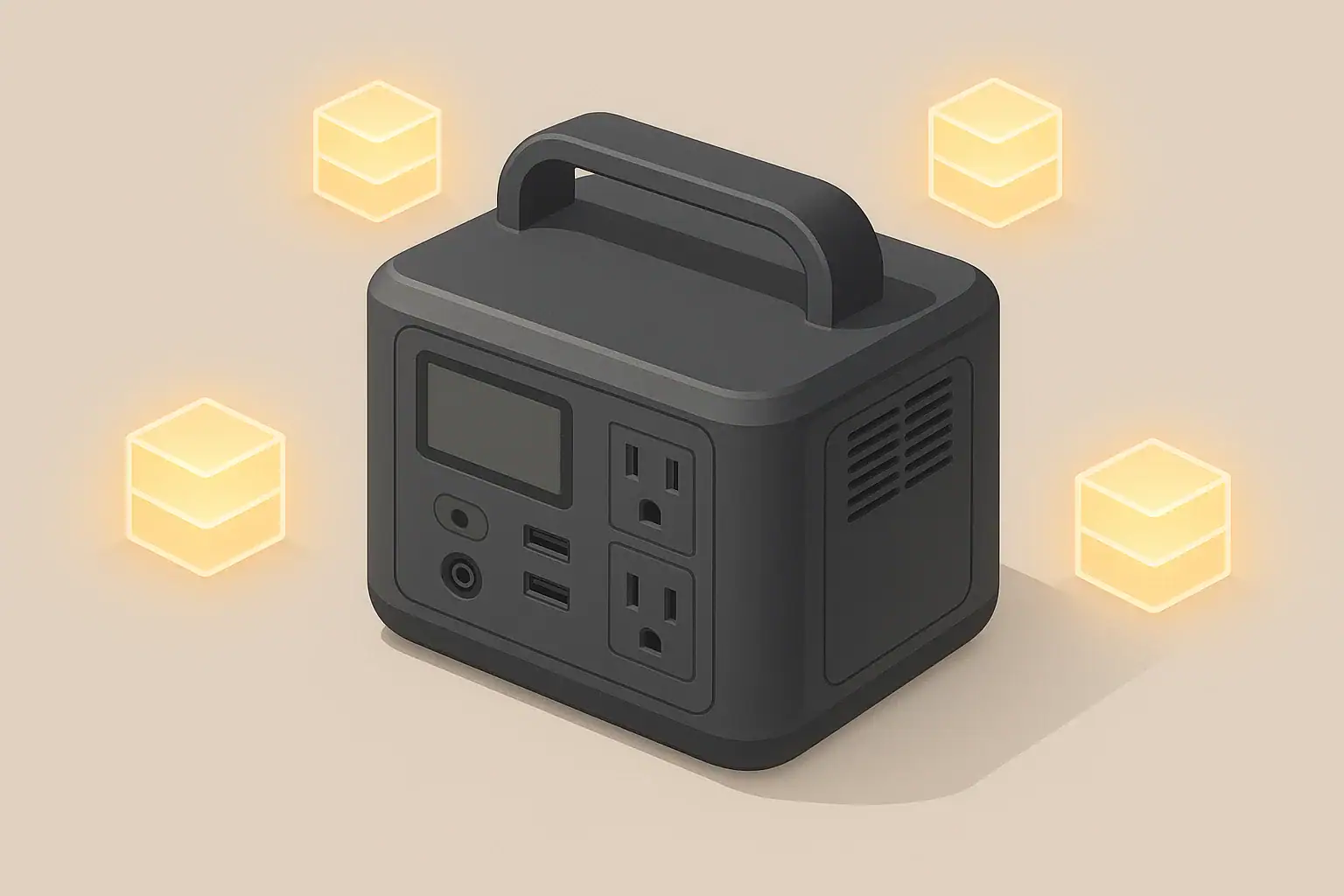
Inverter idle consumption is the power your portable power station wastes just by leaving the AC output turned on, even when nothing is plugged in. Any time the AC or “inverter” button is enabled, internal electronics stay awake and draw a small but constant load from the battery. Over hours or days, that idle draw can eat a surprising chunk of your available runtime.
Understanding this standby or no-load consumption helps explain why a battery seems to drain overnight with no obvious appliances running, and why real-world runtimes are often shorter than the marketing numbers. Once you know roughly how many watts your inverter uses at idle and how long you tend to leave AC enabled, you can predict and control that loss.
This guide walks through what inverter idle consumption really means, how it interacts with watts and watt-hours, and how it affects camping trips, outages, and remote work.
What Inverter Idle Consumption Means and Why It Matters
Inverter idle consumption is the power draw of the AC inverter when it is turned on but not doing useful work. The display might show 0 watts going to loads, yet the inverter itself can still be pulling 5–30 watts from the battery just to stay ready.
Think of it as the “idling engine” of your portable power station. Just like a parked car with the engine running burns fuel, an inverter with AC enabled burns battery capacity even if no appliances are running. That overhead is always there as long as AC is on.
This matters because portable power stations are usually sized for specific scenarios: keeping a fridge cold through a 10-hour outage, running a CPAP overnight, or powering small electronics over a weekend. If you ignore idle consumption, your estimates can be off by hours. For small or intermittent loads, idle draw can be as large as, or larger than, the devices you actually care about.
In practice, knowing about inverter idle consumption helps you:
- Understand why the battery drops even when you think “nothing is on.”
- Decide when to use AC versus DC or USB outputs for small devices.
- Plan runtimes more realistically for camping, off-grid cabins, and emergencies.
- Develop habits like turning AC off between tasks to stretch the same battery further.
Key Concepts: Watts, Watt-Hours, and How Idle Draw Adds Up
To see how inverter idle consumption affects runtime, it helps to separate power (watts) from energy (watt-hours) and do a few quick back-of-the-envelope calculations.
Power (W): The rate of energy use at a moment. A 10 W idle draw means the inverter is constantly using 10 watts as long as AC is on.
Energy (Wh): Power used over time. To get watt-hours, multiply watts by hours. This is the unit used to rate battery capacity in portable power stations.
For example, a 10 W idle draw running for 10 hours uses:
10 W × 10 h = 100 Wh
If your battery is rated at 500 Wh, that 100 Wh is about 20% of the total capacity spent on nothing but keeping the inverter awake.
Idle consumption also interacts with inverter efficiency. Inverters are less efficient at very low loads, so the percentage of power wasted as heat is higher when you are only running a small device. That means a 10 W phone charger on AC might cause the system to draw 20–25 W from the battery once you include idle overhead and conversion losses.
The table below shows how idle draw, battery size, and hours of AC-on time combine to affect runtime.
| Battery size (Wh) | Idle draw (W) | Hours AC left on | Energy lost to idle (Wh) | Approx. % of battery lost |
|---|---|---|---|---|
| 300 | 8 | 12 | 8 × 12 = 96 | ~32% |
| 500 | 10 | 24 | 10 × 24 = 240 | ~48% |
| 1000 | 15 | 24 | 15 × 24 = 360 | ~36% |
| 1500 | 20 | 24 | 20 × 24 = 480 | ~32% |
| 2000 | 25 | 24 | 25 × 24 = 600 | ~30% |
Even modest idle draws become significant over long periods. The key takeaway is that every hour you leave AC on has a fixed cost. Reducing the number of hours AC stays enabled is usually more effective than making small changes to what you plug in.
Real-World Examples: How Idle Consumption Affects Runtime
Seeing how idle draw behaves in everyday scenarios makes it easier to set expectations and adjust your habits.
Example 1: Overnight phone charging
Imagine a 500 Wh power station with a 10 W idle draw:
- You plug in a phone charger that uses 8 W at the wall.
- The inverter overhead is 10 W, so the battery sees roughly 18 W total.
- The phone finishes charging in 2 hours, then draws almost nothing.
- You forget and leave AC on for another 8 hours overnight.
Approximate energy use:
- During active charging: 18 W × 2 h = 36 Wh
- Overnight idle: 10 W × 8 h = 80 Wh
You used more than twice as much energy on idle overhead as you did actually charging the phone.
Example 2: Router and modem during an outage
Consider a 1000 Wh power station running a 15 W router and modem through AC with a 10 W idle draw:
- Total AC load: 15 W (devices) + 10 W (idle) = 25 W
- Runtime estimate: 1000 Wh ÷ 25 W ≈ 40 hours (ignoring other losses)
Now imagine you could power the router and modem from DC outputs at 15 W without using the inverter:
- Total DC load: 15 W (devices) + minimal DC overhead
- Runtime estimate: 1000 Wh ÷ 15 W ≈ 66 hours
Simply avoiding inverter idle consumption can add a full extra day of connectivity in an extended outage.
Example 3: High-power appliance
Now take a 1500 Wh power station running a 300 W appliance for 3 hours, with the same 10 W idle draw:
- Total draw: about 310 W
- Energy used: 310 W × 3 h = 930 Wh
- Idle portion: 10 W × 3 h = 30 Wh (about 3% of the total)
In this case, idle consumption is a small fraction of the total energy use. You will notice idle losses most when the loads are tiny or when AC is left on for long stretches with nothing running.
Common Mistakes and Troubleshooting Cues
Many runtime problems that look like “bad batteries” or “false advertising” are actually caused by inverter idle consumption and low-load inefficiency. Recognizing the patterns can save time and frustration.
| Symptom | Likely cause | What to check or try |
|---|---|---|
| Battery drops 20–40% overnight with “nothing plugged in” | AC inverter left on, drawing 8–25 W idle | Confirm AC icon is lit, turn AC off, repeat test for one night |
| Runtime for small devices is much shorter than expected | Low-load inefficiency and fixed inverter overhead | Compare runtime using DC/USB vs AC for the same device |
| AC output shuts off even though a small device is connected | Eco/auto-sleep mode sees load as “zero” | Check mode settings, increase load slightly, or disable eco mode |
| Power station barely charges while powering AC loads | Input charger power ≈ loads + idle draw | Temporarily unplug AC loads or use DC to see if SOC rises faster |
| Unit feels warm and fans cycle even with no visible load | Inverter and cooling system running at idle | Turn AC off and see if fan and heat decrease after a few minutes |
Simple at-home test for idle draw
You can get a rough idea of your inverter’s idle consumption without special meters:
- Fully charge the power station.
- Turn AC on with nothing plugged in.
- Note the state of charge (SOC) percentage.
- Leave AC on for a known time, such as 4 or 8 hours.
- Record the new SOC, then turn AC off.
If a 1000 Wh unit drops from 100% to 90% over 4 hours with no load, it used about 100 Wh. That implies an average idle draw around 25 W (100 Wh ÷ 4 h).
When to suspect a problem vs normal behavior
- Likely normal: 5–25 W idle draw, moderate warmth around vents, gradual SOC drop with AC left on.
- Worth investigating: SOC plunging rapidly with AC on and no load, fans running constantly in cool conditions, or idle draw clearly higher than the specification.
If your rough test shows idle consumption far above typical values, double-check that no small standby devices are still plugged in, then repeat the test. Persistent high idle draw with no load can indicate an issue that may need professional support.
Safety Basics: Heat, Placement, and AC Use
Inverter idle consumption does more than just drain the battery; it also generates heat. Even a 10–20 W idle draw produces continuous warmth inside the unit, so safe placement and ventilation still matter when “nothing is running.”
Keep these safety basics in mind whenever AC is enabled:
- Ventilation: Place the power station on a stable, dry, non-flammable surface with vents unobstructed. Avoid enclosing it in cabinets, boxes, or under bedding while AC is on.
- Heat awareness: Light warmth around vents is expected, but surfaces should not become too hot to touch. If the case is very hot during idle or light loads, turn AC off and let it cool, then reassess placement and ambient temperature.
- Cord selection: Use extension cords rated for your maximum expected load, and keep them as short as practical. Undersized or damaged cords can overheat even at moderate power levels.
- Trip and pinch hazards: Route cords to avoid walking paths, sharp edges, and pinch points such as doors or windows. Do not run cords under rugs where heat can build up unnoticed.
- Moisture and shock risk: Keep the power station and AC connections away from puddles, wet ground, and condensation. Use appropriate protection when operating in damp environments.
- No backfeeding: Do not plug the power station into household outlets or attempt improvised connections to home wiring. That can be dangerous for you and for utility workers.
Idle consumption may seem small, but it still means the inverter is active. Treat an “idling” power station with the same basic respect you would when it is under load.
Maintenance and Storage: Preventing Silent Battery Drain
Because inverter idle consumption continues as long as AC is on, it can silently drain a stored power station over days or weeks. That is hard on batteries and can leave you with less backup power than you expect.
Good maintenance and storage habits help you avoid deep discharges caused by accidentally leaving AC enabled.
- Before storage: Turn off all outputs (AC, DC, USB) and the main power if your unit has one. Verify that no status icons indicate active outputs.
- State of charge for storage: Many lithium-based batteries are happiest stored around the middle of their range rather than full or empty. A moderate SOC reduces stress during long storage.
- Periodic checks: Even with everything off, batteries slowly self-discharge. Plan to check SOC every few months and top up if it falls too low.
- Temperature: Store in a cool, dry place within the recommended temperature range. High heat accelerates aging and can increase standby losses; extreme cold can temporarily reduce capacity.
When you bring the unit back into service after storage, do a quick functional check:
- Turn it on and confirm the display and controls behave normally.
- Test AC with a small load and listen for fans under load.
- Watch for unusually rapid SOC drops with AC enabled and no load, which could indicate the inverter is drawing more idle power than expected.
Practical Takeaways and Specs to Look For
Managing inverter idle consumption is mostly about awareness and simple habits, not complicated math. Once you understand that “AC on” always has a cost, you can decide when that cost is worth paying.
- Turn AC off whenever you are not actively using AC-powered devices.
- Batch AC tasks together (for example, charge multiple laptops and camera batteries in one session) instead of many short sessions spread across the day.
- Use DC or USB outputs for phones, tablets, small lights, and other low-power electronics whenever possible.
- Pay extra attention to idle draw during long outages or multi-day trips, where hours of standby add up.
- Test your own unit’s idle behavior so you can plan runtimes realistically.
Specs to look for when comparing or configuring a system
Whether you are choosing a new portable power station or trying to get the most from one you already own, a few key specifications and features have a big impact on idle consumption and real-world runtime.
- Inverter idle draw (no-load power): Look for a clearly stated idle watt value. Lower is better, especially if you plan to leave AC on for hours at a time.
- Inverter efficiency curve: Overall efficiency matters, but pay attention to performance at low loads (under about 50 W), where overhead is a larger share of total draw.
- Battery capacity (Wh): A larger battery gives more room for both idle overhead and actual loads, but idle draw still scales with time, not capacity.
- AC eco/auto-sleep modes: Check whether the unit can shut off AC automatically at very low loads, and how easily you can enable or disable that behavior.
- DC output options: Multiple DC and USB ports, including higher-power USB outputs, make it easier to avoid using AC for small devices.
- Display detail: A display that shows real-time watts and cumulative energy used can help you see idle draw directly and adjust your habits.
- Thermal management: Well-designed cooling reduces unnecessary fan use and heat buildup during idle, which can slightly reduce losses and improve comfort.
If you already own a unit and the idle draw is higher than you would like, focus on behavior changes: keep AC off by default, move as many small loads as possible to DC, and use eco modes where they fit your needs. With those adjustments, you can often stretch the same battery to cover significantly more useful work instead of silently burning capacity on inverter idle consumption.
Frequently asked questions
Which inverter specifications and features most affect idle consumption?
Look for a stated no-load or idle watt value first, then check the inverter’s efficiency at low loads and whether it has an eco/auto-sleep mode. Good thermal management and informative real-time wattage or energy displays also help you manage and reduce idle losses.
Why does my power station lose charge overnight even when nothing appears plugged in?
That is commonly caused by the inverter remaining enabled and drawing a continuous idle current, plus any small standby devices that were left connected. Confirm AC is off and repeat a short SOC test to isolate idle draw from other causes.
Is it safe to leave the inverter (AC) enabled for long periods?
Leaving AC on is generally safe if the unit is well ventilated and within its rated temperature range, but it will produce continuous heat and use battery capacity. For safety and longevity, avoid enclosing the unit, monitor surface temperature, and turn AC off when not needed.
Can I estimate inverter idle draw without specialized meters?
Yes — use the unit’s state-of-charge readings over a known time with AC on and no load to estimate average wattage consumed (Wh used ÷ hours). Repeat the test to confirm results and ensure no small devices are accidentally connected.
Will using DC or USB outputs instead of AC reduce overall energy loss?
Yes. DC/USB paths avoid inverter conversion and its idle overhead, so small devices are usually more efficient when powered directly from DC or USB outputs. This can substantially extend runtime during long outages or for low-power devices.
How much does idle consumption typically affect runtime for small loads?
Idle consumption can be as large as or larger than small loads; a 10–20 W idle draw running for many hours can use more energy than a single low-power device. It becomes most significant when loads are tiny or when AC is left on for extended periods.
Related guides
Browse this topic →
- Beginner-friendly sizing, runtime & specs
- Solar & charging (MPPT, fast charging, cables)
- Batteries (LiFePO4, cycles, care & storage)
- Safety, cold-weather performance, real-world tips
More in Capacity
See all →- Wh per Pound: How to Compare Portable Power Station Weight and Capacity
- Two Small Power Stations vs One Large Power Station: Which Backup Setup Is Better?
- How to Build a Load Priority List for a Portable Power Station During Blackouts
- Usable Capacity vs Advertised Capacity: Why 1,000Wh Doesn’t Mean 1,000Wh at the Outlet
- Why Output Ports Have Separate Watt Limits on Portable Power Stations
Keep reading
About this site
Portable Energy Lab publishes practical, independent guides about portable power—clear sizing, safe use, and real-world expectations.
Affiliate disclosure
Some links on this site may be affiliate links. If you buy through these links, we may earn a small commission at no extra cost to you. This helps support our content. Read our affiliate disclosure.