
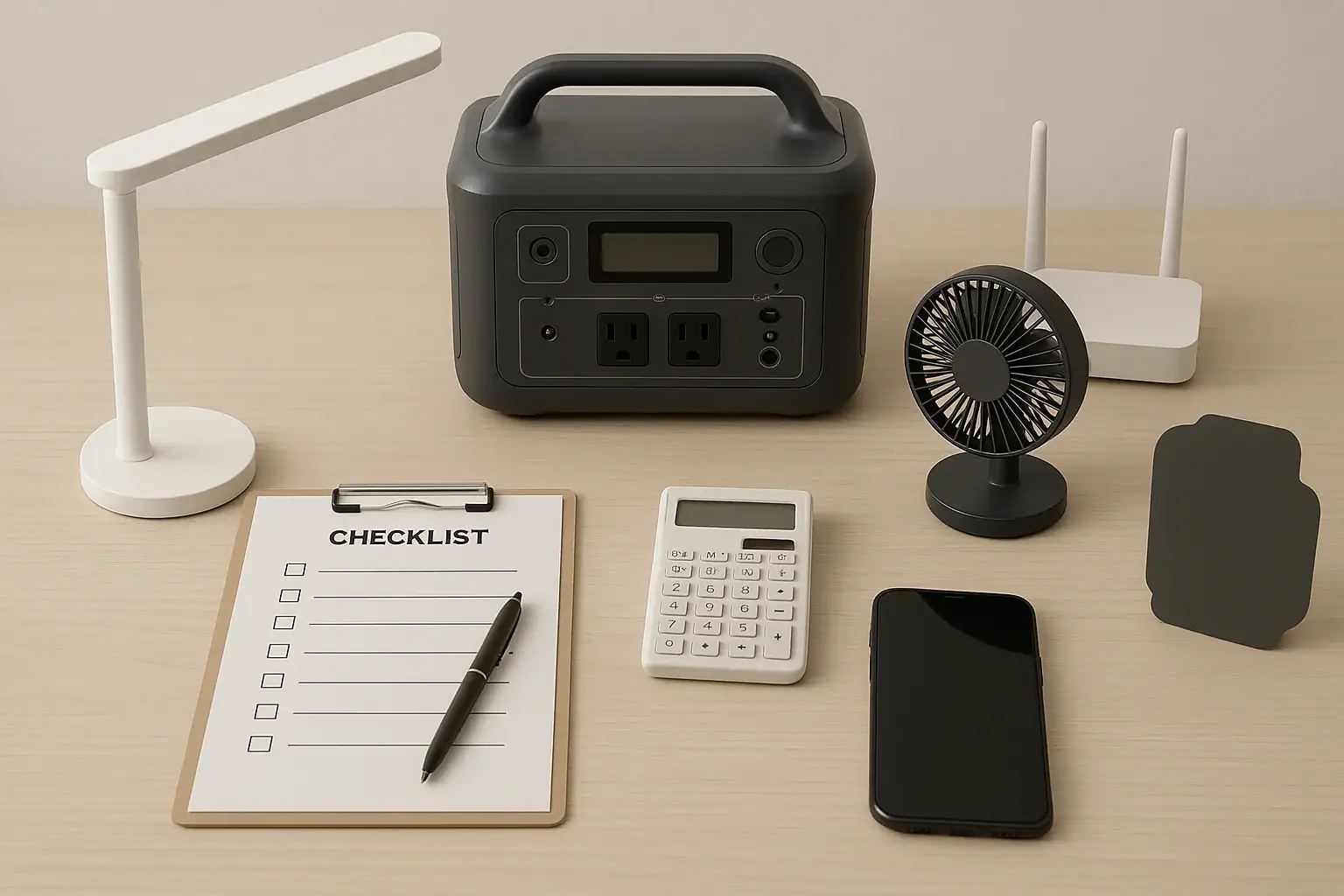
To plan a 24-hour backup load, list only your essential devices, estimate each device’s watt-hours for one day, then choose a power station with enough usable capacity and inverter output to run them. The goal is not to power everything in the home; it is to protect the devices that matter most for communication, lighting, basic comfort, food safety, and health.
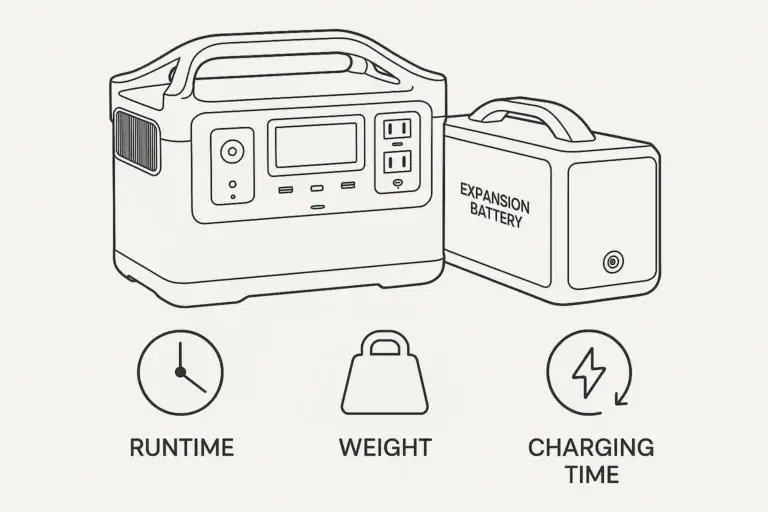
A good plan accounts for runtime, battery capacity, surge watts, inverter output, AC load, and charging options. It also separates devices that run continuously, such as a router or medical device, from devices used in short sessions, such as a phone charger or kettle. Once you know the energy each load needs over 24 hours, you can size the backup source with a realistic safety margin instead of relying on optimistic watt-hour ratings alone.
What a 24-Hour Backup Load Means and Why It Matters
A 24-hour backup load is the planned group of essential devices you want to operate during one full day without normal utility power. It is usually expressed in watt-hours, which measure energy over time. A 10-watt device running for 10 hours uses about 100 watt-hours. A 100-watt device running for one hour also uses about 100 watt-hours.
This matters because many people size backup power by looking only at a device’s watt rating or a power station’s advertised capacity. Watts tell you how much power a device demands at a moment. Watt-hours tell you how much energy is required over the outage period. For a 24-hour plan, both numbers matter.
Planning also helps you avoid two common problems. First, you may overload the inverter by connecting devices that draw too much power at once. Second, you may drain the battery earlier than expected because standby loads, conversion losses, or startup surges were not included. A written load plan makes your backup setup more predictable, easier to explain to family members, and easier to adjust when priorities change.
Key Concepts That Determine Backup Runtime
The basic formula is simple: watts multiplied by hours equals watt-hours. If a device uses 40 watts and runs for 6 hours, its daily energy use is about 240 watt-hours. Add each essential device together to estimate your 24-hour load.
In real use, add a margin for losses. Portable power stations lose some energy through inverter conversion, internal electronics, heat, and standby operation. AC outlets usually have more conversion loss than direct DC or USB outputs. As a practical planning range, add about 15% to 30% to the calculated load, especially if several devices use AC power.
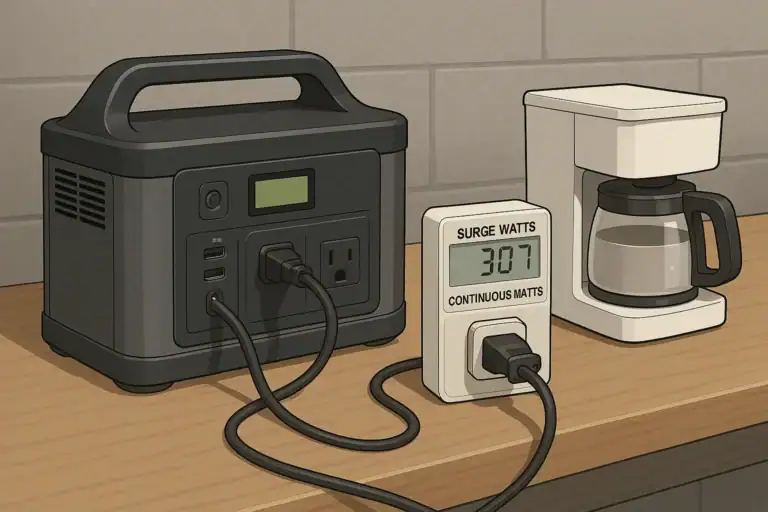
Continuous output is the maximum steady wattage the inverter can support. Surge output is the short burst available when motors, compressors, or pumps start. A refrigerator, CPAP humidifier, small fan, or sump-related device may use moderate running watts but require higher startup watts. Your plan should keep the total running watts below the continuous output and allow headroom for likely surges.
Usable capacity is also important. A battery listed at 1,000 watt-hours may not deliver every watt-hour to your devices. Output method, temperature, battery protection limits, and age can reduce usable energy. For planning, compare your required watt-hours to usable capacity rather than assuming the full nameplate rating will be available.
| Concept | Planning meaning | Quick example |
|---|---|---|
| Running watts | Power a device uses while operating normally | LED lamp at 8 watts |
| Surge watts | Short startup power needed by some devices | Mini fridge briefly above its running watts |
| Watt-hours | Energy used over time | 50 watts for 4 hours equals 200 watt-hours |
| Usable capacity | Energy likely available after losses | 1,000 watt-hours may deliver less through AC |
| Runtime margin | Extra capacity reserved for losses and uncertainty | Add 15% to 30% to the load estimate |
Real-World Examples of Essential 24-Hour Loads
A small communication and lighting plan might include a modem and router, two phones, a rechargeable lantern, and a laptop used for a few hours. If the router draws 12 watts for 24 hours, that is 288 watt-hours. Two phone charges may add 30 to 50 watt-hours total. A low-power lantern might use 40 watt-hours over the evening. A laptop at 45 watts for 4 hours adds 180 watt-hours. Before losses, this plan is roughly 550 watt-hours; with a 25% margin, it becomes about 690 watt-hours.
A food and communication plan may include a refrigerator, router, phones, and several lights. Refrigerator energy use varies widely because the compressor cycles on and off. Instead of multiplying peak running watts by 24, use a measured daily estimate when possible. A modern refrigerator might average several hundred watt-hours to more than 1,500 watt-hours per day depending on size, room temperature, door openings, and efficiency. Add the router, lighting, and device charging, then include surge headroom for compressor startup.
A health-focused plan may prioritize a CPAP machine, mobility device charger, phone, and lights. CPAP energy use depends heavily on humidifier and heated tube settings. Running without heated humidity may reduce consumption significantly for some users, but comfort and medical needs come first. If a medical device is essential, confirm its power requirements from the device label or manual and consider a larger margin than you would for convenience loads.
A comfort-focused plan may include a fan, phone charging, lights, and a small cooking appliance. The fan may be manageable for many hours, but cooking appliances can be very energy-intensive. A 1,000-watt appliance used for 15 minutes consumes about 250 watt-hours, and it also requires an inverter that can support the full running draw. Short, high-wattage uses can be practical only if they are included honestly in the load plan.
Common Planning Mistakes and Troubleshooting Cues
One common mistake is counting every device as essential. A 24-hour plan works best when loads are ranked. Start with must-run devices, then add useful devices only if capacity remains. If your estimate grows quickly, divide the list into primary, secondary, and optional loads.
Another mistake is confusing battery capacity with inverter capacity. A large battery may still shut off if the connected AC load exceeds the inverter’s continuous output. If a power station turns off as soon as a device starts, the issue may be surge watts or overload protection rather than total battery capacity.
Unexpectedly short runtime often points to hidden loads or conversion losses. AC adapters, displays, standby electronics, and inverters consume power even when the main device seems idle. If runtime is much lower than expected, recheck the actual watts while devices are operating, reduce AC loads where possible, and avoid leaving outlets active when not needed.
Another cue is rapid battery drop in cold or hot conditions. Battery performance is temperature-sensitive. A unit stored in a hot garage or used in freezing conditions may deliver less predictable runtime. Keep the power station within its recommended operating environment and avoid assuming a test performed in mild indoor conditions will match all outage situations.
Finally, remember that intermittent devices are harder to estimate. Refrigerators, pumps, and some medical humidifiers cycle on and off. For these loads, a plug-in energy meter or past utility data can provide a better estimate than a quick look at the label.
Safety Basics for Backup Power Planning
Keep safety simple: use the power station as a portable source for individual devices unless you have a professionally installed home backup setup. Do not connect a portable power station to a home electrical panel, wall outlet, transfer equipment, or interlock arrangement unless the system is designed for that purpose and installed or reviewed by a qualified electrician.
Use appropriately rated cords and avoid daisy-chaining power strips. Long, thin extension cords can heat up and cause voltage drop, especially with higher-wattage devices. Keep cords visible, dry, and away from walkways where they can be tripped over or damaged.
Place the power station where it has ventilation and is protected from rain, standing water, and direct heat sources. Do not cover vents or operate the unit inside a sealed container. If the unit is charging and discharging at the same time, expect additional heat and confirm that this use is supported by the product design.
For medical devices, plan more conservatively. Keep device-specific backup guidance with your outage kit, label the required adapter, and maintain an alternate plan for extended outages. If loss of power would create a medical emergency, backup planning should include professional medical and emergency-preparedness advice, not just battery sizing.
Do not open battery packs, bypass protections, modify connectors, or use damaged cables. Built-in battery management systems and overload protections are there to reduce risk. If a unit shows swelling, unusual odor, repeated fault codes, or visible damage, stop using it and follow appropriate service or recycling guidance.
Maintenance and Storage for a Reliable 24-Hour Plan
A backup plan is only useful if the equipment is ready when the outage starts. Store the power station in a clean, dry, temperature-stable location. Avoid long-term storage in extreme heat or freezing conditions because temperature stress can reduce battery health and available capacity.
Check state of charge periodically. Many lithium-based power stations are commonly stored at a moderate charge level for long periods, then topped off before storm season or expected outages. Follow the product’s storage guidance, but do not let the unit sit forgotten for months without inspection.
Test your actual load before you need it. A simple practice run can reveal whether a refrigerator startup causes an overload, whether a CPAP adapter fits the correct output, or whether a router draws more than expected. Record the starting battery percentage, devices connected, total runtime, and ending percentage. This creates a practical reference for future outages.
Keep the load list current. Devices change, batteries age, and household priorities shift. Update your plan after buying a new medical device, replacing a refrigerator, adding networking equipment, or changing where the power station will be stored. Also keep charging cables, adapters, and labels with the unit so the plan can be followed in low light or under stress.
| Maintenance item | Suggested planning interval | Why it helps |
|---|---|---|
| Charge level check | Every 1 to 3 months | Reduces the chance of finding an empty unit during an outage |
| Load test | Once or twice per year | Confirms real runtime with your actual devices |
| Cable inspection | Before storm season or travel | Finds damaged cords, loose adapters, or missing chargers |
| Device list update | After major household changes | Keeps the watt-hour estimate realistic |
| Storage review | Seasonally | Helps avoid heat, moisture, and access problems |
Related guides: Portable Power Station Watt-Hours Explained • Surge Watts vs Running Watts: How to Size a Portable Power Station • Why a 1000Wh Power Station Doesn’t Give 1000Wh: Usable Capacity Explained (Efficiency + Cutoffs)
Practical Takeaways and Specs to Look For
The best 24-hour backup load plan starts with priorities, not product size. Decide what must run, estimate watt-hours for one day, add a margin for losses, and confirm that the inverter can handle the highest likely simultaneous load. If the plan includes cycling or motor-driven devices, leave extra surge headroom.
As a practical rule, put always-on devices first, then add shorter-use devices by time block. For example, the router may run all day, lights may run only in the evening, and laptop charging may be limited to one or two sessions. This approach stretches runtime without requiring every device to be powered continuously.
Specs to look for
- Usable battery capacity: Look for enough watt-hours to cover your calculated 24-hour load plus about 15% to 30% margin; this helps account for inverter losses, standby drain, and aging.
- Continuous AC output: Look for an inverter rating above your highest simultaneous running load, such as 600 to 1,800 watts for many small essential-load plans; this prevents overload shutdowns.
- Surge output: Look for short-duration surge capacity above motor or compressor startup needs, often 2 times or more the running watts for certain devices; this helps with refrigerators, pumps, and fans.
- DC and USB output options: Look for USB-C PD, USB-A, 12-volt DC, or regulated DC outputs that match your devices; direct outputs can reduce conversion losses compared with AC adapters.
- Recharge input wattage: Look for AC recharge capacity that can refill the unit in a practical window, such as several hundred watts or more; faster charging matters between rolling outages.
- Solar input range: Look for solar input voltage and wattage that match a realistic panel setup, such as 100 to 400 watts for small plans; this can extend runtime when grid power is unavailable longer than expected.
- Pass-through capability: Look for support for charging while powering loads if you need it; this can simplify operation during intermittent grid power or daytime solar charging.
- Display and load monitoring: Look for real-time watts, estimated runtime, and battery percentage; clear feedback makes it easier to troubleshoot loads and adjust usage.
- Operating temperature range: Look for ratings that fit where you will store and use the unit; cold garages, hot vehicles, and damp areas can reduce performance or create avoidable risk.
A reliable 24-hour plan is a living document. Start with a conservative estimate, test it with real devices, and revise it after each outage or practice run. The result is a backup setup that is easier to size, easier to operate, and more dependable when essential devices need power most.
Frequently asked questions
How do I estimate the watt-hours needed for a 24-hour backup load?
Multiply each device’s watt draw by the number of hours it will run in a day, then add the results together. For devices that cycle on and off, use a measured daily estimate if possible rather than the peak watt rating. After that, add a safety margin of about 15% to 30% to account for conversion losses and standby use.
What specs matter most when choosing a power station for essential devices?
The most important specs are usable battery capacity, continuous AC output, surge output, and the available DC or USB ports. Usable capacity tells you how much energy is actually available, while output ratings tell you whether the unit can start and run your devices without shutting down. Recharge speed and temperature range also matter if you expect repeated or extended outages.
What is the most common mistake people make when planning backup power?
A common mistake is sizing the system by battery capacity alone and ignoring inverter limits, startup surges, and conversion losses. Another frequent error is including too many nonessential devices in the plan. A better approach is to rank loads by priority and test the setup with real devices before an outage. For aquariums, prioritize water circulation and oxygenation before heaters and nonessential equipment.
Is it safe to run a power station indoors during an outage?
Portable battery power stations are generally designed for indoor use, but they still need ventilation and protection from heat, moisture, and physical damage. Keep cords in good condition and avoid overloading outlets or extension cords. If you are using a medical device or a home backup connection, follow the product instructions and get qualified advice when needed.
Can a refrigerator be part of a 24-hour backup load?
Yes, but it should be planned carefully because refrigerators cycle on and off and may need a higher startup surge than their running watts suggest. The best estimate comes from a measured daily energy use rather than the label alone. Leave extra headroom in both battery capacity and inverter output if you include one.
How often should I test my backup load plan?
Test it at least once or twice a year, and again whenever your essential devices change. A practice run helps confirm real runtime, reveals startup issues, and shows whether your load estimate is still accurate. It also helps you verify that cables, adapters, and charging methods are ready when needed.
Related guides
Browse this topic →
- Beginner-friendly sizing, runtime & specs
- Solar & charging (MPPT, fast charging, cables)
- Batteries (LiFePO4, cycles, care & storage)
- Safety, cold-weather performance, real-world tips
More in Capacity
See all →- Wh per Pound: How to Compare Portable Power Station Weight and Capacity
- Two Small Power Stations vs One Large Power Station: Which Backup Setup Is Better?
- How to Build a Load Priority List for a Portable Power Station During Blackouts
- Usable Capacity vs Advertised Capacity: Why 1,000Wh Doesn’t Mean 1,000Wh at the Outlet
- Why Output Ports Have Separate Watt Limits on Portable Power Stations
Keep reading
About this site
Portable Energy Lab publishes practical, independent guides about portable power—clear sizing, safe use, and real-world expectations.
Affiliate disclosure
Some links on this site may be affiliate links. If you buy through these links, we may earn a small commission at no extra cost to you. This helps support our content. Read our affiliate disclosure.