
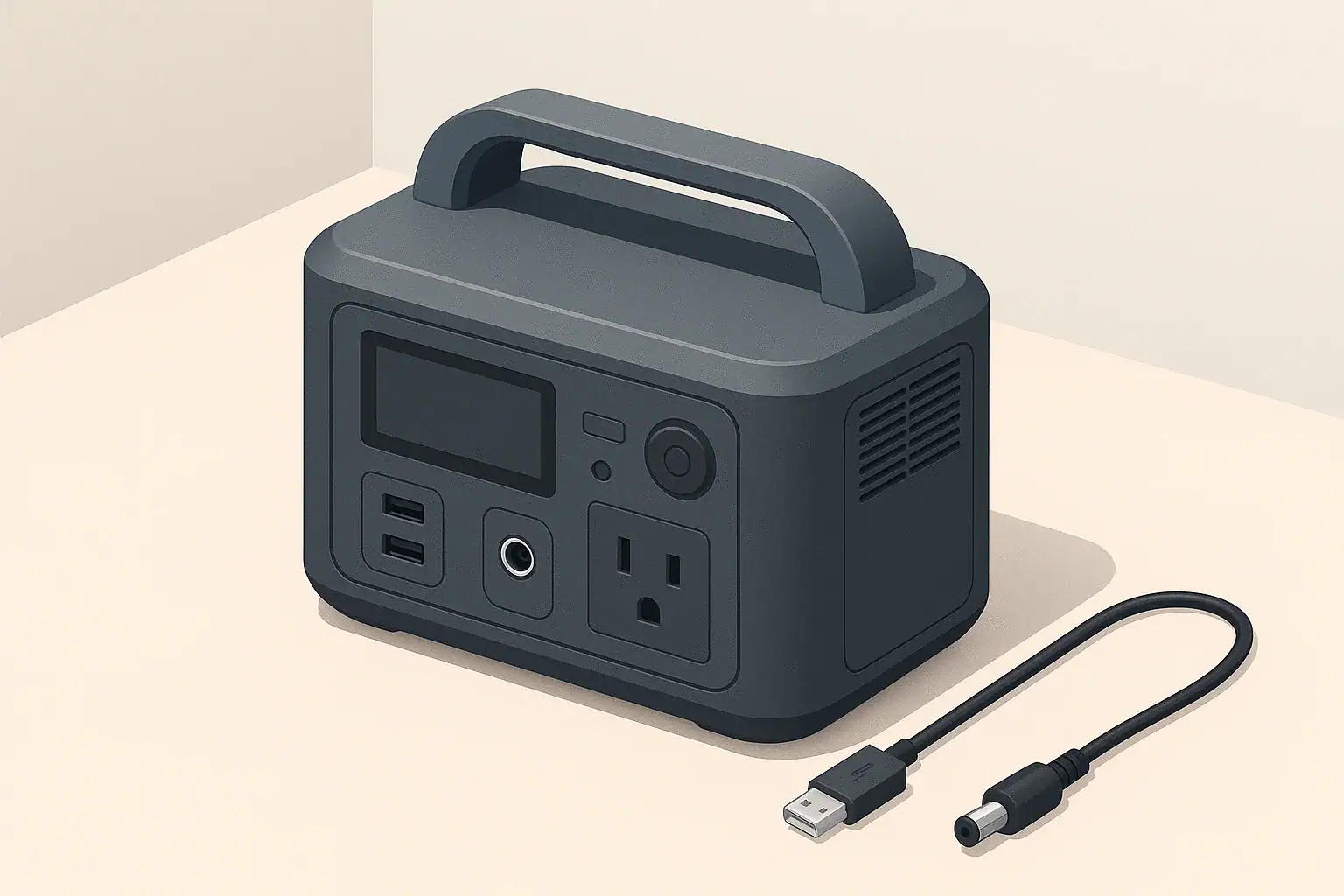
Why Battery Percentages Jump on Portable Power Stations
Many people notice their portable power station jump from, for example, 32% to 28% or 80% to 90% in a short time. This can feel alarming, especially when you are planning for a power outage or camping trip. In most cases, this behavior is normal and is related to how the device estimates and displays remaining battery capacity.
The number on the screen is not a literal fuel gauge. It is an estimate called state of charge (SoC). The internal battery management system (BMS) uses voltage readings, current measurements, and built-in assumptions to calculate that percentage. Because real-world use rarely matches those assumptions perfectly, the reading can move in steps, recalibrate, or appear to jump.
Understanding why this happens helps you use your portable power station more confidently, plan runtimes more realistically, and avoid unnecessary worry about battery health.
How Portable Power Stations Estimate Battery Percent
Portable power stations usually rely on a combination of methods to estimate state of charge. None of these methods are perfect, and each has tradeoffs that show up as jumps or small inaccuracies on the display.
Voltage-based estimation
Voltage-based estimation reads the battery pack voltage and maps it to a percentage. This is simple and fast, but it has limitations:
- Voltage sag under load: When you run a high-wattage device, the voltage temporarily drops, making the percentage appear lower than it really is.
- Voltage recovery at rest: After you unplug devices, the voltage rises again, and the percentage may climb, sometimes in noticeable steps.
- Flat voltage curves: Many lithium chemistries hold a nearly steady voltage across much of their capacity, so small voltage changes represent large percentage changes.
This is why you might see the percentage fall quickly right after turning on a heavy load, then creep back up when that load stops. The battery did not magically recharge; the voltage simply relaxed.
Coulomb counting (tracking energy in and out)
Some power stations track how many amp-hours or watt-hours go in and out of the battery over time. This is often called coulomb counting. It can improve accuracy, but it is also imperfect:
- Measurement drift: Tiny errors add up over many cycles, so the BMS periodically needs to recalibrate.
- Assumed capacity: The system starts with an assumed total capacity. As the battery ages, the true capacity changes, and the model needs adjustment.
When the system recognizes that its previous estimate is off, it may correct the displayed percentage noticeably, which feels like a jump.
Blended approaches and smoothing
In practice, many portable power stations blend voltage readings, coulomb counting, and internal models. They may also smooth the display so it does not flicker constantly. That smoothing can delay changes and then show them in larger chunks (for example, dropping 3% at once instead of three 1% steps).
Temperature, recent load history, and battery age are often factored in as well. Under unusual conditions (very cold weather, intermittent heavy loads, or near empty), the algorithm may adjust more abruptly, again causing jumps on the display.
Example values for illustration.
| What to check | Why it matters | Typical observation |
|---|---|---|
| Current load level (watts) | Higher loads cause voltage sag and faster apparent drop. | Display may fall 2–5% soon after a big appliance starts. |
| Recent load changes | Going from heavy use to idle lets voltage recover. | Percent can bounce back a few points when a device is unplugged. |
| Battery near full or near empty | Algorithms are more conservative at the extremes. | Jumps of 3–10% may occur around 90–100% or under 10%. |
| Temperature conditions | Cold reduces apparent capacity; warm improves it (within safe limits). | Percent may drop quickly in cold, then look higher once warmed. |
| Age and cycle count | Capacity slowly shrinks over years of use. | Runtime shortens even if the display goes from 100% to 0% as before. |
| Time since last full charge | Some systems recalibrate near a full charge. | Display accuracy often improves after a full charge and rest. |
Common Situations Where Battery Percent Jumps
Certain use patterns are more likely to trigger noticeable jumps in the percentage. Recognizing these helps distinguish normal behavior from warning signs.
Starting or stopping high-wattage devices
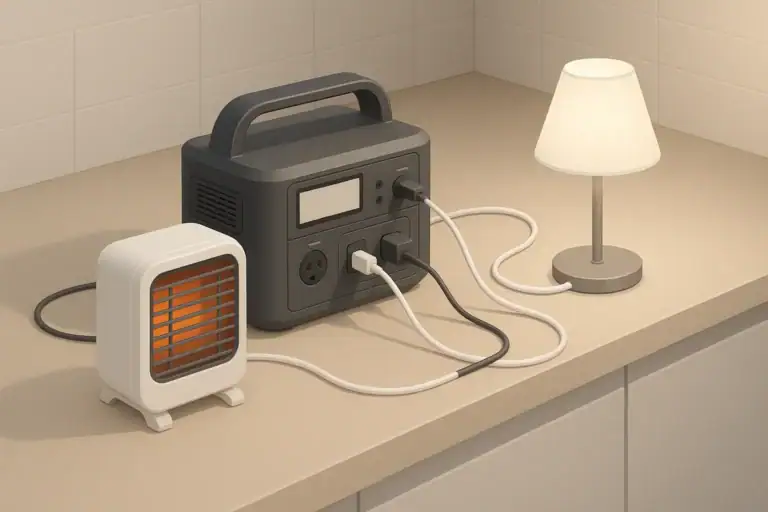
Devices like electric kettles, hair dryers, space heaters, or power tools draw high power. When they switch on:
- Battery voltage sags under the sudden demand.
- The BMS updates its estimate and the percent may drop quickly.
- When the device stops, voltage recovers and the percent may rise again.
This can look like a sudden 5–10% drop followed by a partial bounce-back. It is usually normal and does not mean the battery is damaged.
Using small loads for long periods
Running a few small devices (router, LED lights, phone chargers) for many hours may make the percentage appear to “stick” for a while, then step down more suddenly. That happens because:
- The load is small relative to total capacity, so changes are slow.
- Display smoothing hides tiny fluctuations until they add up.
In these cases, the percentage is less important than overall runtime experience. If your planned devices run for as long as expected, the occasional percent jump is not a concern.
Charging from wall, car, or solar
When charging, percent jumps are also common, especially:
- Near the top: Many devices slow charging around 80–90% to protect the battery. The display may linger, then climb in larger steps.
- With variable solar: Passing clouds or shading cause the input power to rise and fall. The SoC estimate updates as the charging rate changes.
- With car charging: Input power may be modest, so the percentage stays steady for a while and then ticks up in chunks.
In all of these cases, the key metric is the total energy delivered over time, not each small movement on the display.
Cold weather use and storage
Cold temperatures significantly affect lithium batteries:
- Capacity appears lower in the cold.
- Voltage under load drops faster.
- The BMS may limit power or charging to protect the cells.
When you bring a cold portable power station into a warmer environment, or it warms up during use, the system may recalculate state of charge. This can make the percentage climb without any additional charging, simply because conditions improved.
Normal vs Problem: When to Worry About Jumps
While many jumps are normal, some patterns can signal issues. It helps to separate expected behavior from possible faults.
Patterns that are usually normal
These behaviors are common and typically not signs of damage:
- Small jumps (2–10%) when large devices start or stop.
- Percentage rising slightly after you stop using power and let the unit rest.
- Display moving in 1–5% increments instead of every single percent.
- Slow or stepped movement near 100% while charging.
- More rapid drop in very cold conditions, followed by better performance when warmed.
Patterns that may indicate a problem
The following situations deserve attention and possibly manufacturer support:
- Very abrupt drops under light load: For example, going from 60% to shutoff in minutes while running only a small device.
- Unit turning off well before 0%: If the power station shuts down repeatedly at, say, 20–30% remaining under moderate loads.
- Wild fluctuations at rest: Large swings (20% or more) while the unit is idle and not charging or discharging.
- Unusual heat or smell: Hot casing, strong odors, or visible swelling are safety concerns; stop using the device and follow the manufacturer’s guidance.
If you see these signs, documenting the conditions (approximate load, temperature, and time) can help technical support diagnose the issue.
How to Read Battery Percent More Realistically
Because the display is an estimate, you can get more reliable results by combining it with a basic understanding of power and energy. This helps you plan runtimes and interpret jumps more calmly.
Think in watt-hours and watts, not just percent
Portable power stations are usually rated in watt-hours (Wh), which is a measure of stored energy. Devices draw power in watts (W). Rough runtime estimates are based on these two numbers:
- Available energy (Wh): Roughly the station’s rated capacity multiplied by the current percent (as a decimal).
- Load power (W): The total of all devices you are running.
- Estimated runtime (hours): Available Wh ÷ load W, adjusted down somewhat for conversion losses.
For example, if a 500 Wh station shows 50% and you are running a 50 W load, a rough estimate is around 500 × 0.5 ÷ 50 = 5 hours, minus some losses. Even if the display jumps a few percent, your practical runtime will stay in the same ballpark.
Watch the power draw on the display
Many portable power stations show real-time input and output power in watts. That information is more stable and directly useful than single-digit SoC changes. When you see a percent jump, check:
- Whether the load changed (someone turned something on or off).
- Whether the input changed (clouds for solar, car engine on or off, etc.).
- How long you have already been running the current load.
Over time, you will build a feel for how certain loads drain the battery, regardless of minor display swings.
Use full charges for informal recalibration
Some power stations refine their estimates when the battery is taken near full and then allowed to rest. Without opening the device or changing any settings, you can:
- Charge to 100% using a normal recommended method.
- Let the unit rest off-load for a short period so voltage stabilizes.
- Then use it normally and observe whether percentage behavior seems more consistent.
This kind of informal recalibration can help the internal algorithm line up better with the actual battery capacity, especially after many partial cycles.
Practical Tips for Everyday Use Cases
How you interpret battery percentage jumps depends on what you are using the portable power station for. Here are practical approaches for common scenarios.
Short power outages at home
During brief outages, people often power:
- Internet modem and router
- LED lamps or small table lights
- Phones, tablets, or a laptop
These loads are typically light. A percent drop might be slow and then step down. Instead of focusing on each percent, track how many hours your essentials stay on. If a modest setup runs comfortably through the outage, small display jumps are mostly cosmetic.
Remote work setups
Using a portable power station for remote work often involves a laptop, monitor, and networking gear. Tips:
- Check the combined wattage of your gear; many office setups draw 50–150 W.
- Expect the battery percent to drop more steadily than with tiny loads, but still in steps.
- Plan work blocks using watt-hours and watts instead of relying on the percent alone.
If the percent appears to jump when you plug in a second monitor or a dock, that is typically the BMS adjusting its estimate to the new load.
Camping and vanlife
Off-grid use often mixes small and large loads: fans, lights, phones, maybe a portable fridge. In this environment:
- Expect more visible jumps when compressor fridges start and stop.
- Solar charging will make the percent move up and down with sun conditions.
- Focus on daily energy balance: how much you use versus how much you recharge.
Keeping a mental (or written) log of typical daily use and charging can be more helpful than watching the display minute by minute.
RV basics and higher loads
When powering RV appliances, such as microwaves or small heaters, loads can approach the inverter’s limits. In these cases:
- Expect fast percent drops while the appliance runs.
- Understand that running large AC loads may not be sustainable for long, even if the percent initially looks high.
- Use the wattage readout to avoid overloading the inverter or cords.
If the unit shuts down suddenly, it may be an inverter protection cutoff rather than a battery problem. Let it cool, reduce the load, and restart according to the user manual.
Cold Weather, Storage, and Display Accuracy Over Time
Battery percent behavior also changes with season, storage habits, and overall battery age. Good practices help keep the display reasonably accurate and the battery healthy.
Cold weather considerations
To reduce confusing jumps and protect the battery in cold conditions:
- Operate and charge the power station within the temperature range recommended in its manual.
- Avoid fast charging when the unit is very cold; let it warm gradually in a safe, dry place.
- Expect less runtime in winter than in mild weather, even at the same starting percent.
Some users keep the unit in an insulated area (but not sealed or overheated) when camping or in an RV to moderate temperature swings and improve both performance and display stability.
Storage and self-discharge
When a portable power station sits unused, the battery slowly self-discharges and the electronics consume a small standby current. Over weeks or months:
- The actual charge level drops.
- The BMS may update its estimate only when you power the unit on.
This can create the impression of a sudden jump downwards when you check the unit after long storage. It did not instantaneously lose energy; the display simply caught up with the gradual decline.
Battery aging and recalibration needs
All rechargeable batteries lose capacity over time. As the portable power station ages:
- The same 100% reading corresponds to fewer actual watt-hours.
- The BMS may adjust how quickly the percent falls.
- In some cases, you may notice the unit going from high percent to cutoff faster than when it was new.
Occasional full charges and typical use often give the BMS enough information to adapt. If the display becomes very inconsistent, checking the manual or contacting support can help determine whether a deeper diagnostic is needed.
Example values for illustration.
| Task | Interval idea | Why it matters | Quick note |
|---|---|---|---|
| Top up charge before storage | Leave at around 40–60% if storing for weeks | Helps limit stress from very high or low SoC. | Avoid long-term storage at 0% or 100%. |
| Check charge level in storage | Every 1–3 months | Catches self-discharge before the battery gets too low. | Briefly power on, verify percent, recharge if needed. |
| Full charge cycle | Every few months of use | Gives the BMS a reference point for SoC estimation. | Charge to 100% under normal conditions. |
| Moderate storage temperature | Ongoing | Reduces capacity loss and display anomalies. | Avoid very hot attics or freezing sheds. |
| Inspect for damage or swelling | At each use after long storage | Identifies safety issues early. | Do not use if casing is deformed or very hot. |
| Update settings or firmware (if available) | Occasionally | Some models refine SoC algorithms over time. | Follow manufacturer instructions only. |
Safety and When to Seek Expert Help
Battery percentage jumps are usually a display behavior, not a direct safety issue. However, certain symptoms should be taken seriously:
- Visible swelling, cracks, or leaks from the unit
- Strong chemical smells or smoke
- Excessive heat during light use or while idle
- Loud sounds such as popping or hissing
If you notice any of these, stop using the portable power station, move it to a safe, well-ventilated area away from flammable materials if it is safe to do so, and follow the manufacturer’s safety guidance. For disposal or recycling, use authorized collection points that handle batteries; do not place the unit in regular household trash.
When connecting a portable power station to household circuits or larger RV systems, avoid any do-it-yourself wiring into breaker panels or permanent wiring. For any integration beyond plugging appliances into standard outlets, consult a qualified electrician who understands both local electrical codes and battery-based power systems.
By treating the battery percentage as an informed estimate rather than an absolute truth, you can focus on what matters most: matching your portable power station’s capabilities to your real-world needs, operating it safely, and planning your power use with a comfortable margin.
Frequently asked questions
Why does the battery percent drop suddenly when I start a high-power appliance?
Starting a high-power appliance causes a temporary voltage sag under the heavy current draw, so the BMS recalculates state of charge and the displayed percent can fall quickly. When the appliance stops, voltage recovers and the percentage may climb back a few points. This behavior is usually normal unless it causes repeated shutdowns or extreme drops.
Is a large percent drop while the unit is idle a sign of battery failure?
A large drop at rest (for example, many percent or sudden shutoff under a light load) can indicate calibration drift, self-discharge during storage, or an emerging battery fault. Document the conditions (load, temperature, time) and contact technical support if it recurs, since persistent large swings may require inspection or replacement.
Can cold weather make the percent show lower than the actual capacity?
Yes. Cold temperatures reduce apparent capacity and lower voltage under load, so the displayed percent will often be lower in the cold and improve as the unit warms. This is typically reversible, but avoid charging or discharging aggressively at extremes to protect the battery.
What practical steps improve the accuracy of the displayed percent?
Occasional full charge cycles with a rest period, storing at moderate SoC (around 40–60%), keeping the unit within recommended temperature ranges, and installing firmware updates (if available) help the BMS recalibrate and maintain more consistent SoC estimates. Also track runtime using watt-hours and watts rather than relying solely on percentage.
Should I plan runtimes using percent or watt-hours?
Plan runtimes using the station’s watt-hour capacity and your total load in watts; percent is an estimate and can jump under varying conditions. Calculate Available Wh × percent (as a decimal) ÷ load W, and include a margin for conversion losses, temperature effects, and battery aging.
Recommended next:
- Can a Portable Power Station Replace a UPS?
- Do Portable Power Stations Work While Charging? Pass-Through vs UPS Mode
- Why Does My Power Station Turn Off? Auto-Shutoff Explained
- Why Won’t It Charge From Solar? A Troubleshooting Checklist
- Why Is the Fan So Loud? Cooling Behavior Explained
- Why Does AC Output Stop Under Load? Common Causes and Fixes
- More in FAQ →
Related guides
Browse this topic →

- Beginner-friendly sizing, runtime & specs
- Solar & charging (MPPT, fast charging, cables)
- Batteries (LiFePO4, cycles, care & storage)
- Safety, cold-weather performance, real-world tips
More in FAQ
See all →Keep reading
About this site
Portable Energy Lab publishes practical, independent guides about portable power—clear sizing, safe use, and real-world expectations.
Affiliate disclosure
Some links on this site may be affiliate links. If you buy through these links, we may earn a small commission at no extra cost to you. This helps support our content. Learn more.