
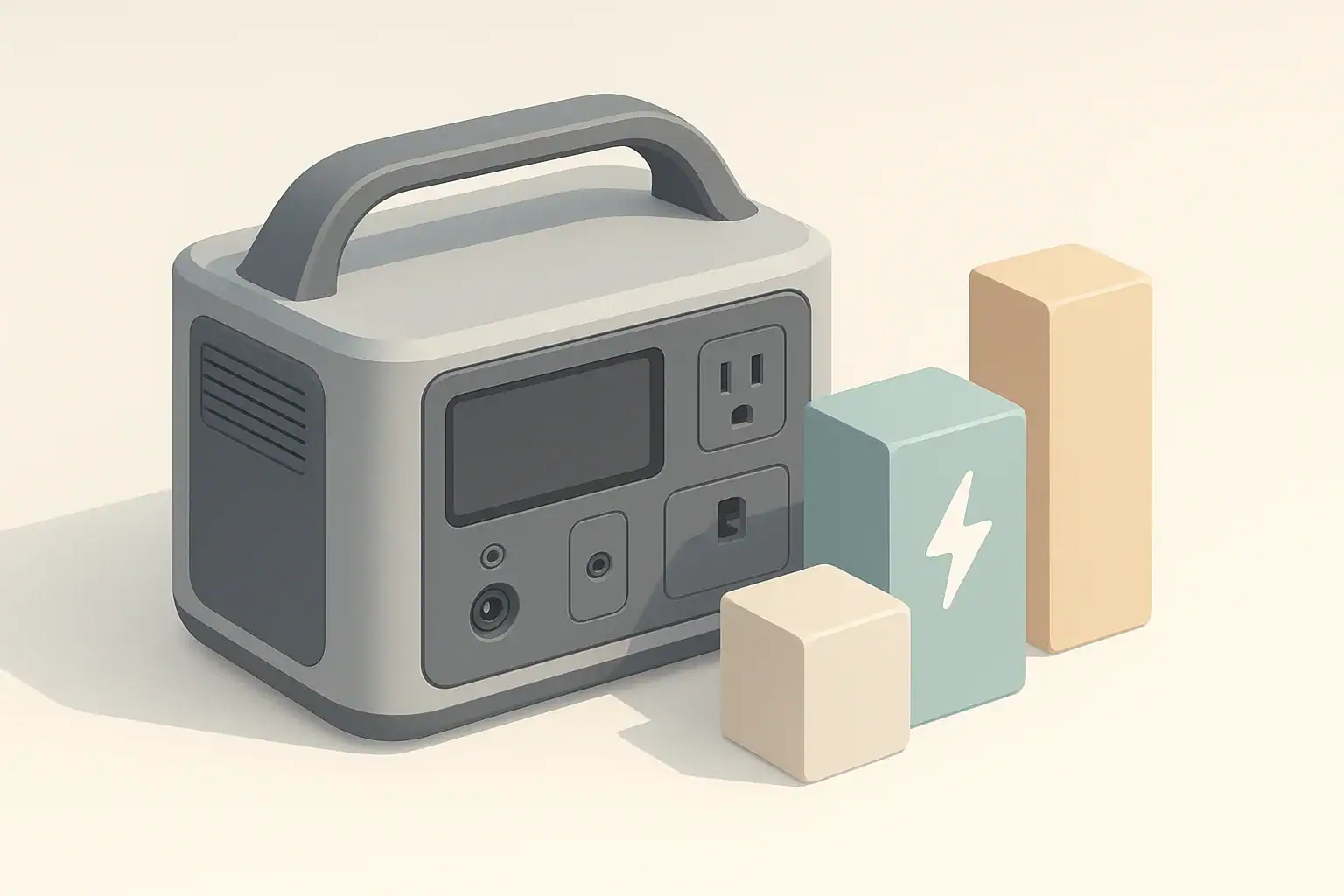
When choosing backup or portable power for computers, home offices, or outdoor work, people often encounter two different measurements that seem interchangeable but are not: VA and watts. This article walks through the practical differences, how they show up on UPS units, power supplies, and portable power stations, and what that means for sizing and real-world use. Read this overview to learn how to convert between rated values, estimate runtimes, and avoid common mistakes that lead to unexpected shutdowns or shortened battery life. The guidance is aimed at helping you pick the right inverter size and battery capacity, account for surge needs, and keep equipment protected and properly ventilated. No product endorsements are included — just clear, actionable explanations and examples to make decisions easier for remote work, camping, or emergency preparedness.
What the topic means (plain-English definition + why it matters)
When you compare portable power stations, computer power supplies, and UPS units, you see two different ways of describing power: watts (W) and volt-amperes (VA). They sound similar, but they are not the same thing. Understanding the difference helps you size a portable power station correctly and avoid overloading its inverter or your connected devices.
Watts measure the real power a device actually uses to do work, like running your laptop or monitor. VA describes apparent power, which is the product of voltage and current without considering how efficiently that power is used. Many computer power supplies and UPS units are rated in VA because they deal with complex loads that do not draw power in a simple way.
Portable power stations almost always advertise their inverter output in watts and their battery capacity in watt-hours. UPS units often advertise capacity in VA and also list a lower watt rating. This mix of VA and watts can create confusion when you try to figure out whether a portable power station can replace or supplement a UPS, or how long it can keep your computer running in a power outage.
Knowing how VA relates to watts, and how both relate to watt-hours, helps you estimate runtime, choose which devices you can safely plug in, and recognize why a power station or UPS might shut off unexpectedly. It is especially important when you rely on portable power for remote work, home office backups, or short power outages.
Key concepts & sizing logic (watts vs Wh, surge vs running, efficiency losses)
Watts describe how much instantaneous power a device needs to run. If a laptop charger is labeled 60 W, it can draw up to about 60 watts from the outlet. Portable power stations rate their AC inverter output in watts, usually with a continuous (running) watt rating and a higher surge rating for short bursts of extra load.
VA comes from multiplying voltage by current (for example, 120 V × 5 A = 600 VA). For purely resistive loads like many heaters, VA and watts are nearly the same. For electronics such as computers and monitors, power factor enters the picture. A power supply might be rated 600 VA but only 360 to 480 W of real power, depending on its power factor. Many UPS units list both values, such as 600 VA / 360 W.
Battery capacity is usually given in watt-hours (Wh). Watt-hours describe how much energy is stored, not how fast it can be delivered. To estimate runtime, you compare watt-hours to the watts your devices draw. A simple approximation is: runtime in hours ≈ (battery Wh × efficiency factor) ÷ load watts. The efficiency factor accounts for inverter and electronics losses, which often means you only get around 80 to 90% of the listed capacity when running AC loads.
Surge versus running watts matters for devices that briefly draw more power when starting up, like some desktop computer power supplies or small compressors. A power station’s surge rating allows it to handle that short spike without shutting down. However, you still need to keep the steady, running watt load under the continuous rating. If you size only by surge, you risk tripping the inverter once everything is running together.
| What you are deciding | What to check | Why it matters | Example guideline (not a limit) |
|---|---|---|---|
| Can the inverter handle the load? | Sum of device watt ratings | Inverter overload can cause shutdown | Keep total running watts at or below 70–80% of inverter continuous rating |
| Can it handle startup surges? | Devices with motors or high inrush (e.g., some desktops) | Startup spikes may exceed surge rating | Allow extra 20–50% headroom if you expect surges |
| UPS to power station comparison | UPS VA and W vs device W | VA is higher than usable watts | Use the UPS watt rating, not VA, when comparing to inverter watts |
| Rough runtime estimate | Power station Wh and load watts | Determines how long you can run devices | Runtime (h) ≈ Wh × 0.8 ÷ load W for AC devices |
| Running laptops and small electronics | Total charger wattage plus overhead | Prevents overloading smaller inverters | For a 300 W inverter, stay near or under 200–220 W continuous |
| Adding more devices later | Future devices you might plug in | Helps avoid outgrowing the power station | Reserve 20–30% inverter and capacity margin for expansion |
| Choosing DC vs AC outputs | Whether a DC or USB output is available | DC is usually more efficient than going through the inverter | Prefer DC/USB for laptops and phones when possible |
Real-world examples (general illustrative numbers; no brand specs)
Consider a home office setup with a laptop (65 W charger), a monitor (30 W), and a small internet router (10 W). If everything is running at or near maximum draw, that is about 105 W total. A portable power station with a 300 W inverter can easily handle this load. If the battery is around 500 Wh, and you assume about 80% usable capacity with inverter losses, you might see roughly (500 × 0.8) ÷ 105 ≈ 3.8 hours of runtime, depending on actual usage and power-saving features.
Now compare that to a small UPS labeled 600 VA / 360 W. If your computer system really draws only 150 W while you work, the UPS has a comfortable margin and can bridge short outages for several minutes to perhaps an hour, depending on its internal battery size. If you tried to equate 600 VA directly to 600 W and plugged in too many devices, you could overload the UPS even though you stayed below 600 in your calculations. The true limit is the watt rating, not the VA rating.
For a portable power station used during a brief power outage, you might prioritize your internet router (10 W), LED lighting (20 W), and a laptop (40 W average while in use). That is about 70 W. On a 300 Wh unit, with 80% effective capacity, you get about (300 × 0.8) ÷ 70 ≈ 3.4 hours. If you add a second monitor or charge multiple devices at once, your load could quickly climb above 100 W and reduce runtime.
Surge power becomes more noticeable with devices like small air pumps, compact refrigerators, or desktop computers that draw a high inrush current. A computer power supply labeled 500 W might only use 150–250 W in regular use but can briefly spike higher as it starts. A portable power station with a 500 W continuous / 800 W surge inverter might handle the short spike without issues, but if you run that computer plus other loads close to 500 W continuously, the inverter may trip.
Common mistakes & troubleshooting cues (why things shut off, why charging slows, etc.)
One common mistake is confusing VA and watts when moving from a UPS environment to a portable power station. Someone may think, “My UPS is 1000 VA, so any 1000 W power station is equal or better.” In practice, the UPS might only support 600 W of real load, while the power station’s 1000 W inverter rating is already in watts. If you mix these numbers, you may oversize or undersize equipment and be surprised by shorter runtime or shutdowns.
Another frequent issue is ignoring inverter efficiency and idle consumption. A portable power station must convert DC from its battery to AC for outlets. This conversion wastes some energy as heat. If your AC load is light, the inverter’s own draw can be a noticeable part of the total. Users often overestimate runtime by dividing battery watt-hours directly by the load watts without reducing for efficiency losses. When the station shuts down earlier than expected, it seems like a problem, but the estimate was optimistic.
Charging behavior can also be confusing. Some portable power stations support pass-through charging, meaning they can charge their battery while powering devices at the same time. If the load is heavy, the net charging rate slows or stops because much of the incoming energy is going straight to the devices. People sometimes think the unit is “charging slowly” when in reality it is mostly just keeping up with the output. High ambient temperature or built-in battery management may further reduce charge rate to protect the battery.
Finally, many inverters and UPS units have protective shutdown thresholds. These include low battery voltage, high internal temperature, overload, or ground fault detection. If your portable power station shuts off abruptly when you plug in a particular device or combination of devices, it may be due to a brief surge, poor power factor, or total load exceeding the continuous rating. Watching which devices are running when the shutdown occurs is often the first clue to solving the issue.
Safety basics (placement, ventilation, cords, heat, GFCI basics at a high level)
Portable power stations and UPS units both contain electronics and batteries that produce heat under load. They should be placed on a stable, dry surface with clearance around vents so air can move freely. Blocking the vents or stacking items on top can lead to higher internal temperatures, which may trigger protective shutdowns or shorten component life.
Use properly rated extension cords and power strips with any portable power source. Overloading a thin or damaged cord can cause excess heat and fire risk. Cords that are kinked, crushed under furniture, or run through high-traffic areas are more likely to be damaged. For outdoor or damp locations, use cords and outlets rated for that environment and keep connections off the ground where possible.
Some portable power stations include GFCI (ground-fault circuit interrupter) outlets, especially for outdoor or potentially wet settings. A GFCI is designed to reduce shock risk by quickly disconnecting power if it detects a ground fault. If a GFCI outlet on your power station trips repeatedly, there may be an issue with the connected cord, device, or environment that needs attention. GFCI protection is not a replacement for safe placement and dry conditions, but it can add a layer of protection.
Never attempt to connect a portable power station directly into a building’s electrical system through a wall outlet or improvised cords. This can create dangerous backfeed conditions and is generally unsafe. Any integration with a home electrical panel or transfer equipment should be planned and installed by a qualified electrician familiar with codes and the specific equipment involved.
Maintenance & storage (SOC, self-discharge, temperature ranges, routine checks)
Portable power stations and UPS units both rely on rechargeable batteries that slowly lose charge over time, even when not in use. This self-discharge is normally modest, but over many months it can leave the battery nearly empty. Storing a lithium-based power station at a moderate state of charge, often around 30–60%, and rechecking it every few months helps preserve battery health.
Temperature has a large effect on performance and aging. High heat accelerates battery wear, while freezing temperatures temporarily reduce available capacity and may limit charging. Most manufacturers specify a recommended storage temperature range, typically around typical indoor conditions. Avoid leaving a power station in a hot vehicle, near heaters, or in direct sun for prolonged periods. If it has been stored in cold conditions, allow it to warm gradually to room temperature before charging.
Routine checks are simple but important. Every few months, power the unit on, verify the display and outputs work, and confirm that charging still behaves normally from your preferred sources (wall, car, or solar). Inspect cords and plugs for damage, and make sure vents are free of dust buildup. Running a small load occasionally can help you notice problems early, rather than discovering them during an outage.
For longer-term storage, fully discharging and then leaving the battery empty is generally not recommended. Instead, charge to a moderate level, disconnect any devices or parasitic loads, power the unit completely off if it has a hard-off mode, and store it in a dry, temperature-controlled area. Check the charge level on a schedule and top it up if it has fallen significantly.
| Scenario | Recommended state of charge | Check interval | Notes |
|---|---|---|---|
| Seasonal camping use | Around 40–60% before off-season | Every 3 months | Top up if display shows notably lower charge |
| Home outage backup | Higher, around 60–80% | Every 1–2 months | Ensures more runtime when an unexpected outage occurs |
| Stored in warm room | Lower half of charge range | Every 2–3 months | Heat speeds aging; avoid leaving at 100% for very long |
| Stored in cool, dry basement | 30–60% | Every 4–6 months | Cooler temps can extend life if humidity is controlled |
| Frequent remote work use | 70–100% | Weekly glance | Regular cycling is normal; avoid running to zero whenever possible |
| RV or van kept in variable climates | About 50–70% | Monthly | Watch for extreme heat and consider shade or ventilation |
| Long-term storage with infrequent use | Around 40–50% | Every 6 months | Record a reminder date so it is not forgotten |
Example values for illustration.
Practical takeaways (non-salesy checklist bullets, no pitch)
VA and watts are related but not interchangeable. Watts describe the real power you can actually use, while VA describes apparent power and is higher when power factor is less than one. When estimating what you can plug into a portable power station, always work in watts and be cautious about relying on VA ratings from UPS labels or power supplies.
Battery capacity in watt-hours tells you how much energy is stored, but inverter efficiency and idle draw mean you will get less than the printed number when running AC loads. Basic math, combined with realistic assumptions, goes a long way: sum your devices’ watts, compare them with the continuous inverter rating, and then divide usable watt-hours by that load to estimate runtime.
- Use the watt rating, not VA, when comparing UPS loads to portable power station capabilities.
- Keep your continuous load comfortably under the inverter’s continuous watt rating to avoid nuisance shutdowns.
- Remember that AC output is less efficient than DC or USB; choose DC outputs when possible.
- Plan for surge power if you run devices with motors or high inrush current.
- Place your power station in a cool, dry, ventilated area and use cords rated for the load and environment.
- Store at a moderate state of charge and check the battery level on a schedule, especially before storm seasons or trips.
- Consult a qualified electrician for any plans involving connection to home wiring or transfer equipment.
By separating VA from watts and thinking in terms of both power (W) and energy (Wh), you can make clearer decisions about portable power stations, UPS units, and computer loads. That clarity helps you get reliable runtime, avoid overloads, and extend the life of your equipment.
Frequently asked questions
How do I convert a UPS VA rating to usable watts when comparing it to a portable power station?
Watts = VA × power factor, so you need the device’s power factor to convert accurately. If the manufacturer lists both VA and watts, use the stated watt number; otherwise assume a typical power factor between about 0.6 and 0.9 for computer/UPS loads and use the lower end for safety. When in doubt, size to the listed watt rating or add margin rather than relying on VA alone.
Can I treat a UPS labeled in VA as equivalent to a power station rated in watts?
No. VA is apparent power and can be higher than the usable watts if the power factor is less than 1. Always compare your devices’ watt draw to the inverter’s continuous watt rating rather than to a VA number to avoid overloading the unit.
How much headroom should I allow for surge or startup currents when sizing an inverter?
Plan for a surge headroom of roughly 20–50% above steady-state load for devices with motors or high inrush currents, and verify the power station’s surge rating covers short spikes. Also keep sustained loads at or below about 70–80% of the inverter’s continuous rating to reduce the chance of thermal or protective shutdowns.
What’s the simplest way to estimate runtime for my laptop and monitor from a power station?
Use runtime (hours) ≈ (battery Wh × efficiency factor) ÷ load watts; an efficiency factor of about 0.8 is a practical starting point to account for inverter losses and idle draw. For a more accurate result, measure the actual load with a meter or check device power meters rather than relying on nameplate values alone.
Is it more efficient to use DC/USB outputs instead of the AC inverter to charge laptops and phones?
Yes—using DC or USB outputs typically avoids inverter conversion losses and is therefore more efficient, which extends runtime. Use direct DC charging when the voltage and connector match your device’s requirements, and confirm compatibility to ensure safe charging.
Recommended next:
- Pure Sine Wave vs Modified Sine Wave: Does It Matter for a Portable Power Station?
- Surge Watts vs Running Watts: How to Size a Portable Power Station
- Inverter Efficiency Explained: Why Your Runtime Is Shorter Than Expected
- AC vs DC Power: How to Maximize Efficiency and Runtime
- How to Calculate Watt-Hours From Amp-Hours (and Avoid Common Mistakes)
- Why a 1000Wh Power Station Doesn’t Give 1000Wh: Usable Capacity Explained (Efficiency + Cutoffs)
- More in Capacity →
Related guides
Browse this topic →
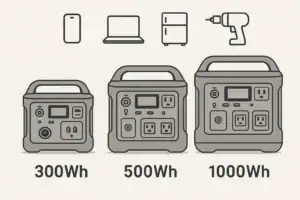

- Beginner-friendly sizing, runtime & specs
- Solar & charging (MPPT, fast charging, cables)
- Batteries (LiFePO4, cycles, care & storage)
- Safety, cold-weather performance, real-world tips
More in Capacity
See all →- Battery Calibration Explained: When (and How) to Do a Full Discharge Without Damaging the Pack
- Inverter Idle Consumption Explained: How Much Power You Lose Just Having AC On
- Why a 1000Wh Power Station Doesn’t Give 1000Wh: Usable Capacity Explained (Efficiency + Cutoffs)
- How to Calculate Watt-Hours From Amp-Hours (and Avoid Common Mistakes)
- Inverter Efficiency Explained: Why Your Runtime Is Shorter Than Expected
Keep reading

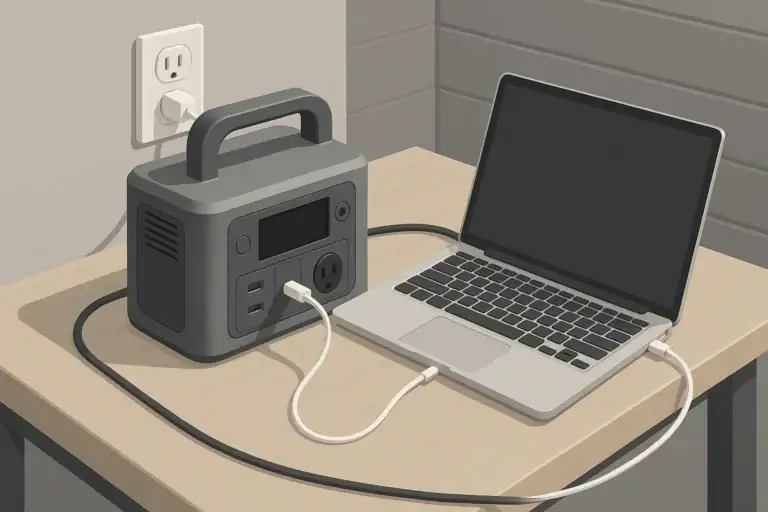
About this site
Portable Energy Lab publishes practical, independent guides about portable power—clear sizing, safe use, and real-world expectations.
Affiliate disclosure
Some links on this site may be affiliate links. If you buy through these links, we may earn a small commission at no extra cost to you. This helps support our content. Learn more.