
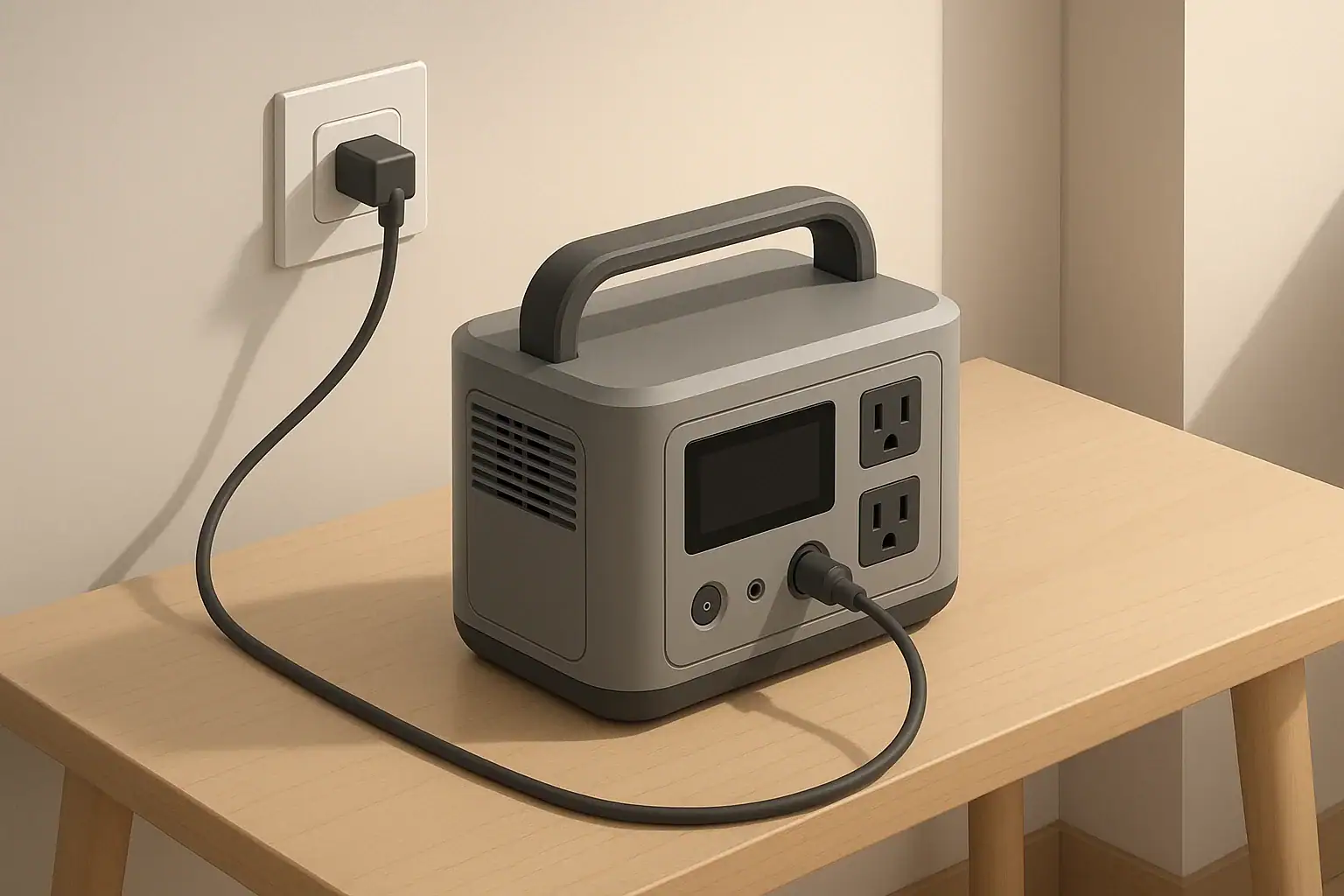
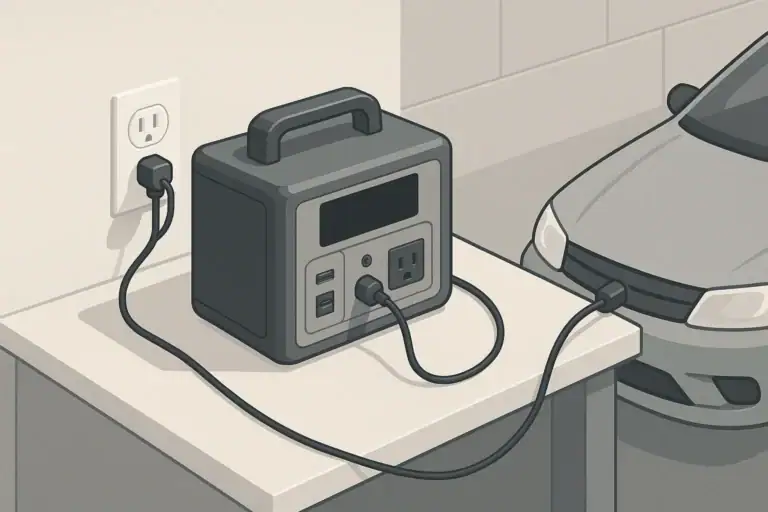
Portable power station input limits tell you the maximum volts, amps, and watts you can safely feed into the unit from the wall, a car, or solar panels. If you go over those numbers, you risk overheating components, tripping protections, or permanently damaging the battery and charge electronics. Charging from an EV charger is a special case because connector signaling and the station’s accepted AC input determine whether it works.
Understanding input limits is what lets you match the right AC charger, size a solar array correctly, and decide whether a car outlet can safely keep up with your camping or emergency needs. The same basic rules apply whether you call it a portable generator, battery box, or solar power station.
This guide breaks down what each number on the spec sheet means, shows realistic charging examples, and highlights common mistakes to avoid so you can charge efficiently without shortening the life of your unit.
What Input Limits Mean and Why They Matter
Every input on a portable power station is designed to accept only a certain amount of power. These limits are usually given as:
- A voltage range (V)
- A maximum current (A)
- A maximum power (W)
All three limits matter at the same time. You must stay within the voltage range, not exceed the amp rating, and keep total watts at or below the published maximum. If you overshoot any of them, the unit may shut down, run hot, or in the worst case fail.
In practical terms, input limits control:
- How fast the battery can charge: Higher allowed watts mean shorter charge times.
- What sources you can safely use: Wall outlet, vehicle socket, or certain solar panel configurations.
- How hard the internal electronics are worked: Pushing the limits constantly can reduce long-term reliability.
Before buying extra chargers or panels, or plugging into a new power source, you should be able to answer three questions: What voltage will it supply, how many amps can it deliver, and how many watts will that be in real use?
Key Concepts: Volts, Amps, Watts and How Input Limits Work
On the input side, volts, amps, and watts are tied together by a simple formula:
Watts (W) = Volts (V) × Amps (A)
Once you know any two, you can calculate the third. That is the core of understanding input limits.
Voltage (V): The Allowed Range
Voltage is the electrical “pressure.” Portable power stations typically list different voltage ranges for different inputs, such as:
- AC input: 100–120 V or 220–240 V, 50/60 Hz
- Car/DC input: 12–24 V DC
- Solar input: A range such as 12–60 V DC
For DC and solar inputs, going above the maximum voltage is one of the fastest ways to damage the charge controller. Even if the current is low, an over-voltage event can punch through components designed for a lower rating.
Current (A): How Much Flow the Circuit Can Handle
Current is how much charge flows per second. Input current limits might look like:
- AC input: 8 A at 120 V
- Car input: 8 A max at 12/24 V
- Solar input: 10 A max
If you try to push more current than the circuit is designed for, wiring, connectors, and internal components can overheat. Many units have internal current limiting, but that protection usually assumes you have matched the voltage correctly.
Power (W): How Fast You Can Charge
Power combines volts and amps to tell you how fast energy is moving into the battery. A higher allowed wattage means faster charging, up to the battery’s safe charge rate. For example:
- 120 V × 5 A = 600 W
- 24 V × 10 A = 240 W
Manufacturers often publish a maximum input wattage for each port or charging method. That number is a practical upper bound on how fast the battery can be charged without overheating or excessive stress.
| Input type | Typical rating example | Max amps | Resulting max watts (approx.) | What it means in practice |
|---|---|---|---|---|
| Wall AC | 100–120 V AC, 8 A | 8 A | ≈ 800 W | Fastest everyday charge option for many units |
| Car DC | 12 V DC, 8 A | 8 A | ≈ 100 W | Slow but convenient charging while driving |
| Solar DC | 12–60 V DC, 10 A | 10 A | Up to 400–600 W (model-dependent) | Good for daytime recharging off-grid |
When you read a spec such as “Solar input: 12–60 V, 10 A, 400 W max,” you must obey all three numbers at once: keep array voltage between 12 and 60 V, short-circuit current at or below 10 A, and total panel wattage at or below about 400 W under ideal conditions.
Real-World Examples: AC, Car, and Solar Input Limits
Seeing how input limits work in real situations makes it easier to choose chargers and panels confidently.
Example 1: Wall AC Charging Time
Imagine a portable power station with a 1,000 Wh battery and an AC input rating of 800 W. Ignoring efficiency losses, the ideal charge time from empty would be:
- Charge time ≈ Battery capacity ÷ Input power
- Charge time ≈ 1,000 Wh ÷ 800 W ≈ 1.25 hours
In real life, charging slows down near 80–100% and there are conversion losses, so you might see closer to 1.5–2 hours from low to full. If you plug into a circuit that can only safely support 400 W, you would need to reduce the AC charge rate (if adjustable) and expect roughly double the charge time.
Example 2: Car Socket Limits
Consider a unit that accepts 12–24 V DC, 8 A max from a vehicle. At 12 V:
- Max watts ≈ 12 V × 8 A = 96 W
With the same 1,000 Wh battery, a rough estimate for a full charge from a 12 V outlet is:
- Charge time ≈ 1,000 Wh ÷ 96 W ≈ 10.4 hours (plus losses)
Car charging is usually for topping up during long drives, not for fast charging from empty.
Example 3: Matching a Solar Panel Array
Take a solar input spec of 12–60 V DC, 10 A max, 400 W max. You are considering two 200 W panels with these ratings each:
- Voc (open-circuit voltage): 22 V
- Vmp (voltage at max power): 18 V
- Isc (short-circuit current): 12 A
- Imp (current at max power): 11 A
You have two basic wiring options:
- Series: Voltages add, current stays similar.
- Parallel: Currents add, voltage stays similar.
If you wire the two panels in series:
- Total Voc ≈ 22 V + 22 V = 44 V (within 60 V limit)
- Total Isc ≈ 12 A (within 10 A only if the controller effectively limits current, which many do, but you should still check specs carefully)
- Rated power ≈ 400 W (at the unit’s stated limit)
If you wire them in parallel:
- Total Voc ≈ 22 V (within 60 V limit)
- Total Isc ≈ 12 A + 12 A = 24 A (well above a 10 A limit)
In this simplified example, series is more likely to stay within spec, while parallel could exceed the current rating and should be avoided unless the unit specifically supports higher current or multiple parallel strings.
| Scenario | Configuration | Approx. array Voc | Approx. array Isc | Approx. array watts | Input limit risk |
|---|---|---|---|---|---|
| Two 200 W panels, series | Series (2 × 200 W) | 44 V | 12 A | 400 W | Voltage OK; current close to limit, check controller behavior |
| Two 200 W panels, parallel | Parallel (2 × 200 W) | 22 V | 24 A | 400 W | Current likely exceeds 10 A input rating |
| Single 200 W panel | Single panel | 22 V | 12 A | 200 W | Comfortably within most small to mid-size limits |
Real panels and power stations vary, but walking through simple calculations like these before you connect anything helps you avoid expensive mistakes.
Common Mistakes and Troubleshooting Input Problems
Most input-related issues fall into a few predictable patterns. Recognizing them early can prevent damage.
Typical User Mistakes
- Assuming any DC barrel plug or adapter will work: Using a power brick with the wrong voltage, even if the connector fits.
- Ignoring solar panel Voc in cold weather: Panel voltage rises as temperature drops, which can push an array over the unit’s max voltage.
- Overloading a vehicle socket: Drawing near the fuse rating for hours, causing hot sockets or blown fuses.
- Daisy-chaining too many panels in parallel: Current adds up quickly and can exceed the amp limit of the solar input.
- Using thin, long extension cords: Voltage drop and heat buildup when fast-charging from AC over undersized cabling.
What to Check If Charging Is Slow or Not Working
If your portable power station will not charge, or charges much slower than expected, work through these checks:
- Verify the source voltage: Use a multimeter if available to confirm that the charger, car outlet, or solar array is providing the expected voltage.
- Read the display or indicator lights: Look for error codes related to over-voltage, over-current, or temperature.
- Inspect connectors and cables: Loose, bent, or partially inserted plugs are a very common cause of intermittent charging.
- Reduce input power: If the unit allows you to lower AC or DC input, try a lower setting to see if charging stabilizes.
- Test one source at a time: Disconnect solar or DC inputs and test only AC (or vice versa) to isolate the problem.
Warning Signs You Are Pushing Input Limits
- Cables, adapters, or input ports feel hot to the touch (not just warm).
- The unit frequently stops and restarts charging or shows repeated protection trips.
- Solar input wattage on the display bounces or cuts out at midday sun.
- Vehicle fuses blow or accessory sockets become discolored or loose.
Any of these signs mean you should stop, let everything cool, and re-check the ratings and wiring before trying again.
Safety Basics for Using Input Limits Wisely
Input limits are primarily about safety: they protect your portable power station, connected wiring, and the power sources you use. A few habits go a long way.
AC Charging Safety
- Know the circuit rating (typically 15 A or 20 A) and avoid running other large appliances on the same branch while fast-charging.
- Use short, heavy-gauge extension cords if you must extend the reach; avoid thin, coiled cords for high-watt charging.
- Keep the power station on a hard, flat surface with ventilation openings unobstructed.
- If the outlet, plug, or cord becomes very warm or smells hot, unplug immediately and investigate.
DC and Vehicle Safety
- Use only fused, properly rated cables for car charging.
- Follow the vehicle and power station manuals on whether the engine must be running to avoid draining the starter battery.
- Do not bypass or oversize fuses in an attempt to get more current.
- Avoid routing cables where they can be pinched, slammed in doors, or abraded.
Solar Input Safety
- Double-check polarity before connecting panels; reversed polarity can damage inputs not protected against it.
- Secure panels and cables so they cannot blow over or chafe in the wind.
- Cover the panels or disconnect them at the panels before rewiring series/parallel combinations.
- Consider a margin below the maximum voltage and current ratings to account for temperature swings and measurement error.
Temperature and Input Limits
- Do not attempt to fast-charge in closed vehicles or hot sheds where internal temperatures can rise quickly.
- In very cold weather, expect the unit to limit or refuse charging until the battery warms into a safe range.
- Never try to defeat thermal protections by covering sensors or forcing airflow in unusual ways.
Long-Term Use, Maintenance, and Preserving Input Hardware
Respecting input limits is not just about avoiding immediate failure; it also affects how long your portable power station will last.
Reducing Wear on Charge Electronics
- Avoid constant max-rate charging: If your unit allows adjustable AC input, using a medium setting for everyday use is easier on the components.
- Alternate charge sources: Mixing AC, moderate solar, and occasional car charging can spread wear over different circuits.
- Keep vents clear: Dust buildup and blocked airflow make it harder to shed heat generated during charging.
Protecting Ports and Cables
- Insert and remove plugs straight in and out to avoid loosening connectors over time.
- Support heavy adapters so their weight is not hanging directly from the port.
- Inspect cables periodically for nicks, kinks, or melted insulation; replace anything suspect.
Storage Practices That Help Input Circuits
- Store the unit in a cool, dry place within the manufacturer’s recommended temperature range.
- Avoid leaving AC chargers or solar cables permanently plugged in if the unit will sit unused for long periods.
- Charge the battery to a moderate level (often around 40–60%) before long-term storage, then top up every few months.
Thoughtful use and occasional inspection can prevent small issues, such as a slightly loose connector or marginal cable, from becoming input-related failures later.
Practical Takeaways and Specs to Look For
Once you understand what the input numbers mean, choosing compatible chargers and solar panels becomes straightforward. You do not need advanced electrical knowledge; you only need to read a few lines on the label and do simple multiplication.
Key Takeaways
- Always match the voltage first; the wrong voltage is more dangerous than too much potential current.
- Use Watts = Volts × Amps to estimate how fast a given input will charge your battery.
- On solar, design for the worst-case (coldest, sunniest conditions) when checking Voc and Isc against your unit’s limits.
- Warm is normal; hot to the touch is a sign you are pushing or exceeding limits somewhere in the chain.
- Back off from maximum input when you do not need the fastest possible charge to reduce wear and heat.
Specs to Look For on Your Portable Power Station
When reading manuals or product labels, look specifically for these items and write them down in one place:
- AC input voltage range and max watts
Example: 100–120 V AC, 50/60 Hz, 800 W max. - Car/DC input voltage range and max amps
Example: 12/24 V DC, 8 A max. - Solar input voltage range, max amps, and max watts
Example: 12–60 V DC, 10 A max, 400 W max. - Supported USB-C or other DC input profiles
Example: 5/9/15/20 V, up to 100 W. - Recommended charging temperature range
Example: 32–104°F (0–40°C). - Maximum recommended continuous charge rate as a percentage of battery capacity
Example: Up to 0.8C (80% of battery capacity in watts). - Any notes about reduced input at high or low temperatures
Example: Charging power may be limited above 95°F (35°C).
Keep these numbers handy when you shop for additional chargers or panels or when you plan a new setup in a vehicle or off-grid system. Matching your sources to these limits is the simplest way to get reliable, safe performance from your portable power station for years to come.
Frequently asked questions
Which input specs and features matter most when choosing chargers or solar panels?
Prioritize matching the station’s allowed voltage range, the maximum input amps, and the total input wattage — all three must be respected. Also check supported connector types, any MPPT or charge-controller limits for solar, and recommended operating temperature ranges.
What happens if I accidentally use a charger with the wrong voltage?
Using a charger that supplies too high a voltage can damage the charge controller or other input circuitry, often immediately. A lower-than-required voltage typically won’t charge effectively and may cause slow or no charging, but it is less likely to cause catastrophic failure.
Can I connect multiple charging sources at once to speed up charging?
Some stations support combining sources, but only if the manual explicitly allows it and the combined watts and currents stay within the published limits. Combining without confirmation can exceed amp or voltage ratings and trigger protections or cause damage.
What are simple safety practices to prevent overheating or damage while charging?
Use properly rated, fused cables and short, heavy-gauge cords for high currents; keep ventilation clear; avoid charging in very hot or enclosed spaces; and stop if connectors or ports feel hot. Regularly inspect cables and follow the station’s specified temperature and input ratings.
How do temperature changes affect solar panel voltage and input limits?
Panel open-circuit voltage (Voc) rises as temperature drops, so cold conditions can push array voltage above a station’s max and risk damage. Account for worst-case cold Voc when sizing arrays and leave a safety margin below the stated voltage limit.
Why is my station charging slower than the rated input power?
Slower charging can be caused by the source not delivering its rated voltage or current, battery-management tapering near full, thermal/temperature limits reducing power, or losses from undersized cables and connectors. Verify voltages, check displays for limits or errors, and inspect cabling to troubleshoot.
Related guides
Browse this topic →
- Beginner-friendly sizing, runtime & specs
- Solar & charging (MPPT, fast charging, cables)
- Batteries (LiFePO4, cycles, care & storage)
- Safety, cold-weather performance, real-world tips
More in Charging
See all →- Can You Daisy-Chain Portable Power Stations? Why It Usually Isn’t a Good Idea
- USB-C Input vs AC Input on Portable Power Stations: Which Charging Method Makes Sense?
- Car Alternator Charging vs Cigarette Lighter Charging: What Changes for Power Stations?
- Charging a Portable Power Station From an RV Outlet: 12V, 24V, and Safety Limits
- Fast AC Charging vs Battery Longevity: Should You Use Turbo Mode Every Time?
Keep reading
About this site
Portable Energy Lab publishes practical, independent guides about portable power—clear sizing, safe use, and real-world expectations.
Affiliate disclosure
Some links on this site may be affiliate links. If you buy through these links, we may earn a small commission at no extra cost to you. This helps support our content. Read our affiliate disclosure.