
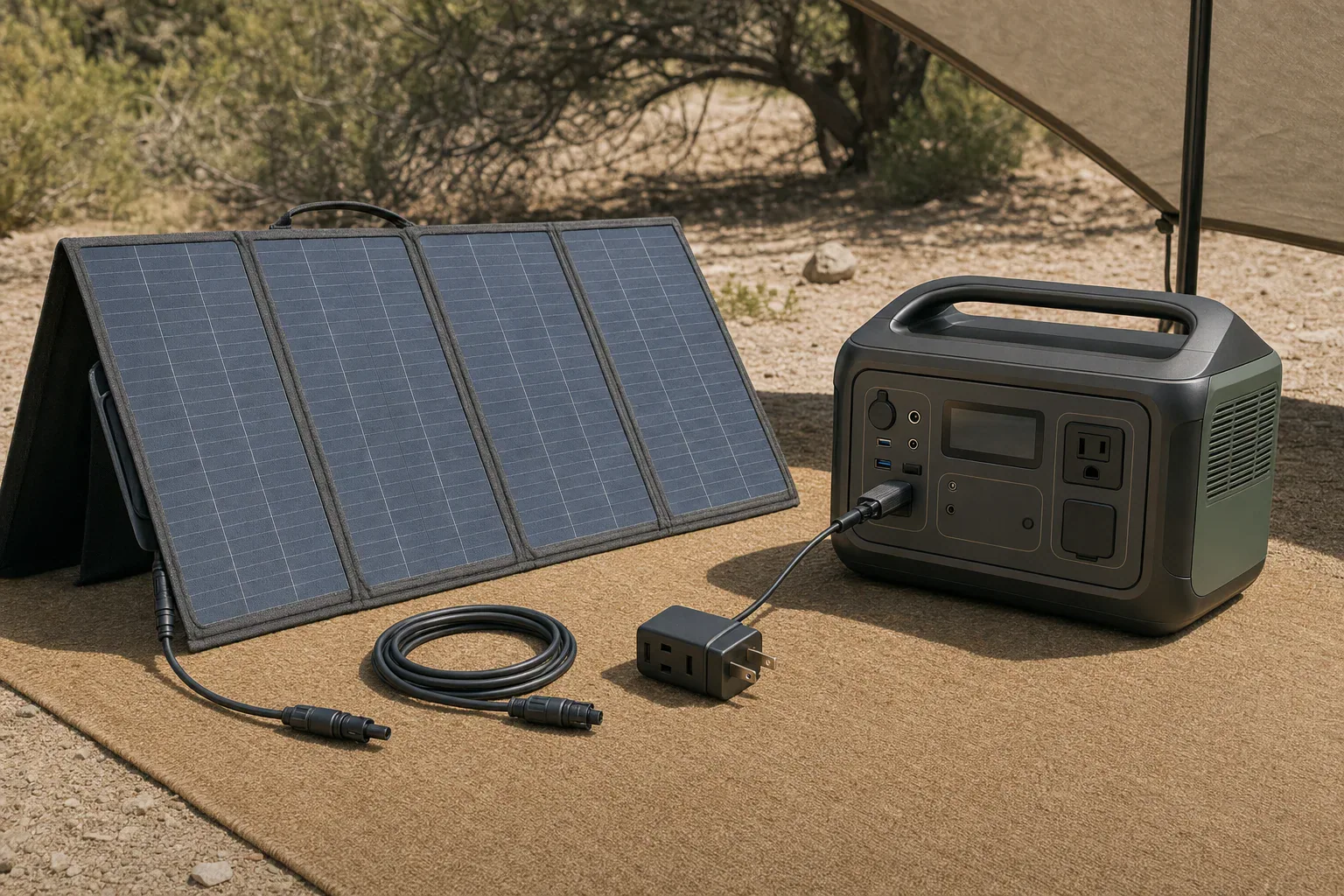
Quick answer: A solar generator with panels included is complete only when the exact panel model is approved for the station’s solar-input voltage, current, and watt limits, and the selected bundle includes the required charging cable and adapter. Confirm package contents and warranties in manufacturer documents, not only a retailer title or product photo.
Audit a solar generator with panels included before ordering
“Panels included” does not necessarily mean every part needed for solar charging is in the cart. A product page may combine station-only, one-panel, and multi-panel variants; the panel may also need a specific cable or input adapter. Treat the bundle as a set of separately verifiable components rather than relying on its title.
- Exact power-station model: Record the complete model name and, where relevant, revision. Product-family names alone can hide different solar-input ports or limits.
- Exact panel model and quantity: Confirm the panel model number and count. Similar-looking panels can have different electrical ratings, leads, or connectors.
- Panel electrical ratings: Find rated power, open-circuit voltage (Voc), operating voltage (Vmp), short-circuit current (Isc), and operating current (Imp).
- Station solar-input limits: Check the allowed voltage range, maximum voltage, current limit, watt limit, port count, and any per-port restrictions.
- Cable and connector path: Identify the connector at the panel, both ends of each cable, the station input, and the polarity shown in the official connection instructions.
- Selected variant’s package contents: Check the option actually selected in the cart. Do not assume contents shown for another variation apply to yours.
- Warranty scope: Read coverage for the station, panel, cable, and adapters separately. Terms can differ among components and sales channels.
Use this bundle-audit table
Compare the seller listing against the manufacturer’s manual, specifications, package list, connection diagram, and warranty policy. Save copies or screenshots with the order record, because product pages and variants can change.
| Item | What to verify | Best document to check | Action if unclear |
|---|---|---|---|
| Power station | Exact model, solar-input voltage range, maximum voltage, current and watt limits, input-port count | Official manual, specification page, or input label | Do not approve the bundle until the exact model and limits are known. |
| Solar panel | Model, quantity, rated watts, Voc, Vmp, Isc, and Imp | Panel label, manual, or official specifications | Compare every published value with the station documentation. |
| Solar charging cable | Connector at both ends and supported connection configuration | Package list and official connection diagram | Obtain the manufacturer-specified cable if it is not included. |
| Adapter | Input/output connector types and polarity | Official connection guide or adapter specifications | Use only an approved adapter; do not choose one by plug shape alone. |
| Multi-panel hardware | Any required adapters or connectors for the intended number of panels | Station manual or manufacturer expansion guide | Buy the specified hardware before expanding the array. |
| Extension cable | Whether included, connector compatibility, and electrical rating | Package list and cable specifications | Add an approved cable if the supplied lead cannot reach the planned panel location. |
| Delivery | Number of cartons and whether panels ship separately | Order details, package list, and seller confirmation | Document missing cartons promptly rather than assuming an accessory was omitted. |
| Warranty | Term, eligible seller, registration rules, proof-of-purchase requirements, and exclusions | Official warranty policy and exact product page | Request written clarification when documents conflict. |
Does the included panel fit the station’s input limits?
A matching connector is not proof of electrical compatibility. Check voltage, current, and power independently for the exact models. If the manufacturer does not document a pairing or configuration, do not infer approval from a retailer listing.
Voltage: check operating range and maximum input
Compare the panel’s published operating voltage with the station’s stated solar-input range. Also check the panel’s Voc against the station’s maximum permitted input voltage using the manufacturer’s approved configuration. Solar-panel nameplate values are commonly stated under standard test conditions, and real outdoor conditions can differ. Follow the manufacturer’s documented arrangement rather than creating an undocumented series or parallel configuration.
Current: do not assume how a station handles excess available current
Compare the panel’s Imp and Isc with the station’s current specifications and connection instructions. Manufacturers may describe current limits differently. If the documentation does not state whether a proposed pairing is accepted, prohibited, or input-limited, the result is unknown until the manufacturer confirms it in writing.
Wattage: nameplate power is not a charging promise
Panel watts describe rated power under specified test conditions. A station’s solar-input watt limit describes its designed input limit. A panel rated at or above that limit does not establish that the station will capture every available watt, and panel wattage alone cannot determine a guaranteed recharge time.
Illustrative documented pairing: Jackery Explorer 1000 v2 and SolarSaga 200W
This example shows how to read published figures for a manufacturer-documented pairing. It is not a wiring rule or approval for other stations, panels, adapters, or configurations.
Jackery lists the Explorer 1000 v2 solar-input range as 16–60V, with a 10.5A and 200W maximum per port. It lists totals of 21A and 400W when both ports are used, identifies the input as DC8020, and says one or two panels use included cables while a four-panel configuration requires two SolarSaga adapters. Jackery’s Explorer 1000 v2 basic information
Jackery publishes the SolarSaga 200W panel at 200W ±5%, 22V Voc ±5%, 18V Vmp ±5%, 12.5A Isc ±5%, and 11.5A Imp ±5% under its stated standard test conditions. Its separate package list names a three-meter multifunction cable and a DC8020-to-DC7909 adapter. Jackery’s SolarSaga 200W specifications
Illustrative tolerance calculation: using the published positive or negative tolerance as an arithmetic assumption:
- Voc: 22V × 1.05 = 23.1V.
- Vmp: 18V × 0.95 = 17.1V.
- Imp: 11.5A × 1.05 = 12.075A.
- Rated power: 200W × 1.05 = 210W.
The calculated voltage figures fall within the station’s published 16–60V range. The panel’s stated current and possible power tolerance, however, exceed the listed per-port figures. Because Jackery sells and documents this pairing, it is manufacturer-supported; the specifications alone do not show how much current or power the station will accept in every condition. They therefore do not support a promise of 200W or more of real charging input.
For the US “Explorer 1000 v2 + SolarSaga 200W” option, Jackery’s package list names one station, one AC charging cable, one panel, and one multifunctional solar charging cable. Its station-only option does not include the panel or solar cable. That distinction is why the selected variant—not the shared product page—must be audited. Jackery Solar Generator 1000 v2 package options
Trace every cable and connector from panel to station
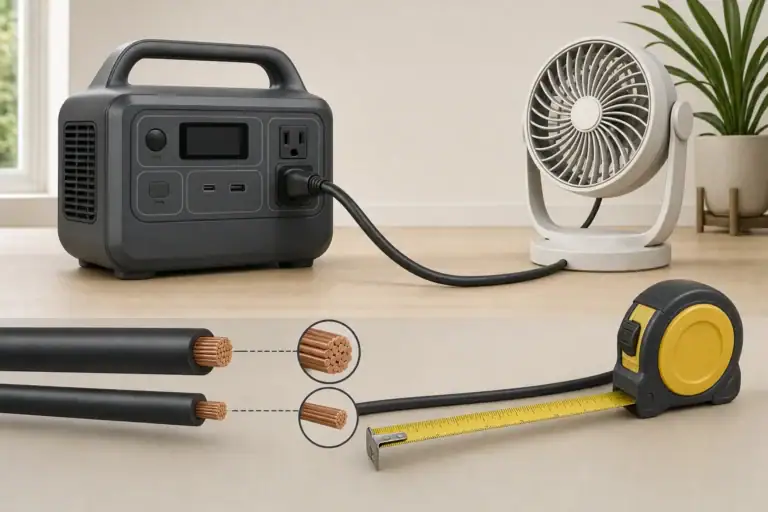
Map the complete charging path before purchase: panel output, permanently attached lead if present, detachable charging or extension cable, any adapter, and the station input. Product photos are not enough because visually similar connectors can have different dimensions or polarity.
- Solar charging cable: Without the correct cable, an included panel may not connect to the station.
- Input adapter: A cable may fit the panel but end in the wrong plug for the station.
- Multi-panel adapter: This may be needed only when adding panels, not for the initial included panel.
- Extension cable: It may be necessary to put the panel in sunlight while keeping the station in a suitable dry location.
- Support or mounting hardware: Do not assume it is included unless it appears in the exact package list.
Use only connection methods specified for the exact products involved. Do not reverse polarity, splice unfamiliar cables, or assume a third-party adapter is appropriate because its plug fits.
Keep capacity, output, and solar input separate
Watts (W) measure a rate of power; watt-hours (Wh) measure stored or consumed energy. A 1,000Wh station and a 200W panel cannot be divided to create a guaranteed five-hour solar recharge claim. Sunlight, panel orientation, temperature, conversion behavior, battery-management behavior, and the station’s charging profile all affect actual results.
The station’s AC output rating is also separate from solar compatibility. Continuous and surge output ratings help determine whether the station can run an appliance; they do not tell you whether a solar panel is approved for its input.
Confirm warranty coverage for each bundle component
Check the official policy and the exact product page for the relevant SKU and seller. Confirm when coverage begins, whether registration changes the term, what proof of purchase is required, and whether panels and accessories have terms separate from the power station.
Official pages can conflict. Jackery’s cited warranty policy lists certain station families at 3+2 years and lists SolarSaga 200W, 100W, and 80W products at 2+1 years, while its SolarSaga 200W product page advertises a 3+2-year warranty. Obtain written confirmation for the exact panel SKU and sales channel instead of assuming the more favorable term applies. Jackery warranty policy
Make a buy-or-wait decision
Buy when the precise station and panel models are identified, the manufacturer documents the pairing, the selected package list includes every required cable and adapter, and warranty terms are clear.
Wait for clarification when a listing omits electrical ratings, uses conflicting model names, relies on connector photos, promises accessories absent from the official package list, or leaves warranty coverage and input-limit behavior unresolved. Keep the listing, official documents, and the seller’s written response with the order record.
Related guides
Browse this topic →
- Beginner-friendly sizing, runtime & specs
- Solar & charging (MPPT, fast charging, cables)
- Batteries (LiFePO4, cycles, care & storage)
- Safety, cold-weather performance, real-world tips
More in Solar
See all →- Solar Charging on Cloudy Days: What Output Can a Portable Power Station Expect?
- How Many Portable Solar Panels Do You Need for a 1,000Wh Power Station?
- Solar Adapter Polarity Mistakes: How to Avoid Reverse-Polarity Charging Problems
- Portable Solar Panel Waterproof Ratings: What Rain, Dew, and Splash Resistance Mean
- Can You Charge a Portable Power Station Through a Window With Solar Panels?
Keep reading

About this site
Portable Energy Lab publishes practical, independent guides about portable power—clear sizing, safe use, and real-world expectations.
Affiliate disclosure
Some links on this site may be affiliate links. If you buy through these links, we may earn a small commission at no extra cost to you. This helps support our content. Read our affiliate disclosure.