
The right portable power station is the one that can safely run your devices for as long as you need, without being heavier or more expensive than necessary. This buying guide shows you how to match battery capacity, inverter watts, ports, and charging options to your real-world use, whether that is camping, vanlife, job sites, or home backup during power outages.
Instead of guessing, you will learn how to read key specifications, calculate runtimes in watt-hours, and spot common pitfalls like underpowered inverters or unrealistic solar expectations. We will also cover safety basics, long-term battery care, and a practical checklist of specs to look for when comparing models.
What Is a Portable Power Station and Why It Matters
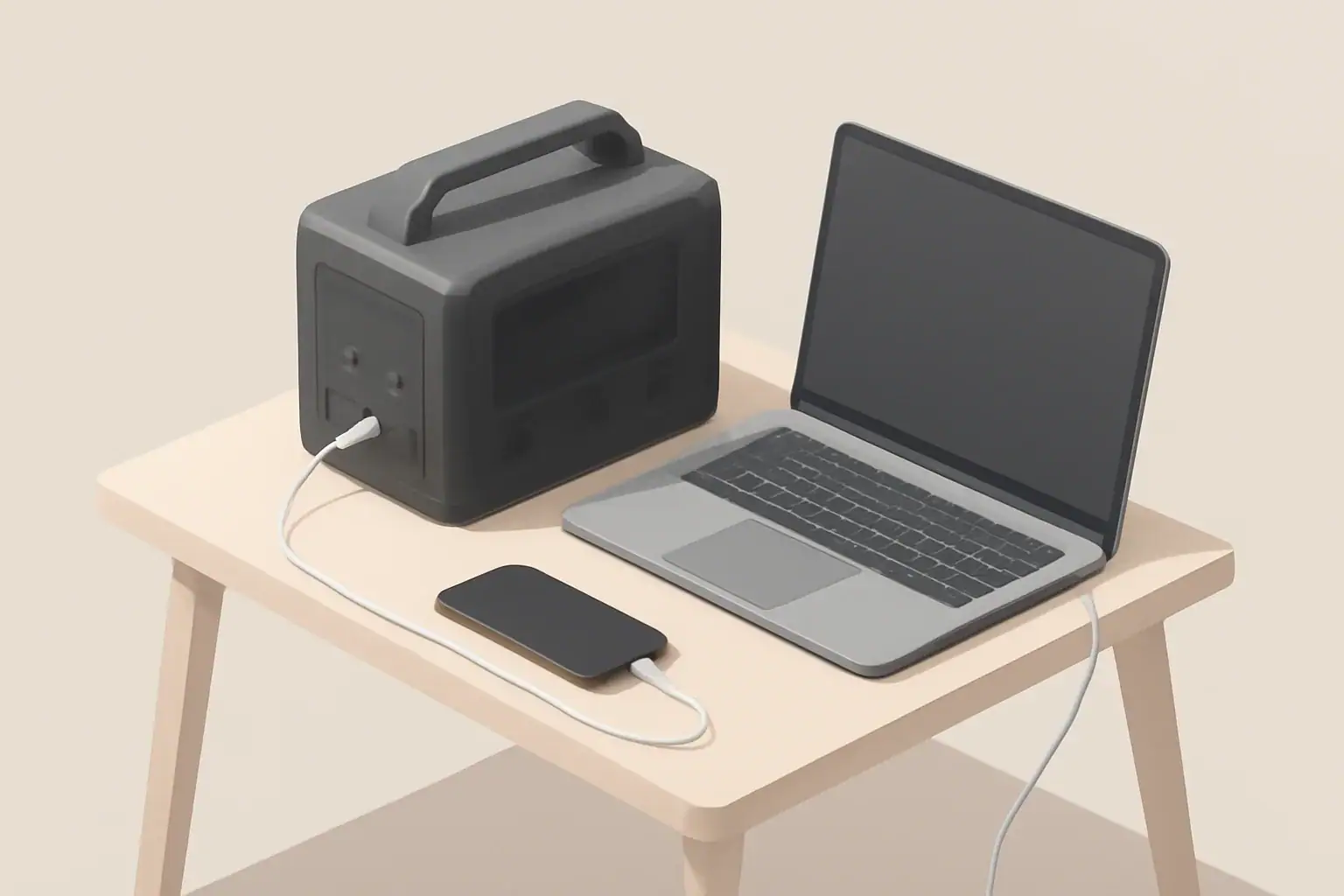
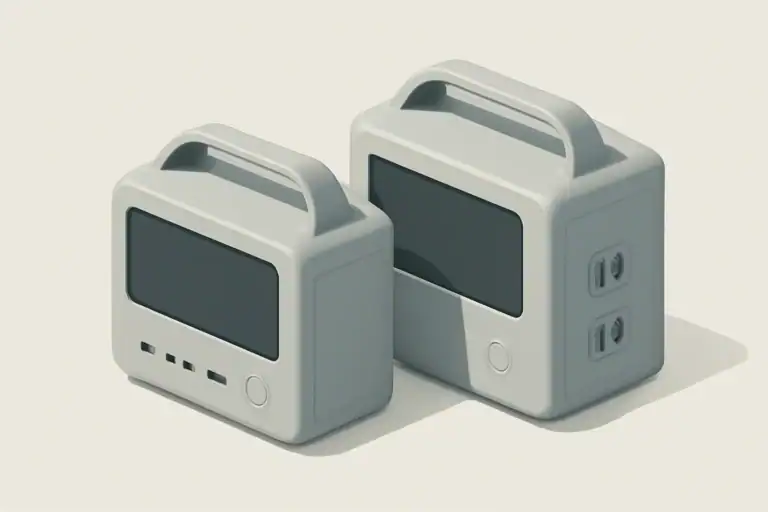
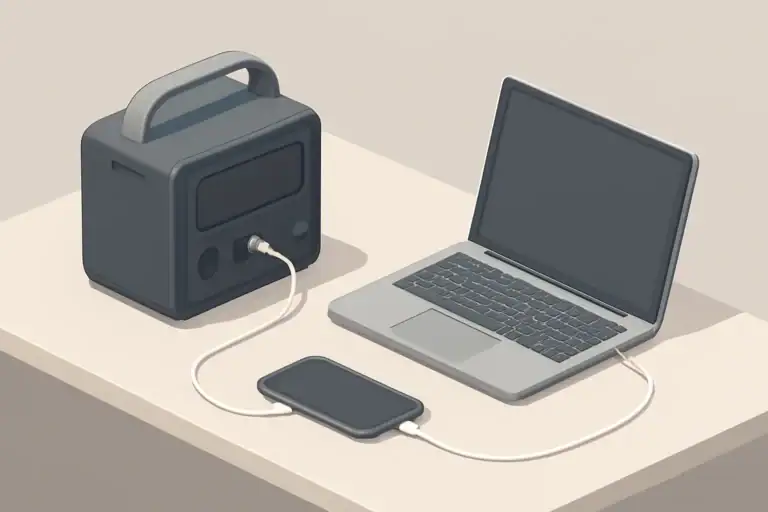
A portable power station is a rechargeable battery box that provides both AC and DC power without fuel or exhaust. It combines a battery pack, inverter, charge controller, and multiple output ports in a single unit so you can plug in laptops, lights, fridges, tools, and other electronics much like you would at home.
Compared with small USB power banks, a portable power station typically offers:
- Much higher energy storage (measured in watt-hours, or Wh)
- One or more 120V AC outlets for appliances
- 12V outputs for car-style devices and fridges
- USB-A and USB-C ports for phones, tablets, and laptops
These features make portable power stations useful for camping and overlanding, keeping a home office running through short blackouts, powering tools at a remote job site, or supporting critical devices like communication gear or small medical equipment (with proper sizing and safety checks).
Understanding what a portable power station can and cannot do is the first step toward choosing a model that fits your priorities: runtime, portability, quiet operation, or backup resilience.
Key Specs and How Portable Power Stations Work
Most buying decisions come down to a few core specifications. Once you understand how they fit together, spec sheets become much easier to compare.
Battery capacity (watt-hours, Wh)
Battery capacity tells you how much energy the station can store. A 500 Wh unit can theoretically deliver 500 watts for one hour, 250 watts for two hours, and so on. In practice, you should assume 80–90% of the stated capacity is usable because of inverter losses and built-in safety limits.
Rough sizing guidelines:
- 200–400 Wh: Phones, cameras, small lights, one laptop for a workday.
- 500–800 Wh: Weekend camping, small 12V fridge, router, several laptops.
- 1,000–2,000 Wh: Short home outages, power tools, larger fridges for several hours.
- 2,000+ Wh: Longer outages, partial home backup, power-hungry devices.
Inverter power (continuous and surge watts)
The inverter turns DC battery power into AC power. It has two important ratings:
- Continuous watts: How much power it can supply steadily.
- Surge (peak) watts: Short bursts needed to start motors and compressors.
To avoid overload shutdowns, the continuous rating must be higher than the total watts of all devices you plan to run at the same time. Devices with motors (refrigerators, fans, pumps, some tools) can draw 2–3 times their running watts at startup, so the surge rating must also be high enough.
Inverter waveform and efficiency
Most quality portable power stations use a pure sine wave inverter, which closely matches grid power and is safer for sensitive electronics. Modified sine wave inverters are less expensive but can cause noise, heat, or malfunction in some devices.
Inverter efficiency (often 85–90%) affects runtime. Higher efficiency means more of the stored energy actually reaches your devices instead of being lost as heat.
Battery chemistry
Two common chemistries are:
- Lithium-ion (NMC or similar): Higher energy density and lighter weight, often used where portability is critical.
- Lithium iron phosphate (LiFePO4): Typically heavier for the same Wh, but with longer cycle life and good thermal stability, often favored for frequent daily use or long-term home backup.
If you cycle the battery often (for example, off-grid living or daily vanlife), a chemistry with higher cycle life can be more economical over time even if the upfront cost is higher.
Charging options and recharge time
Look at both the maximum input watts and the supported charging methods:
- AC wall charging
- Vehicle 12V charging
- Solar charging via DC input
- USB-C PD input (on some models)
A simple way to estimate charge time is:
Charge time (hours) ≈ Battery capacity (Wh) ÷ Input power (W) ÷ 0.85
The 0.85 factor roughly accounts for conversion losses. For example, a 1,000 Wh station charging at 500 W might need around 1,000 ÷ 500 ÷ 0.85 ≈ 2.35 hours.
Ports and outputs
Check that the station has the right mix of outputs for your gear:
- Number and type of AC outlets (grounded or ungrounded)
- USB-A and USB-C ports, including high-watt USB-C PD for laptops
- 12V car socket for fridges and inflators
- Any extra DC ports you rely on (barrel connectors, high-current DC, etc.)
Also check per-port current limits. A single high-watt USB-C port is more useful for modern laptops than many low-power USB-A ports.
Portability and noise
Higher capacity almost always means more weight. A 300 Wh unit might be easy to carry with one hand, while a 2,000 Wh unit can be closer to the weight of a small suitcase. Consider how often you will move it and over what distance.
Most units use internal fans to manage heat. If you need quiet power in a tent or bedroom, look for designs that only spin fans at higher loads, and plan to place the station a few feet away from sleeping areas.
Step-by-step runtime calculation
Use this simple process before you buy:
- List each device and its watt draw.
- Estimate how many hours per day you will run each device.
- Multiply watts × hours to get daily Wh per device.
- Add all device Wh for your total daily energy use.
- Divide the station’s usable Wh by your total daily Wh to estimate how many days you can run before recharging.
| Device | Power (W) | Hours per day | Daily energy (Wh) |
|---|---|---|---|
| LED light strip | 10 | 5 | 50 |
| Laptop | 60 | 6 | 360 |
| 12V camping fridge | 45 | 8 (compressor duty cycle) | 360 |
| Phone charging | 10 | 2 | 20 |
| Total | 790 Wh |
Real-World Use Cases and Example Setups
To turn specs into something concrete, it helps to look at typical scenarios and how they map to capacity, inverter power, and ports.
Weekend camping or car camping
Common devices:
- LED lanterns or string lights
- Phones, tablets, cameras
- One laptop for occasional use
- Small 12V cooler or low-draw fan
For a two-night trip, many campers find that a 300–600 Wh station with a few USB ports, one AC outlet, and a 12V socket is sufficient. If you add a small solar panel and get 150–300 Wh of solar per day, you can stretch runtimes significantly.
Vanlife and overlanding
Common devices:
- 12V compressor fridge running most of the day
- Multiple USB devices and laptops
- Water pump, roof fan, and occasional induction cooktop or electric kettle
Daily energy use can easily reach 800–1,500 Wh. Many van setups use 1,000–2,000 Wh of battery plus solar charging sized to replace most of that energy on a good-sun day. Here, battery chemistry and cycle life matter because the system is cycled almost every day.
Home backup during outages
Common devices for a short outage (4–12 hours):
- Wi-Fi router and modem
- Phones and laptops
- A few LED lights
- Refrigerator or chest freezer
Running a full-size fridge plus essential electronics often calls for at least 1,000–1,500 Wh of capacity and an inverter with 1,000 W or more of continuous output and a high surge rating. For longer outages, you either need larger capacity or a reliable recharge source such as solar or a vehicle alternator.
Remote work, tools, and job sites
Common devices:
- Laptops and monitors
- Battery chargers for tools
- Low- to mid-power tools (saws, drills) used intermittently
Here, the inverter’s continuous and surge ratings are often more important than total Wh because tools draw high power but may not run for many hours. A 1,000 W inverter with good surge capability can handle many corded tools for short bursts, while 500–1,000 Wh of capacity may be enough for a day’s intermittent use.
Estimating runtimes from capacity
Once you know your devices and daily Wh, you can make quick estimates. For example, with a 1,000 Wh station (assuming 850 Wh usable):
- A 60 W laptop could run for roughly 850 ÷ 60 ≈ 14 hours.
- A 100 W mini-fridge averaging 50 W over time (compressor cycling) could run for roughly 850 ÷ 50 ≈ 17 hours.
- A 10 W LED light could run for roughly 850 ÷ 10 ≈ 85 hours.
These are ballpark numbers; actual runtimes vary with temperature, inverter efficiency, and how the device draws power over time.
Common Buying Mistakes and Troubleshooting Cues
Many problems with portable power stations stem from mismatched expectations rather than hardware failure. Knowing what to watch for can save money and frustration.
Frequent buying mistakes
- Focusing only on watt-hours: A large battery with a small inverter may not run high-watt devices like kettles or microwaves.
- Ignoring surge power: Fridges, pumps, and some tools may trip overload protection at startup even if their running watts look safe on paper.
- Overestimating solar input: Real-world solar often delivers 50–70% of panel rating over the course of a day, depending on angle, latitude, and weather.
- Underestimating weight: A powerful unit that rarely leaves the garage might be fine, but for frequent transport, weight can be the limiting factor.
- Assuming UPS behavior: Not all stations support seamless switchover when grid power fails; some have a noticeable transfer delay or are not intended as UPS devices.
Basic troubleshooting cues
If your portable power station is not behaving as expected, these patterns can help narrow down the cause.
| Symptom | Likely cause | What to check |
|---|---|---|
| Unit shuts off when starting a fridge or tool | Surge watts too low or overload protection triggered | Compare device startup watts to inverter surge rating; try a lower-power device |
| Runtime is much shorter than expected | Inverter losses, higher-than-assumed device draw, or cold temperatures | Measure actual watts, use DC outputs when possible, and avoid very cold environments |
| Slow or incomplete charging from solar | Panel under direct rating, shading, or voltage mismatch | Panel orientation, cable connections, and input voltage window on the station |
| Unit will not charge in cold weather | Battery management system blocking charging below safe temperature | Warm the unit to within the specified charging temperature range before retrying |
| Fans run loudly at low loads | Thermal design or high ambient temperature | Move unit to a cooler, well-ventilated area; avoid covering vents |
When to size up or add capacity
Consider a larger unit or additional capacity when you notice patterns like:
- Frequently hitting 0% state of charge before the end of the day
- Needing to unplug higher-draw devices to avoid overloads
- Relying heavily on pass-through charging just to keep up with demand
In those cases, moving one size up in Wh and inverter power often provides a more relaxed and reliable setup.
Safety Basics for Using Portable Power Stations
Portable power stations remove many hazards associated with fuel generators, but they are still high-energy electrical devices. Safe use protects both you and your equipment.
Electrical safety and load limits
- Stay within the listed continuous and surge watt ratings.
- Avoid daisy-chaining power strips and adapters that can overload a single AC outlet.
- Use grounded plugs properly and do not defeat safety features such as grounding pins.
- Do not attempt to backfeed a home electrical panel unless installed by a qualified electrician using proper transfer equipment.
Ventilation and heat management
- Place the unit on a flat, stable surface with vents unobstructed.
- Keep it away from direct heat sources, enclosed cabinets, or piles of fabric that could block airflow.
- If the case feels unusually hot or you smell burning, disconnect loads and allow it to cool before further use.
Use around sensitive and medical devices
- Confirm that the inverter provides a pure sine wave output suitable for sensitive electronics.
- Check the device’s voltage and wattage requirements against the station’s specs, including surge.
- For critical devices (such as certain medical machines), do not rely on a portable power station as your only power source unless specifically approved by the device manufacturer and your healthcare provider.
Child, pet, and water safety
- Keep the unit out of reach of small children and away from play areas.
- Avoid placing the station where it can be knocked over or exposed to spills.
- Do not use the unit in standing water, heavy rain, or locations where moisture can enter ports or vents.
Maintenance and Long-Term Storage
Good maintenance habits extend battery life and keep performance predictable over years of use.
Charging and cycling habits
- Avoid leaving the battery at 0% for extended periods; recharge soon after use.
- For long-term health, repeated shallow to moderate cycles are easier on the battery than constant full discharges.
- Occasionally cycle the unit (for example, every few months) instead of leaving it unused indefinitely.
Storage practices
- Store in a cool, dry place away from direct sunlight and extreme temperatures.
- Many manufacturers recommend storing at roughly 40–60% charge if the unit will sit for more than a month.
- Top up the charge every 3–6 months during long storage to offset self-discharge.
Inspection and cleaning
- Visually inspect the case, ports, and cables for cracks, corrosion, or damage before trips or outages.
- Keep dust out of vents with gentle cleaning; do not use compressed air at very high pressure directly into ports.
- Replace damaged cables immediately rather than taping or bending them to “make them work.”
Cold weather and thermal considerations
- Cold temperatures reduce apparent capacity; you may see shorter runtimes in winter.
- Most lithium batteries should not be charged below freezing; follow the specified charging temperature range.
- In cold environments, keep the unit inside a tent, vehicle, or insulated box where it can stay closer to room temperature.
Practical Takeaways and Specs to Look For
When you are ready to choose a portable power station, bring your own numbers and priorities to the spec sheet instead of relying on generic marketing claims.
Key buying takeaways
- Start with your devices and daily energy needs, not with the advertised capacity alone.
- Make sure the inverter’s continuous and surge ratings comfortably exceed your highest combined load.
- Match battery chemistry to how often you will cycle the battery and how long you plan to keep the unit.
- Plan realistic recharge options (wall, vehicle, solar) based on where and how you will use the station.
- Consider weight, handles, and form factor if you expect to carry the unit frequently.
Specs to look for checklist
- Battery capacity (Wh): Does it cover your calculated daily Wh with a 20–30% margin?
- Inverter continuous watts: Higher than the total watts of devices you plan to run simultaneously.
- Inverter surge watts: Sufficient for startup of fridges, pumps, or tools (often 2–3× running watts).
- Waveform: Pure sine wave output for sensitive electronics and any critical equipment.
- Battery chemistry: Choose based on cycle life, weight, and budget.
- Charging inputs: AC, 12V vehicle, and solar input power high enough to recharge in your available time window.
- USB and DC ports: Enough high-watt USB-C PD and 12V outputs for your specific devices.
- Operating temperature range: Suitable for your climate, especially if you camp or store the unit in unheated spaces.
- Dimensions and weight: Reasonable for how and where you will move or store the unit.
- Safety protections: Overcharge, over-discharge, overcurrent, short-circuit, and temperature protection clearly listed.
By working through these points and comparing them to your own use case, you can narrow the field to a few portable power stations that provide the right balance of capacity, portability, and long-term reliability for your needs.
Additional practical example
Example 4: Running a CPAP machine overnight
Many CPAP machines draw 30–60W without heated humidification. For an 8-hour night at 40W average: 40W × 8h = 320Wh. With an efficiency factor of 0.8, you would want at least 400Wh. If you run humidification or higher pressure settings, actual draw may be higher, so 500–600Wh gives more peace of mind.
These examples show the basic process: estimate wattage, multiply by hours, adjust for efficiency, and add a margin. Once you practice this a few times, you can quickly see whether a 300Wh, 500Wh, or 1,000Wh+ portable power station is a better fit.
If this is your first backup system, begin with what a portable power station is, then return to the sizing and feature comparisons in this buying guide.
Frequently asked questions
Which specs and features should I prioritize when choosing a portable power station?
Prioritize battery capacity (Wh) to meet your daily energy needs, inverter continuous and surge watts to handle your devices, and the port mix you actually need (AC, USB-C PD, 12V). Also consider charging inputs and maximum input watts, inverter waveform (pure sine), weight/portability, and battery chemistry based on cycle life.
What is the most common mistake people make when buying a portable power station?
The most common mistake is focusing only on quoted watt-hours and ignoring inverter power or surge capability, which can prevent running high-draw appliances. People also overestimate solar charging or underestimate weight and real-world runtime losses.
Are portable power stations safe to use indoors and around pets or children?
Compared with fuel generators, portable power stations are generally safer for indoor use because they produce no exhaust, but they still require precautions: keep them dry, well-ventilated, out of reach of children and pets, and do not block vents. Follow the manufacturer’s safety guidelines and avoid using damaged cables or connectors.
How do I determine the right battery capacity for camping or vanlife?
List every device and its watt draw, estimate hours per day, and add the daily Wh totals to get your baseline energy use. Choose a battery with usable Wh at least 20–30% higher than that baseline and factor in any expected solar recharge or inefficiencies.
Can I reliably recharge a power station with portable solar panels while camping?
Yes, but reliability depends on panel wattage, available sun, the station’s maximum input wattage, and real-world panel output (often 50–70% of rated under typical conditions). Check the station’s input limits and use an MPPT-equipped controller or integrated charge controller for better performance.
What maintenance steps help extend battery life during long-term storage?
Store the unit in a cool, dry place at roughly 40–60% charge, top it up every 3–6 months, and avoid leaving it fully discharged or at 100% for long periods. Regularly inspect cables and ports and keep the unit within its recommended storage temperature range.
Related guides
Browse this topic →
- Beginner-friendly sizing, runtime & specs
- Solar & charging (MPPT, fast charging, cables)
- Batteries (LiFePO4, cycles, care & storage)
- Safety, cold-weather performance, real-world tips
More in Beginners
See all →- Charging an Electric Wheelchair or Mobility Scooter From a Portable Power Station
- Portable Power Station for a Gaming PC: Runtime, Load Spikes, and UPS Considerations
- Portable Power Station for a Pop-Up Camper: Lights, Fans, Fridge, and Recharge Plan
- Portable Power Station for a Shed or Outbuilding: Lights, Chargers, and Security
- Portable Power Station for a Boat: 12V Loads, Salt Air, and Safer Storage
Keep reading
About this site
Portable Energy Lab publishes practical, independent guides about portable power—clear sizing, safe use, and real-world expectations.
Affiliate disclosure
Some links on this site may be affiliate links. If you buy through these links, we may earn a small commission at no extra cost to you. This helps support our content. Read our affiliate disclosure.