
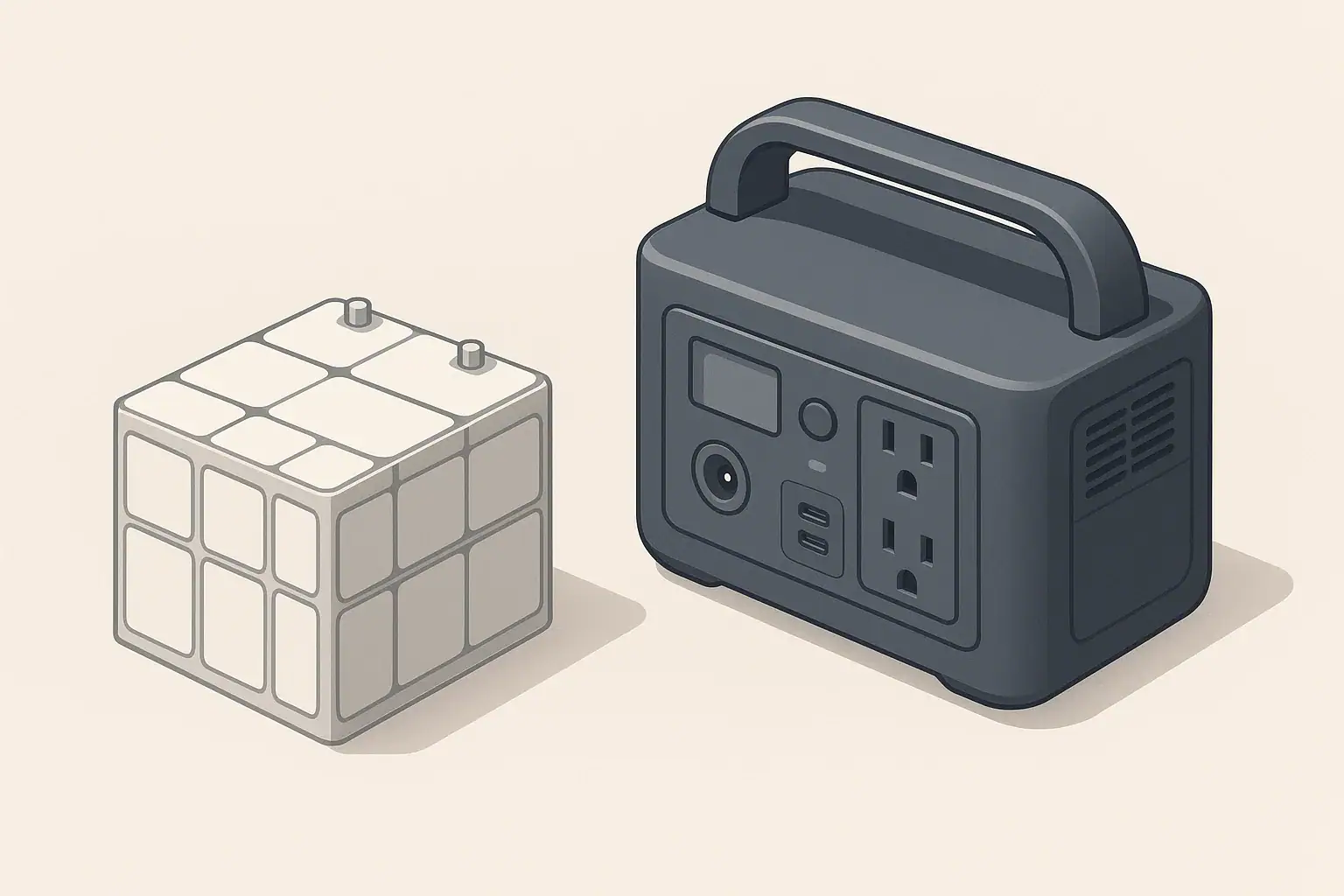
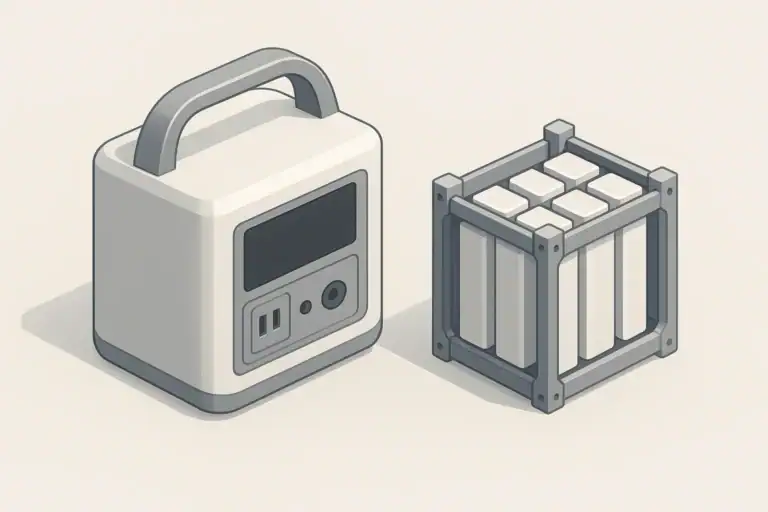
Inside every modern portable power station is a hidden controller called a battery management system, often shortened to BMS. It is the electronic “overseer” that constantly monitors the battery cells, controls charging and discharging, and decides when to allow or cut off power. Without it, high-capacity lithium batteries would be unsafe and unreliable.
In plain terms, the BMS makes judgment calls thousands of times per second. It watches voltage, current, and temperature and compares them to safe limits set by the manufacturer. If something goes outside an acceptable range, the BMS steps in and either reduces or stops power flow to protect the battery and connected devices.
This matters because the headline numbers you see on a portable power station—watt-hours, watts, and charge times—only tell part of the story. The BMS affects how much of that capacity you can actually use, how long the battery will last over its lifetime, and how the unit behaves under stress, like during a power outage or while camping in extreme temperatures.
What a Battery Management System Means and Why It Matters
Understanding the basics of what a BMS does helps set realistic expectations. It explains why your power station sometimes shuts off earlier than the math suggests, why charging may slow down, and why certain outlets might refuse to power a particular appliance. These behaviors are usually signs of the BMS doing its job, not that the unit is failing.
Key Concepts, Sizing Logic, and How the BMS Fits In
To understand how a battery management system influences a portable power station, it helps to separate a few common terms. Watt-hours (Wh) describe stored energy, while watts (W) describe power, or how fast that energy is used. A 500 Wh battery can theoretically supply 500 watts for 1 hour, or 250 watts for 2 hours, and so on, before losses and BMS limits are considered.
Most portable power stations also have an inverter that turns the battery’s DC power into AC outlets similar to standard 120 V household power. The inverter has a continuous rating, sometimes called running watts, and a surge rating, which is the brief extra power it can supply to start motors or compressors. The BMS and inverter work together: even if the inverter can handle a certain load on paper, the BMS may limit output or shut down if it senses the battery is being stressed too much.
Efficiency losses are another key factor. Energy is lost as heat in the inverter, wiring, and internal electronics, so you never get 100 percent of the rated Wh out of the battery. The BMS may also reserve a portion of the capacity to avoid fully charging or fully discharging the cells, which helps prolong battery life. In real use, the accessible energy might be noticeably lower than the printed capacity, especially at high loads or in hot or cold conditions.
The BMS also controls charging. It limits charging current to keep temperatures in check, adjusts behavior based on state of charge, and may slow or stop charging when using pass-through power (charging while powering devices) to avoid overloading the system. When you plan runtimes or charge times, the BMS’s protective decisions are a built-in part of the equation.
| What you are planning | Key number to look at | How the BMS can change the outcome | Notes (example only) |
|---|---|---|---|
| Running small electronics (laptop, phone) | Battery capacity in Wh | May allow use of most of stored energy at moderate loads | Example: 500 Wh battery might give several hours of 80–120 W use |
| Starting a device with a motor (mini fridge, fan) | Inverter surge watts | Can shut off if surge current exceeds safe battery limits | BMS may trip even if brief surge watt rating seems sufficient |
| Powering devices for long periods | Continuous (running) watts | May reduce available capacity at higher continuous loads | Higher loads create more heat, so BMS may limit duration |
| Charging from wall outlet | Max charge watt rating | Can slow charging if battery is hot or nearly full | Charge rate often tapers during final part of charge |
| Charging from vehicle outlet | DC input rating | May prevent high current draw to protect car socket | Lower current means longer charge times from a car |
| Charging and using at the same time | Pass-through capability | Can reduce charge speed or cycle outputs to reduce stress | Not all units support full-power pass-through on every outlet |
| Cold weather use or storage | Operating and storage temp ranges | May restrict charging or discharging at low temperatures | Charging is often limited or blocked below freezing |
Example values for illustration.
Real-World Examples of How the BMS Affects Use
Consider a remote work setup where you run a laptop, a monitor, and a Wi‑Fi router from a portable power station. Together they might draw around 120 watts. With a 500 Wh unit, simple math suggests just over 4 hours of runtime. In real life, you might see more like 3 to 3.5 hours because of inverter losses and the BMS reserving some capacity at the top and bottom of the charge range to protect the battery.
For a short power outage at home, you might want to power a small refrigerator and a few LED lights. The refrigerator’s compressor might need a brief surge of several times its running wattage to start. Even if the listed surge rating looks adequate, the BMS may trip if it senses that the initial inrush current is too high for the battery. The result is an instant shutoff when the fridge tries to start, even though other smaller loads work fine.
On a camping trip, you might charge phones, run a small fan, and occasionally power a portable air pump. These are light to moderate loads, so the BMS will likely allow deeper use of the battery capacity. However, if the unit sits in direct sun in a hot tent, the internal temperature can climb. The BMS may respond by throttling output or charging speed to keep the battery within its safe temperature range, extending cell life at the expense of immediate performance.
In an RV or vanlife situation, some people expect to run high-draw appliances such as microwaves or hair dryers from a compact power station. The combined demands of the inverter and the battery can push things to their limits. The BMS might permit a short burst but then shut down to prevent overheating or overcurrent. Understanding that behavior helps you size the system realistically, often by choosing lower-power alternatives or accepting shorter run times for heavy loads.
Common Mistakes and BMS-Related Troubleshooting Cues
A frequent misunderstanding is assuming that if the wattage of your appliances is below the inverter’s continuous rating, everything should run smoothly until the battery is mathematically empty. In practice, the BMS may shut off early when the battery voltage drops under load, especially near the end of the charge. This is more noticeable with high-power devices like space heaters or power tools, which can cause voltage sag that triggers an early low-voltage cutoff.
Another common issue is unexpected charging behavior. Users may expect the power station to accept full input power from a wall outlet or solar panel at all times. The BMS often reduces charge current when the battery is nearly full, when the unit is hot, or when many devices are plugged in. This can look like “stuck” charging or very slow progress, but it is usually a protective tapering, not a malfunction.
If outputs suddenly shut off, it can be tempting to assume a defect. In many cases, the BMS is simply enforcing limits. Causes can include overcurrent (too many devices or one device drawing more than the outlet allows), overtemperature (unit in a confined or hot space), or undervoltage (battery near empty, especially at high load). Some units require you to manually reset or power the outputs back on after such an event.
Using long, undersized extension cords or power strips can create additional resistance and heat, causing voltage drops that further stress the system. The BMS may react by shutting down or refusing to start certain devices. Watching for patterns—such as the unit shutting off only when a specific appliance starts, or only in hot weather—can help you distinguish between normal BMS protection and an actual fault that needs service.
Safety Basics: How the BMS Helps and What It Cannot Do
The BMS is a critical safety layer, but it is not a replacement for safe operating habits. It can prevent overcharging, protect against short circuits, and shut the unit down if the internal temperature becomes too high. These protections are especially important when using high-energy lithium batteries in portable devices that can be moved, bumped, or exposed to varying conditions.
Placement still matters. Portable power stations should be used on stable, dry surfaces with adequate ventilation around intake and exhaust vents. The BMS can sense temperature and current, but it cannot move air or clear dust. Keeping the unit out of enclosed spaces, away from direct heat sources, and off soft surfaces that block airflow reduces the chance that the BMS will need to intervene due to overheating.
Extension cords and power strips should be rated for the load you plan to run. The BMS can shut down the power station if it detects certain electrical issues, but it does not protect downstream wiring from being overloaded or damaged. For outdoor use, a cord with appropriate weather resistance and, where applicable, a ground-fault circuit interrupter (GFCI) outlet helps reduce shock risk, especially around damp areas. The BMS focuses on the battery; it does not replace the protections built into proper cords and outlets.
For any connection involving household circuits, such as backup power for home devices, it is important not to backfeed a building’s wiring by improvising adapters or connections. The BMS is not designed to manage grid interactions or code requirements. If you plan to integrate backup power with home circuits, consult a qualified electrician who can design a safe, code-compliant solution using appropriate transfer equipment.
Maintenance and Storage: How the BMS Influences Battery Life
The BMS plays a central role in how a portable power station ages. It limits how far the battery charges and discharges, which directly affects long-term capacity. Repeatedly pushing the battery to its absolute minimum and maximum can shorten its life, so many systems keep a protective buffer, even if the display reads 0 percent or 100 percent. This is one reason you might notice the unit turning off before you expect or taking longer to top up at the end of a charge cycle.
For storage, the BMS often draws a tiny amount of power even when the unit is off, to power internal monitoring and safety circuits. Over weeks or months, this can gradually reduce the state of charge (SOC). Storing the unit completely full or completely empty is usually not ideal; many manufacturers recommend keeping it around a moderate SOC range and checking it periodically. The BMS helps prevent over-discharge during storage, but it cannot keep the battery at a fixed level forever.
Temperature is a major factor. Most portable power stations specify a recommended operating and storage temperature range. The BMS will limit charging in cold conditions, sometimes blocking it altogether when temperatures are near or below freezing. In high heat, it may slow charging or reduce output to prevent damage. Storing the unit in a cool, dry place, away from direct sunlight or heat sources, gives the BMS more room to operate without hitting its protective thresholds.
Routine checks are simple but helpful. Periodically verify that the unit charges normally, that fans and vents are unobstructed, and that there are no warning indicators on the display. Avoid opening the case or trying to “reset” the BMS by disconnecting internal components; that can defeat safety measures and is not recommended. If you see recurring error codes or unusual behavior that does not match the user manual, contact the manufacturer or a qualified service provider.
| Maintenance task | Typical frequency | How the BMS is involved | Example notes |
|---|---|---|---|
| Top-up charge during storage | Every 1–3 months | Prevents deep discharge cutoff | Bring SOC back to a moderate level before storing again |
| Short functional test under load | Every few months | Confirms BMS still controls charge and discharge normally | Run a small device briefly to verify stable operation |
| Vent and fan inspection | A few times per year | Reduces overheating events that trigger BMS shutdowns | Gently clear dust from intake and exhaust areas |
| Check for error messages or warnings | Whenever powering up | Uses BMS diagnostics to spot issues early | Refer to user documentation if codes persist |
| Adjust storage temperature | Seasonally | Keeps battery within BMS’s ideal temperature range | Avoid hot attics, vehicles, or unheated sheds when possible |
| Inspect cables and connectors | Periodically | Helps prevent faults that might cause BMS shutdowns | Look for bent pins, damaged insulation, or loose plugs |
| Avoid full discharges when not necessary | Ongoing | Lets BMS maintain protective capacity buffers | Recharge before the unit remains near empty for long |
Example values for illustration.
Practical Takeaways for Using BMS-Equipped Portable Power Stations
Knowing that a battery management system is constantly protecting and optimizing your portable power station helps explain many everyday behaviors. Shutdowns, slow charging, and reduced performance in extreme temperatures are often signs that the BMS is working as intended, not failing. Planning around these behaviors can make your power setup more predictable and less stressful.
When sizing a unit, think beyond the advertised watt-hours and inverter watts. Consider your typical loads, how long you need to run them, and how environmental factors like heat or cold might affect performance. Matching your expectations to what the BMS will allow, rather than to theoretical maximums, leads to better decisions for outage preparedness, camping, RV use, or remote work.
- Estimate runtime using both capacity (Wh) and realistic efficiency losses.
- Check surge and continuous watt ratings, and be cautious with devices that have motors or heating elements.
- Expect charging to slow as the battery nears full or if the unit is hot.
- Place the power station on a stable, ventilated surface away from direct heat sources.
- Use appropriately rated cords and avoid overloading power strips or adapters.
- Store the unit at a moderate state of charge in a cool, dry area.
- Perform occasional checks: brief test under load, visual inspection, and top-up charging during long storage.
- Consult qualified professionals for any connection involving household electrical systems.
By treating the BMS as an essential partner instead of a mystery box, you can use your portable power station more safely, extend its lifespan, and get more reliable performance across a wide range of everyday and emergency situations.
Frequently asked questions
How does the battery management system decide when to stop charging or discharging?
The BMS continuously monitors cell voltages, pack current, and temperatures and compares those readings to manufacturer-set safety limits. It will taper charging as cells approach full state of charge and cut charging or discharging if it detects overvoltage, undervoltage, overcurrent, or unsafe temperatures. Some BMS implementations also use state-of-charge algorithms and cell balancing to keep cells within safe ranges.
Why does my portable power station sometimes shut off before the display shows 0%?
Most BMSs reserve a protective buffer at the top and bottom of charge to prevent full overcharge or deep discharge, so the usable capacity can be less than the displayed percentage. Additionally, under high loads voltage sag can trigger the BMS low-voltage cutoff earlier than simple Wh math predicts. This behavior protects the cells and helps extend battery life.
Is it safe to use pass-through charging (charge while powering devices) with a BMS-equipped unit?
Many units allow pass-through but the BMS may limit charge or discharge currents during pass-through to prevent overheating or overcurrent conditions. Continuous pass-through can increase internal heat and, depending on design, may reduce long-term battery life if done frequently at high power. Check the unit’s specifications for supported pass-through behavior and recommended limits.
How does temperature affect BMS behavior and battery performance?
The BMS restricts charging and often disallows charging below freezing to protect lithium cells, and it will throttle or cut output at high temperatures to prevent damage. Cold temperatures increase internal resistance and reduce available capacity, while heat accelerates aging—both conditions cause the BMS to intervene. Storing and operating the unit in the manufacturer’s recommended temperature range minimizes these limits.
How can I tell if a shutdown or charging issue is the BMS protecting the battery or an actual hardware fault?
Typical BMS interventions are patterned: shutdowns under very high load, charging taper when near full or when hot, or recovery after cooling indicate protection at work. Persistent error codes, inability to power on after normal reset procedures, or visible damage to components suggest a hardware fault. Consult the user manual for diagnostic codes and contact the manufacturer or a qualified service provider if behavior persists.
Recommended next:
- Battery Cycle Life Explained: What “Cycles” Really Mean
- Battery Management System (BMS) Explained: Protections Inside a Power Station
- LiFePO4 Charging Profile Explained (in Plain English)
- State of Charge (SOC) and Battery Calibration: Why Percent Readings Drift
- Idle Drain and “Phantom Loss”: Why Power Stations Lose Power When Not Used
- Temperature Limits Explained: Safe Charging/Discharging Ranges and What Happens Outside Them
- More in Battery →
Related guides
Browse this topic →

- Beginner-friendly sizing, runtime & specs
- Solar & charging (MPPT, fast charging, cables)
- Batteries (LiFePO4, cycles, care & storage)
- Safety, cold-weather performance, real-world tips
More in Battery
See all →- Depth of Discharge (DoD) Explained: How Partial Cycles Extend Battery Life (LiFePO4 vs NMC)
- Temperature Limits Explained: Safe Charging/Discharging Ranges and What Happens Outside Them
- State of Charge (SOC) and Battery Calibration: Why Percent Readings Drift
- Battery Management System (BMS) Explained: Protections Inside a Power Station
- Battery Cycle Life Explained: What “Cycles” Really Mean
Keep reading
About this site
Portable Energy Lab publishes practical, independent guides about portable power—clear sizing, safe use, and real-world expectations.
Affiliate disclosure
Some links on this site may be affiliate links. If you buy through these links, we may earn a small commission at no extra cost to you. This helps support our content. Learn more.