
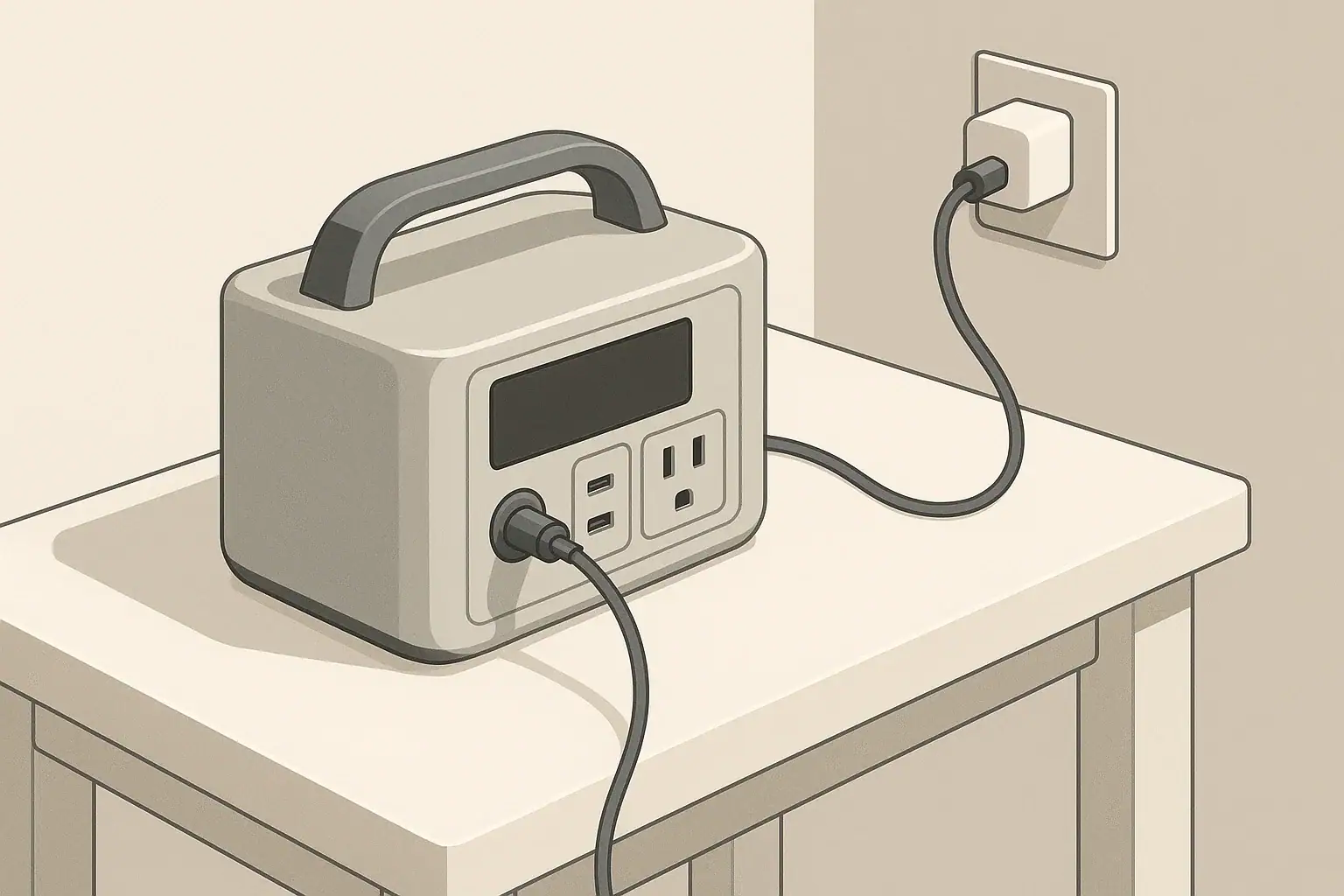
When you buy a portable power station, its manual usually lists a maximum input wattage. At the same time, modern USB-C and AC adapters often advertise higher wattages than the device you want to charge. This raises a common question: can you safely use a higher-watt charger than the power station’s rated input?
The short answer in most cases is yes, as long as the voltage, connector type, and standards match, but there are important limits. To understand them, it helps to know what input headroom is and how portable power stations control the power they accept.
A charger rated at 60 W, 20 V, 3 A means it can deliver up to 60 watts by providing 20 volts and 3 amps. It does not force 60 W into every device; it can provide “up to” that amount.
Why Charger Wattage Matters for Portable Power Stations
Key Terms: Watts, Volts, Amps, and Input Headroom
Watts, Volts, and Amps
Before looking at input headroom, it is useful to clarify the basic electrical terms you will see on chargers and power stations:
- Voltage (V) – The electrical “pressure.” Common input voltages for portable power stations include 12–24 V DC, 48 V DC, and standard AC mains such as 120 V.
- Current (A) – The flow of electrical charge. Current increases as a device draws more power at a given voltage.
- Power (W) – The rate of energy transfer. Power is calculated as watts = volts × amps.
What Is Input Headroom?
Input headroom is the difference between:
- The maximum power a charger or power source can supply, and
- The maximum power the portable power station is designed to accept on that input.
For example, if your portable power station’s DC input is rated for 100 W and you connect a 140 W USB-C charger, you are providing headroom of 40 W. The power station should still limit itself to 100 W (or less) if it is designed correctly.
This is similar to plugging a 500 W device into a household outlet that can supply 1,500 W. The outlet does not push 1,500 W into the device; the device only draws what it needs.
How Portable Power Stations Control Input Power
Internal Charge Controllers
Inside a portable power station, a charge controller manages the incoming power. Its main tasks are:
- Negotiating with smart chargers (like USB-C PD) to choose voltage and current
- Limiting current so the input power stays at or below the rated maximum
- Protecting the battery from overvoltage, overcurrent, and overheating
Because the power station decides how much power to draw, using a higher-watt charger is usually safe as long as the voltage, connector, and protocol are compatible.
Examples of Common Input Types
Portable power stations may offer several input ports, such as:
- Barrel plug DC input (e.g., 12–28 V DC from a wall adapter or car socket)
- Anderson or similar DC connector for higher-power charging
- USB-C PD input supporting fixed or programmable power profiles
- AC input using a built-in charger connected directly to the wall outlet
The input headroom question usually applies to external adapters, especially USB-C chargers and DC bricks, rather than built-in AC charging where the internal charger sets a fixed limit.
Using a Higher-Watt USB-C Charger
How USB-C Power Delivery Negotiation Works
In USB-C Power Delivery (PD) systems, the charger (source) and the portable power station (sink) perform a digital negotiation. The charger advertises several voltage/current profiles it can provide, such as:
- 5 V at 3 A (15 W)
- 9 V at 3 A (27 W)
- 15 V at 3 A (45 W)
- 20 V at 5 A (100 W)
The power station selects one of these options that is within both:
- The charger’s maximum capability, and
- The power station’s own internal input limit.
This is why a 100 W USB-C charger can safely charge a power station whose USB-C input is rated for only 60 W. The station will simply choose a 60 W or lower profile (for instance, 20 V at 3 A) during negotiation.
Practical Example
Imagine your portable power station lists:
- USB-C input: 5–20 V, up to 60 W
If you connect:
- A 45 W USB-C charger: the power station might charge at around 45 W.
- A 65 W or 100 W USB-C charger: the power station will typically charge at its own 60 W limit, not at 65 W or 100 W.
The extra charger capacity is simply unused headroom. It does not normally harm the station.
When Higher-Watt USB-C Chargers Are Useful
A higher-watt USB-C charger can be beneficial when:
- You want to charge several devices from one charger, not just the power station.
- You want to ensure the power station always gets its full rated input, even if charger performance drops slightly with heat or cable losses.
- You are sharing the charger between a power station and a laptop, and need enough headroom for both, one at a time or in rotation.
However, using an extremely oversized USB-C charger will not make the power station charge faster than its designed input limit.
Using a Higher-Watt DC or AC Adapter
Barrel and DC Connector Inputs
Many portable power stations use dedicated DC inputs with barrel or other connectors, rated for a specific voltage and power, for example:
- Input: 24 V DC, 6.5 A (approx. 156 W max)
If you replace the original 150 W adapter with a third-party 200 W adapter at the same voltage, the station should still limit its draw to around 150–160 W, provided:
- The voltage is within the specified range.
- The polarity of the connector matches.
- The adapter output is stable and regulated.
Again, the extra charger capacity becomes unused headroom.
AC Charging With Built-In Chargers
Some portable power stations have a built-in AC charger and use a simple AC cable (like a computer power cord). In this case, the charger is inside the power station and the wall outlet can usually supply much more power than the charger needs.
Here, the concept of a “higher-watt charger” does not really apply. The wall outlet is capable of high wattage, but the internal charger determines the charging rate, not the cable or outlet.
When Higher-Watt Chargers Can Be Unsafe
Mismatched Voltage
The main danger is not a higher watt rating, but an incorrect voltage. Examples of risky scenarios include:
- Using a 48 V DC supply on an input rated for 12–24 V DC.
- Using a non-PD USB-C power source that provides fixed 20 V to a device expecting only 12 V.
Even if the watt rating is similar, too high a voltage can damage the input circuits or the battery management system.
Unregulated or Poor-Quality Adapters
Some third-party DC adapters may not maintain stable voltage or may create spikes, noise, or reverse polarity when connected incorrectly. Possible issues include:
- Overvoltage spikes when plugging or unplugging
- Excessive ripple that stresses internal components
- Incorrect polarity causing immediate failure
In such cases, the problem is quality and regulation, not wattage alone.
Bypassing Built-In Protections
Certain users attempt to feed power through connectors not intended for charging, such as outputs or expansion ports. Doing this with a higher-watt supply can be especially risky because:
- Those ports may lack proper current limiting for incoming power.
- The wiring and connectors might not be rated for sustained input current.
- The power flow path may bypass some protection features.
Charging should only be done through ports that the manufacturer designates as inputs.
Input Headroom and Charging Speed
Will a Bigger Charger Make Charging Faster?
A larger charger only speeds up charging if the original charger was below the power station’s input limit. For example:
- Power station input limit: 200 W
- Original adapter: 120 W
- New adapter: 200 W with correct voltage and connector
In this case, the new adapter might allow the station to charge at the full 200 W rate (if the station supports it), reducing charging time.
However, if the power station’s input limit is 120 W, connecting a 200 W or 300 W adapter will not make it charge faster. The device will still pull about 120 W.
Estimating Charging Time
Charging time depends on both battery capacity and effective input wattage. A rough estimate is:
Charging time (hours) ≈ Battery watt-hours ÷ Charging watts
For example, for a 600 Wh power station:
- At 60 W input: 600 ÷ 60 = 10 hours (plus overhead and tapering)
- At 120 W input: 600 ÷ 120 = 5 hours (plus overhead and tapering)
A higher-watt charger only improves this if it enables higher actual charging watts within the device’s design limit.
Multiple Inputs and Combined Charging
Parallel Inputs (AC + DC, or USB-C + DC)
Some portable power stations allow simultaneous charging from multiple sources, such as:
- AC adapter + solar input
- DC adapter + USB-C PD
In these designs, the manufacturer usually specifies a combined maximum input. For example:
- AC input: up to 200 W
- Solar/DC input: up to 200 W
- Combined input: up to 400 W
Even if you connect higher-watt sources to each input, the internal controller should limit the total. Still, it is wise to stay within the documented combined limit to avoid thermal stress.
Effect on Heat and Longevity
Running at continuous maximum input power increases internal temperature. More headroom on the charger side does not reduce the power station’s heat if the station is already drawing at its own maximum. However:
- A charger operating below its maximum rating may run cooler and potentially last longer.
- A power station constantly charged at its absolute maximum input may experience more thermal cycling than one charged more gently.
For long-term battery health, fast charging can be convenient, but moderate charging rates are often less stressful on the system.
Safe Practices When Using Higher-Watt Chargers
Check Input Specifications Carefully
Before connecting a higher-watt charger, verify the following in the power station’s manual or on its label:
- Allowed input voltage range for each port
- Maximum input watts (per port and combined)
- Connector type and polarity
- Supported protocols (e.g., USB-C PD, specific DC inputs)
Only use adapters and cables that match these specifications.
Use Certified and Reputable Chargers
Choose chargers that meet recognized safety standards and have:
- Overcurrent and overvoltage protection
- Short-circuit protection
- Good build quality and adequate cabling
While a generic charger may work, poor regulation or incorrect labeling increases the risk of damage, especially at higher wattages.
Monitor Early Uses
When you first pair a higher-watt charger with a portable power station:
- Check that the display (if available) shows a reasonable input wattage.
- Feel the charger and the power station after 20–30 minutes to ensure they are not excessively hot.
- Listen for unusual noises such as buzzing or clicking.
If you notice overheating or erratic behavior, discontinue use and return to the original or a lower-rated charger.
Frequently Asked Questions About Higher-Watt Chargers
Can a higher-watt charger damage my portable power station?
Under normal conditions, a higher-watt charger will not damage a power station if the voltage, polarity, and protocol are correct and the charger is of reasonable quality. The power station should limit its own input current. Damage is more likely from incorrect voltage or poor regulation than from wattage headroom itself.
Why does the station still charge slowly with a powerful charger?
If the portable power station has a low input limit (for example, 60 W), it cannot take advantage of a much larger charger (like 140 W). The internal design, not the charger size, is the bottleneck.
Should I avoid using the absolute maximum input?
Using the maximum rated input is generally safe if the manufacturer explicitly supports it. However, if you are not in a hurry and want to minimize thermal stress, you may choose to charge at a moderate rate when convenient, especially in hot environments.
Is it better to use the original adapter?
The original adapter is designed and tested specifically for the device. When possible, using it reduces the chance of compatibility issues. A higher-watt replacement can be fine when properly matched, but requires more careful attention to specifications.
Does input headroom matter for solar charging?
Yes. With solar panels, the array’s potential wattage can exceed the power station’s solar input limit. The charge controller will usually cap the solar input to its maximum rating, leaving some panel capacity unused. Oversizing panels can still be useful in less-than-ideal sunlight, but you must stay within the allowed voltage range to avoid damage.
Frequently asked questions
Can I use a higher-watt USB-C laptop charger with my power station’s USB-C input?
Yes—if both the charger and the power station support USB-C Power Delivery and the voltage range matches, the PD negotiation will limit the current so the station only draws up to its input limit. Use a cable rated for the charger’s current and monitor the first charge for heat or erratic behavior.
Is it safe to replace my DC brick with a higher-watt adapter at the same voltage?
Generally yes: if the replacement adapter provides the same regulated voltage and correct polarity, the power station should limit its draw to the rated input and simply leave the extra capacity unused. Make sure the adapter is well regulated and of good quality to avoid voltage spikes or ripple that could harm the device.
Will using a higher-watt charger shorten my power station’s battery lifespan?
Charging at higher rates can increase internal temperatures and slightly accelerate battery wear over time, especially if used constantly at the maximum rated input. Occasional fast charging within manufacturer limits is acceptable, but for long-term longevity moderate charging is gentler on the system.
Can a higher-watt charger trip safety systems or be rejected by the station?
Yes—if the charger advertises unsupported voltages or protocols, the power station’s charge controller or battery management system may refuse the connection or limit the input to protect the battery. This protective behavior prevents damage but emphasizes the need to follow the station’s input specifications.
Is it okay to use two high-watt sources to exceed a single-input limit?
Only if the manufacturer explicitly supports simultaneous inputs and specifies a combined maximum input; the internal controller should cap the total to that combined limit. Connecting multiple oversized sources beyond the documented combined rating risks overheating or bypassing protections and is not recommended.
Recommended next:
- USB-C Power Delivery (PD) Explained for Portable Power Stations
- Charging From a Car: What’s Safe, What’s Slow, and What Can Break
- Input Limits (Volts/Amps/Watts) Explained: How Not to Damage Your Unit
- MPPT vs PWM in Portable Power Stations: What It Changes in Real Life
- Why Charging Slows Down Near 80–100%: A Simple Explanation
- More in Charging →
Related guides
Browse this topic →
- Beginner-friendly sizing, runtime & specs
- Solar & charging (MPPT, fast charging, cables)
- Batteries (LiFePO4, cycles, care & storage)
- Safety, cold-weather performance, real-world tips
More in Charging
See all →- Can You Charge a Portable Power Station From USB-C PD? Limits, Adapters, and Gotchas
- Why Your Power Station Won’t Charge From a Generator: Frequency, Grounding, and Fixes
- USB-C PD 3.1 (240W) on Portable Power Stations: What It Changes and Who Needs It
- AC Charging Heat & Fan Noise: Why It Happens and How to Reduce It Safely
- Car Charging Explained: 12V Socket vs DC-DC Charger vs Alternator (Speed + Safety)
Keep reading
About this site
Portable Energy Lab publishes practical, independent guides about portable power—clear sizing, safe use, and real-world expectations.
Affiliate disclosure
Some links on this site may be affiliate links. If you buy through these links, we may earn a small commission at no extra cost to you. This helps support our content. Learn more.