
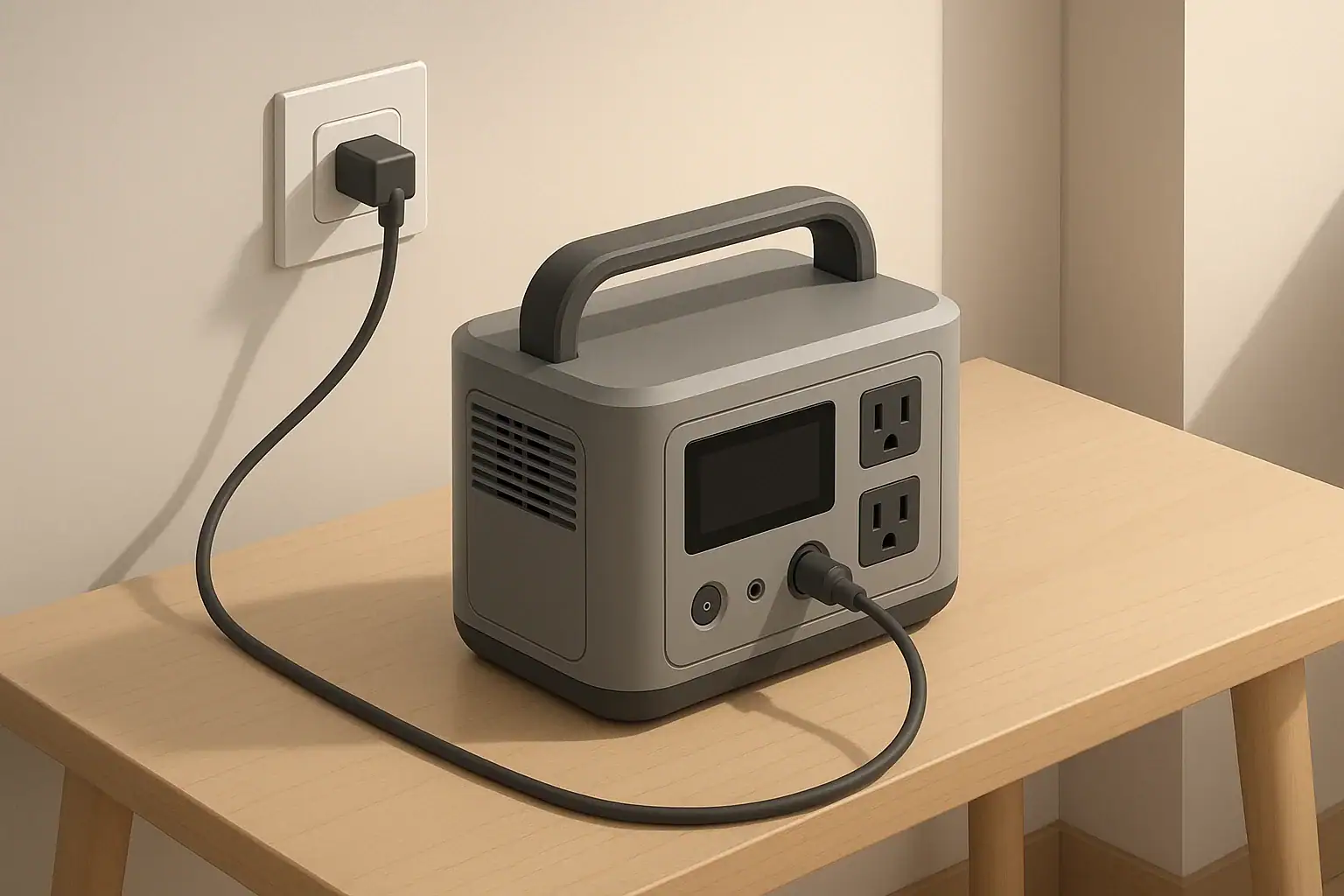
Why Input Limits Matter for Portable Power Stations
Every portable power station has charging input limits. These limits define how much electrical power it can safely accept from the wall, a vehicle, or solar panels. Exceeding those limits can overheat components, stress the battery, shorten its life, or in the worst case permanently damage the unit.
Understanding volts (V), amps (A), and watts (W) on the input side helps you:
- Choose appropriate chargers and power sources
- Size solar panel arrays correctly
- Avoid overloading connectors and cables
- Charge efficiently without unnecessary wear on the battery
This article focuses on input limits for portable power stations: what they mean, how to read them on the spec sheet, and practical ways to avoid damage.
Key Electrical Terms: Volts, Amps, Watts
Volts (V): Electrical Pressure
Voltage is like the “pressure” that pushes electricity through a circuit. On the input side of a portable power station, you will see voltage limits such as:
- AC input: 100–120 V or 220–240 V (depending on region)
- DC input: For car charging, often around 12–24 V
- Solar input: Sometimes 12–60 V, 12–50 V, or similar ranges
Feeding a voltage higher than the specified maximum into a DC or solar input can damage the unit’s charge controller or other internal electronics.
Amps (A): Electrical Current
Current is the rate of flow of electric charge. Input current limits might look like:
- AC input current: for example, 10 A at 120 V
- DC input current: for example, 8 A max from a car or solar panel
Exceeding current limits can overheat wiring, connectors, and internal components. Many power stations include internal current limiting, but it is still important to respect the published specifications.
Watts (W): Total Power
Power (watts) combines volts and amps:
Watts = Volts × Amps
For example:
- 120 V × 5 A = 600 W
- 24 V × 10 A = 240 W
Input wattage tells you how fast the unit can be charged. A 600 W input can theoretically add 600 watt-hours (Wh) to the battery in one hour, minus efficiency losses.
Where to Find Input Limits on Your Unit
Input ratings are usually listed in three places:
- On the device label: Near the input ports or on the bottom panel
- In the manual: Under “Specifications”, often broken down by input type
- Next to ports: Small printed markings by the AC, DC, or solar inputs
Look specifically for lines that mention:
- AC Input: e.g., 100–120 V ~ 50/60 Hz, 600 W max
- Car/DC Input: e.g., 12–24 V DC, 8 A max
- Solar Input: e.g., 12–50 V DC, 10 A max, 400 W max
If you see multiple values (for example, “12–60 V, 10 A, 400 W”), all three must be respected. You should stay within the allowed voltage range, current limit, and watt limit at the same time.
AC Input Limits: Wall and Generator Charging
What AC Input Ratings Mean
AC input is typically used for charging from a wall outlet or a fuel-powered generator. The spec might look like:
- AC Input: 100–120 V ~ 50/60 Hz, 8 A, 800 W max
This means the power station’s internal charger will draw up to 800 W, or up to 8 A at 100–120 V. It will not draw more than that, even if the outlet can provide more.
How Damage Can Occur on AC Input
Most damage risk on AC input is indirect:
- Overheating the circuit: Plugging a high-input charger into a weak or overloaded household circuit can cause breaker trips or hot wiring.
- Poor-quality adapters: Cheap or undersized extension cords and power strips can overheat or fail.
- Unstable generator output: Large voltage swings or frequency instability can stress the internal AC charger.
The power station usually limits its own AC draw, but the rest of the circuit might not be designed for that sustained load.
Safe Practices for AC Charging
- Check the rated amperage of the circuit (e.g., 15 A or 20 A household circuit).
- Avoid running multiple heavy loads on the same branch circuit while fast-charging.
- Use a properly rated extension cord if needed: thick enough gauge and as short as practical.
- If your unit supports adjustable AC charging rates, use a lower setting on weak circuits or generators.
- Periodically touch the plug and cord; if they feel very hot, stop and investigate.
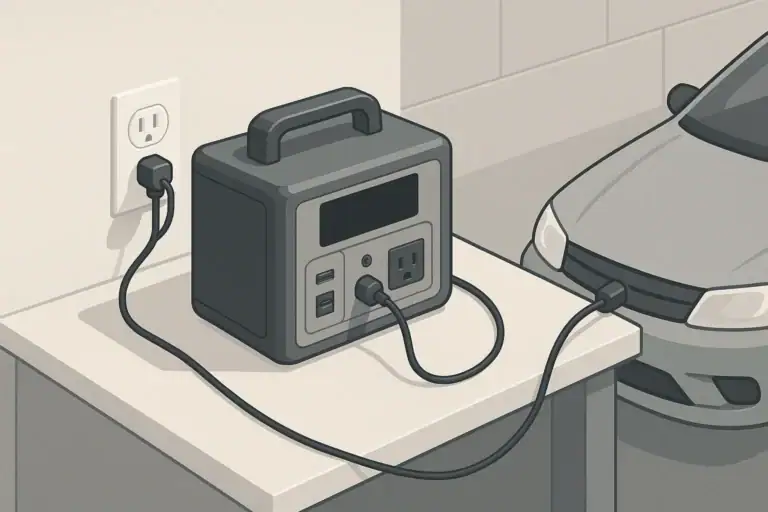
DC and Car Input Limits
Typical Car Input Ratings
Car charging uses DC power from a vehicle socket. Typical ratings might be:
- Car Input: 12/24 V DC, 8 A max
At 12 V and 8 A, the maximum input power is roughly 96 W; at 24 V and 8 A, about 192 W. This is slower than most AC charging but convenient while driving.
Why Current Limits Matter for Car Input
Both the vehicle socket and the power station have current limits. Exceeding them can cause:
- Blown fuses in the vehicle
- Overheated cigarette lighter sockets
- Damage to the DC input circuitry if bypassing protections
Many vehicles limit accessory sockets to around 10–15 A. The power station’s DC input may draw less than that, but if combined with other loads on the same circuit, problems can arise.
Safe Practices for DC Car Charging
- Use the supplied DC car cable or one that matches the specified current rating.
- Avoid using splitters or multi-socket adapters to power many devices alongside the power station.
- Do not attempt to bypass vehicle fuses or wire into circuits not designed for continuous high current.
- Follow the manual on whether the engine must be running while charging to avoid draining the starter battery.
Solar Input Limits: Voltage, Current, and Wattage
How Solar Input Specifications Work
Solar input is where users most commonly exceed limits, because solar arrays can be wired in different ways. A typical solar input spec might look like:
- Solar Input: 12–60 V DC, 10 A max, 400 W max
To stay within safe limits, your panel (or array) must respect all three of these:
- Voltage range: Panel open-circuit voltage (Voc) must stay below the maximum voltage, even in cold weather when Voc rises.
- Current limit: Short-circuit current (Isc) of the array must not exceed the input’s amperage rating.
- Power limit: The array’s wattage under ideal conditions should not exceed the specified maximum input power.
Panel Ratings to Compare With Your Unit
Solar panels list several values; the most relevant are:
- Voc (Open-Circuit Voltage): Maximum voltage with no load; must be under the unit’s max input voltage.
- Vmp (Voltage at Maximum Power): Operating voltage under load; used to estimate power.
- Isc (Short-Circuit Current): Maximum current; useful for checking against the unit’s amp limit.
- Imp (Current at Maximum Power): Current at Vmp; used to estimate operating power.
- Rated Power (W): Panel wattage under standard test conditions.
Series vs Parallel Wiring and Input Limits
When combining panels:
- Series wiring: Voltages add, current stays about the same.
- Parallel wiring: Currents add, voltage stays about the same.
This matters for staying under voltage and current limits:
- Too many panels in series can exceed the voltage limit.
- Too many panels in parallel can exceed the current limit.
You must design the array so that in the worst credible conditions (cold temperatures, clear sun) your Voc and Isc still stay within the unit’s specifications.
Solar Scenarios That Risk Damage
- Connecting a high-voltage rooftop array directly to a low-voltage portable power station solar input.
- Ignoring the Voc increase in cold weather, resulting in voltage above the input’s max rating.
- Using more panels than allowed in parallel so that Isc exceeds the amp limit.
- Using incompatible connectors or adapters that bypass recommended protections.
Safe Practices for Solar Charging
- Always compare panel Voc and Isc with the power station’s max voltage and current.
- Consider a safety margin; keep peak Voc comfortably below the published maximum.
- Verify polarity before connecting: reverse polarity can damage inputs not protected against it.
- Use cables and connectors rated for outdoor use and the expected current.
- Follow any specific wiring diagrams in the manual for supported series/parallel configurations.
Why Higher Input Is Not Always Better
Many users look for the fastest possible charging, but higher input power has trade-offs:
- More heat: Fast charging creates more heat in the charger and battery, which can affect longevity if not managed well.
- Battery stress: Some chemistries tolerate high charge rates better than others, but in general moderate rates are gentler.
- Infrastructure limits: Household circuits, vehicle wiring, and solar cables all have practical limits.
If your unit offers adjustable charging speed, using a slightly lower setting when you are not in a hurry can be beneficial for both the battery and the upstream wiring.
What Happens Internally When You Exceed Limits
Built-In Protections
Modern portable power stations typically include several layers of protection:
- Over-voltage protection: Shuts down input if the voltage goes above the safe threshold.
- Over-current protection: Limits or cuts input current if it exceeds ratings.
- Over-temperature protection: Reduces charging speed or stops charging when components run too hot.
- Short-circuit protection: Stops charging if a short is detected.
These protections help prevent immediate catastrophic failure, but repeated trips or operating near the edge of limits can still cause long-term wear.
Potential Long-Term Effects of Pushing Limits
- Connector wear: Plugs and ports may loosen or discolor from heat over time.
- Degraded charge electronics: Components repeatedly run near their maximum ratings can age faster.
- Shortened battery life: High-speed charging raises cell temperatures and may reduce cycle life, depending on design.
How to Match Chargers and Inputs Correctly
Reading Power Adapter Labels
For external power bricks or adapters, check the label for:
- Output Voltage: Must match the power station’s required DC input voltage or range.
- Output Current: The adapter’s max current; the power station will draw what it needs, up to this limit.
- Output Power (W): Derived from voltage × current; should not exceed the unit’s allowed input wattage.
Using an adapter with a higher current rating is usually fine, as long as the voltage is correct and the power station’s own wattage limit is not exceeded. Using an adapter with the wrong voltage is unsafe.
Using USB-C and Other DC Inputs
Some portable power stations support USB-C Power Delivery or other DC inputs. The same rules apply:
- Check the supported voltage profiles (e.g., 5 V, 9 V, 15 V, 20 V).
- Do not assume every USB-C charger will work at full speed; many are limited in wattage.
- Follow the manual on maximum USB-C input watts when using that port to charge the station.
Operating Temperature and Input Limits
Input ratings usually assume a certain temperature range. Outside that range, the unit may reduce charging speed or disable charging:
- Cold conditions: Charging lithium-based batteries below recommended temperatures can cause damage. Many power stations restrict or block charging when too cold.
- Hot conditions: High ambient temperatures make it harder to dissipate heat from fast charging, causing thermal throttling.
Check the manual for the specified charging temperature range and avoid forcing the unit to charge outside of it.
Practical Checklists to Avoid Damage
Before Connecting Any New Power Source
- Read the input specs in the manual for the port you plan to use.
- Verify the voltage and current of the charger, solar array, or vehicle outlet.
- Confirm polarity on DC connections.
- Inspect cables and connectors for damage or looseness.
While Charging
- Check if the unit’s display or indicators show any warnings or error codes.
- Occasionally feel the cables, plugs, and adapter to ensure they are warm at most, not hot.
- Ensure there is adequate ventilation around the power station.
If Something Seems Wrong
- Unplug the power source immediately.
- Review the manual’s troubleshooting section and error code explanations.
- Double-check all ratings before reconnecting.
Key Takeaways for Safe Input Use
Respecting input limits is primarily about matching voltages, staying under current ratings, and not exceeding rated watts. On AC, be mindful of the household or generator circuit capacity. On DC and solar, pay special attention to voltage ranges, especially with series-connected panels and cold-weather Voc. Using properly rated cables, following the manual, and not forcing the unit to charge faster than it was designed to handle are the most reliable ways to avoid damage and preserve long-term performance.
Frequently asked questions
How can I tell if my solar panel array might exceed the power station’s maximum input voltage in cold weather?
Compare the panels’ Voc (open-circuit voltage) with the power station’s maximum input voltage and account for cold-temperature Voc increases using the panel’s temperature coefficient. Leave a safety margin (for example 10–20%) below the unit’s max Voc to avoid risk. If the worst-case Voc could exceed the limit, reconfigure to fewer panels in series or use a higher-voltage-tolerant charge controller.
Can I use a high-wattage USB-C Power Delivery charger to speed up charging my portable power station?
Only if the power station’s USB-C input supports the PD voltage profiles and maximum wattage the charger offers. Check the manual for supported voltages and the USB-C input watt limit; supplying a charger with higher wattage won’t force the station to accept more than its spec, but mismatched voltages or unsupported profiles can be unsafe. Always use cables and chargers that meet the station’s stated requirements.
What immediate damage can occur if I exceed the AC, DC, or solar input limits?
Most modern units will trigger protections and shut down charging, but exceeding limits can still cause overheating of connectors or wiring, blown fuses, or stress to the charge controller and battery. If protections fail or are bypassed, permanent damage to internal electronics or battery cells is possible. Repeatedly operating beyond limits also accelerates long-term component degradation.
How should I size solar panels (series vs parallel) so I don’t exceed current or voltage limits?
Design your array for worst-case conditions: series strings add Voc, so ensure total Voc stays below the unit’s max even in cold weather; parallel strings add current, so ensure total Isc and operating watts remain under amp and watt limits. Use Vmp and Imp to estimate operating power and include a safety margin; if in doubt, reduce panel count or use an appropriately rated MPPT charge controller.
What are safe practices when charging from a car DC socket to avoid damaging the vehicle or the power station?
Use the supplied or a correctly rated DC cable, avoid splitters or multi-socket adapters, and do not bypass vehicle fuses. Verify the vehicle outlet’s amp rating exceeds the power station’s draw and follow the manual’s guidance on whether the engine should be running to prevent draining the starter battery. Stop charging immediately if the socket or cable becomes hot or a fuse blows.
Recommended next:
- USB-C Power Delivery (PD) Explained for Portable Power Stations
- Charging From a Car: What’s Safe, What’s Slow, and What Can Break
- MPPT vs PWM in Portable Power Stations: What It Changes in Real Life
- Can You Use a Higher-Watt Charger Than Rated? Understanding Input Headroom
- Why Charging Slows Down Near 80–100%: A Simple Explanation
- More in Charging →
Related guides
Browse this topic →
- Beginner-friendly sizing, runtime & specs
- Solar & charging (MPPT, fast charging, cables)
- Batteries (LiFePO4, cycles, care & storage)
- Safety, cold-weather performance, real-world tips
More in Charging
See all →- Can You Charge a Portable Power Station From USB-C PD? Limits, Adapters, and Gotchas
- Why Your Power Station Won’t Charge From a Generator: Frequency, Grounding, and Fixes
- USB-C PD 3.1 (240W) on Portable Power Stations: What It Changes and Who Needs It
- AC Charging Heat & Fan Noise: Why It Happens and How to Reduce It Safely
- Car Charging Explained: 12V Socket vs DC-DC Charger vs Alternator (Speed + Safety)
Keep reading
About this site
Portable Energy Lab publishes practical, independent guides about portable power—clear sizing, safe use, and real-world expectations.
Affiliate disclosure
Some links on this site may be affiliate links. If you buy through these links, we may earn a small commission at no extra cost to you. This helps support our content. Learn more.