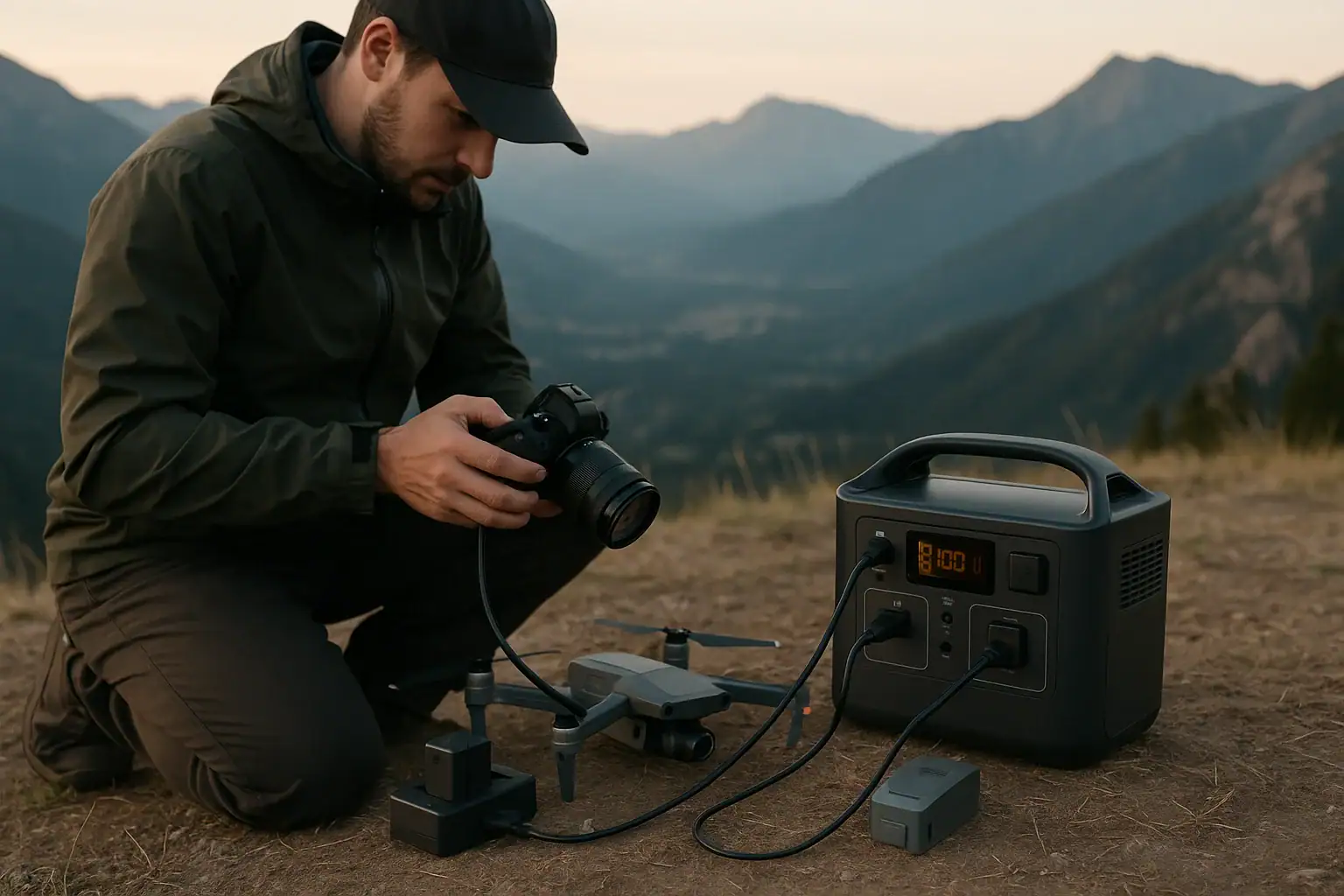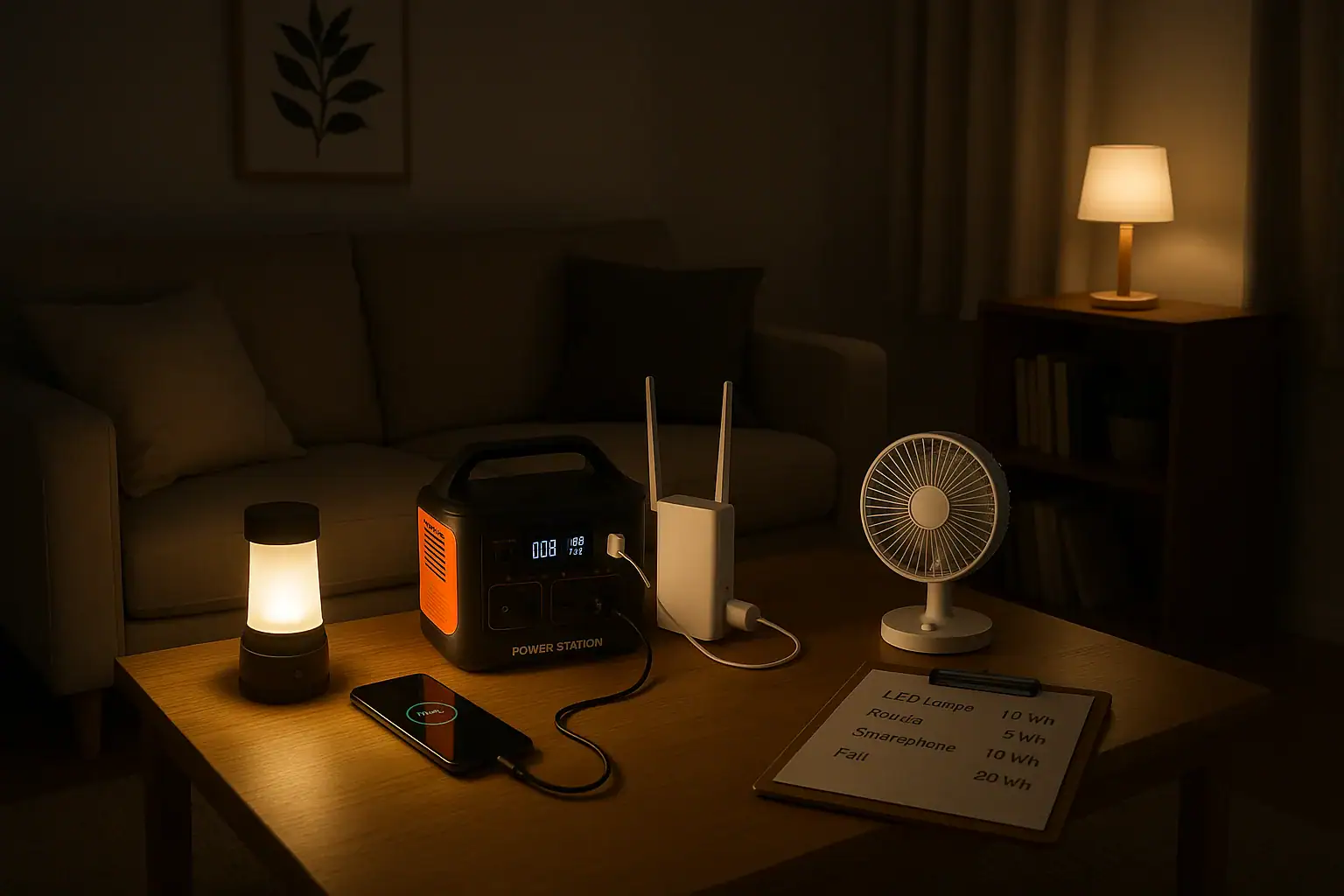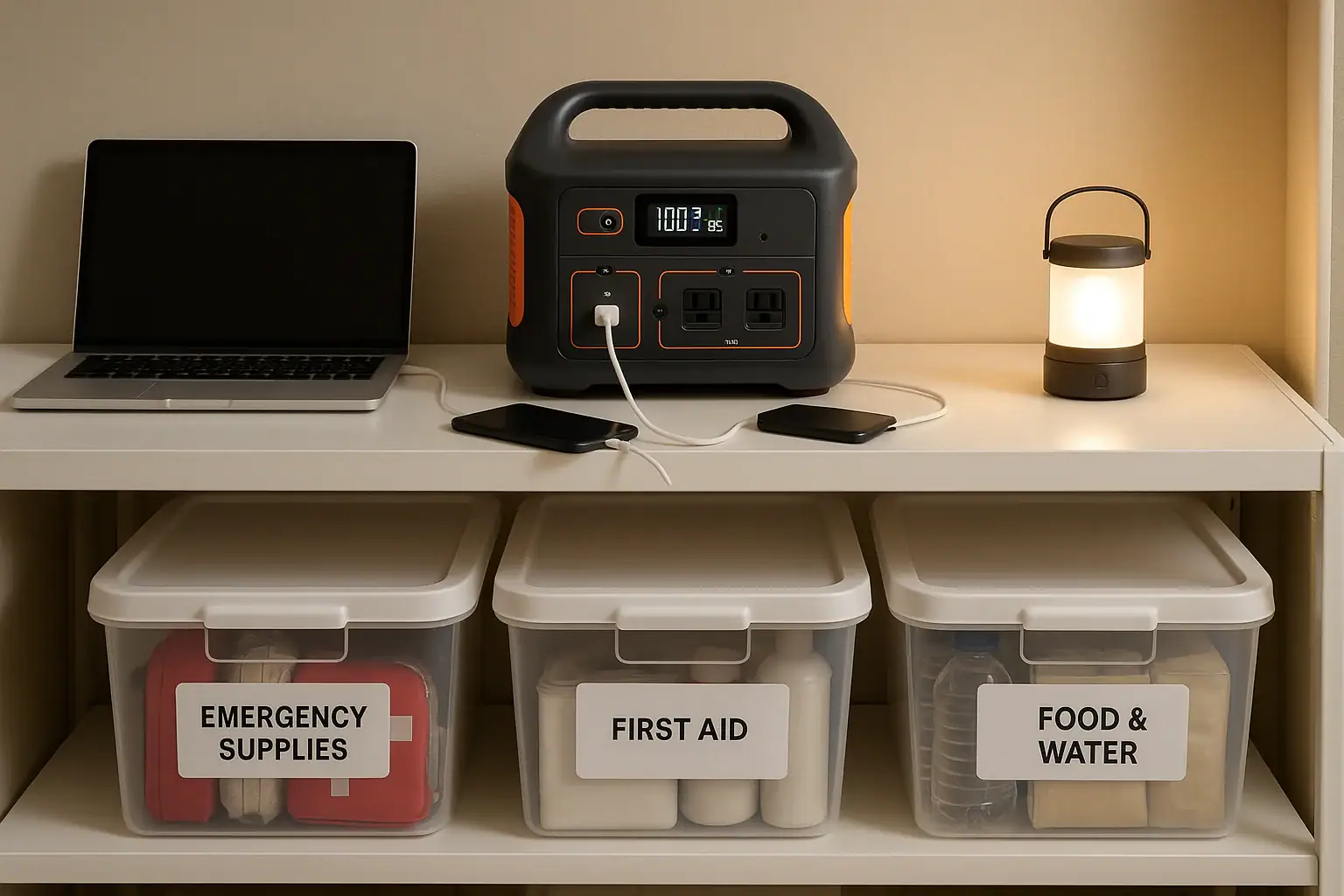
Building a home emergency backup plan around a portable power station means matching its capacity, output, and runtime to your critical needs so you can ride out blackouts safely and comfortably. When you understand watt-hours, surge watts, input limits, and realistic runtime, you can decide what to power, for how long, and how to recharge during extended outages.
Instead of guessing, you’ll calculate the loads for essentials like refrigerators, routers, medical devices, and lighting, then choose a backup strategy that fits your budget and risk level. A well-planned setup turns a power station from a camping gadget into a core part of your home emergency kit.
This guide walks through how portable power stations work, how to size and configure them, common mistakes to avoid, and the key specs to focus on before you buy. The goal is a clear, practical blueprint you can adapt to your home, not just a list of features.
Understanding a Home Backup Plan Built Around a Power Station
A home backup plan built around a portable power station is a structured approach to keeping your most important devices running when the grid goes down, without relying on a permanently installed generator. Instead of powering your entire house, you prioritize a short list of essentials and design your setup around those loads.
At the center is a rechargeable battery unit that converts stored energy into usable AC and DC power. Around it, you build a plan that covers four main questions: what you need to power, how long you need it to run (runtime), how you will recharge the power station, and how you will use it safely in an emergency.
This approach matters because it lets you replace guesswork with numbers. By understanding watt-hours (Wh), continuous watts, surge watts, and input limits, you can realistically estimate how many hours of backup you’ll get for things like refrigerators, modems, and medical devices. It also helps you decide whether one power station is enough, or if you should combine it with other options like fuel generators, solar panels, or simple battery-powered lights.
For many households, a portable power station–based plan offers several advantages:
- Low maintenance: No fuel to rotate or carburetors to maintain.
- Indoor-friendly: No exhaust, so it can be operated safely indoors when used correctly.
- Scalable: You can start small for basic communication and lighting, then expand later.
- Quiet operation: Minimal noise compared with fuel generators, which matters in dense neighborhoods or at night.
Understanding these basics is the first step toward a realistic, reliable emergency backup strategy instead of just hoping your devices will last on their own batteries.
How Portable Power Stations Work in an Emergency Backup Setup
To build a solid emergency plan, you need to understand the key concepts behind how portable power stations operate. At a high level, they store energy in a battery (measured in watt-hours) and convert it into AC and DC outputs your devices can use.
Battery capacity and runtime
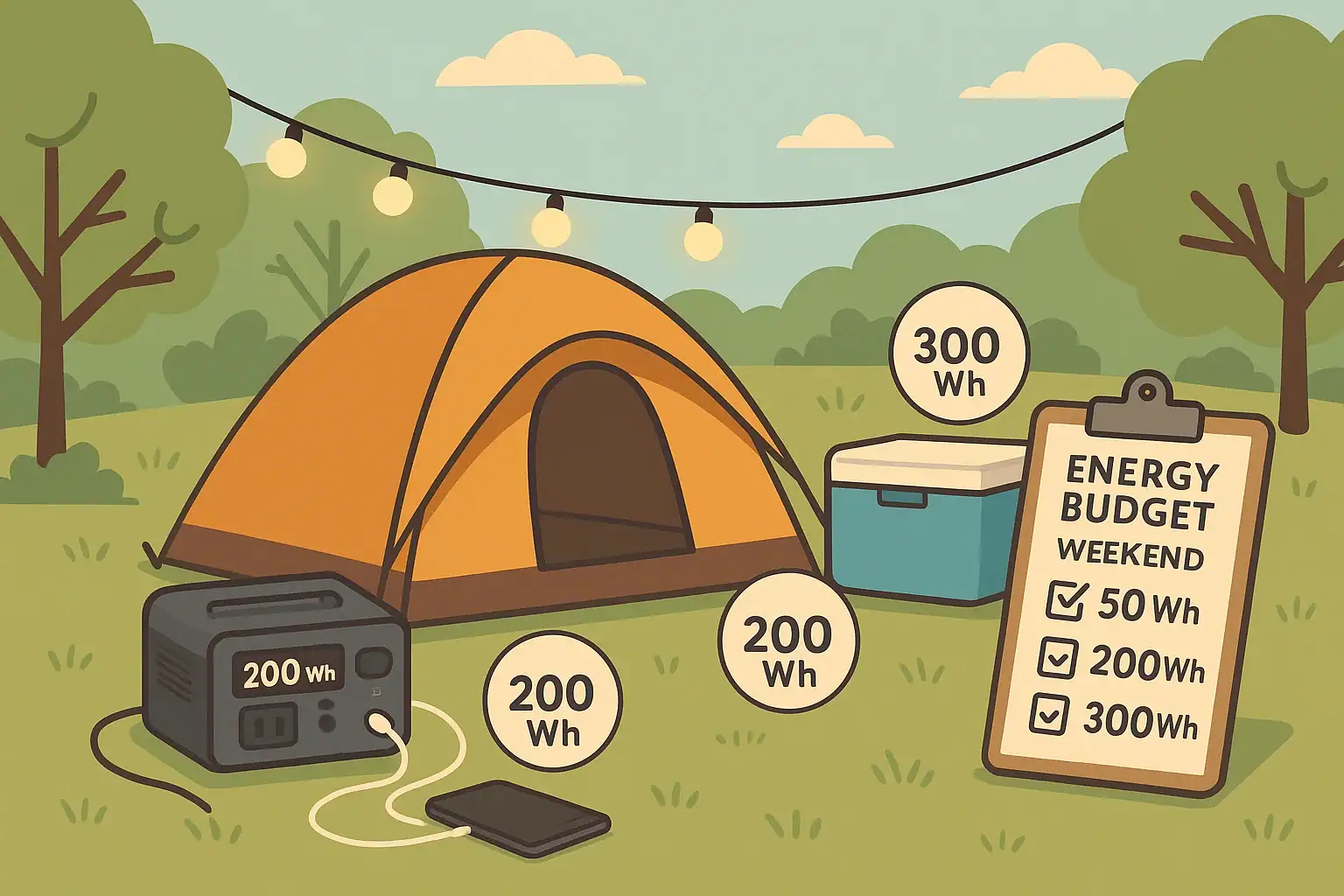
The battery’s energy storage is usually expressed in watt-hours (Wh). This tells you, in simple terms, how much work the battery can do. To estimate runtime, you compare the battery’s watt-hours to the total watts your devices consume.
For example, a 1,000 Wh power station running a 100 W load might theoretically last about 10 hours (1,000 Wh ÷ 100 W). In practice, you should assume less due to conversion losses and inefficiencies, especially at higher loads. Planning with a safety margin (for instance, using 70–80% of the rated capacity) leads to more realistic expectations.
Continuous watts vs. surge watts
The AC inverter inside the power station has two important ratings:
- Continuous watts: The amount of power it can supply steadily (for example, 1,000 W).
- Surge watts: The short burst it can handle for motor startup or inrush current (for example, 1,500–2,000 W for a few seconds).
Devices like refrigerators, well pumps, and some power tools draw a brief surge when they start. Your power station must handle both the surge and the ongoing running watts, or it will shut down or fail to start the device. For emergency backup, knowing the startup behavior of your key appliances is crucial.
Input limits and recharge options
The input limit defines how quickly you can recharge the power station from wall outlets, solar panels, or a vehicle. During extended outages, input limits become just as important as capacity, because they determine how many times per day you can refill the battery.
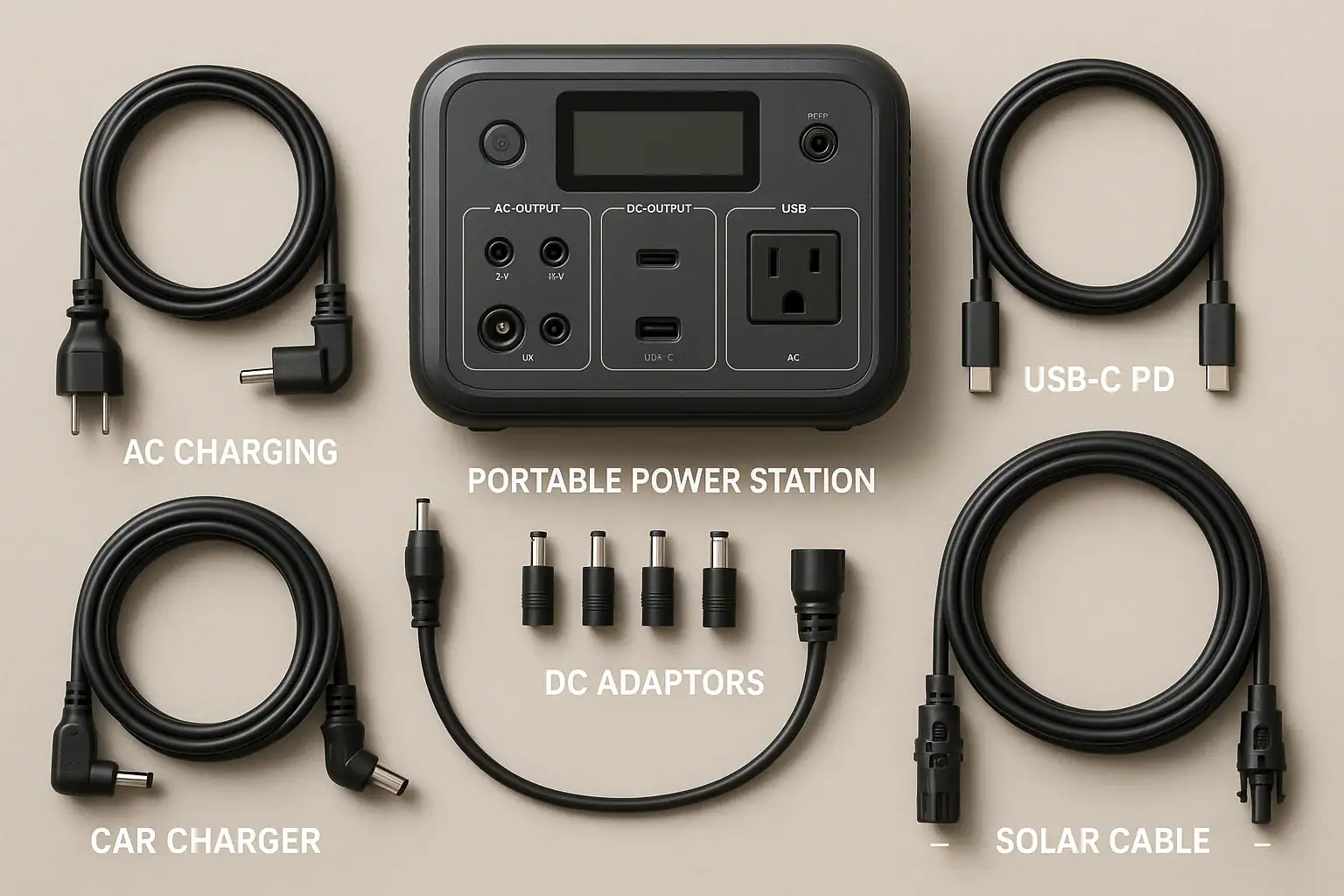
Typical recharge sources include:
- AC wall charging (when available): Fastest and simplest for topping up before a storm or between rolling blackouts.
- Solar charging: Slower and weather-dependent, but can extend autonomy in long outages.
- Vehicle charging: Useful as a backup, but generally low power and relatively slow.
Matching your solar input (panel wattage) and your power station’s maximum solar input rating helps you avoid bottlenecks and disappointment when the sun is your only source.
Outputs: AC, DC, and USB
Most power stations offer multiple output types:
- AC outlets: For appliances and chargers that plug into standard wall sockets.
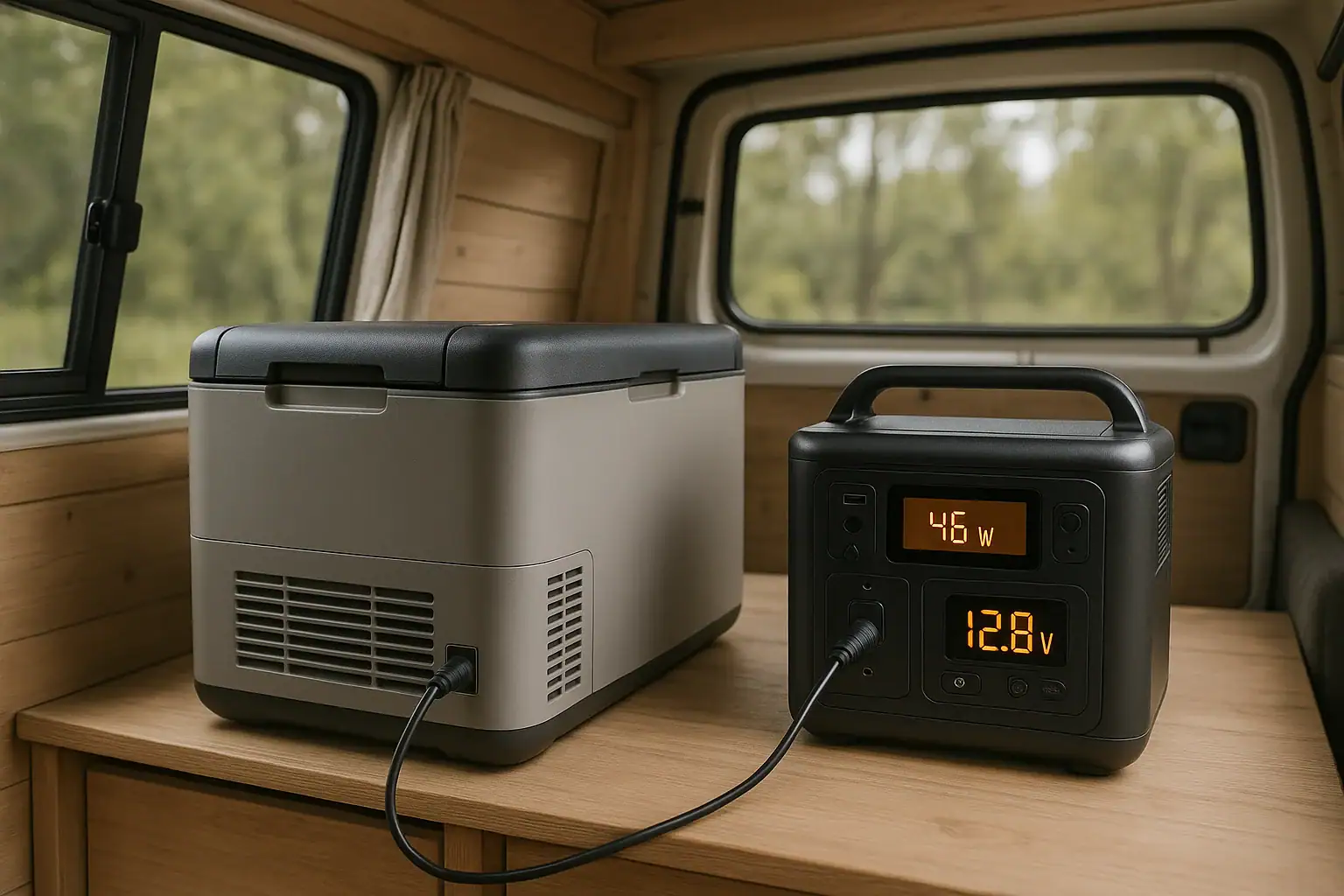
- 12 V DC ports: For some fridges, pumps, or automotive accessories.
- USB-A and USB-C (including PD profiles): For phones, tablets, and laptops.
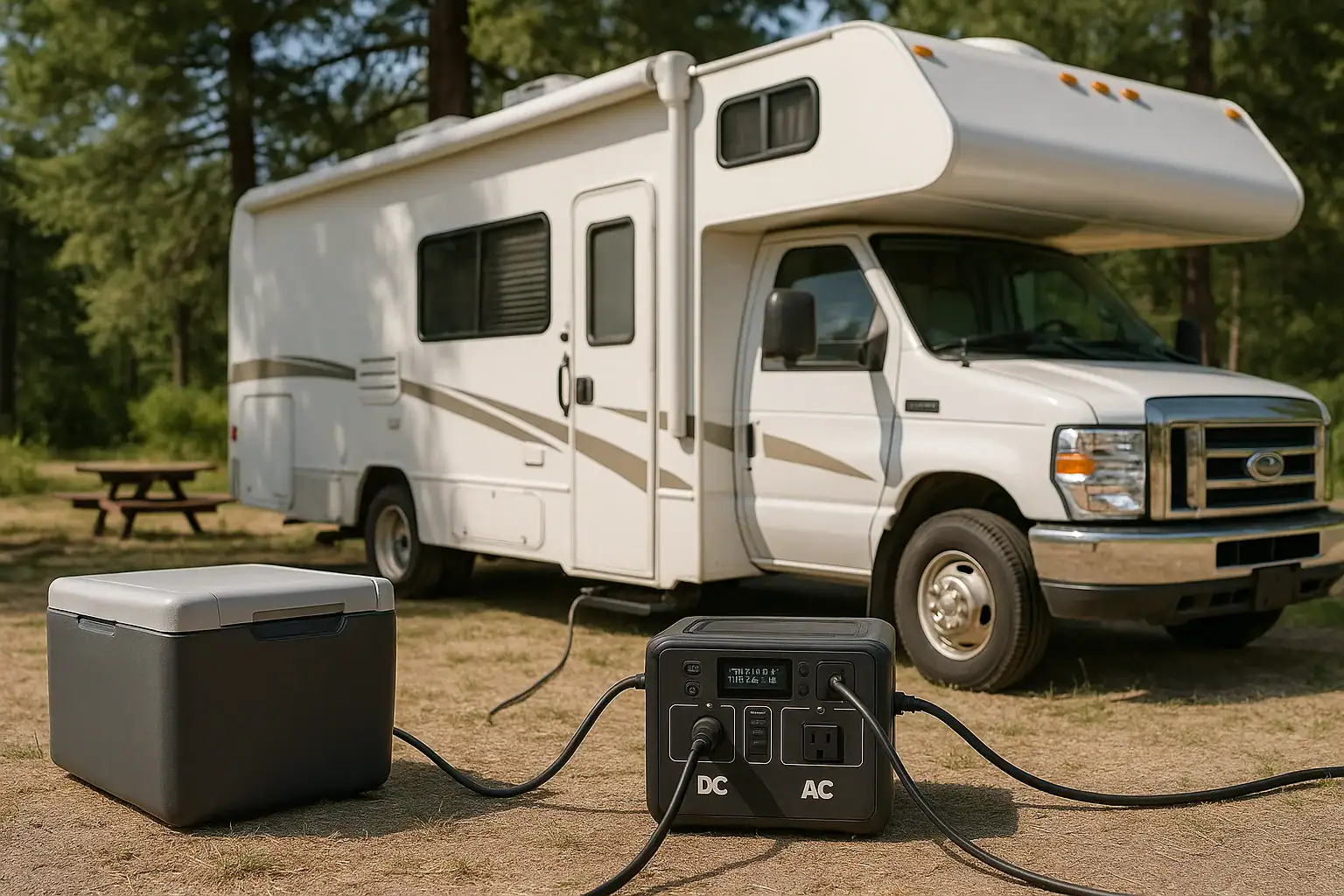
In an emergency, using DC and USB outputs where possible is more efficient than running everything through the AC inverter, which wastes some energy as heat. Prioritizing native DC devices (like 12 V fridges or USB lights) can stretch your runtime.
System-level planning
When you combine all these concepts, you get a system-level view: how much energy you have, what loads you can support, how long you can run them, and how quickly you can refuel your battery. That system view is what turns a standalone power station into a true home backup solution.
| Parameter | Typical Example | Impact on Backup Plan |
|---|---|---|
| Battery capacity | 1,000–2,000 Wh | Determines total runtime for your prioritized devices. |
| Continuous AC output | 800–1,500 W | Limits how many high-draw devices you can run at once. |
| Surge output | 1.5x–2x continuous | Affects ability to start compressors and motor loads. |
| Max AC input | 300–800 W | Controls how quickly you can recharge from grid or generator. |
| Max solar input | 200–600 W | Determines how much you can rely on sun for long outages. |
| USB-C PD output | 60–100 W | Supports direct laptop and device charging without adapters. |
Real-World Examples of a Power-Station-Based Emergency Plan
Translating specs into real-life scenarios makes it easier to see what a home backup plan can actually do. Here are a few common use cases and how a portable power station fits in.
Example 1: Short urban outage (8–24 hours)
In a city apartment, the priority during a typical 8–24 hour outage is communication, lighting, and keeping food safe as long as possible. A mid-sized power station might be assigned to:
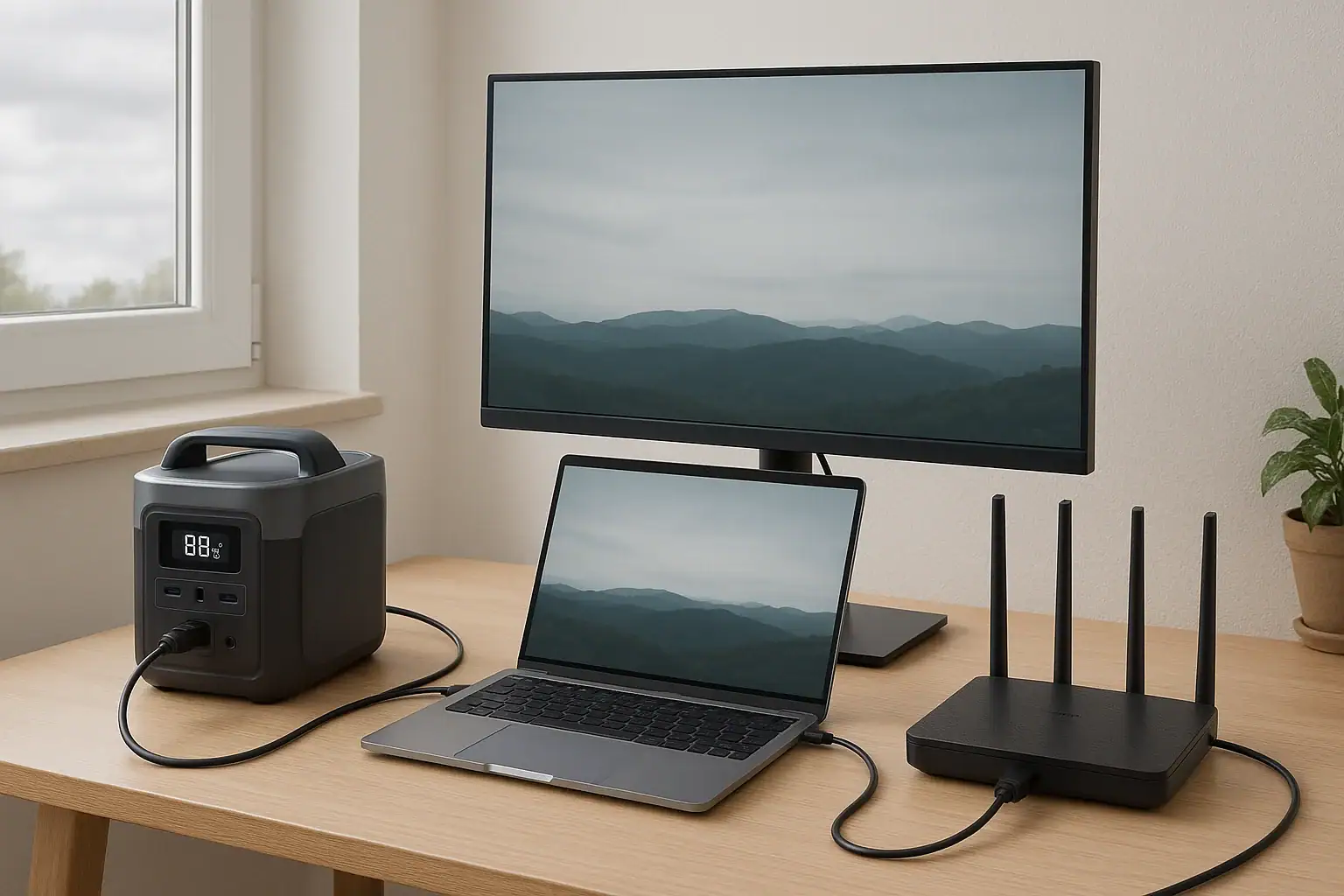
- Internet router and modem (15–25 W)
- One or two LED lamps (10–20 W total)
- Phone and laptop charging (20–60 W intermittently)
- Brief refrigerator runs (80–150 W running, higher surge)
Instead of running the refrigerator continuously, you might power it for 15–20 minutes every few hours to maintain temperature, while keeping the door closed as much as possible. This “duty cycling” approach extends runtime and keeps total load manageable.
Example 2: Suburban storm with multi-day risk
In a suburban home where storms can knock out power for several days, the plan might revolve around a larger power station plus some solar input. Priorities could include:
- Refrigerator or small chest freezer
- Internet equipment and phones
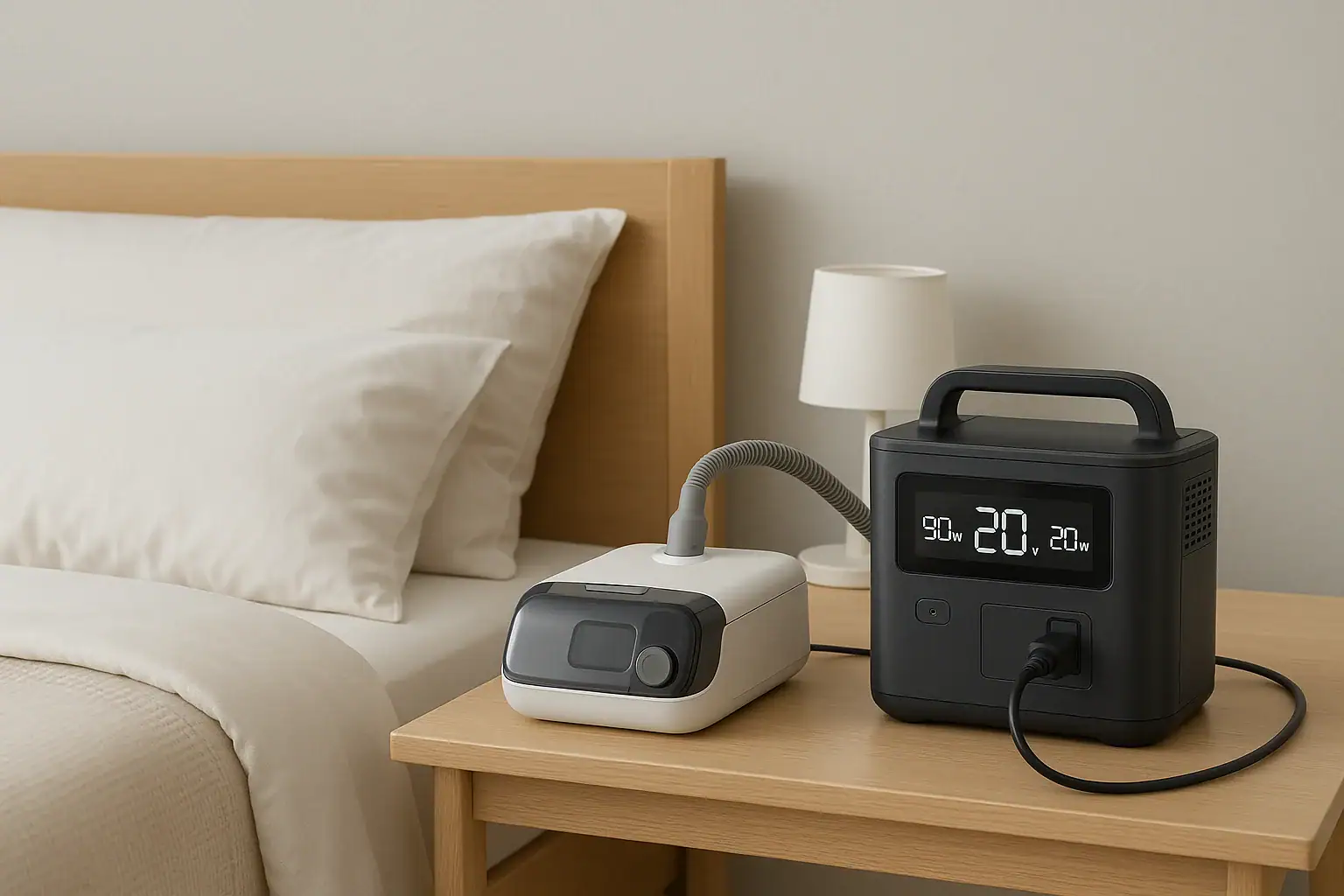
- Medical devices (such as CPAP machines, if compatible)
- Essential lighting and small fans
Here, you might:
- Use the power station heavily on day one while monitoring remaining watt-hours.
- Recharge during daylight with solar panels to recover part of the used capacity.
- Use load shedding: turning off non-essential devices at night or when battery levels are low.
If the outage extends, you can supplement with other options like battery-powered lanterns or a small fuel generator used during the day to recharge the power station, then shut down at night for quiet operation indoors.
Example 3: Rural home with well pump and medical needs
In a rural setting, a well pump or critical medical equipment may be the deciding factor. Some well pumps have high surge requirements that exceed many portable power stations’ capabilities. In that case, your plan might split into two tiers:
- Tier 1: Critical medical devices and communication equipment powered by the power station.
- Tier 2: High-surge loads (like the well pump) powered only when a fuel generator is running, or left offline if you have adequate stored water.
This kind of plan recognizes the limits of portable power stations while still using them effectively for quiet, indoor-safe backup of sensitive electronics and lower-power essentials.
Example 4: Apartment building with limited space
For residents in small spaces, storage and noise restrictions rule out larger generators. A compact power station paired with a few efficient devices can still cover basics:
- USB-powered LED string lights instead of traditional lamps.
- Low-wattage DC fan instead of larger AC units.
- Battery-powered radio for information.
- Careful use of laptop and phone charging during the day.
By designing your emergency kit around low-power devices, even a smaller power station can provide meaningful support through several days of intermittent use.
Common Planning Mistakes and Troubleshooting Cues
Many people buy a portable power station and assume it will “just work” in an emergency, only to discover limitations at the worst possible time. Avoiding a few common mistakes can greatly improve your backup plan.
Mistake 1: Ignoring actual power draw
Underestimating the watts your devices use is one of the biggest pitfalls. Nameplate ratings are often higher than real-world consumption, but some devices, especially those with heating elements or motors, can spike unexpectedly.
Better approach: Use a simple plug-in power meter during normal times to measure real usage for your refrigerator, modem, and other essentials. Record typical and peak values in a notebook or digital file.
Mistake 2: Forgetting surge watts
Even if your refrigerator’s running watts are within the power station’s continuous rating, it may still fail to start if the surge rating is too low. This often shows up as the power station shutting down or displaying an overload error when the compressor tries to start.
Troubleshooting cue: If a device won’t start but smaller loads work fine, suspect surge requirements. Consider running that device alone on the power station to see if it can start without other loads active. If not, it may simply be beyond your unit’s capability.
Mistake 3: Overloading outlets and ports
Plugging too many devices into the AC outlets or drawing near-maximum power from multiple ports simultaneously can trigger thermal or overload protection.
Troubleshooting cue: If the power station shuts off under heavy use, check the display for overload messages, reduce the number of connected devices, and try again. Group high-draw devices separately from low-draw ones.
Mistake 4: Assuming instant full recharge from solar
Many users expect solar panels to refill a power station in a few hours, only to find that real-world conditions (clouds, angle, temperature) slow everything down.
Better approach: Estimate solar harvest conservatively. For example, a 200 W panel might average 100–140 W over the course of the day. Plan your loads so they do not exceed what you can reasonably replenish over 24 hours if you expect a multi-day outage.
Mistake 5: Not testing the system before an emergency
Waiting until a storm hits to discover that a critical device’s plug doesn’t fit, or that it draws too much power, is avoidable.
Better approach: Run a “blackout drill” for a few hours on a weekend. Power your planned devices from the power station only, track battery percentage and runtime, and adjust your plan based on what you learn.
Mistake 6: Draining to zero regularly
Repeatedly running the battery to absolute zero can shorten its lifespan or trigger protection modes that require special steps to reset.
Troubleshooting cue: If the unit will not power on after a deep discharge, connect it to a charger for an extended period and consult the manual. In your plan, aim to recharge before the battery hits very low levels whenever possible.
Safety Fundamentals for Using Power Stations in Emergencies
Portable power stations are generally safer and easier to use than fuel generators, but they still store significant energy and must be handled responsibly, especially under stress during emergencies.
Safe placement and ventilation
Although they do not emit exhaust, power stations can generate heat when charging or under heavy load. Place them on a stable, dry, non-flammable surface with some space around them for airflow. Avoid covering vents or stacking items on top.
Keep them away from direct heat sources, open flames, and areas where water could pool or leak, such as directly under windows or near sump pits.
Electrical safety and extension cords
Use properly rated extension cords and power strips if you need to reach devices in other rooms. Avoid daisy-chaining multiple power strips or running cords under rugs where heat can build up or cords can be damaged.
Never attempt to backfeed a home’s electrical system by plugging the power station into wall outlets. This is dangerous for both you and utility workers and can damage equipment. If you want to integrate backup power into your home wiring, consult a licensed electrician about appropriate hardware and code-compliant options.
Battery and charging safety
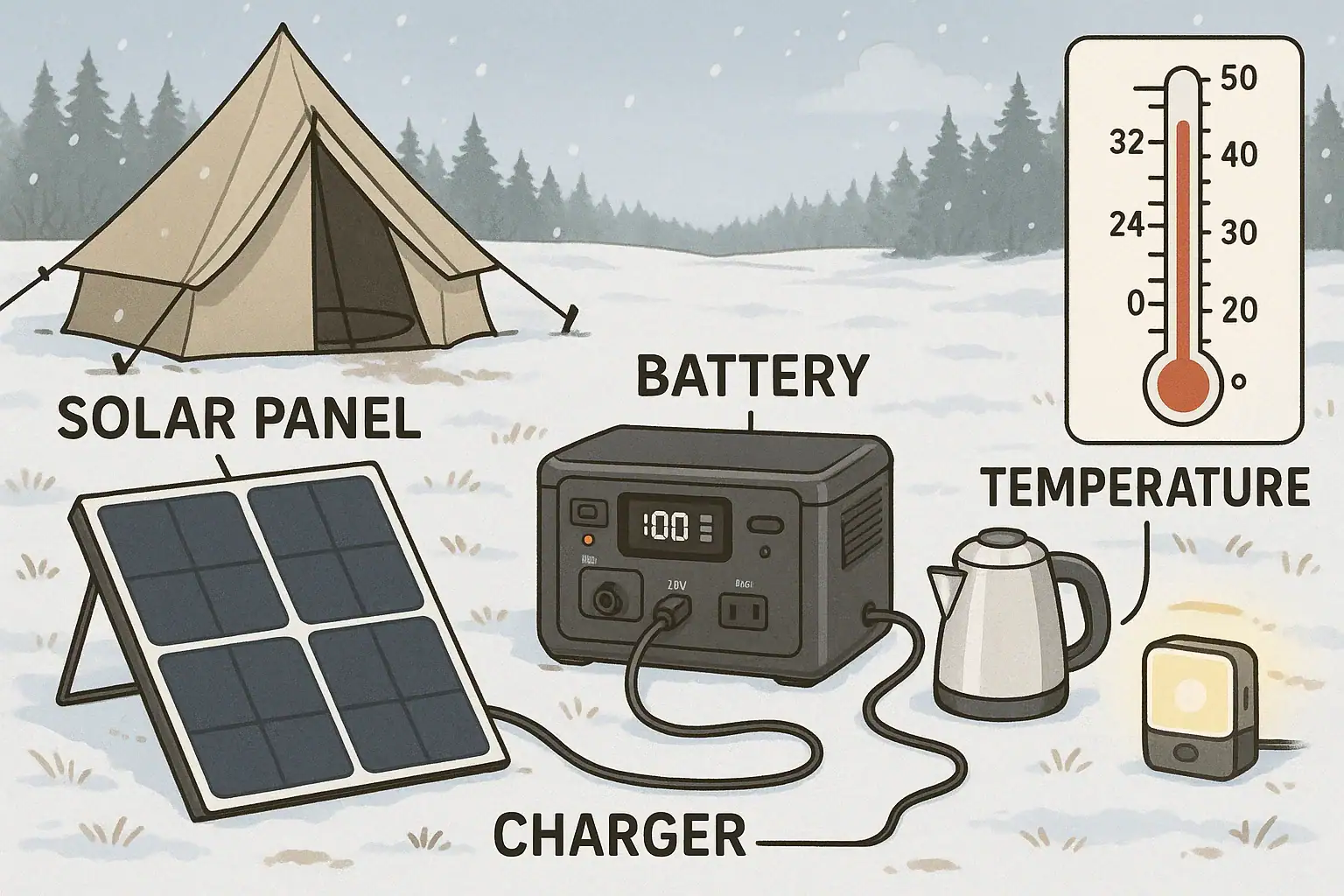
Follow the manufacturer’s guidelines for charging, including acceptable temperature ranges. Do not charge or operate the power station in areas that are extremely hot, extremely cold, or exposed to direct rain or snow.
If you notice swelling, unusual smells, smoke, or excessive heat, disconnect all loads and chargers if it is safe to do so, move away from the unit, and seek professional guidance. Do not attempt to open the enclosure or repair internal components yourself.
Child and pet safety
In an emergency, homes can become crowded and chaotic. Position the power station where children and pets cannot easily tamper with outlets, cords, or buttons. Use outlet covers or cord organizers if needed to reduce tripping hazards and accidental unplugging.
Device compatibility and grounding
Some sensitive medical or electronic devices may have specific requirements for grounding or waveform quality. Before relying on a power station for critical equipment, verify compatibility in advance under non-emergency conditions. If there is any doubt, consult the device’s documentation or a qualified professional.
Fire preparedness
As part of your overall emergency plan, keep an appropriate fire extinguisher accessible and know how to use it. While power stations are designed with multiple safety protections, no system is completely risk-free when dealing with high energy storage and electrical loads.
| Safety Area | Good Practice | Reason |
|---|---|---|
| Placement | At least several inches clearance around vents | Prevents overheating and extends component life. |
| Environment | Typical indoor room temperature | Supports safe charging and discharging. |
| Cord use | Heavy-duty, grounded extension cords | Reduces risk of overheating and shock. |
| Supervision | Regular checks during high-load use | Allows early detection of abnormal heat or noise. |
| Children/pets | Out of reach, cords secured | Prevents tampering and tripping hazards. |
Related guides: Portable Power Station Buying Guide • Portable Power Station Terminology Explained • Input Limits (Volts/Amps/Watts) Explained
Putting It All Together: Practical Steps and Key Specs to Prioritize
Designing a home emergency backup plan around a portable power station is about aligning your expectations, your loads, and your equipment. You do not need to power everything to make a big difference in comfort and safety during an outage. Instead, focus on a small, clearly defined set of essentials and build a plan that you have tested in advance.
Practical planning steps
- List your critical devices: Refrigeration, communication, lighting, medical equipment, and any must-have electronics.
- Measure or estimate power use: Note both running watts and any known surges, plus how many hours per day each device needs to run.
- Choose a target runtime: Decide whether you are planning for 8–12 hours, 24 hours, or multiple days of coverage for those loads.
- Match capacity and output: Select a power station size and inverter rating that can handle your combined loads with some margin.
- Plan recharge options: Decide how you will refill the battery (grid, solar, vehicle, or generator) and estimate realistic daily energy input.
- Build supporting kits: Add low-power lighting, USB fans, and spare cables to stretch your stored energy further.
- Run practice drills: Simulate outages to verify runtimes, refine your priorities, and train family members on the setup.
Over time, you can expand your system with additional batteries, more efficient appliances, or complementary backup options as your budget and risk tolerance allow.
Specs to look for
- Battery capacity (Wh): Look for enough watt-hours to cover at least one full day of your essential loads (for many homes, 500–2,000 Wh). More capacity means longer runtime but higher cost and weight.
- Continuous AC output (W): Choose a rating that exceeds your expected simultaneous loads by 20–30% (commonly 600–1,500 W for home backup) so the inverter is not constantly at its limit.
- Surge power rating: Aim for an inverter that can handle 1.5–2 times its continuous rating for a few seconds to start refrigerators and similar loads without tripping.
- AC and solar input limits (W): Higher input limits (for example, 300–800 W AC and 200–600 W solar) allow faster recharging between outages or during daytime, which is crucial for multi-day events.
- USB-C PD output (W): Ports capable of 60–100 W support direct laptop charging and fast phone charging, reducing the need for extra adapters and improving efficiency.
- Number and type of outlets: Multiple AC outlets plus a mix of DC and USB ports let you connect several devices without overloading a single port or relying on many power strips.
- Display and monitoring: A clear screen showing input, output, and remaining capacity (in percentage and estimated hours) makes it easier to manage loads during an emergency.
- Battery chemistry and cycle life: Look for batteries rated for hundreds to several thousand cycles; this indicates how well the unit will handle repeated use in frequent outage areas.
- Operating temperature range: Check that the unit can charge and discharge safely in the typical temperatures of your home, garage, or storage area.
- Weight and portability: Consider whether you may need to move the unit between rooms or evacuate with it; moderate weight and handles or wheels can be important in real emergencies.
By focusing on these practical steps and key specifications, you can turn a portable power station into a reliable, well-understood backbone of your home emergency preparedness plan.
Frequently asked questions
Which specs and features should I prioritize when choosing a home backup power station?
Prioritize battery capacity (watt-hours) to meet your target runtime, continuous AC output to handle simultaneous loads, and surge power rating to start motors and compressors. Also check AC and solar input limits, the number and type of outlets (including USB-C PD), and monitoring features to track remaining capacity and inputs. Consider operating temperature range and cycle life for long-term reliability.
How can I avoid underestimating the power my devices actually draw?
Use a plug-in power meter to measure actual running and peak (startup) watts for key devices and record those values. Account for inverter/conversion losses by planning with a safety margin (for example using 70–80% of rated watt-hours) and include duty-cycling for appliances that cycle on and off. Run a short blackout drill to validate your estimates under real conditions.
Can I safely operate a portable power station indoors during an outage?
Yes—portable power stations are designed for indoor use since they don’t produce combustion exhaust, but they still generate heat and must be placed on a stable, dry, well-ventilated surface. Avoid extreme temperatures, water exposure, covering vents, and keep units out of reach of children and pets. Follow the manufacturer’s safety guidelines and monitor the unit during heavy use.
How long will a power station typically run a refrigerator?
Runtime depends on the refrigerator’s running watts and the power station’s watt-hours; estimate by dividing available Wh by the fridge’s running watts, then reduce for conversion losses (use a conservative efficiency factor). Because refrigerators cycle, duty-cycling (running it intermittently) can significantly extend usable time, but you must also account for the compressor’s startup surge. Measure or look up your fridge’s typical and peak draws for a more accurate plan.
Can I rely on solar panels to fully recharge a power station during extended outages?
Solar can meaningfully extend autonomy, but real-world harvest depends on panel wattage, weather, panel orientation, and the station’s max solar input. Expect average output to be lower than panel nameplate ratings (for example a 200 W panel often averages 100–140 W over the day) and plan conservatively. For multi-day outages, combine solar with load shedding or other recharge sources for greater resilience.
Do I need a licensed electrician or special equipment to connect a power station to my home?
For point-of-use powering of devices, no electrician is required, but you must never backfeed the grid by plugging a power station into a wall outlet. If you want to integrate backup power into your home wiring or supply select circuits, use a transfer switch or other code-compliant hardware and hire a licensed electrician to perform the installation. Proper integration protects utility workers and prevents equipment damage.
Recommended next:
- Portable Power Stations for Apartments
- Portable Power Stations for RV and Motorhomes
- Can a Portable Power Station Run a Microwave? What to Check Before You Try
- Can a Portable Power Station Run a Space Heater? Realistic Limits
- Can a Portable Power Station Run an Air Conditioner? Sizing and Expectations
- Powering a Coffee Maker, Kettle, or Induction Cooktop: What Works and Why
- More in Home / Appliances →