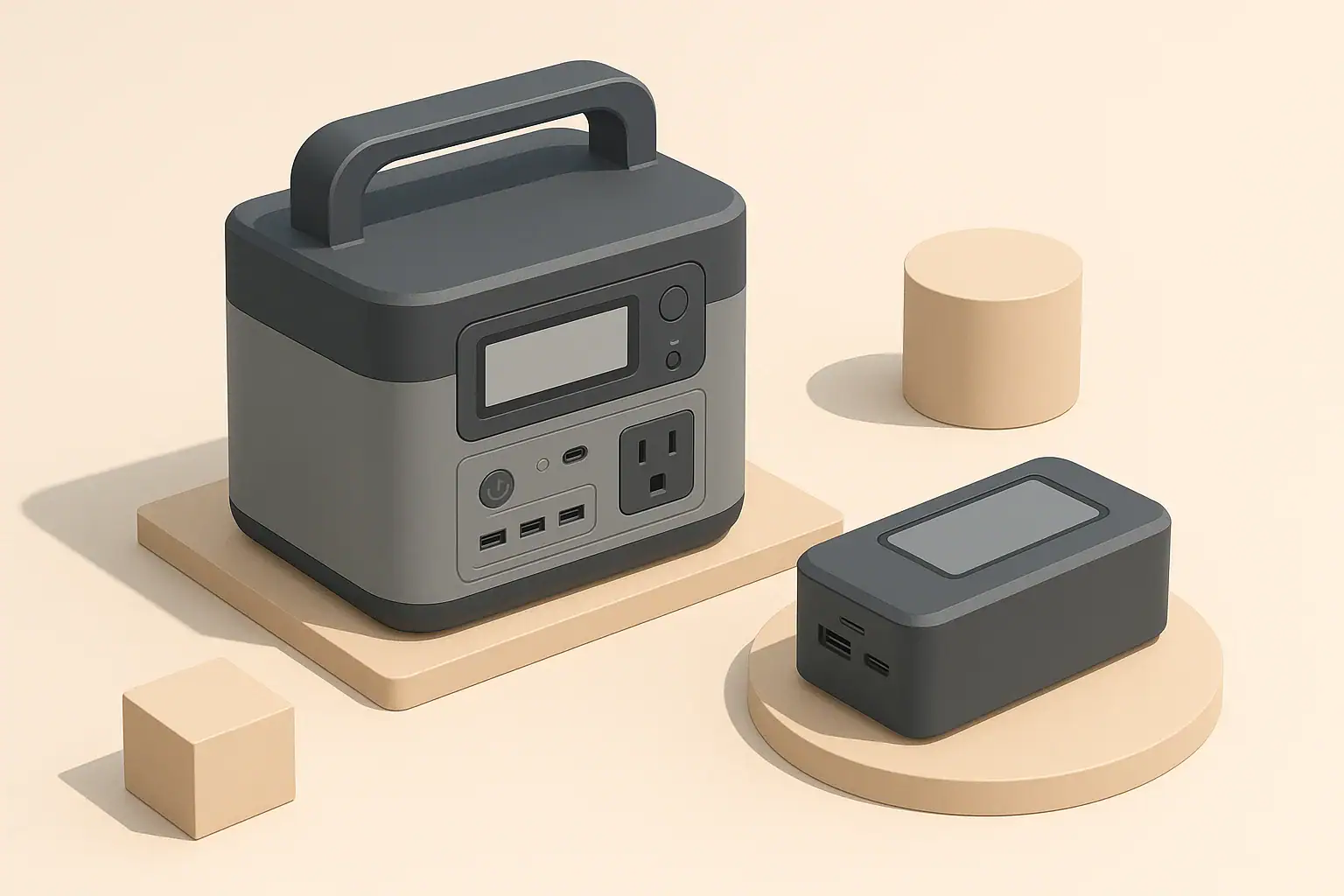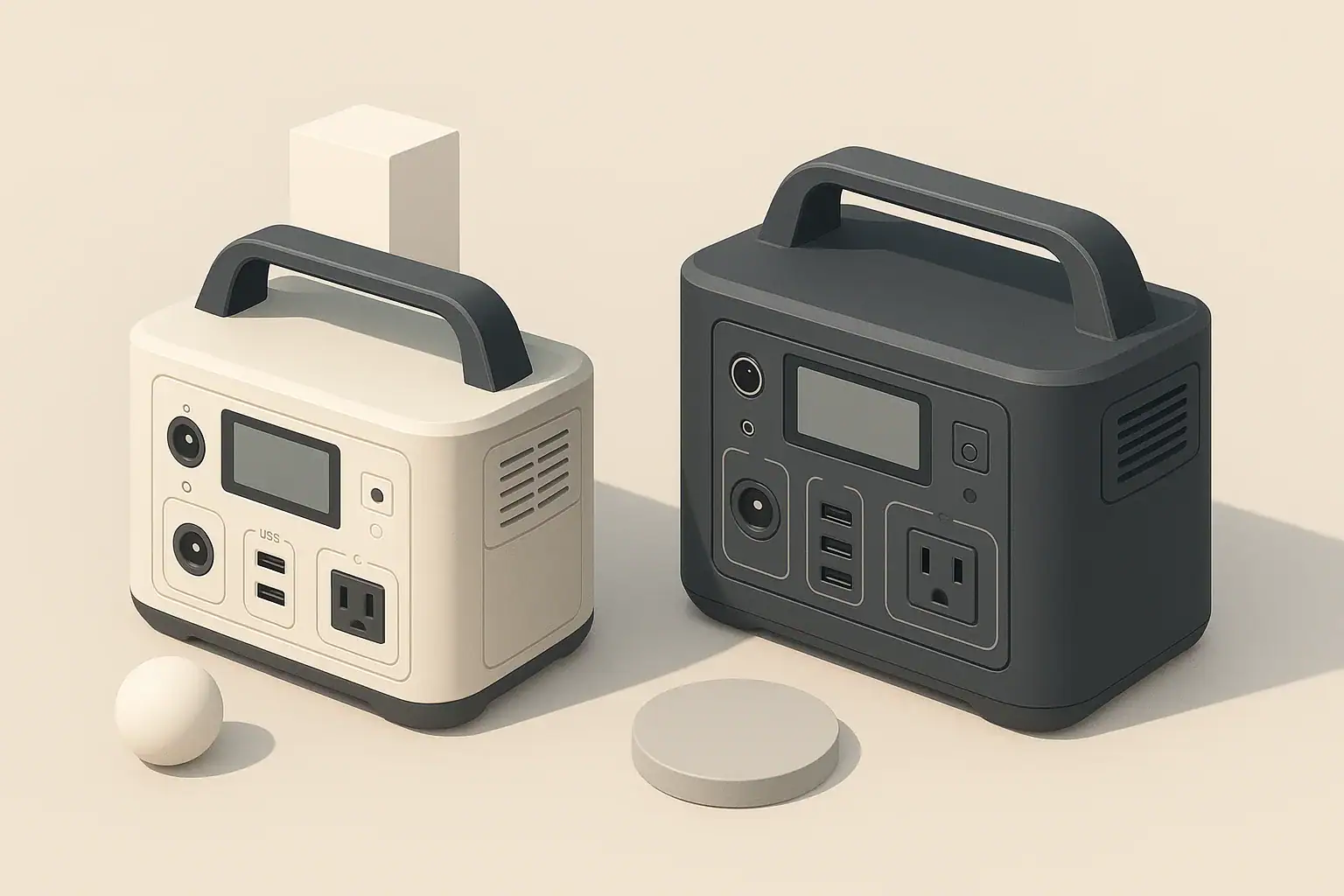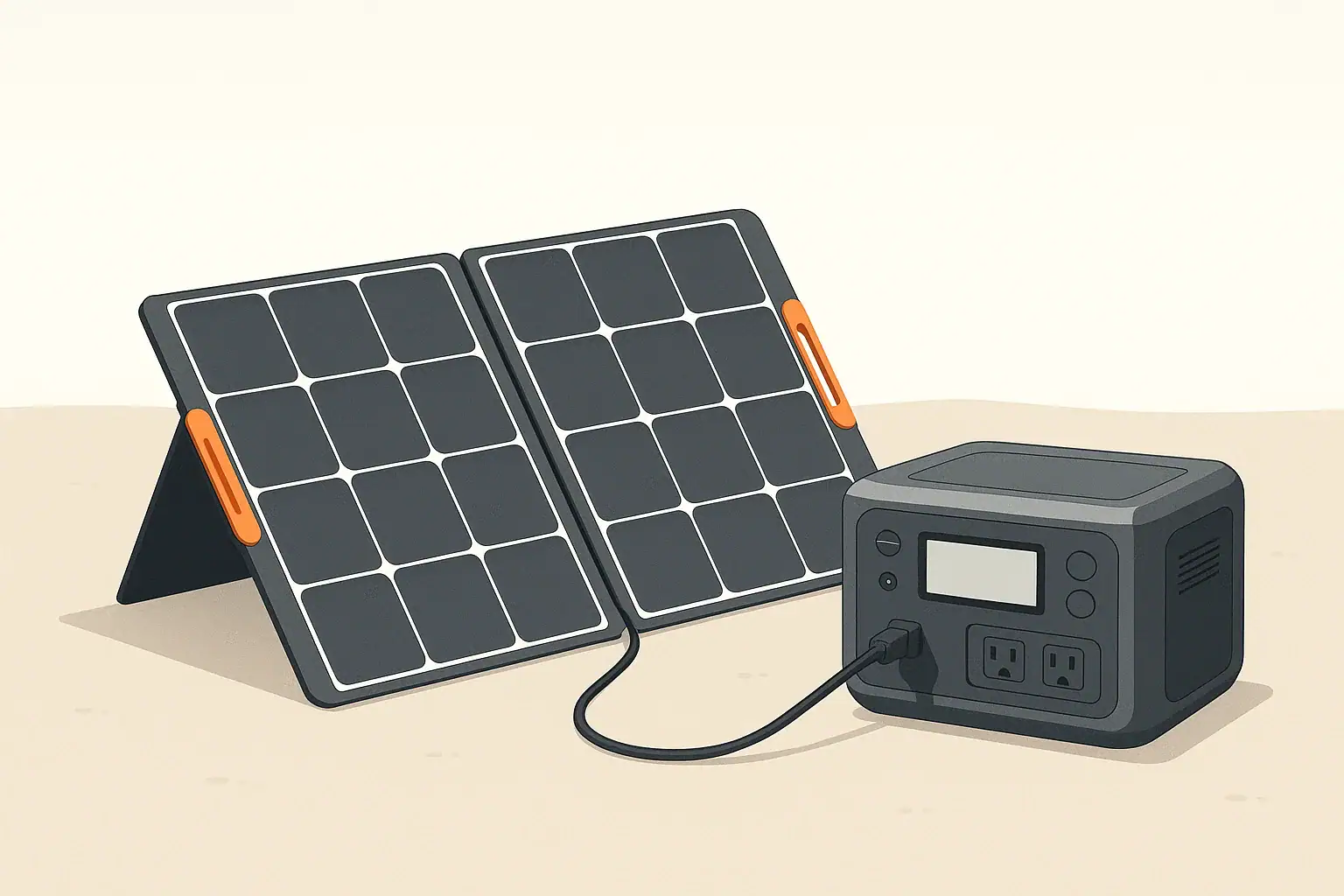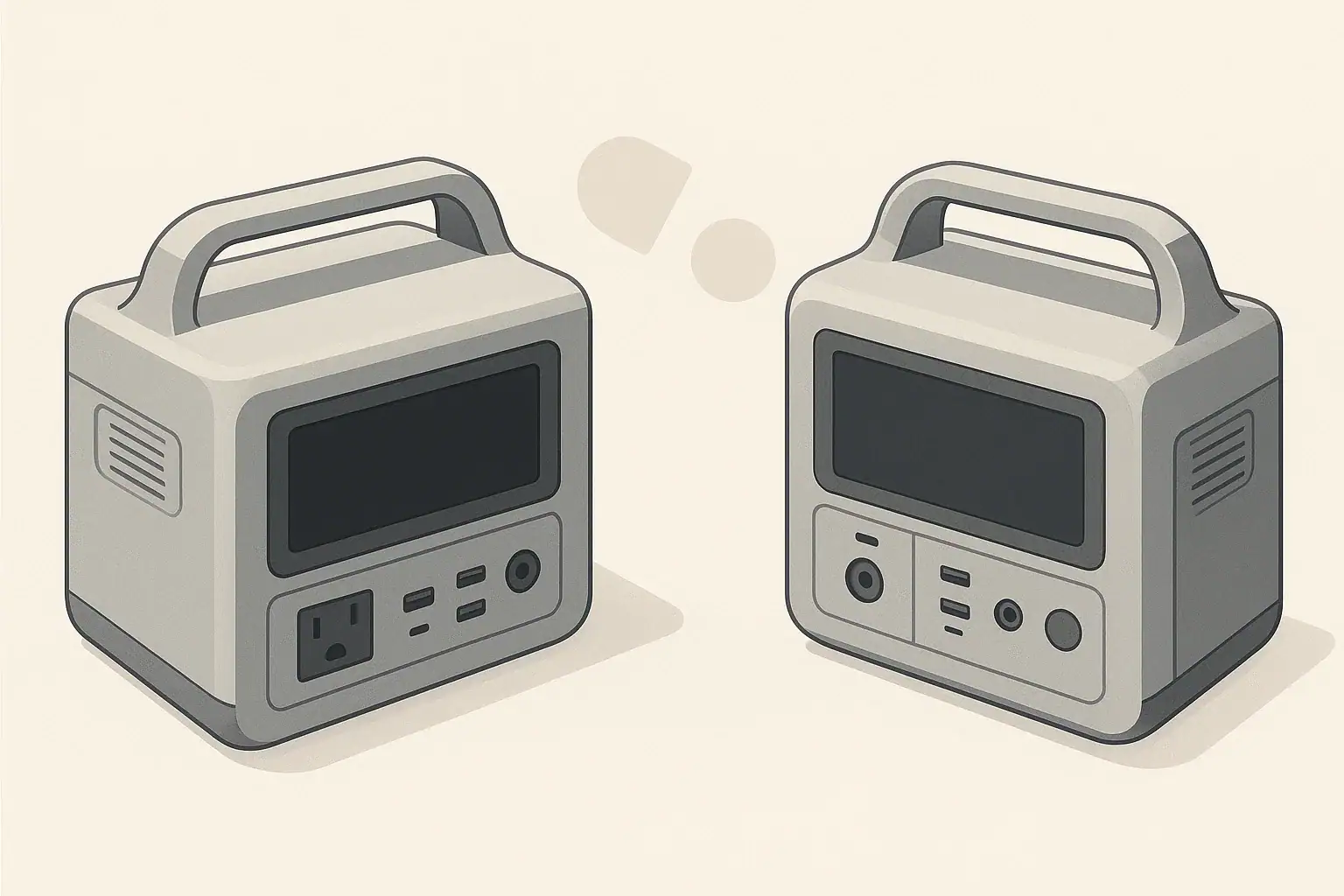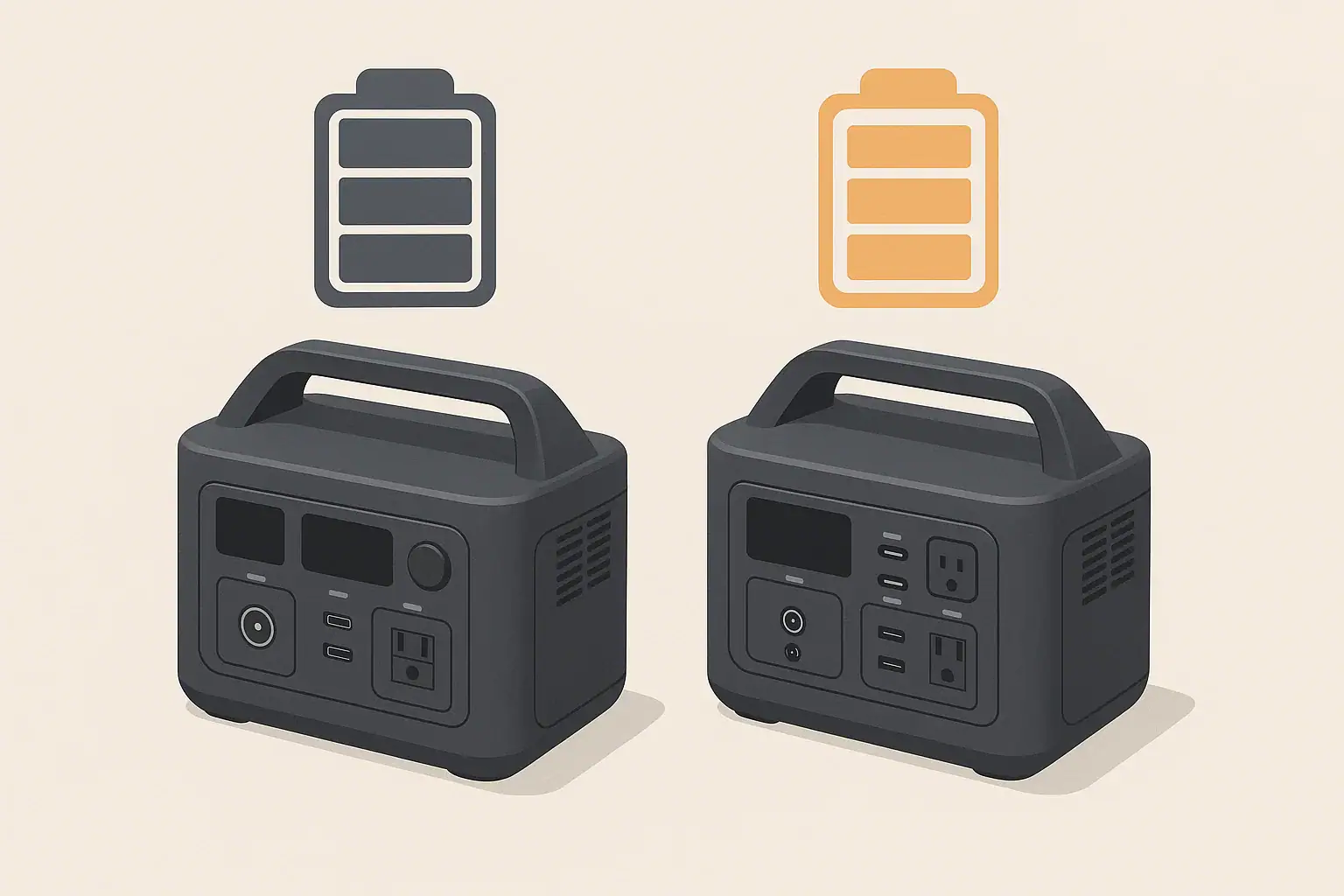
When people talk about LiFePO4 vs NMC batteries in portable power stations, they are comparing two common lithium-ion chemistries: lithium iron phosphate (LiFePO4) and lithium nickel manganese cobalt oxide (NMC). Both store energy in a compact form, but they behave differently in areas that matter for real-world use, such as weight, cold weather performance, safety, and long-term durability.
LiFePO4 batteries are known for long cycle life and strong thermal stability. They tend to be heavier and bulkier for the same watt-hour capacity but can tolerate many more charge and discharge cycles while staying relatively stable. NMC batteries, by contrast, usually pack more energy into less weight and volume, which makes devices lighter and easier to carry, but they generally have a shorter practical cycle life and are more sensitive to heat and deep discharges.
These differences matter when you choose a portable power station for camping, remote work, RV trips, or short home outages. If you value low weight and portability, NMC may appeal more. If you want a unit that you can cycle heavily for years, or leave at partial charge for long periods, LiFePO4 has advantages. Understanding these tradeoffs helps you match the battery chemistry to your real use patterns instead of just looking at headline capacity or peak watt ratings.
What the topic means
Because both chemistries are used behind the same user interface, marketing material often glosses over the underlying behavior differences. Taking time to understand how LiFePO4 and NMC differ in efficiency, cold performance, safety margins, and aging can prevent disappointment, unexpected shutoffs, or prematurely worn-out batteries.
Key concepts & sizing logic
No matter which chemistry you choose, some core sizing concepts apply: watt-hours (Wh), watts (W), surge vs running loads, and efficiency losses. Watt-hours describe how much energy the battery can store. Watts describe how fast you are using that energy at any moment. If you run a 100 W device from a 500 Wh battery, an ideal system would provide about 5 hours of runtime. In practice, both LiFePO4 and NMC systems lose some energy as heat in the inverter and internal electronics, so you usually plan for 10–20% less.
LiFePO4 and NMC batteries can both power high-wattage devices through an inverter, but the inverter has a rated continuous output (running watts) and a higher short-term surge output. Many appliances draw a brief surge when starting up: for example, compressor fridges or power tools may need 2–3 times their running watts for a second or two. A power station may have enough battery capacity but still shut off or fault if the surge is higher than the inverter can handle.
Chemistry affects how consistently the battery can deliver power across its state of charge and temperature range. LiFePO4 tends to maintain a flatter voltage curve during discharge, which can help the inverter deliver stable output until the battery is close to empty. NMC often has stronger energy density, so a smaller and lighter pack can reach the same watt-hour rating but might experience more voltage sag under heavy loads and at low temperatures, which can reduce usable capacity and cause earlier low-voltage cutoffs.
Efficiency losses vary slightly with chemistry and design. LiFePO4 systems can have minor efficiency advantages during moderate discharge rates because of their lower internal resistance, while NMC may show more variability depending on load and temperature. In everyday use, it is more important to consider that using AC outlets through the inverter is less efficient than using DC outputs (like 12 V car ports or USB). This means chemistry is only part of the runtime picture; how you connect devices and how heavily you load the system can matter just as much.
| What to check | Why it matters | Typical example |
|---|---|---|
| Total daily watt-hours | Helps right-size capacity for your devices | Add up device watts × hours of use |
| Highest surge load | Avoids inverter overload and shutoffs | Compressor fridge or small tool startup |
| Continuous inverter rating | Ensures it can run your largest appliance | Example: 800 W heater vs 600 W inverter |
| Chemistry cycle life | Indicates how long the pack may last under heavy use | LiFePO4 often higher cycles than NMC |
| Cold-weather behavior | Affects runtime and charging limits in winter | LiFePO4 usually tighter charging temp limits |
| Weight vs capacity | Impacts portability for camping or RV trips | NMC often lighter per watt-hour |
| Available charging methods | Determines how quickly you can refill capacity | Wall, vehicle, and solar inputs |
| Expected efficiency losses | Helps set realistic runtime expectations | Plan for 10–20% overhead |
Real-world examples
To see the practical differences between LiFePO4 and NMC batteries, it helps to walk through typical use cases rather than focus only on laboratory numbers. Consider a mid-sized portable power station used for home essentials during a brief outage. If you run a Wi-Fi router (about 10 W), a laptop (50–70 W while working), and a few LED lights (10–20 W total), your total draw might be around 80–100 W. On a 500 Wh LiFePO4 unit, assuming 15% losses, you might see about 4.2 hours of runtime. On a similar-capacity NMC unit, real runtime is similar at these modest loads, but the NMC unit may be physically smaller and a few pounds lighter.
For camping or vanlife, weight and volume may be more important. A person carrying their station between a vehicle and campsite might choose an NMC-based system simply because it is easier to handle, especially in higher capacities. However, someone who cycles their battery deeply every day, such as an off-grid worker constantly charging tools, may prefer LiFePO4 because it tends to handle a higher number of deep discharge cycles before noticeable capacity loss. Over years of frequent use, this can offset the initial size and weight penalty.
Cold performance is another area where the differences emerge. NMC batteries generally retain more usable capacity in moderately cold conditions, though they still experience reduced performance below freezing. LiFePO4 batteries may lose usable capacity more abruptly in the cold, and charging them at or below freezing can be more restrictive. Some power stations address this with built-in battery management and, in some cases, internal heating. Even then, users often see shorter runtimes in winter and slower charging, regardless of chemistry.
In RV or remote-work scenarios where the unit stays mostly in one place, the extra weight of LiFePO4 may not be a concern. The longer cycle life can be valuable if you run heavy AC loads such as small space heaters or induction cooktops on a regular basis, because these quickly add to the cycle count. In contrast, a more occasional user who mainly wants backup for brief outages may never approach the cycle life limits of either chemistry, making weight, price, and cold behavior more important decision factors.
Common mistakes & troubleshooting cues
Both LiFePO4 and NMC-based power stations can shut off unexpectedly if the system is pushed outside its design limits. A frequent mistake is sizing capacity based on watt-hours alone and ignoring the inverter’s continuous and surge ratings. For example, trying to start a high-draw appliance like a microwave or hair dryer on a small power station can trigger overload protection. This behavior is not a flaw in the battery chemistry; it is an inverter and power budget issue.
Another common issue is misinterpreting low-temperature behavior as a defective battery. In cold weather, NMC packs may show reduced capacity but still charge with fewer restrictions, while LiFePO4 packs may refuse to accept a charge until they warm up above a certain threshold. Users sometimes see slow or halted charging and assume the unit is broken. In reality, the battery management system is protecting the pack from damage caused by charging when the internal cells are too cold.
Charging slowdowns can also occur at high states of charge or when the internal temperature is elevated. NMC and LiFePO4 chemistries both rely on protective logic that tapers charging as the battery approaches full. If your power station charges rapidly at first and then slows significantly near the top, this is usually normal. Running heavy AC loads while charging can also slow the net charge rate or even hold the state of charge steady, because much of the input power is diverted to the inverter output.
Over time, users might notice that a fully charged battery no longer lasts as long as when it was new. NMC batteries often show faster capacity fade if they have been stored at full charge in high heat or cycled very deeply and frequently. LiFePO4 batteries tend to age more slowly under the same conditions, but they are not immune to degradation. Early signs include reduced runtime, faster drops from 100% to around 80%, and more noticeable voltage sag under heavy loads. These cues can guide you to adjust usage patterns, such as avoiding long-term storage at full charge or high temperatures.
Safety basics
Safety considerations differ slightly between LiFePO4 and NMC, but many best practices are the same. Place portable power stations on stable, dry surfaces with good airflow around the vents. Avoid enclosing them in tight cabinets, under bedding, or near heat sources where heat buildup could accelerate wear or, in extreme cases, lead to thermal issues. LiFePO4 chemistry is generally more thermally stable and less prone to runaway reactions than NMC, which can offer an added margin of safety, but neither should be operated outside the manufacturer’s recommended temperature or moisture ranges.
Use appropriately rated extension cords and avoid daisy-chaining multiple power strips or running cords under rugs where heat can build up. Because portable power stations typically provide 120 V AC, they should be treated like a standard household outlet. Do not exceed the unit’s rated output by plugging in too many devices or high-wattage appliances simultaneously. Both chemistries rely on internal battery management and inverter protections; bypassing or ignoring those protections undermines the inherent safety design.
Moisture exposure is a concern regardless of chemistry. Keep the unit away from standing water, rain, and snowmelt. In RVs and vans, mount or place the power station where it is protected from spills and where vents are not blocked by gear or bedding. If you need to use a power station near sinks, basements, or outdoor locations, a properly rated GFCI-protected circuit or outlet provides an additional layer of protection against shock. When in doubt, consult a qualified electrician about safe ways to integrate a portable power station with existing circuits without modifying panels or wiring yourself.
Finally, never open the battery enclosure or attempt to repair the cells yourself. LiFePO4’s relative stability does not make it safe to tamper with compressed packs, and NMC cells can be especially unforgiving if punctured or shorted. If you observe swelling, strong odors, visible damage, or repeated overheat warnings, discontinue use and contact the manufacturer or a qualified service provider for guidance.
Maintenance & storage
Good maintenance and storage practices can stretch the usable life of both LiFePO4 and NMC batteries, but each chemistry responds slightly differently. LiFePO4 packs are generally more tolerant of regular deep cycles and long-term partial states of charge, which suits frequent users who discharge the power station deeply before recharging. NMC packs are more sensitive to high states of charge and heat, so it is especially helpful to avoid leaving them fully charged in hot environments for long periods.
For longer-term storage, a moderate state of charge is usually recommended for both chemistries. Many users aim for roughly 40–60% charge if the unit will sit unused for several weeks or months. At this level, the cells are under less stress than at 100%, and self-discharge over time is less likely to reach damaging low voltages. LiFePO4 typically has lower self-discharge than NMC, so it can often sit longer between top-ups, but checking the charge every few months is still wise.
Temperature control is an important part of storage. Try to store power stations in a cool, dry place, away from direct sun and freezing conditions. High heat accelerates aging for both chemistries, but it is particularly tough on NMC. Extreme cold can lead to very low internal voltage and difficulty charging without warming the pack first, especially for LiFePO4. If a unit has been stored in a cold vehicle or unheated garage, allow it to warm gradually to room temperature before charging.
Routine checks should include verifying that the unit powers on, outlets function correctly, and fans and vents are unobstructed and relatively clean. Light dusting around vents and ensuring cords are not frayed can prevent minor problems from becoming bigger issues. Running a brief functional test every few months—plugging in a small load and confirming normal behavior—helps you discover problems before you rely on the power station during an outage or trip.
| Task | Suggested frequency | Notes |
|---|---|---|
| Check state of charge | Every 2–3 months | Keep around 40–60% for long-term storage |
| Top up the battery | When below ~30–40% | Prevents deep discharge during storage |
| Visual inspection | Every 3–6 months | Look for damage, swelling, or loose cords |
| Vent and fan cleaning | Every 6 months | Light dusting to maintain airflow |
| Functional test with small load | Every 3–6 months | Confirm AC and DC outputs work normally |
| Temperature check for storage spot | Seasonally | Avoid extended high heat or freezing locations |
| Firmware or settings review | Annually | Adjust eco/sleep modes if they affect your use |
| Label next service or replacement review | Every few years | Plan around expected cycle life for chemistry |
Example values for illustration.
Practical takeaways
Choosing between LiFePO4 and NMC batteries in a portable power station comes down to your priorities and usage patterns. LiFePO4 generally offers longer cycle life, strong thermal stability, and predictable voltage behavior, at the cost of more weight and bulk for the same capacity. NMC usually provides higher energy density and lighter units but can age faster under high temperatures, frequent deep discharges, or long storage at full charge.
Cold performance is nuanced: NMC often retains more usable capacity in moderate cold, while LiFePO4 requires more cautious charging at low temperatures but can still deliver reliable output when warmed. Safety is largely a function of design and battery management, but LiFePO4 has an inherent edge in thermal stability, which can add comfort for users who cycle their systems heavily or store them in variable environments.
For portable power station users in the United States thinking about outages, camping, or remote work, it helps to treat chemistry as one factor among several. Capacity in watt-hours, inverter ratings, charging options, and environmental conditions all interact with chemistry to determine real-world performance. A carefully chosen system, used within its limits and maintained thoughtfully, will typically provide years of dependable service regardless of whether it is based on LiFePO4 or NMC.
- Match chemistry to use: LiFePO4 for frequent deep cycling and long life, NMC when low weight and compact size are more important.
- Size by both watt-hours and inverter ratings, not just battery capacity, to avoid overload shutdowns.
- Plan for efficiency losses and reduced cold-weather capacity when estimating runtime.
- Store at moderate charge in cool, dry conditions and avoid long periods at full charge, especially with NMC.
- Follow all safety guidance, avoid tampering with the battery pack, and consult qualified professionals before integrating with home wiring.
Frequently asked questions
Are LiFePO4 batteries significantly heavier than NMC for the same watt-hour capacity?
Yes. LiFePO4 cells have a lower energy density than NMC, so packs built with LiFePO4 are typically heavier and larger for the same watt-hour rating. The exact difference depends on pack design and supporting electronics, but users commonly notice a weight penalty when choosing LiFePO4 for equivalent capacity.
Can I charge LiFePO4 batteries in freezing temperatures?
Charging LiFePO4 at or below freezing is generally not recommended; many power stations prevent charging until cells warm above a safe threshold. Discharging at low temperatures may still work but with reduced usable capacity, and it’s best to follow the manufacturer’s temperature limits or allow the unit to warm before charging.
Which chemistry is safer for indoor use: LiFePO4 or NMC?
LiFePO4 has inherently better thermal and chemical stability and a lower risk of thermal runaway compared with NMC, giving it an edge for safety. However, overall safety also depends on pack construction, battery management systems, and proper use, so follow manufacturer guidance regardless of chemistry.
How do cycle lives typically compare between LiFePO4 and NMC?
LiFePO4 generally offers a much longer practical cycle life and can tolerate many more deep discharge cycles before noticeable capacity loss, while NMC typically reaches significant capacity fade sooner under heavy cycling or high-temperature storage. Exact cycle life varies by cell quality, depth of discharge, and operating conditions.
What are the best storage practices for each chemistry to maximize lifespan?
For both chemistries, store in a cool, dry place at a moderate state of charge (around 40–60%) and avoid prolonged storage at full charge or high temperatures. NMC is more sensitive to high heat and full-charge storage, while LiFePO4 tolerates partial charge and long storage somewhat better but still benefits from periodic checks and a stable environment.
Recommended next:
- Portable Power Station vs Power Bank
- Portable Power Station vs UPS: What Changes for Computers and Networking?
- Portable Power Station vs Power Bank: Where the Line Really Is
- Portable Power Station vs Inverter + Car Battery: Pros, Cons, and Safety
- Portable Power Station vs DIY Solar Battery Box: When DIY Makes Sense
- Portable Power Station vs Home Backup Battery: Which Fits Apartments Best?
- More in Comparison →