
Portable Power Stations for Apartments

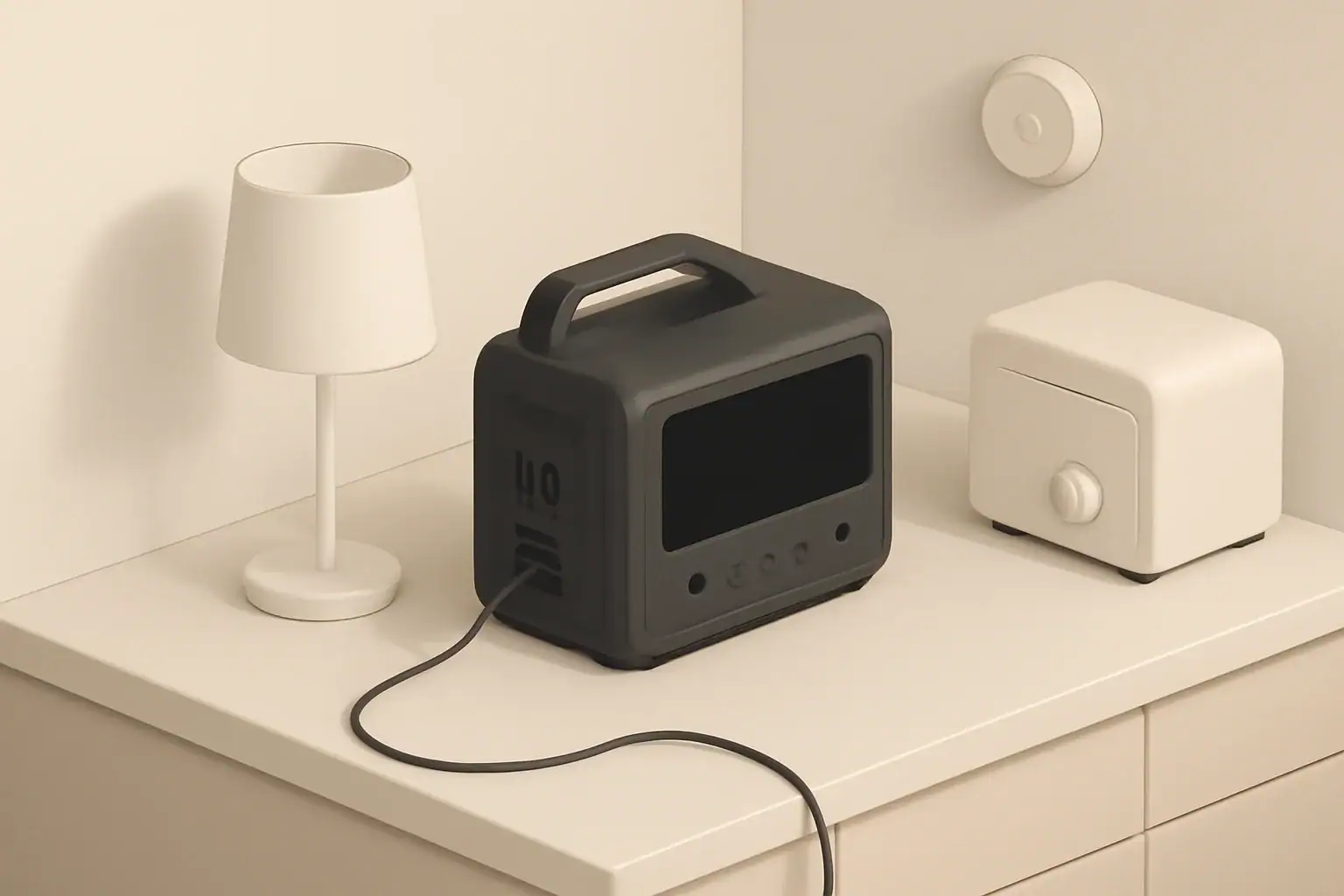
Isometric illustration of power station powering appliances

Portable power stations are compact battery systems with built-in inverters and multiple output ports. In apartments they can provide short-term backup power, run essential electronics, or support remote work during outages. Because of space, ventilation, and building rules, apartment use requires attention to capacity, safety, and noise.

Portable power stations are valued in apartments for several practical reasons:

  • Temporary backup for lights, routers, and small devices during outages.
  • Clean, quiet power for remote work without relying on loud fuel generators.
  • Power for medical devices or refrigeration for short periods.
  • Portable charging for devices in common areas or balconies.

Wall charging is the simplest option in apartments. Consider these points:

  • Confirm the building circuit can support additional continuous loads during recharging, especially if charging multiple large batteries.
  • Use a dedicated outlet if possible to prevent frequent tripping of shared circuits.
  • Solar recharging can work on balconies or terraces if local rules and shading allow, but check fire safety and building rules first.
  • Pass‑through charging convenience varies; ensure that feature is tested before relying on it in an outage.

Overview: Portable power stations in apartments

Portable power stations are compact battery systems with built-in inverters and multiple output ports. In apartments they can provide short-term backup power, run essential electronics, or support remote work during outages. Because of space, ventilation, and building rules, apartment use requires attention to capacity, safety, and noise.

Why apartment dwellers use portable power stations

Portable power stations are valued in apartments for several practical reasons:

  • Temporary backup for lights, routers, and small devices during outages.
  • Clean, quiet power for remote work without relying on loud fuel generators.
  • Power for medical devices or refrigeration for short periods.
  • Portable charging for devices in common areas or balconies.

Key features to evaluate

Capacity: watt‑hours (Wh)

watt‑hours (Wh) is expressed in watt‑hours (Wh) and determines how long a battery can run devices. A higher Wh rating gives longer runtimes but usually increases size and weight.

Example use estimates (very approximate):

  • Wi‑Fi router: 10–20 W → 100 Wh gives ~5–10 hours.
  • Laptop: 40–80 W → 500 Wh gives ~6–12 hours.
  • Mini refrigerator: 40–100 W continuous, higher at startup → 500 Wh might run it for several hours depending on duty cycle.

Power output: continuous watts and surge watts

Look for continuous output (the amount the inverter supplies consistently) and surge capacity (short peaks for appliances with motors). Appliances with compressors or motors require higher surge ratings for startup.

Inverter type

Pure sine wave inverters provide clean power suitable for sensitive electronics and medical equipment. Modified sine wave inverters are less costly but may not work well with some devices.

Battery chemistry

Common chemistries include lithium‑ion and LiFePO4. Differences affect cycle life, weight, thermal stability, and cost. LiFePO4 typically offers longer cycle life and greater thermal stability, which can be beneficial in confined indoor spaces.

Ports and outlets

Check for AC outlets, USB‑A, USB‑C PD, 12V DC outputs, and car outlets. The assortment determines what you can power directly without adapters.

Charging options and time

Apartment users benefit from units that recharge from wall outlets quickly. Solar and car charging options add flexibility but verify charge times and whether pass‑through charging (charging the unit while powering loads) is supported.

Size, weight, and placement

Measure available storage and consider where the device will sit during use. Heavy high‑capacity units may be difficult to move frequently. Ensure the chosen spot offers adequate ventilation and is not on flammable surfaces.

Noise and thermal management

Although portable power stations are much quieter than fuel generators, they may include cooling fans that run intermittently. Fan noise can be noticeable in small rooms. Look for models with low noise ratings and good thermal designs for apartment use.

Apartment‑specific safety and code considerations

Apartments often have stricter rules and limited space. Keep these safety points in mind:

  • Place units on non‑combustible surfaces and away from curtains or paper.
  • Ensure adequate airflow; do not block vents or place units in closed cabinets while operating.
  • Follow local building and rental rules. Some buildings prohibit certain battery sizes or storage of lithium batteries in hallways.
  • Check smoke detector and sprinkler system placement when locating the unit.
  • Never attempt to charge a damaged battery or one that shows swelling or overheating.

Sizing your system: quick approach

Basic steps to size a portable power station:

  1. List essential devices and their wattage.
  2. Estimate how many hours you need to run each device during an outage.
  3. Calculate total energy: add (wattage × hours) for each device to get required Wh.
  4. Factor in inverter losses and inefficiencies (add 10–20%).
  5. Choose a station with continuous watts higher than the sum of devices running simultaneously and Wh that meets your energy needs.

Example: Running a router (15 W), phone charging (10 W), and laptop (60 W) simultaneously totals 85 W. For 8 hours: 85 W × 8 h = 680 Wh. Add 15% overhead → ~782 Wh needed.

Typical apartment use cases and runtimes

Common scenarios that help pick the right capacity:

  • Basic outage backup: lights, router, and phone charging for several hours — 300–700 Wh may suffice.
  • Remote work setup: laptop, second monitor intermittently, router for a workday — 500–1000 Wh is a safer range.
  • Short refrigerator backup: depends heavily on fridge cycle and startup surge — a high‑capacity unit (1000+ Wh) with strong surge rating is recommended for meaningful runtime.
  • Medical device support: verify device power requirements and backup duration with a clinician. Prefer systems with clean pure sine output and sufficient capacity.

Charging and integration in apartments

Wall charging is the simplest option in apartments. Consider these points:

  • Confirm the building circuit can support additional continuous loads during recharging, especially if charging multiple large batteries.
  • Use a dedicated outlet if possible to prevent frequent tripping of shared circuits.
  • Solar recharging can work on balconies or terraces if local rules and shading allow, but check fire safety and building rules first.
  • Pass‑through charging convenience varies; ensure that feature is tested before relying on it in an outage.

Maintenance and safety practices

Simple maintenance keeps a unit ready and safe:

  • Store at partial charge for long‑term storage, typically around 40–60% unless manufacturer guidance differs.
  • Cycle the battery periodically to maintain health if it will sit unused for long periods.
  • Inspect for physical damage, swelling, or odd odors before use.
  • Keep vents dust‑free and avoid storing near heat sources.
  • Follow local disposal guidelines when the battery reaches end of life.

Placement and noise considerations in small spaces

Choose a location that balances noise, ventilation, and convenience:

  • Living room or home office for easy access to devices.
  • Near an exterior wall for potential solar cable routing if allowed.
  • On a stable, non‑combustible surface and away from bedding or curtains.
  • Test the unit during normal conditions to understand fan behavior and noise levels before an outage.

Apartment checklist before buying

  • Calculate required watt‑hours and peak wattage for simultaneous devices.
  • Confirm pure sine inverter if powering sensitive electronics or medical devices.
  • Verify ventilation and placement options in your apartment layout.
  • Check building rules, insurance policy, and local regulations about indoor battery storage.
  • Plan charging method: wall outlet, solar, or vehicle, and confirm recharge times.
  • Prepare a simple usage plan for common outages (which devices to prioritize).

Further reading and resources

Consult product manuals and local building authorities for specifics about fire codes and storage limits. For medical device backup or complex installations, consult a qualified electrician or healthcare provider to validate requirements and safe operation.

Frequently asked questions

Are portable power stations safe to use inside apartments?

When used according to manufacturer instructions and local rules, portable power stations can be safe indoors. Key precautions include placing the unit on a non‑combustible surface, ensuring adequate ventilation, avoiding charging in closed cabinets, and not using units that show swelling or overheating. Also confirm any building or storage restrictions before keeping larger batteries in your unit.

How do I size a portable power station for my apartment needs?

List the devices you need to power, note each device’s wattage and desired runtime, then multiply wattage by hours to get required watt‑hours (Wh) and sum them. Add 10–20% for inverter and inefficiency losses, and ensure the station’s continuous watt rating can handle simultaneous loads and its surge rating covers startup peaks for motors or compressors.

Can I recharge a portable power station from solar panels on my balcony?

Possibly, but it depends on local building rules, shading, and the unit’s solar input specifications. Verify that balcony-mounted panels are permitted by your building, confirm safe cable routing and fire-safety considerations, and check the station’s recommended solar array and expected charge times before relying on solar as a primary recharge method.

Will a portable power station run my refrigerator in an apartment?

Some portable power stations can run a refrigerator for short periods, but refrigerators require sufficient continuous Wh and a high surge capacity for compressor startup. For meaningful runtimes choose a high‑capacity unit (often 1000+ Wh) with a robust surge rating, and test or calculate based on your fridge’s duty cycle rather than nameplate running watts alone.

Do I need to notify my landlord or insurance company about storing a portable battery?

Yes — it’s wise to check your lease, building policies, and insurance terms because some buildings limit battery sizes or restrict storage in common areas. Notifying relevant parties helps ensure compliance with fire and safety rules and avoids potential coverage issues.
Are Portable Power Stations the Future of Backup Power?

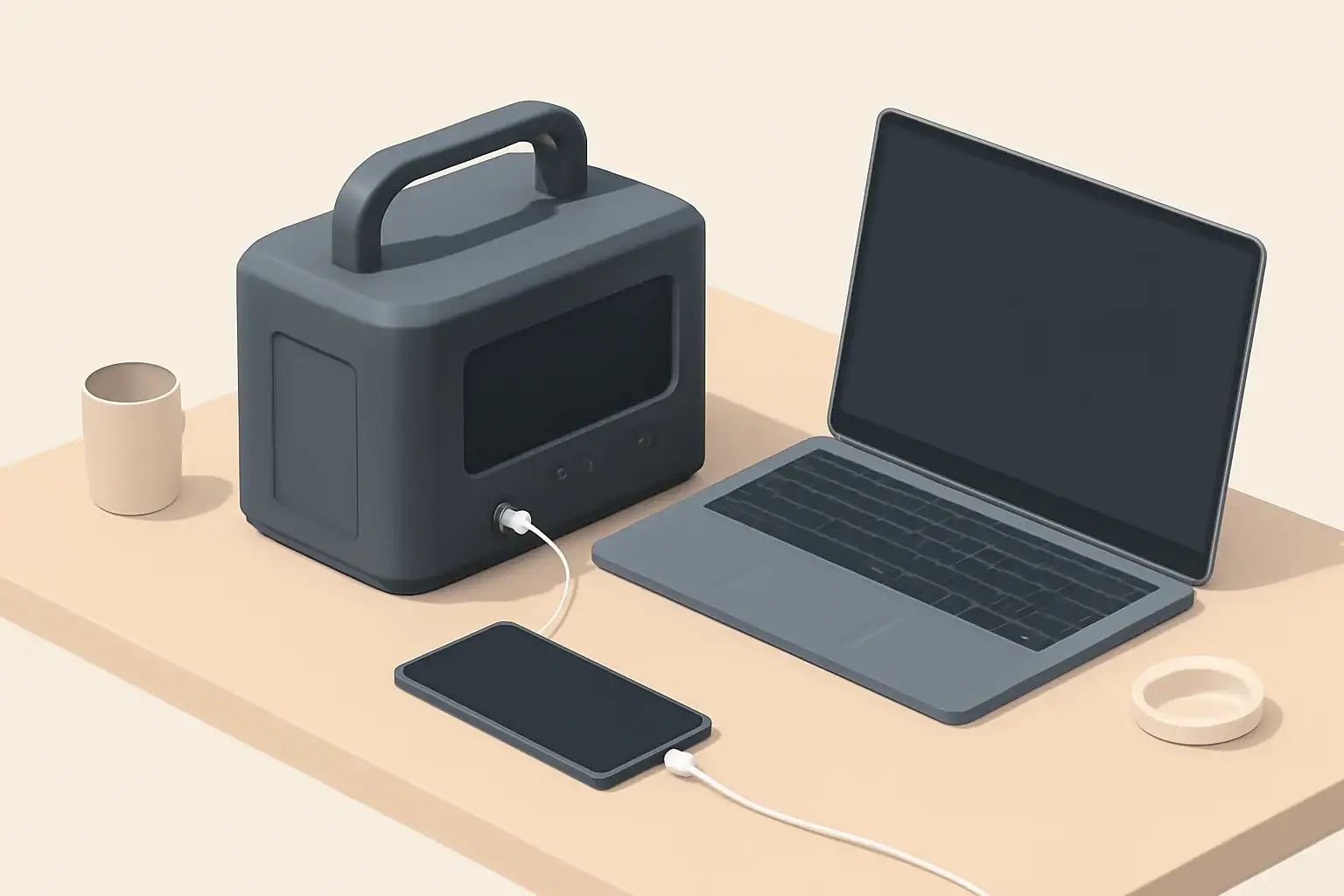
isometric portable power station charging devices

Introduction

Portable power stations have become increasingly visible in coverage of emergency preparedness, outdoor recreation, and renewable energy. They combine rechargeable battery packs, power electronics, and multiple output ports in compact housings. As grid resilience and distributed energy discussions intensify, many people ask whether portable power stations will replace traditional backup systems.

How portable power stations work

At a basic level, a portable power station stores electrical energy in an internal battery and makes that energy available through AC outlets, 12V outputs, and USB ports. Key components define performance and suitability for backup use.

Batteries and chemistry

The battery is the core energy reservoir. Lithium-based chemistries are common, offering higher energy density and lower weight than older lead‑acid designs. Battery capacity is usually expressed in watt‑hours (Wh), which indicates the amount of energy stored.

Inverters and output types

An inverter converts stored DC battery power to AC power for household devices. Inverter size (continuous watt rating and surge capacity) limits what appliances a unit can run and for how long.

Charging inputs and power management

Most units support multiple charging methods: AC wall charging, car charging, and solar input. Built‑in charge controllers and management systems control charge rates, protect the battery, and manage load priorities.

Advantages of portable power stations for backup power

Portable power stations offer several features that make them attractive for many backup scenarios.

  • Portability: compact, transportable units can be moved to where power is needed.
  • Quick deployment: plug‑and‑play operation without complex installation.
  • Multiple output types: support for USB, DC, and AC simultaneously.
  • Quiet operation: typically near‑silent compared with fuel generators.
  • No onsite fuel: eliminates the need to store gasoline or propane.
  • Scalable with solar: many models accept solar input for extended runtimes.

Limitations and challenges

Despite benefits, portable power stations also have practical limits compared with whole‑house backup solutions or traditional UPS systems.

  • Capacity constraints: typical consumer units range from a few hundred to a few thousand watt‑hours, which limits runtime for high‑draw appliances.
  • Power limits: inverter continuous and surge ratings may not support heavy loads like central air conditioners or electric ovens.
  • Recharge dependence: after depletion, units require time to recharge from AC or solar, which can constrain continuous backup during prolonged outages.
  • Cost per kilowatt‑hour: batteries and inverters can be more expensive per usable kWh than some stationary backup options.
  • Temperature sensitivity: battery performance and lifespan can decline in extreme cold or heat without proper management.

Where portable power stations fit in backup strategies

Portable power stations are not a one‑size‑fits‑all replacement for traditional systems, but they are well suited to specific roles.

Home backup for essentials

For powering essentials—lights, phone chargers, a router, and medical devices—a modestly sized power station can provide meaningful uptime. To cover refrigerators or heating systems, much larger capacity or multiple units are required.

Critical and medical devices

Some medical devices require uninterrupted power and have strict electrical requirements. Portable power stations can support certain devices but verify device power draws, reliability needs, and any regulatory guidance before relying on a consumer unit.

Recreation, RVs, and remote work

For camping, vanlife, and remote work, portability and multi‑port outputs make these units very practical. They can handle laptops, small refrigerators, lights, and communications equipment effectively.

Sizing and planning a backup setup

Choosing an appropriate unit requires a simple calculation of energy and power needs.

  • List essential devices and note their wattage.
  • Estimate hours of run time needed for each device.
  • Multiply wattage by hours to get watt‑hours per device, then add to find total energy needs.
  • Match the required continuous watts to the unit’s inverter rating, and consider surge requirements for motors.
  • Factor in usable capacity: battery rated Wh may exceed usable Wh depending on depth‑of‑discharge limits and inverter losses.

Example: a 60 W router and a 5 W LED light running 24 hours need roughly 1,560 Wh. That demands a substantially larger unit than one used for occasional charging.

Integration with solar and renewable systems

Pairing portable power stations with solar panels extends runtime and reduces dependence on grid or generator recharging. Many units have MPPT charge controllers built in or accept external solar charge controllers.

Considerations for solar integration:

  • Solar input wattage and voltage limits determine how quickly a battery can recharge from panels.
  • Cloudy conditions and seasonal sun variation affect practical recharge rates and system sizing.
  • For extended outages, a solar system sized to meet daily discharge needs is necessary rather than relying on occasional recharge.

Safety and maintenance

Battery safety and proper maintenance are important to reliable operation.

  • Follow manufacturer guidance for charging and storage temperatures to preserve battery life and avoid risks.
  • Store units with partial state of charge rather than fully charged or fully depleted for long‑term storage.
  • Inspect cables and ports periodically for wear or damage.
  • Avoid charging near flammable materials and ensure good ventilation during heavy use.

Comparing portable power stations with other backup options

It helps to compare portable battery systems with common alternatives.

  • Standby generators: offer long runtimes and high power but require fuel, are noisy, and need installation for automatic switching.
  • Whole‑house battery systems: integrate with home electrical panels and can support more loads, but they are more expensive and generally not portable.
  • Uninterruptible power supplies (UPS): designed for instant switchover and critical electronics protection; some portable stations include UPS functionality, but performance and regulatory testing differ.

Will portable power stations become the future of backup power?

Portable power stations are likely to become a larger part of the backup power landscape, particularly for targeted, short‑to‑medium duration needs. Their advantages in portability, quiet operation, and solar compatibility align with growing demand for flexible, low‑emission backup solutions.

However, they are unlikely to fully replace all existing backup technologies. For whole‑house coverage, very long outages, or high continuous loads, larger stationary batteries or conventional generators remain more practical in many cases. For critical loads requiring certified uninterrupted power and specialized monitoring, dedicated UPS systems are still the standard.

In practice, hybrid approaches that combine portable power stations, solar charging, and traditional backup technologies can offer balanced resilience. Users will select solutions based on specific load profiles, budget, space, and reliability requirements.

Key considerations when evaluating a portable power station

When assessing whether a portable power station fits your backup needs, consider these factors:

  • Capacity in watt‑hours relative to your expected energy needs.
  • Inverter continuous and surge ratings compared to device startup and running watts.
  • Charging options and how long recharge will take from available sources.
  • Battery chemistry, expected cycle life, and long‑term storage behavior.
  • Safety features such as thermal management, overcurrent protection, and certified components.
  • Portability and build quality versus required durability in your use case.

Evaluating these parameters in the context of actual devices you need to support will determine whether a portable power station is a practical element of your backup strategy.

Frequently asked questions

How long can a portable power station run a refrigerator?

Runtime depends on the unit’s usable watt‑hour capacity and the refrigerator’s average power draw and duty cycle. To estimate, divide the station’s usable Wh by the fridge’s average watts; for example, a 1,000 Wh usable capacity powering a fridge averaging about 150 W would run roughly 6–7 hours, though compressor cycles, temperature, and efficiency affect real‑world runtime.

Can portable power stations safely power life‑support or critical medical devices?

Some portable power stations can support certain medical devices, but you must verify the device’s steady and startup power requirements and whether the unit provides reliable, uninterrupted power. For life‑supporting equipment consult the medical device manufacturer and a healthcare professional before relying on a consumer unit, and prefer certified UPS or medically rated backup when required.

Is it possible to expand runtime by connecting multiple portable power stations together?

Some models offer parallel or stacking functionality to combine capacity or increase output, but this capability is model‑specific and often requires matching units and approved cabling. Improper parallel connections can cause damage or safety hazards, so always follow manufacturer instructions or seek professional assistance for complex configurations.

Can I recharge a portable power station with solar panels during an outage?

Yes—many units accept solar input and include MPPT charge controllers or support external controllers, allowing daytime recharge to extend runtime. Recharge speed depends on panel wattage, sunlight conditions, and the unit’s solar input limits, so for extended outages size the solar array to reliably replace daily discharge.

What are the key steps to size a portable power station for my home backup needs?

List essential devices with their running and startup wattages, estimate required run hours to calculate total watt‑hours, and choose a unit whose usable Wh and inverter continuous/surge ratings meet those needs. Also account for depth‑of‑discharge, inverter losses, and your recharge plan (solar or AC) to ensure realistic performance during outages.

Portable Power Station Terminology Explained

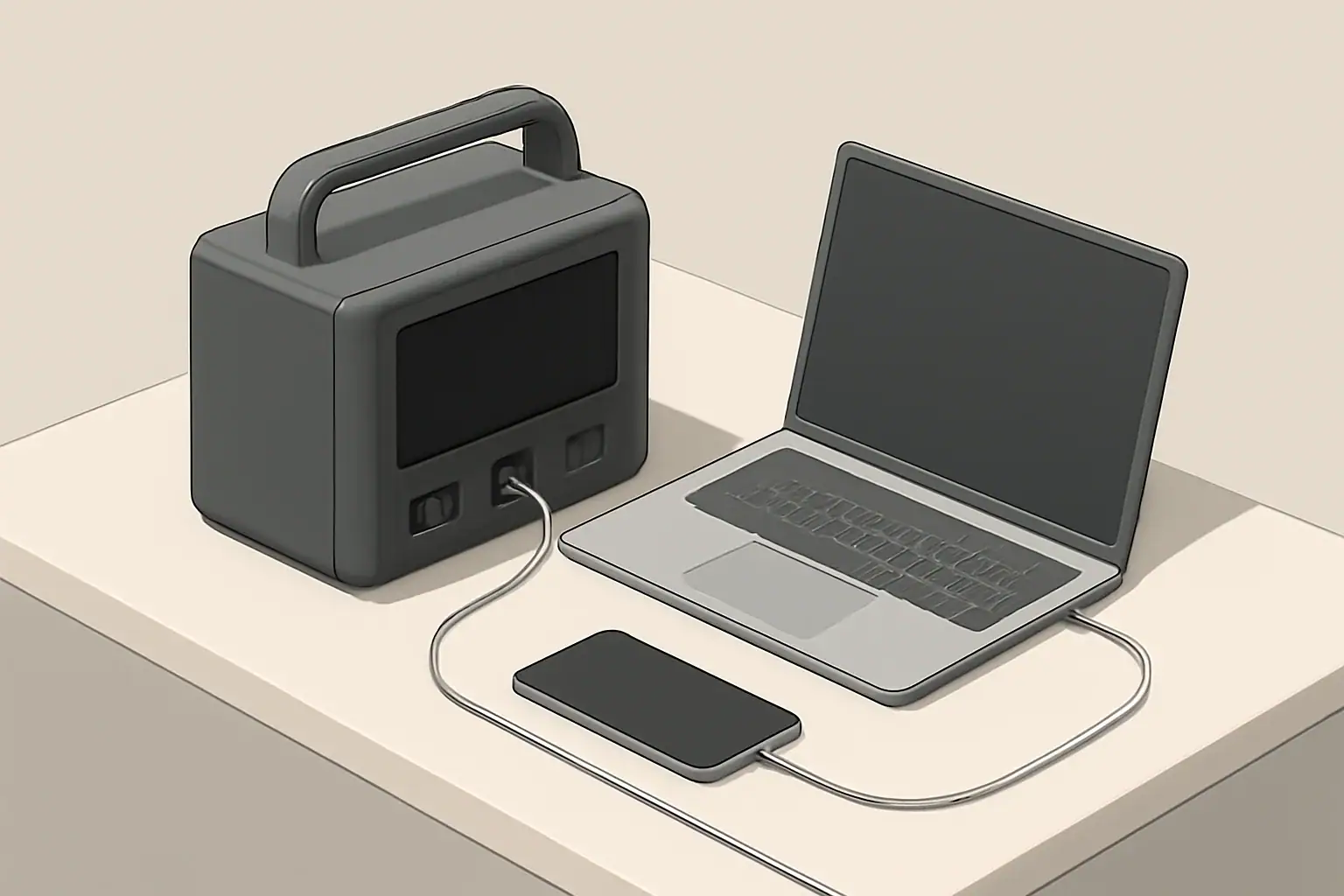
Isometric portable power station charging phone and laptop

Introduction

Portable power stations are sold with many technical terms that can be confusing. Understanding the common vocabulary helps you compare products, estimate runtime, and match a unit to your needs.

This guide explains the most important terms related to power, batteries, inverters, charging, and safety in clear, nontechnical language.

Key power and energy terms

Watts (W)

Watts measure power — the rate at which electrical energy is used. For appliances, the watt rating tells you how much power they draw when operating. Example loads include lights, fans, and small kitchen appliances.

Watt-hours (Wh)

Watt-hours measure energy — the amount of work a battery can deliver over time. A 500 Wh battery can supply 50 W for 10 hours, or 500 W for one hour, ignoring efficiency losses.

Voltage (V) and Amperes (A)

Voltage is electrical potential; current (amperes) is flow. Power equals voltage multiplied by current (P = V × I). Portable power stations usually provide 12 V, 24 V, 120 V AC or various USB voltages depending on the output.

VA and power factor

VA (volt-amps) is an apparent power rating used for AC loads. The power factor is the ratio of real power (watts) to apparent power (VA). Many consumer specs focus on watts, but VA can matter for certain inductive loads.

Continuous vs surge (peak) power

Continuous power is the output a station can sustain indefinitely at its rated temperature. Surge or peak power is a short-duration allowance for the initial startup of motors or compressors. Check both numbers when planning to run motors or compressors.

Battery and chemistry terms

Lithium-ion and LiFePO4

These are two common battery chemistries. Lithium-ion cells are energy-dense and lighter. LiFePO4 (lithium iron phosphate) has lower energy density but typically offers longer cycle life and enhanced thermal stability.

Capacity and nominal capacity

Capacity is often listed in watt-hours (Wh) or ampere-hours (Ah). Nominal capacity is the rated energy under specific test conditions. Actual usable capacity may be lower due to inverter losses and temperature.

State of Charge (SoC) and depth of discharge (DoD)

  • SoC is the remaining charge expressed as a percentage.
  • DoD is how much of the battery has been used. Higher DoD cycles typically reduce battery lifespan.

Cycle life

Cycle life is the number of complete charge/discharge cycles a battery can undergo before its capacity falls below a specified percentage of its original capacity (commonly 70–80%). It depends on chemistry, depth of discharge, and operating conditions.

Self-discharge and storage

Batteries naturally lose charge over time even when unused. Self-discharge rates vary by chemistry. Proper storage state of charge and temperature helps reduce capacity loss and extend life.

Inverter and output terms

Inverter

The inverter converts DC battery power to AC power for household appliances. Its capacity is a key spec when you need to run AC devices from the station.

Pure sine wave vs modified sine wave

Pure sine wave inverters produce AC similar to grid power and are compatible with sensitive electronics. Modified or square wave inverters are simpler and may not work well with some devices. For modern electronics, pure sine is generally recommended.

Inverter efficiency

Efficiency describes the energy lost during DC-to-AC conversion. Higher efficiency results in less wasted energy and slightly longer runtimes. Efficiency is often expressed as a percentage.

Output ports and ratings

  • AC outlets: list continuous watt limit and surge capability.
  • DC ports: include 12 V car-style outputs and barrel connectors.
  • USB ports: include standard USB-A, USB-C, and fast-charging protocols such as USB PD.

Charging and input terms

Input power rating

The input rating specifies the maximum power the station can accept while charging from AC, car, or solar. This affects how quickly the battery can be replenished.

Charging time

Charging time depends on battery capacity and input power. Manufacturers often quote a best-case charging time using full input power; real-world times may be longer due to tapering and inefficiencies.

Solar charging and MPPT

Many portable power stations accept solar input. MPPT (maximum power point tracking) charge controllers help extract more power from solar panels under varying sunlight and temperature conditions. MPPT usually yields faster and more efficient solar charging than basic controllers.

Pass-through charging

Pass-through charging allows the station to be charged while simultaneously supplying power to connected devices. It’s convenient but may affect battery life if used constantly. Check specifications for whether pass-through is supported and any limitations.

Safety, management, and reliability terms

Battery Management System (BMS)

The BMS monitors and protects the battery pack. It balances cell voltages, prevents overcharge, overdischarge, overcurrent, and monitors temperature. A robust BMS improves safety and longevity.

Thermal management

Portable stations use passive or active cooling (fans) to manage heat. Thermal limits affect continuous output and charging behavior; devices may throttle to prevent overheating.

Certifications and standards

Look for recognized safety and electrical certifications relevant to your market. These indicate that the unit has been tested to certain safety and performance standards.

Uninterruptible Power Supply (UPS) function

Some stations offer a UPS-like feature that switches to battery power automatically when grid power fails. UPS implementations vary — check switch time and supported loads if you need seamless backup for sensitive equipment.

Runtime estimates and capacity sizing

Estimating runtime

To estimate runtime, divide the battery capacity in watt-hours by the load in watts, then adjust for inverter and system efficiency.

Example: 400 Wh / 40 W load = 10 hours before accounting for losses. If system efficiency is 85%, usable runtime ≈ 8.5 hours.

Matching capacity to needs

  • List essential devices and their wattage.
  • Estimate how many hours each device will run.
  • Sum the energy needs in watt-hours and add margin for inefficiency and future needs.

Common labels and spec sheet items

When reading spec sheets, watch for these key items:

  • Battery capacity (Wh)
  • AC continuous and surge power (W)
  • Input charge power (W)
  • Number and types of output ports
  • Battery chemistry and cycle life rating
  • Weight and dimensions

Practical safety and maintenance terms

Storage best practices

Store batteries at recommended partial charge levels in a cool, dry place. Regularly check charge and recharge if necessary to avoid deep discharge during storage.

Maintenance and firmware

Some stations receive firmware updates that improve performance or safety. Basic maintenance may include cleaning vents and checking connections. Follow manufacturer guidance for service intervals.

Noise levels

Active cooling fans generate noise. Noise level specifications help set expectations for indoor use or quiet campsite settings.

How to use these terms when comparing units

Start by listing the loads you expect to power and their wattages. Use watt-hours to compare usable energy. Check inverter ratings for continuous and surge power. Consider battery chemistry and cycle life for long-term durability.

Pay attention to input ratings and charging options if you plan to recharge from solar or a vehicle. Review safety features like a robust BMS and relevant certifications.

Clear understanding of these terms will help you read spec sheets critically and choose a unit that fits your use case without surprises.

Frequently asked questions

What’s the difference between watts (W) and watt-hours (Wh) when choosing a portable power station?

Watts (W) measure instantaneous power draw of a device, while watt-hours (Wh) measure the total energy stored in the battery. Use watts to ensure the inverter can supply your device’s load and watt-hours to estimate how long the station will run that device. Both figures are needed to match a unit to your needs.

How do continuous and surge (peak) power ratings affect running appliances like refrigerators or power tools?

Continuous power is the amount the station can supply indefinitely, while surge (peak) power is a short-term allowance for startup currents. Motors, compressors, and some power tools can draw several times their running wattage at startup, so choose a station whose surge rating covers that initial draw and whose continuous rating covers the steady load. If either is insufficient the device may not start or the unit may shut down.

How does battery chemistry (lithium-ion vs LiFePO4) affect cycle life and overall durability?

LiFePO4 batteries typically offer longer cycle life and greater thermal and chemical stability, while lithium‑ion cells provide higher energy density and lower weight. If you need frequent deep cycling or long-term durability, LiFePO4 often outlasts lithium‑ion; for weight-sensitive uses, lithium‑ion may be preferable. Storage and temperature management also impact lifespan for both chemistries.

Can I charge a portable power station with solar panels while powering devices (pass-through), and will that harm the battery?

Many stations support pass‑through charging, letting them charge from solar while supplying loads, but implementations vary and real-world charging may be slower under load. Continuous pass‑through can increase cycle count and heat, which may reduce battery life over time, so check manufacturer guidance and any limitations on supported loads or charging modes. If long battery longevity is important, avoid constant pass‑through use.

What’s the simplest way to estimate runtime for multiple devices and account for inverter losses?

Add the wattage of all devices to get a total load, then divide the station’s watt‑hour capacity by that load to get raw hours of runtime. To account for inverter and system losses, multiply by an efficiency factor (commonly 0.8–0.9) or divide by 1/efficiency; also allow margin for startup surges and aging capacity. This gives a practical estimate rather than an exact runtime.