How to Clean and Inspect Ports, Cables, and Fans (Without Causing Damage)

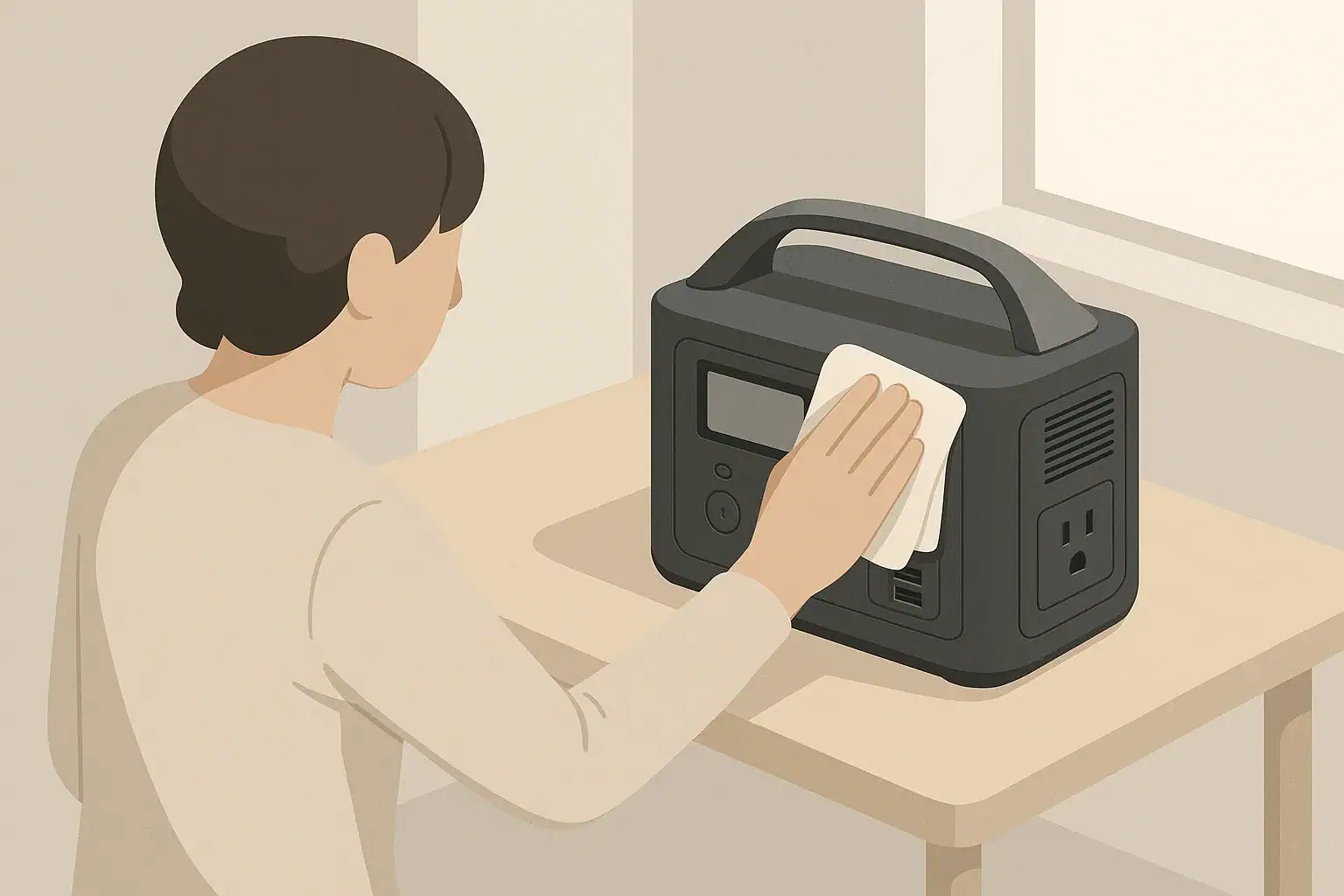
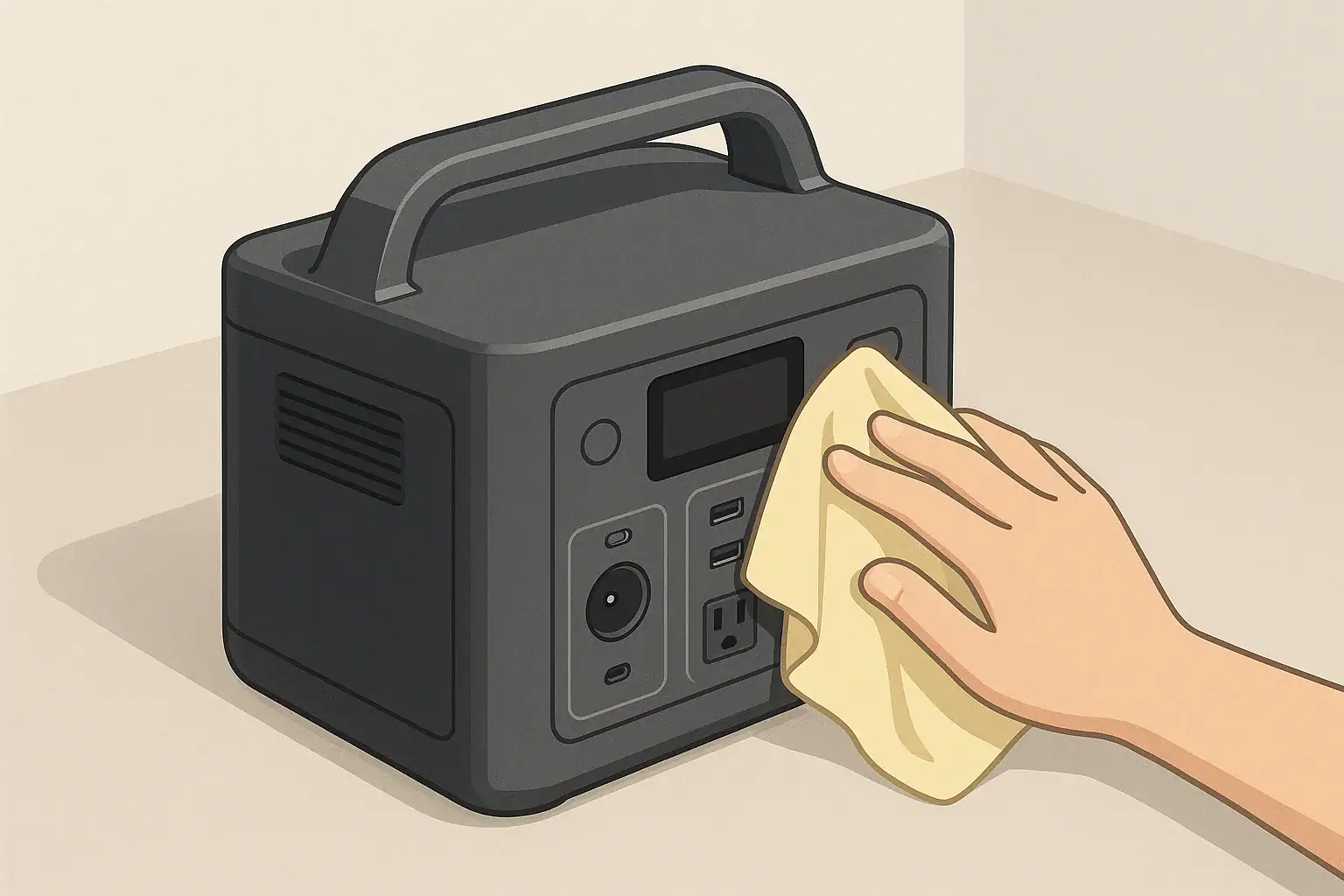
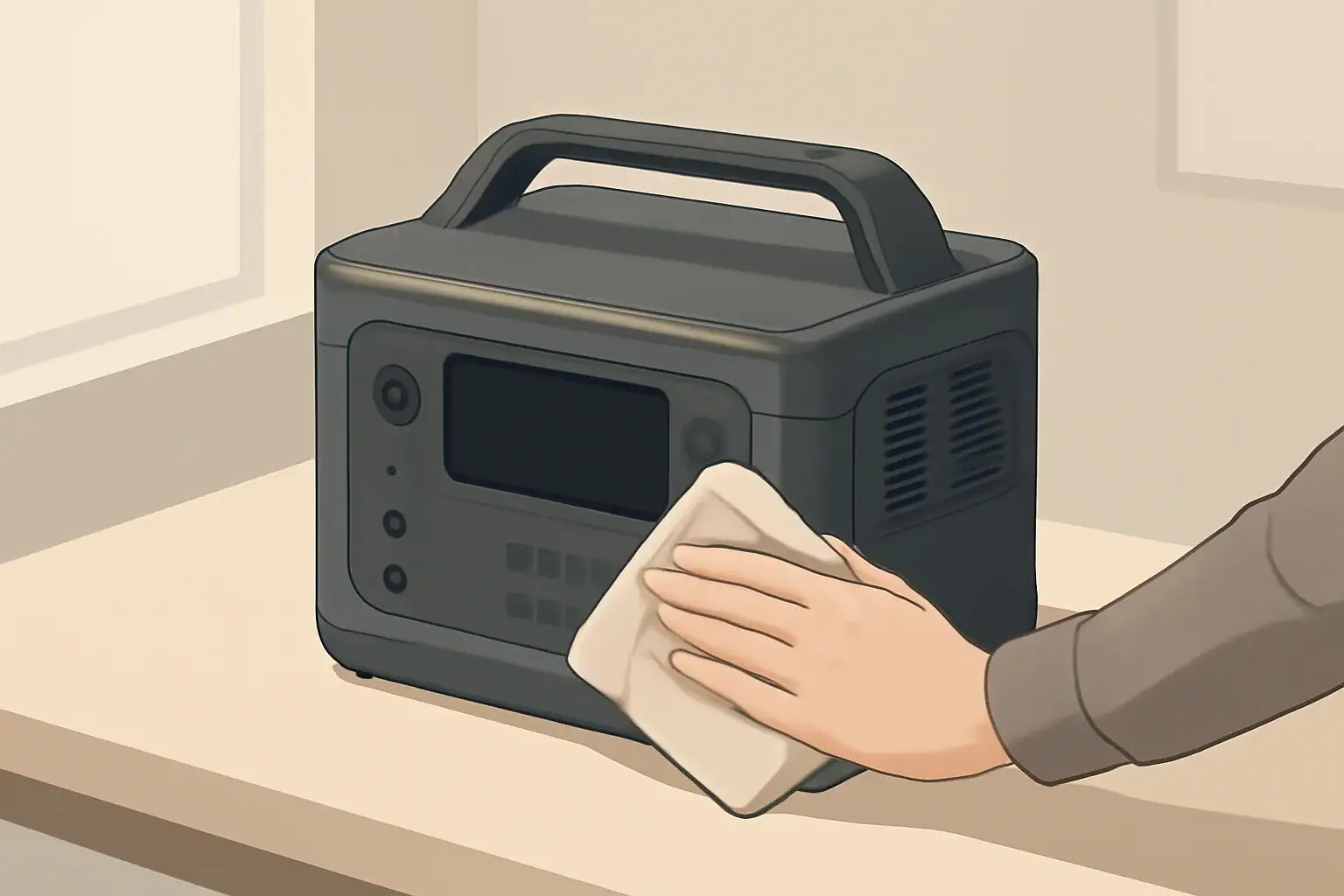
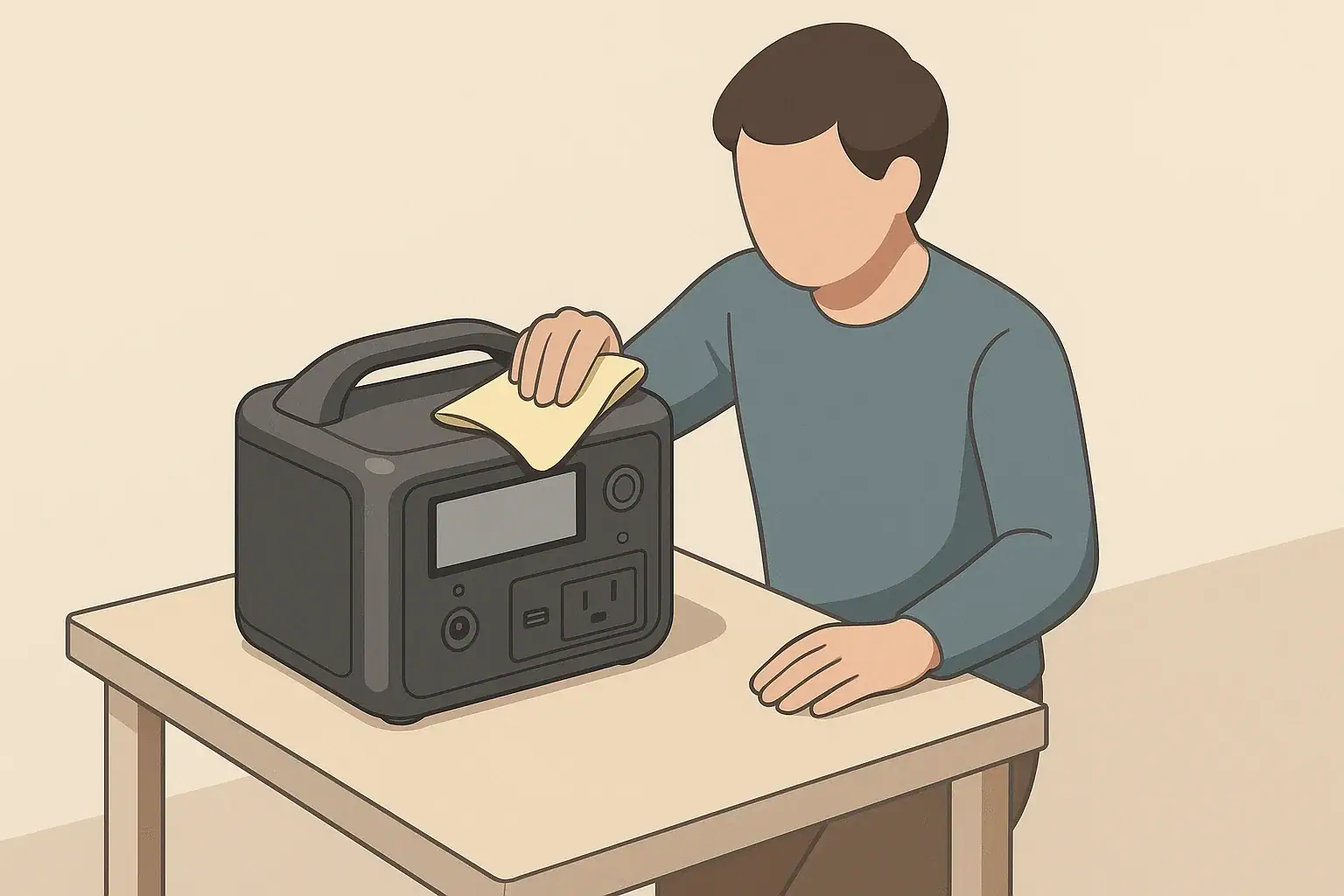
Person cleaning portable power station ports and vents with cloth

Cleaning and inspecting ports, cables, and fans on a portable power station means checking the connection points, cords, and cooling vents for dust, damage, or loose parts, and gently removing debris without opening the unit or altering its design. It is routine care that keeps electricity flowing efficiently and safely from your power station to your devices.

Ports include AC outlets, DC barrel jacks, car-style sockets, and USB outputs. Cables include the cords you use to charge the power station, as well as the cords that power your appliances. Fans and ventilation grills help move heat away from the internal battery and inverter, reducing stress on electronic components during use and charging.

Taking care of these parts reduces the risk of overheating, intermittent power, or unexpected shutdowns. Dust buildup and bent or worn connectors can increase electrical resistance, which wastes energy and can create hot spots. Regular inspection helps you catch problems early, before you plug in a critical device during a blackout or remote trip and discover something no longer works properly.

What the topic means (plain-English definition + why it matters)

Thoughtful cleaning and inspection is also about avoiding harm. Using the wrong tools, liquids, or pressure can crack plastic housings, deform metal contacts, or push debris deeper into the device. Learning gentle, low-risk techniques helps extend the life of your power station while preserving its built-in safety protections.

Key concepts & sizing logic (watts vs Wh, surge vs running, efficiency losses)

Cleaning and inspection may seem separate from power sizing, but they are closely linked. A dusty fan, clogged vents, or scorched cable ends all affect how efficiently your portable power station can deliver its rated watts and watt-hours. Understanding the basics of watts, watt-hours, surge ratings, and efficiency helps explain why ports, cables, and fans need attention.

Watts describe power at a given moment, such as a 100-watt laptop or a 1000-watt microwave. Watt-hours describe stored energy, such as a 500 watt-hour battery that could theoretically supply 100 watts for about five hours. When ports and cables are in poor condition, more of that stored energy is lost as heat, meaning you see shorter runtimes than the math suggests.

Most portable power stations also list surge and running watt ratings for their AC output. The running rating is what the inverter can support continuously, while the surge rating is a short-term allowance for starting loads like compressors or motors. Dirty fans and vents make it harder for the inverter to dissipate heat during those higher demand moments, so internal protections may shut down the output earlier than expected to prevent damage.

Every conversion step has efficiency losses, from DC battery power to AC output and through each cable. Loose plugs, corroded contacts, and kinked cords increase resistance and waste energy. Keeping ports, fans, and cables in good condition supports real-world performance that stays closer to the nameplate values when you plan runtimes and appliance usage.

Inspection checklist for ports, cables, and fans – Example values for illustration.
What to check Why it matters Typical cue to look for
AC outlets Ensures solid contact for higher watt loads and reduces heat at the plug. Loose fit, discoloration around slots, or melted plastic.
DC and USB ports Maintains stable power for electronics and prevents intermittent charging. Wobble, bent center pins, lint or dust in the opening.
Charging cord ends Reduces voltage drop and keeps charging time close to expected. Fraying insulation, exposed wire, or cracked strain relief.
Extension cords Helps prevent overheating when running higher wattage appliances. Warm to the touch under load, cuts or flattened sections.
Cooling fans Supports heat dissipation during peak output and charging. Louder than usual, grinding sound, or no fan when under load.
Ventilation grills Maintains airflow and keeps internal components from running hot. Visible dust matting, pet hair, or blocked openings.
Power station case Reveals impact damage that might affect internal connections. Cracks, warping, or evidence of liquid exposure.

Real-world examples (general illustrative numbers; no brand specs)

Consider a small portable power station with a battery of about 300 watt-hours and an AC inverter rated for around 300 watts continuous, 600 watts surge. If its fan vents are clogged with dust, the internal temperature can rise more quickly when you run it near the upper end of its rating, such as powering a 250-watt appliance. Internal protections may cycle the inverter off earlier, forcing shorter use even though the battery is not fully depleted.

Now picture a medium unit around 700 to 1000 watt-hours that you use for home backup. You may run a refrigerator, some lights, and a modem through a single power strip connected to one AC outlet on the power station. If the outlet or plug is worn or partially melted from previous overloads, resistance at that single connection goes up. The plug can feel hot to the touch after an hour, and voltage at the far end of the power strip may sag, causing sensitive electronics to behave unpredictably.

For remote work, you might rely on USB-C and DC ports to run a laptop and monitor for a full day. Even if your loads are modest, lint and dust packed into a USB port can block the connector from fully seating. The plug may make only partial contact, leading to slow or sporadic charging. Gently clearing debris with nonmetallic tools and a dry cloth often restores consistent performance without altering your power plan.

On camping or RV trips, long extension cords are common between the power station and appliances. A thin, undersized cord used outdoors may heat up noticeably when you run a 500-watt appliance from a larger portable unit. Inspecting that cord for soft spots, discoloration, or cut insulation before each trip, and choosing a thicker, shorter cord where possible, helps keep voltage drop and heating within reasonable limits for typical short-term use.

Common mistakes & troubleshooting cues (why things shut off, why charging slows, etc.)

Several common cleaning and inspection mistakes can cause the very problems you are trying to avoid. One is using liquid cleaners that drip into ports or vents. Even small amounts of moisture inside the case can lead to corrosion or short circuits. Another mistake is using metal picks or paper clips to scrape inside USB or DC ports, which can bend or break contact pins that are not repairable from the outside.

Over-aggressive vacuuming is another issue. Some users press a vacuum nozzle directly over a fan opening, which can spin the fan at speeds beyond its design or deform the blades. Instead, gentle suction from a short distance or using a soft brush attachment is generally safer. Blowing compressed air directly into a port at close range can also drive debris further inside, so it is best used cautiously and only if the manufacturer’s guidance allows it.

Operational cues often point to cleaning or inspection needs. If the power station shuts off under loads it previously handled, inspect for clogged vents, a fan that no longer spins up, or hot spots on plugs and cables. If charging is slower than usual from the same wall outlet, trace the charging cord for kinks, fraying, or damage at the plug. Also check for dust or foreign objects in the charging port that might be interrupting good contact.

Intermittent power at specific ports, such as a USB that stops and starts charging with minor movement, usually indicates wear or debris at that connector. A port that feels loose or allows the plug to wobble is a sign to stop using that outlet for higher current devices and to consider alternate ports or a replacement accessory. When repeated shutdowns or overheating occur without an obvious cause, discontinue use and contact the manufacturer or a qualified electronics service professional rather than attempting internal repairs.

Safety basics (placement, ventilation, cords, heat, GFCI basics at a high level)

Keeping ports, cables, and fans safe starts with where and how you place your portable power station. Set it on a stable, dry surface with clearance around all vents, typically several inches on each side, so air can move freely. Avoid placing the unit in tightly enclosed spaces, under blankets, or near heat sources that can raise internal temperature and trigger protective shutdowns.

Cord safety is equally important. Use extension cords of suitable gauge and length for your expected loads, and avoid running cords under rugs, through doorways that close on them, or in locations where they can be tripped over. Damaged insulation or crushed cords can expose conductors and create shock or fire hazards. Regularly check cord ends for signs of arcing, such as darkening or pitting on metal blades.

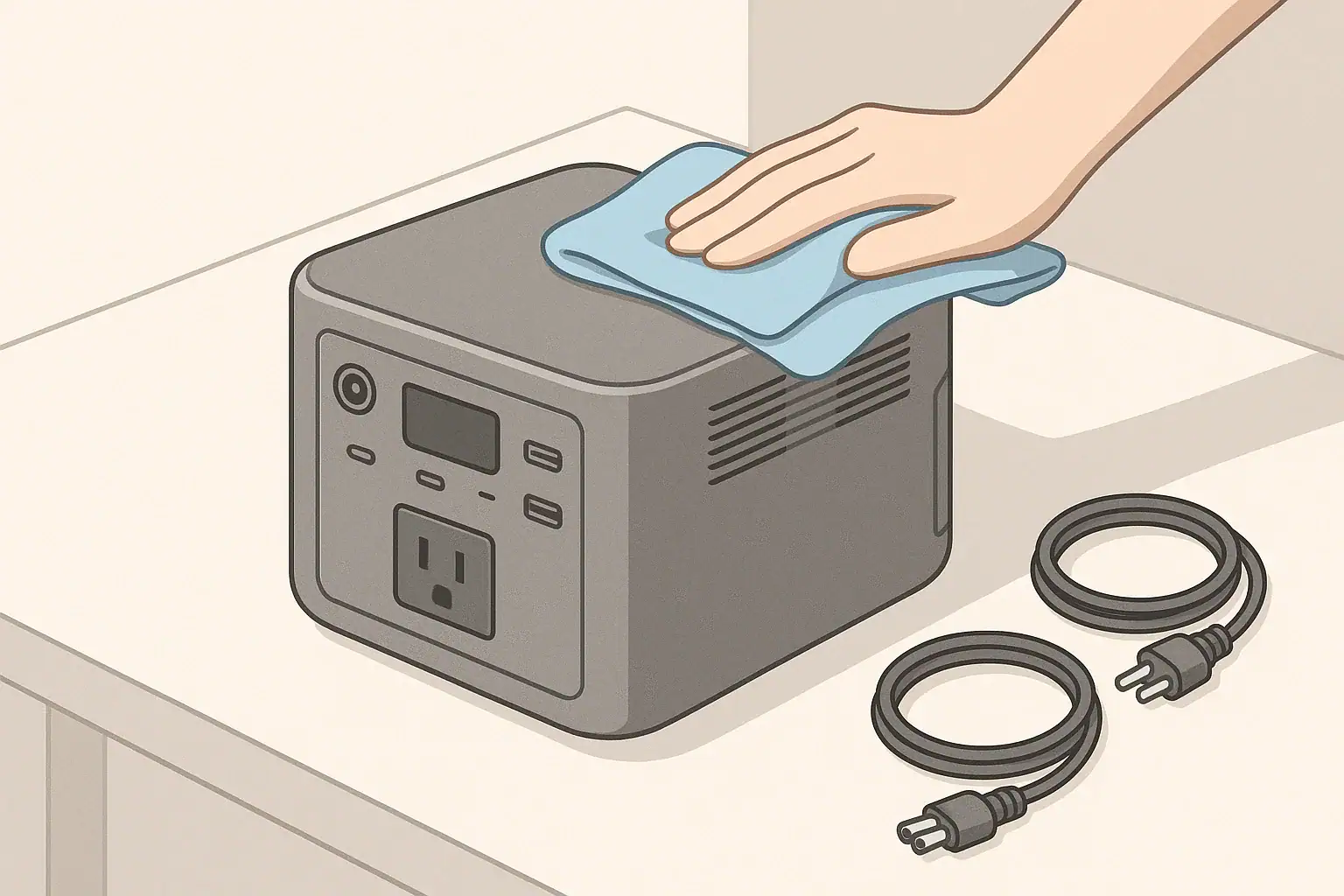
Never clean ports or vents while the unit is wet, and keep liquids away from open outlets. When you need to wipe dust from the case or around ports, power the unit off and disconnect cords first. For any situation involving outdoor moisture, consider using a ground-fault circuit interrupter (GFCI) device on the AC side where appropriate. A GFCI is designed to trip if it senses current leaking to ground, adding a layer of protection in damp settings.

Portable power stations should not be modified to tie directly into a building’s electrical system by anyone other than a qualified electrician, and only with equipment designed for that purpose. Backfeeding through outlets or improvised cords is unsafe and may bypass household protection devices. Keep cleaning and inspection activities focused on external surfaces, ports, cables, and vents, leaving internal wiring and any panel connections to licensed professionals.

Maintenance & storage (SOC, self-discharge, temperature ranges, routine checks)

Good cleaning and inspection habits fit into a broader maintenance plan that includes charge level, storage, and temperature control. Portable power stations gradually self-discharge over time, even when switched off. Many manufacturers recommend maintaining a moderate state of charge, often around 40 to 60 percent, for longer-term storage and topping up the battery every few months. Check your manual for specific guidance.

Temperature strongly affects battery health and fan operation. Store and use the power station within generally recommended ranges, avoiding extended time in very hot vehicles or unheated sheds in extreme cold. Excessive heat can accelerate aging, while deep cold can reduce available capacity temporarily and make charging less effective. When the unit returns to room temperature, its performance usually improves.

Plan routine visual checks of ports, cables, and vents at the same time you cycle the battery. Wipe dust from the case with a dry or slightly damp microfiber cloth, being careful to keep moisture away from openings. Use a soft, dry brush to loosen debris around grills, and lightly remove it with a low-powered handheld vacuum or gentle airflow at a distance, if recommended by the manufacturer.

Inspect all commonly used cords, including charging adapters, car charging leads, and any dedicated DC cables. Replace any that show cuts, exposed wire, or loose connectors rather than trying to tape or patch them for continued use. This routine attention helps ensure that when you need the power station during an outage, trip, or workday, it is clean, cool, and ready to deliver its stored energy efficiently.

Storage and maintenance plan for portable power stations – Example values for illustration.
Timeframe Maintenance task Example notes
Every month Visual check of ports and cables Look for loose outlets, bent pins, or damaged cord jackets.
Every 2–3 months Battery top-up charge Bring battery to a moderate state of charge if stored.
Every 3–6 months Dust removal from vents and fans Use a soft brush or gentle vacuum outside the grill area.
Before trips Function test under light load Run a few typical devices to confirm normal behavior.
Seasonally Check storage location Confirm area is dry and within typical indoor temperature range.
Annually Inspect rarely used cables and adapters Retire any cords with cracking or stiff insulation.
After heavy use Extra inspection of hot spots Feel plugs and cord sections that previously ran warm.

Practical takeaways (non-salesy checklist bullets, no pitch)

Cleaning and inspecting your portable power station does not require special skills, just a careful and patient approach. Focus on external surfaces and visible components, avoid liquids inside openings, and resist the temptation to pry or scrape contacts. Treat any sign of overheating or damage as a reason to pause usage and, when in doubt, seek professional guidance.

Building a simple checklist helps keep your unit reliable for everyday tasks, backup power, and travel. Combine inspection with periodic charging and storage checks so you do not forget about the power station until the next outage. A little attention to ports, cables, and fans goes a long way toward preserving performance and reducing avoidable risks.

  • Keep the power station dry and powered off while cleaning.
  • Use soft, nonmetallic tools like microfiber cloths and small brushes.
  • Clear vents and grills gently; do not force air or vacuum nozzles directly into openings.
  • Inspect plugs and cords for discoloration, fraying, and loose parts; replace rather than repair damaged cords.
  • Watch for new noises or heat during use, which can signal clogged fans or poor connections.
  • Store the unit in a cool, dry place with moderate charge and revisit it every few months.
  • Avoid internal repairs, modifications, or panel connections without a qualified electrician.
These habits help your portable power station deliver dependable power when you need it, while minimizing wear, unexpected shutdowns, and safety concerns over the long term.

Frequently asked questions

How often should I clean and inspect the ports, cables, and fans on my portable power station?

Perform a quick visual inspection monthly and remove dust from vents and fans every 3–6 months or more often in dusty environments. Combine inspections with routine battery maintenance and before trips to catch wear or damage early.

What tools and cleaners are safe to use when cleaning ports and vents?

Use soft, nonmetallic tools like microfiber cloths and small brushes, and gentle vacuuming from a short distance; avoid metal picks, liquid cleaners, and forcing air or vacuum nozzles into openings. Compressed air can be used cautiously in short bursts only if the manufacturer permits it.

How can I tell if an AC outlet or DC/USB port is damaged and needs replacement?

Look for loose or wobbling plugs, discoloration or melting, intermittent connections, or ports that feel hot during use; these are signs of increased resistance or damage. Stop using affected ports for high-current devices and replace the accessory or seek professional service.

Is it safe to use compressed air or a vacuum to remove dust from fans and vents?

Gentle vacuuming with a soft brush attachment at a short distance is generally safe; avoid direct high-pressure airflow that can spin fans beyond design limits or push debris deeper inside. Follow the manufacturer’s guidance and use brief, controlled bursts if compressed air is permitted.

What should I do if my power station shuts down or overheats during use?

Power down and disconnect loads, let the unit cool, and inspect vents, fans, and cords for dust or damage before attempting to restart. If shutdowns, overheating, or unusual smells continue, discontinue use and contact the manufacturer or a qualified electronics service professional.

Winter Storage Checklist: Keeping Batteries Healthy in the Cold

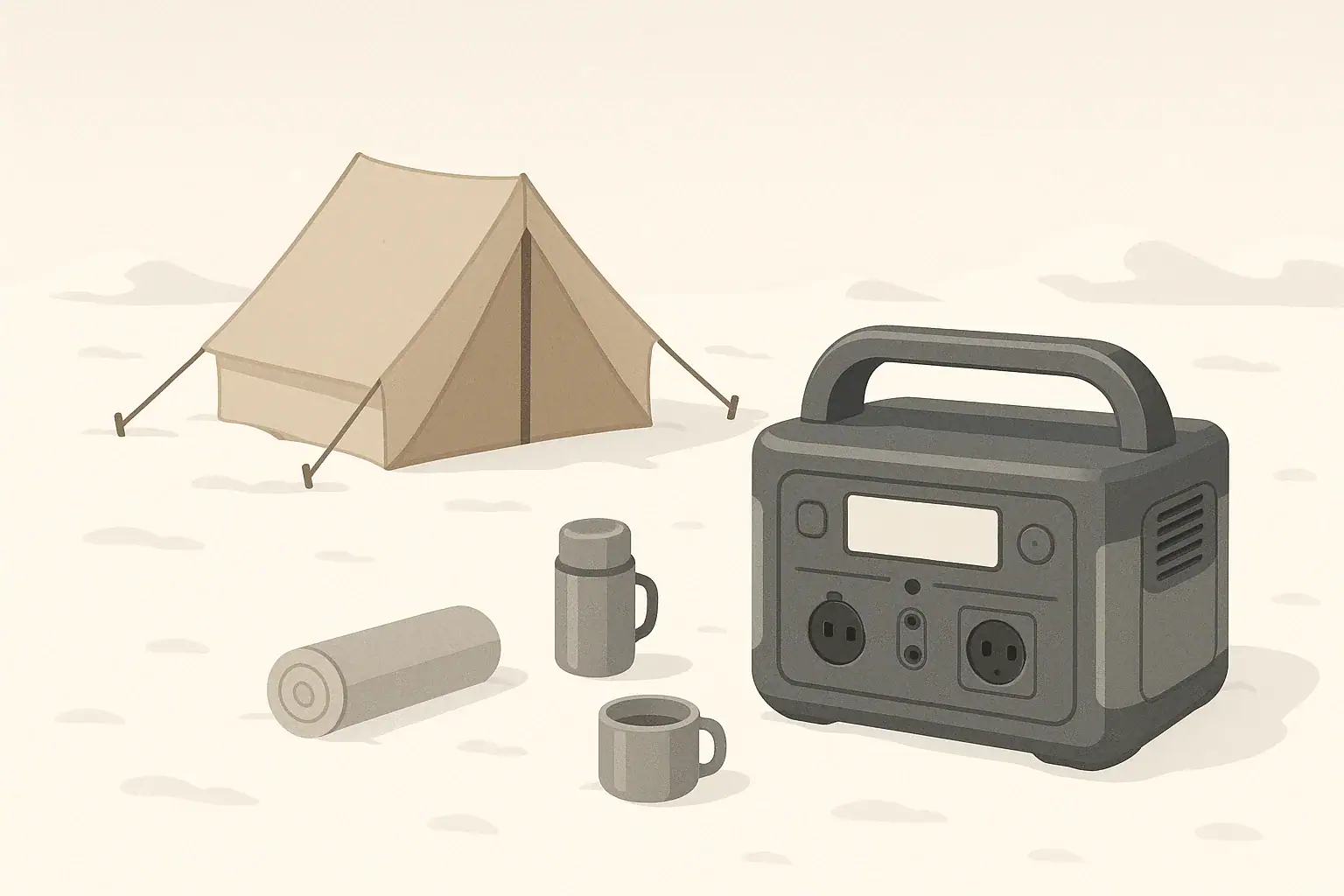
Portable power station at a snowy campsite in winter

Winter can be hard on batteries and portable power stations in ways that are easy to overlook until you need them. This article gathers practical checks and seasonal maintenance steps so you can store, monitor, and use battery systems through cold months with confidence. It covers how temperature and state of charge affect capacity and charging behavior, what to inspect before and during storage, and how to size and operate gear to avoid unexpected shutoffs or damage. Use this checklist-driven guide to reduce the risk of deep discharge, condensation issues, cracked cases, or brittle cables, and to ensure your system will perform more predictably for outages, camping, or remote work in cold weather.

What winter storage means and why it matters for batteries

Winter storage is the period when your portable power station or standalone battery spends most of its time sitting unused in cold conditions, such as in a garage, RV, cabin, or vehicle. Even when you are not actively powering devices, the battery chemistry is still reacting to temperature and state of charge, which affects its long-term health.

Cold temperatures slow down the internal reactions in a battery, temporarily reducing available capacity and power output. Extremely low or high temperatures can also cause permanent damage, shortening the battery’s useful life. For portable power stations used for camping, remote work, or backup power, that loss of performance can leave you with less runtime than expected when you need it most.

Proper winter storage is about controlling three main factors: how full the battery is, how cold or hot its environment becomes, and how long it sits without being checked. A simple winter storage checklist can help you avoid deep discharge, swelling, cracked cases, or reduced capacity. Taken together, these practices extend the life of your system and make its behavior more predictable when you pull it back out in the spring.

Because winter often coincides with power outage season in many parts of the United States, keeping batteries healthy is not just about convenience. It is a reliability and safety issue, ensuring that your power station can start up, deliver power smoothly, and recharge at a normal speed when the weather is harsh.

Key concepts and sizing logic in cold conditions

To plan winter storage and winter use, it helps to understand a few key electrical concepts. Capacity is usually measured in watt-hours (Wh), which tells you how much energy the battery can store. Power output is measured in watts (W), which tells you how fast that energy can be delivered to your devices. A higher Wh rating means longer runtime; a higher W rating means the power station can run larger or more demanding devices at once.

Most appliances have two different power levels to consider: surge (or starting) watts and running (continuous) watts. Devices with motors or compressors, such as refrigerators or some power tools, draw a brief burst of higher power when they start. Your portable power station’s inverter must handle that surge without shutting down. This is especially important in the cold, where the battery may already have temporarily reduced capability.

Efficiency losses also matter more in winter. Every time energy is converted—from battery DC to 120 V AC, or through voltage converters for USB—some of it is lost as heat. Batteries themselves are less efficient at low temperatures, so you may see shorter runtimes and slower charging than the same setup delivers in mild weather. Planning with a safety margin becomes essential: a power station that runs a certain load for six hours in the summer might only manage four to five hours in freezing temperatures.

Finally, self-discharge is the slow loss of charge that happens even when the battery is turned off and unplugged. Rates vary by chemistry and design, but cold storage can affect this behavior. Some chemistries lose charge more slowly in cool environments, but the risk of damage from very low temperatures goes up. Good winter storage practice balances these factors by choosing moderate temperatures and checking state of charge periodically.

Winter battery health checklist table – Example values for illustration.
Key winter storage checks for portable power stations
What to checkWhy it mattersExample notes
State of charge before storagePrevents deep discharge during long idle periodsStore around half to three-quarters full, not at 0% or 100%
Storage temperature rangeReduces risk of permanent capacity loss or damageCool indoor area is often better than an unheated shed
Visible damage to case and portsCracks and warping can signal stress from temperature swingsDiscontinue use and contact the manufacturer if severe
Battery level every 1–3 monthsCatches slow self-discharge before the battery reaches emptyTop up with a short charge if the level drops noticeably
Moisture and condensation around unitMoisture can lead to corrosion or short circuitsAllow to dry thoroughly before charging or use
Ventilation space around ventsPrevents overheating during any winter charging sessionsKeep several inches clear on all sides of vents
Cable condition and flexibilityCold can make some cable jackets brittleInspect for cracks and replace damaged cords

Example values for illustration.

Real-world examples of winter performance and sizing

Imagine a portable power station rated for a few hundred watt-hours running indoor essentials during a winter power outage. In mild temperatures, it might power a 10 W LED lamp and a 60 W laptop for several hours. In a cold room or unheated cabin, you could still run the same devices, but the effective capacity may feel lower. You might see an hour or more of runtime difference compared to a warmer scenario, depending on the exact temperature and battery chemistry.

For camping or vanlife in cold climates, a similar unit might be used mainly for lighting, charging phones, and operating a small fan or device charger. When nighttime temperatures drop below freezing, the power station may display a lower remaining percentage or shut off earlier than you are used to. Planning ahead by reducing unneeded loads and starting with a higher state of charge can help offset that temporary capacity loss.

In an RV or off-grid cabin, households might rely on a larger capacity power station for a small refrigerator, router, and LED lights. Here, surge power becomes critical: refrigerators may draw several times their running watts for a second or two at start-up, and that starting behavior can be more demanding when the compressor oil is cold. A unit sized just barely to the running load might trip off on overload in winter, even if it seemed fine when tested in summer.

For remote work in a cold garage or workshop, a mid-sized power station can run a broadband modem, laptop, and a small space heater on low. However, resistive heaters draw a lot of wattage and can quickly drain the battery, especially in freezing weather. These examples show why winter storage and winter use planning go together: keeping the battery healthy in the cold makes runtime estimates more consistent when you depend on your power station most.

Common mistakes and troubleshooting cues in winter

One common winter mistake is leaving a portable power station fully charged or fully discharged for months. Storing at 100% can stress some battery chemistries, and storing at or near 0% can lead to deep discharge once self-discharge is added in. Both scenarios can reduce total cycle life. A moderate level, checked periodically, is usually a better choice.

Another frequent issue is trying to fast charge a very cold battery. Many systems include built-in protection that reduces charge rate or blocks charging altogether at low temperatures. If you plug in a cold unit and notice that charging seems unusually slow, or the charger cycles on and off, the device may be protecting itself. Allowing the power station to warm gradually to a more moderate temperature before charging can normalize behavior.

Unexpected shutoffs are also common in the cold. If your power station turns off when a device starts up, the inverter may be hitting its surge limit or a built-in low-temperature or low-voltage protection. If it shuts down after several hours at light load, the effective capacity may simply be reduced by the cold, or the battery management system may be keeping a reserve to prevent damage. These cues suggest you may need to reduce loads, provide a slightly warmer operating environment, or recharge earlier than usual.

Finally, storing a unit in a place with large temperature swings—such as an uninsulated attic or vehicle trunk—can lead to condensation when it is brought into a warm, humid room. Moisture on ports or vents can cause corrosion or shorts. If you see fogging, water droplets, or frost melting off the unit, let it rest in a dry, moderate environment until it reaches room temperature and surfaces are completely dry before charging or using it.

Safety basics for winter placement and operation

Safe use of portable power stations in winter starts with placement. Keep the unit on a stable, dry, and non-flammable surface. Avoid placing it directly on snow, ice, or wet concrete, where moisture can enter vents or cause the case to chill rapidly. Indoors, give it enough space around the sides and back for ventilation, especially if it will be charging or powering high-wattage loads.

Ventilation is important even in cold environments. While the surrounding air may be cool, the inverter and internal electronics can still produce heat under heavy load. Blocked vents can cause the unit to overheat and shut down or reduce output. Leave several inches of clearance and avoid draping blankets, clothing, or other insulating items over the power station, even if you are trying to shield it from cold drafts.

Use cords and extension cables rated for outdoor or cold-weather use if they will be exposed to low temperatures. Some cable jackets stiffen and crack in the cold, increasing the risk of exposed conductors or intermittent connections. Inspect cords for cuts, kinks, crushed sections, or discolored plugs. Do not run cords under rugs or through tightly closed doors or windows, where they can be pinched.

When plugging into household circuits, it is generally safer to connect appliances directly to the power station than to try to backfeed a home electrical system. If you need a more integrated backup solution, consult a qualified electrician about appropriate equipment such as transfer switches or interlocks. For outdoor or damp-area use, plugging sensitive devices into a power strip with built-in protection and using outlets with ground-fault protection can add a layer of safety, but this does not replace manufacturer instructions or local codes.

Maintenance and storage for healthy batteries through winter

Routine maintenance is the backbone of keeping batteries healthy through winter. Before storing a portable power station for the season, clean off dust and debris, inspect the case for cracks, and check that all ports are free of corrosion or bent contacts. Store the unit with a moderate state of charge, often around the middle of its capacity range, unless the manufacturer recommends otherwise. Avoid leaving it plugged in continuously for months unless the manual specifically permits that practice.

Storage temperature is just as important. Many units specify safe storage ranges that are wider than their charging and operating ranges. In general, a cool, dry indoor environment is better than a location that sees hard freezes or extreme heat. Avoid spots with wide daily temperature swings, such as attics or uninsulated sheds. If your only option is a cold area like a garage, consider placing the power station inside an insulated but ventilated container or cabinet to blunt temperature extremes, while still following all manufacturer ventilation guidance.

Self-discharge continues even when the power station is switched off. Plan a schedule to check the battery level every one to three months during the winter. If the level has dropped significantly, bring the unit to a moderate temperature and recharge it to your target storage level. This prevents it from slowly drifting to a deep-discharge state that can stress the cells and may trigger protective shutdowns that require special recovery procedures.

When taking a unit out of storage, let it acclimate to room temperature before charging or applying heavy loads, especially if it has been in a very cold space. Check for condensation, odors, unusual sounds from internal fans, or error indicators on the display. If anything seems off, stop using the device and contact the manufacturer or a qualified service provider rather than opening the unit yourself.

Winter battery storage maintenance plan – Example values for illustration.
Sample winter maintenance schedule for portable power stations
Time frameActionExample notes
Before first freezeClean, inspect, and set storage charge levelWipe with a dry cloth and avoid harsh cleaners
Monthly checkVerify charge level and environmentLook for signs of moisture, dust buildup, or rodent activity
Every 2–3 monthsTop up charge if neededCharge in a moderate indoor temperature, not a freezing garage
Mid-winterTest basic operation with a light loadPower a small lamp or device briefly to confirm normal behavior
After major cold snapInspect case and cords for crackingDo not use damaged cables; replace them promptly
End of winterBring to room temperature and fully check functionsConfirm outlets, USB ports, and display work as expected
Before heavy seasonal useCharge to desired operating levelPlan for higher consumption in cold-weather outings or outages

Example values for illustration.

Practical winter storage checklist and takeaways

Keeping batteries healthy in the cold comes down to a consistent routine. You do not need specialized tools or complex calculations for basic winter care, just some awareness of how temperature, charge level, and time interact. Building a seasonal checklist makes it easier to remember the small tasks that add up to longer battery life and more reliable performance.

Use the following checklist as a starting point and adapt it to your climate, storage locations, and how you actually use your portable power station. Always match these general guidelines with the specific instructions in your device’s manual, especially regarding recommended storage ranges and charging behavior in low temperatures.

  • Store the power station in a cool, dry, and stable environment, away from direct heat sources and out of freezing temperatures when possible.
  • Set the battery to a moderate state of charge before long-term storage and avoid leaving it at 0% or 100% for extended periods.
  • Check the battery level every one to three months and recharge to your target storage level if it has dropped noticeably.
  • Inspect the case, vents, and ports for cracks, dust buildup, or signs of moisture or corrosion; keep vents clear.
  • Use cold-rated or outdoor-rated extension cords in winter, and replace any cables that feel brittle or show damage.
  • Allow a cold-stored unit to warm to room temperature and dry completely before charging or putting it under significant load.
  • Assume reduced runtime in cold conditions and plan a margin in your sizing for winter power outages, camping, or remote work.
  • Do not attempt to open the battery or modify internal wiring; if you encounter persistent errors or abnormal behavior, contact the manufacturer or a qualified technician.

By combining these practical steps with a basic understanding of watts, watt-hours, and how cold affects battery performance, you can enter each winter season confident that your portable power station will be ready when you need it.

Frequently asked questions

What is the ideal state of charge for storing a portable power station over winter?

Aim for a moderate state of charge—typically around 40–70%—unless the device manufacturer gives a different recommendation. This avoids stress from being stored at 100% and reduces the risk of deep discharge that can occur if left near 0% for extended periods.

How often should I check and top up a battery kept in cold storage?

Check the battery level every one to three months and top up as needed to return to your target storage charge. When charging, bring the unit into a moderate, dry temperature first and perform a controlled charge rather than leaving it plugged in continuously.

Can I charge a battery immediately after bringing it inside from the cold?

It is best to let a cold battery warm to room temperature before charging because many systems reduce charge rate or block charging below safe temperatures. Charging while the unit is still cold can trigger protection circuits or result in slower or incomplete charging.

How do I prevent condensation when moving a cold-stored unit into a warm area?

Move the unit into a dry, moderate-temperature space and allow it to warm gradually, ideally while sealed or covered to minimize moisture settling on internal components. If you observe visible moisture or frost melting, let the surfaces dry completely before charging or using the unit.

Is it safe to store portable power stations in a garage or unheated shed during winter?

A garage or unheated shed can be acceptable if temperatures remain within the unit’s specified storage range and you avoid wide daily temperature swings. If extreme cold is likely, place the unit in an insulated but ventilated enclosure and monitor charge level more frequently to reduce risk of damage.

Best Storage Charge Percentage: 40% vs 60% vs 80% for Different Battery Chemistries

portable power station beside abstract battery cells illustration

The best storage charge percentage for most lithium portable power stations is typically in the middle, around 40–60% state of charge, not near 0% or 100%. Lead-acid batteries are the main exception and usually prefer being stored closer to full, around 80–100% with regular top-ups.

That simple rule of thumb hides a lot of nuance. The ideal storage level depends on battery chemistry (LiFePO4 vs NMC vs lead-acid), temperature, how long the power station will sit unused, and how ready you want it to be for emergencies. Choosing the right storage percentage can noticeably slow battery aging and preserve capacity over years of use.

This guide walks through what 40%, 60%, and 80% storage actually mean in practice, how they affect battery life, and how to adjust your target based on chemistry and climate. You will see practical examples, tables, and checklists you can apply directly to your own portable power station or backup battery.

What storage percentage means and why it matters

When a portable power station is not in use, its battery still sits at a certain state of charge (SOC). Storage SOC is simply the percentage of charge left in the battery while it is on the shelf, in a closet, or in your vehicle. It is different from the SOC you aim for during daily cycling; here the question is how the battery spends most of its calendar time.

Battery cells age in two main ways: through cycling (charging and discharging) and through calendar aging (time spent at a given voltage and temperature). Storage SOC strongly affects calendar aging. High SOC means higher cell voltage, which generally increases chemical stress, especially when combined with heat. Very low SOC risks the pack drifting into deep discharge as it self-discharges over weeks or months.

That is why many manufacturers recommend storing lithium batteries partially charged instead of full. A middle range such as 40–60% keeps voltage moderate while still leaving useful energy for a short outage. Lead-acid batteries behave differently and tend to suffer if left partially discharged, so they are usually stored closer to full with frequent recharging.

Understanding this tradeoff lets you pick a storage target that fits your reality: maximum lifespan, maximum readiness, or a balanced compromise.

Key concepts: SOC, chemistry, and how 40%, 60%, and 80% compare

To make sense of 40% vs 60% vs 80% storage, it helps to connect three ideas: state of charge, battery chemistry, and temperature.

State of charge (SOC). SOC is usually what the screen on a power station shows as a percentage. Under the hood, it corresponds to cell voltage and internal measurements. While displays are not perfect, they are close enough for storage decisions. Roughly:

  • Low SOC (0–20%): low voltage, higher risk of deep discharge during long storage.
  • Mid SOC (30–70%): moderate voltage, generally best for lithium storage life.
  • High SOC (80–100%): high voltage, convenient for readiness but harder on lithium cells over time.

Battery chemistry. Different chemistries have different comfort zones:

  • LiFePO4 (LFP): very cycle-stable, relatively tolerant, but still ages faster at high SOC and heat.
  • Lithium NMC/NCA and similar: common in compact power stations; more sensitive to high SOC plus high temperature.
  • Lithium polymer variants: behave similarly to other lithium-ion chemistries for storage purposes.
  • Sealed lead-acid (AGM, Gel): dislike partial discharge; prefer high SOC with frequent top-ups.

Temperature. Temperature multiplies the effect of SOC:

  • High temperature + high SOC = much faster aging for lithium.
  • Cool to moderate temperature + mid SOC = slowest aging for lithium.
  • Extreme cold can temporarily reduce capacity and restrict charging, regardless of SOC.

The table below summarizes how 40%, 60%, and 80% storage SOC typically fit different chemistries and priorities.

Recommended storage SOC ranges by chemistry and use priority. Example values for illustration.
Battery chemistry Typical long-term storage band Best use for ~40% SOC Best use for ~60% SOC Best use for ~80% SOC
LiFePO4 (LFP) 30–70% Maximize lifespan in warm climates when you can charge before use Balanced storage for seasonal use at room temperature Short standby periods when you expect to use it within days
Lithium NMC / NCA 40–60% Long-term storage in hot areas where lifespan is the priority General-purpose storage for most homes and indoor spaces Short-term emergency readiness in cooler indoor conditions
Lithium polymer variants 40–60% Rarely used backup units stored indoors Typical choice for backup power with occasional checks Use within a week or two, then return to mid-range
Sealed lead-acid (AGM, Gel) 80–100% Generally not recommended; can increase sulfation risk Short storage between uses in mild temperatures Preferred for storage; recharge every 1–2 months
Unknown or mixed chemistry 50–60% When stored in a warm environment and seldom used Safe default when documentation is unclear When you prioritize instant readiness over maximum life

Real-world examples of 40%, 60%, and 80% storage

It is easier to pick a storage target when you translate percentages into actual watt-hours and use cases. Below are simplified scenarios for typical portable power stations.

Example 1: 1,000 Wh lithium power station.

  • At 40% SOC (about 400 Wh stored), you might realistically get around 320 Wh usable after conversion losses.
  • At 60% SOC (about 600 Wh stored), you might see about 480 Wh usable.
  • At 80% SOC (about 800 Wh stored), around 640 Wh may be usable.

In practical terms:

  • 40% SOC: enough for several phone and laptop charges plus a few hours of a small router or LED lighting during a short outage.
  • 60% SOC: can cover an evening of remote work (laptop, modem, small monitor) or run a small fan and lights through a typical night.
  • 80% SOC: adds margin for a compact refrigerator cycling for a few hours, assuming the inverter can handle the startup surge.

Example 2: 300 Wh compact unit for light loads.

  • 40% SOC (about 120 Wh usable): several phone charges and a few hours of a low-power light.
  • 60% SOC (about 180 Wh usable): an evening of phone, tablet, and hotspot use.
  • 80% SOC (about 240 Wh usable): similar loads plus some buffer for a small DC fan.

Example 3: 2,000 Wh home-oriented station.

  • 40% SOC: roughly 800 Wh usable; might cover a modem, router, laptop, and LED lights for much of a day.
  • 60% SOC: roughly 1,200 Wh usable; can handle the same loads plus intermittent use of a low-wattage appliance.
  • 80% SOC: roughly 1,600 Wh usable; better suited for a small refrigerator or CPAP machine plus lights during an overnight outage.

From these examples, a pattern emerges:

  • If you can usually charge before use (for planned camping trips), storing around 40–50% often gives the best balance for lithium.
  • If you need surprise outage coverage, 60–80% may be worth the extra wear, especially in cool indoor storage.
  • For lead-acid units, long-term storage below about 80% is generally a bad idea; they prefer being kept close to full.

Common mistakes and troubleshooting cues

Many battery problems trace back to storage habits rather than obvious abuse. These are the most common SOC-related mistakes and how they show up in real use.

Mistake 1: Storing lithium batteries nearly empty for months.

  • What happens: self-discharge and standby electronics slowly drain the pack further.
  • Symptoms: the unit will not turn on, shows 0% or no display, or refuses to start charging.
  • Why it matters: the battery management system may lock out charging to protect deeply discharged cells.

Mistake 2: Leaving lithium batteries at 100% in a hot garage or vehicle.

  • What happens: high voltage and heat accelerate chemical breakdown.
  • Symptoms later: noticeably shorter runtime at the same displayed percentage, faster voltage sag, or earlier low-battery shutoffs.
  • Long-term effect: permanent capacity loss that cannot be reversed by calibration.

Mistake 3: Treating lead-acid like lithium and storing it half full.

  • What happens: sulfation builds on the plates when left partially discharged.
  • Symptoms: weak performance, voltage dropping quickly under load, or failure to hold a charge.
  • Fix: frequent full recharges and avoiding long storage below about 80% SOC.

Mistake 4: Chasing a “perfect” percentage while ignoring temperature.

  • What happens: the unit is stored at a careful 50% SOC but in a hot attic or sun-heated vehicle.
  • Symptoms: capacity loss similar to or worse than a slightly higher SOC stored in a cool indoor room.
  • Lesson: temperature control can matter as much as the exact SOC number.

The table below ties typical storage habits to the kinds of issues they tend to cause over time.

Storage habits, likely issues, and troubleshooting cues. Example values for illustration.
Storage habit Likely issue over time What you may notice Better practice
Lithium stored at 0–10% for many months Deep discharge and BMS lockout Unit will not power on or accept charge easily Store around 40–60% and check every 1–3 months
Lithium stored at 100% in hot environment Accelerated capacity loss Reduced runtime, earlier low-battery shutoff Store at mid SOC in a cool, shaded indoor area
Lead-acid stored around 50% SOC Sulfation and permanent capacity loss Struggles with moderate loads, voltage sags fast Keep near 80–100% with regular top-up charging
Rarely checking SOC during long storage Unexpected deep discharge or surprise failure Unit appears dead when needed most Inspect and recharge on a 1–3 month schedule
Using until automatic shutdown every time Frequent deep cycling stress Battery percentage drops quickly over the years Stop heavy use before 0% when practical
Charging a cold battery immediately after bringing it indoors Charging restrictions or protection trips Slow or refused charging until it warms up Let the unit reach room temperature before charging

Safety basics around stored batteries

Storage SOC is only one piece of safe, reliable operation. Where and how you store the power station also matters.

Placement and ventilation.

  • Store the unit on a stable, dry, nonflammable surface.
  • Leave space around vents so internal fans can move air freely during charging and discharging.
  • Avoid enclosing the power station in tightly sealed boxes or cabinets where heat can build up.

Heat sources and sunlight.

  • Do not store directly next to heaters, stoves, or other high-heat appliances.
  • Avoid prolonged direct sunlight through windows, which can raise internal temperature even at moderate room air temperatures.
  • For vehicle storage, consider the interior temperature; if it regularly becomes very hot, move the unit indoors between trips when possible.

Cords and connected devices.

  • Use cords that are properly rated for the current drawn by your devices.
  • Avoid running cords under rugs, through door gaps, or where they can be pinched or abraded.
  • Unplug nonessential loads when storing the unit to minimize idle drain and reduce fire risk.

Physical condition and damage.

  • Do not use or store a power station that shows swelling, cracks, leakage, or a strong chemical odor.
  • Avoid dropping or crushing the unit; if it suffers a hard impact, inspect it carefully before further use.
  • Never open the battery enclosure or bypass built-in protections; internal components are not user-serviceable.

Thoughtful placement and basic electrical safety practices complement good SOC habits to reduce the chance of failures or hazards over the long term.

Maintenance and storage routines for long-term health

Once you pick a storage SOC target, you need a simple routine to keep the battery in that range and catch problems early.

1. Set a realistic SOC target by chemistry.

  • LiFePO4: aim for roughly 30–70% during long storage, often around 40–60% for several months.
  • NMC and similar lithium chemistries: often best around 40–60% for long storage.
  • Sealed lead-acid: keep near 80–100% and avoid long periods below about 70–80%.

2. Create a calendar-based check habit.

  • For lithium, check SOC every 1–3 months and recharge back into your target range if it drifts low.
  • For lead-acid, top up every 1–2 months even if the unit has not been used.
  • During each check, briefly power a small load (such as a light) to confirm the inverter and ports still function.

3. Manage temperature over seasons.

  • Store indoors at moderate temperatures whenever possible.
  • In very hot climates, prioritize the coolest available indoor space over a slightly higher SOC.
  • In very cold climates, allow the unit to warm to room temperature before charging or heavy use.

4. Watch for early warning signs.

  • Noticeable drops in runtime at the same SOC.
  • Unusual fan behavior (running hard under light loads) or error messages.
  • Visible case deformation, warmth during storage, or unusual smells.

Simple, repeatable habits like these often extend useful battery life more than any one perfect percentage number.

Practical takeaways and specs to look for

The best storage charge percentage is not a single universal number. For most lithium portable power stations, a mid-range target around 40–60% SOC, stored at moderate indoor temperatures, will slow aging while still leaving enough energy for short, unplanned needs. For emergency-focused setups, accepting a slightly higher storage SOC of 60–80% can be reasonable if you keep the unit cool and check it periodically. Lead-acid designs are different and should generally be stored closer to 80–100% with regular charging.

In practice, it is more important to avoid extremes (long periods near 0% or 100% in heat) and to maintain a simple inspection routine than to obsess over a specific percentage. Consistent mid-range storage, moderate temperature, and periodic testing usually deliver the best mix of longevity, reliability, and readiness.

Quick decision guide: 40% vs 60% vs 80%

  • If you mainly want maximum lifespan for a lithium power station and can plan ahead, store around 40–50% and charge up before trips.
  • If you want a balance of lifespan and emergency readiness, aim for 50–70% and keep the unit indoors.
  • If you prioritize instant outage readiness for lithium, store around 60–80% and accept some extra long-term wear.
  • If your unit uses sealed lead-acid, keep it around 80–100% and recharge at least every couple of months.
  • Regardless of chemistry, avoid leaving the battery at very low SOC or very high SOC for many weeks in hot conditions.

Specs to look for when choosing and managing a power station

To make storage SOC easier to manage and to support long-term health, these are useful specifications and features to pay attention to:

  • Battery chemistry clearly listed (LiFePO4, NMC, lithium-ion, sealed lead-acid). This determines the ideal storage range.
  • Cycle life rating at a defined depth of discharge (for example, number of cycles to a certain remaining capacity). Higher cycle life often pairs well with LiFePO4 chemistries.
  • Recommended storage SOC and temperature range in the manual. Some products specify explicit percentages and time limits.
  • Self-discharge or idle consumption information, including whether there is a true “off” state that minimizes standby drain.
  • Battery management system protections such as overcharge, over-discharge, temperature monitoring, and automatic shutoff thresholds.
  • Clear SOC display (percentage plus, ideally, voltage or remaining time estimate) to make it easier to hit and maintain a storage target.
  • Low-temperature charging protection that prevents charging when cells are too cold, reducing risk in cold climates.
  • Pass-through charging behavior details, so you know how the pack is treated when used as an uninterruptible power source.
  • Manufacturer guidance on long-term storage, including how often to top up and whether to store the unit partially charged from the factory.

By combining an informed storage SOC choice with attention to these specifications and features, you can select and maintain a portable power setup that remains dependable across many seasons of camping, travel, and backup power use.

Frequently asked questions

Which specifications and features most affect how you should store a portable power station?

Battery chemistry, self-discharge or idle consumption, the presence of a battery management system (BMS), and temperature-related protections are the most important specs. Cycle-life ratings, clear SOC displays, and low-temperature charging limits also help you pick an appropriate storage target and routine. Checking the manual for recommended storage SOC and recharge intervals gives the best product-specific guidance.

What happens if I store a lithium battery nearly empty for several months?

Long storage near 0% risks deep discharge due to self-discharge and standby electronics, which can trigger BMS lockout or irreversible cell damage. The unit may refuse to power on or accept charge without specialized recovery. To avoid this, store lithium batteries in the mid-range (typically 40–60%) and check them every 1–3 months.

Is it safe to store a power station in a hot car or garage?

Storing a power station in consistently high temperatures accelerates chemical aging and increases the chance of permanent capacity loss. It is safer for long-term lifespan to keep units in a cool, shaded indoor spot; if vehicle storage is unavoidable, minimize time spent in hot conditions and move the unit indoors when possible.

How often should I check the state of charge during long-term storage?

For lithium-based units, check SOC every 1–3 months and recharge back into the target range if needed. For sealed lead-acid units, inspect and top up every 1–2 months to avoid sulfation. Regular checks also let you verify the inverter and ports remain functional.

Can storing at 60–80% improve emergency readiness without severely shortening battery life?

Storing at 60–80% does increase readiness and is reasonable for short-term emergency preparedness, especially if kept in a cool indoor environment. However, higher SOC combined with elevated temperature accelerates calendar aging for lithium chemistries, so periodic checks and cooler storage are recommended to limit long-term wear.

How does temperature interact with storage SOC when trying to maximize battery lifespan?

Temperature multiplies SOC effects: high temperature plus high SOC speeds up chemical degradation, while cool to moderate temperatures with mid SOC slow aging. Avoid extremes—both hot storage at high SOC and very cold conditions that prevent safe charging can harm long-term health.

Quick decision guide: 40% vs 60% vs 80%

  • If you mainly want maximum lifespan for a lithium power station and can plan ahead, store around 40–50% and charge up before trips.
  • If you want a balance of lifespan and emergency readiness, aim for 50–70% and keep the unit indoors.
  • If you prioritize instant outage readiness for lithium, store around 60–80% and accept some extra long-term wear.
  • If your unit uses sealed lead-acid, keep it around 80–100% and recharge at least every couple of months.
  • Regardless of chemistry, avoid leaving the battery at very low SOC or very high SOC for many weeks in hot conditions.

Specs to look for when choosing and managing a power station

To make storage SOC easier to manage and to support long-term health, these are useful specifications and features to pay attention to:

  • Battery chemistry clearly listed (LiFePO4, NMC, lithium-ion, sealed lead-acid). This determines the ideal storage range.
  • Cycle life rating at a defined depth of discharge (for example, number of cycles to a certain remaining capacity). Higher cycle life often pairs well with LiFePO4 chemistries.
  • Recommended storage SOC and temperature range in the manual. Some products specify explicit percentages and time limits.
  • Self-discharge or idle consumption information, including whether there is a true “off” state that minimizes standby drain.
  • Battery management system protections such as overcharge, over-discharge, temperature monitoring, and automatic shutoff thresholds.
  • Clear SOC display (percentage plus, ideally, voltage or remaining time estimate) to make it easier to hit and maintain a storage target.
  • Low-temperature charging protection that prevents charging when cells are too cold, reducing risk in cold climates.
  • Pass-through charging behavior details, so you know how the pack is treated when used as an uninterruptible power source.
  • Manufacturer guidance on long-term storage, including how often to top up and whether to store the unit partially charged from the factory.

By combining an informed storage SOC choice with attention to these specifications and features, you can select and maintain a portable power setup that remains dependable across many seasons of camping, travel, and backup power use.

Temperature Limits for Portable Power Stations: Safe Charging, Discharging, and What Happens Outside Them

isometric portable power station beside abstract battery module

Portable power stations are generally safe to use and charge between about freezing and a warm room, but both charging and discharging have specific temperature limits that you should respect. Staying within those limits protects the lithium battery, keeps runtimes predictable, and reduces the chance of sudden shutdowns or long‑term damage.

In practice, that means charging near typical indoor temperatures and avoiding fast charging when the unit is very cold or very hot. Discharging is usually allowed over a wider range, but extreme heat or cold will still cut usable capacity and may trigger protective shutdowns. Understanding how temperature limits work lets you plan for hot vehicles, winter camping, and long‑term storage without guessing.

This guide explains what “safe temperature range” really means, how it affects charging, discharging, and runtime, and what to do when your power station slows down or refuses to work because it is too hot or too cold.

What temperature limits mean and why they matter

Portable power stations use lithium‑based batteries that are sensitive to temperature. Every model has defined temperature limits for three basic states:

  • Charging range – the battery temperature window where it can safely accept charge.
  • Discharging range – the window where it can safely deliver power to your devices.
  • Storage range – the conditions that minimize long‑term wear when the unit is not in use.

Charging is the most restrictive. When you push energy into a lithium battery, chemical reactions are more stressed and more heat is generated. That is why most power stations allow discharging at lower and higher temperatures than they allow charging.

Staying inside the recommended temperature limits matters for three main reasons:

  • Safety – protections reduce the risk of overheating, venting, or internal damage.
  • Performance – heat and cold both reduce usable watt‑hours and can limit inverter output.
  • Battery life – repeated use or storage at extreme temperatures permanently shortens capacity over time.

Modern power stations include temperature sensors and control circuits that will slow charging, reduce output, or shut down entirely when temperatures are out of bounds. Those are last‑resort protections. Good temperature planning keeps you well away from those hard limits, so your unit feels predictable instead of “finicky.”

Key temperature concepts: charging, discharging, and runtime

Temperature limits interact with the basic sizing math of a portable power station: power (watts), energy (watt‑hours), and efficiency losses. Understanding this helps you translate a spec sheet into realistic runtimes in hot or cold conditions.

Charging vs. discharging temperature ranges

While exact numbers vary by model, many portable power stations use ranges similar to these:

  • Typical charging window: roughly around 32–95°F (0–35°C).
  • Typical discharging window: roughly around 14–104°F (−10–40°C) or wider.

Charging limits are tighter for two reasons:

  • Cold charging risks – below freezing, charging can cause internal plating on battery electrodes, which permanently reduces capacity.
  • Hot charging risks – at high temperatures, chemical reactions speed up and pressure can build, raising safety concerns.

Discharging is more tolerant because you are taking energy out, not pushing it in. The battery still heats internally, but the chemical stress is lower than during fast charging.

How temperature changes usable watt‑hours

Even when you stay within the allowed range, temperature changes how much of the rated capacity you can actually use. Three effects stack together:

  • Battery efficiency – cold increases internal resistance, so voltage drops sooner and the system shuts down earlier.
  • Inverter and electronics losses – heat makes internal components less efficient, wasting more energy as heat.
  • Thermal throttling – the battery management system may limit charging or output power to keep temperatures safe.

That is why a 500 Wh portable power station might feel like a 350–400 Wh unit in mild indoor conditions, a 250–300 Wh unit on a freezing night, and a 300–350 Wh unit in a very hot van with fans running constantly.

Planning runtimes with temperature in mind

When you estimate runtime, you can treat the printed watt‑hours as a best‑case starting point, then adjust for temperature and normal conversion losses. The table below shows a simple way to do that using rough percentages.

Estimated usable capacity vs. temperature – Example values for illustration.
Environment Approx. battery temp Planning factor vs. rated Wh Example: 500 Wh unit usable Wh
Cool indoor room 60–75°F (15–24°C) 70–80% 350–400 Wh
Hot shaded area 85–95°F (29–35°C) 60–70% 300–350 Wh
Very hot vehicle interior 100–120°F (38–49°C) 50–65% (plus risk of shutdown) 250–325 Wh
Cool outdoor evening 40–55°F (4–13°C) 65–75% 325–375 Wh
Near freezing campsite 25–35°F (−4–2°C) 50–60% 250–300 Wh
Below typical discharge limit Below about 14°F (−10°C) Unreliable; possible shutdown May not operate

These are not specifications; they are planning numbers that help you avoid surprises when temperatures are far from ideal.

Real-world temperature scenarios and what to expect

To make the abstract ranges more concrete, it helps to walk through common situations where people use portable power stations: parked cars, winter camping, garages, and backup power during heat waves.

Hot vehicle or tent in summer

Scenario: A mid‑sized power station is left in a parked car at a trailhead on a sunny day. Outside air is 90°F (32°C), but inside the car it quickly climbs above 120°F (49°C).

  • The battery and inverter heat up well beyond their ideal range.
  • Fans may run constantly and the unit may refuse to fast charge from a car outlet.
  • AC output could shut off under moderate loads, even though the state of charge still shows plenty of capacity.

When you return, the unit may display an over‑temperature warning and block charging until it cools down. In repeated use, this kind of heat exposure noticeably accelerates long‑term capacity loss.

Cold campsite or unheated cabin

Scenario: The same unit is used at a campsite where night temperatures drop to around 25°F (−4°C). It was stored in the trunk overnight and feels very cold to the touch in the morning.

  • The power station may still power small DC loads or low‑draw AC devices, but runtime is shorter.
  • Attempting to recharge from a vehicle or solar may result in very slow charging or no charging at all until the internal battery warms.
  • Voltage sag under load can cause an early shutdown, even though the battery indicator did not reach zero.

Placing the unit inside a tent or cabin for an hour, or running a small load to let it gently warm, often restores more normal behavior.

Garage backup during a heat wave

Scenario: A power station lives in a garage and is used to run fans and a small refrigerator during summer outages. The garage reaches 95°F (35°C) in the afternoon.

  • Charging from wall power may slow down or pause periodically as the internal charger manages heat.
  • Running near the inverter’s continuous rating for hours can push internal temperatures near shutdown thresholds.
  • Over several seasons, the combination of high storage and operating temperatures can noticeably reduce capacity.

Moving the unit to a cooler room during outages and storing it away from hot walls or windows can significantly improve both runtime and long‑term health.

Winter power outage in a cold house

Scenario: A power station is stored in a closet and brought out during a winter outage. Indoor temperature is around 45°F (7°C) because the heating system is off.

  • The unit generally works, but devices that normally run for 8 hours may only run 5–6 hours.
  • If the battery was stored at a low state of charge, the combination of cold and low voltage can trigger an earlier low‑battery cutoff.
  • Charging from a generator or wall outlet (when power returns) may be slower until the unit warms up.

Planning for reduced runtime in these conditions helps you prioritize which devices are truly essential.

Common mistakes and troubleshooting temperature problems

Many “mystery failures” with portable power stations are actually temperature protections doing exactly what they were designed to do. Recognizing the patterns can save you from unnecessary support calls or returns.

Typical symptoms of temperature issues

  • Unit will not charge even though the charger is connected and working elsewhere.
  • AC output shuts off while DC ports keep working.
  • Charging slows dramatically partway through, especially above 80% state of charge on a hot day.
  • Runtime feels much shorter than usual in either very hot or very cold weather.
  • Fans run loudly and often, even with modest loads.

These are usually the battery management system and inverter protecting themselves, not signs of immediate failure.

  • Leaving the unit in a closed car or direct sun for hours, then expecting full‑speed charging and full output right away.
  • Trying to fast charge a frozen battery that has been in an unheated vehicle or shed overnight in winter.
  • Blocking vents and fans with bags, blankets, or tight shelving, which traps heat.
  • Running near maximum inverter load for long periods in a hot room without ventilation.
  • Assuming a fault instead of checking temperature when the unit suddenly shuts off under load.

The table below links these mistakes to practical troubleshooting steps.

Temperature issues and quick troubleshooting steps – Example values for illustration.
Symptom Likely temperature cause Immediate actions Prevention next time
Refuses to charge after hot car storage Battery and electronics above safe charge temp Move to shade, let cool 30–60 minutes, then retry Avoid closed vehicles; store in cooler spot when parked
Refuses to charge after freezing night Battery below safe charge temp Bring indoors, let reach room temp before charging Store indoors or insulated; avoid leaving at very low temps
AC shuts off but DC still works Inverter overheated under load Turn off loads, improve airflow, wait for cool‑down Use lower power mode or spread loads across time
Runtime far shorter than usual in cold Higher internal resistance, early low‑voltage cutoff Warm unit slightly, then restart with priority loads Keep unit off cold floors; store at moderate temperature
Charging slows dramatically at high state of charge Charger or battery reaching thermal limits Accept slower charge or move to cooler area Allow more time for full charges in hot weather

Simple diagnostic checklist

If your portable power station behaves oddly, run through this quick mental checklist before assuming a defect:

  • Has it been in direct sun, a hot car, or near a heater?
  • Has it been stored in a very cold place for several hours?
  • Are vents or fans blocked by objects or dust buildup?
  • Are you running close to the maximum rated watts for a long time?
  • Does the case feel hot or very cold to the touch?

Addressing those points first resolves a large share of real‑world complaints.

Safety basics: placement, ventilation, and cords

Good temperature management is also a safety issue. While portable power stations are designed with multiple layers of protection, simple habits reduce risk further and help those protections work as intended.

Placement and ventilation

  • Use stable, dry, nonflammable surfaces such as floors or sturdy tables, not soft bedding or piles of clothing that trap heat.
  • Keep vents and fans clear on all sides. A few inches of space around the unit is usually enough for airflow.
  • Avoid enclosed spaces like sealed cabinets, tightly packed gear bins, or under blankets while operating or charging.
  • Protect from direct radiant heat sources such as space heaters, stoves, or south‑facing windows.

Cords, adapters, and heat

  • Use appropriately rated extension cords for AC loads. Undersized or very long cords can overheat and drop voltage.
  • Do not operate with tightly coiled cords; coils act like a heater under load.
  • Inspect insulation and plugs for discoloration, melting, or a burnt smell, which can indicate overheating.
  • Avoid pinching or sharply bending DC and USB cables, especially near connectors where heat can concentrate.

Moisture and shock considerations

Temperature and moisture often go together, especially outdoors. When powering devices near sinks, showers, or wet ground, extra care is warranted. Using outlets, adapters, or power strips with ground‑fault protection can add a layer of safety by shutting off power if a fault is detected. For any setup that interacts with building wiring or permanent installations, consulting a qualified electrician is safer than improvising.

Maintenance and storage for long-term battery health

How and where you store a portable power station between trips or outages has a major impact on how the battery ages. Temperature is one of the biggest levers you can control.

Best storage temperatures

Lithium batteries generally age slowest when stored cool and dry, away from direct sun. Long‑term exposure to high heat is one of the fastest ways to lose capacity, even if you rarely use the unit.

  • Aim for room‑temperature storage whenever possible, roughly 50–77°F (10–25°C).
  • Avoid attics, hot garages, and car trunks that can exceed 100°F (38°C) for hours.
  • Cold storage is less harmful than hot, but extremely low temperatures can still cause temporary performance loss and condensation risk.

State of charge during storage

Most lithium batteries prefer not to sit at 0% or 100% for months. A moderate state of charge reduces stress on the cells.

  • For general storage, many users aim for roughly 40–60% charge.
  • For seasonal backup (storms, fire season), slightly higher, like 60–80%, can be practical.
  • Check and top up every few months to account for self‑discharge and idle drain.

Routine temperature-aware checks

Periodic checks help catch temperature‑related issues before you rely on the unit in an emergency or on a trip.

  • Every few months, power it on, run a small load, and confirm fans operate as expected.
  • Start a charge cycle and watch for unusual error indicators or very early thermal throttling.
  • Inspect vents for dust or pet hair that could block airflow.
  • Look for signs of moisture exposure or corrosion around ports.

Aligning these checks with seasonal changes (before summer heat and before winter cold) ensures the power station is ready for the conditions where you are most likely to use it.

Practical takeaways and specs to look for

Temperature limits are not just fine print; they shape how your portable power station behaves in the real world. By assuming reduced capacity in heat and cold, avoiding fast charging when the battery is very hot or very cold, and storing at moderate temperatures and partial charge, you can keep your system safer and more predictable for years.

When comparing or setting up portable power stations, it helps to know which temperature‑related specifications and features to look for. These details can make the difference between a unit that only works in perfect conditions and one that stays useful in real‑world weather.

Specs to look for on datasheets and manuals

  • Charging temperature range – Look for a clearly stated minimum and maximum battery temperature for charging. A wider, realistic range (with protections) gives more flexibility.
  • Discharging temperature range – Check both the low‑temperature and high‑temperature limits, especially if you plan winter camping or hot‑climate use.
  • Storage temperature range – Note both short‑term and long‑term storage recommendations to avoid leaving the unit in damaging conditions.
  • Low‑temperature charging protection – Confirm that the system automatically blocks or limits charging when the battery is too cold.
  • Over‑temperature protection – Look for protections on both the battery and inverter, including automatic shutdown or throttling.
  • Cooling design – Fans, vents, and internal heat management matter if you plan to run high loads or fast charging in warm environments.
  • Efficiency or usable capacity notes – Some documentation includes typical usable watt‑hours or efficiency percentages, which you can adjust further for hot or cold conditions.
  • Recommended storage state of charge – A clear guideline (for example, mid‑range storage) makes it easier to maintain the battery between trips.

By reading these specs through a temperature lens and adjusting your expectations accordingly, you can choose and use portable power stations that remain reliable across seasons instead of only on mild spring days.

Frequently asked questions

What temperature-related specifications and features matter most when choosing a portable power station?

Prioritize clearly stated charging, discharging, and storage temperature ranges along with protections for low-temperature charging and over-temperature shutdowns. Also consider cooling design (fans and vents) and any documented usable capacity or efficiency notes to understand real-world performance in heat or cold.

Why won’t my power station charge after being left in a hot car?

Many units automatically block or throttle charging when internal sensors detect battery temperatures above the safe charging range to prevent damage and safety risks. Allow the unit to cool in shade or a cooler environment before attempting to charge again.

Is it dangerous to operate a portable power station outside its recommended temperature limits?

Operating outside the recommended limits raises the risk of reduced performance, accelerated battery aging, or protective shutdowns; extreme cases can stress internal components. Built-in safety systems reduce immediate hazards, but avoiding temperature extremes is the safer long-term strategy.

How can I avoid common temperature-related mistakes when using a power station outdoors?

Avoid leaving the unit in closed vehicles or direct sun, keep ventilation clear, and don’t attempt fast charging when the battery is very cold or hot. Planning placement, using insulation or shade, and allowing gradual warm-up or cool-down can prevent many common failures.

How should I store a portable power station to minimize temperature-related aging?

Store at moderate temperatures (roughly 50–77°F / 10–25°C) and a partial state of charge (about 40–60%), checking and topping up every few months. Avoid prolonged storage in attics, hot garages, or car trunks where temperatures can exceed safe limits.

What first steps should I take if my unit shuts down due to temperature?

Turn off loads, move the unit to a cooler or warmer location as appropriate, and allow it to reach a normal operating temperature before restarting or charging. Inspect vents and cables and only resume use once sensors no longer report faults.

Battery Calibration and Full Discharge: How to Fix Inaccurate Meters Without Harming the Pack

portable power station with abstract energy blocks in isometric view

A full discharge for battery calibration is only occasionally useful, and when you do it, you should let the portable power station shut itself off under a moderate load, then recharge it straight back to 100% at room temperature. This helps the internal battery management system line up the state-of-charge display with the pack’s real usable capacity without adding unnecessary wear.

In other words, calibration does not “repair” or increase capacity; it simply teaches the meter where empty and full really are. You use a controlled full discharge when the percentage reading or runtime estimates are clearly wrong, not as monthly maintenance. Done carefully, this process can make runtime predictions more trustworthy and reduce surprises during outages, camping, or remote work.

This guide explains what battery calibration is, when a full discharge makes sense, how to perform it safely, and how to tell the difference between normal battery aging, meter drift, and overload problems. You will also find practical examples, a troubleshooting section, safety basics, and a specs checklist to help you choose and use portable power stations more confidently.

What Battery Calibration Really Means and Why It Matters

On a portable power station, battery calibration is about correcting the fuel gauge, not fixing the fuel tank. The internal battery management system (BMS) estimates how much energy is left based on voltage, current, temperature, and usage history. Over time, those estimates can drift so that the display shows, for example, 25% remaining even though the pack is nearly empty.

A controlled full discharge followed by a full recharge gives the BMS two clear reference points: the lowest allowed voltage (its internal “empty”) and the highest allowed voltage (its internal “full”). With those anchors refreshed, the percentage meter and runtime estimates usually become more accurate again.

This matters because people rely on the display to plan critical tasks: keeping a fridge cold during an outage, running a CPAP overnight, or powering a laptop and router for remote work. An inaccurate meter can cause two kinds of problems:

  • Unexpected shutdowns even though the display shows a comfortable buffer.
  • Overly optimistic runtime estimates that collapse suddenly near the end.

Battery calibration helps prevent these surprises, but it does not restore lost capacity or reverse battery aging. It is a measurement tune-up, not a repair procedure. Understanding that distinction helps you decide when a full discharge is worth doing and when it is better to adjust expectations or sizing instead.

Key Concepts: Capacity, Power, and Why Meters Drift

To use calibration and full discharge wisely, it helps to separate three ideas that often get mixed together: energy capacity, power draw, and meter accuracy.

Energy (watt-hours) vs power (watts)

Energy capacity, usually given in watt-hours (Wh), tells you how much total work the battery can do. Power, measured in watts (W), tells you how fast you are using that energy at any moment. A simple way to think about it:

  • Watt-hours = size of the tank.
  • Watts = how wide you open the tap.

Ignoring losses, a 500 Wh power station running a 100 W load should last about 5 hours (500 ÷ 100). In practice, inverter and conversion losses reduce that number.

Estimating runtime vs what the meter might show. Example values for illustration.
Battery rating Typical load Simple math runtime (Wh ÷ W) Realistic runtime after losses How drift shows up on the display
300 Wh 60 W (router + laptop) 5.0 hours 4–4.5 hours Starts at 6–7 hours remaining, then drops quickly near the end
500 Wh 100 W (lights + fan) 5.0 hours 4–4.5 hours Shuts off while still showing 10–20% charge
1000 Wh 200 W (small fridge + lights) 5.0 hours 4–4.3 hours Percentage stays at 100% for a long time, then falls rapidly
1500 Wh 400 W (tools or cooking appliances) 3.75 hours 3–3.3 hours Runtime estimates jump up and down as loads change

Why the state-of-charge meter drifts

The BMS is constantly estimating state of charge (SoC). It does this by counting how many amp-hours go in and out, watching voltage curves, and adjusting for temperature. Small errors accumulate when:

  • You mostly use shallow cycles (for example, 60–90% repeatedly).
  • The unit rarely reaches a true full charge.
  • It spends long periods stored at high or low temperatures.
  • Loads vary rapidly, making estimates harder.

Over months of this kind of use, the displayed percentage can become misaligned with the pack’s real usable energy. A calibration cycle gives the system a chance to reset those assumptions.

Calibration vs real capacity loss

All lithium batteries gradually lose capacity as they age and cycle. After enough time, a 1000 Wh pack might only deliver 800–900 Wh even when brand new it met its rating. Calibration cannot reverse this chemical aging. It only makes the display more honest about the reduced capacity you still have.

Real-World Examples of Calibration and Full Discharge

Seeing how calibration plays out in real scenarios makes it easier to decide whether a full discharge is worth doing.

Example 1: Remote work station

Someone uses a 600 Wh power station to run a laptop, monitor, and router drawing about 120 W. Simple math says 5 hours; after losses, 4 hours is realistic. At first, the display shows 8 hours remaining, then suddenly drops to 2 hours after only 30–40 minutes of use. The unit still delivers roughly 4 hours total, but the runtime prediction is clearly off.

In this case, a calibration cycle can help. The user can run the same 120 W load until the power station shuts itself off, note the actual runtime, then recharge to 100% without interruptions. Afterward, the hours-remaining estimate will usually start closer to 4 hours and decline more smoothly.

Example 2: Short household outages

A household keeps a 1000 Wh unit for power outages. It runs a small refrigerator (about 80 W running, higher on startup) plus 10 W of LED lights. They expect 8–9 hours of operation, but recently the power station has been shutting off after 5–6 hours while still showing 25% remaining.

Repeated, consistent shutdowns at a seemingly comfortable percentage are a classic sign of meter drift. A calibration discharge under similar loads, followed by a full recharge, will usually bring the displayed percentage closer to reality. If runtime remains much shorter than expected even after calibration, that points more toward normal aging or heavier-than-assumed loads.

Example 3: Cold-weather camping

During winter camping, a user runs a small 12 V fan and charges phones from a mid-sized power station. In cold conditions, the battery appears to drain very quickly and the percentage readout fluctuates. Later, when the same unit is used indoors at room temperature, it seems to last much longer.

Cold temperatures reduce available capacity and distort voltage readings, which can confuse the SoC meter. Performing a calibration cycle in moderate indoor temperatures can restore more reliable readings. However, the user should still expect reduced runtime in cold conditions even with a calibrated meter.

Example 4: Aging but healthy pack

A 5-year-old unit that once powered a 100 W load for 6 hours now only lasts about 4 hours, even after a careful calibration discharge. The meter is honest and consistent, but the numbers are lower than when the unit was new.

This is typical capacity loss from age and cycle count, not a calibration fault. In this situation, repeating full discharges will not bring back the missing hours; it only adds extra stress. The practical response is to adjust expectations or supplement with additional capacity if needed.

Common Mistakes and Troubleshooting Cues

Many calibration problems are actually usage or sizing issues in disguise. Before scheduling a full discharge, it helps to rule out other causes.

Frequent mistakes around full discharge

  • Using deep discharge as routine maintenance. Regularly running to 0% for no clear reason adds unnecessary wear and can shorten battery life.
  • Calibrating under extreme temperatures. Performing a full discharge when the unit is very hot or very cold leads to poor reference points.
  • Using heavy, spiky loads for calibration. High-surge tools or compressors can trigger inverter protection before the battery is truly empty, confusing the process.
  • Interrupting the recharge. Stopping the recharge halfway after a full discharge denies the BMS a clean “full” reference.

When shutdowns are not a calibration issue

  • Inverter overload: If the power station shuts off the instant a high-draw device starts, the surge watts may exceed the inverter’s limit even though the battery is full.
  • Over-temperature protection: If the unit is hot to the touch and the fan runs constantly, a shutdown may be thermal protection, not an empty battery.
  • Low input power while charging: Slow charging from a car outlet or weak solar source is usually a power-source limitation, not a miscalibrated meter.
Symptoms, likely causes, and whether calibration helps. Example values for illustration.
Observed symptom Most likely cause Is a calibration discharge useful? Practical next step
Shuts off at 15–30% repeatedly under similar loads SoC meter drift Yes, usually helpful Plan a full discharge under moderate load, then recharge fully
Instant shutdown when a large appliance starts Surge watts exceed inverter rating No Reduce load, start devices one at a time, or use lower-wattage gear
Runtime much shorter than when new, meter seems honest Normal capacity loss with age Usually no Adjust expectations or increase total capacity for your setup
Percentage stuck at 100% for a long time, then drops quickly Top-of-range SoC estimate drift Yes, sometimes helpful Allow a full cycle from high charge down to automatic cutoff
Display fluctuates in cold weather, runtime lower than usual Temperature effects on voltage and capacity Only at room temperature Warm the unit to moderate temperature before calibrating
Charging slows dramatically above 80–90% Normal tapering to protect cells No Allow extra time for the last part of the charge; this is expected

How to perform a careful calibration discharge

  1. Choose a light to moderate, steady load (for example, a fan and a few lights totaling 50–150 W).
  2. Start with the battery at or near 100% and at room temperature.
  3. Let the power station run until it shuts itself off; do not bypass built-in protections.
  4. Once it shuts down, allow it to rest for a short period, then recharge to 100% without interruptions.
  5. Note the runtime you actually got and compare it with your rough math; use that as your practical planning number.

Safety Basics: Using Power Stations and Calibration Wisely

Calibration discharges should always be done within the same safety framework you use for normal operation.

Placement and ventilation

  • Operate the unit on a stable, dry surface with vents unobstructed.
  • Avoid placing the power station in enclosed cabinets, under bedding, or in tight corners where heat can build up.
  • Keep it away from direct sources of heat such as space heaters or strong sunlight through windows.

Loads and cords during calibration

  • Use devices that are well within the inverter’s continuous watt rating.
  • Avoid daisy-chaining multiple power strips or extension cords.
  • Do not rely on the power station for critical medical or safety devices while intentionally running it toward empty.

Electrical safety and isolation

  • Keep the unit away from standing water, wet ground, or very humid environments.
  • Do not attempt to backfeed household wiring or connect directly to breaker panels during a calibration discharge.
  • Use only properly rated cables and connectors supplied or approved for the DC and AC ports.

Temperature awareness

  • Perform calibration at moderate indoor temperatures whenever possible.
  • If the unit feels very hot or the fan runs constantly, allow it to cool before continuing heavy use.
  • In cold environments, consider warming the unit gradually to room temperature before starting a calibration cycle.

Maintenance and Storage: Protecting Capacity and Meter Accuracy

Good maintenance habits reduce how often you need calibration and help preserve capacity over the long term.

State of charge during storage

Portable power stations are generally happiest when stored at a moderate state of charge rather than at 0% or 100% for long periods. Many users aim for roughly the middle of the range if the unit will sit unused for months.

Self-discharge and periodic checks

Even when switched off, batteries slowly lose charge. A stored unit might drop several percentage points per month depending on design and temperature. If it sits too long and drifts to very low charge, that deep, unintentional discharge can be harder on the pack than normal cycling.

Temperature management in storage

  • Store in a cool, dry indoor location, away from direct sunlight.
  • Avoid uninsulated sheds or vehicles that swing between very hot and very cold.
  • Bring the unit to room temperature before heavy charging or discharging.

Weaving calibration into normal use

Instead of scheduling frequent deliberate full discharges, you can often combine calibration with real-world use. For example, once or twice a year:

  • Plan a day when you will naturally use the power station for several hours.
  • Allow it to run down under everyday loads until it shuts off.
  • Recharge it straight back to full that same day.

This approach keeps calibration occasional and purposeful while respecting the battery’s long-term health.

Practical Takeaways, Full Discharge Guidelines, and Specs to Look For

Battery calibration is about improving the honesty of the display, not magically restoring capacity. Most users only need a calibration discharge occasionally, when the percentage and runtime estimates are clearly misaligned with real-world performance.

In day-to-day use, you will get more benefit from correct sizing, moderate operating temperatures, and avoiding unnecessary deep discharges than from chasing a perfectly accurate meter.

Key practical takeaways

  • Use watt-hours to estimate runtime, then subtract a safety margin for inverter and conversion losses.
  • Treat full discharge as a diagnostic and calibration tool, not routine maintenance.
  • Perform calibration only when symptoms suggest meter drift, such as repeated shutdowns at high displayed percentages.
  • Run calibration at room temperature with steady, moderate loads and let the unit shut down on its own.
  • Accept that aging batteries lose capacity; calibration cannot reverse this, but it can tell you more accurately what remains.

Specs to look for when choosing or evaluating a power station

  • Battery capacity (Wh): Compare this with your typical loads to estimate realistic runtimes.
  • Inverter continuous watts: Must comfortably exceed the total running watts of your devices.
  • Inverter surge watts: Should handle the startup surge of appliances with motors or compressors.
  • Display detail: Look for clear percentage, wattage in/out, and estimated runtime rather than a simple bar graph.
  • Battery chemistry and cycle life rating: Indicates how many full cycles the pack is designed to handle before noticeable capacity drop.
  • Operating and storage temperature ranges: Help you plan for cold-weather or hot-climate use without harming the pack.
  • Built-in protections: Overload, over-temperature, overcharge, and low-voltage cutoffs are essential for safe calibration and everyday use.
  • Charge input options and max input watts: Determine how quickly you can recharge after a full discharge.

By combining an understanding of capacity and power, occasional calibration when symptoms warrant it, and careful attention to specs and operating conditions, you can keep your portable power station accurate, predictable, and healthy over many years of service.

Frequently asked questions

How do I know which specs or features matter most for accurate state-of-charge readings?

Prioritize a clear display that shows percentage, instantaneous wattage in/out, and estimated runtime, plus a robust BMS (battery management system) that supports amp-hour counting and temperature compensation. Also check battery capacity (Wh), inverter continuous and surge ratings, and operating temperature ranges, since those factors influence both real runtime and the accuracy of the meter.

Can I use full discharge as regular maintenance to keep the battery healthy?

No. Regular deep discharges add unnecessary wear to lithium batteries and accelerate capacity loss. Use a controlled full discharge only occasionally as a diagnostic or when the meter clearly drifts, not as routine maintenance.

What safety steps should I follow before attempting a calibration full discharge?

Perform calibration at moderate room temperature on a stable, dry surface with good ventilation, and choose a steady load well within the inverter’s continuous rating. Do not bypass built-in protections, avoid relying on the unit for critical medical devices during the test, and allow an uninterrupted full recharge afterward.

How often should I calibrate my power station’s battery meter?

Most users only need to calibrate once or twice a year or when symptoms appear, such as repeated shutdowns at unexpectedly high percentages. Frequency depends on usage patterns—units used for many shallow cycles or stored at extreme temperatures may need attention more often.

Will a calibration full discharge restore lost battery capacity?

No. Calibration realigns the state-of-charge estimation but does not reverse chemical aging or restore lost watt-hours. If runtime remains significantly reduced after calibration, the pack has likely experienced normal capacity loss from age or cycle count.

How does temperature affect calibration and battery performance?

Cold temperatures reduce available capacity and can confuse voltage-based state-of-charge estimates, while high temperatures can both distort readings and accelerate wear. For reliable calibration, bring the unit to moderate indoor temperatures and expect lower runtime in cold conditions even after calibration.

Idle Drain and Phantom Loss: Why Portable Power Stations Lose Charge in Storage

Person cleaning a portable power station on a minimal tabletop

Portable power stations lose charge even when nothing is plugged in because some battery chemistry loss and always-on electronics never fully turn off. This idle drain (also called phantom loss or standby drain) is normal in small amounts, but it can become a problem if it empties your battery before you actually need it.

Understanding where this idle power goes helps you decide what is “normal,” spot real issues early, and store your power station so it is ready for emergencies, camping trips, or occasional backup use. With a few simple tests and habits, you can usually cut phantom loss dramatically and extend overall battery life.

This guide explains what portable power station idle drain is, how it works inside the unit, what real-world losses look like, and what to do if your power station seems to discharge too quickly while sitting unused.

What Idle Drain Is and Why It Matters

Idle drain is any loss of stored energy while your portable power station is not actively powering devices. You may see it described as phantom loss, standby drain, or background consumption. All of these terms point to the same experience: you charge the unit, put it away, and later find the state of charge has dropped.

Two things mainly contribute to this loss:

  • Self-discharge inside the battery cells (chemical loss that happens even if the pack is disconnected).
  • Electronics that stay partially powered so the unit can wake up, show a display, protect the battery, or talk to an app.

A small amount of idle drain is unavoidable. It becomes important when:

  • You rely on the power station for emergency backup and expect it to work after months in a closet.
  • You use it only on occasional trips and do not want to recharge every time you go out.
  • You are trying to maximize battery lifespan and avoid unnecessary deep discharges.

As a rough guide, a healthy, modern power station stored at room temperature with all outputs off often loses only a few percent of charge per month. If you are losing 10–20% in a week while it sits unused, something in your setup or unit is likely causing extra phantom loss.

Key Concepts: Self‑Discharge vs. Phantom Loss and Where the Power Goes

People often mix up self-discharge, phantom loss, and standby drain. Separating them makes it easier to diagnose problems and set realistic expectations.

Self‑Discharge: Battery Chemistry You Cannot Turn Off

Self-discharge is the slow loss of charge inside the battery cells themselves. It happens even if the pack is disconnected from everything. For the lithium chemistries used in most portable power stations, the typical ranges at room temperature are:

  • Lithium-ion (NMC or similar): about 1–3% per month.
  • Lithium iron phosphate (LiFePO₄): about 1–2% per month.

Self-discharge is influenced by cell quality, age, and temperature. It is usually too slow to explain losses like 10% in a few days. When you see that level of drain, the electronics are almost always involved.

Phantom Loss: Electronics That Never Fully Sleep

Phantom loss is the energy used by electronics that stay active even when the power station appears to be off. Typical always-on or semi-on components include:

  • Battery management system (BMS) microcontroller and sensors.
  • Main control board that listens for button presses.
  • AC inverter circuits kept in standby for fast start.
  • DC/DC converters for USB and 12 V outputs.
  • Wireless modules for Bluetooth, Wi‑Fi, or other app features.

These circuits are usually designed to use very little power in standby, but they can still add up to several percent of battery capacity per week if outputs or radios are left enabled.

Where Idle Power Typically Goes Inside the Unit

Different designs behave differently, but most portable power stations follow a similar pattern:

  • Battery management system (BMS): Monitors cell voltages, current, and temperature. It rarely turns completely off because it must protect the pack. Even in low-power mode, it draws a small continuous current.
  • Control electronics and display: A small processor often remains awake or in a light sleep to respond to buttons. The display usually shuts off, but its controller and backlight driver may still use short bursts of power when you wake it repeatedly.
  • AC inverter section: If the AC output is left on, the inverter often keeps internal reference circuits powered and may be the single largest source of phantom loss.
  • USB and DC outputs: Power-delivery chips for USB-C and regulators for 12 V ports often stay partially active to detect new devices.
  • Wireless and smart features: Radios that search for or maintain connections can draw continuous low-level current in the background.
Source of loss Typical behavior when “off” Approximate impact on idle drain*
Battery self-discharge Always present, depends on chemistry and temperature ~1–3% per month
BMS and control board Low-power monitoring and protection always active ~1–5% per month
AC inverter left on Standby circuits energized for fast wake-up ~2–10% per week
USB/DC outputs left on Regulators and detection chips partially active ~1–5% per week
Wireless/app features enabled Radio periodically transmits or scans ~1–5% per week
*Example values for illustration. Actual numbers vary by model and conditions.

Real‑World Idle Drain Examples and Simple Home Tests

Looking at real-world style scenarios makes it easier to judge whether your portable power station’s idle drain is normal or excessive.

Example: Emergency Backup in a Closet

Imagine a 1,000 Wh power station stored at room temperature for home backup:

  • Fully charged to 100%.
  • All AC/DC/USB outputs switched off.
  • No wireless features.

Reasonable expectation:

  • Idle drain of roughly 3–8% per month.
  • After 3 months, state of charge might read 75–90%.

If you find it at 40–50% instead, either the unit has higher-than-average standby consumption, or something (like an output section or wireless feature) was left on.

Example: Weekend Camper Who Forgets to Turn Off AC

Now consider a user who takes the same 1,000 Wh unit on a camping trip, runs a small appliance, then leaves the AC output switch on when packing up:

  • Battery at 80% when stored.
  • AC output left on; no loads plugged in.

Common outcome:

  • Idle drain of 3–10% per day, depending on inverter design.
  • After one week, battery may be nearly empty or in BMS shutdown, even though nothing obvious was connected.

This is a classic phantom loss scenario: the inverter itself is the “load,” not an external device.

How to Measure Idle Drain on Your Own Unit

You can run a simple test at home to quantify your power station’s idle drain and isolate major contributors.

  1. Charge the power station to a known state of charge, such as 80% or 100%.
  2. Turn off all outputs (AC, DC, USB) and disable wireless/app features if possible.
  3. Make sure nothing is plugged into any port.
  4. Note the exact time and displayed state of charge.
  5. Store the unit at room temperature, away from direct sun or heaters.
  6. Leave it untouched for a fixed period, such as 7 days.
  7. After that time, wake the display and record the new state of charge.

Example: If your unit goes from 90% to 85% in 7 days with everything off, that is about 5% per week. That is higher than ideal but not abnormal for some designs. If it goes from 90% to 60% in the same time, phantom loss is unusually high and worth troubleshooting.

Comparing Different Storage Habits

Storage scenario Settings and conditions Typical idle loss over 30 days*
Optimized storage 50% charge, outputs off, no wireless, cool room ~3–8% capacity loss
Average user storage 80–100% charge, outputs off, room temperature ~5–15% capacity loss
Outputs left on AC or DC section on, no loads plugged in ~20–60% capacity loss
Hot environment Car trunk or hot shed, 80–100% charge ~15–40% capacity loss
Hot + outputs on High temperature plus AC or wireless left on Often fully drained or BMS cutoff
*Example values for illustration. Real results depend on model, age, and exact conditions.

Common Mistakes and Troubleshooting High Phantom Loss

Many cases of “mysterious” idle drain come down to a few repeatable user habits or simple issues that are easy to overlook.

Common Habits That Increase Idle Drain

  • Leaving AC output on: The inverter can consume more power in standby than all other electronics combined.
  • Leaving DC/USB outputs on: Even without devices connected, detection circuits and regulators draw some current.
  • Always-connected chargers and adapters: Plug-in power bricks, 12 V adapters, or small smart devices can sip power continuously.
  • Wireless features left enabled: Bluetooth or Wi‑Fi modules may keep the unit partially awake to maintain or search for connections.
  • Frequent display checks: Waking the screen repeatedly during storage spins up additional circuitry and adds small but cumulative drain.

Quick Diagnostic Checklist

If your portable power station seems to lose charge too quickly while idle, work through these checks:

  • Confirm nothing is plugged in to any port (including small adapters or cables).
  • Turn AC output off and verify its indicator light is not illuminated.
  • Turn DC/USB outputs off if your model has separate buttons.
  • Disable wireless/app control or put it into airplane or eco mode, if available.
  • Run a fresh 7-day idle test with these settings and record the percentage drop.

If you still see 20% or more loss in a week with everything off, the issue may be inside the unit.

Signs of Abnormally High Phantom Loss

Look for these patterns that suggest something beyond normal idle drain:

  • Battery drops from near full to empty in a few days with no use.
  • State of charge jumps suddenly (for example, 80% to 50% overnight) without any load.
  • The unit frequently enters low-voltage shutdown during storage and needs a long recharge to wake.
  • The case feels warm during storage even though nothing is running.

Possible internal causes include aging cells with unstable voltage, a BMS or inverter that never enters low-power mode, or a firmware bug that keeps sections awake. These situations generally require manufacturer support, but your test results will help you describe the problem clearly.

Safety Basics: Idle Drain, Deep Discharge, and Battery Health

Idle drain itself is not directly dangerous, but the way it interacts with storage habits can affect both safety and long-term battery health.

Avoid Deep Discharge During Storage

Storing a power station near empty and then forgetting about it is one of the most damaging patterns. Idle drain continues to pull the voltage down until the BMS shuts the pack off. If it sits in that state for long enough, the cells can fall below their safe voltage range.

Potential consequences include:

  • Permanent loss of capacity and shorter runtime.
  • Difficulty waking or charging the unit after long storage.
  • In severe cases, cells that are no longer safe to use.

To reduce this risk, avoid putting the power station away at or near 0% state of charge. Give it at least a partial recharge first.

High Charge + Heat = Faster Aging

Storing a lithium battery at 100% charge in a hot environment is another common stress point. High state of charge combined with elevated temperatures accelerates chemical reactions that slowly degrade the cells.

Typical high-risk situations include:

  • Leaving a fully charged unit in a hot vehicle or unventilated shed.
  • Storing it near heaters, windows with direct sun, or other heat sources.

While this does not usually create an immediate safety hazard, it can noticeably shorten the useful life of the battery pack and make idle drain appear worse over time as capacity shrinks.

Use Built‑In Protection Features as Intended

Most modern portable power stations include protections such as overcharge, over-discharge, temperature monitoring, and automatic shutdown. Rely on these features instead of trying to bypass them. For example:

  • Do not attempt to “wake” a deeply discharged unit with improvised methods if it does not respond to normal charging.
  • Follow any guidance about allowable storage temperatures and charging ranges.
  • Allow the unit to cool if it feels hot before charging or heavy use.

These protections work together with good storage habits to keep idle drain from turning into a long-term reliability or safety issue.

Maintenance and Storage: Controlling Idle Drain Over the Long Term

Good maintenance and storage practices can keep phantom loss manageable and help your power station remain reliable for years.

Choose a Sensible Storage State of Charge

For storage longer than a few weeks, many manufacturers recommend keeping the battery somewhere around the middle of its charge range rather than at 0% or 100%. Practical guidelines:

  • Aim for roughly 40–60% state of charge before putting the unit away.
  • If your unit supports a dedicated storage mode, use it to automatically reach and maintain this range.
  • For short gaps of a few days, storing at a higher charge is usually fine, as long as temperature is moderate.

Control Temperature and Environment

Temperature has a strong influence on both self-discharge and long-term aging:

  • Cool, dry, shaded locations are ideal for storage.
  • Avoid leaving the unit in hot vehicles, attics, or direct sunlight for extended periods.
  • Very cold environments reduce self-discharge but can cause the display and BMS to report state of charge less accurately until the unit warms up.

Set a Simple Maintenance Schedule

A light maintenance routine helps prevent surprises from idle drain:

  • Every 1–3 months: Wake the unit, check state of charge, and inspect for damage or swelling.
  • If below ~30–40%: Recharge back into the 40–60% storage range.
  • Once or twice a year: Use the power station under load for a normal session, then recharge. This helps the BMS keep its state-of-charge estimate calibrated.

Maintenance Mistakes to Avoid

  • Ignoring the power station for a year or more without checking charge.
  • Storing at 100% in a hot garage or vehicle for entire seasons.
  • Repeatedly letting the battery fall to BMS cutoff during storage.
  • Covering the unit with insulating materials that trap heat while charging or discharging.
Maintenance habit Effect on idle drain and battery health Recommended action
Checking SOC every 1–3 months Prevents unnoticed deep discharge from idle drain Set a recurring reminder and top up when needed
Storing at 40–60% SOC Reduces stress on cells and leaves room for idle drain Charge or discharge to mid-level before long storage
Keeping outputs off in storage Minimizes phantom loss from inverters and converters Turn off AC/DC/USB sections after each use
Controlling storage temperature Slows self-discharge and aging Store in a cool, dry, shaded place when possible
Occasional full-use cycles Helps BMS keep SOC readings accurate Use and recharge the unit a few times per year
Example values for illustration.

Practical Takeaways and Specs to Look For

Idle drain and phantom loss are part of how portable power stations work, but they do not have to be a constant frustration. A few key habits usually keep losses small enough that your unit is ready when you need it.

In everyday use, you can:

  • Turn off individual output sections (especially AC) after use.
  • Unplug chargers, adapters, and cables before storing the unit.
  • Store at a moderate state of charge in a cool, dry place.
  • Check charge every couple of months and recharge if needed.
  • Run a simple 7-day idle test whenever you suspect abnormal drain.

Specs and Features to Look For If Idle Drain Matters to You

If you are comparing portable power stations and care about low idle drain and good storage behavior, pay attention to these points in the specifications and manual:

  • Battery chemistry: LiFePO₄ typically has slightly lower self-discharge and longer cycle life than many other lithium chemistries.
  • Published self-discharge rate: Look for clear statements such as “X% per month at 25°C, with outputs off.”
  • Dedicated storage mode: A mode that sets the battery to a mid-level charge and enters deep sleep is helpful for infrequent use.
  • Separate AC/DC control: Independent buttons for AC and DC/USB outputs make it easier to shut down high-draw sections.
  • Auto power-off or eco modes: Features that automatically turn off outputs after low or no load reduce accidental phantom loss.
  • Wireless control options: Check whether wireless radios can be fully disabled when not needed.
  • Clear state-of-charge display: A readable and reasonably accurate SOC indicator helps you track idle drain and plan storage.
  • Operating and storage temperature ranges: Wider, clearly defined ranges make it easier to avoid conditions that accelerate loss.

Combining the right feature set with good storage habits keeps idle drain under control and helps your portable power station deliver reliable power whenever you reach for it.

Frequently asked questions

How can I tell whether my portable power station’s idle drain is normal?

Perform a simple idle test: charge to a known state of charge, disable all outputs and wireless features, note the SOC and time, then check again after a fixed period such as seven days. A few percent per month is typical; losing double-digit percent in a week usually indicates an active output, radio, or fault.

Which specifications and features should I check to minimize idle drain when buying a unit?

Look for the battery chemistry (LiFePO₄ generally has lower self-discharge), a published self-discharge rate, and features like a dedicated storage or deep-sleep mode. Also prefer separate controls for AC and DC/USB outputs, clear SOC display accuracy, and the ability to fully disable wireless radios.

Will leaving the AC output or USB ports switched on while storing the unit cause rapid discharge?

Yes. The inverter’s standby circuits and USB/DC detection electronics can draw significant current even with no device connected, sometimes draining several percent per day. Turn off AC and unused DC/USB sections before storage to avoid this common issue.

Is it unsafe to store a portable power station that slowly loses charge?

Gradual idle drain is not usually an immediate safety hazard, but prolonged deep discharge can damage cells and make the pack difficult or unsafe to revive. Follow storage guidelines, avoid letting the unit sit near 0% for long periods, and keep it in a cool, dry place to reduce risk.

How often should I check or recharge a stored power station to prevent deep discharge?

Check the state of charge every 1–3 months and recharge back into the 40–60% storage range if the SOC drops below about 30–40%. For long-term readiness, set a recurring reminder so the battery does not remain at low voltage for extended periods.

Can wireless or app features significantly increase phantom loss?

Yes. Bluetooth, Wi‑Fi, or other radios that maintain connections or periodically scan can add continuous background draw and increase idle drain. Disable wireless features when not needed or choose models that allow fully turning off radios to reduce this load.

State of Charge (SOC) Drift and Battery Calibration on Portable Power Stations

Isometric illustration of portable power station and internal battery cells

State of charge (SOC) on a portable power station drifts because the battery percentage is an estimate, not a direct measurement of remaining energy. The battery management system relies on sensors and models that slowly become less accurate as the battery ages, temperature changes, and usage patterns vary.

That is why you may see the SOC drop quickly from 100% to 90%, why a unit can shut off while it still shows 5–10% remaining, or why runtime at 50% sometimes feels longer or shorter. Understanding SOC drift and battery calibration helps you plan runtimes, avoid surprises, and interpret the battery percentage as a useful guide instead of a perfect fuel gauge.

This guide explains what SOC really means, how portable power stations estimate it, how drift shows up in real-world use, and the simple steps you can take to keep readings reasonably accurate over the life of the battery.

What State of Charge Actually Means and Why It Matters

State of charge is a way of describing how full a battery is compared with its usable capacity. On a portable power station, SOC is usually shown as a percentage or a bar graph, but it always refers to the same idea: how much energy you can still take out before the battery reaches its safe lower limit.

In practical terms:

  • 100% SOC: The battery is at its allowed upper charge limit.
  • 0% SOC: The battery has reached its allowed lower discharge limit.
  • 50% SOC: Roughly half of the usable capacity is available, not half of the cell’s absolute chemistry limit.

Portable power stations never use the full chemical capacity of the cells. The battery management system (BMS) reserves a safety margin at the top and bottom of the range to protect the battery from overcharge and deep discharge. The SOC you see on the screen is already adjusted for these safety margins.

This matters because SOC is at the center of several everyday questions:

  • Will the battery last through the night with a fridge or CPAP machine?
  • Is there enough charge left to run a power tool for one more job?
  • Can I trust the 10% reading, or will the unit shut off early?

Knowing that SOC is an estimate, and understanding what it is estimating, helps you interpret that number realistically instead of expecting it to behave like a perfectly linear fuel gauge.

Key Concepts: How Portable Power Stations Estimate SOC

Portable power stations cannot directly measure “watt-hours remaining” inside the battery. Instead, the BMS combines several methods and assumptions to estimate SOC. Each method has strengths and weaknesses, and SOC drift happens when these methods slowly move away from the battery’s real behavior.

Voltage-Based Estimation

The simplest method uses battery voltage. A charged lithium-ion or LiFePO4 battery has a higher voltage than a discharged one. The BMS measures pack voltage and compares it to an internal table that maps voltage to SOC.

However, voltage is influenced by more than just charge level:

  • Load current: High loads cause voltage sag, making the battery look emptier than it really is.
  • Temperature: Cold batteries show lower voltage; warm batteries show slightly higher voltage.
  • Chemistry: Different chemistries have different voltage curves, especially LiFePO4, which is very flat through much of its range.
  • Rest time: Voltage recovers after the load is removed, so readings taken immediately under load differ from readings at rest.

Because of these factors, voltage alone is too noisy for accurate SOC across all conditions, especially in the middle of the discharge curve where voltage changes slowly.

Coulomb Counting (Current Integration)

To improve accuracy, many power stations use coulomb counting. The BMS measures current going into and out of the battery and keeps a running total of how many amp-hours have been added or removed.

Conceptually, the BMS:

  • Adds charge to an internal counter when the unit is charging.
  • Subtracts charge from that counter when the unit is discharging.
  • Converts the counter value into a percentage based on an assumed usable capacity.

Coulomb counting is usually more accurate than voltage alone over a short period, but it is not perfect:

  • Small sensor errors accumulate over dozens of cycles.
  • Usable capacity changes as the battery ages or is used in different temperatures.
  • Slow self-discharge during storage may not be fully captured.

Hybrid Algorithms and Battery Models

Most modern portable power stations use a hybrid approach that blends coulomb counting, voltage measurements, temperature readings, and a battery model stored in firmware. The model describes how a “typical” pack of that chemistry should behave.

Typical behavior of these hybrid systems:

  • During active use, SOC mainly follows coulomb counting, with efficiency corrections.
  • When the unit is idle, the BMS compares resting voltage to its model and may nudge the SOC estimate up or down.
  • At clear reference points, such as a stable full charge or automatic low-voltage shutdown, the BMS resets its internal idea of 100% or 0% SOC.

Every real battery deviates slightly from the model, and the battery itself changes over time. The gap between the model and reality is what shows up as SOC drift.

Estimation method Main input Strengths Limitations
Voltage-based Pack voltage Simple, works without history, useful near full or empty Strongly affected by load and temperature; poor mid-range accuracy
Coulomb counting Charge in/out over time Good short-term accuracy, tracks partial cycles Errors accumulate; assumes fixed usable capacity
Hybrid model Voltage, current, temperature, history Best overall accuracy; can self-correct at reference points Still approximate; depends on model quality and calibration
How common SOC estimation methods compare in portable power stations. Example values for illustration.

Real-World SOC Drift: What You Actually See

SOC drift is the gradual mismatch between the displayed battery percentage and the true remaining capacity. It does not usually appear as a single sudden failure, but as patterns you notice over time when you rely on your power station for real tasks.

Nonlinear Percentage Drop During Use

One of the most common observations is that the first few percent seem to disappear quickly, then the SOC drops slowly for a long time, and finally it falls rapidly again near the bottom. This happens even on new units.

Typical reasons include:

  • The natural shape of the lithium-ion or LiFePO4 voltage curve.
  • The BMS smoothing and averaging readings to avoid jumpy numbers.
  • Different loads at different times, such as a brief high-wattage appliance at the start of a discharge.

Even with a well-calibrated system, SOC is not expected to move in a perfectly straight line from 100% to 0%.

Early Shutdown While SOC Still Shows Remaining Charge

Another frequent complaint is that the power station shuts off with 5–15% still showing on the display. In most cases, this is not an immediate sign of a defective battery. Instead, it usually means:

  • The battery hit its low-voltage cutoff under the current load.
  • The true usable capacity is now lower than the BMS assumes, often because of aging or cold temperatures.
  • The SOC algorithm has drifted and is overestimating remaining energy, especially near the bottom of the range.

After shutdown, voltage may recover slightly, and the display can still show a nonzero percentage when you power the unit on, but the BMS will not allow further discharge to protect the cells.

Different Runtime at the Same SOC

Users also notice that “50% remaining” does not always give the same runtime. For example, 50% might run a 60 W fridge for several hours one day, but only a short time with a space heater or in cold weather.

Key factors include:

  • Load level: Higher wattage increases internal losses and voltage sag, effectively reducing usable capacity.
  • Temperature: Cold conditions reduce available capacity; heat can temporarily increase it while accelerating aging.
  • Recent usage: A battery that has just been heavily loaded may show more sag and reach cutoff earlier at the same SOC.

SOC is a snapshot of remaining charge, not a guarantee of specific runtime. Runtime always depends on power draw and conditions.

Calibration Cycles in Practice

Many power stations can improve their SOC accuracy when you occasionally run a full calibration-style cycle. A basic pattern looks like this:

  • Charge to 100% and let the unit rest at full for some time.
  • Discharge under a moderate, steady load until the unit shuts off or reaches a very low SOC.
  • Recharge back to 100% in one continuous session if possible.

This does not restore lost capacity, but it gives the BMS clear “top” and “bottom” reference points so it can better match the model to reality.

Observed behavior Likely cause Simple user action
Shuts off at 8–10% SOC under a heavy load Voltage sag and SOC overestimation near empty Try a calibration cycle with a moderate load at room temperature
Percentage drops fast from 100% to 90%, then slows Top-of-charge correction and smoothing behavior Consider this normal; plan around mid-range SOC for critical tasks
After months in storage, SOC seems high but drops quickly when used Self-discharge and standby drain not fully tracked Top up the battery and avoid long storage without checking SOC
Runtime at 50% is much shorter in winter Reduced capacity and lower voltage in cold temperatures Warm the unit to near room temperature before heavy use
How common SOC drift symptoms map to likely causes and simple actions. Example values for illustration.

Common Mistakes and Troubleshooting SOC Drift

Most SOC issues are not hardware failures. They are the result of normal estimation limits combined with how the power station is used. Recognizing common mistakes can help you troubleshoot drift before assuming the battery is faulty.

Mistake 1: Treating SOC as Perfectly Linear

Expecting 10% SOC to always equal “exactly one more hour” is unrealistic. Lithium batteries and SOC algorithms are not linear over the full range.

What you might see:

  • 10% lasting a long time under a light load, but only minutes under a heavy load.
  • Middle percentages (30–70%) feeling more predictable than the top or bottom.

What to do: Plan critical loads (medical devices, refrigeration) around generous SOC margins and avoid running them down to the last few percent.

Mistake 2: Never Letting the BMS See Full or Empty

Partial cycling (for example, bouncing between 40% and 80%) is generally gentle on the battery, but if you charge to full or run down near empty, the BMS has fewer clear points to recalibrate its model.

What you might see:

  • Percentage feeling “stuck” or not matching your runtime expectations.
  • SOC jumping a few percent after the unit rests or after a rare deep cycle.

What to do: A few times per year, allow a controlled full charge and a moderate discharge close to empty to give the BMS better reference data.

Mistake 3: Calibrating in Extreme Temperatures

Running a calibration cycle in very cold or very hot conditions can teach the BMS the wrong lesson about how the battery behaves.

What you might see:

  • SOC that looks more accurate in that extreme condition but less accurate at room temperature.
  • Unexpected early shutdown when conditions change.

What to do: Perform calibration-style cycles near room temperature whenever possible.

Mistake 4: Interpreting Storage Behavior as a Defect

After months in storage, it is normal for SOC to be less accurate. The BMS may not precisely track tiny standby currents or self-discharge.

What you might see:

  • Unit shows a high percentage after long storage but drops quickly when you start using it.
  • Small SOC jumps after the unit rests for a while.

What to do: Before important trips or backup use, top up the battery, run it briefly under load, and recharge. This “wakes up” the SOC estimate and reduces surprises.

When to Suspect a Real Problem

While most SOC drift is normal, certain patterns suggest a hardware or cell issue:

  • Very sudden capacity loss (for example, runtime cut in half over a few cycles).
  • Unit shutting down at high SOC under very light loads at room temperature.
  • Unusual heat, swelling, or odors from the battery area.

If you notice these, stop using the power station and follow the manufacturer’s safety and support guidance.

Battery and SOC Safety Basics

SOC drift itself is not a safety hazard; it is a measurement issue. However, understanding SOC and respecting the limits of the BMS helps you use the battery safely and avoid conditions that stress the cells.

Why the BMS Enforces Cutoffs

The BMS is designed to protect the battery and you. It enforces limits that may feel conservative from a user standpoint:

  • Low-voltage cutoff to prevent deep discharge that can damage cells.
  • High-voltage cutoff to prevent overcharge and internal heating.
  • Temperature limits to avoid charging when too cold or too hot.

These protections are the reason a unit sometimes shuts off “early” or refuses to charge in extreme temperatures. The SOC reading is just the visible part; the BMS decisions are based on actual voltage and temperature, which take priority for safety.

Safe Operating Habits Around SOC

You can support the BMS and keep the battery in its comfort zone by:

  • Avoiding repeated deep discharges to 0% SOC when not necessary.
  • Not forcing the unit to restart immediately after a protective shutdown under heavy load.
  • Letting the power station cool if it feels very warm before charging again.

These habits help slow capacity loss, which in turn keeps SOC estimates closer to reality over time.

Signs You Should Stop and Reassess

Independent of SOC accuracy, certain warning signs should not be ignored:

  • Visible swelling or deformation of the battery area.
  • Persistent strong odor, smoke, or crackling sounds.
  • Repeated thermal shutdowns or error codes related to temperature.

In these cases, discontinue use, move the unit to a nonflammable area if it is safe to do so, and follow the manufacturer’s instructions for inspection or replacement.

Long-Term Use, Storage, and Keeping SOC Reasonably Accurate

Over years of use, both the battery and its SOC estimation gradually change. You cannot stop aging, but you can slow it down and keep SOC drift manageable with a few long-term habits.

How Aging Affects SOC

As the battery ages, its total usable capacity decreases. The BMS may adapt to this slowly, but there will always be some lag. This is why a five-year-old power station can still show 100% SOC yet deliver noticeably shorter runtime than when it was new.

In other words, SOC can still be percentage-accurate while the absolute energy behind that percentage has shrunk.

Storage Practices That Support SOC Accuracy

For storage periods measured in weeks or months:

  • Store at a moderate SOC, often around 30–60%, if the manufacturer allows it.
  • Keep the unit in a cool, dry place away from direct sun and freezing temperatures.
  • Every few months, power it on, check SOC, and top up if needed.

Long-term storage at 100% or near 0% increases stress on the battery, accelerates capacity loss, and makes SOC estimation harder because the “true” capacity keeps changing faster.

Using Calibration Sparingly but Intentionally

Running a full calibration-style cycle too often can add unnecessary wear, but never doing it can allow drift to grow. A balanced approach is:

  • Use normal partial cycles most of the time.
  • Perform a controlled full charge and moderate discharge a few times per year, especially if you notice SOC behaving oddly.
  • Avoid doing this at very high or very low temperatures.

This keeps the BMS’s internal model up to date without adding a large number of deep cycles just for calibration.

Practical Takeaways and Specs to Look For

State of charge on a portable power station will never be perfect, but it can be predictable enough for real-world planning. If you understand SOC drift and battery calibration, you can treat the percentage as a helpful guide instead of a hard promise.

In everyday use, the most reliable approach is to:

  • Expect SOC to be most accurate in the middle of the range (roughly 20–80%).
  • Leave a buffer instead of planning to run critical loads down to 0%.
  • Use occasional calibration-style cycles to help the BMS stay aligned with reality.
  • Operate and store the power station in temperature ranges that are comfortable for you, whenever possible.

Specs to Look For When Comparing Power Stations

If you are evaluating or upgrading a portable power station with SOC accuracy in mind, pay attention to more than just capacity and price. Certain specifications and design details affect how trustworthy the battery percentage will feel in daily use.

  • Battery chemistry: LiFePO4 usually offers longer cycle life and more stable performance over time, which helps SOC stay meaningful as the unit ages.
  • Cycle life rating: A higher rated cycle count suggests the battery will hold capacity longer, reducing how quickly SOC and real runtime diverge.
  • Operating temperature range: A wide, clearly stated range for charging and discharging helps you understand when SOC readings are likely to be most reliable.
  • Display detail: Units that show both SOC percentage and estimated remaining time under current load can make drift easier to spot and manage.
  • BMS features: Look for mentions of cell balancing, temperature monitoring, and advanced SOC algorithms or “learning” functions.
  • Idle consumption: Lower standby and inverter idle draw reduce self-discharge effects, which helps SOC remain closer to reality during storage.
  • Clear user guidance: Manuals that describe recommended calibration cycles, storage SOC, and temperature limits give you practical tools to manage drift.

By combining these specifications with good usage habits, you can get predictable, safe performance from your portable power station even as the battery slowly ages and its true capacity changes.

Frequently asked questions

What specifications and features most affect the accuracy of SOC estimates on a portable power station?

Battery chemistry, cycle life rating, BMS features (cell balancing, temperature monitoring, advanced SOC algorithms), operating temperature range, and display detail are key factors. Lower idle consumption also helps SOC stay accurate during storage by reducing untracked self-discharge.

How often should I run a calibration-style cycle to reduce SOC drift?

A balanced schedule is a few controlled calibration-style cycles per year or whenever you notice SOC behaving oddly. Avoid frequent deep cycles for calibration and do them near room temperature to give the BMS reliable top and bottom reference points.

Why does my power station sometimes shut off even though the display shows some percentage left?

The BMS can cut power when pack voltage falls below the safe cutoff under load, even if the SOC estimate still shows remaining percentage. Voltage sag from heavy loads, reduced usable capacity from aging or cold, and SOC overestimation near empty are common reasons for this behavior.

Can temperature changes make SOC readings unreliable?

Yes. Cold temperatures lower voltage and available capacity, making the battery appear emptier, while heat can raise voltage but speed aging. Perform calibration cycles and heavy-use checks near room temperature when possible to avoid teaching the BMS behavior that only applies in extremes.

Is it a mistake to treat SOC as a perfectly linear fuel gauge?

Yes, treating SOC as perfectly linear is a common mistake. SOC is an estimate influenced by load, temperature, and aging, so plan critical loads with a buffer rather than relying on exact percentage-to-runtime conversions.

Does SOC drift pose a safety risk?

SOC drift itself is a measurement issue and not typically dangerous, but it can mask true remaining capacity. More serious safety signs include swelling, persistent odors, smoke, excessive heat, or repeated thermal shutdowns; if you see those, stop using the unit and follow safety guidance.

LiFePO4 Charging Profile Explained in Plain English (With Real Examples)

Isometric illustration of power station charging

A LiFePO4 charging profile is the pattern of voltage and current a charger follows to fill a lithium iron phosphate battery safely and efficiently, usually using a constant-current then constant-voltage (CC‑CV) method. Getting this profile roughly right is what keeps your portable power station safe, charges it quickly, and helps the battery last for thousands of cycles.

If the voltage is set too high, cells can be stressed or shut down by the battery management system (BMS). If current is too high, the pack runs hot and ages faster. If both are too low, charging becomes painfully slow and you never reach the rated capacity. Understanding the LiFePO4 charge curve, recommended voltages, and current limits lets you choose chargers, solar controllers, and settings that match your battery instead of guessing.

The goal is not to hit a single “perfect” number, but to stay inside a safe window: correct CC‑CV targets, reasonable charge rate, and temperatures the BMS is happy with. The rest is about convenience, speed, and long‑term battery health.

What the LiFePO4 Charging Profile Is and Why It Matters

For LiFePO4 batteries, the charging profile describes how the charger moves through different stages as the battery fills. Almost all modern systems use a two‑stage CC‑CV profile:

  • Constant current (CC): The charger pushes a fixed current into the pack until it reaches a target voltage.
  • Constant voltage (CV): The charger holds that target voltage while the current naturally tapers down.

LiFePO4 cells have a nominal voltage around 3.2–3.3 V per cell and a typical full‑charge target around 3.60–3.65 V per cell. In a 4‑cell (12.8 V nominal) pack, that translates to about 14.4–14.6 V at the pack level.

This matters because LiFePO4 behaves differently from lead‑acid and other lithium chemistries:

  • The usable voltage range is narrower and flatter, so small voltage changes can represent big state‑of‑charge jumps.
  • LiFePO4 does not need or like long‑term “float” charging the way lead‑acid does.
  • Charging at low temperatures is more restricted and must be controlled by the BMS.

When your charger respects the LiFePO4 profile, you get predictable run time, faster but safe charging, and much longer cycle life from your portable power station or standalone battery.

Key Charging Concepts and How the LiFePO4 Profile Works

To work with LiFePO4 confidently, it helps to translate the technical terms into simple ideas you can apply when setting up a charger or solar controller.

CC‑CV stages in plain English

  • Constant current (bulk stage): The charger delivers a fixed current (for example, 20 A into a 100 Ah pack, or 0.2C) until the battery voltage rises to the CV setpoint (for example, 14.4 V for a 4‑cell pack).
  • Constant voltage (absorption stage): Once the pack hits the CV voltage, the charger stops increasing voltage and holds it steady. The battery now decides how much current to accept. As it approaches full, the current tapers down.
  • Charge termination: Charging usually stops when the tapering current falls below a small fraction of capacity (often around 0.03C–0.05C) or when a timer expires.

Unlike lead‑acid systems, LiFePO4 packs typically do not sit at a high “float” voltage for long periods. Many portable power stations simply stop charging and let the pack rest near full, then restart when the state of charge drops slightly.

Typical voltage targets by pack size

Most LiFePO4 packs used in portable power stations are made from series strings of cells. You can estimate the correct pack‑level CV voltage by multiplying the per‑cell voltage by the number of cells in series.

Pack type Series cell count Nominal pack voltage Typical CV (full charge) voltage Approximate usable voltage range
12.8 V LiFePO4 4S 12.8 V 14.4–14.6 V 10.8–14.6 V
25.6 V LiFePO4 8S 25.6 V 28.8–29.2 V 21.6–29.2 V
51.2 V LiFePO4 16S 51.2 V 57.6–58.4 V 43.2–58.4 V
Typical LiFePO4 pack voltages for CC‑CV charging. Example values for illustration.

Charging current in C‑rate terms

LiFePO4 charge current is usually expressed as a fraction of capacity, called the C‑rate:

  • 0.2C: Current equals 0.2 × capacity (for a 100 Ah pack, 20 A).
  • 0.5C: Current equals 0.5 × capacity (for a 100 Ah pack, 50 A).
  • 1C: Current equals the full capacity (for a 100 Ah pack, 100 A).

Typical guidance for LiFePO4:

  • Routine charging: 0.2C–0.5C balances speed and longevity.
  • Maximum charging: Up to 1C may be allowed on some packs, but only if the manufacturer specifies it and cooling is adequate.
  • Gentle charging: 0.1C–0.2C is slower but tends to reduce heat and stress.

How the BMS shapes the charging profile

The internal battery management system is the gatekeeper that enforces the safe envelope for the charging profile. It typically:

  • Blocks charging if any cell exceeds its maximum voltage.
  • Stops or limits charging when the pack is too cold or too hot.
  • Limits charge current if the pack or wiring is overloaded.
  • Performs cell balancing near the top of charge so all cells stay in step.

Even with a smart BMS, the external charger or solar controller still needs to be configured for LiFePO4 voltages and currents. The BMS is a safety net, not a replacement for correct settings.

Real‑World LiFePO4 Charging Examples

Seeing the LiFePO4 charging profile in everyday scenarios makes it easier to recognize what is “normal” and when something looks off.

Example 1: 12.8 V, 100 Ah pack on an AC charger

Imagine a 12.8 V, 100 Ah LiFePO4 battery charged from an AC wall charger rated at 20 A with a CV setpoint of 14.4 V.

  • Stage 1 – CC (bulk): The charger outputs 20 A. Pack voltage rises from about 12.5 V (roughly 40–50% state of charge) to 14.4 V in around 2–3 hours.
  • Stage 2 – CV (absorption): The charger holds 14.4 V. Current starts near 20 A and gradually falls. When it drops below roughly 3–5 A (about 0.03C–0.05C), the charger declares “full” and stops or switches to a very low maintenance mode.
  • Result: Total time might be around 3–4 hours from 40–50% to full, depending on exact settings and temperature.

Example 2: Portable power station on solar with variable input

Now consider a portable power station with a built‑in MPPT controller, charging its internal LiFePO4 pack from solar panels.

  • Morning: Sun is low, panels only provide 80 W. The MPPT controller tries to stay in CC, but the current is limited by panel output, so charging is slow.
  • Midday: Panels deliver close to their rated power, say 300 W. The controller now runs a proper CC stage at the configured LiFePO4 current limit, then transitions to CV when the pack reaches its target voltage.
  • Clouds and shade: Power swings up and down. The controller may bounce between CC and a partial CV stage, but the BMS still ensures the pack never exceeds safe voltage.

On days with variable sun, you might notice that the pack spends much longer in the CC‑like region and reaches full charge later than it would on a stable AC charger.

Example 3: Comparing charge times at different C‑rates

The following table shows approximate times to go from 10% to 100% state of charge for a 100 Ah LiFePO4 pack at different charge currents. The numbers are simplified but useful for planning.

Charge current C‑rate Approx. time in CC stage Approx. time in CV taper Approx. total time (10% to 100%)
10 A 0.1C 7–8 hours 1–2 hours 8–10 hours
20 A 0.2C 3–4 hours 1–1.5 hours 4–5.5 hours
50 A 0.5C 1.5–2 hours 0.5–1 hour 2–3 hours
Approximate LiFePO4 charging times at different C‑rates. Example values for illustration.

Quick rule of thumb for time estimates

You can estimate charging time with a simple formula:

  • Capacity‑based: Time (hours) ≈ battery capacity (Ah) ÷ charge current (A), then add 20–30% extra for the CV taper.
  • Energy‑based: Time (hours) ≈ usable capacity (Wh) ÷ input power (W), again adding time for taper and system losses.

Common LiFePO4 Charging Mistakes and Troubleshooting Cues

Most LiFePO4 problems come from incorrect charger settings, temperature issues, or misunderstandings about how “full” looks on a voltage display. Recognizing the symptoms early helps you fix configuration issues before they shorten battery life.

Frequent mistakes that distort the charging profile

  • Using lead‑acid voltage presets: Lead‑acid profiles often use higher absorption voltages and long float stages. On LiFePO4, this can push cells toward overvoltage or force the BMS to cut off charging frequently.
  • Assuming all lithium presets are equal: Some chargers lump multiple chemistries under a single “lithium” mode, which may not match LiFePO4’s lower per‑cell voltage.
  • Oversized charge current: Setting current near or above the pack’s rated maximum leads to heat, audible fan noise, and earlier BMS current limits or thermal cutoffs.
  • Interrupting the CV stage too early: Unplugging as soon as the pack hits the CV voltage (for example, 14.4 V) but before current tapers can leave 5–15% capacity unused and reduce cell balancing opportunities.
  • Charging below freezing: Trying to charge at or below 32°F (0°C) without built‑in heating can trigger BMS low‑temperature lockout or cause long‑term damage if the pack allows it.

Symptoms and what they usually mean

Symptom Likely cause What to check or adjust
Voltage never reaches expected CV value Charger set to lower chemistry voltage or limited power Confirm chemistry mode is LiFePO4 and verify charger wattage/current rating
Charger shuts off early around 80–90% SOC BMS overvoltage or temperature protection Reduce CV voltage slightly, lower charge current, and check pack temperature
Packs feels hot during fast charging High C‑rate or poor ventilation Lower current setting and improve airflow around the battery or power station
Charging disabled in cold weather Low‑temperature charge lockout Warm the battery above freezing before charging; avoid bypassing BMS protections
Runtime noticeably drops over time Repeated partial charging or chronic imbalance Allow occasional full CC‑CV charges so the BMS can balance cells at the top
Common LiFePO4 charging symptoms and quick troubleshooting checks. Example values for illustration.

Simple troubleshooting sequence

  1. Confirm chemistry mode: Make sure the charger or controller is set to LiFePO4 or uses appropriate custom voltages.
  2. Measure pack voltage: Compare the measured voltage at “full” to the expected CV range for your pack size.
  3. Check current: Ensure the charge current is within the pack’s recommended C‑rate, especially in hot or cold conditions.
  4. Observe temperature: If the case is hot to the touch, reduce current and improve ventilation.
  5. Let the CV stage finish: Occasionally allow the charger to run until current has clearly tapered and stopped, giving the BMS time to balance.

LiFePO4 Charging Safety Basics

LiFePO4 is considered one of the safer lithium chemistries, but safe charging still depends on respecting voltage, current, and temperature limits. The charging profile is where all three come together.

Voltage and current safety margins

  • Stay inside the recommended CV window: For most packs, that means around 3.60–3.65 V per cell. Going significantly higher does not add useful capacity but does add stress.
  • Avoid running at maximum C‑rate constantly: Even if the datasheet allows 1C charging, using 0.5C or less for routine use leaves more margin for heat and unexpected conditions.
  • Use properly sized wiring and connectors: High current in undersized cables can cause hot spots, voltage drop, and false impressions that the charger or pack is malfunctioning.

Temperature and environment

  • Charging below freezing: Unless the pack has an integrated heater and is designed for it, charging below about 32°F (0°C) should be avoided to prevent lithium plating.
  • High‑temperature charging: Charging in very hot environments accelerates aging and can trigger BMS thermal limits. If the enclosure feels hot, reduce charge current and improve airflow.
  • Enclosed spaces: Portable power stations inside cabinets, vehicles, or tents can trap heat. Allow ventilation around vents and fans, especially during fast charging.

Relying on the BMS, but not abusing it

The BMS is designed as a safety backstop, not as a primary control method. If you frequently see the pack cutting off charging or discharging unexpectedly, treat that as a warning sign:

  • Revisit charger voltage and current settings.
  • Reduce power draw or charge rate in extreme temperatures.
  • Investigate whether the pack is undersized for the connected loads or charging sources.

Using the BMS protections as a routine part of your charging profile (for example, relying on overvoltage cutoffs every day) will shorten battery life and may eventually lead to permanent capacity loss.

Long‑Term Care, Storage, and Profile Adjustments

Over thousands of cycles, small choices in how you charge a LiFePO4 pack add up. You can treat the charging profile as a tool for tuning both runtime and lifespan.

Everyday charging vs. maximum capacity

  • For maximum cycle life: Some users intentionally charge to a slightly lower CV voltage (for example, 14.0–14.2 V for a 4‑cell pack) and accept a small reduction in usable capacity in exchange for reduced cell stress.
  • For maximum runtime: Using the full recommended CV voltage and allowing a complete CC‑CV cycle provides the most energy per cycle, which is often preferred for portable power stations.

You can also combine these approaches: use a slightly reduced CV voltage for daily use and raise it to the full value occasionally to allow thorough balancing.

Storage profile and intervals

  • State of charge for storage: For long‑term storage, aim for roughly 30–50% state of charge rather than leaving the pack full or empty.
  • Storage temperature: Cool, dry conditions are preferred. Avoid prolonged storage in hot vehicles or unventilated sheds.
  • Top‑up schedule: LiFePO4 has low self‑discharge, so checking and topping up every few months is usually sufficient. A short CC‑CV cycle back to the chosen storage level is enough.

Using the profile to keep the BMS happy over time

Because cell balancing typically happens near the top of charge, your long‑term routine should include:

  • Occasional full charges that allow the CV stage to finish and current to taper.
  • Monitoring whether the time spent in CV is changing significantly over months, which can hint at growing imbalance or capacity fade.
  • Adjusting charge current downward if you notice the pack getting hotter or fans running more aggressively than when it was new.

Practical Takeaways and Specs to Look For

The LiFePO4 charging profile does not need to be complicated. If you keep voltage, current, and temperature in the right ballpark, the BMS takes care of the fine details and cell‑level protections.

Key practical takeaways

  • LiFePO4 uses a CC‑CV charging profile with lower per‑cell voltage than many other lithium chemistries.
  • For most packs, 0.2C–0.5C charge rates provide a good balance of speed and longevity.
  • Charging below freezing should be avoided unless the pack is specifically designed for it.
  • Finishing the CV taper periodically helps maintain capacity and allows the BMS to balance cells.
  • Small adjustments to CV voltage and charge current can significantly influence long‑term cycle life.

Specs to look for when choosing chargers or power stations

When you read spec sheets or manuals, use this checklist to confirm the charging profile will work well with LiFePO4 batteries:

  • Chemistry support: Explicit LiFePO4 mode or user‑programmable voltage settings.
  • CV voltage range: Ability to set or confirm the correct pack‑level CV voltage (for example, around 14.4–14.6 V for 12.8 V packs).
  • Charge current rating: Maximum continuous current that matches a reasonable C‑rate for your battery capacity.
  • Temperature protections: Built‑in sensors and logic that prevent charging outside safe temperature limits.
  • Cell balancing capability: A BMS that balances cells near full charge to keep voltages aligned over time.
  • Display or indicators: Clear information on charge current, voltage, and state of charge so you can see the CC‑CV behavior in real time.
  • Compatibility with solar or DC inputs: If using solar, an MPPT controller that can be configured for LiFePO4 voltages and current limits.

By matching these specs to the LiFePO4 charging profile described above, you can set up portable power systems that charge predictably, stay within safe limits, and deliver reliable performance for years.

Frequently asked questions

What charger specs and features should I check for LiFePO4 charging?

Look for explicit LiFePO4 chemistry support or user‑programmable CV voltage so you can set the correct pack‑level full voltage, and confirm the charger can limit current to an appropriate C‑rate for your battery. Also verify temperature protections and that the battery’s BMS can perform cell balancing; clear displays or indicators help you monitor CC‑CV behavior in real time.

Can I use a lead‑acid charger preset for LiFePO4 batteries?

No — lead‑acid presets typically use higher absorption and persistent float voltages that can overvoltage LiFePO4 cells or force frequent BMS cutoffs. Use a LiFePO4 mode or custom voltage settings that match the per‑cell CV target instead.

How should I charge LiFePO4 batteries in cold weather?

Avoid charging below about 0°C (32°F) unless the pack includes an integrated heater and is rated for cold charging, because low temperatures risk lithium plating. Most BMSs will block charging below their cold threshold, so warm the battery first rather than bypass safety protections.

How do I know when a LiFePO4 battery is fully charged?

A proper CC‑CV charge reaches the CV voltage and is complete when the charge current tapers to a small fraction of capacity (commonly around 0.03C–0.05C). Voltage alone can be misleading, so watch for current tapering or a charger indication that the CV stage has finished.

What is a safe routine charge rate for everyday use?

Routine charge rates of about 0.2C–0.5C balance speed and longevity for most LiFePO4 packs. While some packs permit higher rates up to 1C, only follow those limits if the manufacturer specifies them and adequate cooling is provided.

How often should I run a full CC‑CV charge to keep cells balanced?

Occasionally running a complete CC‑CV cycle to the full CV voltage helps the BMS balance cells; doing this every few months or when you notice increasing CV time or a drop in runtime is usually sufficient. Regular partial charges are acceptable, but periodic full cycles maintain long‑term state of health.