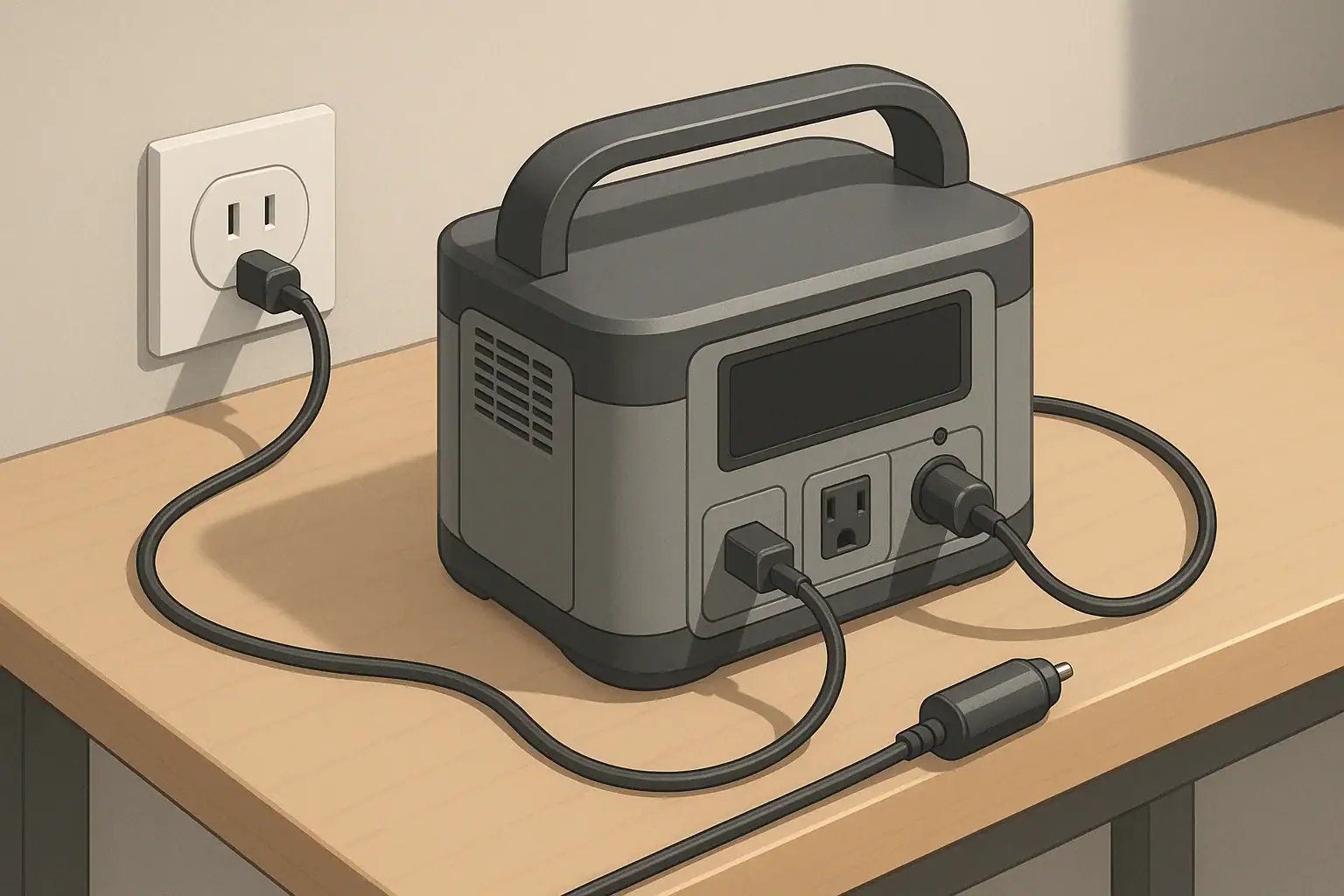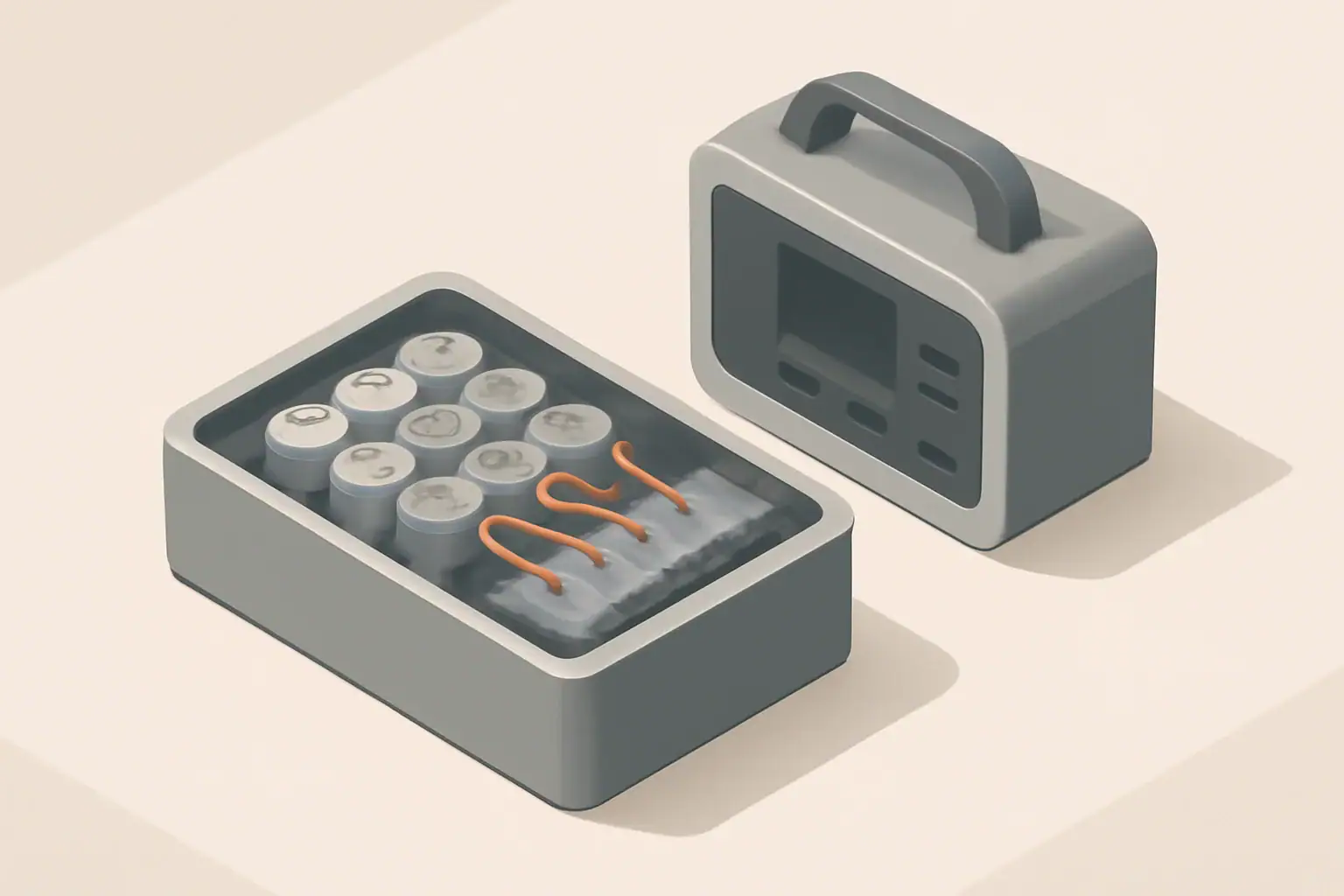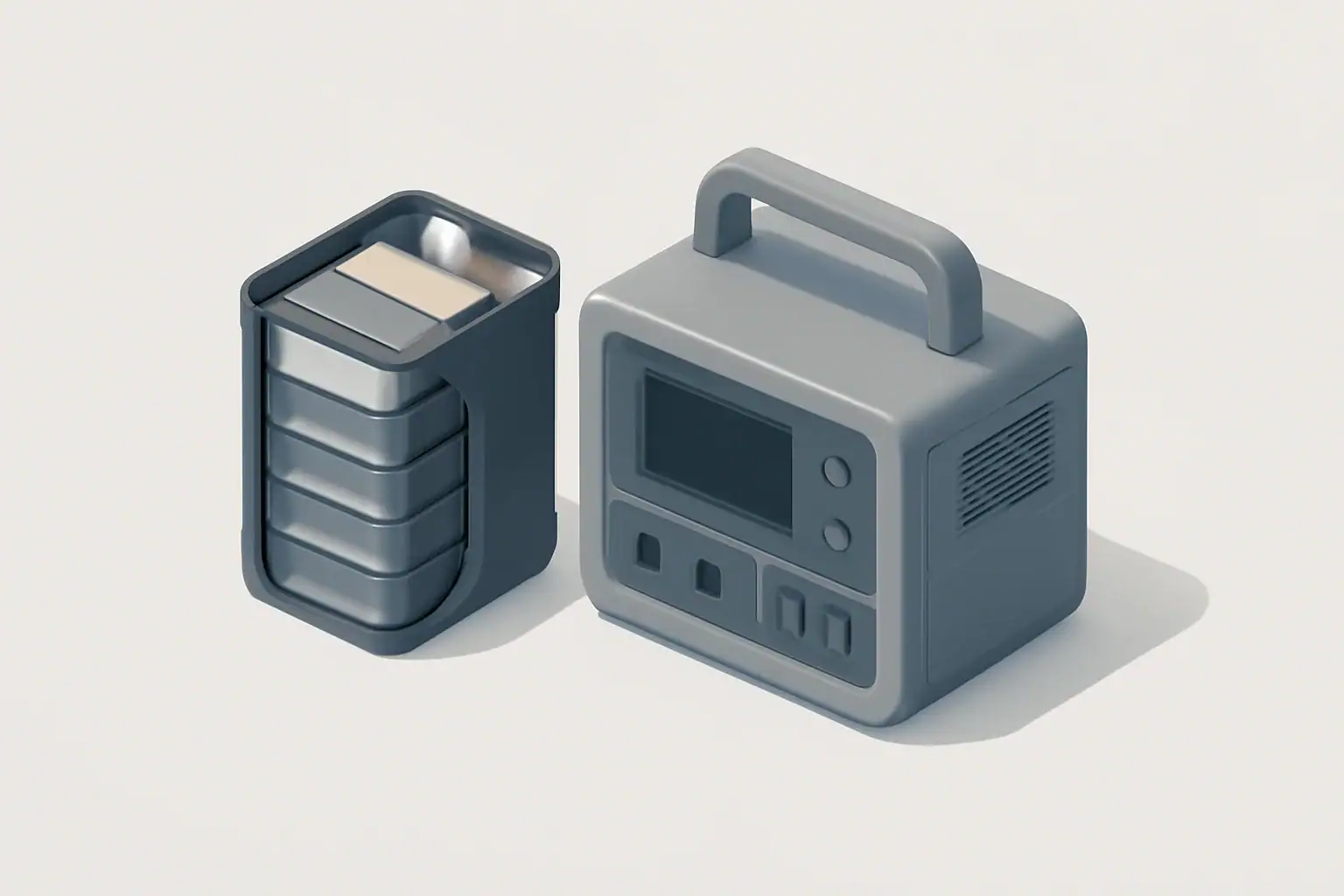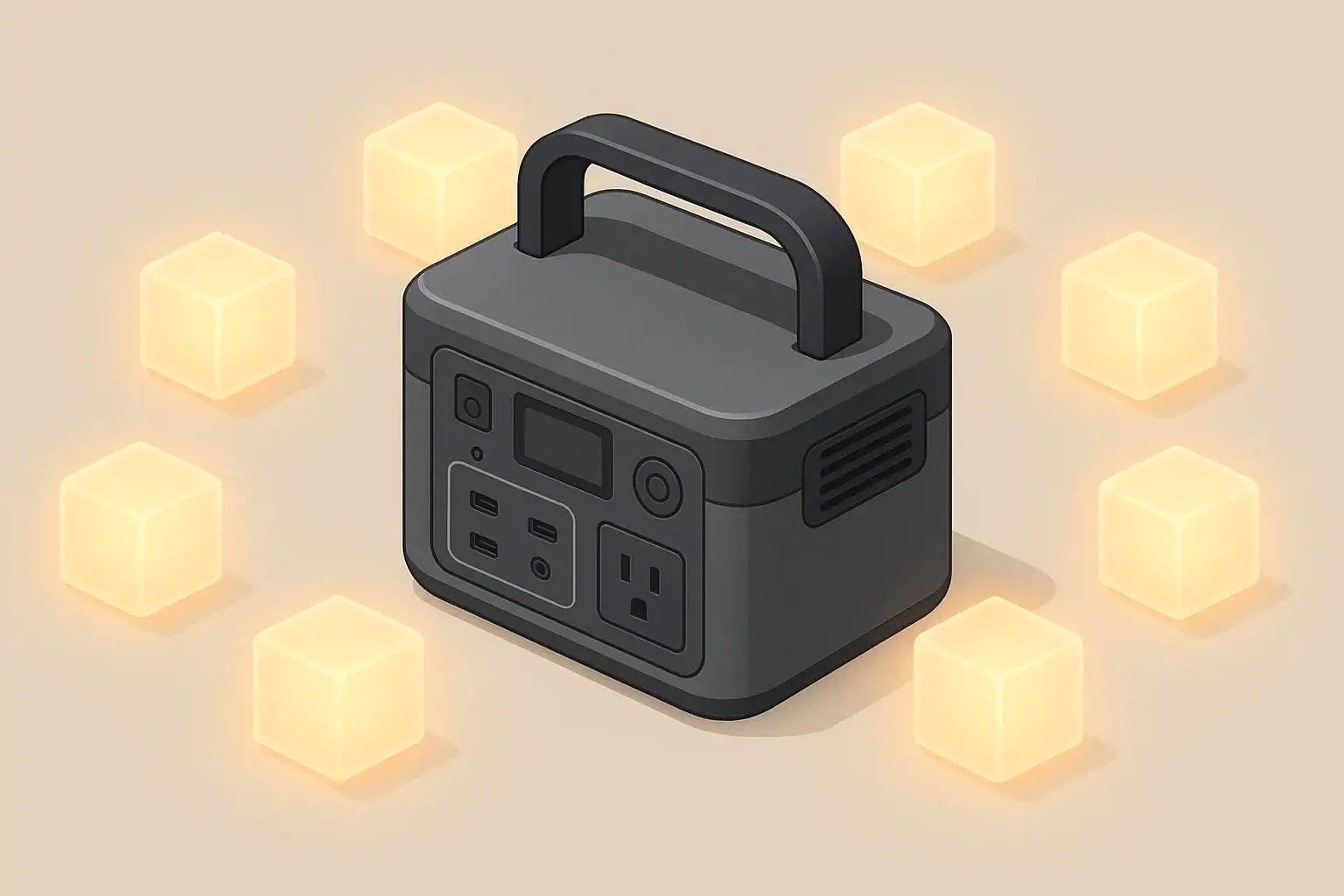
Battery calibration, in the context of portable power stations, is about aligning the internal battery management system with the actual usable capacity of the battery pack. Modern lithium batteries do not need calibration to work, but the electronics that estimate remaining runtime and state of charge can drift over time. Calibration helps the percentage meter and runtime estimates become more accurate again.
When people talk about doing a “full discharge” for calibration, they usually mean running the power station down close to empty and then charging it back to full in a controlled way. This does not create new capacity inside the battery; it simply helps the device learn where “empty” and “full” really are. If done too often or too aggressively, deep discharges can stress the pack, so it is important to understand when it is useful and when it is unnecessary.
For most portable power stations used around the home, for camping, or for remote work, frequent calibration is not required. The internal battery management system is designed to protect the cells and provide safe operating limits. You usually only consider a calibration cycle when the percentage reading or runtime predictions become obviously inaccurate, such as shutting off with 20% still showing or staying at 100% for a very long time before dropping.
Understanding how calibration fits with capacity, power draw, and charging behavior helps you plan realistic runtimes and avoid habits that shorten battery life. Instead of chasing perfect percentage readings, focus on correct sizing, safe operation, and gentle use patterns that preserve the pack over many years.
What Battery Calibration Really Means and Why It Matters
Key Concepts: Capacity, Power, and Why Meters Drift
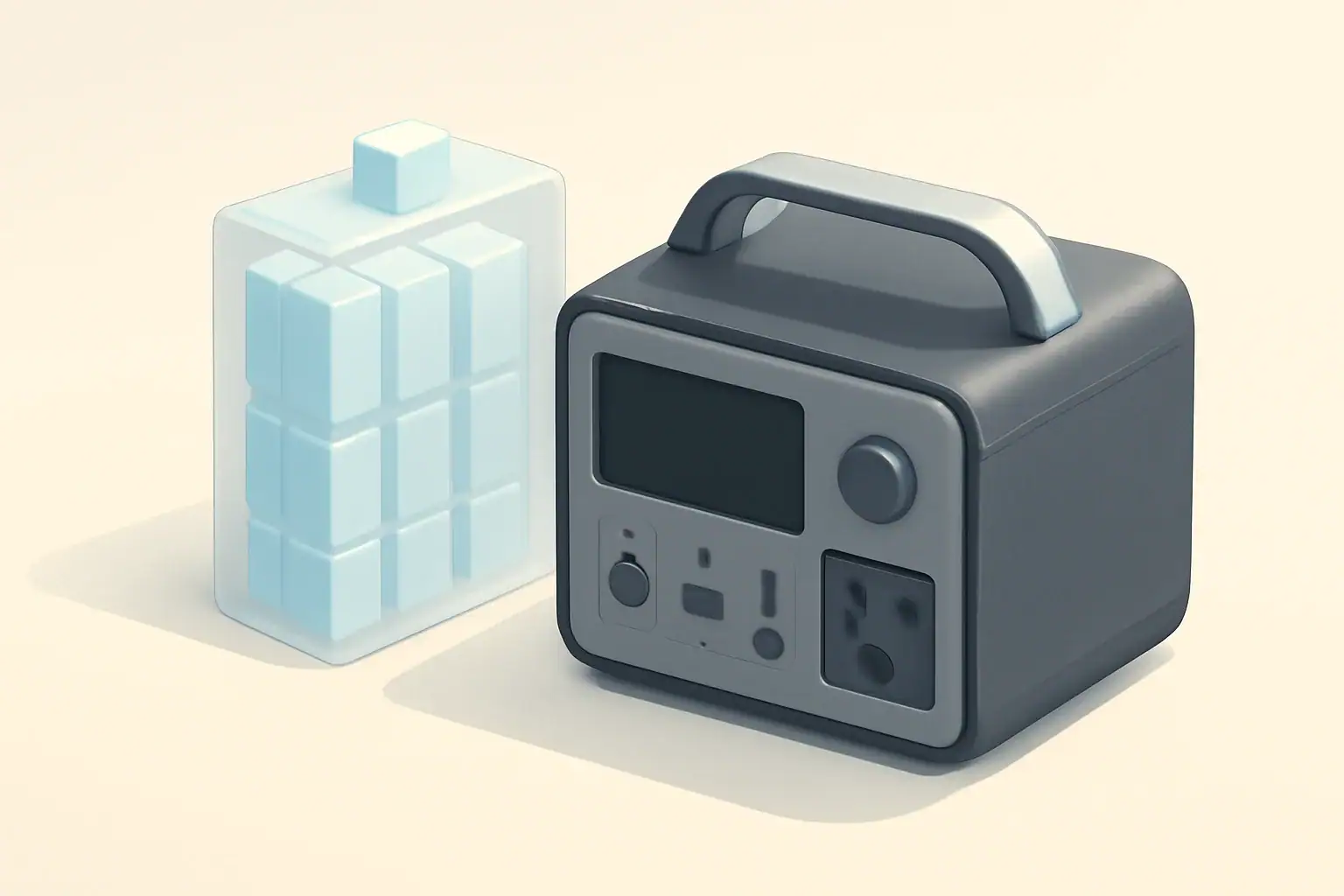
To make sense of battery calibration and full discharge cycles, it helps to separate power (watts) from energy (watt-hours). Wattage describes how fast you are using energy at any moment, like the speed of water flowing from a hose. Watt-hours describe how much energy is stored in the battery, like the size of the tank. A portable power station with 500 watt-hours of storage can, in theory, run a 100-watt device for about five hours, before considering losses.
Real-world runtimes are always lower than simple math suggests because of inverter and conversion losses. Most portable power stations convert the battery’s DC power to AC for household-style outlets, and that conversion is not perfectly efficient. You might only get 80–90% of the rated watt-hour capacity as usable output, depending on load size, temperature, and how the unit is designed. Calibration does not change these losses; it only helps the meter report them more accurately.
Another key distinction is between running watts and surge watts. Many devices, especially those with motors or compressors, require a short burst of higher power at startup. Your portable power station’s inverter has limits on both continuous power and short surges. If a load exceeds those limits, the power station may shut down even if the battery still has plenty of energy. Users sometimes misinterpret this as a battery problem when it is actually a power (wattage) issue, not capacity.
The state-of-charge meter can drift over time because the system estimates capacity based on current, voltage, and past usage patterns. Small errors accumulate, especially if the power station is often used in partial cycles, stored at high or low temperatures, or rarely allowed to reach full charge. A purposeful, controlled discharge followed by a full charge can give the system clear reference points for “top” and “bottom,” improving the accuracy of the remaining percentage and runtime estimates.
| What to review | Why it matters | Typical example |
|---|---|---|
| Total wattage of planned loads | Prevents inverter overload and shutdowns | Phone (10 W) + laptop (60 W) + router (10 W) ≈ 80 W |
| Surge vs running watts of appliances | Avoids trips when motors or compressors start | Small fridge: 60–100 W running, several times higher surge |
| Energy (Wh) vs expected hours of use | Helps determine if capacity meets your scenario | 500 Wh pack powering 100 W for about 4 hours, after losses |
| Inverter efficiency and conversion losses | Explains why real runtime is less than basic math | Plan on 10–20% less than rated Wh for AC loads |
| Observed meter accuracy | Signals if a calibration discharge may help | Shuts off at 15–25% displayed charge repeatedly |
| Usage pattern over last few months | Frequent small top-offs can increase meter drift | Many partial charges, rarely below 50% before recharging |
| Battery age and cycle count | Helps separate normal aging from calibration issues | Older unit with many cycles may show reduced runtime |
How Calibration Relates to Portable Power Station Sizing
If your power station is undersized for your loads, no amount of calibration will prevent shutdowns when you exceed inverter limits or drain the pack quickly. The most reliable way to reduce surprises is to size capacity and output appropriately from the start. Calibration is a fine-tuning tool for the meter, not a fix for poor sizing or heavy loads.
Real-World Examples of Calibration and Full Discharge
Consider a remote work setup using a laptop, monitor, and internet router drawing around 120 watts combined. With a 600 watt-hour portable power station, basic math suggests five hours of runtime. After factoring in conversion losses, realistic runtime might be closer to four hours. If the display initially shows eight hours remaining and then suddenly drops to two, that inconsistency may indicate that the meter would benefit from recalibration.
In another scenario, a household uses a portable power station for short power outages to run a small refrigerator and a few LED lights. The fridge may draw about 80 watts running, with occasional higher surges, while the lights use around 10 watts total. With a 1000 watt-hour unit, they might expect around eight to nine hours of combined operation after losses. If the unit begins shutting off when the display still shows 25% charge in repeated outages, a controlled discharge and full recharge can help the state-of-charge estimate line up better with reality.
Cold-weather camping provides a different set of challenges. A power station used to run a small 12-volt heater fan and charge phones might appear to drain much faster in low temperatures. Part of this is real, because lithium batteries are less efficient and provide less usable capacity when cold. The state-of-charge meter can also become less accurate if the unit spends long periods in low temperatures and partial charge. A calibration cycle performed later at moderate room temperature can help restore more reliable readings.
It is important to distinguish between normal battery aging and meter drift. Over years of use, any lithium battery will gradually lose capacity. If your once-new power station used to power a device for six hours and now lasts four, even after a careful full charge and a calibration discharge, that is likely normal wear rather than a calibration problem. Calibration can correct the gauge, but it cannot reverse chemical aging in the cells.
Common Mistakes and Troubleshooting Cues
A frequent mistake is treating full discharge as routine maintenance. Modern lithium-based portable power stations are generally healthier when kept away from extreme high and low states of charge. Regularly running the battery to zero for no clear reason can add unnecessary stress and may shorten its overall lifespan. Calibration cycles should be occasional, not part of everyday use.
Another common issue is assuming any unexpected shutdown is a sign the battery is “bad” or needs calibration. If the power station turns off as soon as a high-draw device starts, the inverter may be hitting its surge limit. If the unit heats up and reduces output or charging speed, it may be protecting itself from high temperature, not misreading remaining capacity. These are normal safety behaviors, and calibration will not change their thresholds.
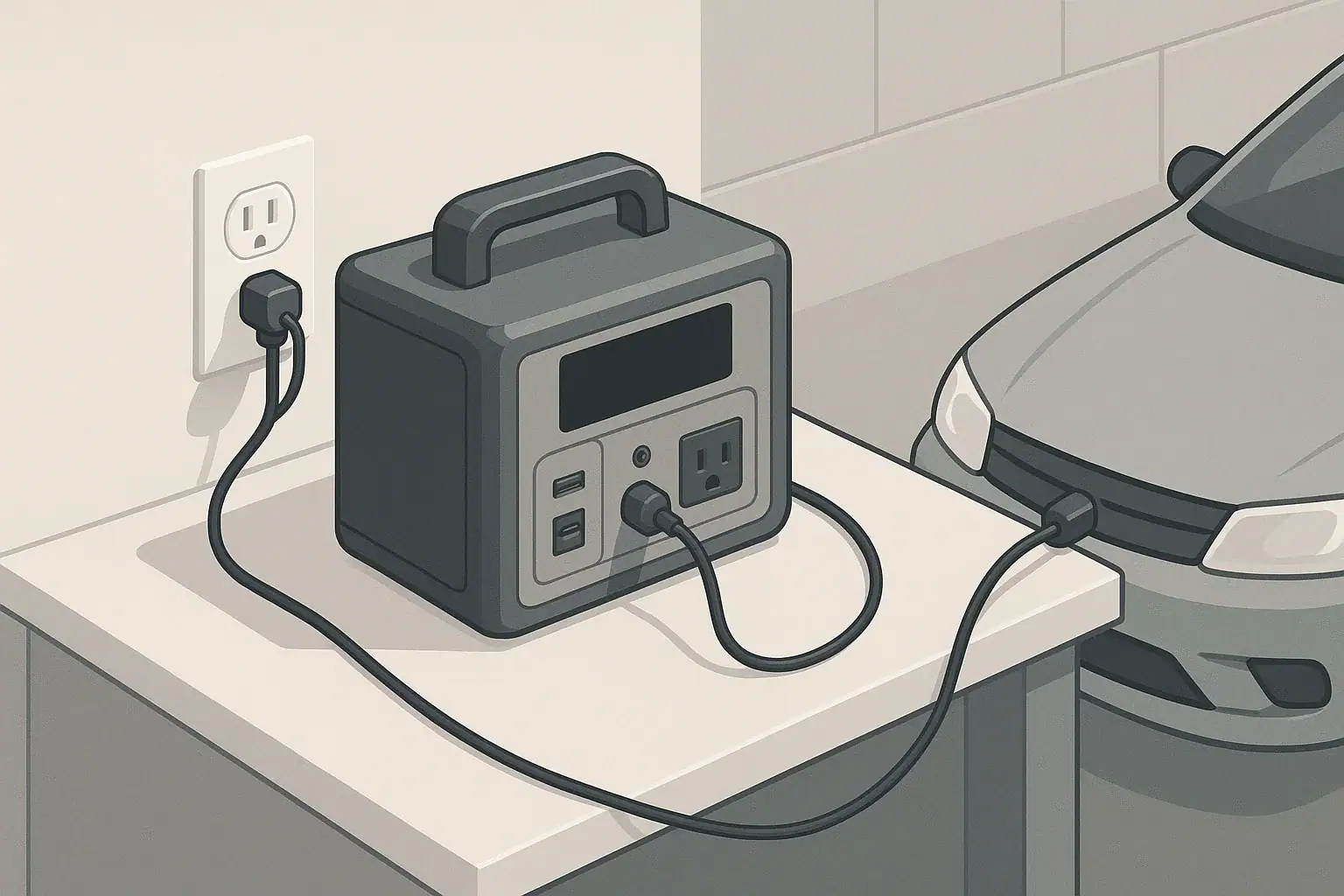
Slow charging is another area where users sometimes suspect a calibration problem. In reality, charging can slow down for several reasons: the power source may be limited (such as a car outlet), the battery may be near full and tapering current to protect itself, or the unit may be warm and reducing charge rate to manage temperature. If the percentage climbs steadily but slowly, that usually reflects real limits of the power source or battery protection, not a miscalibrated meter.
Signs that may point toward a useful calibration cycle include repeated shutdowns with a relatively high state of charge displayed, long periods where the percentage appears “stuck” at a certain level, or runtime estimates that are obviously out of proportion to your typical loads. Before assuming calibration is needed, it is wise to review your load wattage, inverter limits, and ambient temperature to rule out other causes.
Safety Basics: Using Power Stations and Calibration Wisely
Safe operation of a portable power station begins with placement. Use the unit on a stable, dry surface with adequate space around it for ventilation. Batteries and inverters generate heat during charging and discharging, and blocking vents can lead to higher internal temperatures, faster fan cycling, or protective shutdowns. Avoid placing the power station in enclosed cabinets, near heaters, or where direct sunlight can significantly raise its temperature.
Cords and connected devices deserve just as much attention. Use appropriately rated power cords and avoid daisy-chaining multiple power strips or extension cords in ways that can overload wiring. Check that plugs are fully seated in outlets, both on the power station and on your devices. During any intentional calibration discharge, monitor connected loads and make sure that critical devices, such as medical or safety equipment, are not relying solely on a battery that is being purposefully run low.
Electrical safety also extends to moisture and grounding. Keep the power station away from standing water, rain, and very humid conditions unless it is specifically designed for outdoor exposure. When using near sinks, garages, or outdoor outlets, look for receptacles protected by ground-fault circuit interrupters (GFCI). These are typically installed and maintained by qualified electricians and help reduce the risk of shock in damp environments. Portable power stations themselves may have protective circuitry, but they do not replace properly installed building wiring.
It is crucial not to backfeed home wiring or attempt to connect a portable power station directly into household circuits without appropriate equipment and professional installation. Some households use transfer switches or dedicated inlets to safely connect backup power, but any design or installation related to the main electrical panel should be handled by a licensed electrician. Battery calibration and full discharge procedures should always be done with portable, plug-in loads, not through improvised connections to home wiring.
Maintenance and Storage: Protecting Capacity and Meter Accuracy
Good maintenance practices help both battery health and calibration accuracy. Portable power stations generally prefer being stored at a moderate state of charge, often somewhere in the middle range rather than at 0% or 100% for long periods. Many users aim to leave the battery around 40–60% if it will sit unused for several months, though you should also consider the manufacturer’s guidance for your particular unit. This reduces stress on the cells and slows capacity loss.
Self-discharge is another factor. Even when switched off, batteries gradually lose charge over time. The rate depends on design and temperature, but it is common for a stored power station to slowly drop several percentage points per month. Periodically checking and topping up the charge prevents it from drifting all the way to empty in storage. Very deep, unintentional discharge during long storage can be harder on the pack than normal shallow cycling.
Temperature during storage and use has a big impact on performance and lifespan. Extreme heat accelerates aging and can cause protective circuits to limit charging or discharging. Very low temperatures reduce available capacity and can lead to sluggish performance until the battery warms up. Storing your power station in a cool, dry indoor area, away from direct sunlight and unheated outbuildings that swing between hot and cold, helps preserve both the cells and the accuracy of the meter.
A calibration discharge, when needed, can be woven into normal maintenance rather than treated as a separate, frequent task. For example, once or twice a year, during regular use, you might allow the battery to run down under light to moderate load until the unit shuts itself off, then recharge it fully without interruptions. Between these rare calibration cycles, prioritize gentle use: avoid routinely running to empty, avoid leaving the battery at full for weeks on end, and keep the unit within comfortable room temperatures whenever possible.
| Situation | Suggested approach | Notes |
|---|---|---|
| Storing for a few weeks | Keep at moderate charge in a cool, dry place | Avoid leaving at 0% or 100% for extended time |
| Storing for several months | Charge to mid-level and check every 1–3 months | Top up if display drops significantly |
| Using in hot environments | Provide shade and ventilation, avoid closed cars | High heat can increase aging and trigger slowdowns |
| Using in cold environments | Keep unit insulated, warm gradually before heavy use | Expect reduced runtime until temperature normalizes |
| Noticing meter inaccuracy | Plan a careful discharge and full recharge | Limit calibration cycles to occasional use |
| After many partial charges | Allow a full cycle during normal use | Helps the system re-learn top and bottom points |
| Before storm or outage season | Fully charge, test runtime with typical loads | Confirms capacity and reveals possible meter drift |
Practical Takeaways: When and How to Use Full Discharge
Battery calibration is mainly about making the percentage and runtime estimates more trustworthy, not about fixing or expanding the battery’s real capacity. Most portable power station users do not need frequent calibration cycles. Instead, focus on correctly sizing your unit for the wattage and surge requirements of your devices, understanding that real runtimes will be somewhat lower than simple watt-hour math because of conversion losses.
Full discharge should be occasional and deliberate. Letting the unit run down naturally under light to moderate loads, then recharging it fully without interruptions, can help reset the meter if you see clear signs of drift. Avoid repeatedly forcing the battery to zero, especially with heavy loads or in very hot or very cold conditions, because that can add unnecessary wear.
- Match your power station’s continuous and surge watt ratings to your planned loads.
- Use watt-hours as a planning tool, then apply a margin for inverter and efficiency losses.
- Treat unexpected shutdowns as a cue to check load size, temperature, and inverter limits before assuming a calibration issue.
- Store the battery at a moderate state of charge in a cool, dry location, and avoid long periods at 0% or 100%.
- Plan calibration discharges only when the meter behaves inconsistently, not as routine maintenance.
- Keep safety first: ensure good ventilation, appropriate cords, dry conditions, and avoid any improvised connections to building wiring.
By combining right-sized capacity, sensible operating habits, and occasional calibration when truly needed, you can keep your portable power station both accurate and reliable across a wide range of everyday and emergency uses.
Frequently asked questions
Is a full discharge necessary for battery calibration on portable power stations?
No. Routine full discharges are not required for modern lithium-based power stations. A controlled full discharge and subsequent full charge are only useful occasionally when the state-of-charge display or runtime estimates show consistent, obvious errors.
How often should I perform a calibration full discharge?
Perform calibration discharges sparingly—typically only when you notice persistent meter drift such as repeated shutdowns at a seemingly high displayed charge or long periods where the percentage is “stuck.” For many users, once a year or after long periods of partial charging is sufficient; don’t make it a regular maintenance routine.
Will doing a full discharge restore the battery’s real capacity?
No. A full discharge only helps the battery management system better estimate top and bottom points; it does not reverse chemical aging or recover lost cell capacity. Frequent deep discharges can actually accelerate capacity loss, so limit them to diagnostic or calibration needs.
What is the safest way to perform a calibration discharge?
Use light to moderate resistive loads, monitor the unit and ambient temperature, avoid running critical devices on the battery being discharged, and allow the unit to shut off on its own before fully recharging without interruption. Perform the cycle in a ventilated, dry area at moderate room temperature for best results.
Does temperature affect meter accuracy and calibration timing?
Yes. Cold reduces apparent capacity and can cause inaccurate state-of-charge readings, while heat accelerates aging and may alter charging behavior. Perform calibration at moderate room temperature and avoid calibrating while the unit is very cold or very hot to get useful reference points.
Recommended next:
- Pure Sine Wave vs Modified Sine Wave: Does It Matter for a Portable Power Station?
- Surge Watts vs Running Watts: How to Size a Portable Power Station
- Inverter Efficiency Explained: Why Your Runtime Is Shorter Than Expected
- AC vs DC Power: How to Maximize Efficiency and Runtime
- How to Calculate Watt-Hours From Amp-Hours (and Avoid Common Mistakes)
- Why a 1000Wh Power Station Doesn’t Give 1000Wh: Usable Capacity Explained (Efficiency + Cutoffs)
- More in Capacity →