Are Portable Power Stations the Future of Backup Power?

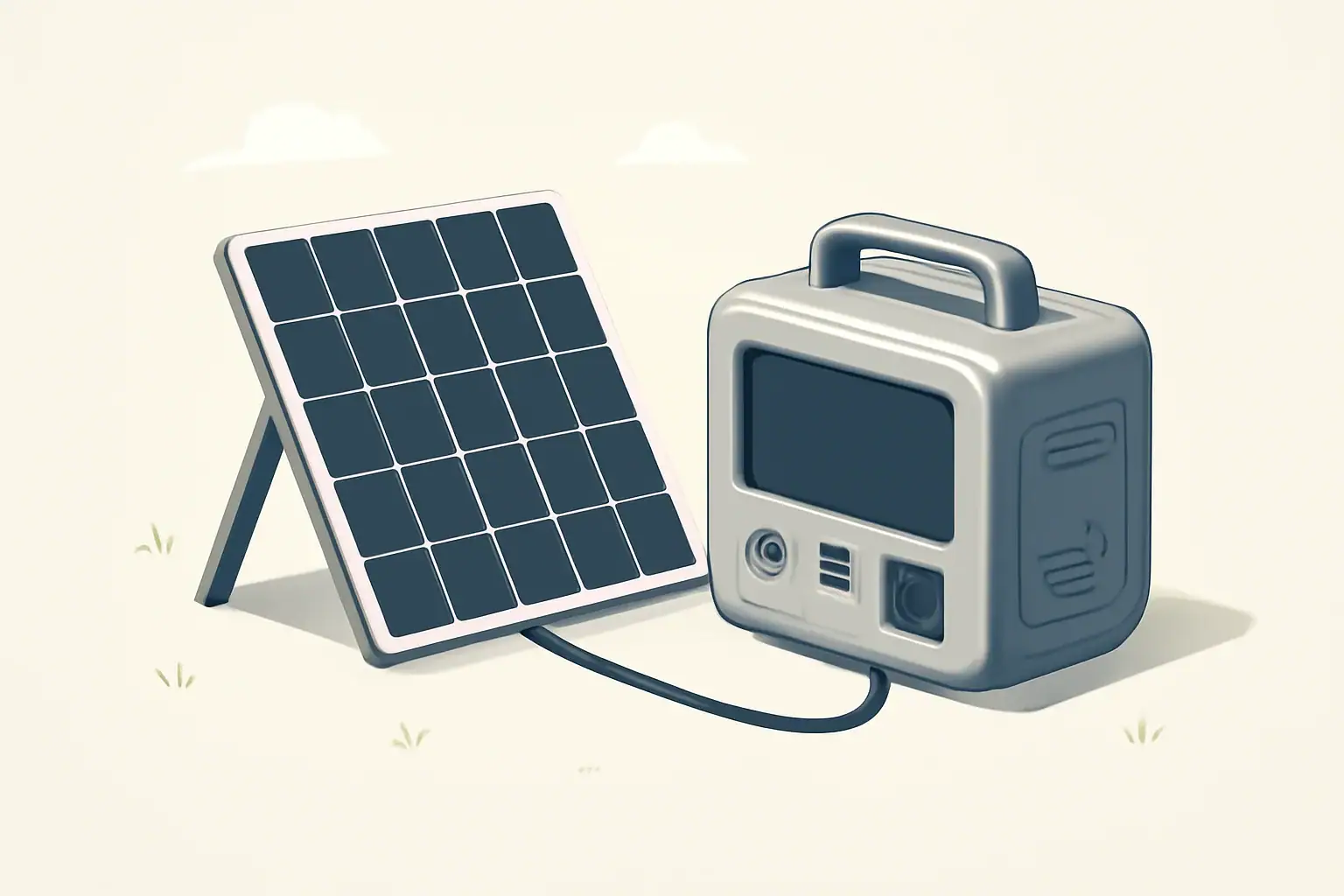
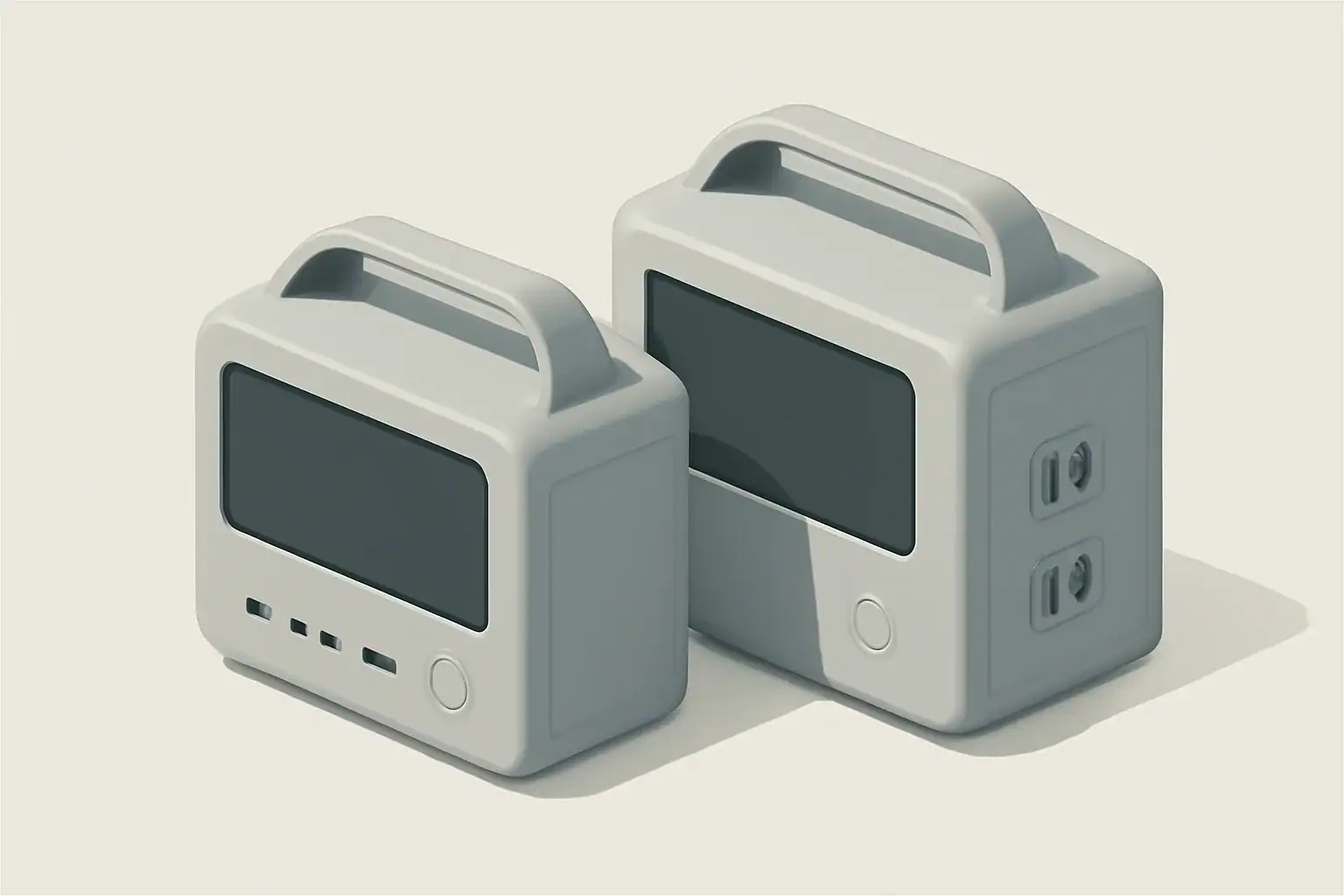
isometric portable power station charging devices

Introduction

Portable power stations have become increasingly visible in coverage of emergency preparedness, outdoor recreation, and renewable energy. They combine rechargeable battery packs, power electronics, and multiple output ports in compact housings. As grid resilience and distributed energy discussions intensify, many people ask whether portable power stations will replace traditional backup systems.

How portable power stations work

At a basic level, a portable power station stores electrical energy in an internal battery and makes that energy available through AC outlets, 12V outputs, and USB ports. Key components define performance and suitability for backup use.

Batteries and chemistry

The battery is the core energy reservoir. Lithium-based chemistries are common, offering higher energy density and lower weight than older lead‑acid designs. Battery capacity is usually expressed in watt‑hours (Wh), which indicates the amount of energy stored.

Inverters and output types

An inverter converts stored DC battery power to AC power for household devices. Inverter size (continuous watt rating and surge capacity) limits what appliances a unit can run and for how long.

Charging inputs and power management

Most units support multiple charging methods: AC wall charging, car charging, and solar input. Built‑in charge controllers and management systems control charge rates, protect the battery, and manage load priorities.

Advantages of portable power stations for backup power

Portable power stations offer several features that make them attractive for many backup scenarios.

  • Portability: compact, transportable units can be moved to where power is needed.
  • Quick deployment: plug‑and‑play operation without complex installation.
  • Multiple output types: support for USB, DC, and AC simultaneously.
  • Quiet operation: typically near‑silent compared with fuel generators.
  • No onsite fuel: eliminates the need to store gasoline or propane.
  • Scalable with solar: many models accept solar input for extended runtimes.

Limitations and challenges

Despite benefits, portable power stations also have practical limits compared with whole‑house backup solutions or traditional UPS systems.

  • Capacity constraints: typical consumer units range from a few hundred to a few thousand watt‑hours, which limits runtime for high‑draw appliances.
  • Power limits: inverter continuous and surge ratings may not support heavy loads like central air conditioners or electric ovens.
  • Recharge dependence: after depletion, units require time to recharge from AC or solar, which can constrain continuous backup during prolonged outages.
  • Cost per kilowatt‑hour: batteries and inverters can be more expensive per usable kWh than some stationary backup options.
  • Temperature sensitivity: battery performance and lifespan can decline in extreme cold or heat without proper management.

Where portable power stations fit in backup strategies

Portable power stations are not a one‑size‑fits‑all replacement for traditional systems, but they are well suited to specific roles.

Home backup for essentials

For powering essentials—lights, phone chargers, a router, and medical devices—a modestly sized power station can provide meaningful uptime. To cover refrigerators or heating systems, much larger capacity or multiple units are required.

Critical and medical devices

Some medical devices require uninterrupted power and have strict electrical requirements. Portable power stations can support certain devices but verify device power draws, reliability needs, and any regulatory guidance before relying on a consumer unit.

Recreation, RVs, and remote work

For camping, vanlife, and remote work, portability and multi‑port outputs make these units very practical. They can handle laptops, small refrigerators, lights, and communications equipment effectively.

Sizing and planning a backup setup

Choosing an appropriate unit requires a simple calculation of energy and power needs.

  • List essential devices and note their wattage.
  • Estimate hours of run time needed for each device.
  • Multiply wattage by hours to get watt‑hours per device, then add to find total energy needs.
  • Match the required continuous watts to the unit’s inverter rating, and consider surge requirements for motors.
  • Factor in usable capacity: battery rated Wh may exceed usable Wh depending on depth‑of‑discharge limits and inverter losses.

Example: a 60 W router and a 5 W LED light running 24 hours need roughly 1,560 Wh. That demands a substantially larger unit than one used for occasional charging.

Integration with solar and renewable systems

Pairing portable power stations with solar panels extends runtime and reduces dependence on grid or generator recharging. Many units have MPPT charge controllers built in or accept external solar charge controllers.

Considerations for solar integration:

  • Solar input wattage and voltage limits determine how quickly a battery can recharge from panels.
  • Cloudy conditions and seasonal sun variation affect practical recharge rates and system sizing.
  • For extended outages, a solar system sized to meet daily discharge needs is necessary rather than relying on occasional recharge.

Safety and maintenance

Battery safety and proper maintenance are important to reliable operation.

  • Follow manufacturer guidance for charging and storage temperatures to preserve battery life and avoid risks.
  • Store units with partial state of charge rather than fully charged or fully depleted for long‑term storage.
  • Inspect cables and ports periodically for wear or damage.
  • Avoid charging near flammable materials and ensure good ventilation during heavy use.

Comparing portable power stations with other backup options

It helps to compare portable battery systems with common alternatives.

  • Standby generators: offer long runtimes and high power but require fuel, are noisy, and need installation for automatic switching.
  • Whole‑house battery systems: integrate with home electrical panels and can support more loads, but they are more expensive and generally not portable.
  • Uninterruptible power supplies (UPS): designed for instant switchover and critical electronics protection; some portable stations include UPS functionality, but performance and regulatory testing differ.

Will portable power stations become the future of backup power?

Portable power stations are likely to become a larger part of the backup power landscape, particularly for targeted, short‑to‑medium duration needs. Their advantages in portability, quiet operation, and solar compatibility align with growing demand for flexible, low‑emission backup solutions.

However, they are unlikely to fully replace all existing backup technologies. For whole‑house coverage, very long outages, or high continuous loads, larger stationary batteries or conventional generators remain more practical in many cases. For critical loads requiring certified uninterrupted power and specialized monitoring, dedicated UPS systems are still the standard.

In practice, hybrid approaches that combine portable power stations, solar charging, and traditional backup technologies can offer balanced resilience. Users will select solutions based on specific load profiles, budget, space, and reliability requirements.

Key considerations when evaluating a portable power station

When assessing whether a portable power station fits your backup needs, consider these factors:

  • Capacity in watt‑hours relative to your expected energy needs.
  • Inverter continuous and surge ratings compared to device startup and running watts.
  • Charging options and how long recharge will take from available sources.
  • Battery chemistry, expected cycle life, and long‑term storage behavior.
  • Safety features such as thermal management, overcurrent protection, and certified components.
  • Portability and build quality versus required durability in your use case.

Evaluating these parameters in the context of actual devices you need to support will determine whether a portable power station is a practical element of your backup strategy.

Frequently asked questions

How long can a portable power station run a refrigerator?

Runtime depends on the unit’s usable watt‑hour capacity and the refrigerator’s average power draw and duty cycle. To estimate, divide the station’s usable Wh by the fridge’s average watts; for example, a 1,000 Wh usable capacity powering a fridge averaging about 150 W would run roughly 6–7 hours, though compressor cycles, temperature, and efficiency affect real‑world runtime.

Can portable power stations safely power life‑support or critical medical devices?

Some portable power stations can support certain medical devices, but you must verify the device’s steady and startup power requirements and whether the unit provides reliable, uninterrupted power. For life‑supporting equipment consult the medical device manufacturer and a healthcare professional before relying on a consumer unit, and prefer certified UPS or medically rated backup when required.

Is it possible to expand runtime by connecting multiple portable power stations together?

Some models offer parallel or stacking functionality to combine capacity or increase output, but this capability is model‑specific and often requires matching units and approved cabling. Improper parallel connections can cause damage or safety hazards, so always follow manufacturer instructions or seek professional assistance for complex configurations.

Can I recharge a portable power station with solar panels during an outage?

Yes—many units accept solar input and include MPPT charge controllers or support external controllers, allowing daytime recharge to extend runtime. Recharge speed depends on panel wattage, sunlight conditions, and the unit’s solar input limits, so for extended outages size the solar array to reliably replace daily discharge.

What are the key steps to size a portable power station for my home backup needs?

List essential devices with their running and startup wattages, estimate required run hours to calculate total watt‑hours, and choose a unit whose usable Wh and inverter continuous/surge ratings meet those needs. Also account for depth‑of‑discharge, inverter losses, and your recharge plan (solar or AC) to ensure realistic performance during outages.

Common Mistakes When Buying a Portable Power Station

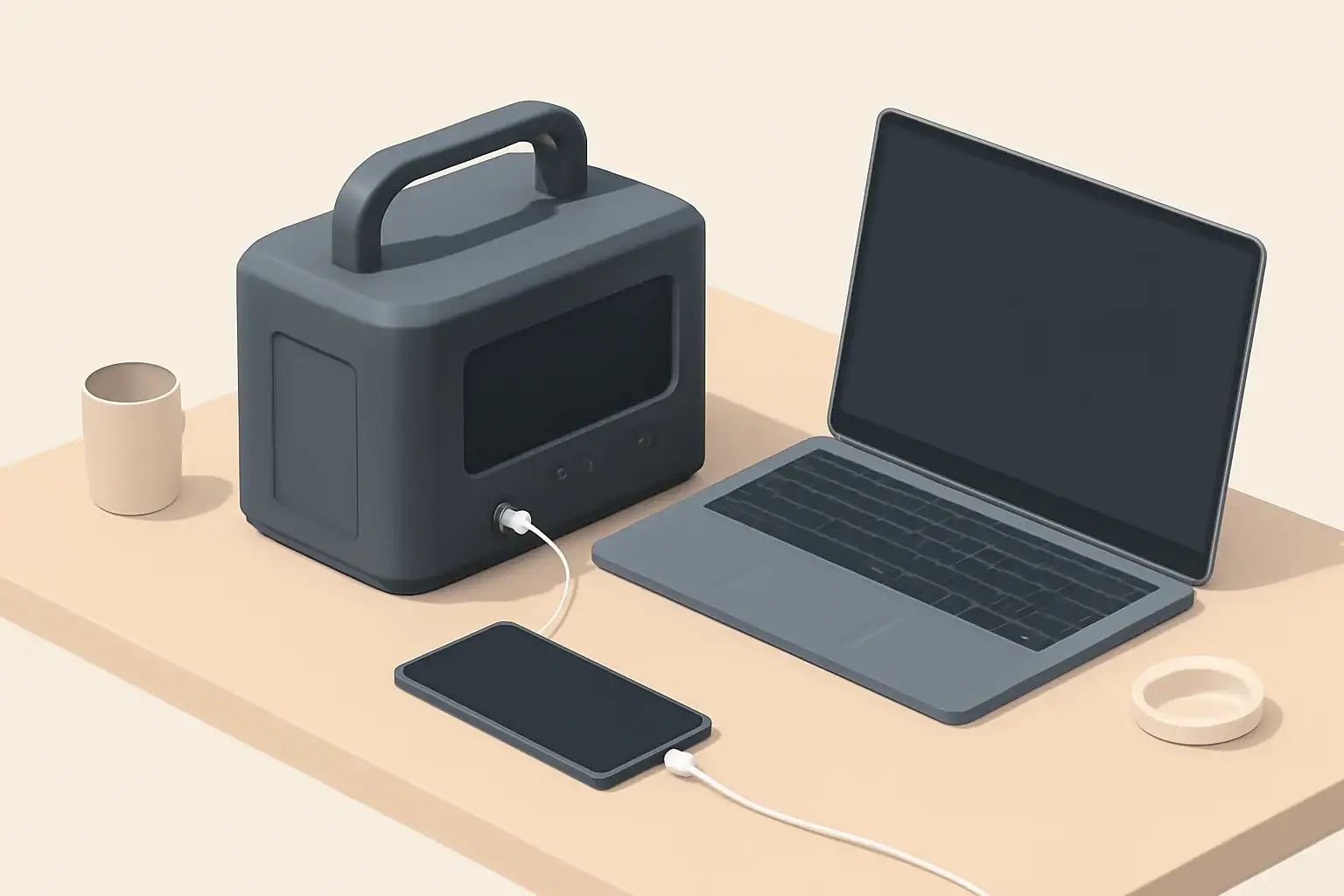
Isometric portable power station charging phone and laptop

Why this guide matters

Buying a portable power station involves several technical choices that affect performance, safety, and long-term value. Many mistakes are common because product specs can be confusing and marketing often mixes power and capacity terms. This article highlights frequent errors and gives practical advice to avoid them.

Common mistakes buyers make

1. Confusing watts and watt-hours

Watts (W) and watt-hours (Wh) measure different things. Watts describe instantaneous power—how much a device draws or how much the inverter can deliver. Watt-hours describe stored energy—how long a battery can supply power.

Mixing them up leads to unrealistic expectations. A unit with a 1,000W inverter but only 250Wh of battery capacity will run a 100W device for about 2–2.5 hours in ideal conditions, not much longer.

2. Underestimating capacity needs

Buyers often choose a power station based on headline numbers without calculating real needs. Capacity should be sized for the actual appliances and the intended runtime.

Consider these steps:

  • List devices and their power draw (in watts).
  • Estimate typical runtime required for each device.
  • Sum energy needs (W × hours) to find required Wh plus a margin for inefficiency.

3. Ignoring inverter type and ratings

Inverters convert DC battery power to AC. Two important specs are continuous power rating and peak (surge) power. Continuous rating matters for appliances that run constantly. Peak power matters for devices with high startup draws, like refrigerators or pumps.

Also note the waveform: pure sine wave inverters are preferable for sensitive electronics. Cheaper modified sine wave outputs can cause issues with motors and some chargers.

4. Overlooking battery chemistry and cycle life

Battery chemistry affects safety, weight, lifespan, and usable capacity. Different chemistries have varying cycle life and depth-of-discharge characteristics.

Key factors to check:

  • Cycle life at a specified depth of discharge (DoD).
  • Storage self-discharge rate and recommended storage conditions.
  • Thermal tolerances and performance in cold or hot environments.

5. Neglecting charging options and times

How you recharge the station affects usability. Wall AC, car 12V, and solar are common methods, and charge times can vary widely.

Important considerations:

  • Maximum input wattage limits how fast the unit can recharge.
  • Solar charging requires matching panel output to the station’s solar input specs and MPPT capability.
  • Pass-through charging (simultaneous charge and discharge) is useful but not always supported or recommended by manufacturers.

6. Assuming rated-runtime-equals-real-world-runtime

Manufacturers often quote ideal runtime under controlled conditions. Real-world efficiency losses occur in the inverter, battery management system, and cabling.

Expect 10–25% lower runtime than theoretical calculations, depending on load and operating conditions.

7. Failing to check outlet types, port compatibility, and power ratings

Different power stations provide various outputs: AC outlets, USB-A, USB-C with Power Delivery, DC barrel ports, and 12V car sockets. Not all ports supply the same power level.

Check that the station’s ports match the plugs and power requirements of the devices you plan to run. Also confirm whether USB-C ports support fast charging protocols if you rely on them.

8. Not accounting for surge currents and appliance startup draws

Many devices draw significantly more power at startup than during continuous operation. Motors, compressors, and some pumps can have startup surges several times their running wattage.

Ensure the inverter’s peak power rating can handle those surges, and verify that protective features won’t shut the station down under transient loads.

9. Overlooking weight, size, and portability

Power stations range from lightweight handheld units to heavy modular systems. Mobility matters for camping, vanlife, and emergency use.

Consider how you will carry or store the unit. Heavier stations might offer greater capacity but reduce portability.

10. Ignoring environmental suitability

Temperature and humidity affect battery performance and safety. Some batteries lose capacity in cold weather, while others require ventilation to manage heat during heavy use or charging.

Check operating and storage temperature ranges and any manufacturer guidance for cold-weather operation or indoor use.

11. Skipping maintenance and storage requirements

All batteries need some level of care in long-term storage. Leaving a battery fully discharged for long periods can reduce lifespan. Similarly, storing at high temperatures accelerates degradation.

Look for recommended storage charge levels and periodic maintenance schedules.

12. Overlooking warranty details and support

Warranty length and coverage vary. Some warranties cover only the battery capacity for a specific percentage over a period, while others cover defects in the product as sold.

Understand what is covered, how claims are handled, and whether local support is available.

How to avoid these mistakes

Treat the buying process as a small engineering exercise: quantify needs, verify specs, and compare realistic performance.

Practical preparation steps

  • Make an inventory of devices to power and estimate their average and peak wattage.
  • Calculate energy needs in watt-hours and add a 20–30% margin for inefficiency and unexpected use.
  • Match inverter continuous and surge ratings to your highest-draw devices.
  • Confirm available charging methods and realistic charge times for your use case.
  • Check battery chemistry, cycle life, and temperature tolerances for your environment.

Questions to ask when comparing models

  • What is the usable capacity (Wh) at a realistic depth of discharge?
  • What are the continuous and peak inverter ratings?
  • Which ports are provided and what are their maximum outputs?
  • Does the unit support pass-through charging and at what limits?
  • What charging inputs are available and what are the maximum input watts?
  • What warranty coverage and expected cycle life are specified?

Quick buyer checklist

Use this checklist when assessing a power station to ensure you avoid common pitfalls:

  • Calculated Wh needs match or exceed the station’s usable capacity.
  • Inverter continuous and surge ratings cover your heaviest loads.
  • Available ports match your device connectors and power requirements.
  • Charging methods and times fit your recharge plan (wall, car, solar).
  • Battery chemistry and cycle life align with expected usage frequency.
  • Operating temperature range and storage guidance suit your environment.
  • Warranty terms and support options are acceptable.

Final notes for buyers

Understanding the technical details behind capacity, power, and charging will lead to better purchases. Small differences in specs can have a big impact on real-world usability. Take time to calculate needs, compare realistic performance, and verify that the station’s features align with your use case.

Frequently asked questions

How do I calculate usable watt-hours (Wh) considering depth of discharge?

Start with the battery’s nominal Wh rating and multiply by the recommended depth of discharge (DoD) to estimate usable capacity. Then account for conversion losses from the inverter and BMS—expect roughly 10% to 25% additional loss depending on load and conditions.

Can a small portable power station reliably run a refrigerator or well pump?

Possibly, but you must verify the inverter’s continuous and peak (surge) power ratings against the appliance’s running and startup wattage. Many compressors have high startup surges several times their running draw, and you also need sufficient Wh to meet the desired runtime.

Is pass-through charging safe and will it shorten the battery life?

Pass-through charging is convenient but can increase heat and battery cycling, which may accelerate wear if the unit wasn’t designed for continuous simultaneous use. Check the manufacturer’s guidance—if pass-through is unsupported or warned against, avoid using it regularly to preserve lifespan.

How much extra capacity should I add for inefficiency and unexpected use?

Factor in a margin of about 20% to 30% on top of calculated energy needs to cover inverter/BMS losses and unexpected consumption. This buffer reduces the chance of depleting the battery prematurely and is especially important when planning for emergency or off-grid use.

What charging option gives the fastest recharge in the field?

AC mains charging is typically the fastest if the unit accepts high input wattage; solar recharge speed depends on panel wattage and MPPT capability and is often slower but usable off-grid. A 12V car input is usually the slowest and best used for topping up rather than full recharge.

Portable Power Station Buying Guide

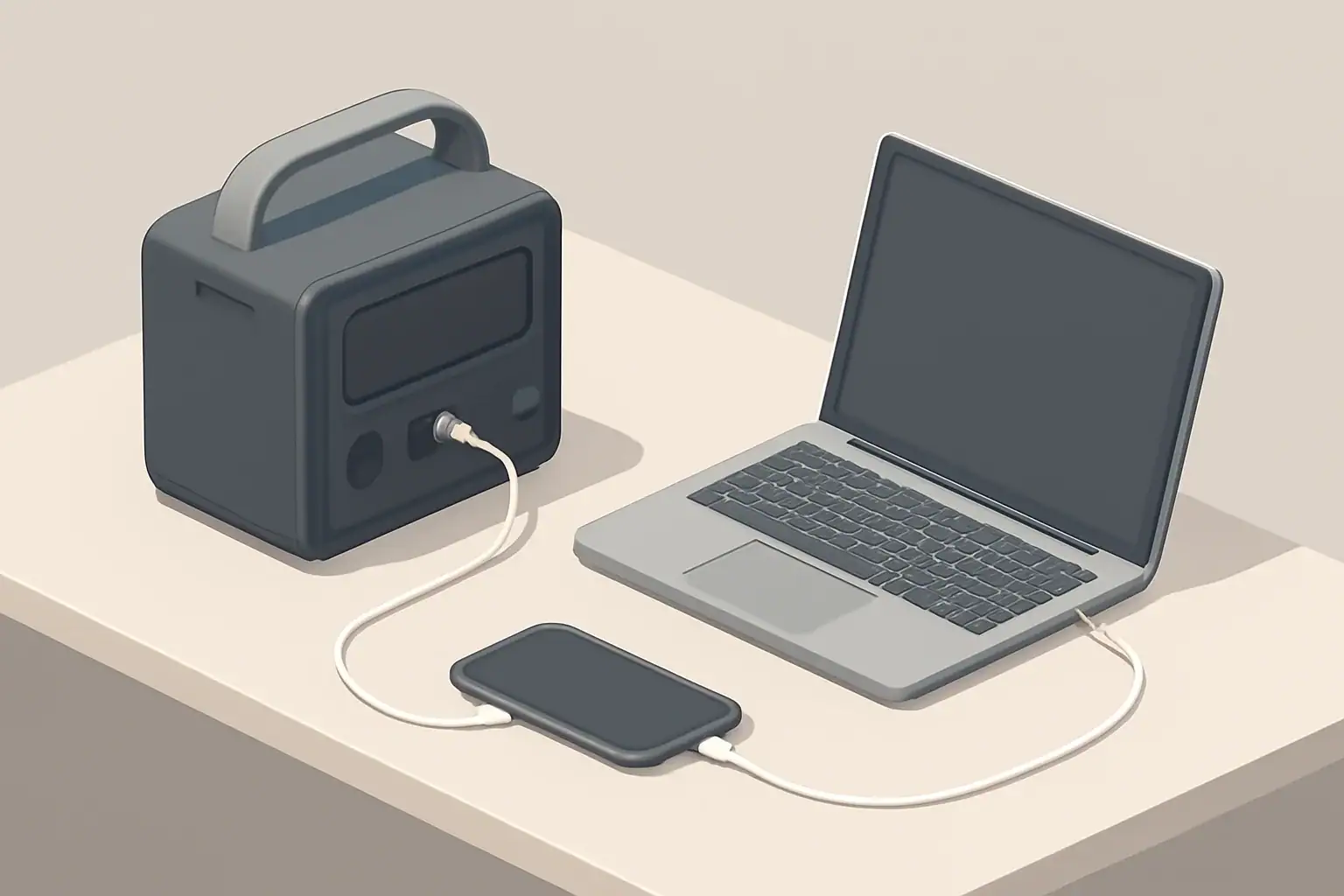
Isometric illustration of portable power station charging devices

Portable power stations provide portable, reliable electricity for camping, work, and emergency backup. These all-in-one units combine a high-capacity battery with inverters, chargers, and multiple output ports so you can run AC appliances, charge phones and laptops, or power 12V devices without a generator. Choosing the right model involves trade-offs between capacity, weight, charging speed, and supported outputs. Practical considerations include how you will recharge the unit (wall, car, or solar), the continuous and surge inverter ratings for high-draw appliances, battery chemistry and expected cycle life, and whether pass-through charging or UPS-like behavior is needed. This guide breaks down the key specifications, sizing calculations, charging methods, and real-world use cases to help you match a unit to your needs and avoid common pitfalls. Also consider warranty, support, and replacement battery availability for long-term ownership.

What is a portable power station?

A portable power station is a compact battery system that stores electrical energy and delivers AC and DC power for devices and appliances. Unlike small power banks designed only for phones, these units offer higher capacity and multiple output types—such as AC outlets, USB ports, and 12V sockets—making them suitable for camping, job sites, emergency backup, and mobile offices.

Key specifications to compare

When shopping, the product specifications tell most of the story. Understanding the key metrics helps you match a unit to your needs.

Watt-hours (Wh) — usable energy

Watt-hours measure stored energy. Higher Wh means longer runtime or ability to power larger loads. For example, a 500 Wh unit can theoretically deliver 500 watts for one hour.

Keep in mind usable Wh can be lower than stated capacity due to inverter inefficiency and recommended battery depth of discharge.

Rated output in watts (continuous and peak)

Continuous watt rating indicates the maximum load the inverter can supply continuously. Peak or surge ratings show short-term capacity to start motors and compressors.

Match continuous watt rating to the appliances you expect to run. Devices with electric motors or heating elements often require higher startup power.

Inverter type and efficiency

The inverter converts DC battery power to AC. Pure sine wave inverters deliver clean power suitable for sensitive electronics. Modified sine inverters are cheaper but may not be appropriate for all devices.

Consider inverter efficiency; higher efficiency means less energy lost during conversion.

Battery chemistry

Common chemistries include lithium-ion and lithium iron phosphate. Differences affect energy density, lifespan (cycle life), thermal stability, and weight.

Battery chemistry influences cost and longevity. For frequent deep cycling, choose a chemistry with a higher cycle life.

Charging options and time

Check supported charging methods: AC wall charger, car (12V), solar input, and sometimes USB-C PD. Charging time varies by input power and supported maximum charging watts.

Faster charging can be convenient but may generate more heat—look for thermal management and manufacturer charging limits.

Pass-through charging

Pass-through charging allows the station to be charged while powering devices. This is useful for continuous setups but may reduce battery longevity if used constantly.

Ports and outlets

Review the number and types of outputs: AC outlets, USB-A, USB-C, car ports (12V), DC barrel ports, and specialized ports like Anderson Powerpole. Confirm voltage and amperage limits per port.

Portability: weight and form factor

Consider weight, handle design, and dimensions. Higher capacity units are heavier. If you plan to carry the unit frequently—hiking or rooftop storage—prioritize lower weight and ergonomic handles.

Noise levels

Some units include active cooling fans that run under load or during charging. If you need a quiet unit for camping or night use, look for quieter models or lower-noise cooling systems.

Operating temperature and cold weather performance

Batteries have temperature ranges for charging and discharge. Cold environments reduce effective capacity and may prevent charging in extreme cold. Check stated operating and storage temperatures.

Safety features

Essential protections include overcharge, overdischarge, short circuit, overcurrent, and thermal protection. For sensitive or medical applications, verify certifications and specific safety features.

Sizing and calculating capacity

Choosing the right capacity starts with determining what you want to power and for how long.

Step-by-step runtime calculation

1. List devices and their power draw in watts (check device labels or use typical values).

2. Estimate hours of use per device.

3. Multiply watts by hours to get watt-hours required per device.

4. Sum all watt-hours for total daily energy need.

5. Add a margin (20–30%) for inverter losses and unexpected usage.

Example calculation

If you want to power a 60 W laptop for 8 hours: 60 W × 8 h = 480 Wh. Accounting for inverter losses, you might need 600 Wh capacity.

A coffee maker drawing 1,000 W for 5 minutes (0.083 h) uses roughly 83 Wh—short high-power bursts matter more for inverter peak ratings than total Wh.

Charging methods and practical considerations

How you recharge affects portability and usefulness in off-grid situations.

AC wall charging

Fastest and most convenient when mains power is available. Charging wattage varies; higher input wattage reduces charge time.

Solar charging

Solar input enables off-grid recharging. Check maximum solar input watts, MPPT charge controllers, and required panel voltage range.

Consider available sun hours and panel portability for realistic recharge plans.

Car charging

Useful for road trips. Charging speed over a car outlet is typically slower than AC wall charging unless the unit supports higher input via DC fast charging.

USB-C Power Delivery and smart charging

USB-C PD provides efficient charging for laptops and phones and may support both input and output. If you rely on USB-C devices, prioritize units with high-watt PD ports.

Use cases and matching features

Different applications have distinct priorities. Match features to your primary use case.

Camping and vanlife

  • Priorities: weight, quiet operation, solar charging support
  • Small to mid-size capacity often suffices for lights, phones, and small appliances

RV and motorhome

  • Priorities: higher capacity, multiple AC outlets, support for refrigerators and CPAP machines
  • Check inverter continuous and surge ratings carefully

Home backup for outages

  • Priorities: larger capacity, UPS-like features, safe indoor use
  • Consider models designed for extended backup and with appropriate certifications

Remote work and job sites

  • Priorities: high-watt USB-C PD, durable casing, multiple output types
  • Balance capacity with portability for frequent transport

Maintenance, storage, and safety best practices

Proper care extends battery life and ensures safe operation.

Storage and self-discharge

Store in a cool, dry place with partial charge (often 40–60%). Avoid prolonged storage at 0% or 100% unless specified by the manufacturer.

Charging and cycle habits

Avoid keeping the unit at extreme states of charge. Regular moderate discharges and recharges typically prolong battery life.

Cleaning and inspection

Keep vents clear and ports clean. Inspect cables and connectors for damage before each use.

Cold weather and thermal management

Cold reduces capacity and may prevent charging. If you must use a unit in cold conditions, consider insulating it or keeping it in a temperature-controlled space when possible.

Safety around appliances and medical devices

For critical devices like medical equipment, confirm compatibility and consider units with UPS or regulated output modes. Always consult device documentation for power requirements.

Buying checklist and final considerations

Use this checklist to compare models and make a practical selection:

  • Calculate required daily watt-hours and peak watt draw
  • Confirm continuous and surge watt ratings meet your highest-load devices
  • Choose battery capacity (Wh) with a margin for inverter losses and future needs
  • Select appropriate battery chemistry for cycle life and safety needs
  • Verify supported charging methods and maximum input watts for recharge speed
  • Ensure needed ports and outlets are present and rated correctly
  • Check weight and dimensions for intended mobility
  • Review safety protections, certifications, and cold-weather specs if relevant
  • Consider warranty, support options, and replacement battery availability

Prioritize the features that align with your typical use case rather than every available spec. Document realistic charging options and plan for how you will recharge in the field or during an outage.

Further reading

After narrowing your requirements, consult detailed product specifications, user manuals, and third-party performance tests to confirm real-world runtimes and reliability.

Frequently asked questions

How do I estimate the watt-hours needed for a weekend camping trip?

List each device and its watt draw, multiply by expected hours of use to get watt-hours per device, then sum those values. Add a 20–30% margin for inverter losses and unexpected use, and factor in any planned solar or vehicle recharging capacity.

Can a portable power station run a refrigerator or microwave?

Possibly, but you must check both the continuous watt rating and the surge (peak) rating; refrigerators and microwaves have high startup currents. Also ensure the unit has sufficient Wh capacity for the intended runtime and that the inverter provides a clean sine wave for sensitive motors or electronics.

Is solar charging practical for multi-day off-grid use?

Solar can be practical when panel wattage, available sun hours, and an MPPT controller match your daily energy needs; plan using realistic sun-hour estimates and account for weather variability. For reliable multi-day operation, size panels and battery capacity to maintain a charge window that covers expected consumption plus reserves.

How does cold weather affect performance and charging?

Cold temperatures reduce available capacity and can prevent charging until the battery warms to its safe charging range. Store units at partial charge in a warmer environment when possible, and consider insulating or moving the unit to a temperature-controlled area during use in very cold conditions.

What safety features are important when powering medical or critical devices?

Look for pure sine wave output, UPS-style or regulated output modes, certifications for safe indoor use, and protections such as overcurrent and thermal shutdown. Verify the device’s power requirements and consult medical device documentation before using a portable power station for critical equipment.

Can a Portable Power Station Replace a UPS?

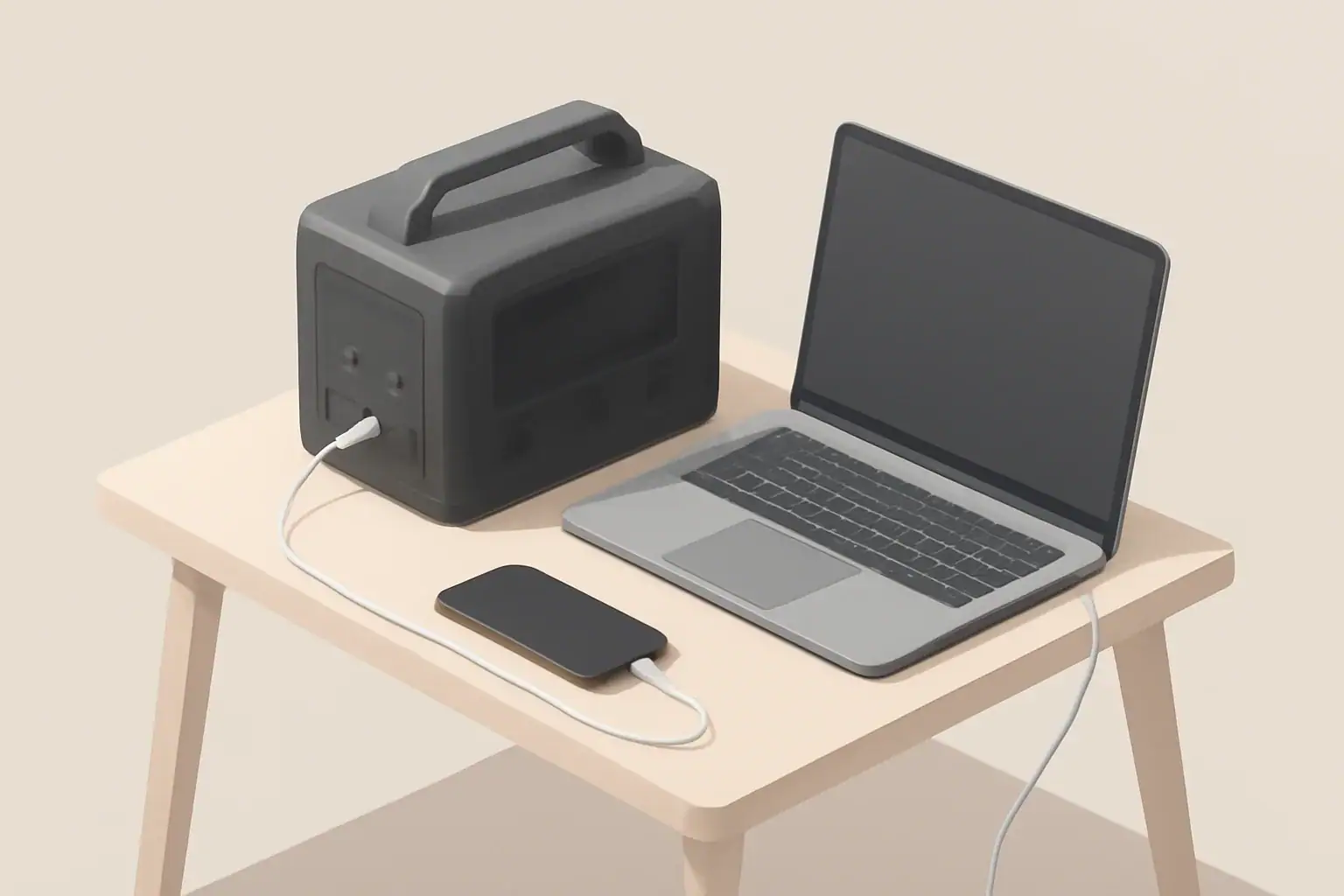
Isometric illustration of two power stations

Overview

Both portable power stations and uninterruptible power supplies (UPS) provide battery-backed power, but they are engineered for different roles. Understanding the technical differences and typical use cases helps determine whether a portable power station can replace a UPS in a given situation.

What a UPS is designed for

A UPS is primarily intended to protect sensitive electronics from power interruptions and disturbances. Key characteristics include short transfer times and power conditioning.

  • Fast transfer or continuous online operation so connected devices do not reboot.
  • Power conditioning (voltage regulation, surge protection, and filtering).
  • Relatively small battery capacity optimized for minutes of runtime to allow safe shutdown or ride-through brief outages.
  • Form factors and certifications aimed at IT equipment, network gear, and medical-support devices.
  • Often designed with monitoring, alarms, and controlled shutdown interfaces.

What a portable power station is designed for

Portable power stations are battery-inverter systems built for mobile and off-grid use. They prioritize usable energy capacity, multiple output types, and flexible recharging.

  • Higher watt-hour capacities intended for hours of runtime powering appliances, tools, or multiple devices.
  • Multiple output ports: AC outlets, USB, 12V DC, and sometimes 120V/240V variants.
  • Rechargeable from wall outlets, vehicle outlets, or solar panels.
  • Built-in inverters that produce AC power; waveform and transfer behavior vary by model.
  • Often portable with integrated handles, but not always intended for continuous indoor installation.

Key technical differences

Transfer time and continuity

UPS units are engineered for continuity. An online (double-conversion) UPS provides uninterrupted AC output; line-interactive and standby UPS types switch to battery in milliseconds. Many portable power stations use an inverter that provides AC output when the unit is on; some have a passthrough mode allowing simultaneous charging and output. However, not all portable stations are specified for seamless, zero-transfer switching in case of mains loss.

Inverter type and waveform

UPS devices commonly produce a clean sine wave or are designed to emulate mains characteristics for sensitive electronics. Portable power stations may provide pure sine wave inverters, modified sine wave, or varying quality depending on cost and design. Sensitive loads such as medical devices, variable-speed motors, and some servers may require true sine wave output.

Surge capacity and peak power

Starting currents for motors and compressors can be several times steady-state draw. UPS units tailored for IT gear provide defined surge handling for short peaks. Portable power stations typically quote continuous and peak (surge) power; verify surge capacity if you plan to run inductive loads like refrigerators or pumps.

Battery capacity and runtime

UPS batteries are sized for short-duration ride-through, often measured in minutes. Portable power stations are sized in watt-hours to deliver longer runtime. If your goal is extended runtime for appliances or multiple devices, portable stations generally provide more usable energy.

Charging speed and recharge options

UPS batteries recharge from the AC mains slowly in many designs, whereas portable power stations often support fast AC charging, solar input, and vehicle charging. Recharge time affects how quickly the unit returns to full capacity after an outage.

Pass-through charging and UPS mode

Some portable power stations support pass-through charging (charging while supplying loads) and advertise an “UPS mode” that automatically switch when mains power fails. Implementation quality varies; some units introduce a short switchover or require manual mode selection. Always check the specification for transfer time, continuous output during charging, and recommended loads for UPS operation.

Form factor, ventilation, and noise

UPS are often compact and designed for indoor rack or floor placement with quieter operation. Portable power stations may use active cooling fans that ramp up under load or during charging, making them potentially noisier in indoor settings.

When a portable power station can replace a UPS

In some scenarios, a portable power station can functionally replace a UPS. Useful cases include:

  • Short outages for non-critical equipment where a brief transfer or restart is acceptable.
  • Powering household appliances, lights, or tools where runtime matters more than instantaneous transfer.
  • Remote or mobile setups where solar or vehicle charging is advantageous.
  • Temporary setups for home office or media equipment where the portable station has a fast automatic transfer or continuous output and provides a true sine wave.

To use a portable power station as a UPS substitute, verify these specifications:

  • Transfer time or confirmation of continuous inverter output while mains present.
  • Pure sine wave output if powering sensitive electronics.
  • Surge/peak power rating sufficient for connected devices.
  • Pass-through charging capability if you want simultaneous charging and powering.

When you should stick with a UPS

A UPS remains the preferred solution for certain environments:

  • Servers, network gear, and equipment that cannot tolerate any interruption or reboot during transfer.
  • Medical devices or life-supporting equipment where certification and guaranteed continuity are required.
  • Mission-critical IT systems that need integrated monitoring, managed shutdown, and predictable short ride-through behavior.
  • Environments sensitive to electrical noise where power conditioning and surge suppression matter.

How to decide: a practical checklist

Use this checklist to evaluate whether a portable power station will meet your needs in place of a UPS.

  • Transfer time: Does the portable station guarantee immediate switchover or continuous inverter output?
  • Waveform: Is the AC output a pure sine wave if your equipment needs it?
  • Surge handling: Can the unit handle start-up currents of motors or compressors?
  • Runtime requirement: Calculate watt-hours required (see sizing example below).
  • Recharge needs: Do you need fast recharge or solar/vehicle recharging?
  • Pass-through/UPS mode: Is pass-through supported and rated for continuous use?
  • Noise and ventilation: Is the expected noise acceptable for indoor use?
  • Safety and certifications: Does the unit have appropriate battery and electrical safety features?

Sizing example

Estimate capacity using this straightforward method:

  • List devices and their steady-state wattage (W).
  • Add them to get total continuous power required.
  • Decide desired runtime in hours.
  • Calculate required watt-hours: total watts × hours.
  • Adjust for inverter efficiency (typical 85–95%); divide required watt-hours by efficiency (for example, 0.9).
  • Add a margin (20–30%) for unexpected loads or battery aging.

Example: A home router and a small desktop draw 50 W combined. For 2 hours runtime: 50 W × 2 h = 100 Wh. Adjusting for 90% inverter efficiency: 100 Wh / 0.9 ≈ 111 Wh. A 200–300 Wh portable station would provide comfortable margin.

Additional considerations

Battery chemistry matters for longevity and safety. Lithium-based chemistries provide higher energy density but require proper battery management. Cold temperatures can reduce available capacity; plan accordingly if deploying outdoors or in unheated spaces.

Maintenance varies: UPS batteries may need periodic replacement and testing, while portable power stations often have sealed batteries with recommended storage and periodic cycling. Both require safe storage and adherence to manufacturer safety guidance.

Finally, verify warranty and support terms for both types of devices, especially if you plan to use them for critical applications.

Final notes

A portable power station can replace a UPS in many non-critical and mobile scenarios if the unit’s specifications meet the technical requirements for transfer time, waveform, surge capacity, and runtime. For mission-critical systems or equipment that cannot tolerate any interruption, a purpose-built UPS remains the appropriate choice.

Frequently asked questions

Can a portable power station provide seamless, zero-transfer switching like a UPS?

Most portable power stations do not guarantee true zero-transfer switching; however, models with continuous inverter output will keep AC output running while mains are present and when mains fail. If the unit specifies transfer time, confirm it meets your equipment’s tolerance; otherwise choose a purpose-built UPS for interruption-sensitive loads.

How do I calculate the watt-hours needed if I want a portable station to replace my UPS?

Add the steady-state wattage of all devices, multiply by the desired runtime in hours, then divide by inverter efficiency (typically 85–95%) and add a 20–30% margin for safety. Also verify the unit’s continuous and surge power ratings match your devices’ requirements.

Is pass-through charging on portable power stations safe for continuous UPS-like use?

Pass-through charging can be convenient, but continuous use may increase heat and stress the battery and charging circuitry unless the manufacturer rates the feature for continuous operation. Check the specifications and follow ventilation and usage guidance before relying on pass-through for long-term use.

Can portable power stations handle motor-driven appliances like refrigerators or pumps?

Some portable stations can if their peak (surge) rating exceeds the motor’s start-up current; always confirm both continuous and surge ratings before connecting inductive loads. For frequent or heavy motor loads, consider systems with higher surge capacity or soft-start solutions to avoid overload and premature battery wear.

Are portable power stations suitable for medical devices or critical servers?

No. Medical devices and critical servers usually require certified UPS systems with guaranteed continuity, integrated monitoring, and regulatory approvals. Use portable power stations only for non-critical or temporary needs unless the unit explicitly meets the required certifications and transfer specifications.