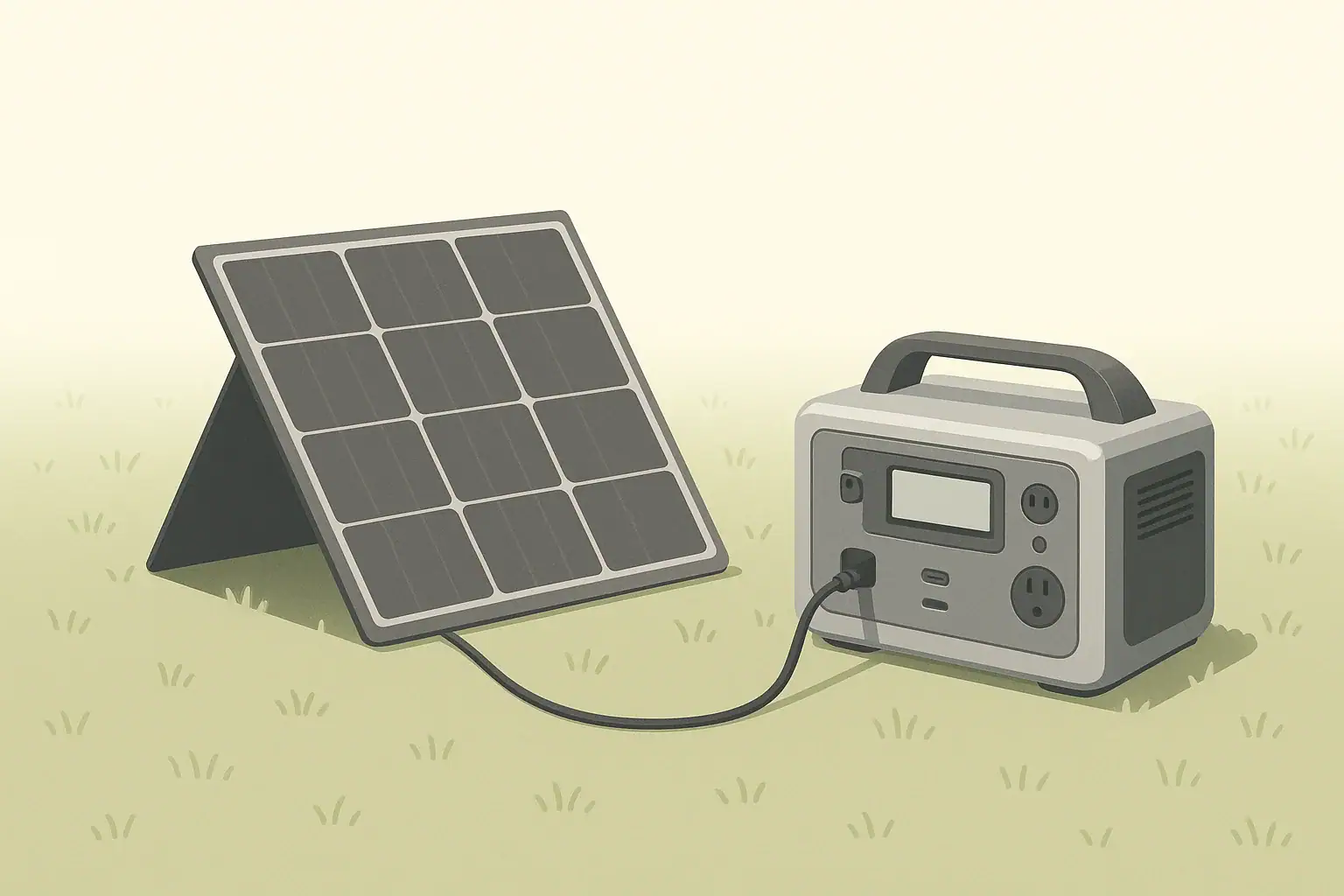
Input Limits (Volts/Amps/Watts) Explained: How Not to Damage Your Unit

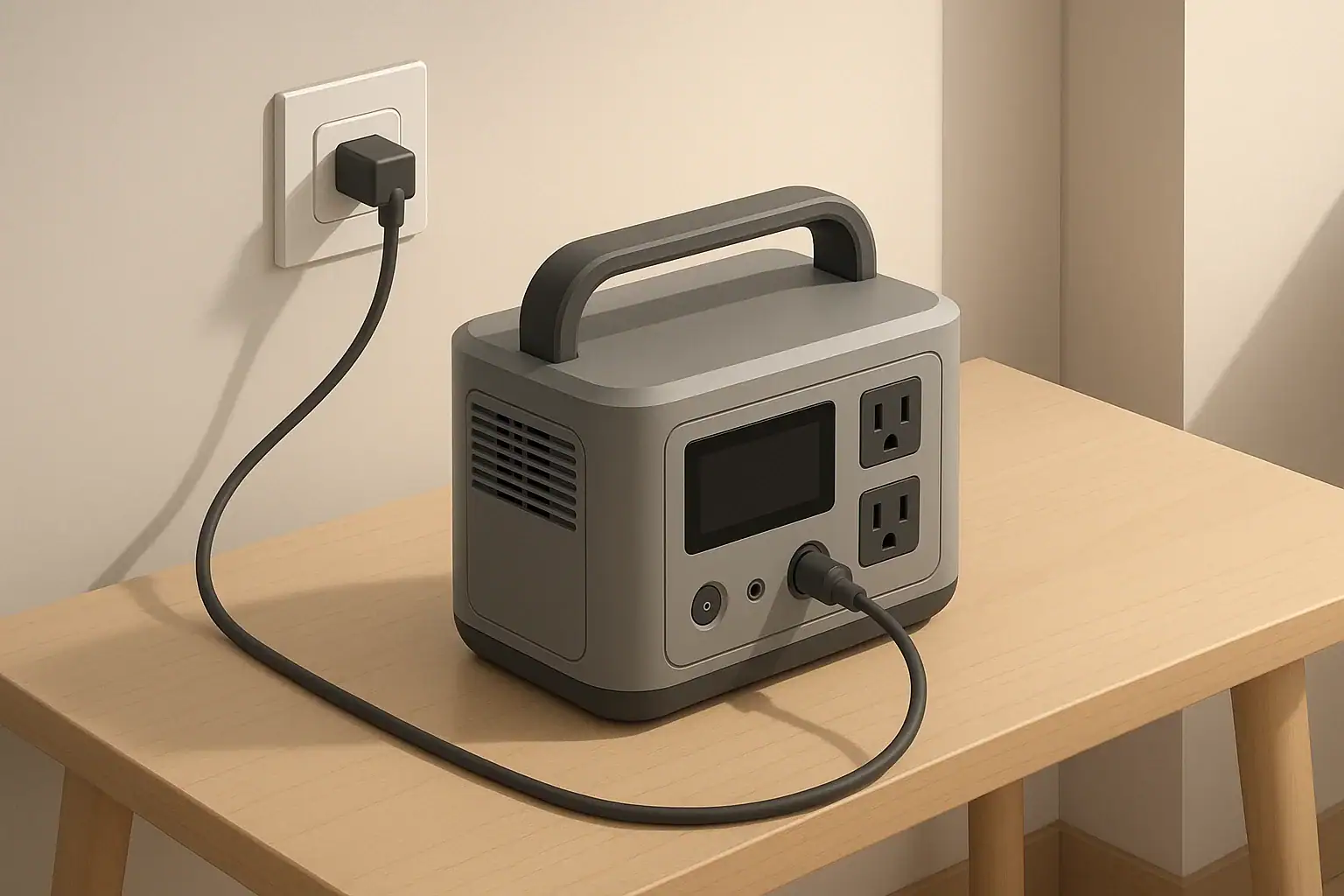
portable power station charging from a wall outlet indoors

Why Input Limits Matter for Portable Power Stations

Every portable power station has charging input limits. These limits define how much electrical power it can safely accept from the wall, a vehicle, or solar panels. Exceeding those limits can overheat components, stress the battery, shorten its life, or in the worst case permanently damage the unit.

Understanding volts (V), amps (A), and watts (W) on the input side helps you:

  • Choose appropriate chargers and power sources
  • Size solar panel arrays correctly
  • Avoid overloading connectors and cables
  • Charge efficiently without unnecessary wear on the battery

This article focuses on input limits for portable power stations: what they mean, how to read them on the spec sheet, and practical ways to avoid damage.

Key Electrical Terms: Volts, Amps, Watts

Volts (V): Electrical Pressure

Voltage is like the “pressure” that pushes electricity through a circuit. On the input side of a portable power station, you will see voltage limits such as:

  • AC input: 100–120 V or 220–240 V (depending on region)
  • DC input: For car charging, often around 12–24 V
  • Solar input: Sometimes 12–60 V, 12–50 V, or similar ranges

Feeding a voltage higher than the specified maximum into a DC or solar input can damage the unit’s charge controller or other internal electronics.

Amps (A): Electrical Current

Current is the rate of flow of electric charge. Input current limits might look like:

  • AC input current: for example, 10 A at 120 V
  • DC input current: for example, 8 A max from a car or solar panel

Exceeding current limits can overheat wiring, connectors, and internal components. Many power stations include internal current limiting, but it is still important to respect the published specifications.

Watts (W): Total Power

Power (watts) combines volts and amps:

Watts = Volts × Amps

For example:

  • 120 V × 5 A = 600 W
  • 24 V × 10 A = 240 W

Input wattage tells you how fast the unit can be charged. A 600 W input can theoretically add 600 watt-hours (Wh) to the battery in one hour, minus efficiency losses.

Where to Find Input Limits on Your Unit

Input ratings are usually listed in three places:

  • On the device label: Near the input ports or on the bottom panel
  • In the manual: Under “Specifications”, often broken down by input type
  • Next to ports: Small printed markings by the AC, DC, or solar inputs

Look specifically for lines that mention:

  • AC Input: e.g., 100–120 V ~ 50/60 Hz, 600 W max
  • Car/DC Input: e.g., 12–24 V DC, 8 A max
  • Solar Input: e.g., 12–50 V DC, 10 A max, 400 W max

If you see multiple values (for example, “12–60 V, 10 A, 400 W”), all three must be respected. You should stay within the allowed voltage range, current limit, and watt limit at the same time.

AC Input Limits: Wall and Generator Charging

What AC Input Ratings Mean

AC input is typically used for charging from a wall outlet or a fuel-powered generator. The spec might look like:

  • AC Input: 100–120 V ~ 50/60 Hz, 8 A, 800 W max

This means the power station’s internal charger will draw up to 800 W, or up to 8 A at 100–120 V. It will not draw more than that, even if the outlet can provide more.

How Damage Can Occur on AC Input

Most damage risk on AC input is indirect:

  • Overheating the circuit: Plugging a high-input charger into a weak or overloaded household circuit can cause breaker trips or hot wiring.
  • Poor-quality adapters: Cheap or undersized extension cords and power strips can overheat or fail.
  • Unstable generator output: Large voltage swings or frequency instability can stress the internal AC charger.

The power station usually limits its own AC draw, but the rest of the circuit might not be designed for that sustained load.

Safe Practices for AC Charging

  • Check the rated amperage of the circuit (e.g., 15 A or 20 A household circuit).
  • Avoid running multiple heavy loads on the same branch circuit while fast-charging.
  • Use a properly rated extension cord if needed: thick enough gauge and as short as practical.
  • If your unit supports adjustable AC charging rates, use a lower setting on weak circuits or generators.
  • Periodically touch the plug and cord; if they feel very hot, stop and investigate.

DC and Car Input Limits

Typical Car Input Ratings

Car charging uses DC power from a vehicle socket. Typical ratings might be:

  • Car Input: 12/24 V DC, 8 A max

At 12 V and 8 A, the maximum input power is roughly 96 W; at 24 V and 8 A, about 192 W. This is slower than most AC charging but convenient while driving.

Why Current Limits Matter for Car Input

Both the vehicle socket and the power station have current limits. Exceeding them can cause:

  • Blown fuses in the vehicle
  • Overheated cigarette lighter sockets
  • Damage to the DC input circuitry if bypassing protections

Many vehicles limit accessory sockets to around 10–15 A. The power station’s DC input may draw less than that, but if combined with other loads on the same circuit, problems can arise.

Safe Practices for DC Car Charging

  • Use the supplied DC car cable or one that matches the specified current rating.
  • Avoid using splitters or multi-socket adapters to power many devices alongside the power station.
  • Do not attempt to bypass vehicle fuses or wire into circuits not designed for continuous high current.
  • Follow the manual on whether the engine must be running while charging to avoid draining the starter battery.

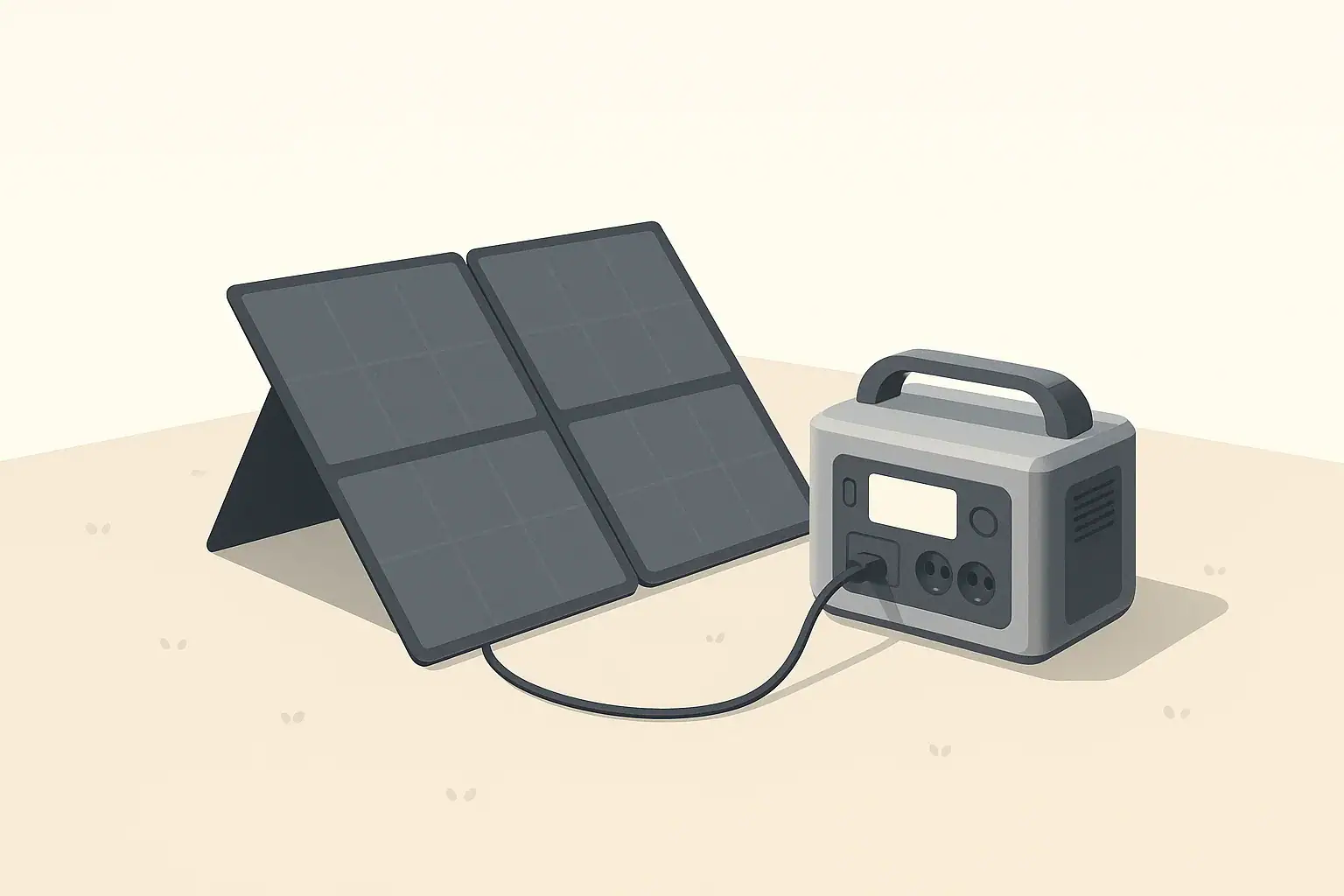
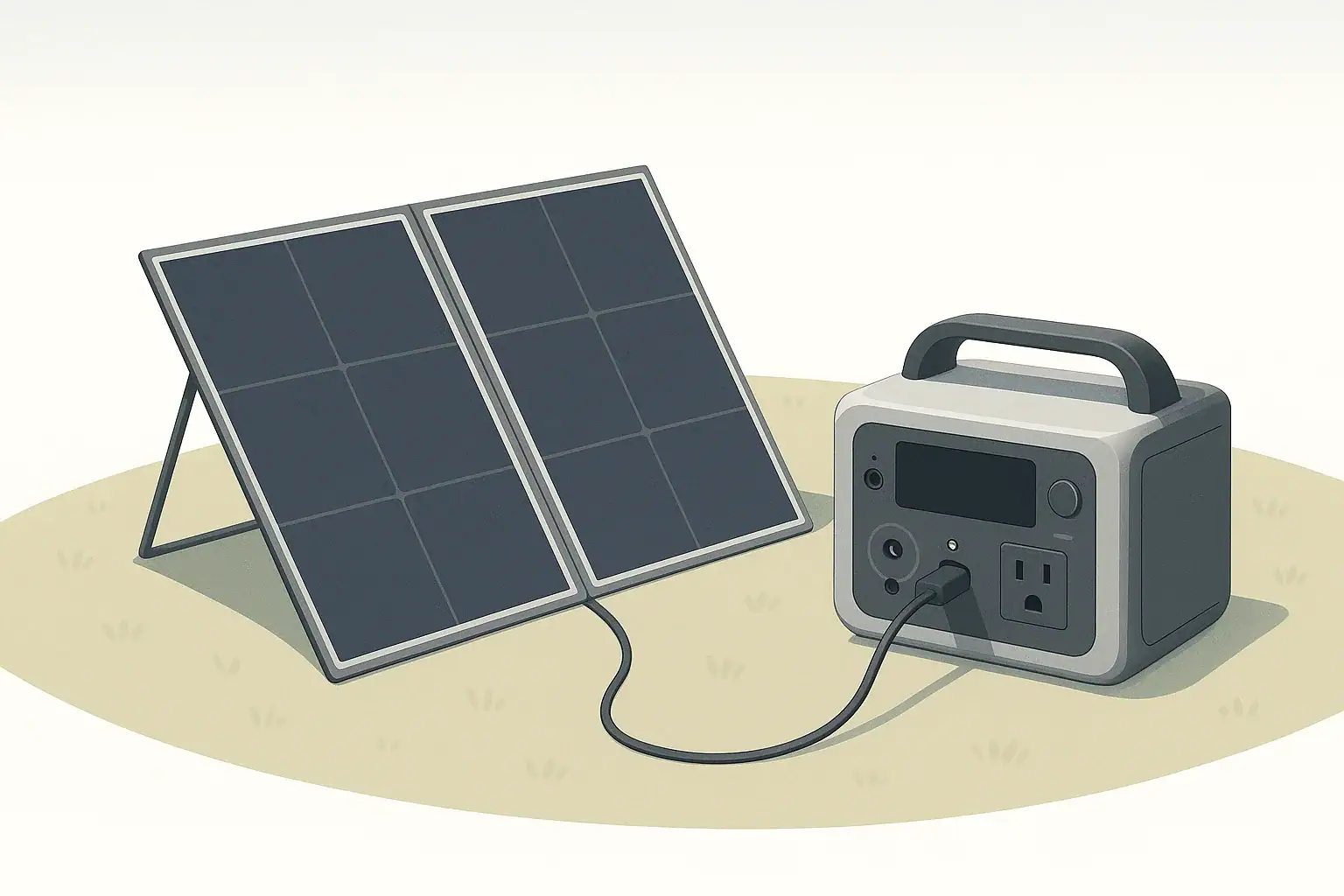
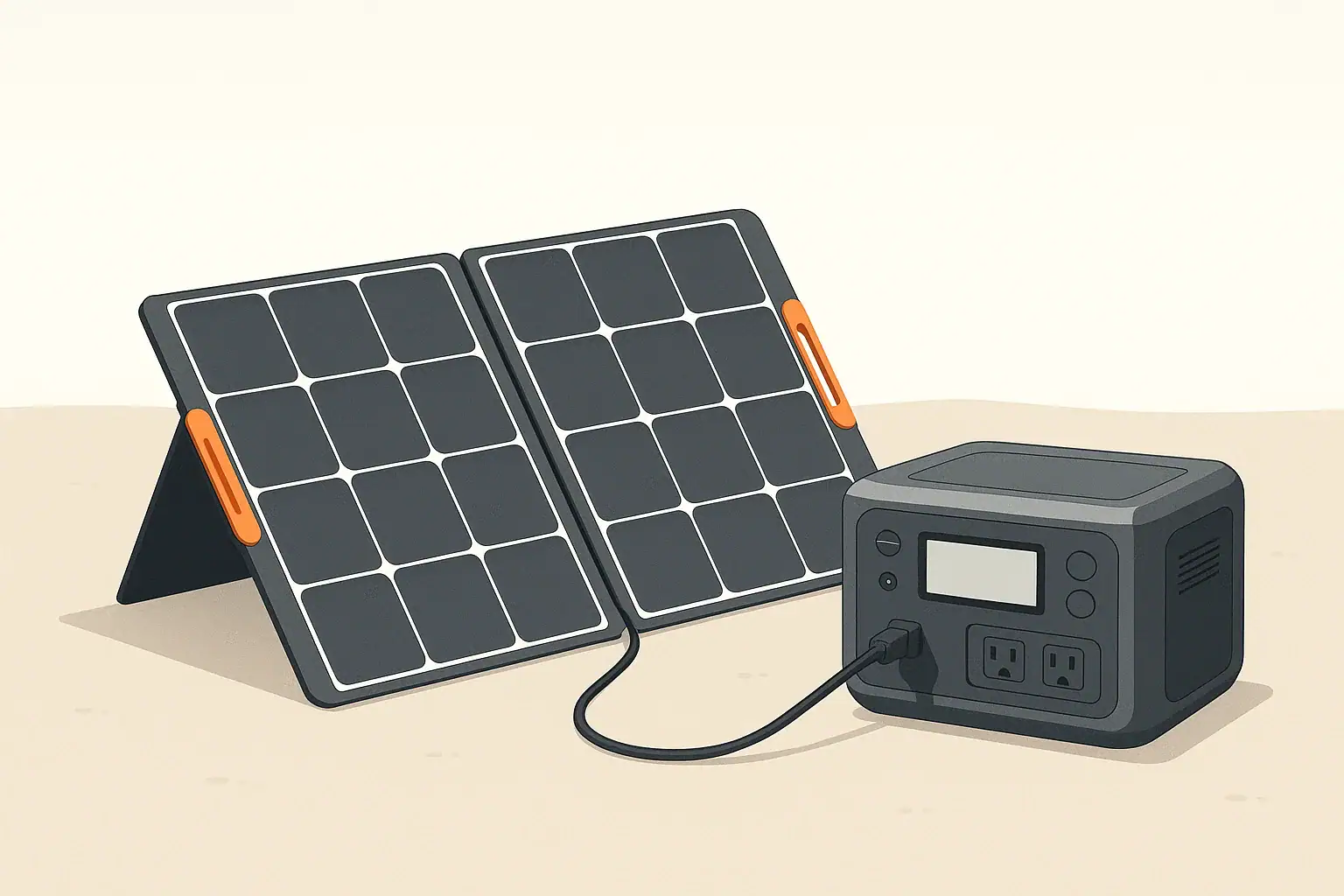
Solar Input Limits: Voltage, Current, and Wattage

How Solar Input Specifications Work

Solar input is where users most commonly exceed limits, because solar arrays can be wired in different ways. A typical solar input spec might look like:

  • Solar Input: 12–60 V DC, 10 A max, 400 W max

To stay within safe limits, your panel (or array) must respect all three of these:

  • Voltage range: Panel open-circuit voltage (Voc) must stay below the maximum voltage, even in cold weather when Voc rises.
  • Current limit: Short-circuit current (Isc) of the array must not exceed the input’s amperage rating.
  • Power limit: The array’s wattage under ideal conditions should not exceed the specified maximum input power.

Panel Ratings to Compare With Your Unit

Solar panels list several values; the most relevant are:

  • Voc (Open-Circuit Voltage): Maximum voltage with no load; must be under the unit’s max input voltage.
  • Vmp (Voltage at Maximum Power): Operating voltage under load; used to estimate power.
  • Isc (Short-Circuit Current): Maximum current; useful for checking against the unit’s amp limit.
  • Imp (Current at Maximum Power): Current at Vmp; used to estimate operating power.
  • Rated Power (W): Panel wattage under standard test conditions.

Series vs Parallel Wiring and Input Limits

When combining panels:

  • Series wiring: Voltages add, current stays about the same.
  • Parallel wiring: Currents add, voltage stays about the same.

This matters for staying under voltage and current limits:

  • Too many panels in series can exceed the voltage limit.
  • Too many panels in parallel can exceed the current limit.

You must design the array so that in the worst credible conditions (cold temperatures, clear sun) your Voc and Isc still stay within the unit’s specifications.

Solar Scenarios That Risk Damage

  • Connecting a high-voltage rooftop array directly to a low-voltage portable power station solar input.
  • Ignoring the Voc increase in cold weather, resulting in voltage above the input’s max rating.
  • Using more panels than allowed in parallel so that Isc exceeds the amp limit.
  • Using incompatible connectors or adapters that bypass recommended protections.

Safe Practices for Solar Charging

  • Always compare panel Voc and Isc with the power station’s max voltage and current.
  • Consider a safety margin; keep peak Voc comfortably below the published maximum.
  • Verify polarity before connecting: reverse polarity can damage inputs not protected against it.
  • Use cables and connectors rated for outdoor use and the expected current.
  • Follow any specific wiring diagrams in the manual for supported series/parallel configurations.

Why Higher Input Is Not Always Better

Many users look for the fastest possible charging, but higher input power has trade-offs:

  • More heat: Fast charging creates more heat in the charger and battery, which can affect longevity if not managed well.
  • Battery stress: Some chemistries tolerate high charge rates better than others, but in general moderate rates are gentler.
  • Infrastructure limits: Household circuits, vehicle wiring, and solar cables all have practical limits.

If your unit offers adjustable charging speed, using a slightly lower setting when you are not in a hurry can be beneficial for both the battery and the upstream wiring.

What Happens Internally When You Exceed Limits

Built-In Protections

Modern portable power stations typically include several layers of protection:

  • Over-voltage protection: Shuts down input if the voltage goes above the safe threshold.
  • Over-current protection: Limits or cuts input current if it exceeds ratings.
  • Over-temperature protection: Reduces charging speed or stops charging when components run too hot.
  • Short-circuit protection: Stops charging if a short is detected.

These protections help prevent immediate catastrophic failure, but repeated trips or operating near the edge of limits can still cause long-term wear.

Potential Long-Term Effects of Pushing Limits

  • Connector wear: Plugs and ports may loosen or discolor from heat over time.
  • Degraded charge electronics: Components repeatedly run near their maximum ratings can age faster.
  • Shortened battery life: High-speed charging raises cell temperatures and may reduce cycle life, depending on design.

How to Match Chargers and Inputs Correctly

Reading Power Adapter Labels

For external power bricks or adapters, check the label for:

  • Output Voltage: Must match the power station’s required DC input voltage or range.
  • Output Current: The adapter’s max current; the power station will draw what it needs, up to this limit.
  • Output Power (W): Derived from voltage × current; should not exceed the unit’s allowed input wattage.

Using an adapter with a higher current rating is usually fine, as long as the voltage is correct and the power station’s own wattage limit is not exceeded. Using an adapter with the wrong voltage is unsafe.

Using USB-C and Other DC Inputs

Some portable power stations support USB-C Power Delivery or other DC inputs. The same rules apply:

  • Check the supported voltage profiles (e.g., 5 V, 9 V, 15 V, 20 V).
  • Do not assume every USB-C charger will work at full speed; many are limited in wattage.
  • Follow the manual on maximum USB-C input watts when using that port to charge the station.

Operating Temperature and Input Limits

Input ratings usually assume a certain temperature range. Outside that range, the unit may reduce charging speed or disable charging:

  • Cold conditions: Charging lithium-based batteries below recommended temperatures can cause damage. Many power stations restrict or block charging when too cold.
  • Hot conditions: High ambient temperatures make it harder to dissipate heat from fast charging, causing thermal throttling.

Check the manual for the specified charging temperature range and avoid forcing the unit to charge outside of it.

Practical Checklists to Avoid Damage

Before Connecting Any New Power Source

  • Read the input specs in the manual for the port you plan to use.
  • Verify the voltage and current of the charger, solar array, or vehicle outlet.
  • Confirm polarity on DC connections.
  • Inspect cables and connectors for damage or looseness.

While Charging

  • Check if the unit’s display or indicators show any warnings or error codes.
  • Occasionally feel the cables, plugs, and adapter to ensure they are warm at most, not hot.
  • Ensure there is adequate ventilation around the power station.

If Something Seems Wrong

  • Unplug the power source immediately.
  • Review the manual’s troubleshooting section and error code explanations.
  • Double-check all ratings before reconnecting.

Key Takeaways for Safe Input Use

Respecting input limits is primarily about matching voltages, staying under current ratings, and not exceeding rated watts. On AC, be mindful of the household or generator circuit capacity. On DC and solar, pay special attention to voltage ranges, especially with series-connected panels and cold-weather Voc. Using properly rated cables, following the manual, and not forcing the unit to charge faster than it was designed to handle are the most reliable ways to avoid damage and preserve long-term performance.

Frequently asked questions

How can I tell if my solar panel array might exceed the power station’s maximum input voltage in cold weather?

Compare the panels’ Voc (open-circuit voltage) with the power station’s maximum input voltage and account for cold-temperature Voc increases using the panel’s temperature coefficient. Leave a safety margin (for example 10–20%) below the unit’s max Voc to avoid risk. If the worst-case Voc could exceed the limit, reconfigure to fewer panels in series or use a higher-voltage-tolerant charge controller.

Can I use a high-wattage USB-C Power Delivery charger to speed up charging my portable power station?

Only if the power station’s USB-C input supports the PD voltage profiles and maximum wattage the charger offers. Check the manual for supported voltages and the USB-C input watt limit; supplying a charger with higher wattage won’t force the station to accept more than its spec, but mismatched voltages or unsupported profiles can be unsafe. Always use cables and chargers that meet the station’s stated requirements.

What immediate damage can occur if I exceed the AC, DC, or solar input limits?

Most modern units will trigger protections and shut down charging, but exceeding limits can still cause overheating of connectors or wiring, blown fuses, or stress to the charge controller and battery. If protections fail or are bypassed, permanent damage to internal electronics or battery cells is possible. Repeatedly operating beyond limits also accelerates long-term component degradation.

How should I size solar panels (series vs parallel) so I don’t exceed current or voltage limits?

Design your array for worst-case conditions: series strings add Voc, so ensure total Voc stays below the unit’s max even in cold weather; parallel strings add current, so ensure total Isc and operating watts remain under amp and watt limits. Use Vmp and Imp to estimate operating power and include a safety margin; if in doubt, reduce panel count or use an appropriately rated MPPT charge controller.

What are safe practices when charging from a car DC socket to avoid damaging the vehicle or the power station?

Use the supplied or a correctly rated DC cable, avoid splitters or multi-socket adapters, and do not bypass vehicle fuses. Verify the vehicle outlet’s amp rating exceeds the power station’s draw and follow the manual’s guidance on whether the engine should be running to prevent draining the starter battery. Stop charging immediately if the socket or cable becomes hot or a fuse blows.

Portable Power Stations for RV and Motorhomes

Isometric illustration of power station charging devices

Portable power stations are compact energy systems used by RV and motorhome owners to run appliances, charge devices, and provide backup power away from shore connections. They combine batteries, inverters, and charging circuitry in a single, transportable unit. This article explains how they work, how to size one for RV use, charging options, safety and maintenance, and common use scenarios.

The inverter determines what AC appliances you can run. Two technical aspects matter most: waveform and power ratings.

This information provides the technical foundation and practical considerations needed to evaluate portable power stations for RV and motorhome use. Use device power ratings, daily energy estimates, and realistic charging assumptions to choose a system that meets your travel and comfort needs.

How portable power stations work

A portable power station typically contains a rechargeable battery pack, a battery management system (BMS), an inverter to produce AC power, and multiple output ports for AC, USB, and 12V DC loads.

Key components

  • Battery pack: Stores energy in watt-hours (Wh). Chemistry varies, commonly lithium-ion or lithium iron phosphate (LiFePO4).
  • BMS: Protects the battery from overcharge, over-discharge, overheating, and short circuits.
  • Inverter: Converts DC battery power to AC for household-style outlets. Inverter ratings include continuous power and surge (peak) power.
  • Charge controller/Input: Manages incoming power from solar panels, shore power, or vehicle alternator.
  • Output ports: AC outlets, 12V DC ports, USB-A/USB-C ports for smaller devices.

Sizing and capacity for RV and motorhome use

Choosing the right size depends on what you plan to run and for how long. watt-hours (Wh) is how capacity is expressed. To estimate needs, list each device and its power draw in watts, then multiply by hours used.

Simple sizing formula

Estimated energy use (Wh) = device wattage (W) × hours used. Add up all devices for a total daily Wh. Allow for inverter losses (typically 10–15%), and avoid draining the battery fully—most users limit depth of discharge to extend battery life.

Example load categories

  • Small loads (phone, lights, laptop): 5–200 Wh per day. A 500–1000 Wh unit covers several days of light use.
  • Medium loads (mini fridge, CPAP, fans): 200–800 Wh per day. A 1000–2000 Wh unit handles basic refrigeration and devices for a day or more.
  • High loads (microwave, induction cooktop, rooftop air conditioner): 1000+ Wh per use and high surge current. These often require larger stationary systems or generator support.

Always check both continuous watt rating and surge rating for appliances with motors or compressors. A refrigerator may need modest continuous watts but a high startup surge.

Inverters and AC capability

Waveform: pure sine wave vs modified

Pure sine wave inverters produce smooth AC suitable for sensitive electronics and motor-driven appliances. Modified or stepped sine wave inverters are cheaper but can cause inefficient operation, extra heat, or compatibility issues with some devices.

Power ratings

  • Continuous power: The maximum load the inverter can sustain indefinitely (for example 1500W).
  • Surge power: Short-term peak capacity for starting motors (often 2–3× continuous rating).

For RV refrigerators, microwaves, and air conditioners, check that both continuous and surge ratings meet appliance requirements. Many portable stations are best suited for electronics, lights, CPAP machines, and small refrigerators rather than large air conditioners.

Charging options while on the road

Portable power stations accept several charging sources. Choosing the right combination speeds recharge and supports off-grid use.

Typical charging methods

  • Shore/AC charging: Fast and simple when connected to campground power. Charging speed depends on the station’s AC input limit.
  • Solar charging: Useful for boondocking and extending off-grid time. Effective solar charging depends on panel wattage, placement, and sun hours.
  • Vehicle/12V charging: Uses the RV alternator or cigarette outlet. Slower than AC and may be limited by vehicle output and charging circuitry.
  • Hybrid or pass-through charging: Some stations can be charged while simultaneously powering loads. Confirm pass-through capabilities and whether it affects lifespan.

Charge time considerations

Charge time depends on input power (watts) and battery capacity. For example, a 1000 Wh battery charged at 500 W input ideally takes about 2 hours, but real-world times are longer due to inefficiencies and tapering near full charge.

Safety and maintenance for RV installations

Proper installation and regular maintenance help maximize safety and battery life.

Safety practices

  • Install the station on a stable, level surface and secure it to prevent movement while driving.
  • Allow adequate ventilation. Batteries and inverters produce heat during heavy use or charging.
  • Avoid exposing the unit to extreme temperatures. Most batteries perform poorly or are damaged below freezing or above recommended temperatures.
  • Follow manufacturer guidance for connecting external loads and chargers. Use proper cables and fuses where required.

Maintenance tips

  • Keep contacts clean and dry. Inspect terminals and cables periodically.
  • Store at partial state of charge for long-term storage and recharge every few months to limit self-discharge.
  • Monitor battery health via any available diagnostics and follow recommended maintenance intervals.

Proper installation and regular maintenance can prevent common issues and extend service life.

Installation, placement, and wiring in RVs

Placement is important for safety, convenience, and weight distribution.

  • Choose a low, secure location close to expected loads to minimize cable runs.
  • Keep the station away from direct heat sources and moisture.
  • Use appropriately rated cables and connectors for high-current DC lines. Fuse protection near the battery is recommended.
  • Consider integrating the station with the RV’s electrical system through a transfer switch or designated inverter connection kit if you need seamless transition from shore power to battery power.

Common RV use cases and sizing examples

Below are sample scenarios and general capacity guidance. These are illustrative; calculate based on actual device power draws.

Weekend boondocking

  • Typical loads: LED lights, smartphone and laptop charging, small fridge, water pump, fans.
  • Suggested capacity: 1000–2000 Wh for 1–3 days depending on refrigerator efficiency and usage.

CPAP and electronics for overnight trips

  • Typical loads: CPAP machine (30–70 W depending on model), phone, small light.
  • Suggested capacity: 500–1000 Wh to cover multiple nights with margin.

Extended off-grid travel or partial home backup

  • Typical loads: Larger fridge, cooking appliances, sustained electronics use.
  • Suggested capacity: 2000–5000 Wh combined with solar charging or a generator for extended autonomy.

Choosing features to prioritize

When comparing units for RV use, prioritize based on how you travel and which appliances you need to run.

  • Capacity (Wh): More Wh gives longer run time.
  • Inverter continuous and surge rating: Match to appliance startup requirements.
  • Charging inputs: Higher input wattage and multiple input types reduce downtime.
  • Portability and weight: Balance capacity with what you can comfortably transport and safely secure in the RV.
  • Durability and thermal management: Look for units designed for frequent cycling and varied temperatures.

Key terms to know

  • Watt-hour (Wh): Energy capacity indicating how much energy is stored.
  • Inverter: Device that converts DC battery power to AC power used by household appliances.
  • Continuous vs surge power: Continuous is sustained output, surge covers short startup demands.
  • Depth of discharge: How much of the battery capacity is used before recharging.

Frequently asked questions

How do I size a portable power station to run my RV refrigerator?

Estimate the refrigerator’s average running watts and daily run hours, then multiply to get daily watt-hours. Add 10–15% for inverter losses and ensure the station’s surge rating covers the fridge startup current. Choose a capacity that provides the needed daily Wh plus a safety margin and avoid discharging to 0% to preserve battery life.

Can portable power stations run an RV rooftop air conditioner?

Most small to mid-size portable stations cannot reliably run rooftop air conditioners because those units require high continuous and very high surge power. Running an A/C typically needs a large inverter with several kilowatts of continuous output or a generator. For short bursts, some very large stations may cope, but check continuous and surge ratings carefully before attempting.

How long does it take to recharge a portable power station using RV solar panels?

Recharge time depends on battery capacity, total solar panel wattage, sun hours, and system losses. As a rough guide, divide battery Wh by effective solar input watts to get ideal peak-sun hours; a 1000 Wh battery on 200 W of panels needs about 5 peak sun hours plus extra for inefficiencies. Orientation, shading, and charge controller limits can significantly increase real-world times.

Is it safe to store and use a portable power station inside an RV while driving?

Yes, provided the unit is secured to prevent movement, placed where ventilation is adequate, and kept within the manufacturer’s temperature range. Use proper mounting or straps and ensure cables and ventilation paths are not obstructed. Follow the manufacturer’s installation and safety recommendations to reduce risk.

Can I charge a portable power station from my RV alternator while driving?

You can often charge from an alternator, but charging speed is limited by the alternator’s output and the station’s DC input limits. Long or heavy charging loads may stress the vehicle charging system, so use proper wiring, fusing, and any recommended DC-to-DC charge controllers. Verify compatibility and charging specifications before relying on alternator charging for full recharges.

Portable Power Stations and Renewable Energy

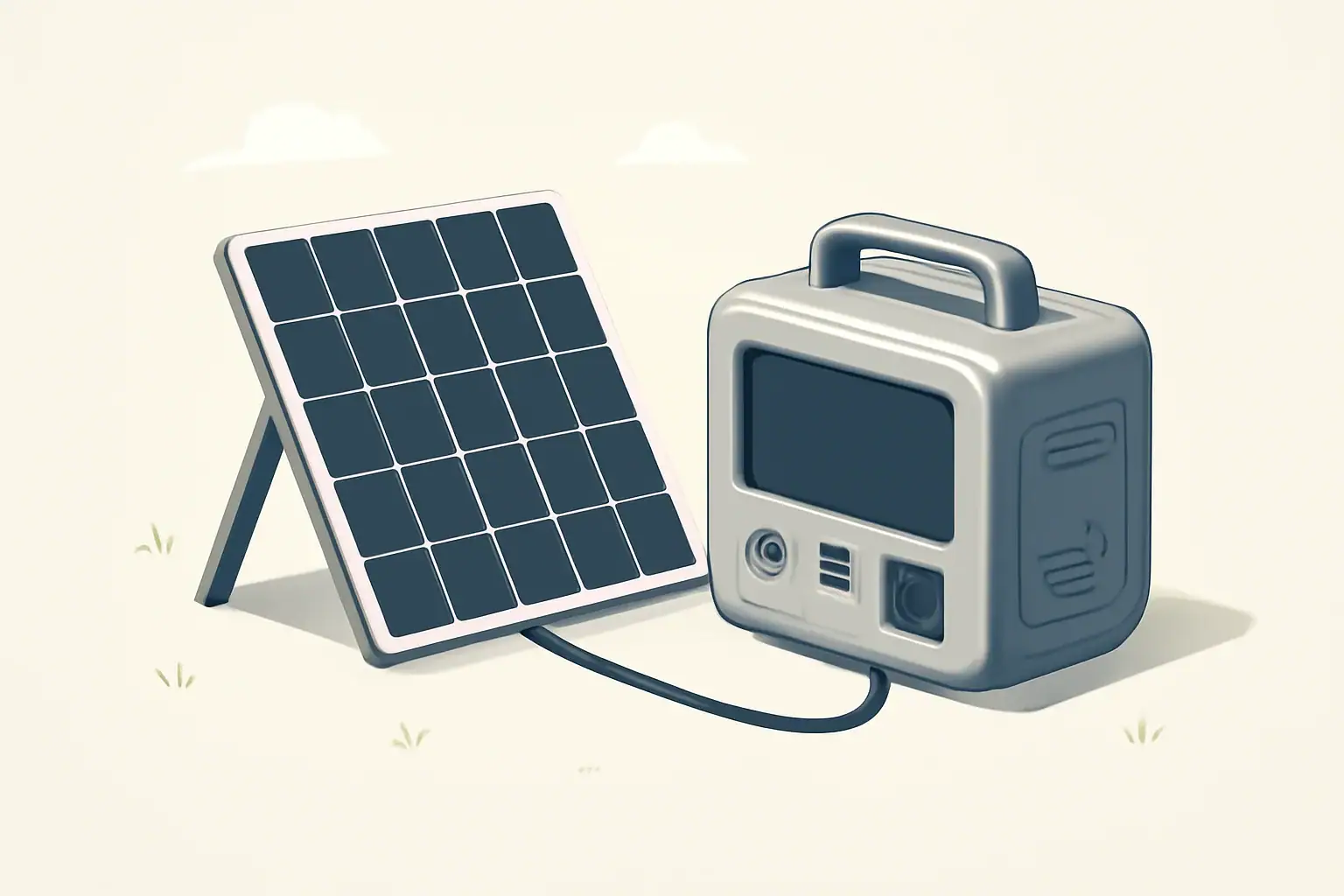
Isometric illustration of power station with solar panel

Introduction

Portable power stations are modular battery-based devices designed to store and deliver electricity for mobile, remote, or backup use. When paired with renewable energy sources such as solar panels, wind chargers, or vehicle-based systems, they provide a flexible way to capture and use clean energy without a wired grid connection.

This article explains how portable power stations work with renewables, the key components involved, practical charging options, sizing considerations, and recommended practices for reliable and safe operation.

How portable power stations work with renewable sources

At a basic level, a portable power station stores electrical energy from a charging source and makes it available through output ports (AC outlets, DC ports, USB). When used with renewables, it acts as the intermediary between intermittent generation and steady loads.

Basic components

  • Battery pack: the energy storage medium measured in watt-hours (Wh).
  • Battery management system (BMS): protects against overcharge, deep discharge, and imbalance.
  • Inverter: converts DC battery power to AC for household appliances.
  • Charge controller: manages solar or wind input to optimize charging and protect the battery.
  • Input/output ports: for solar panels, wall charging, 12V sources, and appliance outputs.

Energy flow: solar to battery to load

Renewable generation is variable. A typical flow is:

  • Solar panel or turbine generates DC power.
  • A charge controller (MPPT or PWM) conditions and maximizes energy sent to the battery.
  • The battery stores the energy until needed.
  • The inverter provides AC power to loads or DC outputs supply devices directly.

Charging options from renewable sources

Portable power stations can accept energy from multiple renewable inputs. The most common are solar panels, but other methods are possible depending on the system design.

Solar panels

Solar is the most common pairing. Key considerations:

  • Panel type and wattage determine potential charging power.
  • Matching voltage and current to the station’s input specifications is essential.
  • Use of an MPPT charge controller improves efficiency, especially under variable irradiance.
  • Environmental factors (angle, shading, temperature) affect charging rates.

Small wind turbines and microgeneration

Compact wind turbines can charge portable stations when wind resource exists. They typically require a charge controller compatible with the turbine’s output characteristics and may produce more variable power than solar.

Vehicle and alternative charging

Vehicles, fuel-powered generators, and hydro sources can also charge portable stations. Many units support 12V car charging or AC input from alternators and generators, offering flexibility when renewables are insufficient.

Battery chemistry and renewable integration

Battery chemistry affects cycle life, depth of discharge, weight, and how the battery interacts with renewable charging profiles.

Common chemistries

  • Lithium-ion: high energy density and lighter weight. Good for portable use but sensitive to deep discharge and high temperatures.
  • LiFePO4 (lithium iron phosphate): lower energy density but longer cycle life and improved thermal stability. Often preferred for frequent charge/discharge from renewables.
  • Other chemistries: lead-acid and AGM are heavier and have shorter cycle lives but may appear in low-cost or legacy systems.

Choose a chemistry based on expected charging cadence, lifetime, and weight requirements.

Inverters, charge controllers, and system components

Understanding supporting electronics helps ensure efficient renewable integration.

MPPT vs PWM charge controllers

  • MPPT (Maximum Power Point Tracking) controllers optimize energy harvest by matching panel output to battery voltage. They are more efficient in varied conditions.
  • PWM (Pulse Width Modulation) controllers are simpler and less expensive but can leave potential solar output unused, especially when panel voltage is significantly higher than battery voltage.

Sizing the inverter for appliances

Inverter capacity is measured in continuous watts and surge watts. Match the inverter to the largest loads you plan to run:

  • Resistive loads (lights, heaters) use rated power continuously.
  • Inductive loads (motors, pumps, refrigerators) require higher surge capacity at startup.
  • Don’t exceed continuous rating for sustained loads to prevent overheating or shutdowns.

Sizing a portable power station for renewable use

Correct sizing ensures the system meets daily energy needs and charging capability from renewables.

Steps to size a system

  1. List the devices you want to power and their wattage.
  2. Estimate hours of use per day for each device to calculate daily watt-hours (Wh = watts × hours).
  3. Add a margin for inefficiencies (inverter losses, battery depth of discharge). A common multiplier is 1.2–1.4.
  4. Choose a battery capacity (Wh) that covers daily needs after the efficiency factor.
  5. Ensure the renewable charging source (solar array wattage) can replenish that Wh in the available sun hours.

Example

If devices total 500 watts and run 3 hours per day, daily energy is 1,500 Wh. Applying a 1.3 multiplier gives 1,950 Wh required. A portable station rated at 2,000 Wh or greater would be appropriate, and solar panels must be sized to deliver at least that energy in typical sun hours.

Typical use cases and scenarios

Renewable-charged portable power stations support a range of activities.

  • Camping and van life: solar panels on a campsite or roof can keep devices and small appliances powered for extended trips.
  • Home backup: short-term outage support for lights, communications, and essential medical devices when recharged by rooftop solar or portable panels.
  • Remote work and field operations: power for tools, laptops, and equipment where grid access is limited.
  • Emergency response: mobile charging and lighting systems that can be recharged by portable solar or vehicle alternators.

Best practices for charging and maintaining with renewables

Following good practices extends battery life and improves reliability.

  • Use the correct charge controller type (prefer MPPT for most solar pairings).
  • Avoid deep discharges when possible; operate within recommended depth-of-discharge limits.
  • Keep panels clean and positioned to maximize sun exposure throughout the day.
  • Monitor temperature; extreme heat or cold reduces battery performance. Store and operate within manufacturer temperature ranges.
  • Regularly check connections for corrosion, tightness, and clean contacts to reduce energy losses.
  • Schedule periodic full charging cycles if the station is stored for long periods to maintain charge balance and reduce self-discharge effects.

Safety and environmental considerations

Working with batteries and renewable power requires attention to safety and environmental impact.

  • Ensure the BMS and charger include protections for overvoltage, overcurrent, and thermal shutdown.
  • Avoid charging batteries in enclosed spaces without ventilation if using external generators or fuel-based chargers.
  • Dispose of or recycle batteries and solar components according to local regulations to minimize environmental harm.
  • Follow manufacturer guidance for transporting batteries, especially by air where restrictions apply.

Further reading and resources

When integrating portable power stations with renewable sources, focus on matching energy needs, proper component selection, and maintenance routines. Exploring detailed calculators for energy consumption and solar yield can help refine system size and configuration for specific use cases.

Frequently asked questions

Can I charge a portable power station directly from solar panels without a separate charge controller?

Many portable power stations include a built-in solar charge controller and accept a PV input that matches their specifications; in those cases no external controller is required. If a station lacks an internal controller or if panel voltage or current exceed the unit’s input range, use a compatible external charge controller to prevent overvoltage and to optimize charging.

How do I size solar panels to fully recharge a specific portable power station in a day?

Calculate required panel wattage by dividing the station’s usable watt-hours by typical peak sun hours for your location, then divide by system efficiency (accounting for charge controller and conversion losses) to determine panel wattage. For example, a 2000 Wh battery with 5 peak sun hours and 80% overall efficiency needs roughly 500 W of panels (2000 / 5 / 0.8 ≈ 500).

Are small wind turbines a reliable charging option for portable power stations?

Small wind turbines can be reliable where a consistent wind resource exists, but their variable and sometimes high-voltage output requires a compatible charge controller or rectifier and proper system protection. Expect more variability than solar, and design the system with battery capacity and regulation to handle intermittent or gusty inputs.

What battery chemistry is best when pairing portable power stations with renewable sources?

LiFePO4 batteries are often preferred for frequent renewable charging because they tolerate deeper cycle depths, have longer cycle life, and better thermal stability; lithium-ion offers higher energy density for lighter systems but typically shorter cycle life. Choose chemistry based on trade-offs between weight, expected charge/discharge frequency, and longevity.

Can I run a refrigerator during an outage using a portable power station charged by solar panels?

Possibly, but you must confirm the station’s continuous and surge inverter ratings are sufficient for the refrigerator’s startup and running power, and ensure installed solar and battery capacity supply the refrigerator’s daily energy needs. Refrigerators have high startup surges and continuous consumption, so sizing for both peak and total watt-hours plus considering solar replenishment is essential.

Are Portable Power Stations the Future of Backup Power?

isometric portable power station charging devices

Introduction

Portable power stations have become increasingly visible in coverage of emergency preparedness, outdoor recreation, and renewable energy. They combine rechargeable battery packs, power electronics, and multiple output ports in compact housings. As grid resilience and distributed energy discussions intensify, many people ask whether portable power stations will replace traditional backup systems.

How portable power stations work

At a basic level, a portable power station stores electrical energy in an internal battery and makes that energy available through AC outlets, 12V outputs, and USB ports. Key components define performance and suitability for backup use.

Batteries and chemistry

The battery is the core energy reservoir. Lithium-based chemistries are common, offering higher energy density and lower weight than older lead‑acid designs. Battery capacity is usually expressed in watt‑hours (Wh), which indicates the amount of energy stored.

Inverters and output types

An inverter converts stored DC battery power to AC power for household devices. Inverter size (continuous watt rating and surge capacity) limits what appliances a unit can run and for how long.

Charging inputs and power management

Most units support multiple charging methods: AC wall charging, car charging, and solar input. Built‑in charge controllers and management systems control charge rates, protect the battery, and manage load priorities.

Advantages of portable power stations for backup power

Portable power stations offer several features that make them attractive for many backup scenarios.

  • Portability: compact, transportable units can be moved to where power is needed.
  • Quick deployment: plug‑and‑play operation without complex installation.
  • Multiple output types: support for USB, DC, and AC simultaneously.
  • Quiet operation: typically near‑silent compared with fuel generators.
  • No onsite fuel: eliminates the need to store gasoline or propane.
  • Scalable with solar: many models accept solar input for extended runtimes.

Limitations and challenges

Despite benefits, portable power stations also have practical limits compared with whole‑house backup solutions or traditional UPS systems.

  • Capacity constraints: typical consumer units range from a few hundred to a few thousand watt‑hours, which limits runtime for high‑draw appliances.
  • Power limits: inverter continuous and surge ratings may not support heavy loads like central air conditioners or electric ovens.
  • Recharge dependence: after depletion, units require time to recharge from AC or solar, which can constrain continuous backup during prolonged outages.
  • Cost per kilowatt‑hour: batteries and inverters can be more expensive per usable kWh than some stationary backup options.
  • Temperature sensitivity: battery performance and lifespan can decline in extreme cold or heat without proper management.

Where portable power stations fit in backup strategies

Portable power stations are not a one‑size‑fits‑all replacement for traditional systems, but they are well suited to specific roles.

Home backup for essentials

For powering essentials—lights, phone chargers, a router, and medical devices—a modestly sized power station can provide meaningful uptime. To cover refrigerators or heating systems, much larger capacity or multiple units are required.

Critical and medical devices

Some medical devices require uninterrupted power and have strict electrical requirements. Portable power stations can support certain devices but verify device power draws, reliability needs, and any regulatory guidance before relying on a consumer unit.

Recreation, RVs, and remote work

For camping, vanlife, and remote work, portability and multi‑port outputs make these units very practical. They can handle laptops, small refrigerators, lights, and communications equipment effectively.

Sizing and planning a backup setup

Choosing an appropriate unit requires a simple calculation of energy and power needs.

  • List essential devices and note their wattage.
  • Estimate hours of run time needed for each device.
  • Multiply wattage by hours to get watt‑hours per device, then add to find total energy needs.
  • Match the required continuous watts to the unit’s inverter rating, and consider surge requirements for motors.
  • Factor in usable capacity: battery rated Wh may exceed usable Wh depending on depth‑of‑discharge limits and inverter losses.

Example: a 60 W router and a 5 W LED light running 24 hours need roughly 1,560 Wh. That demands a substantially larger unit than one used for occasional charging.

Integration with solar and renewable systems

Pairing portable power stations with solar panels extends runtime and reduces dependence on grid or generator recharging. Many units have MPPT charge controllers built in or accept external solar charge controllers.

Considerations for solar integration:

  • Solar input wattage and voltage limits determine how quickly a battery can recharge from panels.
  • Cloudy conditions and seasonal sun variation affect practical recharge rates and system sizing.
  • For extended outages, a solar system sized to meet daily discharge needs is necessary rather than relying on occasional recharge.

Safety and maintenance

Battery safety and proper maintenance are important to reliable operation.

  • Follow manufacturer guidance for charging and storage temperatures to preserve battery life and avoid risks.
  • Store units with partial state of charge rather than fully charged or fully depleted for long‑term storage.
  • Inspect cables and ports periodically for wear or damage.
  • Avoid charging near flammable materials and ensure good ventilation during heavy use.

Comparing portable power stations with other backup options

It helps to compare portable battery systems with common alternatives.

  • Standby generators: offer long runtimes and high power but require fuel, are noisy, and need installation for automatic switching.
  • Whole‑house battery systems: integrate with home electrical panels and can support more loads, but they are more expensive and generally not portable.
  • Uninterruptible power supplies (UPS): designed for instant switchover and critical electronics protection; some portable stations include UPS functionality, but performance and regulatory testing differ.

Will portable power stations become the future of backup power?

Portable power stations are likely to become a larger part of the backup power landscape, particularly for targeted, short‑to‑medium duration needs. Their advantages in portability, quiet operation, and solar compatibility align with growing demand for flexible, low‑emission backup solutions.

However, they are unlikely to fully replace all existing backup technologies. For whole‑house coverage, very long outages, or high continuous loads, larger stationary batteries or conventional generators remain more practical in many cases. For critical loads requiring certified uninterrupted power and specialized monitoring, dedicated UPS systems are still the standard.

In practice, hybrid approaches that combine portable power stations, solar charging, and traditional backup technologies can offer balanced resilience. Users will select solutions based on specific load profiles, budget, space, and reliability requirements.

Key considerations when evaluating a portable power station

When assessing whether a portable power station fits your backup needs, consider these factors:

  • Capacity in watt‑hours relative to your expected energy needs.
  • Inverter continuous and surge ratings compared to device startup and running watts.
  • Charging options and how long recharge will take from available sources.
  • Battery chemistry, expected cycle life, and long‑term storage behavior.
  • Safety features such as thermal management, overcurrent protection, and certified components.
  • Portability and build quality versus required durability in your use case.

Evaluating these parameters in the context of actual devices you need to support will determine whether a portable power station is a practical element of your backup strategy.

Frequently asked questions

How long can a portable power station run a refrigerator?

Runtime depends on the unit’s usable watt‑hour capacity and the refrigerator’s average power draw and duty cycle. To estimate, divide the station’s usable Wh by the fridge’s average watts; for example, a 1,000 Wh usable capacity powering a fridge averaging about 150 W would run roughly 6–7 hours, though compressor cycles, temperature, and efficiency affect real‑world runtime.

Can portable power stations safely power life‑support or critical medical devices?

Some portable power stations can support certain medical devices, but you must verify the device’s steady and startup power requirements and whether the unit provides reliable, uninterrupted power. For life‑supporting equipment consult the medical device manufacturer and a healthcare professional before relying on a consumer unit, and prefer certified UPS or medically rated backup when required.

Is it possible to expand runtime by connecting multiple portable power stations together?

Some models offer parallel or stacking functionality to combine capacity or increase output, but this capability is model‑specific and often requires matching units and approved cabling. Improper parallel connections can cause damage or safety hazards, so always follow manufacturer instructions or seek professional assistance for complex configurations.

Can I recharge a portable power station with solar panels during an outage?

Yes—many units accept solar input and include MPPT charge controllers or support external controllers, allowing daytime recharge to extend runtime. Recharge speed depends on panel wattage, sunlight conditions, and the unit’s solar input limits, so for extended outages size the solar array to reliably replace daily discharge.

What are the key steps to size a portable power station for my home backup needs?

List essential devices with their running and startup wattages, estimate required run hours to calculate total watt‑hours, and choose a unit whose usable Wh and inverter continuous/surge ratings meet those needs. Also account for depth‑of‑discharge, inverter losses, and your recharge plan (solar or AC) to ensure realistic performance during outages.