Why Charging Slows Down Near 80–100%: A Simple Explanation

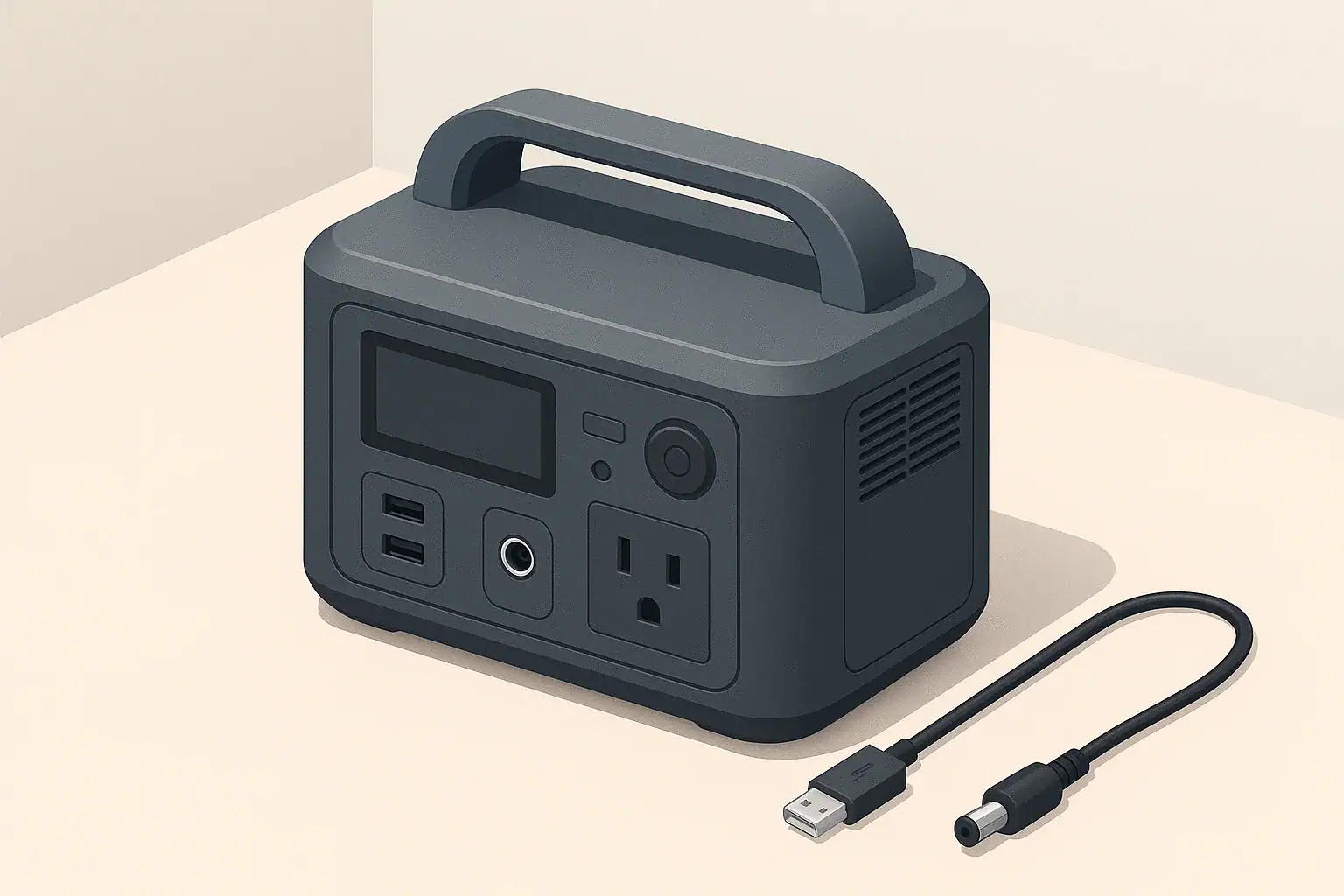
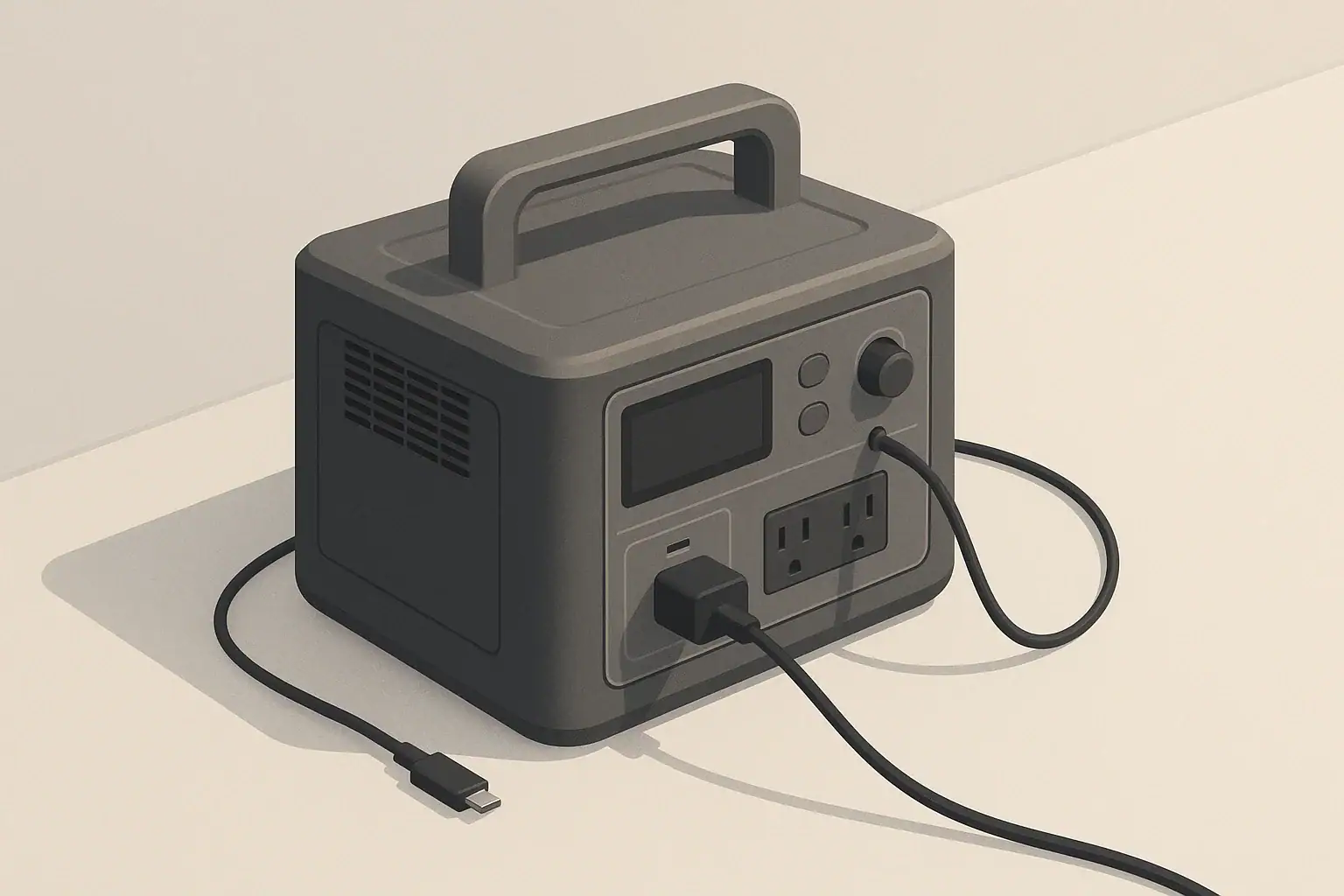
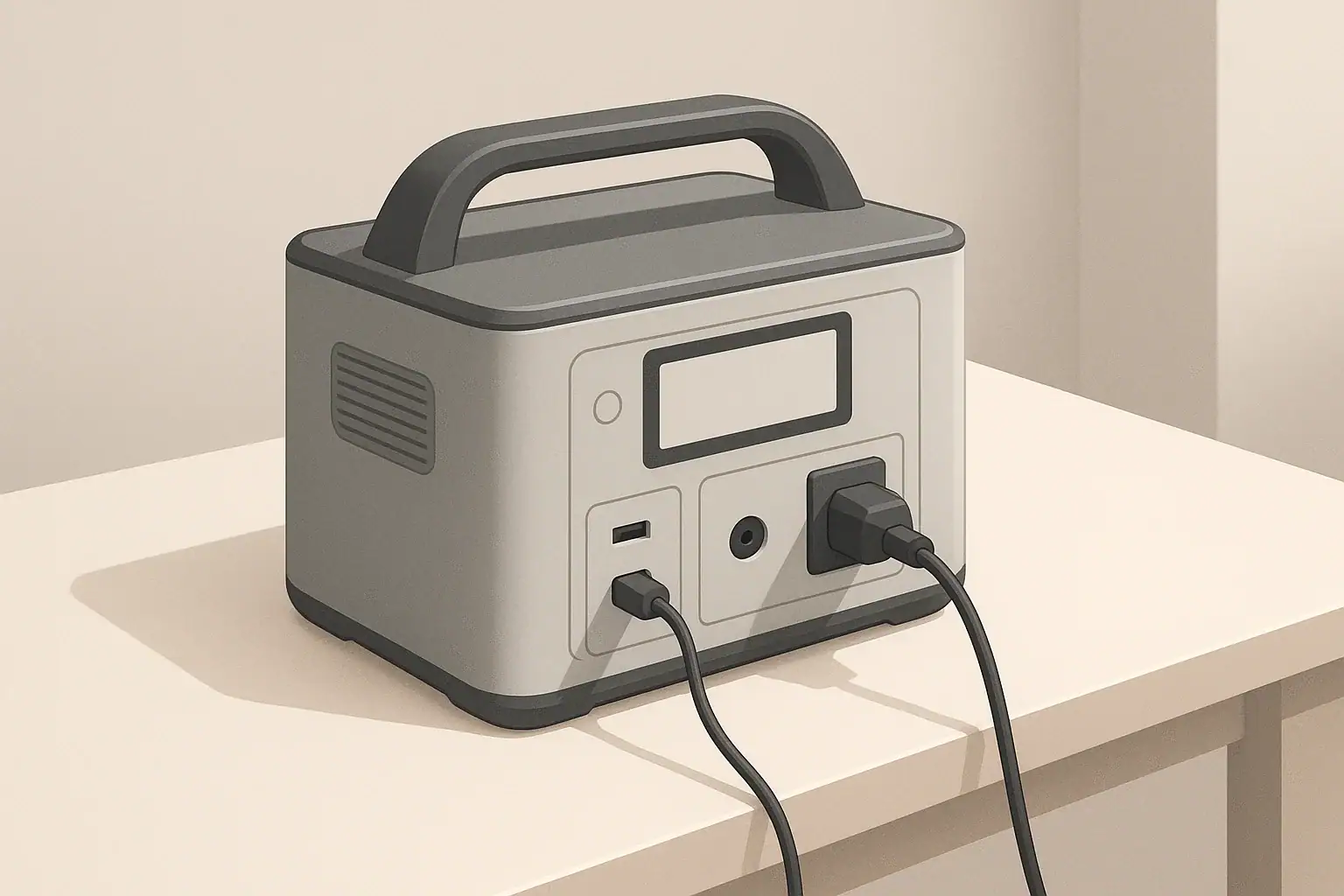
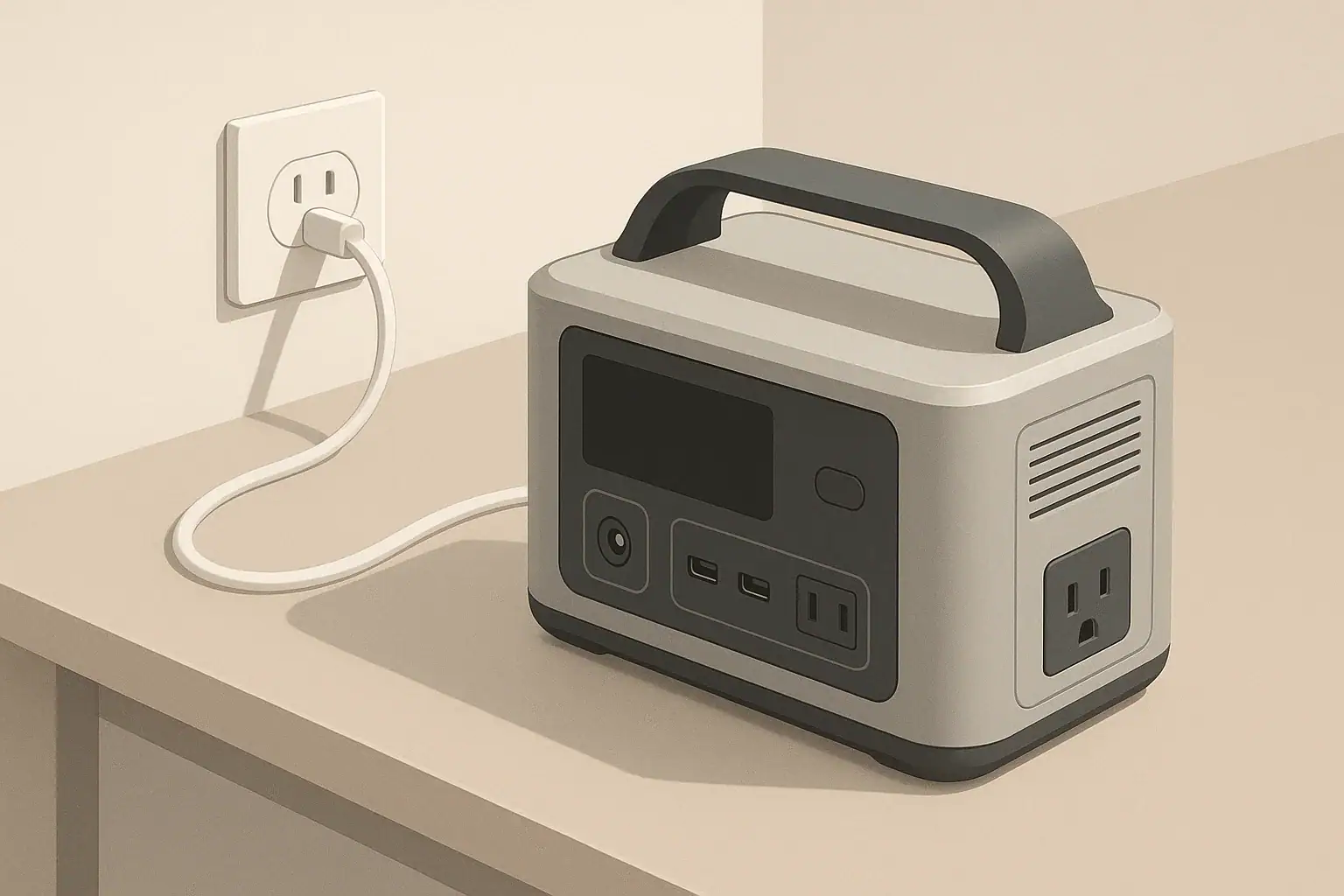
portable power station charging from a wall outlet on desk

Why Charging Feels Fast at First and Slow at the End

If you use a portable power station or any modern lithium battery, you have probably noticed this pattern:

  • The battery jumps from low to around 60–70% quite quickly.
  • It takes much longer to go from about 80% to 100%.

This is not a flaw or a sign that something is wrong. The slowdown near the top is built into how lithium batteries are charged and protected. Understanding this behavior can help you plan charging time, reduce unnecessary stress on your battery, and use your portable power station more effectively.

The Two Main Phases of Lithium Battery Charging

Most portable power stations use lithium-ion or lithium iron phosphate (LiFePO4) batteries. These are charged using a method often described as CC/CV:

  • Constant Current (CC) phase
  • Constant Voltage (CV) phase

Phase 1: Constant Current – The Fast Part

In the constant current phase, the charger sends a steady flow of current into the battery. This is typically where you see the fastest charging speed, often from around 0–10% up to somewhere between 50% and 70–80%, depending on the battery design.

During this phase:

  • The charger tries to deliver a fixed power level (for example, a fixed number of watts).
  • The battery voltage gradually rises as it stores more energy.
  • The battery management system monitors temperature, voltage, and current to keep everything inside safe limits.

This is why many portable power stations advertise how quickly they can go from a low percentage to 80%. That portion of the charge usually happens in the constant current phase and feels impressively quick compared to older battery technologies.

Phase 2: Constant Voltage – The Slow Top-Off

Once the battery voltage reaches a preset level, the charger switches to the constant voltage phase. Instead of pushing in as much current as possible, it now holds the voltage steady and gradually reduces the current.

In this top-off phase:

  • Charging current starts to taper down sharply as the battery approaches full.
  • The percentage climbs more slowly, especially from around 80–90% up to 100%.
  • The last few percent may take as long as the jump from 20% to 60% did.

This is the main technical reason charging seems to “crawl” near the end. The system is intentionally easing off on power to avoid overstressing the battery as it gets full.

Why Chargers Do Not Blast Power All the Way to 100%

Your portable power station includes a Battery Management System (BMS) that controls how the battery is charged and discharged. The BMS slows charging near the top for several important reasons.

Reason 1: Battery Safety and Overcharge Protection

Lithium-based cells are sensitive to overcharging. Pushing too much current into a nearly full cell can:

  • Increase internal pressure and heat.
  • Accelerate chemical side reactions inside the cell.
  • In extreme cases, create safety hazards.

To avoid this, the BMS sets a maximum voltage for the battery pack and each individual cell. As this limit is approached, the BMS directs the charger to reduce the current. The slower pace gives the cells time to equalize and reach their final voltage safely.

Reason 2: Cell Balancing Inside the Battery Pack

Portable power stations contain many individual cells connected in series and parallel. These cells are never perfectly identical. Over time they drift slightly in voltage and capacity.

Near the top of the charge:

  • Some cells may hit their safe maximum voltage earlier than others.
  • The BMS may activate balancing circuits that bleed off a small amount of energy from higher cells to match the lower ones.
  • This balancing process works more effectively when the current is low.

Because of this, the BMS slows down charging so all cells can reach full safely and evenly. If the charger kept supplying high current, some cells could be pushed beyond their limits while others lag behind.

Reason 3: Battery Longevity and Cycle Life

Charging quickly when the battery is low has less impact on its long-term health than charging quickly when it is nearly full. Staying at very high states of charge and at high temperature can shorten the life of lithium batteries.

To help preserve longevity, many systems:

  • Limit how aggressively the battery is charged when above roughly 80–90%.
  • Use lower current near 100% to reduce stress on battery materials.
  • Accept a longer time to reach absolute full in exchange for lower wear.

This is particularly important for power stations that may be stored at a high state of charge for emergencies or backup use.

How This Behavior Appears in Real-World Use

The slow-down near 80–100% affects how you experience charging time in several practical ways.

Time to 80% vs Time to 100%

Manufacturers often state numbers such as “0–80% in X hours.” The remaining 20% usually takes proportionally much longer. For example, a portable power station might:

  • Charge from 10% to 80% in about 1 hour.
  • Take another 30–60 minutes to go from 80% to 100%.

The exact numbers depend on the charger power, battery chemistry, temperature, and how the BMS is programmed. But the pattern is consistent: the last part of the charge curve is stretched out.

Why the Percentage Seems to “Stick” Near the Top

State-of-charge (SoC) estimation is not a simple fuel gauge. The BMS uses voltage, current, temperature, and sometimes advanced algorithms to estimate remaining capacity. At high SoC:

  • Voltage changes become smaller and harder to interpret accurately.
  • Balancing activity may cause small fluctuations.
  • The display may step through the last few percentages slowly to avoid overshooting.

As a result, you might see the battery sit at 99% for quite a while, or climb from 96% to 100% in tiny, slow increments even though earlier percentages increased quickly.

Differences Between Lithium-Ion and LiFePO4

Both conventional lithium-ion and LiFePO4 cells use the same general CC/CV approach, but their voltage curves and behavior differ slightly:

  • Lithium-ion (NMC, NCA, etc.) tends to have a more sloped voltage curve, with the voltage rising more gradually as it charges.
  • LiFePO4 packs has a flatter voltage plateau over much of its charge range, with a sharper rise near the top of the capacity.

Because of this, LiFePO4 packs may appear to hold a constant voltage over a wide range, then the voltage (and displayed percentage) shifts more noticeably near the end. However, both chemistries still slow down in the high state-of-charge region to manage safety and longevity.

How Temperature Affects Charging Near 80–100%

Temperature also plays a major role in how fast your battery can safely charge, especially near the top.

Cold Conditions

In cold environments, lithium batteries are more sensitive to high charging currents. The BMS may:

  • Limit the maximum current during the constant current phase.
  • Switch to the constant voltage phase earlier.
  • Reduce current even more aggressively near full.

This can make the entire charging process slower and can make the taper near the end feel even more pronounced.

Hot Conditions

High temperatures increase chemical activity and can accelerate battery wear, especially at high state-of-charge. To protect the cells, the BMS may:

  • Reduce charging power as the battery heats up.
  • Manage internal fans if they are present.
  • Extend the time spent in the slow end phase to minimize additional heating.

If your portable power station feels warm and the last few percent are slow, this is usually a sign that the system is actively protecting itself.

What This Means for Everyday Charging Habits

Once you understand why charging slows down near 80–100%, you can tailor your usage to save time and reduce wear when appropriate.

When You Do Not Need 100%

In many situations, you do not actually need the battery to be completely full. Examples include:

  • Routine daily use for light loads.
  • Short camping trips when you can recharge regularly.
  • Using the power station as a temporary power source in a workshop or office.

In these cases, unplugging around 80–90% can:

  • Save you significant time waiting for the top-off phase.
  • Reduce the time the battery spends at very high state-of-charge.
  • Potentially support better long-term battery health.

Some devices even allow you to configure a charge limit below 100%. If available, this feature can be useful when you know you do not need maximum runtime.

When a Full 100% Charge Makes Sense

There are times when waiting through the slow final phase is worthwhile:

  • Before a long trip without access to power.
  • Preparing for a predicted power outage or storm.
  • Running larger appliances for extended periods.

In those situations, planning ahead helps. Start charging early so the extended time from 80–100% finishes before you need to leave or before a possible outage.

Avoiding Constant Float at 100%

Unlike some older battery types, lithium batteries generally do not need to be kept at 100% all the time. Keeping a power station plugged in at full charge for long periods can:

  • Keep the cells at their highest voltage state longer than necessary.
  • Add gradual stress, especially in warm environments.

Depending on how your specific device is designed, it may periodically top off from 99% to 100% or allow a small discharge window. Either way, if you only rely on the power station occasionally, storing it closer to a moderate state-of-charge (often around 40–60%) is commonly recommended for long-term health. Check your manual for specific guidance.

Why High-Watt Chargers Still Slow Down Near Full

Many portable power stations support high-wattage charging from wall outlets, car adapters, or solar panels. These can dramatically reduce the time it takes to reach 60–80%, but they do not eliminate the taper near the top.

Charger vs. Battery Limitations

It is useful to distinguish between the power the charger can provide and the power the battery is willing to accept:

  • The charger (or input source) defines the maximum potential charging power.
  • The BMS decides how much of that power the battery should actually use at each moment.

At low to mid states-of-charge, the BMS may allow near the maximum charging rate. As the pack gets close to full, the BMS progressively reduces the allowable current, regardless of how powerful the charger is. This behavior is by design and does not indicate a weak or faulty charger.

Solar and Variable Inputs

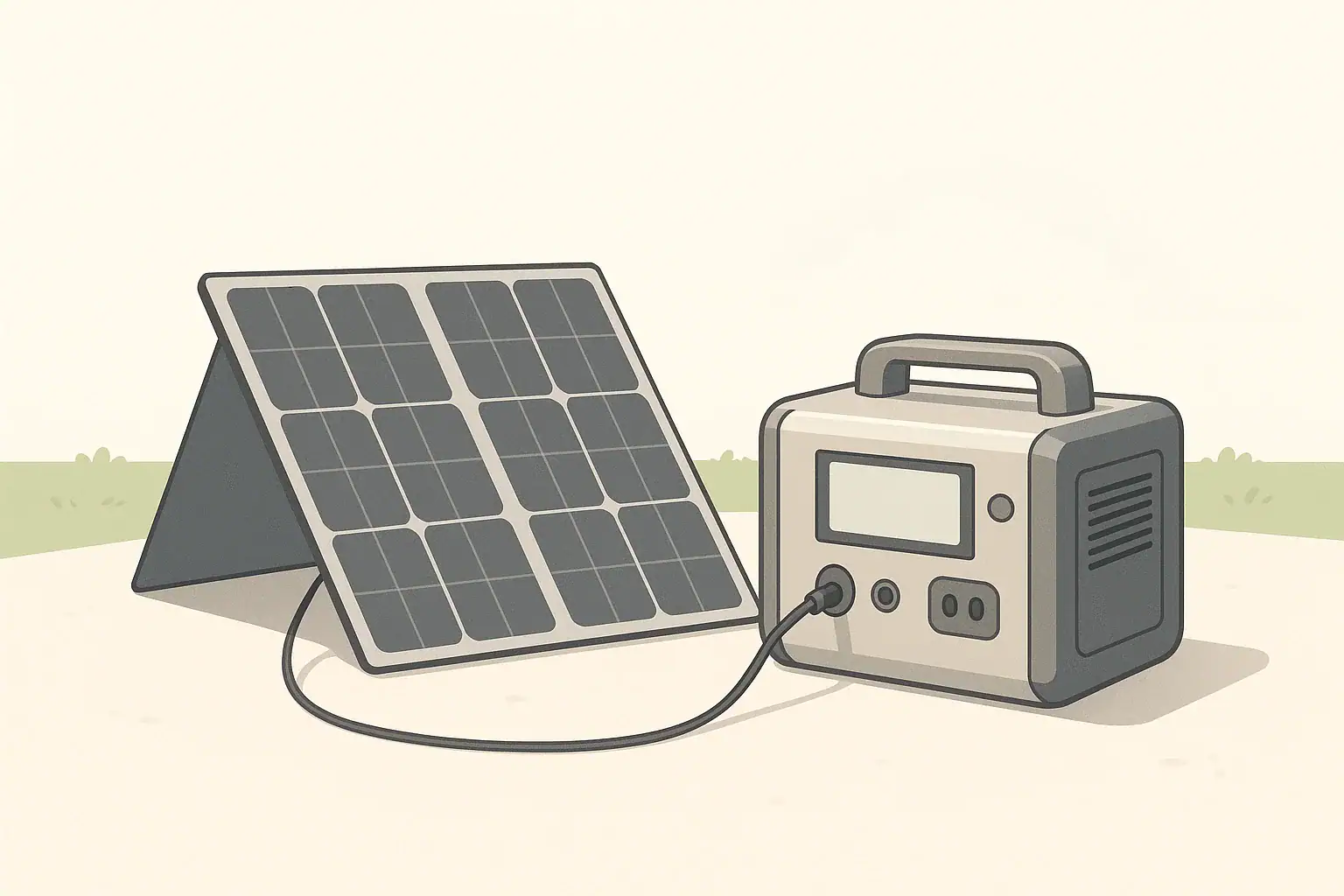
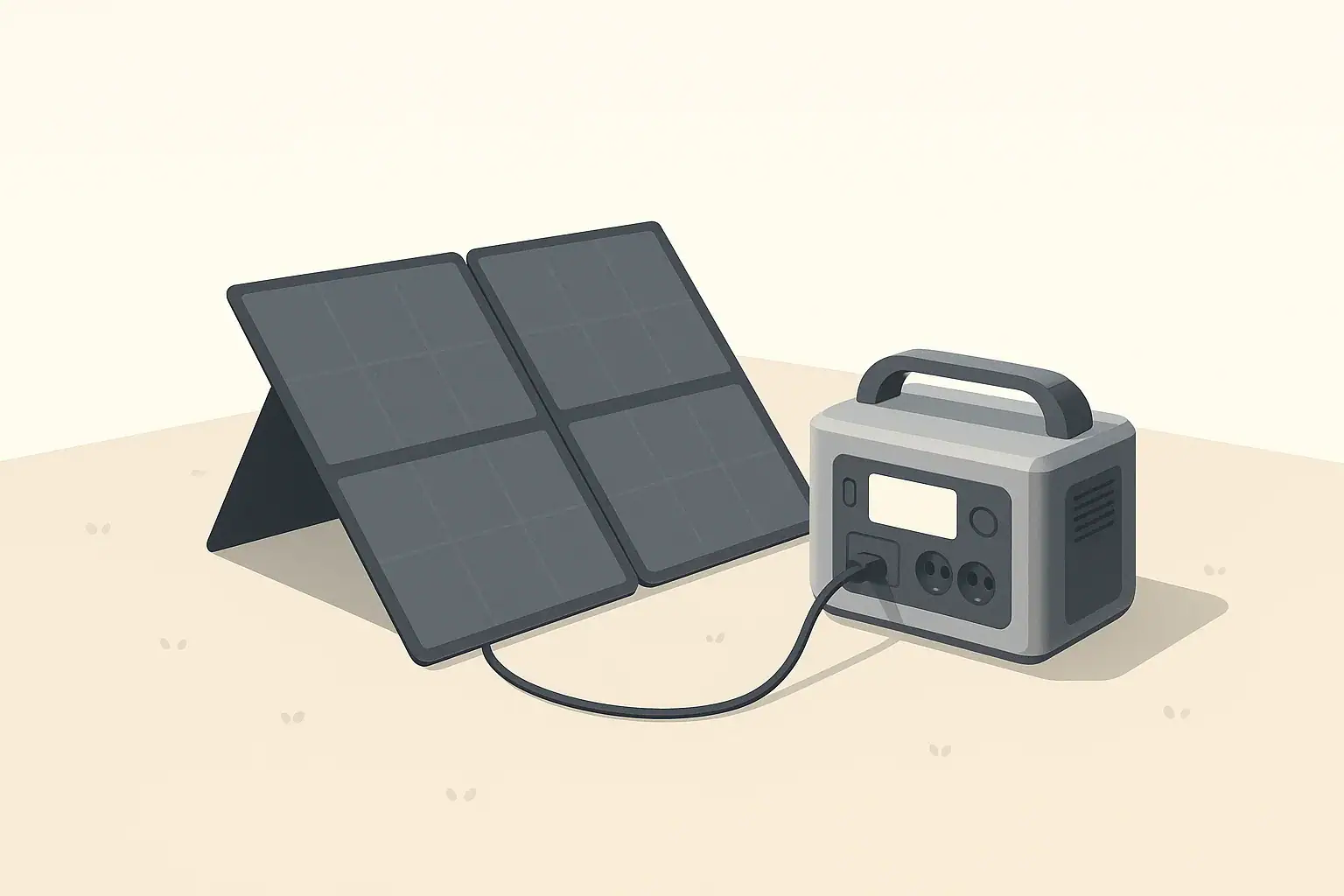
With solar charging, the input power can vary with sunlight, shading, and panel angle. Even then, you will notice the same pattern:

  • The power station may take in as much solar power as conditions allow while under about 70–80%.
  • Above that, the BMS will start to limit current, so the effective charging power drops even if the sun is strong.

This is simply the CC/CV pattern playing out under a fluctuating energy source.

Recognizing Normal Behavior vs. Possible Issues

Although slowing near 80–100% is normal, there are a few signs that might suggest a problem with the charger, cable, or battery system.

Normal Signs

The following behaviors are usually normal for modern portable power stations:

  • Fast rise from low percentage to around 60–80%.
  • Gradual taper with noticeable slowdown in the high range.
  • Long dwell around 99–100% while current becomes very low.
  • Device warming slightly during heavy charging, then cooling as current tapers.

Potential Problem Signs

Situations that may warrant further investigation include:

  • Charging remains extremely slow at low percentages, even with a suitable charger.
  • Battery percentage jumps erratically or resets unexpectedly.
  • Device becomes excessively hot, or fans run loudly for long periods at the end of charging.
  • Battery never reaches full or stops at an unusually low maximum percentage.

If you observe these issues, checking your cables, charger output, and user manual is a good first step. The manual usually lists expected input power levels, operating temperatures, and any protective behaviors programmed into the BMS.

Key Takeaways About the 80–100% Slowdown

The slowdown you see as your portable power station moves from about 80% toward 100% is a built-in feature of lithium battery technology. It results mainly from:

  • The transition from fast constant current charging to slower constant voltage top-off.
  • Protective limits on cell voltage and temperature.
  • Cell balancing inside the battery pack.
  • Design choices aimed at preserving long-term battery health.

Understanding this pattern helps you interpret what you see on the display, plan your charging schedule, and decide when it is worth waiting for a full 100% and when charging to around 80–90% is sufficient.

Frequently asked questions

Why does charging slow down near 80% on portable power stations?

Charging slows because the charger switches from constant-current to constant-voltage as the pack approaches its maximum voltage, and the battery management system (BMS) progressively reduces current. The taper lets cells balance and avoids overvoltage, which protects safety and extends battery life.

Can I safely stop charging at 80% to save time and improve battery longevity?

Yes — stopping around 80–90% is fine for routine daily use and reduces time spent at high state-of-charge, which can help long-term health. However, for long trips or emergency preparedness you should finish to 100% to get full runtime.

Will using a higher-wattage charger prevent the slowdown near 80–100%?

No. A more powerful charger can shorten the fast constant-current phase, but the BMS still controls how much current the battery accepts and will taper near full to protect the cells. The slowdown is a battery-side behavior, not just a charger limit.

How does temperature affect the slow top-off from 80–100%?

Cold temperatures often force the BMS to limit charging current earlier and extend the taper, while high temperatures can also reduce charging power to avoid overheating. In both cases, extreme temperatures make the final percent take longer than at moderate temperatures.

When should I wait for a full 100% charge despite the slow final phase?

Wait for 100% before long trips without access to charging, anticipated power outages, or when you need maximum runtime for heavy appliances. For everyday short uses, charging to about 80–90% is usually sufficient and faster.

Can You Use a Higher-Watt Charger Than Rated? Understanding Input Headroom

Portable power station charging from wall outlet with cable

When you buy a portable power station, its manual usually lists a maximum input wattage. At the same time, modern USB-C and AC adapters often advertise higher wattages than the device you want to charge. This raises a common question: can you safely use a higher-watt charger than the power station’s rated input?

The short answer in most cases is yes, as long as the voltage, connector type, and standards match, but there are important limits. To understand them, it helps to know what input headroom is and how portable power stations control the power they accept.

A charger rated at 60 W, 20 V, 3 A means it can deliver up to 60 watts by providing 20 volts and 3 amps. It does not force 60 W into every device; it can provide “up to” that amount.

Why Charger Wattage Matters for Portable Power Stations

Key Terms: Watts, Volts, Amps, and Input Headroom

Watts, Volts, and Amps

Before looking at input headroom, it is useful to clarify the basic electrical terms you will see on chargers and power stations:

  • Voltage (V) – The electrical “pressure.” Common input voltages for portable power stations include 12–24 V DC, 48 V DC, and standard AC mains such as 120 V.
  • Current (A) – The flow of electrical charge. Current increases as a device draws more power at a given voltage.
  • Power (W) – The rate of energy transfer. Power is calculated as watts = volts × amps.

What Is Input Headroom?

Input headroom is the difference between:

  • The maximum power a charger or power source can supply, and
  • The maximum power the portable power station is designed to accept on that input.

For example, if your portable power station’s DC input is rated for 100 W and you connect a 140 W USB-C charger, you are providing headroom of 40 W. The power station should still limit itself to 100 W (or less) if it is designed correctly.

This is similar to plugging a 500 W device into a household outlet that can supply 1,500 W. The outlet does not push 1,500 W into the device; the device only draws what it needs.

How Portable Power Stations Control Input Power

Internal Charge Controllers

Inside a portable power station, a charge controller manages the incoming power. Its main tasks are:

  • Negotiating with smart chargers (like USB-C PD) to choose voltage and current
  • Limiting current so the input power stays at or below the rated maximum
  • Protecting the battery from overvoltage, overcurrent, and overheating

Because the power station decides how much power to draw, using a higher-watt charger is usually safe as long as the voltage, connector, and protocol are compatible.

Examples of Common Input Types

Portable power stations may offer several input ports, such as:

  • Barrel plug DC input (e.g., 12–28 V DC from a wall adapter or car socket)
  • Anderson or similar DC connector for higher-power charging
  • USB-C PD input supporting fixed or programmable power profiles
  • AC input using a built-in charger connected directly to the wall outlet

The input headroom question usually applies to external adapters, especially USB-C chargers and DC bricks, rather than built-in AC charging where the internal charger sets a fixed limit.

Using a Higher-Watt USB-C Charger

How USB-C Power Delivery Negotiation Works

In USB-C Power Delivery (PD) systems, the charger (source) and the portable power station (sink) perform a digital negotiation. The charger advertises several voltage/current profiles it can provide, such as:

  • 5 V at 3 A (15 W)
  • 9 V at 3 A (27 W)
  • 15 V at 3 A (45 W)
  • 20 V at 5 A (100 W)

The power station selects one of these options that is within both:

  • The charger’s maximum capability, and
  • The power station’s own internal input limit.

This is why a 100 W USB-C charger can safely charge a power station whose USB-C input is rated for only 60 W. The station will simply choose a 60 W or lower profile (for instance, 20 V at 3 A) during negotiation.

Practical Example

Imagine your portable power station lists:

  • USB-C input: 5–20 V, up to 60 W

If you connect:

  • A 45 W USB-C charger: the power station might charge at around 45 W.
  • A 65 W or 100 W USB-C charger: the power station will typically charge at its own 60 W limit, not at 65 W or 100 W.

The extra charger capacity is simply unused headroom. It does not normally harm the station.

When Higher-Watt USB-C Chargers Are Useful

A higher-watt USB-C charger can be beneficial when:

  • You want to charge several devices from one charger, not just the power station.
  • You want to ensure the power station always gets its full rated input, even if charger performance drops slightly with heat or cable losses.
  • You are sharing the charger between a power station and a laptop, and need enough headroom for both, one at a time or in rotation.

However, using an extremely oversized USB-C charger will not make the power station charge faster than its designed input limit.

Using a Higher-Watt DC or AC Adapter

Barrel and DC Connector Inputs

Many portable power stations use dedicated DC inputs with barrel or other connectors, rated for a specific voltage and power, for example:

  • Input: 24 V DC, 6.5 A (approx. 156 W max)

If you replace the original 150 W adapter with a third-party 200 W adapter at the same voltage, the station should still limit its draw to around 150–160 W, provided:

  • The voltage is within the specified range.
  • The polarity of the connector matches.
  • The adapter output is stable and regulated.

Again, the extra charger capacity becomes unused headroom.

AC Charging With Built-In Chargers

Some portable power stations have a built-in AC charger and use a simple AC cable (like a computer power cord). In this case, the charger is inside the power station and the wall outlet can usually supply much more power than the charger needs.

Here, the concept of a “higher-watt charger” does not really apply. The wall outlet is capable of high wattage, but the internal charger determines the charging rate, not the cable or outlet.

When Higher-Watt Chargers Can Be Unsafe

Mismatched Voltage

The main danger is not a higher watt rating, but an incorrect voltage. Examples of risky scenarios include:

  • Using a 48 V DC supply on an input rated for 12–24 V DC.
  • Using a non-PD USB-C power source that provides fixed 20 V to a device expecting only 12 V.

Even if the watt rating is similar, too high a voltage can damage the input circuits or the battery management system.

Unregulated or Poor-Quality Adapters

Some third-party DC adapters may not maintain stable voltage or may create spikes, noise, or reverse polarity when connected incorrectly. Possible issues include:

  • Overvoltage spikes when plugging or unplugging
  • Excessive ripple that stresses internal components
  • Incorrect polarity causing immediate failure

In such cases, the problem is quality and regulation, not wattage alone.

Bypassing Built-In Protections

Certain users attempt to feed power through connectors not intended for charging, such as outputs or expansion ports. Doing this with a higher-watt supply can be especially risky because:

  • Those ports may lack proper current limiting for incoming power.
  • The wiring and connectors might not be rated for sustained input current.
  • The power flow path may bypass some protection features.

Charging should only be done through ports that the manufacturer designates as inputs.

Input Headroom and Charging Speed

Will a Bigger Charger Make Charging Faster?

A larger charger only speeds up charging if the original charger was below the power station’s input limit. For example:

  • Power station input limit: 200 W
  • Original adapter: 120 W
  • New adapter: 200 W with correct voltage and connector

In this case, the new adapter might allow the station to charge at the full 200 W rate (if the station supports it), reducing charging time.

However, if the power station’s input limit is 120 W, connecting a 200 W or 300 W adapter will not make it charge faster. The device will still pull about 120 W.

Estimating Charging Time

Charging time depends on both battery capacity and effective input wattage. A rough estimate is:

Charging time (hours) ≈ Battery watt-hours ÷ Charging watts

For example, for a 600 Wh power station:

  • At 60 W input: 600 ÷ 60 = 10 hours (plus overhead and tapering)
  • At 120 W input: 600 ÷ 120 = 5 hours (plus overhead and tapering)

A higher-watt charger only improves this if it enables higher actual charging watts within the device’s design limit.

Multiple Inputs and Combined Charging

Parallel Inputs (AC + DC, or USB-C + DC)

Some portable power stations allow simultaneous charging from multiple sources, such as:

  • AC adapter + solar input
  • DC adapter + USB-C PD

In these designs, the manufacturer usually specifies a combined maximum input. For example:

  • AC input: up to 200 W
  • Solar/DC input: up to 200 W
  • Combined input: up to 400 W

Even if you connect higher-watt sources to each input, the internal controller should limit the total. Still, it is wise to stay within the documented combined limit to avoid thermal stress.

Effect on Heat and Longevity

Running at continuous maximum input power increases internal temperature. More headroom on the charger side does not reduce the power station’s heat if the station is already drawing at its own maximum. However:

  • A charger operating below its maximum rating may run cooler and potentially last longer.
  • A power station constantly charged at its absolute maximum input may experience more thermal cycling than one charged more gently.

For long-term battery health, fast charging can be convenient, but moderate charging rates are often less stressful on the system.

Safe Practices When Using Higher-Watt Chargers

Check Input Specifications Carefully

Before connecting a higher-watt charger, verify the following in the power station’s manual or on its label:

  • Allowed input voltage range for each port
  • Maximum input watts (per port and combined)
  • Connector type and polarity
  • Supported protocols (e.g., USB-C PD, specific DC inputs)

Only use adapters and cables that match these specifications.

Use Certified and Reputable Chargers

Choose chargers that meet recognized safety standards and have:

  • Overcurrent and overvoltage protection
  • Short-circuit protection
  • Good build quality and adequate cabling

While a generic charger may work, poor regulation or incorrect labeling increases the risk of damage, especially at higher wattages.

Monitor Early Uses

When you first pair a higher-watt charger with a portable power station:

  • Check that the display (if available) shows a reasonable input wattage.
  • Feel the charger and the power station after 20–30 minutes to ensure they are not excessively hot.
  • Listen for unusual noises such as buzzing or clicking.

If you notice overheating or erratic behavior, discontinue use and return to the original or a lower-rated charger.

Frequently Asked Questions About Higher-Watt Chargers

Can a higher-watt charger damage my portable power station?

Under normal conditions, a higher-watt charger will not damage a power station if the voltage, polarity, and protocol are correct and the charger is of reasonable quality. The power station should limit its own input current. Damage is more likely from incorrect voltage or poor regulation than from wattage headroom itself.

Why does the station still charge slowly with a powerful charger?

If the portable power station has a low input limit (for example, 60 W), it cannot take advantage of a much larger charger (like 140 W). The internal design, not the charger size, is the bottleneck.

Should I avoid using the absolute maximum input?

Using the maximum rated input is generally safe if the manufacturer explicitly supports it. However, if you are not in a hurry and want to minimize thermal stress, you may choose to charge at a moderate rate when convenient, especially in hot environments.

Is it better to use the original adapter?

The original adapter is designed and tested specifically for the device. When possible, using it reduces the chance of compatibility issues. A higher-watt replacement can be fine when properly matched, but requires more careful attention to specifications.

Does input headroom matter for solar charging?

Yes. With solar panels, the array’s potential wattage can exceed the power station’s solar input limit. The charge controller will usually cap the solar input to its maximum rating, leaving some panel capacity unused. Oversizing panels can still be useful in less-than-ideal sunlight, but you must stay within the allowed voltage range to avoid damage.

Frequently asked questions

Can I use a higher-watt USB-C laptop charger with my power station’s USB-C input?

Yes—if both the charger and the power station support USB-C Power Delivery and the voltage range matches, the PD negotiation will limit the current so the station only draws up to its input limit. Use a cable rated for the charger’s current and monitor the first charge for heat or erratic behavior.

Is it safe to replace my DC brick with a higher-watt adapter at the same voltage?

Generally yes: if the replacement adapter provides the same regulated voltage and correct polarity, the power station should limit its draw to the rated input and simply leave the extra capacity unused. Make sure the adapter is well regulated and of good quality to avoid voltage spikes or ripple that could harm the device.

Will using a higher-watt charger shorten my power station’s battery lifespan?

Charging at higher rates can increase internal temperatures and slightly accelerate battery wear over time, especially if used constantly at the maximum rated input. Occasional fast charging within manufacturer limits is acceptable, but for long-term longevity moderate charging is gentler on the system.

Can a higher-watt charger trip safety systems or be rejected by the station?

Yes—if the charger advertises unsupported voltages or protocols, the power station’s charge controller or battery management system may refuse the connection or limit the input to protect the battery. This protective behavior prevents damage but emphasizes the need to follow the station’s input specifications.

Is it okay to use two high-watt sources to exceed a single-input limit?

Only if the manufacturer explicitly supports simultaneous inputs and specifies a combined maximum input; the internal controller should cap the total to that combined limit. Connecting multiple oversized sources beyond the documented combined rating risks overheating or bypassing protections and is not recommended.

MPPT vs PWM in Portable Power Stations: What It Changes in Real Life

Two portable power stations shown side by side for comparison

Portable power stations are increasingly charged from solar panels, but how the built-in charge controller manages panel-to-battery power can make a big difference in day-to-day performance. This article compares the two common controller strategies — PWM (Pulse Width Modulation) and MPPT (Maximum Power Point Tracking) — and explains what those differences mean for charging speed, energy harvest, panel choices, and system design in real-life use. Read on to see how each approach behaves under changing sunlight, variable temperatures, and longer cable runs, plus practical tips on when the added cost and complexity of MPPT are worth it. The sections below break down quick definitions, real-world examples, system implications, and guidance to help you pick the right portable power station setup for your solar needs.

Why MPPT vs PWM Matters for Portable Power Stations

When you charge a portable power station from solar panels, a built-in solar charge controller manages how energy flows from the panels into the battery. Most modern units use one of two controller types:

  • PWM (Pulse Width Modulation)
  • MPPT (Maximum Power Point Tracking)

On spec sheets this often appears as a small line, but it has clear effects on how quickly and efficiently your power station charges from solar in real-world conditions. Understanding the difference helps you size your solar setup correctly and avoid unrealistic expectations about charging time.

Quick Definitions: PWM and MPPT

What a Solar Charge Controller Does

A solar charge controller sits between your solar panels and the battery in a portable power station. Its main jobs are to:

  • Protect the battery from overcharging
  • Match the panel output to the battery voltage
  • Control charging stages (bulk, absorption, float) for battery health

MPPT and PWM are two different control strategies for doing this.

PWM in Simple Terms

A PWM controller connects the solar panel directly to the battery and then rapidly switches the connection on and off (modulation) to control the charging current.

Key characteristics:

  • Simple electronics and usually lower cost
  • Operates the panel close to the battery voltage
  • Wastes potential panel voltage above battery voltage

MPPT in Simple Terms

An MPPT controller is more sophisticated. It continuously measures the panel voltage and current and adjusts the operating point to extract the maximum possible power from the panels.

Key characteristics:

  • Uses DC-DC conversion to transform higher panel voltage into extra charging current
  • Actively tracks the “maximum power point” as sunlight changes
  • Improves energy harvest, especially in suboptimal conditions

How MPPT and PWM Behave With Solar Panels

Voltage Matching and What It Means

Solar panels have a voltage at which they produce the most power (often called Vmp). Batteries also have a nominal voltage (for example, around 12 V, 24 V, or internal pack voltages inside a power station).

What each controller does with this mismatch is the core difference:

  • PWM: Pulls the panel voltage down close to the battery voltage. If the panel is rated for a much higher voltage than the battery, that extra voltage is mostly lost as heat or unused potential.
  • MPPT: Lets the panel operate at or near Vmp, then converts the higher voltage down to the battery voltage while increasing the current. This preserves more of the panel’s potential wattage.

Simple Real-World Example

Assume a solar panel has these approximate ratings under good sun:

  • Voltage at max power (Vmp): 18 V
  • Current at max power (Imp): 5.5 A
  • Panel power: 18 V × 5.5 A ≈ 99 W

Now connect it to a battery that is charging at around 13 V:

  • With PWM: Panel is pulled down to roughly 13 V. Maximum power becomes about 13 V × 5.5 A ≈ 71.5 W. You lose the remainder as unused potential.
  • With MPPT: Controller keeps panel near 18 V and converts it to battery voltage. In an ideal case, you could get close to 99 W into the battery (minus small conversion losses).

Over the course of a full day of sunlight, that difference adds up to noticeably more watt-hours stored with MPPT.

Efficiency and Energy Harvest in Real Life

Typical MPPT vs PWM Gain

Under many conditions, MPPT controllers can harvest about 15–30% more energy than PWM controllers from the same solar array. The actual gain depends on factors like:

  • Panel voltage relative to battery voltage
  • Cell temperature
  • Shading and cloud cover
  • Time of day (angle of the sun)

The benefit is largest when there is a significant voltage difference between the solar panel and the battery and when conditions are not ideal.

Partial Shade and Changing Conditions

Portable power stations often see variable conditions:

  • Panels moved around a campsite or yard
  • Clouds passing overhead
  • Panels tilted at non-optimal angles

An MPPT controller can respond to these changes by constantly seeking the best operating point. When the sun weakens, the voltage-current curve of the panel changes; MPPT tracks this and keeps power output closer to the maximum. PWM simply follows the battery voltage and does not adapt to the changing shape of the curve.

Cold and Hot Weather Impact

Panel voltage rises in cold temperatures and falls in hot temperatures. This is where the technology differences show up again:

  • In cold weather: Voltage can be significantly higher than nominal. MPPT can turn that higher voltage into more current, boosting wattage harvested. PWM cannot use the extra voltage and simply wastes it.
  • In hot weather: Panel voltage drops closer to battery voltage. The advantage of MPPT shrinks somewhat, but it still generally does better at maintaining optimal power.

Impact on Charging Time

Translating Efficiency Into Hours

Charging time for a portable power station from solar depends on:

  • Battery capacity (in watt-hours)
  • Total solar array power (in watts)
  • Average sun hours per day
  • System efficiency, including controller type

Because MPPT harvests more energy from the same panels, it shortens charging time compared to PWM in many real-world setups.

Illustrative Scenario

Consider a 500 Wh portable power station and a 100 W solar panel in reasonably good sun:

  • Assume about 5 peak sun hours in a day
  • Assume wiring and conversion losses outside the controller are similar

Approximate daily energy into the battery:

  • With PWM: Effective panel power might average ~70 W → 70 W × 5 h = 350 Wh
  • With MPPT: Effective panel power might average ~90 W → 90 W × 5 h = 450 Wh

In this simplified model, MPPT could bring the power station close to full in one good day, while PWM may need closer to a day and a half under similar conditions.

The exact numbers will vary in reality, but the pattern—shorter charging times with MPPT from the same panel—is typical when using modest to large solar panels compared to the battery size.

System Design: Panel Choices and Cable Runs

Panel Voltage Flexibility

MPPT controllers work best with solar panels that have a higher voltage than the battery. In the context of portable power stations, this has practical effects:

  • With PWM: You generally want panel voltage close to the battery-equivalent input voltage to minimize wasted potential.
  • With MPPT: You can use higher-voltage panels or combine panels in series (within the unit’s voltage limits) and still capture most of the extra voltage as useful power.

This flexibility can be useful when repurposing existing panels or scaling up an array.

Cable Length and Voltage Drop

Running low-voltage DC over longer cables causes voltage drop and power loss. MPPT can help manage this:

  • Higher input voltage: MPPT allows you to run panels at a higher voltage (within spec), which reduces current for the same power and therefore reduces losses in the cables.
  • PWM limitation: Because PWM forces panel voltage nearer to battery voltage, current is higher for the same power. That means thicker cables or shorter runs are needed to limit voltage drop.

For many small portable setups with short cables, this may not be a significant factor. For larger panels located farther from the power station (for example, to reach a sunny spot), MPPT can preserve more energy.

Cost, Complexity, and Reliability Considerations

Price and Internal Complexity

MPPT controllers use more complex electronics and control algorithms than PWM controllers. Inside a portable power station, that generally translates into:

  • Higher component cost for the manufacturer
  • More sophisticated firmware and control circuits

PWM controllers are simpler and often less expensive to implement. This is one reason some lower-cost or smaller-capacity portable power stations use PWM for their solar input.

Reliability in Practice

Both PWM and MPPT controllers can be highly reliable when designed and built well. The reliability differences in real-world portable power stations tend to depend more on overall product design and component quality rather than solely on the choice of PWM vs MPPT.

However, there are a few practical points:

  • More complex electronics (MPPT) can theoretically have more failure modes, but proper engineering and thermal management mitigate this.
  • PWM controllers are simpler and may run cooler at lower power levels, but can still be stressed if used near or beyond their design limits.

When MPPT Makes a Noticeable Difference

Larger Solar Arrays Relative to Battery Size

The more solar panel capacity you have relative to the battery size, the more meaningful the efficiency gain from MPPT becomes. For example:

  • Small power station with a modest 50 W panel: the difference between MPPT and PWM may be modest in absolute watt-hours per day.
  • Mid-size power station with 200–400 W of panels: the daily energy gain from MPPT can be significant, especially if you rely mostly on solar.

Situations With Limited Sunlight

When sunlight is scarce or inconsistent, more efficient energy capture matters:

  • Short winter days
  • Cloudy climates
  • Heavily shaded campsites or urban balconies

In these scenarios, MPPT can help you make the most of brief or weak sun windows, improving the odds of reaching a useful state of charge.

Long-Term Off-Grid or Heavy Solar Dependence

If your portable power station is part of a frequent or semi-permanent off-grid setup—such as a van, RV, remote cabin, or regular camping with solar as the main energy source—MPPT’s improved harvest typically pays off in convenience and system performance.

When PWM Can Be Acceptable

Occasional or Light Solar Use

If you use solar only occasionally, or primarily as a backup to wall charging or vehicle charging, a PWM-based solar input can still be adequate. Examples include:

  • Charging the power station from the wall most of the time
  • Using a small panel just to slow battery drain on trips
  • Rarely relying on solar as the sole energy source

In these cases, the extra efficiency of MPPT may not dramatically change your day-to-day experience.

Very Small Setups

For compact portable power stations with small batteries and small panels, the absolute difference in watt-hours can be relatively small. If your expectations are modest—such as topping up phones, tablets, or a small laptop—PWM may perform adequately within those limits.

Reading Portable Power Station Specs

Identifying MPPT vs PWM in Specifications

Product documentation or spec sheets typically mention the solar charging type. Look for phrases like:

  • “MPPT solar charge controller” or “built-in MPPT”
  • “PWM charge controller” or no explicit mention of MPPT

If the controller type is not clearly stated, detailed manuals or technical datasheets may provide more information, including:

  • Maximum solar input wattage
  • Supported input voltage range (for example, 12–30 V)
  • Maximum charging current

Higher allowable input voltages and explicit references to “tracking” or “MPPT” are indicators of an MPPT design.

Solar Input Limits Still Apply

Even with MPPT, you cannot exceed the maximum solar input specifications of the portable power station. Key limits include:

  • Maximum input power (W): The upper bound of solar wattage the unit can safely use.
  • Maximum input voltage (V): A hard limit you must not exceed with panel configurations, especially when wiring panels in series.
  • Connector type and rating: The physical plug and wiring must handle the current.

The controller type does not override these constraints; it simply changes how efficiently energy is used within them.

Practical Tips for Choosing Between MPPT and PWM

Questions to Ask Yourself

When evaluating a portable power station’s solar charging, consider:

  • How often will I rely primarily on solar charging?
  • How large a solar array do I plan to use, now or later?
  • Will my panels be in suboptimal conditions (shade, winter sun, long cables)?
  • Is faster solar charging important for my use case?

If you expect frequent or heavy solar use, MPPT usually offers more flexibility and better real-world performance for the same panel investment.

Designing Around a PWM Input

If you already own or choose a power station with PWM solar charging, you can still optimize performance:

  • Use panels with voltage close to the recommended input voltage to reduce wasted potential.
  • Keep cable runs short and use appropriately thick wire to minimize voltage drop.
  • Position panels for the best sun exposure and adjust tilt during the day if practical.
  • Manage expectations about charging speed, especially in marginal sunlight.

Designing Around an MPPT Input

With an MPPT-equipped power station, you can often:

  • Use higher-voltage panels or series combinations (within voltage limits) to reduce current and cable loss.
  • Get more usable energy on cloudy, cold, or partially shaded days.
  • Scale up your solar array more effectively if the input wattage rating allows it.

Summary: Real-Life Changes You Will Notice

In everyday use, the difference between MPPT and PWM in portable power stations shows up as:

  • Faster solar charging: MPPT generally fills the battery more quickly from the same panels.
  • Better performance in less-than-ideal sun: MPPT maintains higher output under changing conditions.
  • More flexibility in panel choice and cable length: MPPT handles higher voltages and longer runs more efficiently.
  • Simpler, often cheaper hardware with PWM: Adequate for light or occasional solar use with realistic expectations.

Choosing between MPPT and PWM is ultimately about matching your solar charging expectations and environment to how you plan to use your portable power station over time.

Frequently asked questions

How much faster will MPPT charge my portable power station compared to PWM?

MPPT typically harvests about 15–30% more energy than PWM under many real-world conditions, which often translates to roughly 15–30% shorter charging times. For example, with a 100 W panel in decent sun you might get ~450 Wh with MPPT versus ~350 Wh with PWM over a day, so MPPT can sometimes fill a medium-size station in one day that PWM would need more than a day to reach.

Can I use higher-voltage solar panels with a PWM-equipped portable power station?

Physically you can only use panels that stay within the unit’s stated input voltage limits, but PWM will pull panel voltage down toward the battery voltage and waste the excess. For PWM systems you should choose panels with a Vmp close to the battery input voltage to avoid losing potential power.

Will MPPT still provide benefits in hot weather or partial shade?

Yes; MPPT is especially beneficial in partial shade, cloudy conditions, and cold weather because it actively tracks the panel’s maximum power point. In hot weather the panel voltage falls and the relative advantage shrinks, but MPPT usually still extracts more usable energy than PWM in varying conditions.

Is MPPT worth the extra cost if I only use solar occasionally?

If solar use is occasional or you rely mainly on wall or vehicle charging, PWM can be adequate and the added cost of MPPT may not be justified. However, if you expect to scale up panels, depend on solar in poor conditions, or want faster charging, MPPT typically pays off over time.

How do cable length and voltage drop influence the MPPT vs PWM decision?

Longer cable runs increase voltage drop; using higher input voltage with an MPPT controller reduces current for the same power and therefore lowers cable losses. PWM forces panels to operate near battery voltage so current is higher and cable losses become more significant unless thicker wiring or very short runs are used.

Input Limits (Volts/Amps/Watts) Explained: How Not to Damage Your Unit

portable power station charging from a wall outlet indoors

Why Input Limits Matter for Portable Power Stations

Every portable power station has charging input limits. These limits define how much electrical power it can safely accept from the wall, a vehicle, or solar panels. Exceeding those limits can overheat components, stress the battery, shorten its life, or in the worst case permanently damage the unit.

Understanding volts (V), amps (A), and watts (W) on the input side helps you:

  • Choose appropriate chargers and power sources
  • Size solar panel arrays correctly
  • Avoid overloading connectors and cables
  • Charge efficiently without unnecessary wear on the battery

This article focuses on input limits for portable power stations: what they mean, how to read them on the spec sheet, and practical ways to avoid damage.

Key Electrical Terms: Volts, Amps, Watts

Volts (V): Electrical Pressure

Voltage is like the “pressure” that pushes electricity through a circuit. On the input side of a portable power station, you will see voltage limits such as:

  • AC input: 100–120 V or 220–240 V (depending on region)
  • DC input: For car charging, often around 12–24 V
  • Solar input: Sometimes 12–60 V, 12–50 V, or similar ranges

Feeding a voltage higher than the specified maximum into a DC or solar input can damage the unit’s charge controller or other internal electronics.

Amps (A): Electrical Current

Current is the rate of flow of electric charge. Input current limits might look like:

  • AC input current: for example, 10 A at 120 V
  • DC input current: for example, 8 A max from a car or solar panel

Exceeding current limits can overheat wiring, connectors, and internal components. Many power stations include internal current limiting, but it is still important to respect the published specifications.

Watts (W): Total Power

Power (watts) combines volts and amps:

Watts = Volts × Amps

For example:

  • 120 V × 5 A = 600 W
  • 24 V × 10 A = 240 W

Input wattage tells you how fast the unit can be charged. A 600 W input can theoretically add 600 watt-hours (Wh) to the battery in one hour, minus efficiency losses.

Where to Find Input Limits on Your Unit

Input ratings are usually listed in three places:

  • On the device label: Near the input ports or on the bottom panel
  • In the manual: Under “Specifications”, often broken down by input type
  • Next to ports: Small printed markings by the AC, DC, or solar inputs

Look specifically for lines that mention:

  • AC Input: e.g., 100–120 V ~ 50/60 Hz, 600 W max
  • Car/DC Input: e.g., 12–24 V DC, 8 A max
  • Solar Input: e.g., 12–50 V DC, 10 A max, 400 W max

If you see multiple values (for example, “12–60 V, 10 A, 400 W”), all three must be respected. You should stay within the allowed voltage range, current limit, and watt limit at the same time.

AC Input Limits: Wall and Generator Charging

What AC Input Ratings Mean

AC input is typically used for charging from a wall outlet or a fuel-powered generator. The spec might look like:

  • AC Input: 100–120 V ~ 50/60 Hz, 8 A, 800 W max

This means the power station’s internal charger will draw up to 800 W, or up to 8 A at 100–120 V. It will not draw more than that, even if the outlet can provide more.

How Damage Can Occur on AC Input

Most damage risk on AC input is indirect:

  • Overheating the circuit: Plugging a high-input charger into a weak or overloaded household circuit can cause breaker trips or hot wiring.
  • Poor-quality adapters: Cheap or undersized extension cords and power strips can overheat or fail.
  • Unstable generator output: Large voltage swings or frequency instability can stress the internal AC charger.

The power station usually limits its own AC draw, but the rest of the circuit might not be designed for that sustained load.

Safe Practices for AC Charging

  • Check the rated amperage of the circuit (e.g., 15 A or 20 A household circuit).
  • Avoid running multiple heavy loads on the same branch circuit while fast-charging.
  • Use a properly rated extension cord if needed: thick enough gauge and as short as practical.
  • If your unit supports adjustable AC charging rates, use a lower setting on weak circuits or generators.
  • Periodically touch the plug and cord; if they feel very hot, stop and investigate.

DC and Car Input Limits

Typical Car Input Ratings

Car charging uses DC power from a vehicle socket. Typical ratings might be:

  • Car Input: 12/24 V DC, 8 A max

At 12 V and 8 A, the maximum input power is roughly 96 W; at 24 V and 8 A, about 192 W. This is slower than most AC charging but convenient while driving.

Why Current Limits Matter for Car Input

Both the vehicle socket and the power station have current limits. Exceeding them can cause:

  • Blown fuses in the vehicle
  • Overheated cigarette lighter sockets
  • Damage to the DC input circuitry if bypassing protections

Many vehicles limit accessory sockets to around 10–15 A. The power station’s DC input may draw less than that, but if combined with other loads on the same circuit, problems can arise.

Safe Practices for DC Car Charging

  • Use the supplied DC car cable or one that matches the specified current rating.
  • Avoid using splitters or multi-socket adapters to power many devices alongside the power station.
  • Do not attempt to bypass vehicle fuses or wire into circuits not designed for continuous high current.
  • Follow the manual on whether the engine must be running while charging to avoid draining the starter battery.

Solar Input Limits: Voltage, Current, and Wattage

How Solar Input Specifications Work

Solar input is where users most commonly exceed limits, because solar arrays can be wired in different ways. A typical solar input spec might look like:

  • Solar Input: 12–60 V DC, 10 A max, 400 W max

To stay within safe limits, your panel (or array) must respect all three of these:

  • Voltage range: Panel open-circuit voltage (Voc) must stay below the maximum voltage, even in cold weather when Voc rises.
  • Current limit: Short-circuit current (Isc) of the array must not exceed the input’s amperage rating.
  • Power limit: The array’s wattage under ideal conditions should not exceed the specified maximum input power.

Panel Ratings to Compare With Your Unit

Solar panels list several values; the most relevant are:

  • Voc (Open-Circuit Voltage): Maximum voltage with no load; must be under the unit’s max input voltage.
  • Vmp (Voltage at Maximum Power): Operating voltage under load; used to estimate power.
  • Isc (Short-Circuit Current): Maximum current; useful for checking against the unit’s amp limit.
  • Imp (Current at Maximum Power): Current at Vmp; used to estimate operating power.
  • Rated Power (W): Panel wattage under standard test conditions.

Series vs Parallel Wiring and Input Limits

When combining panels:

  • Series wiring: Voltages add, current stays about the same.
  • Parallel wiring: Currents add, voltage stays about the same.

This matters for staying under voltage and current limits:

  • Too many panels in series can exceed the voltage limit.
  • Too many panels in parallel can exceed the current limit.

You must design the array so that in the worst credible conditions (cold temperatures, clear sun) your Voc and Isc still stay within the unit’s specifications.

Solar Scenarios That Risk Damage

  • Connecting a high-voltage rooftop array directly to a low-voltage portable power station solar input.
  • Ignoring the Voc increase in cold weather, resulting in voltage above the input’s max rating.
  • Using more panels than allowed in parallel so that Isc exceeds the amp limit.
  • Using incompatible connectors or adapters that bypass recommended protections.

Safe Practices for Solar Charging

  • Always compare panel Voc and Isc with the power station’s max voltage and current.
  • Consider a safety margin; keep peak Voc comfortably below the published maximum.
  • Verify polarity before connecting: reverse polarity can damage inputs not protected against it.
  • Use cables and connectors rated for outdoor use and the expected current.
  • Follow any specific wiring diagrams in the manual for supported series/parallel configurations.

Why Higher Input Is Not Always Better

Many users look for the fastest possible charging, but higher input power has trade-offs:

  • More heat: Fast charging creates more heat in the charger and battery, which can affect longevity if not managed well.
  • Battery stress: Some chemistries tolerate high charge rates better than others, but in general moderate rates are gentler.
  • Infrastructure limits: Household circuits, vehicle wiring, and solar cables all have practical limits.

If your unit offers adjustable charging speed, using a slightly lower setting when you are not in a hurry can be beneficial for both the battery and the upstream wiring.

What Happens Internally When You Exceed Limits

Built-In Protections

Modern portable power stations typically include several layers of protection:

  • Over-voltage protection: Shuts down input if the voltage goes above the safe threshold.
  • Over-current protection: Limits or cuts input current if it exceeds ratings.
  • Over-temperature protection: Reduces charging speed or stops charging when components run too hot.
  • Short-circuit protection: Stops charging if a short is detected.

These protections help prevent immediate catastrophic failure, but repeated trips or operating near the edge of limits can still cause long-term wear.

Potential Long-Term Effects of Pushing Limits

  • Connector wear: Plugs and ports may loosen or discolor from heat over time.
  • Degraded charge electronics: Components repeatedly run near their maximum ratings can age faster.
  • Shortened battery life: High-speed charging raises cell temperatures and may reduce cycle life, depending on design.

How to Match Chargers and Inputs Correctly

Reading Power Adapter Labels

For external power bricks or adapters, check the label for:

  • Output Voltage: Must match the power station’s required DC input voltage or range.
  • Output Current: The adapter’s max current; the power station will draw what it needs, up to this limit.
  • Output Power (W): Derived from voltage × current; should not exceed the unit’s allowed input wattage.

Using an adapter with a higher current rating is usually fine, as long as the voltage is correct and the power station’s own wattage limit is not exceeded. Using an adapter with the wrong voltage is unsafe.

Using USB-C and Other DC Inputs

Some portable power stations support USB-C Power Delivery or other DC inputs. The same rules apply:

  • Check the supported voltage profiles (e.g., 5 V, 9 V, 15 V, 20 V).
  • Do not assume every USB-C charger will work at full speed; many are limited in wattage.
  • Follow the manual on maximum USB-C input watts when using that port to charge the station.

Operating Temperature and Input Limits

Input ratings usually assume a certain temperature range. Outside that range, the unit may reduce charging speed or disable charging:

  • Cold conditions: Charging lithium-based batteries below recommended temperatures can cause damage. Many power stations restrict or block charging when too cold.
  • Hot conditions: High ambient temperatures make it harder to dissipate heat from fast charging, causing thermal throttling.

Check the manual for the specified charging temperature range and avoid forcing the unit to charge outside of it.

Practical Checklists to Avoid Damage

Before Connecting Any New Power Source

  • Read the input specs in the manual for the port you plan to use.
  • Verify the voltage and current of the charger, solar array, or vehicle outlet.
  • Confirm polarity on DC connections.
  • Inspect cables and connectors for damage or looseness.

While Charging

  • Check if the unit’s display or indicators show any warnings or error codes.
  • Occasionally feel the cables, plugs, and adapter to ensure they are warm at most, not hot.
  • Ensure there is adequate ventilation around the power station.

If Something Seems Wrong

  • Unplug the power source immediately.
  • Review the manual’s troubleshooting section and error code explanations.
  • Double-check all ratings before reconnecting.

Key Takeaways for Safe Input Use

Respecting input limits is primarily about matching voltages, staying under current ratings, and not exceeding rated watts. On AC, be mindful of the household or generator circuit capacity. On DC and solar, pay special attention to voltage ranges, especially with series-connected panels and cold-weather Voc. Using properly rated cables, following the manual, and not forcing the unit to charge faster than it was designed to handle are the most reliable ways to avoid damage and preserve long-term performance.

Frequently asked questions

How can I tell if my solar panel array might exceed the power station’s maximum input voltage in cold weather?

Compare the panels’ Voc (open-circuit voltage) with the power station’s maximum input voltage and account for cold-temperature Voc increases using the panel’s temperature coefficient. Leave a safety margin (for example 10–20%) below the unit’s max Voc to avoid risk. If the worst-case Voc could exceed the limit, reconfigure to fewer panels in series or use a higher-voltage-tolerant charge controller.

Can I use a high-wattage USB-C Power Delivery charger to speed up charging my portable power station?

Only if the power station’s USB-C input supports the PD voltage profiles and maximum wattage the charger offers. Check the manual for supported voltages and the USB-C input watt limit; supplying a charger with higher wattage won’t force the station to accept more than its spec, but mismatched voltages or unsupported profiles can be unsafe. Always use cables and chargers that meet the station’s stated requirements.

What immediate damage can occur if I exceed the AC, DC, or solar input limits?

Most modern units will trigger protections and shut down charging, but exceeding limits can still cause overheating of connectors or wiring, blown fuses, or stress to the charge controller and battery. If protections fail or are bypassed, permanent damage to internal electronics or battery cells is possible. Repeatedly operating beyond limits also accelerates long-term component degradation.

How should I size solar panels (series vs parallel) so I don’t exceed current or voltage limits?

Design your array for worst-case conditions: series strings add Voc, so ensure total Voc stays below the unit’s max even in cold weather; parallel strings add current, so ensure total Isc and operating watts remain under amp and watt limits. Use Vmp and Imp to estimate operating power and include a safety margin; if in doubt, reduce panel count or use an appropriately rated MPPT charge controller.

What are safe practices when charging from a car DC socket to avoid damaging the vehicle or the power station?

Use the supplied or a correctly rated DC cable, avoid splitters or multi-socket adapters, and do not bypass vehicle fuses. Verify the vehicle outlet’s amp rating exceeds the power station’s draw and follow the manual’s guidance on whether the engine should be running to prevent draining the starter battery. Stop charging immediately if the socket or cable becomes hot or a fuse blows.

USB-C Power Delivery (PD) Explained for Portable Power Stations

Portable power station charging laptop and phone via USB C

USB-C Power Delivery (PD) is one component of a portable power station’s broader feature set. Understanding PD helps you decide when to use USB-C, when AC is necessary, and how to balance multiple loads and charging sources.

By matching PD wattage to device requirements, using suitable cables, and paying attention to total output limits, you can make efficient use of your portable power station’s capacity while keeping essential electronics charged and ready.

USB-C Power Delivery (PD) is a fast-charging standard that uses the USB-C connector to safely deliver higher power than older USB ports. On portable power stations, USB-C PD ports can charge phones, tablets, laptops, cameras, and some small appliances directly, often without needing AC adapters.

Instead of a fixed 5-volt output like classic USB, USB-C PD negotiates voltage and current between the power station and the device. This negotiation lets compatible devices charge faster while staying within safe limits.

What Is USB-C Power Delivery (PD)?

Why USB-C PD Matters for Portable Power Stations

Portable power stations originally focused on AC outlets and basic USB-A ports. USB-C PD changes how you can use this stored energy.

Key benefits

  • Higher efficiency: Direct DC-to-DC charging (USB-C) is usually more efficient than running an AC adapter from the inverter.
  • Faster charging: PD supports higher wattage than legacy USB ports, so compatible devices recharge more quickly.
  • Less gear to carry: Many laptops and tablets can plug into a PD port instead of a bulky AC charger.
  • Quieter operation: When you avoid using the AC inverter, some power stations can run fans less often.
  • Better use of battery capacity: Less conversion loss means more usable watt-hours from your battery.

How USB-C PD Power Levels Work

USB-C PD power is measured in watts (W), the product of voltage (V) and current (A). Portable power stations commonly advertise USB-C PD ratings such as 18 W, 45 W, 60 W, 65 W, 100 W, or higher.

Common PD voltage profiles

PD supports several voltage levels. The device and the power station agree on one during negotiation:

  • 5 V (legacy USB level)
  • 9 V
  • 12 V
  • 15 V
  • 20 V

Higher-voltage profiles are typically used for more power-hungry devices like laptops and some monitors.

Example power levels for typical devices

  • Phones and small devices: 18–30 W PD is usually enough for fast charging.
  • Tablets and small laptops: 30–60 W PD often provides full-speed or near full-speed charging.
  • Ultrabooks and mainstream laptops: 60–100 W PD is common.
  • High-performance laptops: May require 100 W or more and might throttle or charge slowly if underpowered.

Always check the maximum USB-C charging capability of your device to match it with the PD port on your power station.

USB-C PD vs. Regular USB Ports on Power Stations

Portable power stations may include several types of USB ports. Understanding the differences helps you choose the right port for each device.

USB-A (legacy) ports

  • Common ratings: 5 V at 2.4 A (≈12 W), or proprietary fast-charging standards.
  • Good for: Basic phone charging, small accessories, low-power devices.
  • Limitations: Lower maximum wattage; can be slower for modern phones and tablets.

USB-C non-PD ports

  • Looks like USB-C but may only output 5 V with limited current.
  • Good for: Smaller devices that do not need high power.
  • Limitations: May not charge laptops or fast-charge compatible phones.

USB-C PD ports

  • Offer negotiation-based voltage and higher power.
  • Good for: Phones, tablets, laptops, and other PD-enabled devices.
  • Advantages: Faster, more efficient, and more versatile than legacy USB ports.

Input vs. Output: USB-C PD on Portable Power Stations

On portable power stations, USB-C PD ports can serve as outputs, inputs, or both. The labeling is important.

USB-C PD output

When labeled as output, the PD port sends power from the power station to your devices.

  • Used for charging phones, tablets, laptops, and other electronics.
  • Rating example: “USB-C PD 60 W output” means up to 60 W available to that port.
  • Multiple PD outputs share the total DC output budget of the power station.

USB-C PD input

When labeled as input, the PD port is used to charge the power station itself.

  • Rating example: “USB-C PD 100 W input” means the station can accept up to 100 W from a compatible PD charger.
  • Faster charging than low-wattage wall adapters.
  • Useful when AC power is limited or when using a high-output PD wall charger.

Bidirectional USB-C PD (input/output)

Some ports are marked as both input and output. These can charge devices or recharge the power station depending on what is connected.

  • When connected to a wall PD charger: the station charges its own battery.
  • When connected to a phone or laptop: the station supplies power to the device.
  • Power direction is determined by PD negotiation and the type of connected device or charger.

Understanding PD Wattage Ratings on Portable Power Stations

Manufacturers often list multiple wattage numbers for USB-C ports. Interpreting them correctly prevents confusion and helps with planning.

Per-port PD rating

Each USB-C PD port typically has a per-port maximum output, such as:

  • One port: up to 60 W
  • Another port: up to 100 W

This is the most that any single device can draw from that specific port.

Total USB output budget

Portable power stations may also have a total DC or USB output limit, for example:

  • “Total USB output: 120 W” across all USB ports.
  • When several devices are plugged in, each port may not reach its maximum rating if the total limit is exceeded.

In practice, if two laptops are drawing from two 60 W ports on a station with a 100 W USB total limit, they may share that 100 W rather than each getting 60 W.

Voltage and current combinations

A PD label might include multiple combinations, such as “5 V⎓3 A, 9 V⎓3 A, 15 V⎓3 A, 20 V⎓3.25 A (65 W max).” This means:

  • The port supports several voltage levels.
  • The maximum current varies by voltage.
  • The highest total power is capped at 65 W regardless of the profile.

USB-C PD and Pass-Through Charging

Pass-through charging means using the power station while it is being charged. With USB-C PD, this can involve combinations of AC, DC, and USB inputs and outputs.

Typical pass-through scenarios involving PD

  • Charging the power station via USB-C PD input while powering a laptop from an AC outlet.
  • Charging the station from AC input while powering a phone and laptop from USB-C PD outputs.
  • Using a bidirectional PD port to charge the station, while other USB and DC ports power devices.

Things to watch for

  • Thermal limits: High combined input and output can increase heat, which may trigger fans or power limits.
  • Reduced battery cycling: Some users prefer to avoid heavy pass-through use to reduce battery stress, though this varies by design.
  • Power priorities: Some stations prioritize powering loads over charging the battery when input is limited.

Using USB-C PD to Charge Laptops from a Power Station

Laptop charging is one of the most important use cases for USB-C PD on portable power stations.

Check your laptop’s USB-C charging support

Not all laptops support USB-C charging, and some require a minimum PD wattage to work properly.

  • Look for USB-C ports marked with a power or charging symbol.
  • Check the laptop’s power adapter output (for example, 65 W, 90 W, or 100 W) to estimate PD needs.
  • Confirm whether USB-C is the primary or secondary charging method.

Match PD wattage to laptop needs

  • Underpowered PD: A laptop needing 90 W may charge slowly or lose charge under heavy use when connected to a 45 W PD port.
  • Equal or higher wattage: A 100 W PD port can typically support laptops rated up to that level. The laptop will only draw what it needs.
  • Multiple loads: If several high-power devices are plugged into USB at once, available power for the laptop may be reduced.

Estimating runtime from USB-C PD

To estimate how long a power station can run a laptop over USB-C PD:

  1. Find the laptop’s average power draw while in use (for example, 40 W).
  2. Find the power station’s usable capacity in watt-hours.
  3. Divide capacity by the laptop’s power draw and adjust for efficiency.

For example, a 500 Wh power station running a laptop averaging 40 W via USB-C PD with ~90% DC efficiency:

500 Wh × 0.9 ÷ 40 W ≈ 11 hours of approximate runtime, ignoring other loads.

USB-C PD and Small Devices: Phones, Tablets, and Accessories

For smaller electronics, USB-C PD offers faster charging and more flexibility compared to older USB standards.

Phone and tablet charging behavior

  • Many modern phones support PD fast charging at 18–30 W.
  • Tablets often make good use of 30–45 W PD for quicker top-ups.
  • When a device does not support PD, it will usually default to basic 5 V charging.

Managing multiple small loads

Portable power stations often combine PD outputs with USB-A ports, allowing several devices to charge at once:

  • Use PD ports for devices that benefit from fast charging (phones, tablets, laptops).
  • Reserve USB-A ports for lower-priority or low-power accessories.
  • Monitor total USB output if the station provides this information, especially when using all ports simultaneously.

USB-C PD and Power Banks vs. Portable Power Stations

USB-C PD appears on both power banks and portable power stations, but their roles differ.

Power banks with USB-C PD

  • Smaller capacity, often 10,000–30,000 mAh.
  • Designed primarily for phones, tablets, and some laptops.
  • Usually feature only USB-C and USB-A, with no AC outlets.

Portable power stations with USB-C PD

  • Much larger capacity, measured in hundreds or thousands of watt-hours.
  • Provide AC outlets, DC outputs, and sometimes car and solar charging inputs.
  • USB-C PD is one of several ways to access stored energy.

In many setups, a portable power station acts as the main energy source, and USB-C PD power banks can be recharged from it as secondary, portable chargers.

Efficiency Considerations: USB-C PD vs. AC Outlets

Using USB-C PD instead of AC can reduce energy losses from power conversion.

Conversion steps with AC laptop charging

  1. Battery DC → Inverter AC inside the power station.
  2. AC → DC inside the laptop’s power brick.

Each step introduces efficiency losses, which shorten total runtime.

Conversion steps with USB-C PD laptop charging

  1. Battery DC → regulated DC via USB-C PD in the power station.

With fewer conversion stages, less energy is lost as heat, and more of the battery capacity reaches the laptop. Actual savings depend on the specific designs but can be noticeable over long runtimes.

Practical Tips for Using USB-C PD with Portable Power Stations

1. Verify cable quality

  • Not all USB-C cables support high-wattage PD.
  • For 60 W or less, most decent USB-C cables are sufficient.
  • For 100 W and above, use cables rated for higher current and PD support.

2. Understand port labeling

  • Look for markings indicating “PD,” “USB-C PD,” or wattage ratings.
  • Confirm which ports support input, output, or both.
  • Check documentation for total USB output limits when using multiple ports.

3. Prioritize PD for critical devices

  • Use PD ports for laptops and key communication devices.
  • Move lower-priority items to USB-A or other outputs if you approach power limits.
  • In constrained power situations, limit fast charging to devices that truly need it.

4. Monitor heat and fan noise

  • High PD output combined with other loads can warm the power station.
  • Ensure adequate ventilation and avoid covering vents.
  • If possible, reduce charge or load levels if the unit frequently reaches high fan speeds.

5. Combine PD input with other charging methods carefully

  • Some power stations allow simultaneous charging from PD, wall, and solar inputs.
  • Check the maximum combined input rating in the manual.
  • Do not exceed specified input power limits to avoid protection shutdowns.

Limitations and Edge Cases of USB-C PD on Power Stations

Device compatibility quirks

  • Some older or proprietary devices may not accept full PD profiles.
  • Certain laptops may only charge via their original power adapter even when they have USB-C ports.
  • Specialized equipment might require custom voltages not offered by standard PD profiles.

Shared power and derating

  • When multiple high-power USB-C devices are connected, the power station may limit each port’s maximum output.
  • Some units reduce PD wattage as the internal battery level becomes low or to control heat.
  • Behavior varies, so observing real-world performance is useful for planning.

Firmware and protocol evolution

  • USB-C PD has evolved through several specification versions.
  • Most portable power stations support mainstream power levels and common profiles.
  • Newer features, such as very high PD wattage or advanced protocol extensions, may not be present on every model.

USB-C PD as Part of an Overall Portable Power Strategy

Frequently asked questions

How can I tell if a power station’s USB-C PD port will charge my laptop at full speed?

Check the laptop’s USB-C charging requirement (often listed on its power adapter or in the specifications) and compare it to the power station’s per-port PD rating. Also confirm the station’s total USB output budget and whether multiple ports share that budget, because the available wattage can be reduced when several devices are connected.

Can I recharge a portable power station using a USB-C PD charger, and how fast will it charge?

If the station has a USB-C PD input or a bidirectional PD port, you can recharge it with a compatible PD charger. Charging speed is limited by the station’s PD input rating and any combined input limits, and real-world times may be affected by the charger, cable, and the station’s thermal management.

Does using USB-C PD instead of an AC outlet increase runtime from the power station?

Yes — using USB-C PD often reduces conversion losses because it avoids the DC→AC inverter and then AC→DC conversion in the device, so more of the battery’s energy reaches the device. The exact savings depend on the designs involved, but DC-to-DC PD charging is generally more efficient than charging via AC.

Do all USB-C cables support high-wattage PD like 100 W?

No, not all cables support very high PD wattage. For up to ~60 W most well-made USB-C cables are adequate, but for 100 W and above you should use cables rated for higher current (those with the appropriate e-marker or explicit 5A/100W rating).

Is pass-through charging with USB-C PD safe for the power station’s battery long-term?

Many power stations support pass-through charging, but using it frequently can increase thermal stress and affect battery cycling depending on the unit’s design. Consult the manufacturer’s guidance and observe combined input/output limits and heat behavior to avoid unnecessary wear or protection shutdowns.

Idle Drain and “Phantom Loss”: Why Power Stations Lose Power When Not Used

Person cleaning a portable power station on a minimal tabletop

Portable power stations often lose a noticeable amount of charge even when nothing seems to be plugged in. This effect is commonly called idle drain or phantom loss. It describes any loss of stored energy while the unit is sitting unused, powered off, or on standby.

Some amount of idle drain is normal and unavoidable. However, excessive phantom loss can be frustrating, especially if you rely on a power station for emergencies, camping, or occasional backup use.

Understanding where this energy goes helps you store and use your power station more effectively, extend its battery lifespan, and avoid unpleasant surprises when you need power most.

What Is Idle Drain in a Portable Power Station?

Self-Discharge vs. Phantom Loss: Two Different Things

People often use “idle drain,” “phantom loss,” and “self-discharge” interchangeably, but they refer to slightly different processes.

Self-Discharge: Built-In Battery Chemistry Loss

Self-discharge is the gradual loss of charge that happens inside the battery cells themselves, even when completely disconnected from any device. It is a property of the battery chemistry.

Typical modern portable power stations use either:

  • Lithium-ion (NMC or similar) cells
  • Lithium iron phosphate (LiFePO4) cells

Approximate self-discharge rates under normal room-temperature storage:

  • Lithium-ion: Often around 1–3% per month
  • LiFePO4: Often around 1–2% per month

These are broad ranges; actual values depend on cell quality, age, and temperature. Self-discharge is relatively slow. If your power station is losing 10–20% in a week, the main culprit is usually not self-discharge alone.

Phantom Loss: Electronics That Never Fully Sleep

Phantom loss usually refers to the battery drain caused by electronic components in the power station, not the battery cells themselves. Even when you press the power button to turn the unit “off,” some internal circuits often remain active:

  • Battery management system (BMS)
  • Display controller
  • Standby power for inverters and DC/DC converters
  • Wireless modules or monitoring chips, if present

These background circuits may consume a small but continuous current, sometimes adding several percent of drain per week or more, depending on the design.

Where the Power Actually Goes When the Unit Is “Off”

Inside a portable power station, multiple systems can draw power even with no active load. How much they consume depends on hardware design and firmware behavior.

Battery Management System (BMS)

The BMS is always near the center of idle drain. It monitors and protects the battery pack by tracking:

  • Cell voltages
  • Current in and out
  • Temperature
  • Charge and discharge limits

Because safety is critical, the BMS rarely turns completely off. Instead, it usually enters a low-power state. Even then, it needs a trickle of energy to keep its microcontroller and sensing circuits alive.

Control Electronics and Display Circuits

Power stations include a main control board that handles buttons, modes, and often some kind of display. Depending on design, this circuitry can draw power even when the screen is dark, including:

  • Microcontroller or embedded processor
  • Real-time clock (to track time or logs)
  • Interface chips for USB ports and other connectors

In some models, the display backlight and processing logic enter a deeper sleep mode only after a timeout, so idle drain can be higher right after use and then drop later.

AC Inverter Standby Loss

The AC inverter converts battery DC to household-style AC. This is one of the most power-hungry components during active use. Even in standby, some inverters:

  • Keep parts of their circuitry energized for fast wake-up
  • Maintain internal reference voltages
  • Drive small control transformers or power supplies

If the AC output switch stays on, the inverter may continuously draw idle power even without anything plugged in. Turning the AC output off separately (if supported) usually reduces phantom loss significantly.

USB and DC Output Electronics

DC outputs such as USB-A, USB-C, 12 V car sockets, and barrel ports often have their own regulators or small converters. Many USB power-delivery controllers stay partially active to detect when a device is plugged in.

In some power stations, the DC section can be turned off independently from AC. If DC remains on, expect a low but non-zero standby draw from these circuits.

Wireless and Smart Features

Power stations with wireless or “smart” features may have extra always-on components, such as:

  • Bluetooth or Wi‑Fi chips
  • Low-power radios for remote monitoring
  • Logging or telemetry hardware

Even low-power wireless modules consume some energy to broadcast or listen for connections, contributing to phantom loss when left enabled.

How Temperature and Storage Conditions Affect Idle Drain

Environment plays a major role in how quickly a stored power station loses charge.

High Temperatures Increase Self-Discharge

Heat accelerates chemical reactions in batteries. At elevated temperatures:

  • Self-discharge of the cells increases
  • Electronics become less efficient
  • Long-term battery aging speeds up

Leaving a power station in a hot car, attic, or direct sun can noticeably increase idle drain. It also shortens overall battery lifespan over time.

Cold Temperatures Slow the Battery but Stress It

Cold environments tend to reduce self-discharge rates, but they also:

  • Increase internal resistance, reducing available output
  • Can interfere with accurate state-of-charge (SOC) readings
  • May cause BMS protections to limit charging or discharging

In very cold conditions, idle drain might appear smaller because capacity is temporarily less accessible. Once the unit warms up, the SOC reading can change unexpectedly.

State of Charge During Storage

The SOC at which you store the battery influences both idle drain behavior and long-term health:

  • Storing at 100% for long periods can raise aging and degradation, especially in warm conditions.
  • Storing near 0% risks the battery dropping too low from idle drain, potentially triggering BMS cutoff or damaging cells if left too long.
  • Many manufacturers recommend a 40–60% charge level for long-term storage.

How Much Idle Drain Is Normal?

Each model behaves differently, but you can use general ranges as a reference. Assuming a healthy battery stored at room temperature with outputs turned off:

  • A few percent per month: Typical for self-discharge plus very low-power electronics.
  • 5–10% per month: Common for many power stations with moderate standby systems.
  • More than 10% per week: Often indicates AC or DC outputs left on, active wireless, or a design with relatively high electronic standby draw.

Frequent fluctuations or rapid drops may also reflect inaccurate SOC calibration rather than pure energy loss. The BMS estimates remaining charge, and its calculation can drift over time.

How to Measure Idle Drain on Your Own Unit

You can perform a simple at-home test to understand your power station’s phantom loss.

Step-by-Step Idle Drain Test

  1. Charge the power station to a known SOC, for example 80% or 100%.
  2. Turn all outputs off (AC, DC, USB) and ensure no devices are connected.
  3. Note the exact time and SOC shown on the display.
  4. Store the unit at room temperature, away from heat or direct sun.
  5. Leave it untouched for a specific period, such as 7 days.
  6. After the period, power it on (if needed) and record the new SOC.

From this, you can estimate the weekly idle drain. For example, if SOC went from 90% to 85% over a week, idle drain is about 5% per week under those conditions.

Testing the Impact of Individual Features

You can repeat the test while intentionally leaving certain features on to see how much extra they add:

  • AC output on vs. off
  • USB section on vs. off
  • Wireless or app connectivity enabled vs. disabled

This helps identify which functions contribute most to phantom loss on your particular model.

Common Situations That Increase Phantom Loss

Certain everyday habits make idle drain worse without being obvious.

Leaving Outputs Switched On

For many units, the largest controllable contributor to idle drain is leaving AC or DC sections switched on between uses. Symptoms include:

  • Battery dropping overnight even with no loads plugged in
  • Noticeable drain during short storage (a few days)

Turning off each output mode when you are done using it usually reduces phantom loss significantly.

Always-Connected Chargers and Adapters

Even small devices or adapters can draw a trickle continuously, such as:

  • USB wall-style chargers left plugged into the AC outlets
  • 12 V adapters or extension cables
  • Smart devices that stay in standby mode

These loads may be easy to forget, but they count as constant drains. Physically unplugging them when storing the power station helps reduce loss.

Background Wireless Features

If your model supports app control, remote monitoring, or wireless updates, these features may keep radio modules running. Depending on design, phantom loss can increase when:

  • Bluetooth or Wi‑Fi stays enabled by default
  • The unit searches for connections even while otherwise idle

Check your settings; disabling wireless features when not needed can lower standby consumption.

Frequent Waking to Check the Display

Turning the display on repeatedly during storage spins up components that might otherwise stay in deep sleep. Over many days, this can add measurable extra drain.

Checking charge occasionally is good practice, but constant status checks out of curiosity can subtly increase loss.

Is Idle Drain Damaging to the Battery?

Idle drain itself is not inherently harmful. However, what it does to the state of charge over time can be.

Risk of Deep Discharge During Long Storage

If you store a power station nearly empty and leave it for months, idle drain can push the cells below the safe voltage range. The BMS may then:

  • Shut the system down to prevent damage
  • Refuse to start charging until revived carefully
  • In severe cases, be unable to recover all capacity

Repeated or prolonged deep discharge shortens battery life and can make the pack unstable or unusable.

High SOC Plus Heat Accelerates Aging

Keeping a battery at full charge for long periods, especially in warm conditions, increases internal stress. If idle drain is low but you habitually store the unit at 100% in a hot environment, the battery can still age faster.

Balancing SOC and temperature is more important for longevity than minimizing every last bit of phantom loss.

Practical Ways to Reduce Idle Drain

While some phantom loss is built-in, simple habits can keep it under control.

Turn Off Outputs After Use

After each session:

  • Switch off the AC output
  • Switch off DC/USB outputs if your unit has separate controls
  • Unplug any adapters or chargers left connected

This single habit often makes the biggest difference for most users.

Use Storage Mode or Deep Sleep Features

Some power stations offer:

  • A dedicated storage mode that lowers SOC and enters deeper sleep
  • Automatic shutdown after a period of low or no load
  • Settings to disable wireless functions or limit background activity

Consult your manual to see if your model includes such features and how to activate them before long-term storage.

Store at a Moderate State of Charge

For storage longer than a few weeks:

  • Aim for around 40–60% SOC before storing.
  • If your unit allows, set a custom target charge level instead of always topping to 100%.
  • Schedule periodic top-ups to keep SOC within a safe band.

Keep It in a Cool, Dry, Shaded Place

For everyday and seasonal storage:

  • Avoid direct sunlight and hot closed spaces (car trunks, attics).
  • Keep away from sources of moisture and condensation.
  • Room temperature environments typically offer the best balance.

Check and Recharge Periodically

Long-term storage still requires occasional attention. Many manufacturers recommend:

  • Checking SOC every 1–3 months.
  • Recharging back to the recommended storage range when it falls too low.

This prevents the battery from drifting into dangerously low charge levels due to slow, cumulative idle drain.

When Phantom Loss Seems Abnormally High

Sometimes idle drain is much higher than expected even after you follow best practices. Signs of a potential issue include:

  • Loss of 20% or more in just a couple of days with all outputs off
  • Battery dropping to zero during a short period of non-use
  • Rapid SOC swings that do not match actual usage

Possible Causes

Unusual phantom loss can result from:

  • Aging batteries with reduced capacity and unstable voltage behavior
  • Firmware bugs that keep circuitry awake unnecessarily
  • Defective BMS or inverter components drawing excess current
  • Hidden loads you forgot were plugged in

Basic Troubleshooting Steps

If you suspect a problem:

  • Disconnect everything from all ports.
  • Turn off AC and DC sections individually.
  • Disable wireless features, if possible.
  • Perform a fresh idle drain test over several days.

If drain remains high, check the manufacturer’s documentation for guidance on recalibrating SOC readings or updating firmware.

Key Takeaways About Idle Drain and Phantom Loss

Portable power stations cannot hold charge indefinitely. A combination of unavoidable self-discharge and always-on electronics gradually reduces stored energy, even in perfect storage conditions. By learning how your specific unit behaves, turning off unnecessary outputs, storing at moderate SOC, and maintaining a suitable environment, you can limit phantom loss and keep power available when you need it.

Frequently asked questions

How much charge will a portable power station typically lose per month when unused?

Typical idle drain ranges from a few percent per month for well-designed units with outputs off, up to 5–10% per month for models with moderate standby systems. Losses above about 10% per week usually indicate outputs left on, active wireless features, or a fault. Ambient temperature and battery age also materially affect these numbers.

Does pressing the power button fully stop portable power station idle drain?

No — the power button often places the unit into a low-power state but does not remove all standby currents. The BMS and some control electronics usually remain powered to protect the battery and track state-of-charge. Using a dedicated storage mode or turning individual outputs (AC/DC/USB) off will reduce phantom loss further.

What state of charge is best for storing a portable power station to minimize idle drain and aging?

For long-term storage, aim for roughly 40–60% state-of-charge, which balances reduced chemical stress and headroom against accidental deep discharge. Avoid storing at 100% in warm conditions or near 0% for long periods, both of which accelerate degradation or risk BMS cutoff. Check the unit’s manual for any manufacturer-specific storage recommendations.

Can wireless app connectivity significantly increase phantom loss?

Yes — Bluetooth or Wi‑Fi modules and remote monitoring radios can draw continuous current and noticeably increase idle drain when left enabled. Disabling wireless features when not needed or using a storage/deep-sleep mode can substantially lower standby consumption. The exact impact varies by model and radio design.

How do I test whether my unit has excessive idle drain?

Charge the unit to a known SOC, turn off all outputs and wireless features, record time and SOC, then store at room temperature and recheck after a fixed interval (for example 7 days). Compare the SOC change to the expected monthly/weekly ranges; repeat tests while enabling individual features to isolate contributors. If drain is unusually high, follow troubleshooting steps or contact support.

State of Charge (SOC) and Battery Calibration: Why Percent Readings Drift

Isometric illustration of portable power station and internal battery cells

Why State of Charge on Portable Power Stations Is Not Exact

The battery percentage on a portable power station looks simple: 100% means full, 0% means empty. In reality, that number is an estimate based on internal measurements and calculations. Over time, this estimate can drift, so the state of charge (SOC) reading no longer matches the true amount of energy in the battery.

Understanding why SOC drifts helps explain common questions, such as:

  • Why the display might drop from 100% to 90% quickly, then slow down
  • Why a unit may shut off even though it still shows 5–10% remaining
  • Why the same battery seems to last different amounts of time between charges

This article explains how SOC is estimated in modern lithium-ion and LiFePO4 portable power stations, why readings drift, and what battery calibration really means.

What State of Charge (SOC) Actually Means

State of charge is a way to express how full a battery is relative to its usable capacity.

In basic terms:

  • 100% SOC: the battery is at its allowed upper charge limit
  • 0% SOC: the battery has reached its allowed lower discharge limit
  • 50% SOC: about half of the usable capacity is available

Important details:

  • SOC refers to usable capacity, not the absolute chemical limits of the cells.
  • Battery management systems (BMS) keep a safety margin at the top and bottom to protect the cells.
  • The percentage you see is already shaped by those safety limits and internal assumptions.

SOC vs. State of Health (SOH)

SOC is often confused with state of health (SOH).

  • SOC: how full the battery is right now.
  • SOH: how much capacity the battery can store compared to when it was new.

As SOH declines with age, 100% SOC can represent less total energy than it did when the battery was new. SOC may still read accurately as a percentage, even though runtime is shorter.

How Portable Power Stations Estimate SOC

Modern portable power stations use a combination of methods to estimate SOC. None of these can measure the exact number of remaining watt-hours directly, so the BMS relies on models and assumptions.

Method 1: Voltage-Based Estimation

The most basic method uses battery voltage. A charged lithium-ion or LiFePO4 battery sits at a higher voltage than a discharged one. The BMS compares the measured voltage to an internal lookup table that maps voltage to SOC.

However, voltage is affected by many factors:

  • Load current: high loads cause voltage sag
  • Temperature: cold batteries show lower voltage
  • Cell chemistry: different chemistries have different voltage curves
  • Rest time: voltage recovers after the load is removed

LiFePO4 batteries in particular have a very flat voltage curve over much of their SOC range. That means a small change in voltage may correspond to a large change in SOC, which makes pure voltage-based estimation unreliable.

Method 2: Coulomb Counting (Current Integration)

To improve accuracy, many systems use coulomb counting. The BMS measures current going in and out of the battery and integrates it over time to track the net charge.

Conceptually:

  • When charging, the BMS adds amp-hours (Ah) to the internal counter.
  • When discharging, it subtracts amp-hours from the counter.
  • The counter is referenced to a known full or empty point to express SOC as a percentage.

Coulomb counting works well over short periods, but:

  • Measurement errors accumulate over time.
  • Actual usable capacity changes with temperature, age, and discharge rate.
  • Self-discharge during storage may not be perfectly tracked.

Method 3: Hybrid Algorithms and Battery Models

Most portable power stations use a hybrid approach that combines coulomb counting, voltage measurements, temperature sensing, and predefined battery models.

Typical behavior:

  • During active use, SOC follows coulomb counting, adjusted for efficiency losses.
  • When the battery rests, the system compares resting voltage to its model and may correct the SOC estimate.
  • At well-defined points, such as a controlled full charge or low-voltage shutdown, the BMS sets reference points for 100% or 0% SOC.

These internal models are designed around expected behavior of lithium-ion or LiFePO4 cells, but every real battery deviates slightly from the model. Over many cycles, these deviations cause SOC errors unless the system is periodically recalibrated.

Why SOC and Battery Percentage Drift Over Time

SOC drift is the gradual mismatch between the displayed percentage and the true remaining capacity of the battery. This is normal and expected for all batteries that rely on estimation.

1. Measurement and Rounding Errors Add Up

The BMS measures current, voltage, and temperature at discrete intervals. Each measurement is subject to:

  • Sensor accuracy limits
  • Rounding inside the microcontroller
  • Sampling delays, especially under rapidly changing loads

Over dozens of cycles, even small errors in coulomb counting accumulate, especially if the battery is rarely taken to clear reference points like a full charge.

2. Capacity Changes with Age and Use

As a lithium-ion or LiFePO4 battery ages, its total usable capacity gradually decreases. However, the BMS’s internal model may still assume a higher capacity unless the firmware adapts or is recalibrated.

This leads to issues such as:

  • Battery reaching low-voltage cutoff before the display hits 0%
  • Unexpectedly short runtime at low SOC
  • Power station shutting down earlier than the percentage suggests

3. Temperature Effects

Temperature has a major influence on both voltage and effective capacity:

  • Cold temperatures reduce available capacity and lower the voltage curve.
  • High temperatures can temporarily increase capacity but accelerate aging.

If the BMS uses temperature-compensated models, it may still not perfectly match the real behavior of the particular cells. SOC estimated at one temperature may not align well when conditions change.

4. Self-Discharge and Storage

When a portable power station sits unused, the battery slowly self-discharges. The BMS itself consumes a small standby current, and connected devices in low-power modes may draw additional energy.

If the system does not fully track these small, continuous currents, SOC may be overestimated after long storage periods. Users may see:

  • Display still showing a high percentage after weeks or months
  • Rapid drop in SOC once power draw resumes

5. Irregular Charge and Discharge Patterns

Many users operate their power stations in partial cycles: topping up from 40% to 80%, or discharging only from 100% to 60% repeatedly. While this can be gentle on the battery, it provides fewer clear reference points for the SOC algorithm.

Over time, this can cause:

  • SOC staying “stuck” around certain ranges
  • Percentage suddenly jumping after an unusually deep discharge or full charge
  • Mismatch between the displayed percentage and expected runtime from experience

What Battery Calibration Really Means

Battery calibration in the context of portable power stations is about calibrating the SOC estimate, not changing anything inside the cells.

Calibration aligns the BMS’s internal model with the actual behavior of the battery pack by providing clear reference points.

Common Calibration Steps in Practice

Although specific procedures vary, many systems benefit from a periodic controlled cycle:

  1. Charge to 100%
    Allow the unit to charge until it reaches a stable full state and remains there for a while (often 1–2 hours after first reaching 100%). This lets the BMS confirm its top-of-charge reference.
  2. Discharge under a moderate load
    Use the power station at a moderate, continuous load (not extremely high or extremely low) down to a low SOC level or until it shuts off normally. This helps the BMS observe the full discharge curve.
  3. Recharge fully without interruption
    After shutdown, recharge to 100% again in one session if possible. The full cycle gives the BMS data points to adjust its estimates.

Some devices have built-in learning algorithms that automatically refine SOC over time without a deliberate calibration cycle. Others benefit from an intentional recalibration if you notice persistent inaccuracies.

What Calibration Cannot Fix

Calibration cannot:

  • Restore lost capacity from aging or heavy use
  • Change the battery’s chemistry or safety limits
  • Override low-temperature or high-temperature protections

It only improves how well the displayed percentage matches the real usable energy under typical conditions.

How Drift Appears in Everyday Use

SOC drift often shows up as specific behaviors that users notice when running appliances or charging devices from a portable power station.

Nonlinear Percentage Drop

A common observation is that the first 10–20% seems to drop quickly, then the percentage appears to move slowly through the middle, and then may drop quickly again near the bottom.

This nonlinearity comes from:

  • The shape of the voltage curve for lithium-ion and LiFePO4 chemistries
  • How the SOC algorithm smooths or averages readings
  • Different loads at different times (for example, starting a high-wattage appliance briefly)

Even with perfect calibration, SOC will not always decrease at a steady rate because power draw and internal efficiency are not constant.

Early Shutdown with Percentage Remaining

Another common concern is a power station shutting down with 5–15% still showing on the display. This usually indicates that:

  • The battery has reached its low-voltage cutoff under the current load.
  • Actual capacity is lower than assumed, often from age or temperature.
  • The SOC algorithm has drifted and is overestimating remaining energy.

After cooling or resting, the battery’s voltage may recover, and the display might still show a nonzero percentage, even though the BMS will not allow further discharge.

Different Runtime at the Same SOC

Users may notice that 50% SOC sometimes powers a device for several hours, and other times only for a short period. Factors include:

  • Load level: high wattage draws reduce effective capacity due to internal resistance and heat.
  • Temperature: cold reduces usable capacity, especially for lithium-ion chemistries.
  • Recent usage: a heavily loaded battery may experience more voltage sag at the same SOC.

SOC is a snapshot of remaining charge, not a guarantee of runtime. Runtime always depends on power draw and conditions.

Best Practices to Keep SOC Readings Reasonably Accurate

Some drift is inevitable, but you can help your portable power station maintain more reliable SOC estimates through your usage patterns.

Occasionally Run a Full Calibration Cycle

If the manufacturer’s guidance allows it, consider:

  • Charging fully to 100% until the charger clearly stops
  • Discharging to a low percentage or automatic shutdown with a moderate, steady load
  • Recharging to 100% in one uninterrupted session

Doing this a few times per year can give the BMS better data to align its internal model with reality.

Avoid Extreme Temperatures During Critical Measurements

If you want the most reliable reading:

  • Charge and discharge near room temperature when possible.
  • Avoid calibrating in very cold or very hot environments.
  • Let a cold or hot unit rest indoors before relying on the SOC reading.

Store at Moderate SOC and Check Periodically

For storage:

  • Many lithium-ion and LiFePO4 batteries prefer storage around 30–60% SOC.
  • If left unused for months, expect SOC to be less accurate due to self-discharge and standby loads.
  • Periodically power the unit on and top it up if needed.

Long-term storage at 100% or near 0% SOC can increase degradation, which in turn complicates accurate SOC estimation as the battery’s capacity changes.

Understand That SOC Is an Estimate, Not a Fuel Gauge

Unlike a tank of liquid fuel, a battery’s energy content is not directly measurable with a simple sensor. Treat SOC as an educated estimate that:

  • Is very helpful for planning
  • Will never be mathematically perfect
  • Can shift slightly as the BMS refines its model

Key Takeaways for Portable Power Station Users

Portable power stations rely on complex algorithms to display state of charge. Lithium-ion and LiFePO4 batteries change over time with use, temperature, and age, so some drift in SOC is normal.

By recognizing that SOC is an estimate, occasionally allowing full charge and controlled discharge cycles, and operating within reasonable temperatures, you help the battery management system stay better calibrated. This leads to more predictable runtimes and fewer surprises, even as the battery naturally ages and its true capacity gradually declines.

Frequently asked questions

Why does my power station drop from 100% to 90% quickly?

That behavior is usually caused by how the SOC estimate is calculated: initial voltage and coulomb-counting corrections, rounding, and the battery model can make the top percentiles move faster. A brief voltage sag under load or the BMS applying efficiency corrections can make the displayed percentage fall quickly at first and then stabilize.

Why can the unit shut off while the display still shows 5–15% remaining?

The BMS enforces a low-voltage cutoff to protect cells, and under real load the battery can reach that cutoff before the SOC estimate reaches 0%. This can be due to capacity loss from age, temperature-related capacity reduction, or SOC drift that overestimates remaining energy.

How often should I run a calibration cycle to reduce SOC drift?

For most users, performing a full charge→controlled discharge→full recharge cycle a few times per year is sufficient, or whenever you notice persistent inaccuracies. Follow the manufacturer’s guidance and avoid extreme temperatures during calibration for the best results.

Can calibration restore lost battery capacity?

No — calibration only improves the accuracy of the SOC estimate by aligning the BMS model to observed full and empty points. It cannot reverse capacity loss caused by age, cycling, or cell degradation.

Does temperature make SOC readings unreliable?

Yes. Temperature changes affect cell voltage and usable capacity, so SOC estimated at one temperature may not match performance at another. Avoid calibrating in very hot or cold conditions and expect shorter runtimes in cold environments.

Battery Management System (BMS) Explained: Protections Inside a Power Station

Isometric illustration of battery cells inside module

What is a Battery Management System (BMS)?

A Battery Management System (BMS) is the electronic control and protection system that monitors and manages the cells inside a battery pack. In a portable power station the BMS is the central subsystem that keeps the battery operating safely, extends cell life, and enables reliable charging and discharging.

Why a BMS Matters in Portable Power Stations

Portable power stations combine one or more cell modules with an inverter, charger, and output circuitry. Cells are sensitive to voltage, current, temperature, and state of charge. The BMS ensures those conditions stay within safe limits.

Without an effective BMS, the battery pack risks reduced capacity, accelerated aging, thermal events, and sudden failure. The BMS is the primary safety layer to prevent those outcomes.

Core Protections Provided by a BMS

A modern BMS implements multiple overlapping protections. Each addresses a different risk to cells or to the user.

Overcharge Protection

Overcharging raises cell voltage beyond safe limits and can cause oxygen release, increased pressure, and permanent damage. The BMS monitors per-cell voltages and stops charging at a defined cutoff.

Overdischarge Protection

Deep discharge can damage cell chemistry and reduce usable capacity. The BMS blocks further discharge when cells reach a minimum safe voltage, protecting long-term health.

Overcurrent and Short-Circuit Protection

High discharge currents and short circuits generate heat and stress. The BMS detects excessive current and responds by opening switches, tripping contactors, or blowing fuses to interrupt flow.

Thermal Protection

Temperature affects performance and safety. The BMS uses temperature sensors to limit charge/discharge at extreme temperatures and to shut down the pack if temperatures exceed safe thresholds.

Cell Balancing

Individual cells in a pack drift apart in voltage over time. Balancing redistributes or bleeds off energy so cells remain matched, maximizing capacity and preventing weak cells from limiting the pack.

State Estimation and SoC Limits

The BMS estimates state of charge (SoC) and state of health (SoH) using voltage, current, and time-based algorithms. These estimates inform charge and discharge limits and user displays.

Isolation and Ground Fault Detection

Some BMS implementations check for isolation resistance and ground faults, particularly when the power station connects to external sources like solar panels or AC mains. This prevents hazardous leakage paths.

Communications and Diagnostics

Many BMSs expose telemetry to chargers, inverters, or a user interface. Communications enable coordinated control, fault logging, and firmware updates for improved performance and diagnostics.

How Protections Are Implemented

BMS designs combine sensors, power electronics, embedded software, and safety components. Key elements include:

  • Voltage sensing circuits that measure each cell or cell group.
  • Current sensors (shunts or hall-effect) for accurate charge and discharge monitoring.
  • Temperature sensors placed at cell groups or critical locations.
  • Switching devices such as MOSFETs or contactors to connect and disconnect the pack.
  • Passive or active balancing circuitry to equalize cell voltages.
  • Microcontrollers and firmware that execute protection logic and communications.
  • Hardware fuses or thermal fuses as last-resort fail-safes.

MOSFETs, Contactors, and Fuses

MOSFETs provide fast switching for charge/discharge control, while contactors or relays handle high-energy disconnects. Physical fuses provide irreversible protection in catastrophic events.

Passive vs Active Balancing

Passive balancing bleeds excess energy from high cells through resistors. It is simple and cost-effective. Active balancing transfers energy from higher cells to lower ones more efficiently, improving usable capacity especially on large packs.

Interaction with Charger and Inverter

The BMS must coordinate with the power station’s charger and inverter. Typical coordination tasks include:

  • Signaling when charging can occur and when to stop (charge enable/disable).
  • Limiting charger current based on pack temperature or cell imbalance.
  • Permitting inverter operation only when state of charge and cell conditions are safe.
  • Reporting faults and status to the user interface or remote monitoring system.

Monitoring, Logging, and Firmware

Logging events such as overcurrent trips, temperature excursions, and balancing activity is important for troubleshooting and warranty evaluation. Firmware implements algorithms for SoC/SoH estimation and must be validated to avoid erroneous shutdowns or missed faults.

Secure firmware update mechanisms are also important to fix bugs and improve algorithms over time.

Limitations and Failure Modes

A BMS reduces risk but does not eliminate it completely. Common limits and failure modes include:

  • Sensor failures giving false readings and inappropriate responses.
  • Firmware bugs that miscalculate SoC or miss fault conditions.
  • Physical damage to wiring or cells outside the BMS’s sensing area.
  • Component failures such as MOSFETs or current sensors failing short or open.
  • Environmental factors (water ingress, extreme mechanical shock) that bypass safeguards.

Robust designs use redundant sensors, watchdog timers, and hardware-level failsafes (fuses, thermal cutouts) to guard against single-point failures.

Standards and Testing

Battery packs and BMSs are typically designed to meet industry safety standards and undergo testing for abuse conditions, short circuits, thermal stability, and electrical isolation. Look for products that reference recognized standards and independent testing to ensure compliance.

Maintenance and Best Practices

Users can help a BMS keep the pack healthy by following some basic practices:

  • Store the power station at moderate state of charge (often 40–60%) if unused for long periods.
  • Avoid charging or discharging at extreme temperatures. Let the unit warm or cool before use if necessary.
  • Keep vents and cooling passages clean and unobstructed.
  • Update firmware when vendor-supplied updates are available, following official instructions.
  • Have cellular or battery pack service performed by trained technicians if the pack is damaged or shows repeated faults.

Common Misconceptions

Some users expect a BMS to be a cure-all. Clarify these points:

  • A BMS cannot prevent damage from physical puncture or severe mechanical abuse.
  • It cannot completely compensate for cells that are aged or defective; it can only limit operation to reduce risk.
  • Not all BMSs are equivalent—features and robustness vary by design and validation.

Frequently Asked Questions about BMS

How does the BMS detect a short circuit?

The BMS monitors current continuously. A sudden spike beyond configured thresholds triggers immediate disconnect through MOSFETs or contactors and may also blow a fuse if present.

Can the BMS be reset after a fault?

Some faults clear automatically when conditions return to normal; others require manual reset or service. Critical faults often need professional inspection before reuse.

Does cell chemistry change BMS settings?

Yes. Different chemistries (for example lithium ion versus LiFePO4) have different voltage and temperature ranges, and the BMS must be configured accordingly.

Further Reading

For technical users, topics to explore next include cell balancing algorithms, SoC estimation methods (Coulomb counting and model-based approaches), and standards for battery safety testing.

The BMS is a critical component inside any portable power station. Understanding its protections and limitations helps owners use and maintain their equipment safely and effectively.

Frequently asked questions

How does cell balancing extend the life and usable capacity of a battery pack?

Cell balancing keeps individual cells at similar state-of-charge so that no single cell reaches overcharge or deep-discharge limits before the pack as a whole. By preventing cells from hitting extreme voltages repeatedly, balancing reduces stress and uneven aging, which helps preserve usable capacity and cycle life. Active balancing is more efficient for large packs, while passive balancing is simpler and commonly used in smaller systems.

Can a BMS completely prevent thermal runaway in a battery pack?

No. A BMS significantly reduces the probability of thermal runaway by limiting charge/discharge, monitoring temperature, and shutting down the pack on unsafe conditions, and hardware safeguards (fuses, contactors) act as additional layers. However, it cannot guarantee prevention in cases of severe mechanical damage, manufacturing defects, or external abuse that bypass electronic controls.

What steps should I take if the BMS reports repeated overcurrent or cell imbalance faults?

Stop charging or discharging the pack and disconnect external loads if it is safe to do so. Inspect for obvious issues such as damaged cables, loose connections, or blocked cooling; check for firmware updates and review fault logs, and if the problem persists, have the pack inspected and serviced by trained technicians.

How does the BMS communicate charge and discharge limits to the charger or inverter?

The BMS typically communicates via digital buses (for example CAN or SMBus/I2C) or through dedicated enable/limit signals and telemetry lines. It reports parameters such as SoC, temperature, cell imbalances, and fault states so upstream chargers or inverters can adjust current, stop charging, or refuse to run until conditions are safe.

How often should BMS firmware and diagnostic logs be checked or updated?

Review diagnostic logs whenever a fault occurs and include a firmware/log check in routine maintenance; for many consumer units an annual inspection is reasonable, while critical installations may require more frequent reviews. Apply vendor-supplied firmware updates when they address safety fixes or documented reliability improvements, following the manufacturer’s instructions.

Battery Cycle Life Explained: What “Cycles” Really Mean

isometric illustration of battery cells inside portable power station

What Battery Cycle Life Really Means

When you shop for a portable power station, you will often see specifications like ‘3,000 cycles to 80%’ or ‘500 cycles to 70%’. These numbers are describing battery cycle life, one of the most important factors in how long your power station will remain useful.

Understanding what a ‘cycle’ is, how it is measured, and what those percentages mean will help you estimate long-term value, choose the right chemistry, and take care of your battery.

What Is a Battery Cycle?

A battery cycle is a complete use of energy equal to 100% of the battery’s rated capacity, followed by recharging. It is not necessarily one full discharge from 100% down to 0% in a single event.

Full cycles vs partial cycles

In practical use, you may rarely drain a portable power station from full to empty in one go. Instead, you might:

  • Discharge from 100% down to 60% one day (40% used)
  • Recharge to 100%
  • Discharge from 100% down to 60% again the next day (another 40% used)

Those two partial discharges (40% + 40% = 80%) plus another small discharge later would together count as roughly one full cycle. Battery cycle counting is based on the total energy moved in and out, not how many times you press the power button.

Depth of discharge (DoD)

Cycle life is closely tied to depth of discharge (DoD), which is how much of the battery’s capacity you use in each cycle.

  • 100% DoD: using the full capacity (for example, 100% down to near 0%)
  • 50% DoD: using half the capacity (for example, 100% down to 50%)
  • 20% DoD: shallow cycling (for example, 80% down to 60%)

In general, the shallower each cycle (lower DoD), the more total cycles the battery can deliver over its life.

How Manufacturers Define Cycle Life

Cycle life numbers in technical specifications are not guesses; they come from standardized test procedures performed under controlled conditions. However, real-world use often differs from the lab.

Typical cycle life specification format

Most data sheets express cycle life in a format similar to:

  • ‘X cycles to Y% capacity’

For example:

  • ‘500 cycles to 80% capacity’
  • ‘3,000 cycles to 80% capacity’

This means that after the stated number of cycles, the battery is expected to retain the given percentage of its original capacity, not that it will suddenly stop working.

End-of-life capacity threshold

Cycle life is usually defined up to an end-of-life (EOL) capacity threshold. Common thresholds are:

  • 80% of original capacity (most common)
  • 70% or sometimes 60% for certain applications

So if a battery starts with 1,000 Wh of usable capacity and is rated for 2,000 cycles to 80%, then at around 2,000 cycles it is expected to hold about 800 Wh. It may still operate for many more cycles, but with reduced runtime.

Standard test conditions

Cycle life testing is typically done with:

  • Controlled temperature (often around 25°C / 77°F)
  • Controlled charge and discharge currents (C-rate)
  • Fixed depth of discharge (for example, 100% or 80% DoD)

Manufacturers follow various international standards or internal protocols. In the field, portable power stations will face different temperatures, different power draws, and irregular use patterns, so actual cycle life can be higher or lower than the lab rating.

Cycle Life and Battery Chemistries

Portable power stations commonly use two broad categories of lithium-based batteries. Each has different typical cycle life characteristics.

Lithium-ion (NMC and similar)

Many compact or lightweight models use lithium-ion chemistries such as nickel manganese cobalt (NMC) or related blends.

Typical characteristics:

  • Energy density: higher, meaning more capacity for a given weight and size
  • Typical rated cycle life: often a few hundred to around 1,000 cycles to 80% under standard conditions
  • Sensitivity: more affected by high temperatures and deep discharges

Lithium iron phosphate (LiFePO4)

Many newer portable power stations use lithium iron phosphate (LiFePO4) cells.

Typical characteristics:

  • Energy density: lower than many other lithium-ion types, so units can be heavier
  • Typical rated cycle life: often in the thousands of cycles to 80% under standard conditions
  • Robustness: generally more tolerant of frequent cycling and higher temperatures

The exact numbers depend on cell quality, design, and how conservative the manufacturer is in its rating. Still, as a broad trend, LiFePO4 is associated with longer cycle life, while other lithium-ion chemistries tend to offer higher energy density.

How Cycle Life Affects Portable Power Station Lifespan

Cycle life is one of the main determinants of how long a portable power station will deliver useful runtime. The more often you cycle the battery and the deeper you discharge it, the faster capacity will decline.

High-use vs occasional-use scenarios

Consider two different usage patterns:

  • Daily use: running tools, appliances, or devices every day, for example during off-grid living or full-time vanlife
  • Occasional use: backup for power outages or weekend camping

A battery rated for 3,000 cycles to 80% could look very different in these scenarios:

  • At one cycle per day: 3,000 cycles is roughly 8+ years to reach 80% capacity
  • At one cycle per week: 3,000 cycles would span many decades, but calendar aging will limit practical life before that

For occasional emergency backup use, calendar aging (years of existence) can dominate over the cycle count. For intensive daily use, cycle life becomes the critical factor.

Calendar life vs cycle life

Batteries age in two main ways:

  • Cycle aging: capacity loss from charging and discharging
  • Calendar aging: capacity loss over time, even with minimal use

Calendar aging is influenced by:

  • Average state of charge (keeping batteries full or near empty for long periods)
  • Ambient temperature during storage
  • Time since manufacture

Portable power station manufacturers sometimes mention both cycle life and an expected calendar life (for example, certain capacity retained after a number of years). Both should be considered, especially for backup-only use.

What Actually Counts as a Cycle in Real Use

Cycle counting in a portable power station’s battery management system (BMS) is not always visible to the user, but the principle is the same: it tracks the amount of energy that flows in and out.

Example of multiple small discharges

Imagine the following usage pattern on a 1,000 Wh portable power station:

  • Morning: use 100 Wh to power a laptop
  • Afternoon: use 200 Wh for tools
  • Evening: use 300 Wh for lighting and a fan

Total discharge for the day: 600 Wh.

If you then recharge back to 100%, you have completed about 0.6 of a cycle (600 Wh out of 1,000 Wh). Over several days, the BMS will add these partial cycles together to estimate total cycle count.

Does turning the unit on and off matter?

Turning your portable power station on or off does not create cycles by itself. Cycles are all about energy throughput, not power button presses. However, devices that draw power in standby mode will still slowly discharge the battery, contributing to cycle usage over time.

Factors That Reduce or Extend Cycle Life

Cycle life ratings assume controlled conditions. Real-world conditions can either shorten or extend actual cycle life.

Factors that reduce cycle life

  • High temperatures: storing or operating the unit in hot environments accelerates chemical degradation
  • Very deep discharges: frequent discharges close to 0% state of charge (SoC) stress cells more
  • Staying at 100% for long periods: long-term storage or parking at full charge can increase calendar aging
  • High charge/discharge rates: repeatedly pushing the maximum output or fastest charging modes can increase wear

Factors that support longer cycle life

  • Moderate temperatures: storing and operating around room temperature is ideal
  • Moderate depth of discharge: cycling between, for example, 20–80% or 10–90% instead of 0–100% every time
  • Avoiding constant full charge storage: storing long term around 30–60% SoC when not in use (if supported by the device)
  • Smooth load profiles: using the unit within its comfortable continuous power range rather than near peak capacity

Cycle Life and Portable Power Station Sizing

Understanding cycle life can also inform how you size a portable power station for your needs. Choosing capacity that is too small may mean you push the battery to deeper discharges more often.

Using a larger battery for shallow cycling

If your daily energy needs are close to the full capacity of a small power station, you will routinely cycle at high depth of discharge. A larger-capacity unit lets you use the same amount of energy while cycling more shallowly.

Example:

  • Daily usage: 500 Wh
  • 1,000 Wh power station: about 50% DoD per day
  • 600 Wh power station: about 83% DoD per day

The unit with larger capacity will experience less stress per cycle, potentially extending its usable lifespan, even though both deliver the same daily energy.

Balancing weight, cost, and cycle life

Higher-capacity and longer-cycle-life batteries generally weigh more and cost more. Finding the right balance depends on:

  • How frequently you plan to use the power station
  • Whether it is for mobile use (where weight and size matter)
  • How many years of heavy service you expect

For rare emergency use, extreme cycle life might be less crucial. For daily off-grid power, high cycle life can be a key selection criterion.

How To Read Cycle Life Specs When Comparing Models

Not all cycle life claims are presented the same way. Paying attention to the details helps you compare models more accurately.

Key points to look for

  • End-of-life percentage: Is the rating to 80% capacity, 70%, or something else?
  • Number of cycles: How many cycles are claimed under that EOL definition?
  • Test conditions (if provided): Temperature, depth of discharge, and C-rates used for testing
  • Battery chemistry: Whether the unit uses LiFePO4 or another lithium-ion chemistry

Realistic expectations vs marketing numbers

Cycle life ratings are not a guarantee that at exactly that cycle count the battery will suddenly drop to the specified capacity. Instead, they are a benchmark based on standardized tests.

In real use:

  • Some units will retain more capacity than the spec suggests
  • Others may wear faster if operated in harsher conditions
  • Capacity generally declines gradually, not all at once

Practical Tips To Maximize Cycle Life

While you cannot stop battery aging, you can influence the rate with a few simple habits.

Storage and environment

  • Store the power station in a cool, dry place away from direct sunlight
  • Avoid leaving it inside hot vehicles or unventilated spaces
  • For long-term storage, aim for a moderate state of charge if the manual recommends it

Charging and discharging habits

  • Use recommended chargers and input settings provided by the manufacturer
  • Avoid running the battery to absolute empty whenever possible
  • Try not to leave the unit at 100% for months if it is not being used
  • Stay within the continuous power rating rather than near peak output for long periods

Routine checks

  • Turn the unit on periodically during long storage periods to check state of charge
  • Top up the battery as needed to prevent very low SoC over months
  • Follow any specific maintenance or firmware update guidance from the manufacturer

Why Cycle Life Matters in a Portable Power Station

Understanding battery cycle life helps you answer practical questions about a portable power station:

  • How many years of daily use can I expect before capacity noticeably drops?
  • Is this model better suited for occasional emergency backup or heavy routine use?
  • Does the battery chemistry align with my needs for longevity, weight, and size?

By looking beyond marketing phrases and examining cycle life specifications, chemistry type, and test assumptions, you can select and use a portable power station in a way that aligns with how often you plan to rely on it and how long you want it to last.

Frequently asked questions

How does depth of discharge (DoD) affect battery cycle life?

Depth of discharge significantly impacts cycle life: deeper discharges generally cause more wear per cycle than shallow discharges, so using a lower DoD typically yields more total cycles over the battery’s life. Manufacturers often specify cycle life at a fixed DoD (for example, 80% or 100%), so compare ratings that use the same DoD to get an accurate sense of longevity.

What typical cycle life can I expect from LiFePO4 compared with other lithium-ion chemistries?

LiFePO4 cells commonly offer thousands of cycles to a specified end-of-life threshold (often 80% capacity), whereas other lithium-ion chemistries like NMC typically offer several hundred to around a thousand cycles under similar test conditions. Actual numbers vary with cell quality, testing parameters, and real-world operating conditions such as temperature and charge rates.

Does storing a battery at 100% state of charge shorten its cycle life?

Yes — long-term storage at or near 100% state of charge accelerates calendar aging for many lithium-based batteries and can reduce effective cycle life over time. When storing a unit for extended periods, follow the manufacturer’s recommendation (often around 30–60% SoC) and store in a cool, dry environment.

How much does temperature affect battery cycle life in portable power stations?

Temperature has a large effect: high temperatures accelerate chemical degradation and reduce both cycle life and calendar life, while very low temperatures can temporarily reduce usable capacity and increase stress during charging. Operating and storing the battery near room temperature generally provides the best balance of performance and longevity.

Can charging behavior, like fast charging or staying at full charge, change the battery’s cycle life?

High charge and discharge rates (fast charging or sustained high power draw) and prolonged periods at full charge tend to increase wear and can shorten cycle life; avoiding repeated maximum-rate charging and not leaving the battery at 100% for long periods can help preserve capacity. Use the manufacturer’s recommended charging settings and avoid routinely operating at the battery’s limits when longevity is a priority.

How to Calculate Watt-Hours From Amp-Hours (and Avoid Common Mistakes)

Isometric portable power station with abstract energy blocks

Battery capacity is described in different units. Amp-hours describes charge quantity at a given voltage. Watt-hours describe energy. For sizing portable power stations, planning runtimes, or comparing batteries, watt-hours are the more useful unit because they incorporate voltage and represent actual energy available.

The core relationship is simple:

Watt-hours (Wh) = Amp-hours (Ah) × Voltage (V)

Use the nominal voltage of the battery or battery pack for quick calculations. For more accurate results, use the measured voltage under load or the battery’s average operating voltage.

  • Ah is amp-hours. 1 Ah = 1 amp supplied for 1 hour.
  • Wh is watt-hours. 1 Wh = 1 watt supplied for 1 hour.
  • If you have milliamp-hours (mAh), convert to Ah by dividing by 1000: 2000 mAh = 2 Ah.

Why convert amp-hours to watt-hours

Basic formula

Units and conversions

  • Ah is amp-hours. 1 Ah = 1 amp supplied for 1 hour.
  • Wh is watt-hours. 1 Wh = 1 watt supplied for 1 hour.
  • If you have milliamp-hours (mAh), convert to Ah by dividing by 1000: 2000 mAh = 2 Ah.

Worked examples

Example 1: Typical 12 volt lead-acid battery

Battery spec: 12 V, 100 Ah.

Wh = 100 Ah × 12 V = 1200 Wh.

This battery stores 1200 watt-hours of energy at the nominal voltage.

Example 2: Lithium-ion cell pack

Battery pack spec: 14.8 V nominal, 5 Ah.

Wh = 5 Ah × 14.8 V = 74 Wh.

Example 3: Converting from mAh

Phone battery: 3500 mAh, nominal 3.7 V cell.

First convert mAh to Ah: 3500 mAh ÷ 1000 = 3.5 Ah.

Wh = 3.5 Ah × 3.7 V = 12.95 Wh.

How to calculate runtime for a device

To estimate how long a battery will run a device, divide the battery Wh by the device power draw in watts. For AC devices powered through an inverter, account for inverter efficiency.

Runtime formula

Runtime (hours) = Battery Wh × Usable fraction × Inverter efficiency ÷ Load watts

Example runtime

Battery: 1200 Wh usable. Device: 60 W lamp. Inverter efficiency or DC conversion not needed if device is DC-compatible; for AC assume 90% efficiency.

  • If directly DC or no conversion losses: 1200 Wh ÷ 60 W = 20 hours.
  • If using an inverter at 90%: (1200 Wh × 0.9) ÷ 60 W = 18 hours.

Common mistakes to avoid

1. Forgetting voltage

People sometimes multiply Ah by a different voltage than the battery actually uses. Always use the pack or system voltage, not a single cell voltage, unless the Ah rating refers to that cell.

2. Using nominal voltage blindly

Nominal voltage is a convenient rating. Under load or near full/empty states the actual voltage can be higher or lower. For more precise energy estimates, use the average operating voltage over the discharge curve.

3. Ignoring usable capacity

Manufacturers list total capacity, but usable capacity depends on depth of discharge limits, battery management system cutoffs, and longevity strategies. For example, a 100 Ah, 12 V battery has 1200 Wh total, but if you only use 80% to protect the battery, usable energy is 960 Wh.

4. Not accounting for conversion losses

When converting DC battery energy to AC or another voltage, converters and inverters produce heat. Typical inverter efficiency ranges from 85% to 95%. Include those losses when calculating expected runtimes.

5. Confusing series and parallel wiring

When batteries are wired in series, voltages add while Ah stays the same. When wired in parallel, Ah adds while voltage stays the same. People often assume Ah always adds regardless of configuration, which leads to incorrect Wh calculations.

  • Two 12 V 100 Ah batteries in series => 24 V, 100 Ah => Wh = 24 × 100 = 2400 Wh.
  • Two 12 V 100 Ah batteries in parallel => 12 V, 200 Ah => Wh = 12 × 200 = 2400 Wh.

Both configurations yield the same total Wh, but the system voltage and current characteristics differ.

6. Using inconsistent units

Mixing mAh and Ah without converting, or mixing nominal and measured voltages, leads to arithmetic errors. Convert everything to the same base units before computing.

Advanced considerations that affect real-world energy

State of charge and discharge rates

Battery chemistry behaves differently at high discharge currents. Effective capacity can decrease at high discharge rates. Manufacturers sometimes specify capacity at a particular discharge rate; use that as a guide or correct for Peukert effects when necessary.

Temperature effects

Cold temperatures reduce available capacity. For critical applications, reduce estimated usable Wh at low temperatures or use battery chemistries rated for cold operation.

Battery age and cycling

Over time, batteries lose capacity. A pack that originally stored 1000 Wh may store less after many cycles. Use a conservative capacity estimate if the battery is not new.

Measurement method for accurate Wh

For the most accurate Wh measurement, use a coulomb counter or energy meter that logs voltage and current over time. Integrate power over the discharge period to get actual Wh rather than relying on nominal ratings.

Quick reference formulas

  • Wh = Ah × V
  • Ah = Wh ÷ V
  • mAh to Ah: Ah = mAh ÷ 1000
  • Estimated usable Wh = Rated Wh × Usable fraction (for example 0.7 to 0.9)
  • AC available Wh = Battery Wh × Inverter efficiency

Practical checklist before you calculate

  • Confirm the battery or pack nominal voltage.
  • Confirm Ah or convert mAh to Ah.
  • Decide on usable capacity fraction (based on chemistry and management system).
  • Account for conversion and inverter efficiencies if powering devices that require different voltages or AC.
  • Adjust for temperature and battery age if relevant.

Frequently asked questions

How do I calculate watt-hours from amp-hours for a battery pack?

Multiply the amp-hours by the pack voltage using Wh = Ah × V. If you have mAh, convert to Ah first by dividing by 1000, and use the system or pack voltage rather than a single cell voltage for correct results.

Is nominal voltage accurate enough when I calculate Wh?

Nominal voltage is fine for rough estimates and quick comparisons, but actual voltage varies during discharge. For precise Wh values use the average operating voltage or measure voltage under load over the discharge period.

How should I account for inverter or converter losses when estimating usable Wh?

Multiply battery Wh by the converter or inverter efficiency (for example 0.85–0.95) to get AC or converted-DC available energy. Also include additional losses such as wiring resistance or DC-DC conversion to avoid overestimating runtime.

Do series or parallel battery connections change total Wh?

In ideal conditions total Wh remains the same: series wiring increases voltage while keeping Ah the same, and parallel increases Ah while keeping voltage the same. Always use the combined system voltage and Ah when calculating Wh for the configured pack.

What is the best way to measure the actual watt-hours delivered by a battery?

Use an energy meter or coulomb counter that logs voltage and current and integrate power over time to get actual Wh. This captures real-world effects like voltage sag, conversion losses, and varying load, which nominal ratings do not reflect.

Final notes on accuracy

Converting Ah to Wh is straightforward, but real-world usable energy differs from theoretical numbers. Treat nominal Wh as a starting point and apply the adjustments described here for planning. For precise energy accounting, measure voltage and current over time with appropriate meters.

Understanding the distinction between amp-hours and watt-hours helps with proper sizing of portable power stations and batteries and reduces errors when estimating runtimes for devices.