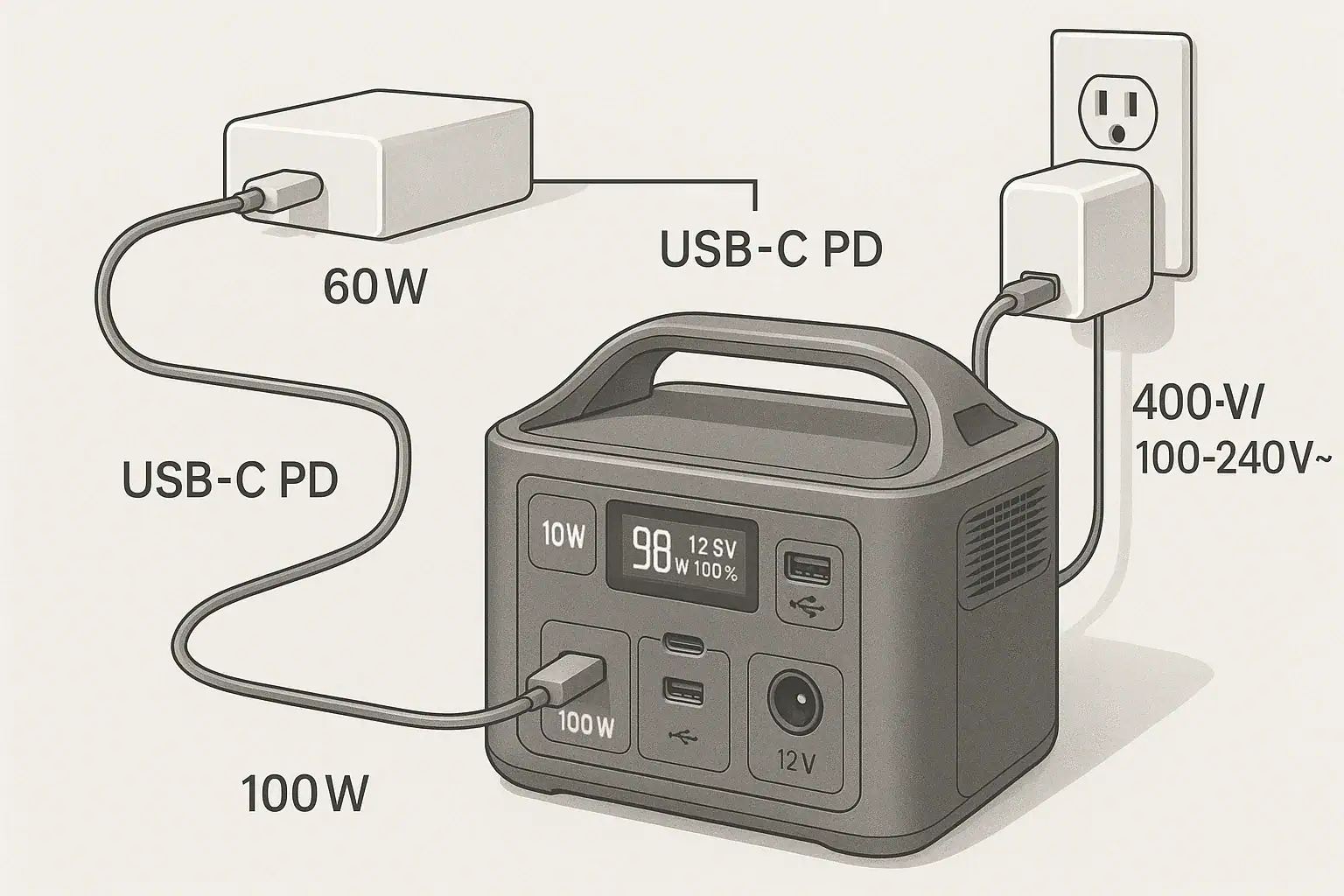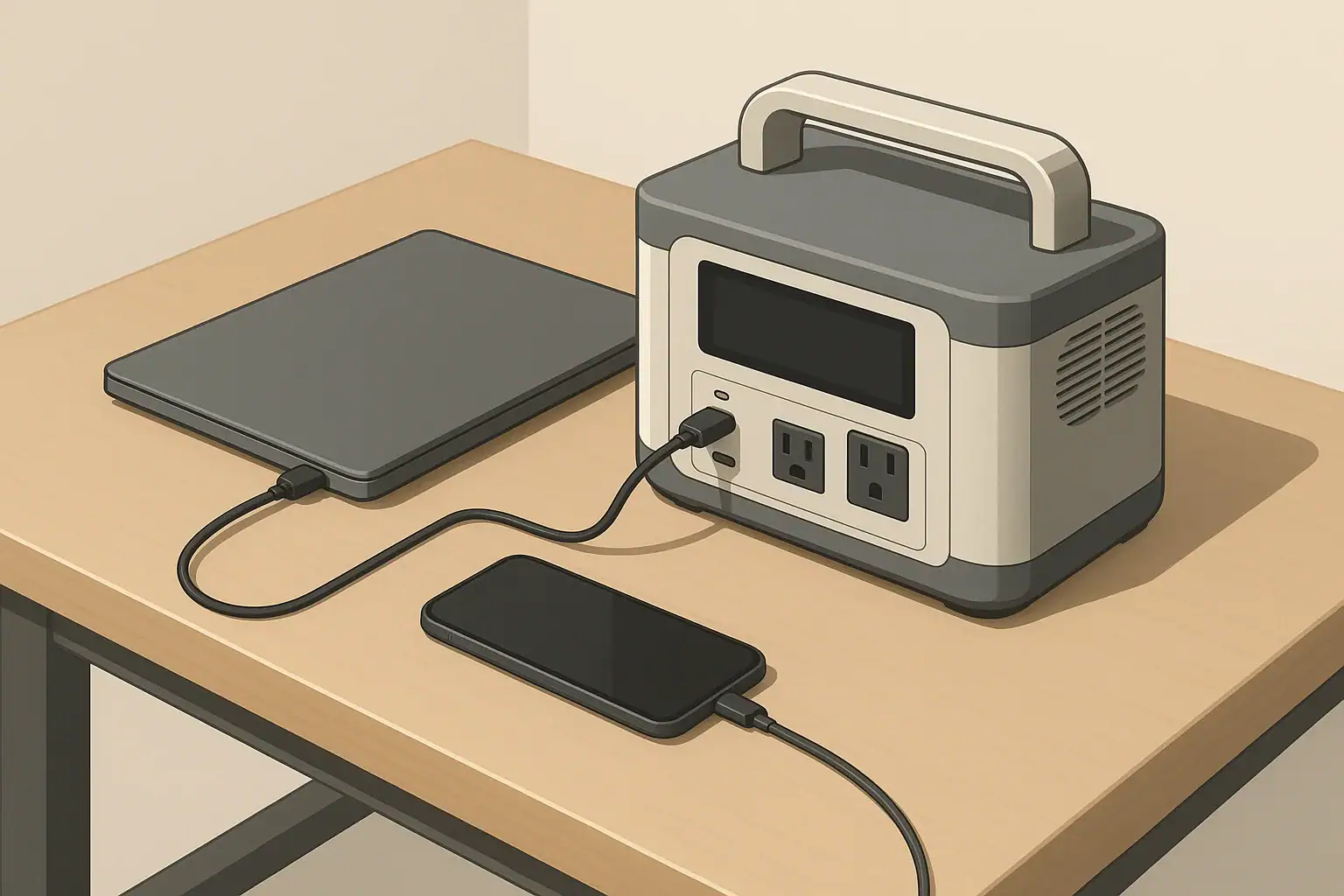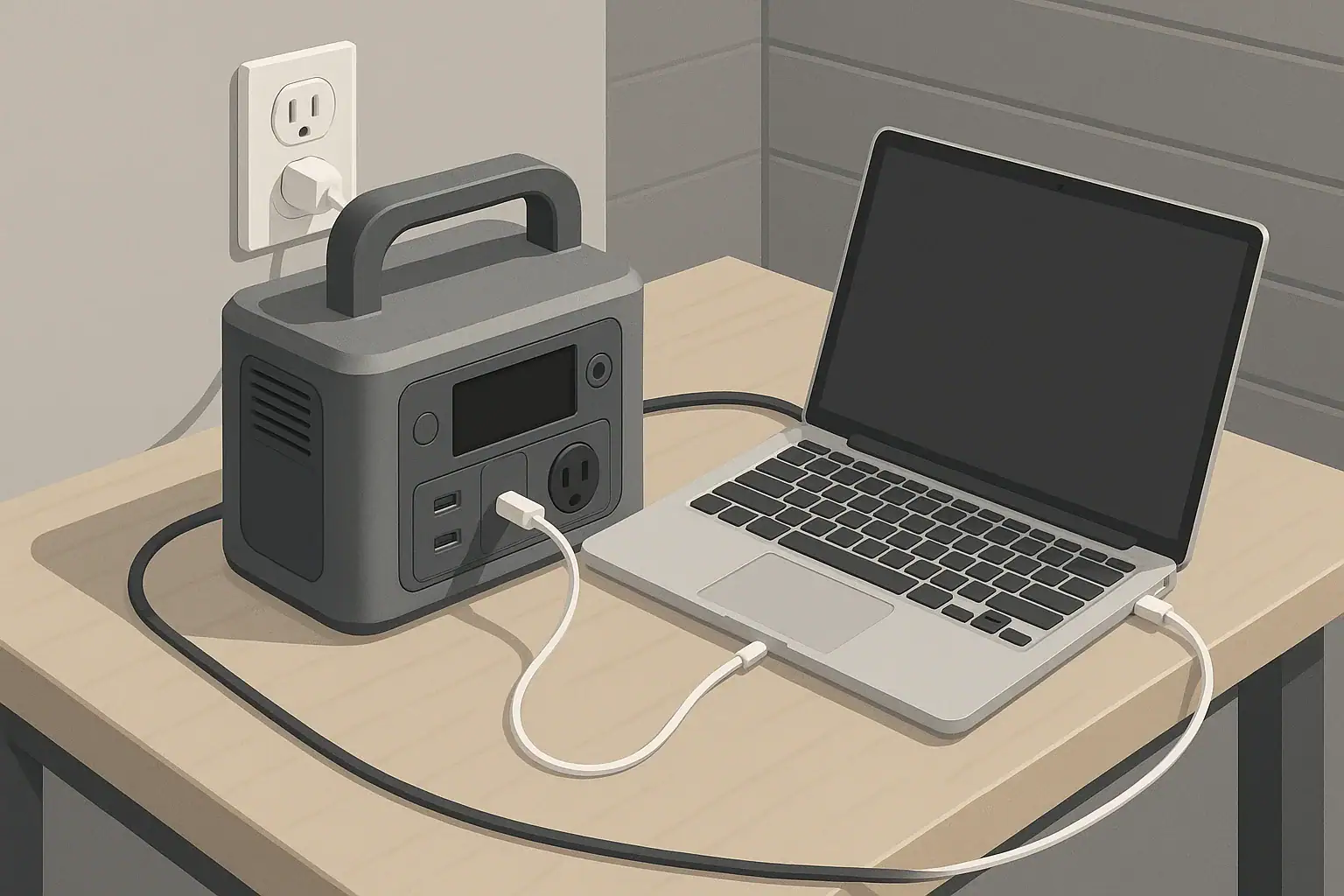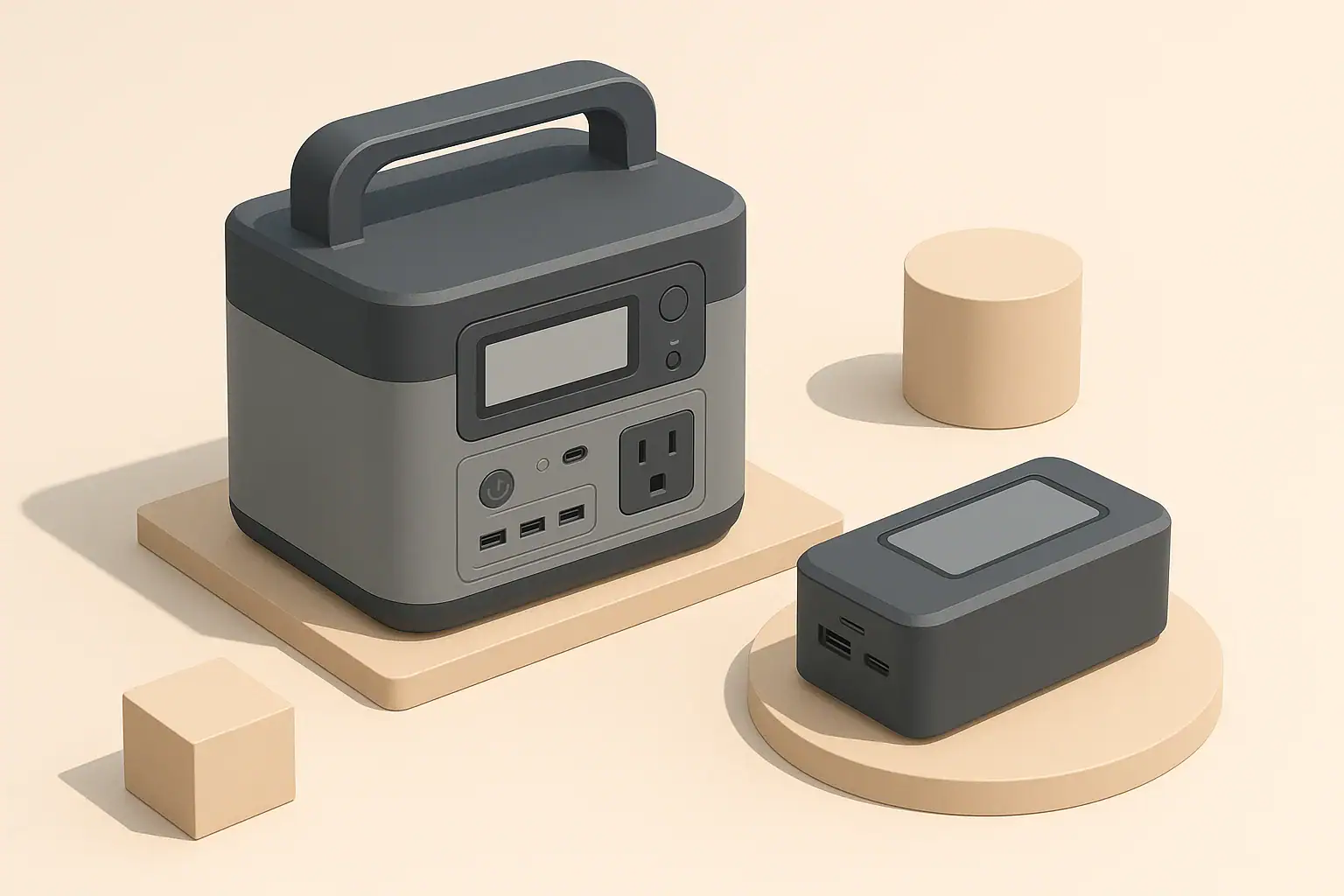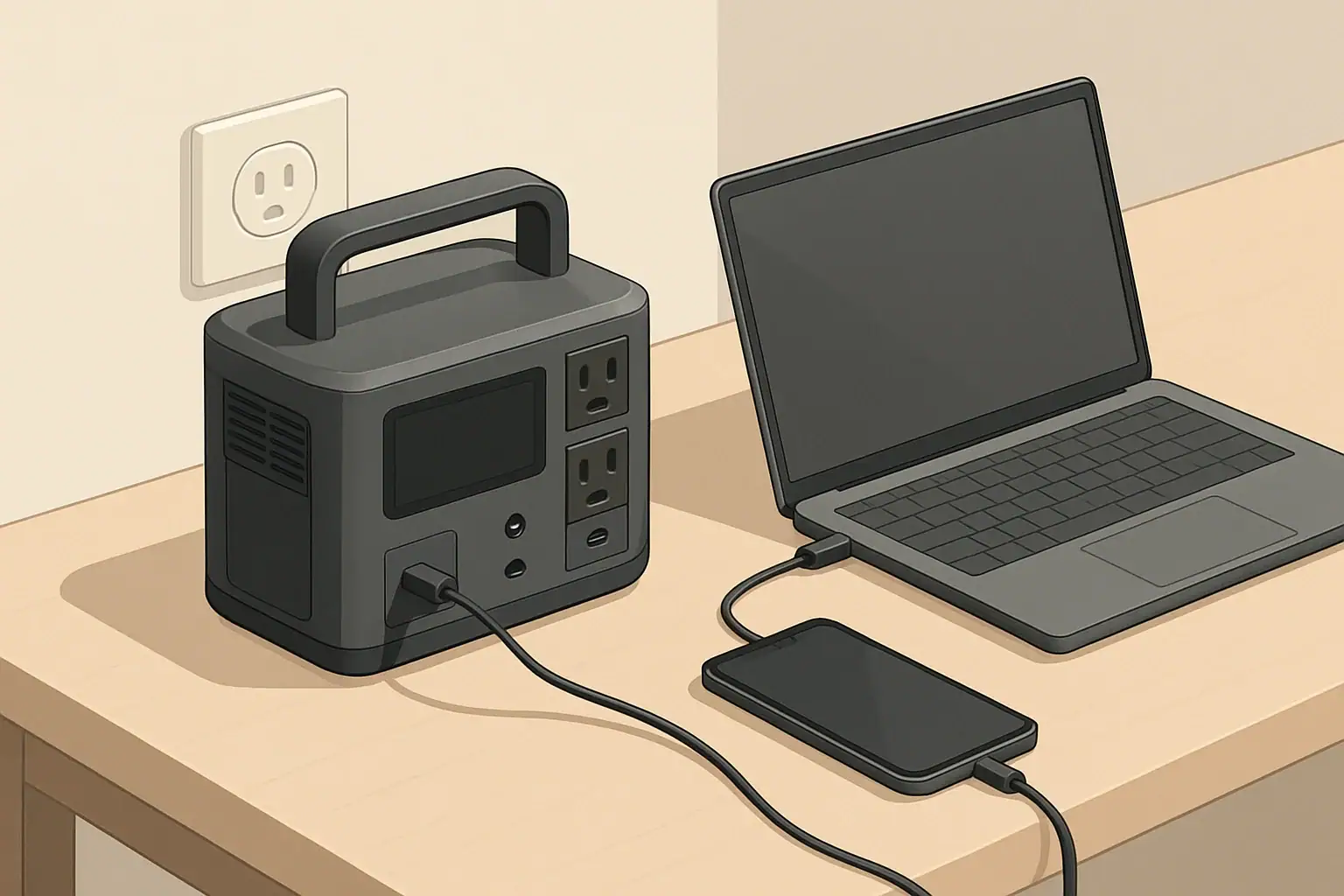
You can usually combine wall and solar charging on a portable power station safely only if the manufacturer explicitly supports dual input and the total charging watts stay within the unit’s input limit. Mixing inputs without checking specs can overload the charger, trigger protection circuits, or shorten battery life.
People search this topic when they want faster charging, wonder about “pass-through” or “dual input” modes, or worry about damaging a battery with too many input watts. Terms like input limit, charge controller, MPPT, surge watts, and state of charge often appear in manuals but are not clearly explained.
This guide breaks down how dual input charging really works, why some models accept wall plus solar at the same time and others do not, and what to check on the spec sheet before plugging in. You will learn practical wattage examples, common mistakes, and the key features that matter if you plan to use combined charging regularly.
What Dual Input Charging Means and Why It Matters
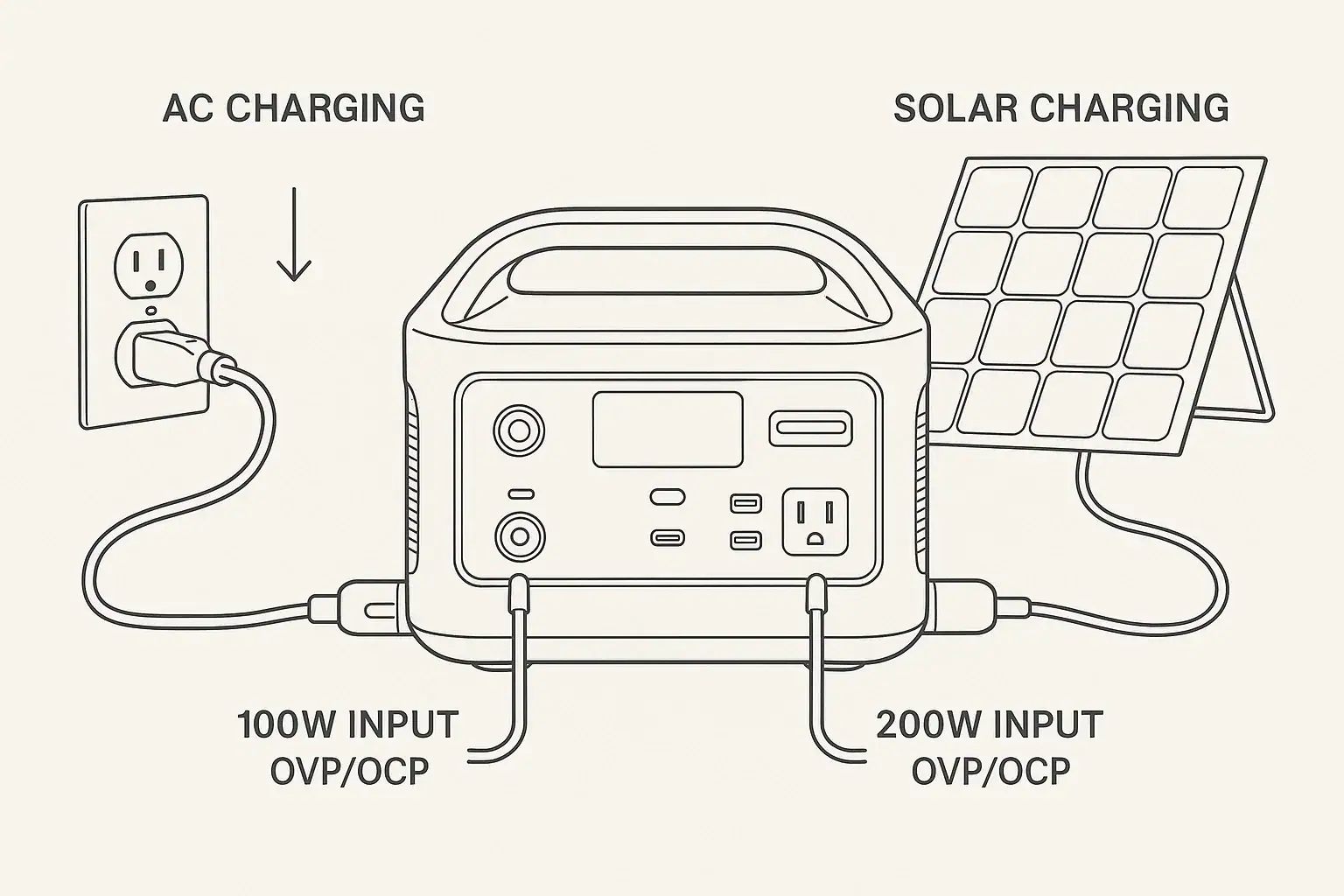
In the context of portable power stations, dual input charging means using two separate charging sources at the same time, most commonly a wall outlet (AC adapter) plus solar panels (DC input). The power station’s internal electronics decide how much power to accept from each source and how fast to charge the battery.
Dual input matters for three main reasons: charging speed, flexibility, and battery health. Combining wall and solar can significantly reduce charge time if the unit is designed to accept the extra watts. It also lets you top up from solar while on grid power, or keep charging at a decent rate when one source is weak (for example, cloudy solar conditions plus a low-watt wall outlet).
However, not every portable power station supports true dual input. Some units have multiple ports but share a single internal charge controller with a fixed input wattage limit. In those cases, plugging in wall and solar together may not increase charging speed and can sometimes cause the unit to shut down the extra input or throw an error.
Understanding what dual input really means on your model helps you avoid overloading the system, misreading the display, or assuming that more cables always equal faster charging. It is ultimately about how much safe charging power the internal hardware is designed to handle, not just how many ports are visible on the outside.
How Combining Wall and Solar Charging Actually Works
Inside a portable power station, incoming power flows through one or more charge controllers that regulate voltage, current, and total input watts before energy reaches the battery pack. When you connect both wall and solar, you are effectively asking the system to blend two sources into a single safe charging profile.
The wall charger (or built-in AC charger) typically provides a stable DC output at a fixed voltage and current, such as 24 V at 10 A (about 240 W). Solar input is more variable and usually passes through an MPPT or PWM controller that tracks panel voltage and limits current to a safe level. If the unit supports dual input, the firmware coordinates these controllers so the combined watts do not exceed the maximum charging power.
In many designs, the power station assigns priority to one input. For example, it might take as much as possible from the wall charger first, then add solar until the total hits the input limit. In others, it may cap each input at a certain level or dynamically adjust based on solar conditions and battery state of charge.
Battery chemistry also influences how dual input behaves. Lithium iron phosphate (LiFePO4) and NMC lithium-ion packs both require a constant-current/constant-voltage (CC/CV) charging profile, but they may have different recommended charge rates (often expressed as a C-rate, like 0.5C). The internal battery management system (BMS) ensures that, regardless of how many sources you connect, the battery is not charged faster than its safe limit.
Because of these internal limits, plugging in a 500 W wall charger and 400 W of solar does not guarantee 900 W of charging. If the unit’s max input is 600 W, it may cap the total at that level, automatically throttling one or both sources. The display will usually show the net input watts, which is the best way to confirm what is really happening.
| Input type | Typical voltage | Typical power range | Role in dual input |
|---|---|---|---|
| Wall (AC adapter) | About 20–60 V DC output | 100–800 W | Provides stable, predictable charging power. |
| Solar (PV panels) | About 12–60 V DC (open-circuit) | 50–600 W | Variable power; depends on sunlight and panel angle. |
| Car / DC socket | 12–24 V DC | 60–180 W | Often used as a secondary or backup input. |
| USB-C PD input | 5–20 V DC | 30–140 W | Sometimes can be combined with another DC or AC input. |
Real-World Dual Input Scenarios and What to Expect
To understand whether combining wall and solar will help in your situation, it helps to walk through realistic wattage and capacity examples. These are simplified scenarios, but they mirror what you will see on many portable power stations.
Imagine a 1,000 Wh power station with a maximum input of 500 W. If you use only the included wall charger rated at 300 W, a full charge from empty would take roughly 3.5–4 hours, allowing for efficiency losses and tapering at high state of charge. If you add solar panels that can deliver up to 250 W in good sun, the unit could theoretically accept the full 300 W from the wall plus up to 200 W from solar before hitting its 500 W limit. In practice, you might see 450–480 W total, cutting charge time closer to 2.5–3 hours.
Now consider a larger 2,000 Wh unit rated for 1,200 W max input. If you connect a 600 W AC charger and 600 W of solar (under ideal conditions), the station could accept nearly the full 1,200 W, bringing it from 0% to 80% in around 1.5–2 hours. The last 20% typically slows down as the BMS reduces current to protect the battery, so total time may be closer to 2.5 hours.
There are also cases where dual input does not speed things up. Some power stations share a single 300 W charge controller across both the wall and solar ports. When you plug in both, the unit might cap total input at 300 W and simply juggle which source it uses more heavily. You might see the display hover around 280–300 W whether or not solar is connected, especially if the wall charger alone already hits the limit.
Weather can also change the picture. If your solar panels are rated at 200 W but clouds reduce them to 60–80 W, adding that to a 300 W wall charger still helps, but the improvement is modest. Instead of 300 W, you might see 360–380 W. Over a full charge cycle, that could save 30–45 minutes, which might or might not matter depending on your use case.
Finally, some models allow combining DC sources, such as solar plus USB-C PD input, while AC plus solar is not supported. In that case, you might run a 200 W solar array and a 100 W USB-C PD charger together to reach 300 W total, even though the AC adapter cannot be used at the same time. The key is always to check which combinations are officially supported and verify actual input watts on the display.
Common Dual Input Mistakes and Troubleshooting Signs
Many dual input problems come from assuming that more cables automatically equal more charging power. When users do not understand the input limit or how ports share a controller, they can misinterpret warnings or think something is broken when it is not.
One frequent mistake is exceeding the recommended solar voltage or wattage while also using the wall charger. For example, connecting a large solar array that already pushes the input close to its limit, then plugging in the wall charger, can cause the unit to shut off the solar input, show an overvoltage or overcurrent error, or reduce both sources to a lower combined level.
Another issue is using non-matching or third-party adapters that are not designed to work together. An aftermarket AC adapter with higher voltage than specified, combined with solar panels wired in series, may stress the charge controller and trigger safety cutoffs. Even if the unit does not fail immediately, running it outside its intended charging profile can shorten battery lifespan.
Users also often overlook firmware behaviors. Some power stations are programmed to prioritize battery longevity over absolute speed. When the state of charge passes a certain threshold (for example, 80–90%), the system may automatically reduce input watts, regardless of how many sources are connected. This is normal and not a sign that dual input has stopped working.
Signs that your dual input setup is not working properly include the total input watts not increasing when you add a second source (and the manual says it should), repeated error icons on the display when both inputs are connected, the fan running at full speed followed by an abrupt drop in input watts, or the unit getting noticeably hotter than usual near the charge ports.
If you see these symptoms, first disconnect one input and confirm the unit charges correctly from a single source. Then test each combination separately (wall only, solar only, wall plus solar) while watching the input wattage and any warning indicators. If the behavior does not match the manual’s description or the input ratings on the label, it is safer to revert to single-source charging and contact the manufacturer for clarification.
Safety Basics for Combining Wall and Solar Charging
Safe dual input charging comes down to staying within the designed electrical limits and respecting how the power station manages its own protections. The most important number to know is the maximum total input power, usually expressed in watts. This value often assumes all active inputs combined, not per port.
Never exceed the specified input voltage range on any port, especially the solar or DC input. Solar panels wired in series can easily push voltage above what the charge controller can tolerate, even if the combined wattage seems modest. When in doubt, use series/parallel configurations that keep open-circuit voltage comfortably below the stated maximum.
Use only compatible connectors and adapters that match the polarity and voltage expectations of the device. For wall charging, stick to the supplied adapter or one that explicitly matches the voltage, current, and polarity requirements. For solar, follow the manufacturer’s guidance on panel wattage, wiring, and whether a separate charge controller is allowed or prohibited.
Thermal management is another key safety factor. Dual input charging typically produces more heat than single-source charging because the charge controller and BMS are working harder. Make sure the power station has adequate ventilation, keep it out of direct intense sun while charging, and avoid covering the vents. If the unit becomes uncomfortably hot to the touch, reduce input power or disconnect one source and let it cool.
Finally, remember that dual input does not change the safe use of the AC and DC output ports. Do not assume that faster charging means you can safely run larger loads indefinitely. Always consider both the continuous output rating and the surge watts rating when powering devices, and avoid daisy-chaining power strips or improvised wiring. For any connection to a building’s electrical system or transfer switch, consult a qualified electrician and follow local codes.
Charging Habits, Storage, and Long-Term Battery Health
How you use dual input over months and years has a direct impact on battery longevity. Even if the power station supports very high input wattage, running it at maximum charge rate every single cycle can add stress, especially in hot environments. Moderating charge speed when you are not in a rush is one of the simplest ways to extend battery life.
Whenever possible, avoid frequently charging from 0% to 100% at full speed. Many users find a sweet spot by charging between roughly 20% and 80% when daily usage allows. If your power station offers an adjustable input limit, consider setting it to a moderate level (for example, 50–70% of the maximum) for routine use and reserving full-speed dual input for emergencies or time-critical situations.
Temperature is another major factor. Charging at high input watts while the unit is already warm from heavy discharge can push internal temperatures higher, prompting the BMS to throttle charging or, in extreme cases, shut down. Letting the power station cool for a short period before initiating dual input charging can reduce thermal cycling stress on both the battery and electronics.
For storage, aim to keep the battery at a partial state of charge, often around 40–60%, and in a cool, dry place. Avoid leaving the unit plugged into wall power and solar simultaneously for weeks on end unless the manual explicitly supports float charging or UPS-style operation. Long-term trickle charging at high voltage can contribute to gradual capacity loss.
Periodically inspect your charging cables, connectors, and solar wiring. Loose connections or partially damaged cables can generate heat and resistance, especially when carrying higher currents from combined inputs. Replace any components that show discoloration, cracking, or intermittent behavior during charging.
| Practice | Recommended approach | Effect on battery life |
|---|---|---|
| Charge rate | Use moderate watts for everyday charging; reserve max input for urgency. | Reduces stress and slows capacity fade over time. |
| Charge window | Operate mostly between about 20–80% state of charge when practical. | Helps maintain cycle life versus constant 0–100% cycles. |
| Temperature | Charge in a cool, shaded area; avoid hot car interiors. | Prevents overheating and BMS throttling. |
| Storage | Store around mid-charge, in a dry, moderate-temperature location. | Minimizes long-term voltage and thermal stress. |
| Cable care | Inspect and replace worn or damaged charging leads. | Improves efficiency and reduces risk of hot spots. |
Related guides: Solar Panel Series vs Parallel: Which Is Better for Charging a Power Station? • Overpaneling Explained: Can You Connect Bigger Solar Panels Than the Input Limit? • How to Read Solar Panel Specs for Power Stations: Voc, Vmp, Imp, and Why It Matters
Practical Takeaways and Buying Checklist for Dual Input Charging
When used within the designed limits, combining wall and solar charging can safely cut charge times and add flexibility to how you use a portable power station. The key is to treat dual input as a feature that must be explicitly supported and properly configured, not as a default capability of any unit with multiple ports.
Before relying on dual input in critical situations, test your setup under controlled conditions. Start with single-source charging, then add the second input while watching the display for total input watts, temperatures, and any warning indicators. If the real-world behavior matches the manual and stays within the published input ratings, you can be confident that your configuration is safe and effective.
Specs to look for
- Maximum input wattage (AC + DC) – Look for a clearly stated combined input limit (for example, 400–1,200 W). This tells you how much benefit you can expect from dual input and helps avoid overloading.
- Supported input combinations – Check whether the unit officially allows AC plus solar, solar plus USB-C, or only one source at a time. This matters because some models cap total input regardless of how many ports you use.
- Solar input voltage and watt range – Look for a safe voltage window (for example, 12–60 V) and a recommended wattage (150–800 W). Matching panels to this range ensures efficient MPPT operation and reduces error conditions.
- Charge controller type (MPPT vs. PWM) – MPPT controllers generally handle variable solar conditions better and can extract more watts from panels. This is important if you plan to rely heavily on solar as part of dual input.
- Battery chemistry and cycle life rating – Specs like LiFePO4 with 2,000–4,000 cycles or NMC with 800–1,500 cycles indicate how well the battery tolerates frequent fast charging. This matters if you plan to use high-watt dual input often.
- Adjustable input power or charge modes – Some units let you limit input watts or choose an “eco” or “silent” mode. This helps balance charge speed, fan noise, and battery longevity when you do not need maximum power.
- Thermal and safety protections – Look for overvoltage, overcurrent, overtemperature, and short-circuit protections. Robust protections are crucial when combining multiple inputs that can vary in voltage and current.
- Display detail and monitoring – A clear screen showing real-time input watts, battery percentage, and error icons makes it easier to verify that dual input is working as intended and to troubleshoot problems.
- DC and USB-C PD input capabilities – If you plan to supplement wall or solar with USB-C or car charging, check the maximum PD wattage (for example, 60–140 W) and whether it can be used simultaneously with other inputs.
By focusing on these specifications and understanding how dual input charging is managed internally, you can safely take advantage of faster, more flexible charging without compromising the long-term health of your portable power station.
Frequently asked questions
Which specs and features should I check before attempting dual input wall and solar charging?
Check the combined maximum input wattage, supported input combinations (for example AC+solar or solar+USB-C), the solar input voltage range, charge controller type (MPPT vs PWM), and built-in thermal and electrical protections. A clear display and an adjustable input limit are also helpful to verify real-world behavior and avoid overloading the unit.
What is a common mistake that can damage the charger or battery when combining wall and solar?
Assuming more cables or higher-rated panels always increase charge speed is common; exceeding the device’s voltage or combined wattage limits or using mismatched adapters can trigger protections or stress the BMS. Always confirm port ratings and use manufacturer-approved wiring to avoid damage.
What high-level safety precautions should I follow when using wall and solar inputs together?
Stay within the specified voltage and combined wattage limits, verify correct connector polarity, and ensure adequate ventilation to prevent overheating. If you see error icons, excessive heat, or unusual behavior, disconnect one input and consult the manual or manufacturer.
How can I tell whether my power station is actually blending wall and solar power?
Watch the unit’s real-time input wattage on the display when both sources are connected; if blending occurs the net input should increase compared to a single source. If the displayed watts do not rise, check supported combinations in the manual and test each source separately to isolate the issue.
Can frequent dual input charging shorten battery lifespan?
Regularly charging at maximum input can increase thermal and electrochemical stress and accelerate capacity loss over many cycles. To extend battery life, use moderate charge rates for routine cycles, avoid constant 0–100% fast charging, and keep the unit cool while charging.
Is it safe to leave wall and solar connected for long periods (float or UPS-style operation)?
Only do so if the manual explicitly supports float charging or continuous UPS operation; otherwise long-term simultaneous connection can cause gradual voltage or thermal stress. For storage, follow manufacturer guidance—typically store at a partial state of charge and disconnect external inputs.
Recommended next:
- USB-C Power Delivery (PD) Explained for Portable Power Stations
- Charging From a Car: What’s Safe, What’s Slow, and What Can Break
- Input Limits (Volts/Amps/Watts) Explained: How Not to Damage Your Unit
- MPPT vs PWM in Portable Power Stations: What It Changes in Real Life
- Can You Use a Higher-Watt Charger Than Rated? Understanding Input Headroom
- Why Charging Slows Down Near 80–100%: A Simple Explanation
- More in Charging →