Runtime estimation is the process of figuring out how long a portable power station can run a specific device before the battery needs to be recharged. It turns an abstract battery capacity number into practical hours of use for lights, laptops, small refrigerators, medical essentials, and other loads.
Most portable power stations list capacity in watt-hours (Wh) and output limits in watts (W). Without a clear method, it is easy to misjudge what you can power and for how long. A simple formula based on Wh helps translate those specs into realistic expectations.
Accurate runtime estimates are especially important for power outages, camping, RV use, and remote work. Knowing what you can run, in what order, and for how many hours helps you prioritize critical devices, avoid overloading the power station, and plan recharging from wall outlets, vehicles, or solar panels.
Even though the math is straightforward, real-world runtime is always a bit less than the theoretical value due to inverter losses, battery management limits, and how efficiently each device uses power. Understanding the basic formula and its limitations helps you plan with a safety margin instead of relying on optimistic assumptions.
What runtime estimation means and why it matters
Runtime estimation is the process of figuring out how long a portable power station can run a specific device before the battery needs to be recharged. It turns an abstract battery capacity number into practical hours of use for lights, laptops, small refrigerators, medical essentials, and other loads.
Most portable power stations list capacity in watt-hours (Wh) and output limits in watts (W). Without a clear method, it is easy to misjudge what you can power and for how long. A simple formula based on Wh helps translate those specs into realistic expectations.
Accurate runtime estimates are especially important for power outages, camping, RV use, and remote work. Knowing what you can run, in what order, and for how many hours helps you prioritize critical devices, avoid overloading the power station, and plan recharging from wall outlets, vehicles, or solar panels.
Even though the math is straightforward, real-world runtime is always a bit less than the theoretical value due to inverter losses, battery management limits, and how efficiently each device uses power. Understanding the basic formula and its limitations helps you plan with a safety margin instead of relying on optimistic assumptions.
Key concepts and the simple Wh runtime formula
To estimate runtime, it helps to separate three related concepts: energy (watt-hours), power (watts), and time (hours). Battery capacity is usually given in watt-hours. Devices and appliances list their power draw in watts or sometimes in amps at a given voltage. Runtime is how long the battery can supply the device before it is effectively empty.
The simple theoretical formula is:
Runtime (hours) ≈ Battery capacity (Wh) × Efficiency ÷ Device power (W)
Efficiency is a factor between 0 and 1 to account for losses in the inverter and internal electronics. A common rough planning value is 0.8 (80%), though actual efficiency varies with load. Using an efficiency factor builds in a basic buffer so you are not surprised when runtime is lower than the pure Wh ÷ W calculation suggests.
It is also important to distinguish running watts from surge watts. Running watts are the continuous power a device needs once it is operating. Surge, starting, or peak watts are short bursts that some devices require when they first turn on, such as refrigerators, pumps, and some power tools. Your portable power station’s inverter must handle the surge without shutting down, and then it must sustain the running watts for your estimated runtime to be realistic.
Another key concept is that total load matters. If you are running several devices at once, you add their wattages together to get the total power draw. The same runtime formula works with this combined wattage. However, higher loads often reduce overall efficiency, so heavy usage can shorten runtime more than the math alone suggests. Planning with a bit of extra capacity and occasionally cycling devices on and off can help.
| What to check | Why it matters | Example notes |
|---|---|---|
| Battery capacity (Wh) | Sets the total energy available | Example: 500 Wh vs 1,000 Wh changes hours of use |
| Device running watts | Determines how fast energy is used | Example: 60 W light vs 300 W appliance |
| Surge watts requirement | Affects startup compatibility | Compressors may need 2–3× running watts briefly |
| Inverter continuous rating | Limits total watts you can run at once | Stay under the continuous rating for stability |
| Efficiency factor | Accounts for conversion and heat losses | Common planning value: 0.8 (80%) efficiency |
| State of charge at start | Real capacity depends on initial charge | 80% charged battery has less usable Wh than full |
| Number of devices running | Multiple loads share the same capacity | Add up all device watts for total load |
How to apply the formula in practice
To use the formula, start by finding the battery’s watt-hour capacity and the device’s watt draw. If the device only lists amps and volts, multiply them (W = V × A) to get watts. Then choose an efficiency factor such as 0.8 for AC loads powered through the inverter or a slightly higher value for DC or USB loads, depending on the power station’s design.
For example, if a 500 Wh portable power station runs a 50 W device and you assume 80% efficiency, the estimated runtime is 500 × 0.8 ÷ 50 = 8 hours. If you run that same device plus another 50 W load at the same time, the total of 100 W cuts the estimate to about 4 hours. The same logic works at any scale, as long as you stay within the inverter’s continuous and surge ratings.
Real-world runtime examples using the Wh formula
Worked examples help show how the simple Wh formula translates into practical runtime planning. The following examples use round numbers and an 80% efficiency assumption for AC devices. These are not official limits, just illustrations of how to do the math and apply a safety margin.
Example 1: Laptop for remote work
Assume a laptop power adapter draws about 60 W while working. With a 500 Wh battery and 0.8 efficiency, estimated runtime is 500 × 0.8 ÷ 60 ≈ 6.7 hours. If you only use the laptop for light tasks and it averages closer to 30 W, runtime could roughly double. Automated brightness control and sleep modes also reduce actual draw.
Example 2: CPAP machine overnight
Suppose a CPAP machine averages 40 W during use without a heated humidifier. A 500 Wh battery at 80% effective capacity gives 500 × 0.8 ÷ 40 = 10 hours. If you add a heated humidifier and the average load rises to 70 W, runtime drops to about 5.7 hours. For critical medical devices, many users prefer a significant capacity cushion and multiple charging options.
Example 3: Mini fridge during a short outage
Small refrigerators often have a running draw around 60–80 W but can require 2–3 times that briefly at startup. If a fridge averages 70 W while running and cycles on about 50% of the time, the average over an hour might be closer to 35 W. A 1,000 Wh power station at 80% effective capacity could then provide 1,000 × 0.8 ÷ 35 ≈ 22.8 hours of average runtime. Real results vary with ambient temperature, door openings, and how full the fridge is.
Example 4: LED lighting and phone charging while camping
Imagine two LED lanterns drawing 10 W each and a couple of phones charging at a combined 10 W. Total load is about 30 W. A 300 Wh power station at 80% effective capacity yields 300 × 0.8 ÷ 30 = 8 hours. If you only run the lanterns for 4 hours each evening and charge phones intermittently, that same battery could stretch across multiple nights.
Example 5: Work-from-anywhere setup
Consider a portable power station running a 60 W laptop, a 10 W Wi-Fi hotspot, and a 20 W monitor for a combined 90 W. With a 700 Wh battery and 80% effective capacity, runtime is 700 × 0.8 ÷ 90 ≈ 6.2 hours. Turning off the monitor when not needed or dimming the display can cut the draw and extend runtime by an hour or more over a workday.
Common mistakes and troubleshooting cues
Many runtime disappointments come from optimistic assumptions or overlooking how devices behave in real life. One common mistake is using the full battery capacity number without any adjustment for efficiency. This makes the math look impressive but can overstate real runtime by 10–25%, especially for higher-wattage AC loads.
Another frequent oversight is ignoring surge power. A portable power station might have enough watt-hours to theoretically run a device for hours, but if the inverter cannot supply the instantaneous startup surge, the device may never turn on. This shows up as immediate shutoff, error codes, or the power station’s overload indicator even when the listed running watts seem within limits.
People also underestimate the impact of running multiple devices at once. Adding a monitor, speaker, or extra light may not seem significant, but every additional watt erodes runtime. Using the total simultaneous wattage in the formula helps avoid surprises when capacity drops faster than expected. Some users also forget that partial state of charge at the start means less usable energy than the label suggests.
Runtime issues can also appear as slow or inconsistent charging. If you are trying to run loads while charging the power station from solar or a vehicle, the incoming power may only partially offset the outgoing load. The display may show very slow net charging or even a gradual discharge. In colder or hotter environments, battery management systems can further limit charge or discharge rates, which can change runtime and charging time compared to mild indoor conditions.
Safety basics when planning and using runtime
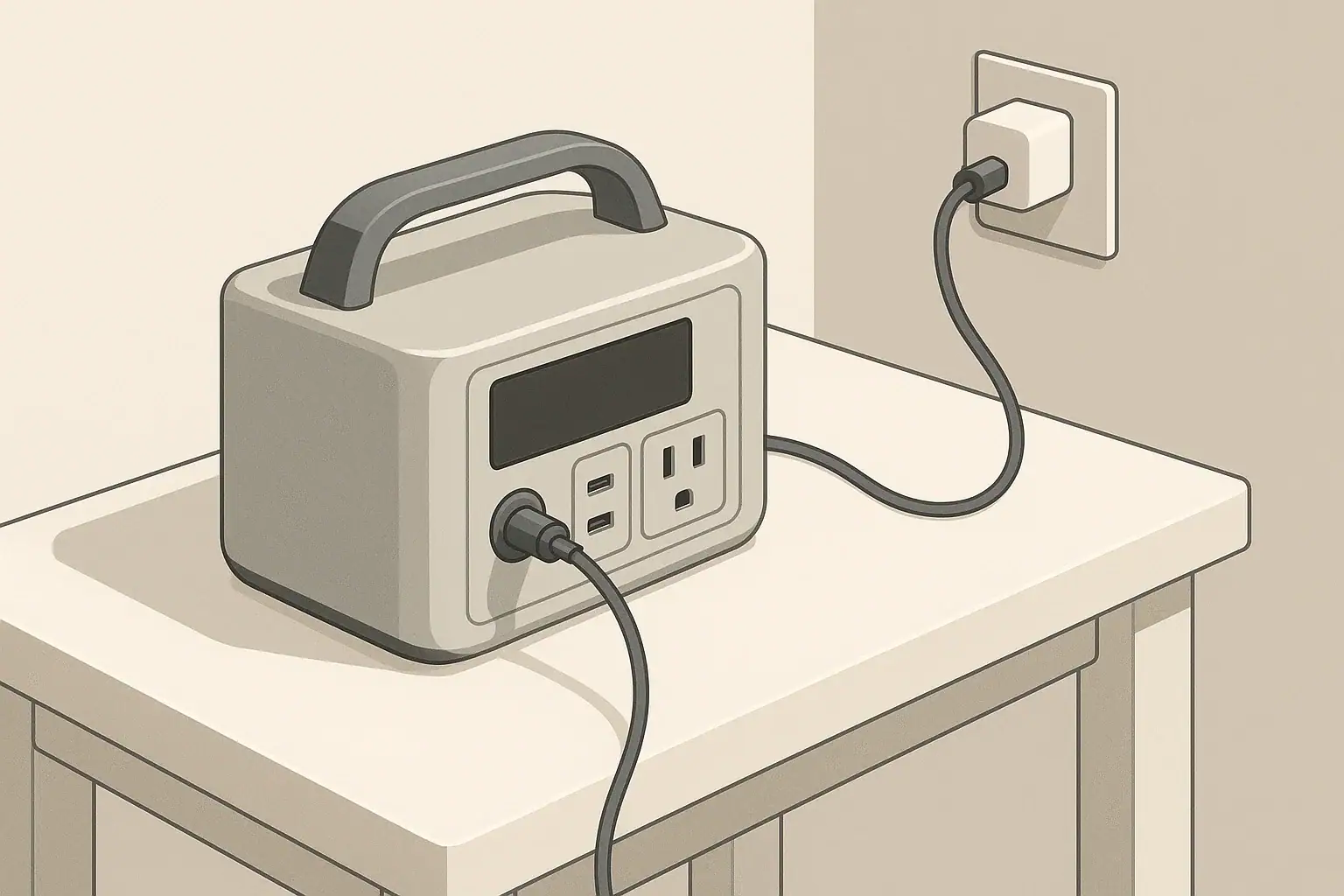
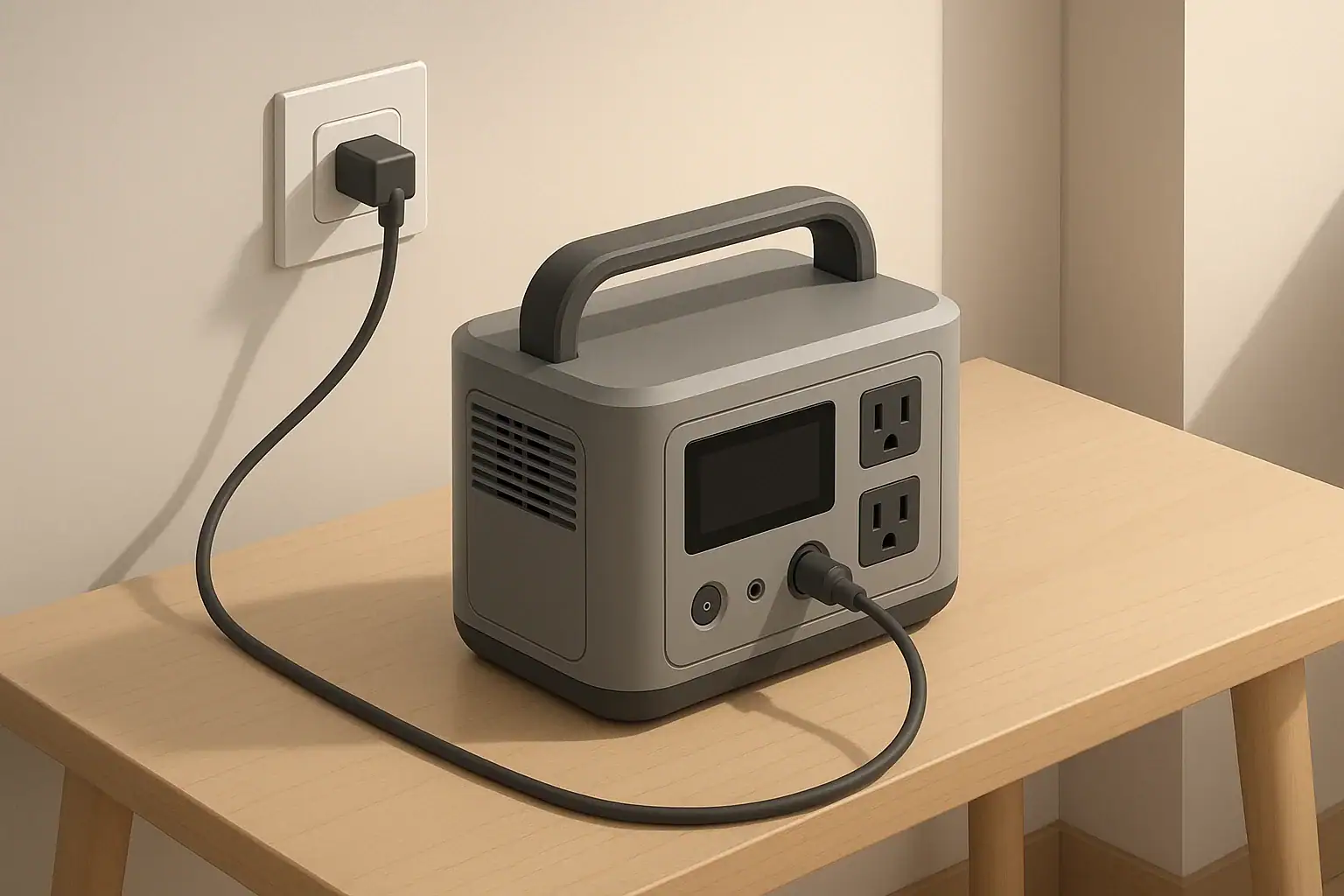
Runtime planning is not just about math; safe operation is equally important. Portable power stations should be placed on stable, dry surfaces away from direct heat sources and out of puddles or standing water. Keep units in locations where airflow around the vents is not blocked, such as a tabletop, floor, or shelf with a bit of space on all sides.
Use cords and extension cables rated for the loads you plan to run. Undersized or damaged cords can overheat, especially when powering higher-wattage devices for extended periods. Avoid daisy-chaining multiple power strips or running cords under rugs or through doorways where they can be pinched or abraded. If the device has a ground-fault circuit interrupter (GFCI) outlet, treat it as an added layer of protection in damp or outdoor environments, but not a substitute for safe placement and dry conditions.
Never place a portable power station in enclosed spaces without ventilation, such as small cabinets or tightly sealed boxes, while it is in use or charging. Heat builds up as batteries charge and discharge, and the inverter produces additional warmth under heavy load. If you notice the case becoming unusually hot, reduce the load, ensure vents are unobstructed, and allow the unit to cool.
For powering home circuits, avoid ad-hoc or improvised connections to building wiring. Do not attempt to backfeed an electrical panel or household outlet. Any connection that involves home wiring, transfer mechanisms, or generator inlets should be designed and installed by a qualified electrician, using appropriate equipment and following applicable codes.
Maintenance and storage for reliable runtime
Consistent runtime depends on keeping the battery and electronics in good condition. Batteries naturally lose some capacity over years and cycling, but proper maintenance helps slow that process and keep estimates closer to real performance. Follow the manufacturer’s general care recommendations, and avoid exposing the power station to extreme temperatures, moisture, or physical impacts.
For storage, many lithium-based portable power stations do best when kept partially charged rather than at 0% or 100% for long periods. A common guideline is to store around 40–60% state of charge (SOC) if you will not use the unit for several months. Self-discharge over time means the SOC will slowly decrease in storage, so periodic top-ups are important. Avoid leaving the unit fully depleted for extended periods, as this can accelerate battery degradation.
Temperature strongly influences battery performance and runtime. Most portable power stations operate best at moderate indoor temperatures. Very cold conditions can temporarily reduce effective capacity and limit charge rates, while high heat can stress the battery and shorten its lifespan. For cold-weather use, many people store the power station indoors and bring it out only when needed, or run it inside a tent or vehicle while maintaining adequate ventilation and avoiding wet conditions.
Routine checks also help catch issues early. Inspect cords and cables for wear, make sure outlets and ports are free of debris, and verify that cooling fans operate when the unit is under load or charging. Occasionally compare your real-world runtime to your estimates; if you notice a significant decline without a clear reason, it may be a sign that the battery has aged or that loads are higher than you assumed.
| Task | Suggested interval | Notes |
|---|---|---|
| Top up charge in storage | Every 2–3 months | Prevent battery from sitting near 0% for long periods |
| Runtime test with small load | Every 6–12 months | Compare to past estimates to spot capacity changes |
| Inspect cords and connectors | Before trips or storm season | Look for fraying, bent pins, or loose plugs |
| Clean vents and surfaces | Every few months | Keep dust from blocking airflow or ports |
| Check storage temperature | Seasonally | Keep in a cool, dry area away from direct sun |
| Review user manual guidelines | Annually | Confirm any model-specific limits or updates |
| Plan for end-of-life recycling | When capacity noticeably declines | Use appropriate recycling options for batteries |
Practical takeaways and quick runtime checklist
Estimating runtime for portable power stations comes down to knowing your battery capacity, your device wattage, and a realistic efficiency factor. With these three pieces of information, the simple Wh-based formula gives a solid starting point for planning power needs in outages, camping trips, RV stays, and remote work sessions.
Because actual performance can vary, it is wise to treat calculations as planning tools, not guarantees. Track your real-world runtimes, adjust your efficiency assumptions as you gain experience, and keep some capacity in reserve for unexpected loads or weather-related charging delays. Over time, your estimates will become more accurate and tailored to your specific devices and usage patterns.
- Identify battery capacity in watt-hours and note it somewhere you can reference easily.
- List key devices with their running watts and any known surge requirements.
- Use Runtime ≈ Wh × 0.8 ÷ total watts for quick AC load estimates, then round down for safety.
- Plan to run high-priority devices first and stagger secondary loads when capacity is limited.
- Recheck your plan for cold or hot conditions, when batteries may behave differently.
- Store the power station partially charged, top it up periodically, and test it before relying on it for critical use.
With a simple formula and a few minutes of planning, you can turn technical battery numbers into clear expectations about what your portable power station can do and how long it can do it.
Frequently asked questions
How do I estimate runtime with watt hours for multiple devices?
Add the running wattage of each device to get the total load, then apply the Wh-based formula: Runtime ≈ Battery capacity (Wh) × Efficiency ÷ Total running watts. Use an efficiency factor (commonly ~0.8 for AC/inverter-powered loads) and confirm the inverter’s continuous rating can support the combined load; account for any startup surges separately. This gives a practical planning estimate rather than a guaranteed runtime.
What efficiency factor should I use when I estimate runtime with watt hours?
A common planning value for AC loads is about 0.8 (80%) to cover inverter and conversion losses, while DC or USB outputs may be somewhat higher depending on the design. Actual efficiency varies with load size and the power station’s electronics, so use 0.8 for conservative planning and adjust based on real-world runtime tests. For precise needs, measure actual draw and compare to the estimate.
Do surge or startup watts change how I estimate runtime with watt hours?
Surge watts are short-duration demands and typically don’t consume a lot of energy over time, so the Wh-based runtime formula uses running watts. However, you must ensure the inverter can supply the startup surge; if it cannot, the device may fail to start even when watt-hours are sufficient. Check both the continuous and peak/surge ratings of the power station when planning to run motorized or compressor-driven appliances.
Can I estimate runtime while charging the power station from solar or a vehicle?
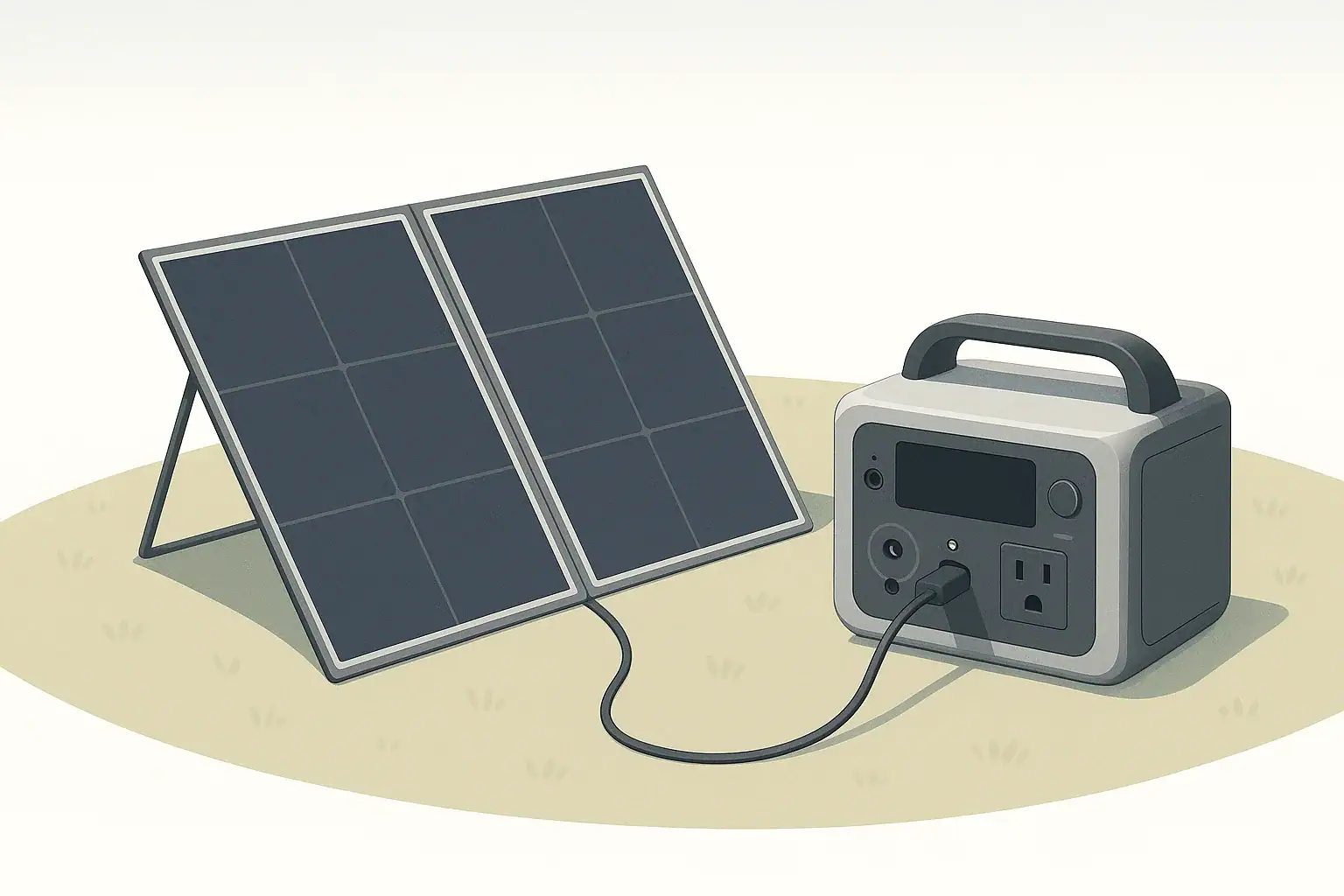
Yes, but charging while running creates a net power balance: incoming charging watts offset some or all of the outgoing load. If charging power equals or exceeds the load, the battery may hold steady or charge; if charging is less, the battery will still slowly discharge and runtime is reduced accordingly. Also factor in inefficiencies and possible charging limits imposed by temperature or battery management systems.
How do state of charge and temperature affect estimates when I estimate runtime with watt hours?
Starting state of charge directly reduces usable Wh—an 80% charged battery has proportionally less available energy than a full battery—so include the actual SOC in your calculation when possible. Temperature affects effective capacity and charging/discharging limits: cold reduces available Wh temporarily, while extreme heat can lower long-term capacity and trigger protective limits. For reliable planning, adjust estimates for SOC and expected operating temperature or run a brief runtime test under real conditions.
Recommended next:
- Pure Sine Wave vs Modified Sine Wave: Does It Matter for a Portable Power Station?
- Surge Watts vs Running Watts: How to Size a Portable Power Station
- Inverter Efficiency Explained: Why Your Runtime Is Shorter Than Expected
- AC vs DC Power: How to Maximize Efficiency and Runtime
- How to Calculate Watt-Hours From Amp-Hours (and Avoid Common Mistakes)
- Why a 1000Wh Power Station Doesn’t Give 1000Wh: Usable Capacity Explained (Efficiency + Cutoffs)
- More in Capacity →