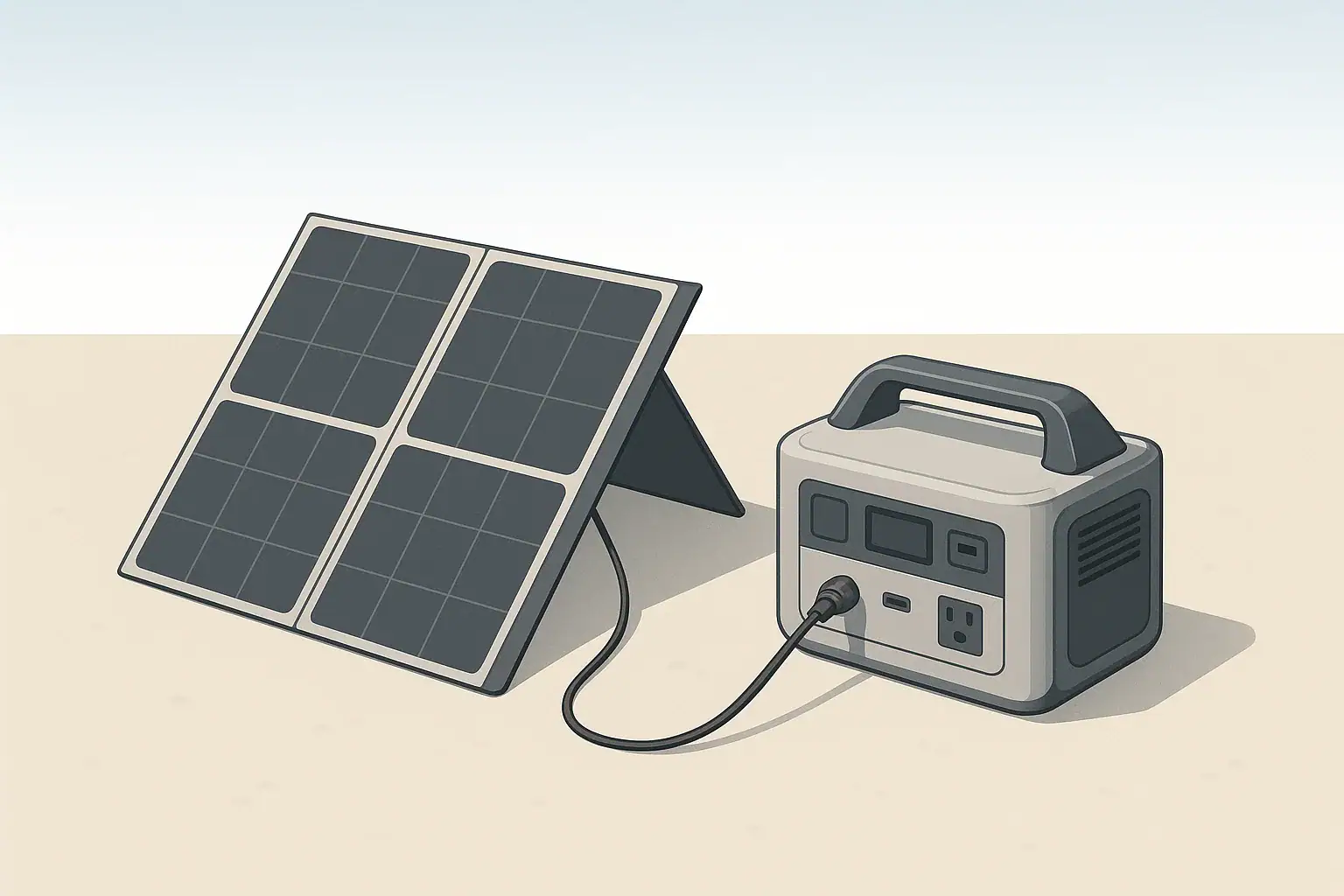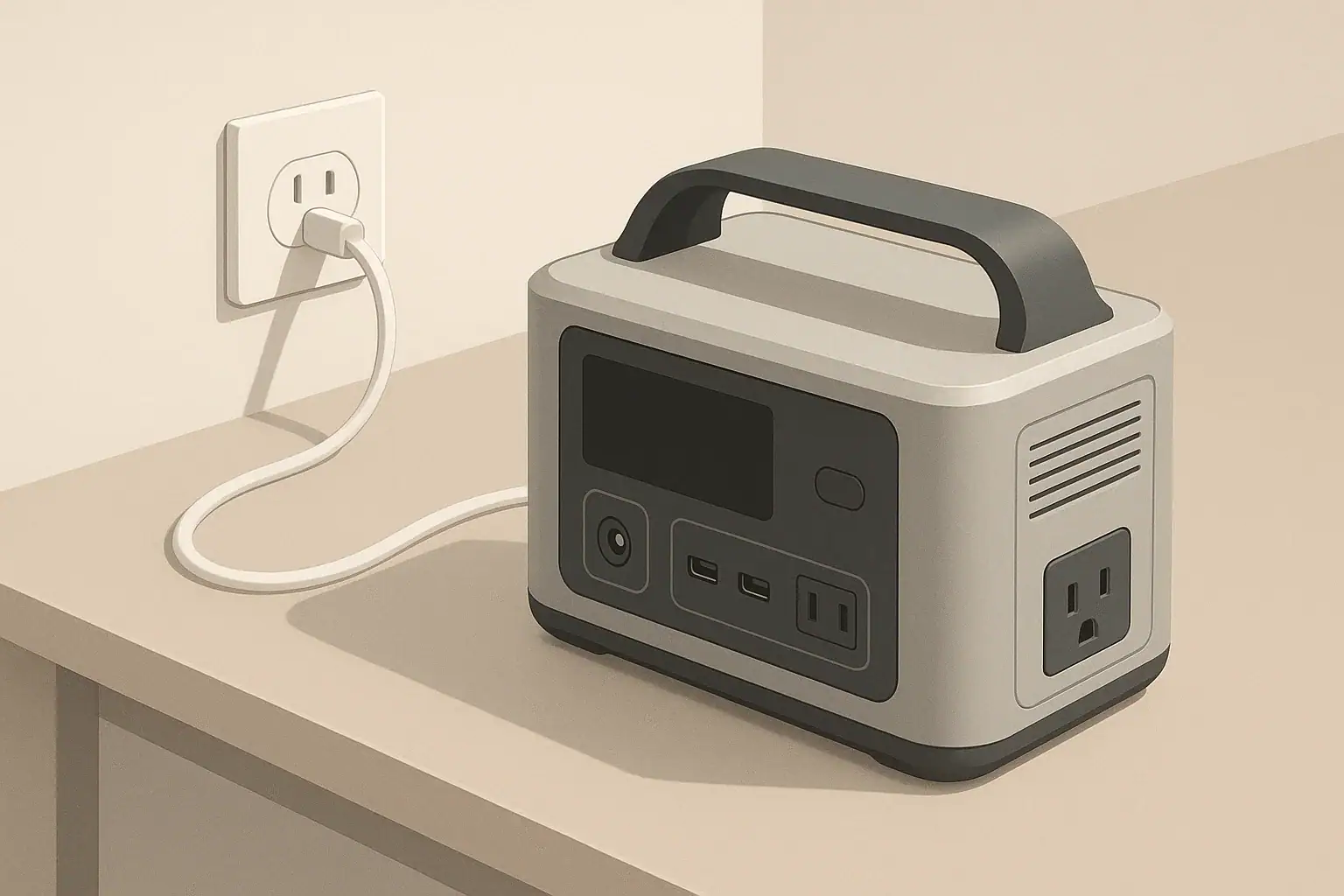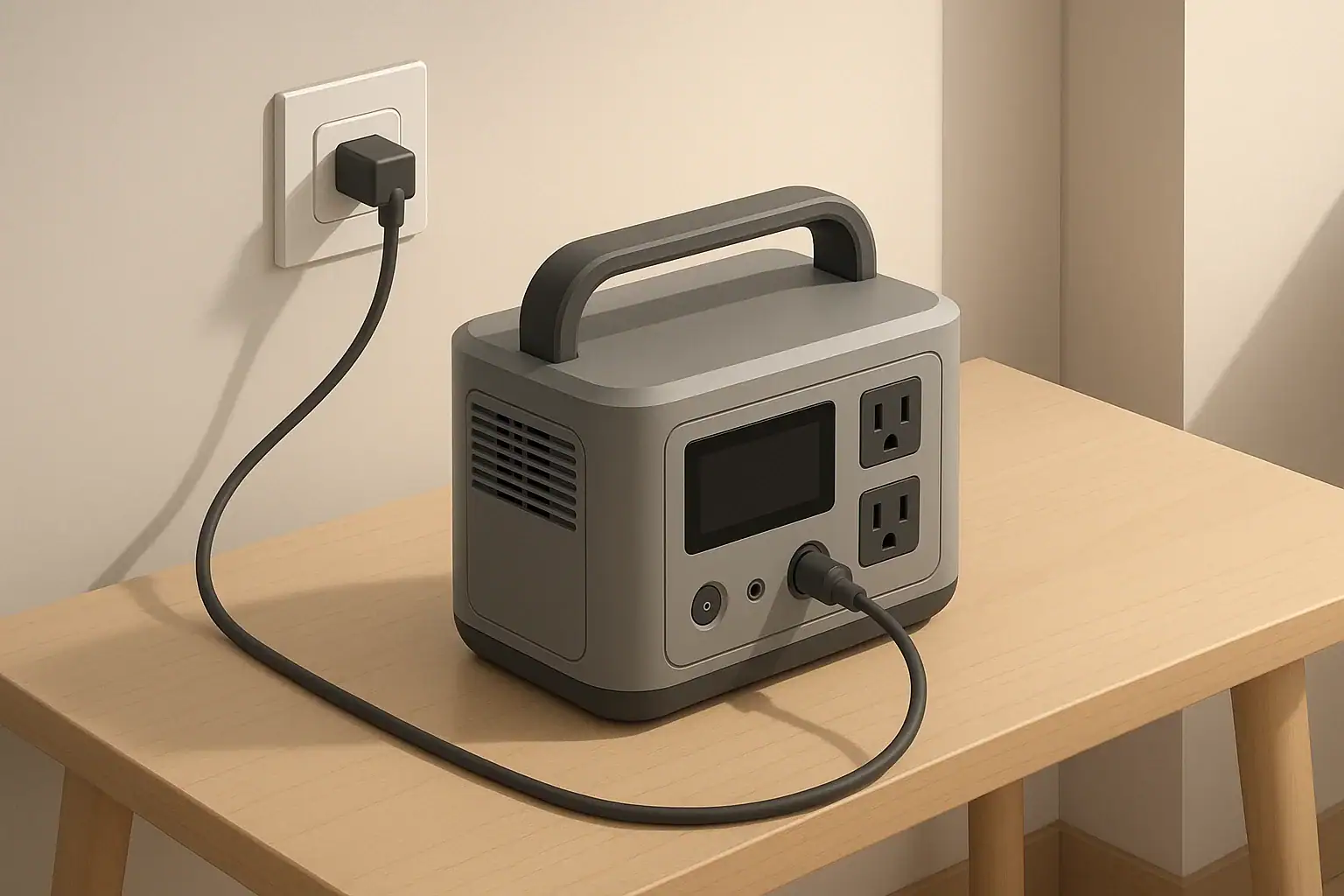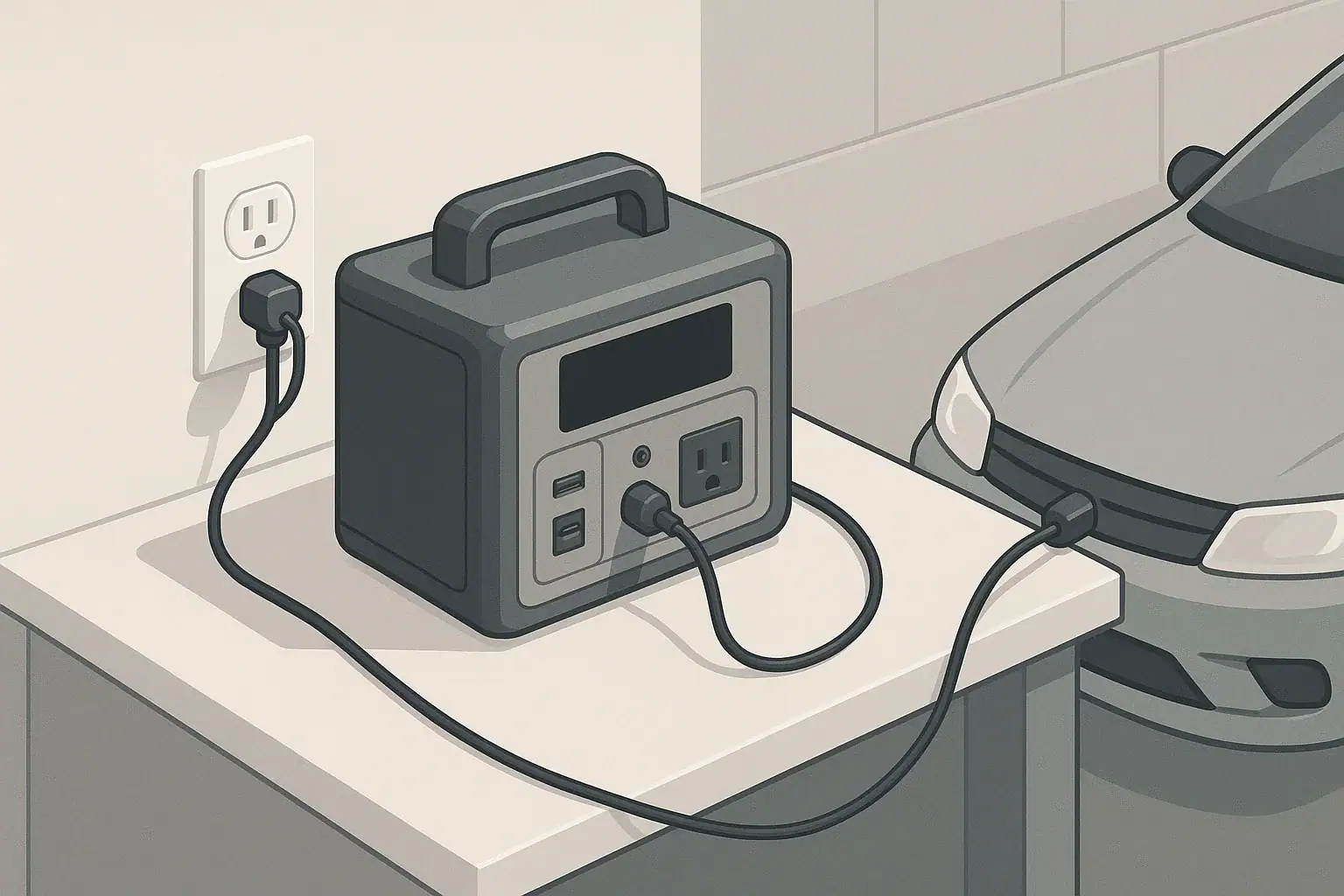
Portable power stations rely almost entirely on lithium-based batteries. These batteries are efficient and compact, but they do not tolerate extreme cold well, especially while charging.
“Freezing” in this context generally means around 32°F (0°C) and below. Many lithium batteries are designed to be discharged at low temperatures, but charging them while they are that cold is another story.
When temperatures drop, several things happen inside a lithium battery:
- Slower chemical reactions: The movement of ions through the electrolyte slows down, increasing internal resistance.
- Thicker electrolyte: The liquid or gel that conducts ions becomes more viscous, further restricting ion flow.
- Voltage behavior changes: The same current can create higher internal stress on the battery cells.
These changes mainly affect charging. While using (discharging) a power station in the cold will reduce runtime, attempting to charge it at the same temperature can cause permanent damage.
Why Freezing Temperatures Are Hard on Portable Power Stations
Portable power stations rely almost entirely on lithium-based batteries. These batteries are efficient and compact, but they do not tolerate extreme cold well, especially while charging.
“Freezing” in this context generally means around 32°F (0°C) and below. Many lithium batteries are designed to be discharged at low temperatures, but charging them while they are that cold is another story.
When temperatures drop, several things happen inside a lithium battery:
- Slower chemical reactions: The movement of ions through the electrolyte slows down, increasing internal resistance.
- Thicker electrolyte: The liquid or gel that conducts ions becomes more viscous, further restricting ion flow.
- Voltage behavior changes: The same current can create higher internal stress on the battery cells.
These changes mainly affect charging. While using (discharging) a power station in the cold will reduce runtime, attempting to charge it at the same temperature can cause permanent damage.
What Can Go Wrong If You Charge When It’s Too Cold
The main technical risk when charging a very cold lithium battery is lithium plating. This is a condition in which metallic lithium builds up on the surface of the anode instead of moving into its structure like it should.
Lithium Plating and Permanent Capacity Loss
At low temperatures, ions move slowly but the charger may still try to push in the same amount of current. When this happens, lithium can deposit as a thin metallic layer on the anode. Over time, this can lead to:
- Permanent loss of capacity: Less active material is available to store energy, so the battery holds less charge.
- Increased internal resistance: The battery heats more under load and delivers power less efficiently.
- Shortened lifespan: The battery reaches its end-of-life earlier, even if it still works.
Safety Concerns and BMS Protections
Modern portable power stations include a battery management system (BMS) that monitors temperature, voltage, and current. Many designs will:
- Refuse to start charging when the pack is too cold.
- Charge at a reduced rate until the battery warms up.
- Shut down charging if sensors detect unusual behavior.
However, you should not rely on the BMS alone as your only line of defense. Extreme cold combined with high charging current, physical damage, or manufacturing issues can still increase safety risks. Keeping your power station within its recommended temperature range is a key part of using it safely.
Example values for illustration.
| What to check | Why it matters | Practical notes |
|---|---|---|
| Battery temperature, not just air temperature | The pack may be colder than the room or vehicle interior. | Let the unit sit indoors for a while before charging. |
| Manufacturer’s temperature guidelines | Minimum charging temperature varies by design. | Look for separate ranges for charge vs. discharge. |
| Presence of any condensation or frost | Moisture can affect ports and electronics. | Allow the device to dry and warm gradually. |
| Charging method and rate | Higher rates are tougher on cold batteries. | Use a lower‑power input when the unit is cool. |
| Ventilation around the unit | The battery may warm slightly while charging. | Keep vents clear, even in a vehicle or tent. |
| Physical condition of the case and ports | Cracks or damage can worsen with temperature swings. | Do not charge damaged equipment in any conditions. |
| Extension cords and adapters | Cold, stiff cords may be stressed or cracked. | Inspect insulation; avoid tight bends in freezing weather. |
How Cold Affects Runtime and Performance
Even when you avoid charging in freezing conditions, you will notice that your portable power station does not perform the same way in winter as it does in a warm room.
Reduced Available Capacity in the Cold
At low temperatures, lithium batteries appear to have less capacity. This is not because the energy has disappeared, but because the battery cannot deliver it efficiently under those conditions.
- Expect shorter runtimes for the same devices compared to room temperature.
- High-drain loads (heaters, kettles, some power tools) are more affected than low-drain loads (LED lights, phones).
- If the power station warms back up, some of the “lost” capacity may become available again.
As a general planning rule, some users assume that cold weather may cut realistic runtime by a noticeable fraction, and they size their power needs with that in mind. This is not a precise rule, but it helps prevent surprises during a winter outage or camping trip.
Voltage Sag and Inverter Behavior
Cold batteries show more voltage sag under load. When the inverter inside your power station sees the voltage drop too low, it shuts down to protect the battery.
That means you may see:
- Unexpected shutdowns under heavy loads, even when the display shows some remaining capacity.
- More frequent low‑battery warnings.
- Longer recharge times because the unit may throttle incoming power until it warms up.
Safe Charging Practices in Cold Conditions
You can safely use a portable power station in cold weather with some planning. The main idea is simple: charge warm, use cold when possible.
Follow the Recommended Temperature Ranges
Every product has specific guidance for safe operation. It typically lists separate temperature ranges for:
- Charging temperature range (often narrower and higher)
- Discharging temperature range (often extends farther below freezing)
- Storage temperature range (for when the unit is not being used)
A practical approach is to treat the minimum charging temperature as a strict limit. If you do not know the exact value, stay well above freezing before connecting a charger.
Warm the Battery Before You Charge
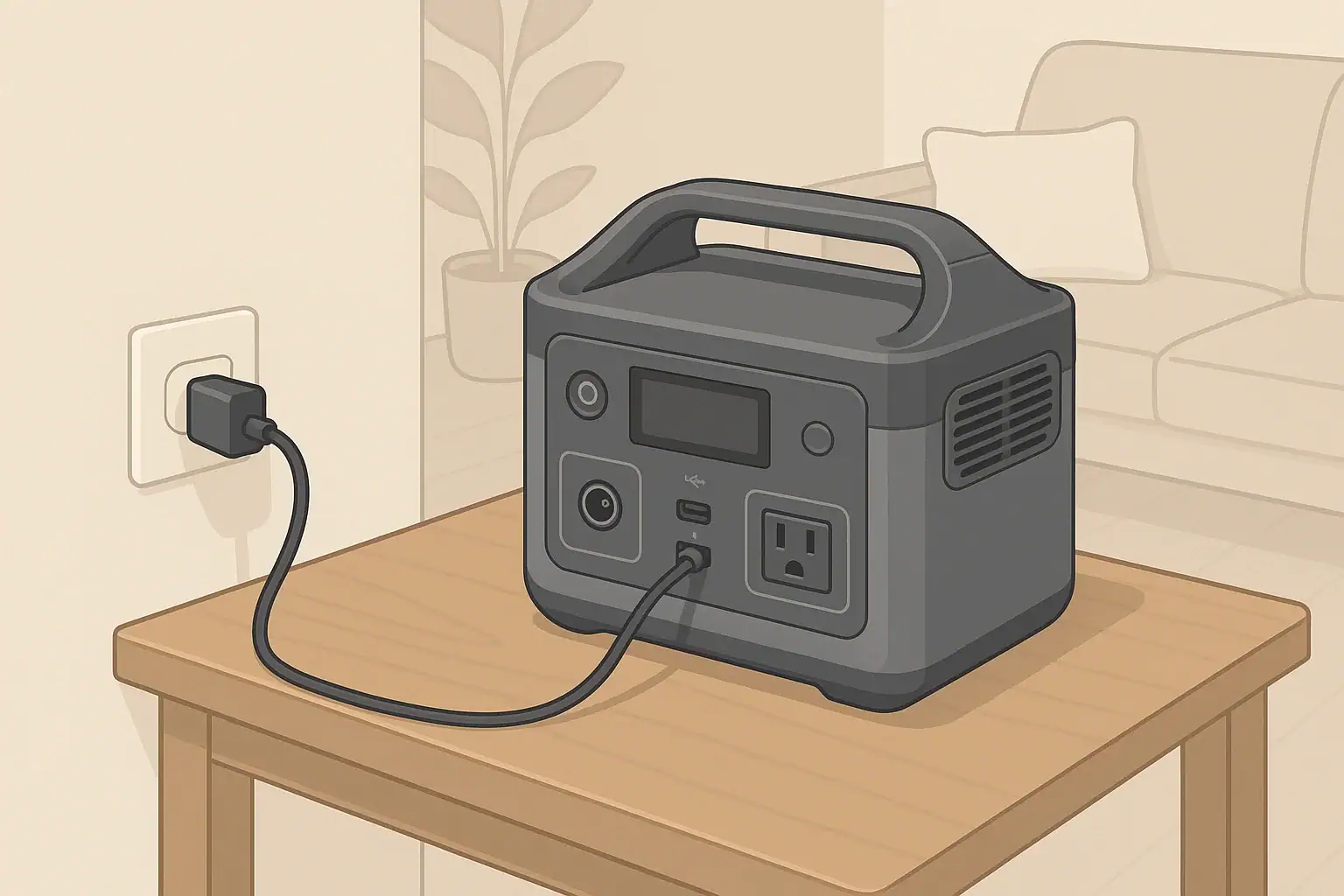
If your power station has been outside or in a very cold vehicle, bring it into a warmer space and allow it to sit unplugged before starting a charge. Helpful strategies include:
- Bringing the unit indoors for several hours after cold use.
- Letting it reach room temperature slowly to avoid condensation inside and outside the case.
- Placing it in a space that is above freezing but still well ventilated, such as a mudroom or enclosed porch.
Avoid using external heaters, hair dryers, or placing the unit against radiators or heating vents. Fast, uneven heating or hot spots can stress the case and internal components. Gentle, gradual warming is safer.
Use Lower Charge Rates in Marginal Conditions
If you must recharge when the power station is cool but not frozen, reduce stress on the battery by avoiding the fastest possible charging method. For example:
- Use a modest AC charger instead of a high‑power fast‑charge input if available.
- Accept a slower recharge from a vehicle outlet or small solar array rather than forcing a very high input.
- Monitor the unit occasionally for unusual sounds, smells, or error messages, and stop charging if anything seems off.
Cold Weather Camping, RV, and Remote Work Scenarios
Portable power stations are often used in exactly the environments that challenge them the most: cold campsites, winter cabins, and unheated work spaces. A few planning steps reduce risk and improve reliability.
Winter Camping and Vanlife
In a tent, van, or small trailer, your power station might spend the night in subfreezing air. To protect it:
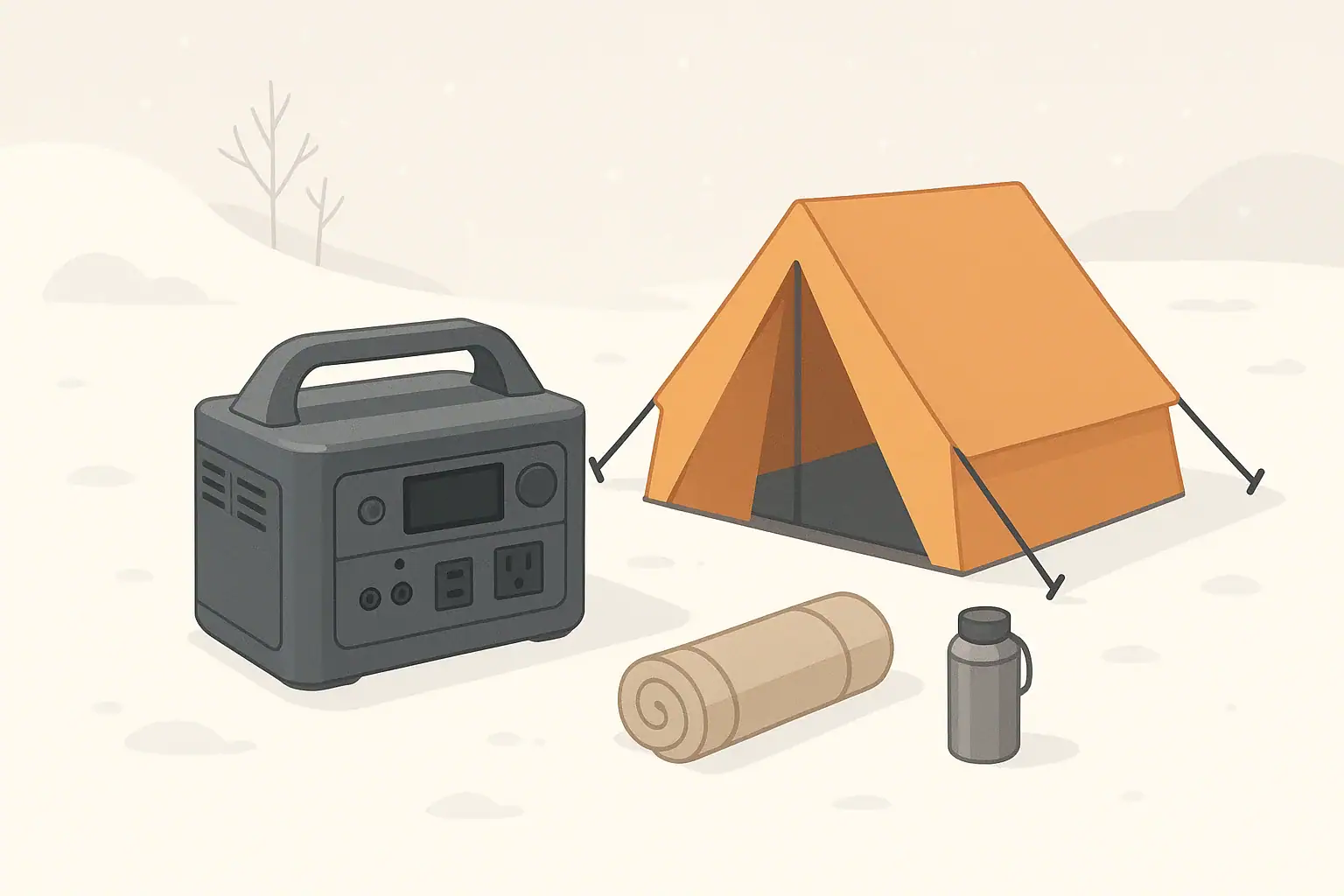
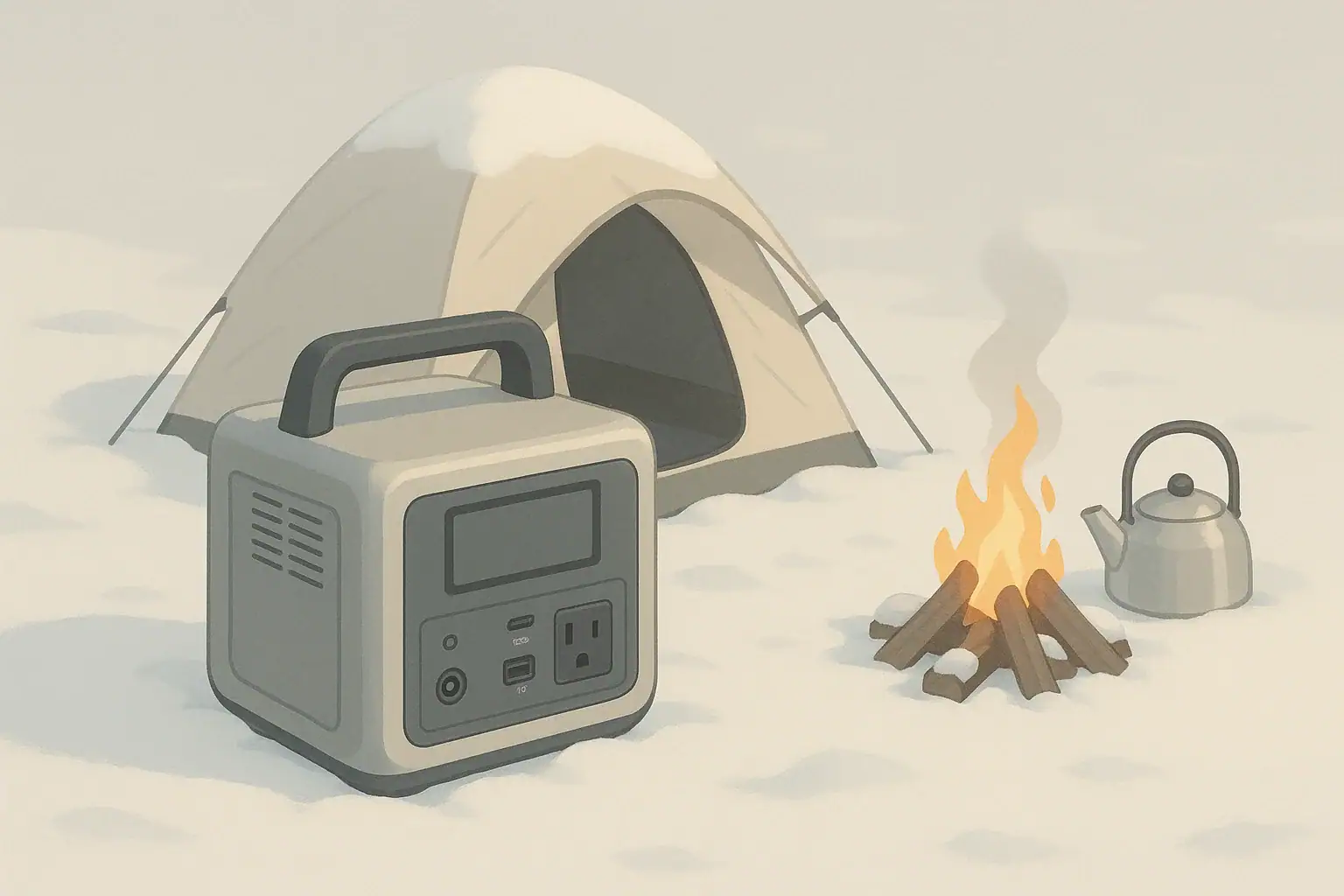
- Keep the unit off bare snow or frozen ground. Set it on an insulating pad, crate, or dry board.
- Avoid running the unit in direct contact with wet snow or ice.
- If safe to do so, store it in the warmest reasonably ventilated spot, such as near the sleeping area rather than in an uninsulated trunk.
- In the morning, wait for the interior to warm up before starting a recharge from solar or vehicle power.
RV and Remote Work Setups
In an RV or mobile office, the power station may live in a storage compartment that sees large temperature swings.
- Consider storing the unit inside the conditioned space when temperatures are expected to fall well below freezing.
- Open cabinet doors and provide ventilation around the unit while charging.
- Do not locate the power station next to heat sources such as exhaust systems, heaters, or cooking equipment in an attempt to “keep it warm.” Aim for moderate, stable temperatures.
- When tying into an RV electrical system using external inlets or transfer equipment, follow manufacturer instructions and consult a qualified electrician or RV technician for any permanent wiring changes.
Cold Weather Home Backup and Short Outages
During winter storms, a portable power station is often used indoors for short-term backup. Cold still plays a role, even if the main living area is heated.
Bringing a Cold Unit Indoors
If the power station has been stored in an unheated garage, shed, or vehicle, it may be both cold and damp. When you bring it inside during an outage:
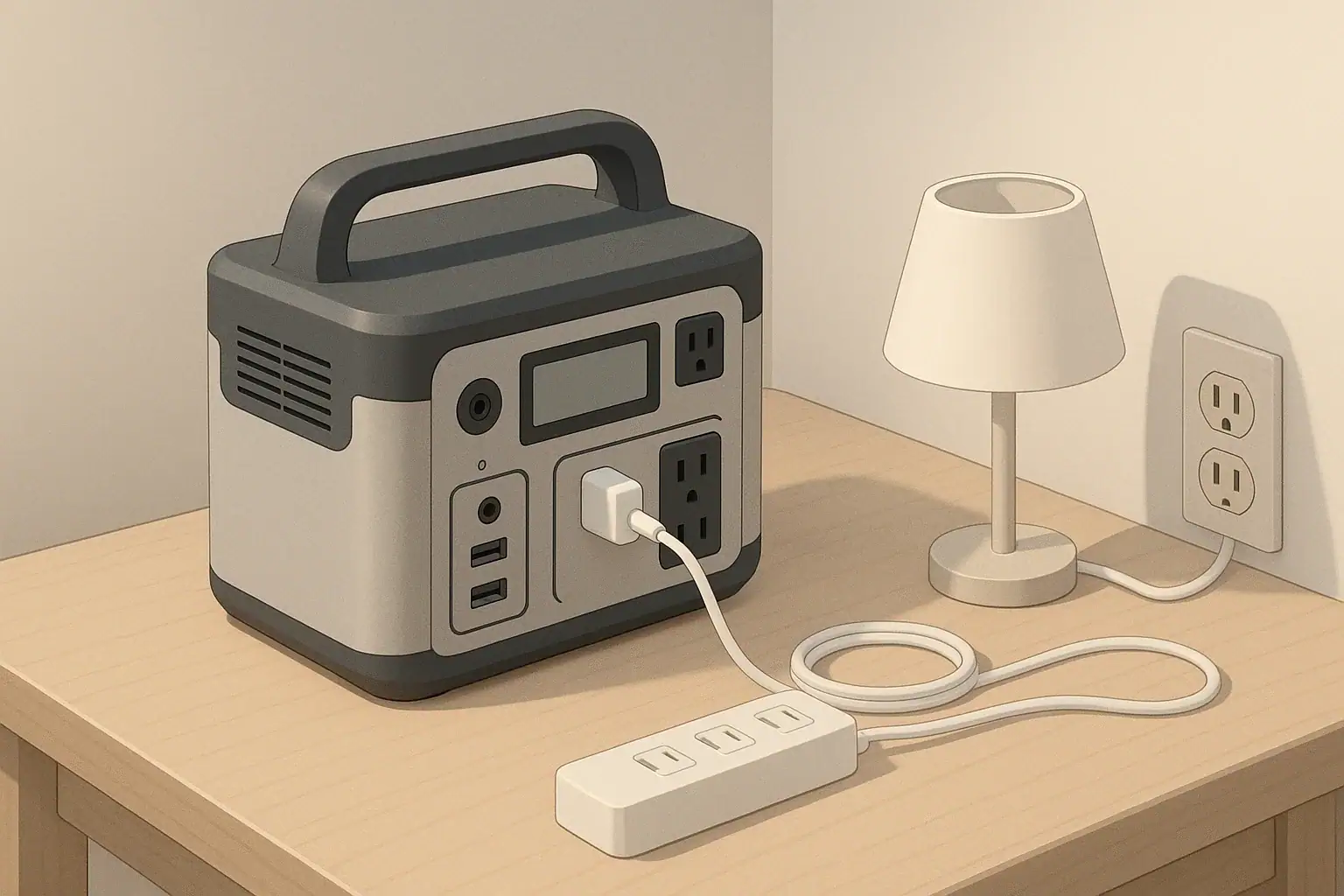
- Set it on a dry, stable surface away from direct heat and open flames.
- Allow condensation to evaporate before plugging anything in.
- Once it feels close to room temperature, then connect chargers or critical loads.
Prioritizing Loads in the Cold
Because cold reduces effective capacity, winter outages are a good time to prioritize low‑power essentials:
- LED lighting.
- Phone and laptop charging.
- Low‑wattage communications or medical monitoring equipment, as directed by device instructions.
Avoid trying to run high‑power electric heaters directly from a small or medium portable power station, as they will drain capacity quickly and may overload the inverter. Use safe, alternative heat sources approved for indoor use and follow their ventilation and carbon monoxide warnings carefully.
Example values for illustration.
| Scenario | Main risk | Safer practice | Quick note |
|---|---|---|---|
| Charging a frozen unit in an unheated garage | Cell damage from lithium plating | Warm the unit above freezing indoors before charging. | Allow time for both warming and drying. |
| Leaving the unit on snow while running a space heater | Moisture, instability, overloading | Elevate the unit and power only low‑draw essentials. | High‑watt heaters drain batteries very quickly. |
| Fast charging in a barely heated workshop | High stress on cold cells | Use a lower‑power charger until the unit is warm. | Check for any error lights or warnings. |
| Storing fully charged in a freezing car all winter | Accelerated aging, capacity loss | Store at moderate charge level in a milder location. | Aim for cool, dry, and above freezing. |
| Running cords through a door or window gap in winter | Cord damage, pinching, drafts | Use rated outdoor cords and avoid tight pinch points. | Inspect insulation regularly in cold climates. |
| Connecting to home circuits without proper hardware | Shock, backfeed, fire hazard | Use only approved devices; hire a licensed electrician. | Avoid improvised panel or outlet connections. |
| Operating near gas heaters in a closed space | Overheating, fume buildup | Maintain clearance and ensure good ventilation. | Follow heater manufacturer safety guidance. |
Storage, Maintenance, and Long-Term Cold Weather Care
Good storage habits are just as important as day‑to‑day use, especially in climates with long, cold winters.
Off-Season Storage in Cold Climates
If you will not use your portable power station for weeks or months:
- Store it in a cool, dry place that stays above freezing whenever possible.
- Avoid leaving it fully charged or fully empty for long periods.
- Top it up every few months to offset self‑discharge, following the manufacturer’s maintenance advice.
If your only option is a location that does occasionally freeze, protect the unit from direct contact with concrete floors or exterior walls. An insulated shelf or cabinet can moderate temperature swings.
Inspecting After Harsh Weather
After a season of cold exposure, especially if the power station has traveled in vehicles, campsites, or job sites, perform a visual inspection:
- Check for cracks in the housing, loose handles, or damaged feet.
- Inspect AC outlets and DC ports for corrosion, dirt, or moisture signs.
- Examine cables and extension cords for stiff or cracked insulation.
If you notice swelling, strange odors, or persistent error messages, stop using the unit and contact the manufacturer’s support resources for guidance. Do not attempt to open the case, repair cells, or bypass any internal safety systems yourself.
When to Involve a Professional
If you plan to integrate a portable power station more permanently into your home, cabin, or RV power system, keep the following in mind:
- Do not modify home electrical panels, install transfer switches, or wire generator inlets without proper qualifications.
- Use only approved accessories and follow all wiring diagrams provided by equipment manufacturers.
- Consult a licensed electrician or qualified RV technician for any installation that ties into building circuits.
Safe operation in cold weather is largely about respecting the limits of the battery chemistry, avoiding charging in freezing conditions, and ensuring that any electrical connections are done correctly and safely.
Frequently asked questions
Can I charge a portable power station at or below freezing?
You should avoid charging at or below freezing because lithium plating can occur and the battery management system may refuse or limit charging. Warm the unit above the manufacturer’s minimum charging temperature before charging to prevent permanent capacity loss and potential safety issues.
How long should I warm a cold power station before charging?
Allow several hours for the unit to reach room temperature rather than relying on a fixed interval, since the required time depends on how cold it was and the unit’s enclosure. Ensure any condensation has evaporated before connecting a charger and follow the manufacturer’s guidance when available.
Is it safe to use (discharge) a power station in freezing temperatures?
Most lithium-based power stations can be discharged at lower temperatures than they can be charged, but you should expect reduced runtime and increased voltage sag under load. Avoid running high-draw appliances in the cold and monitor for unexpected shutdowns.
What signs indicate battery damage from charging in the cold?
Typical signs include reduced usable capacity, more frequent low-battery shutdowns, quicker voltage sag, persistent error messages, and in severe cases visible swelling. If you observe these symptoms, stop using the unit and contact the manufacturer or a qualified technician.
Will charging more slowly prevent cold-related damage?
Lowering the charge rate can reduce stress on cool cells but does not eliminate the risk of lithium plating if the battery is below its minimum charging temperature. When possible, warm the pack first and use reduced charging rates only as a temporary measure in marginal conditions.