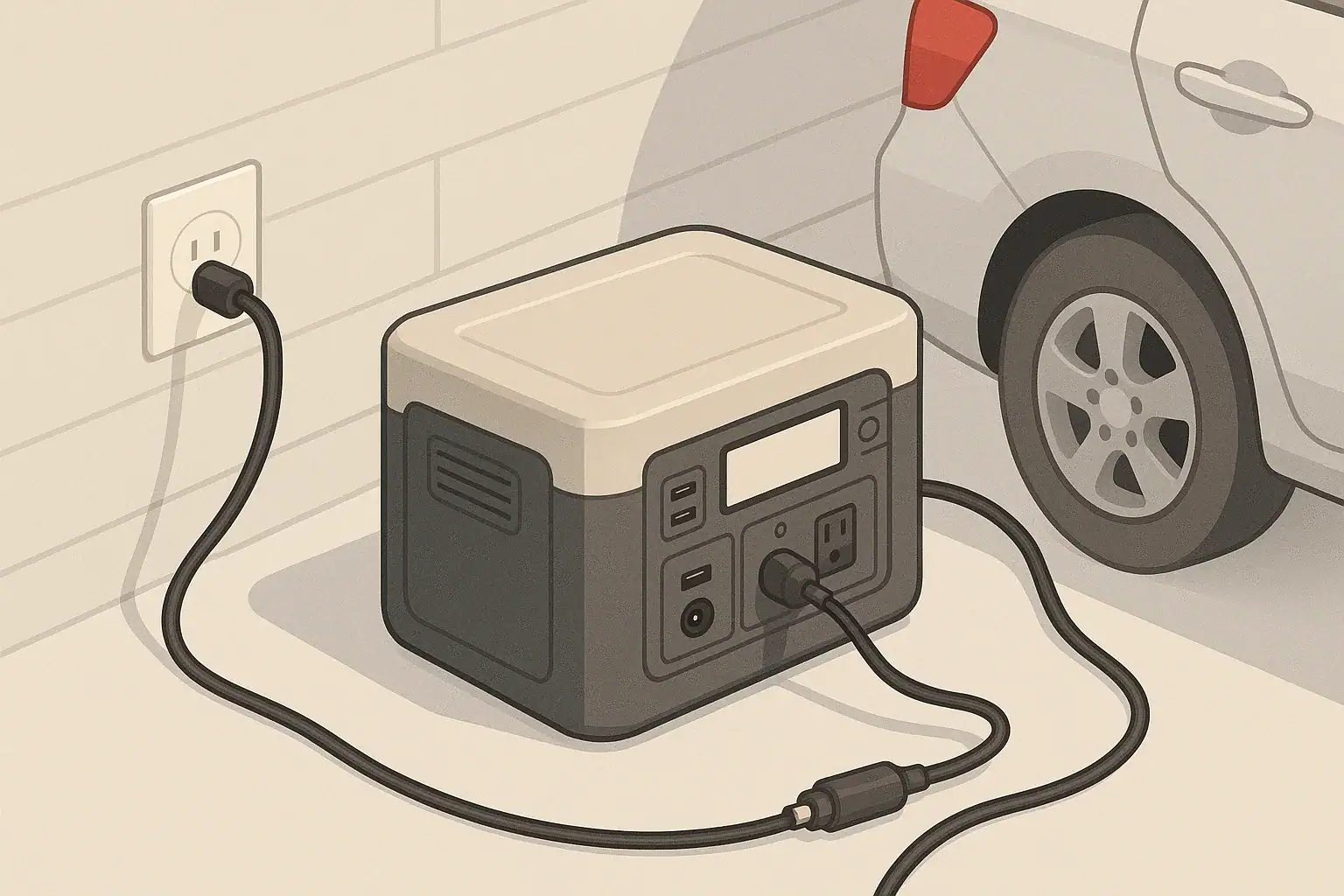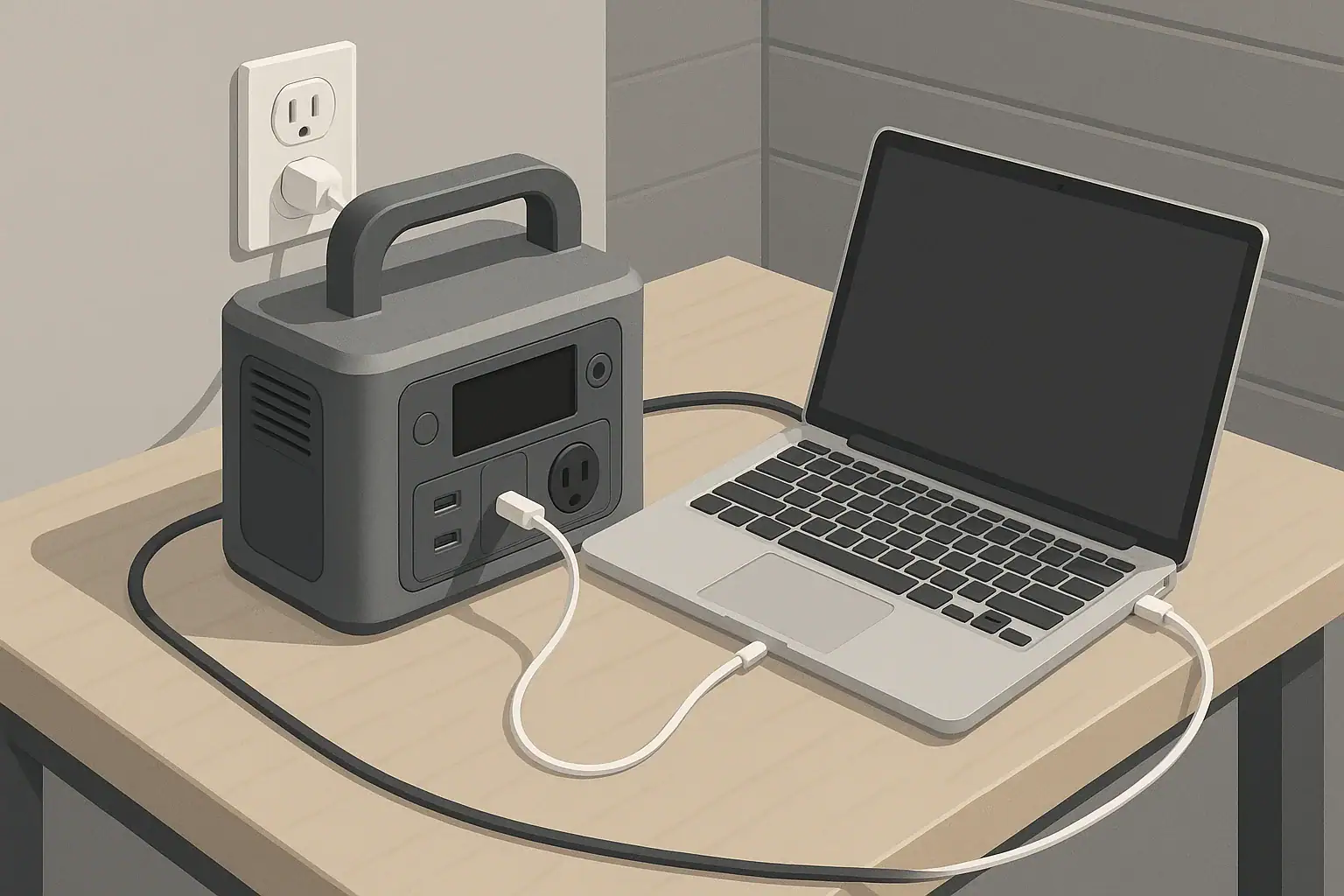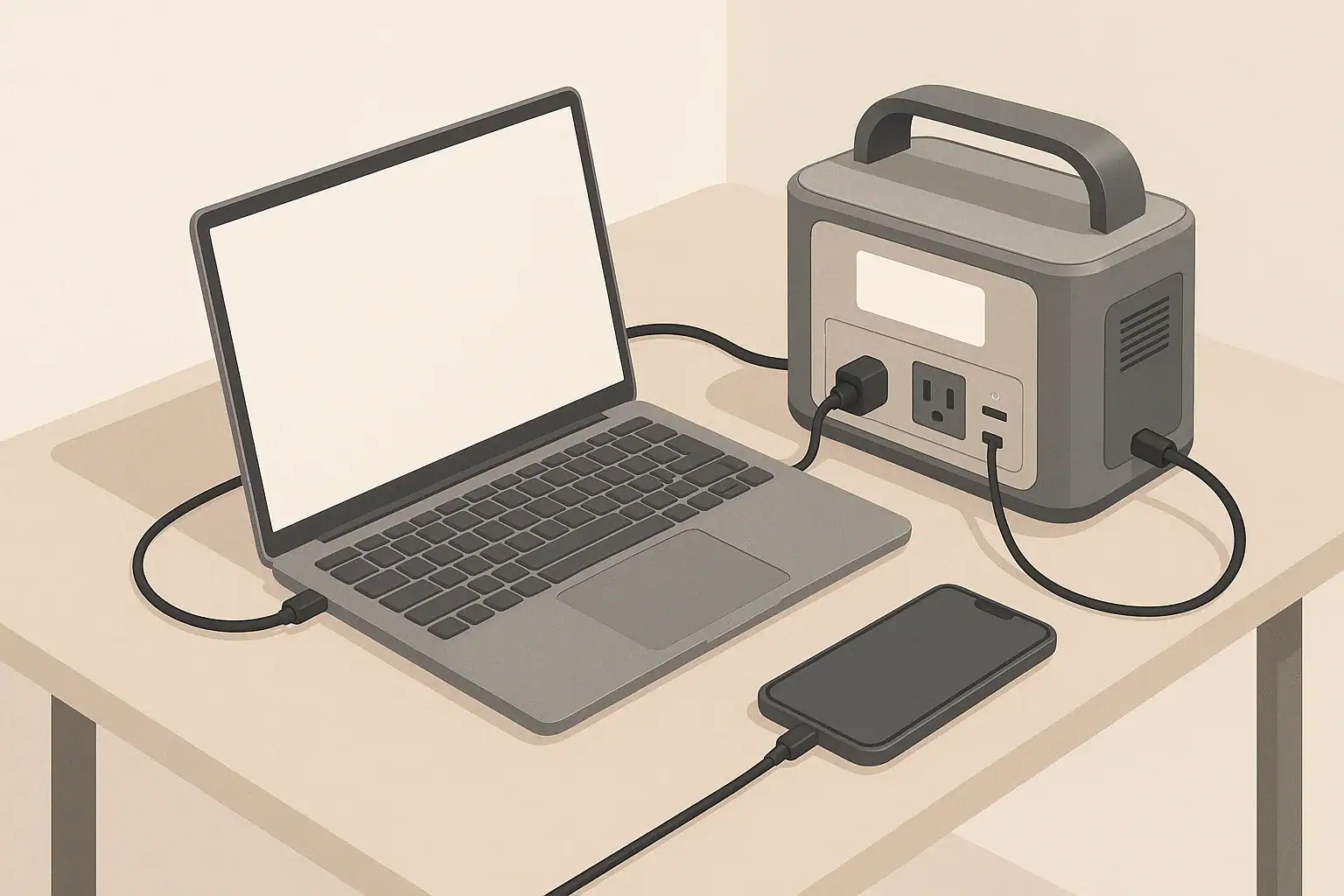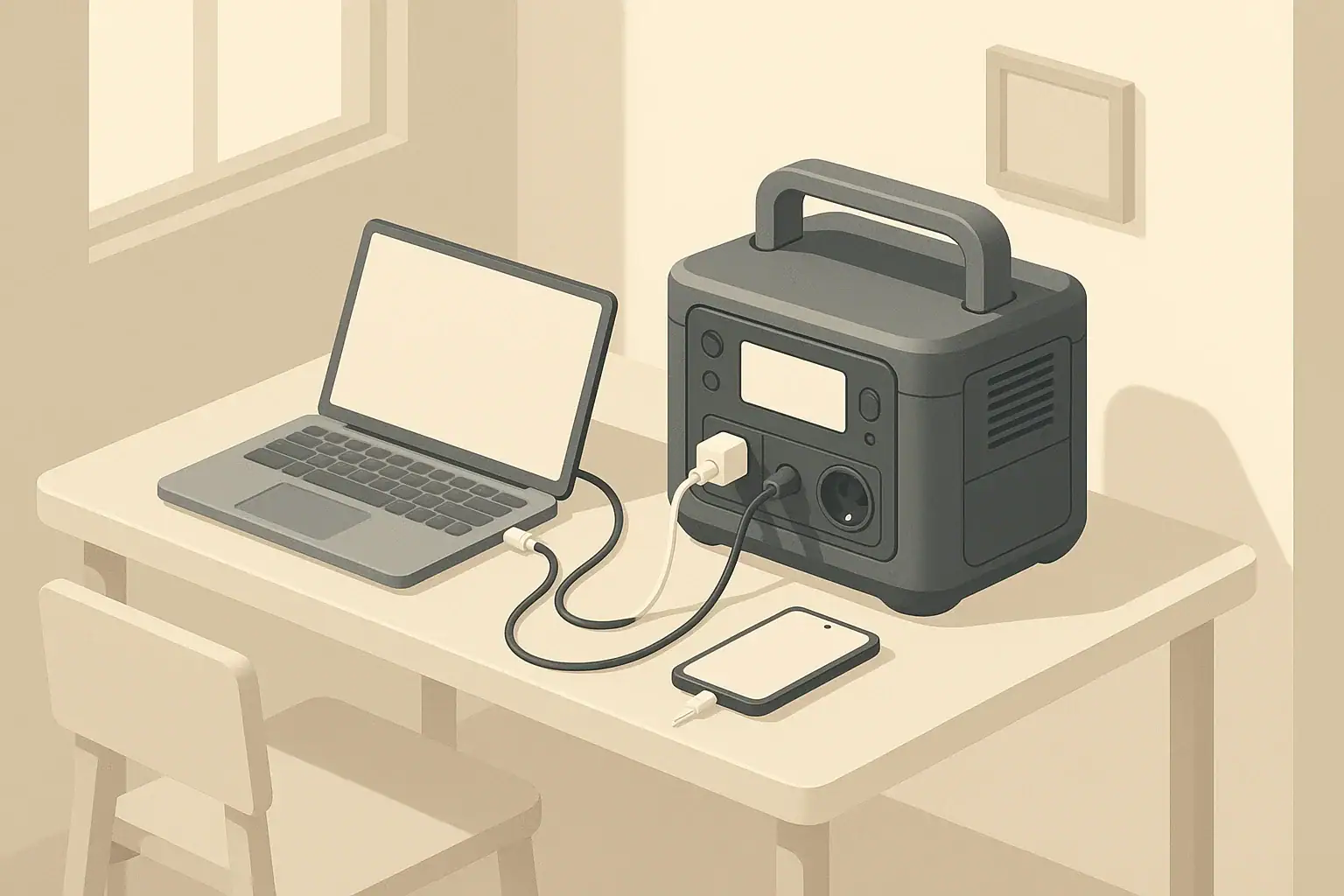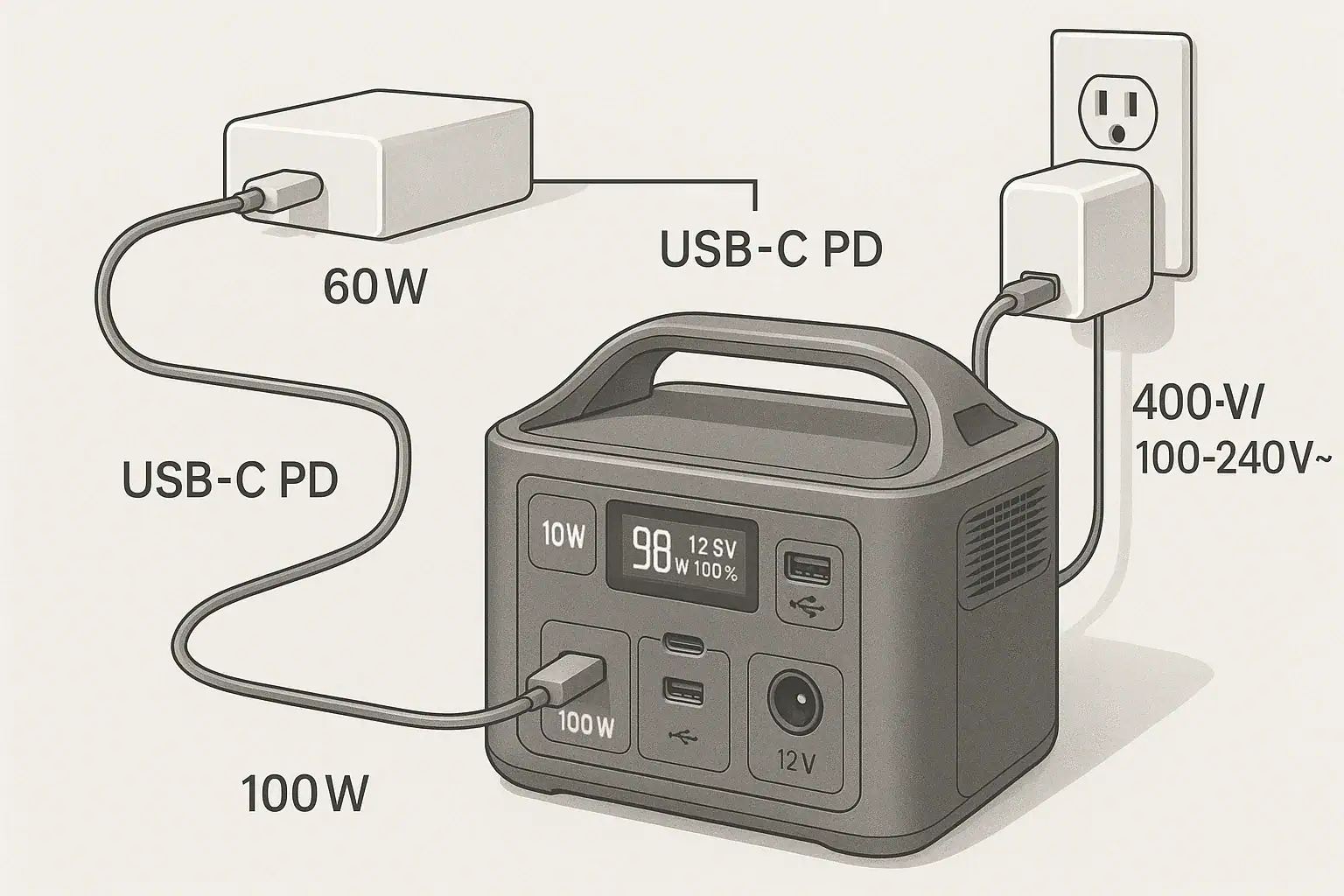
You can charge many portable power stations from USB-C PD, but only if the station supports USB-C input and the PD wattage meets its requirements. The real limits come from the power station’s input rating, the USB-C PD profile, and any adapters in between. Understanding these details helps you avoid painfully slow charging, error messages, or no charging at all.
People often search for terms like USB-C PD input limit, PD profile compatibility, DC input watts, charge time, and pass-through charging when they run into problems. This guide explains how USB-C Power Delivery interacts with portable power stations, what adapters actually do, and the common gotchas that cause confusion. By the end, you’ll know how to match ports, voltage, and wattage so you can safely use USB-C PD chargers, laptop bricks, and multi-port GaN chargers to top up your power station when you’re at home, traveling, or off-grid.
USB-C PD Charging for Portable Power Stations: What It Means and Why It Matters
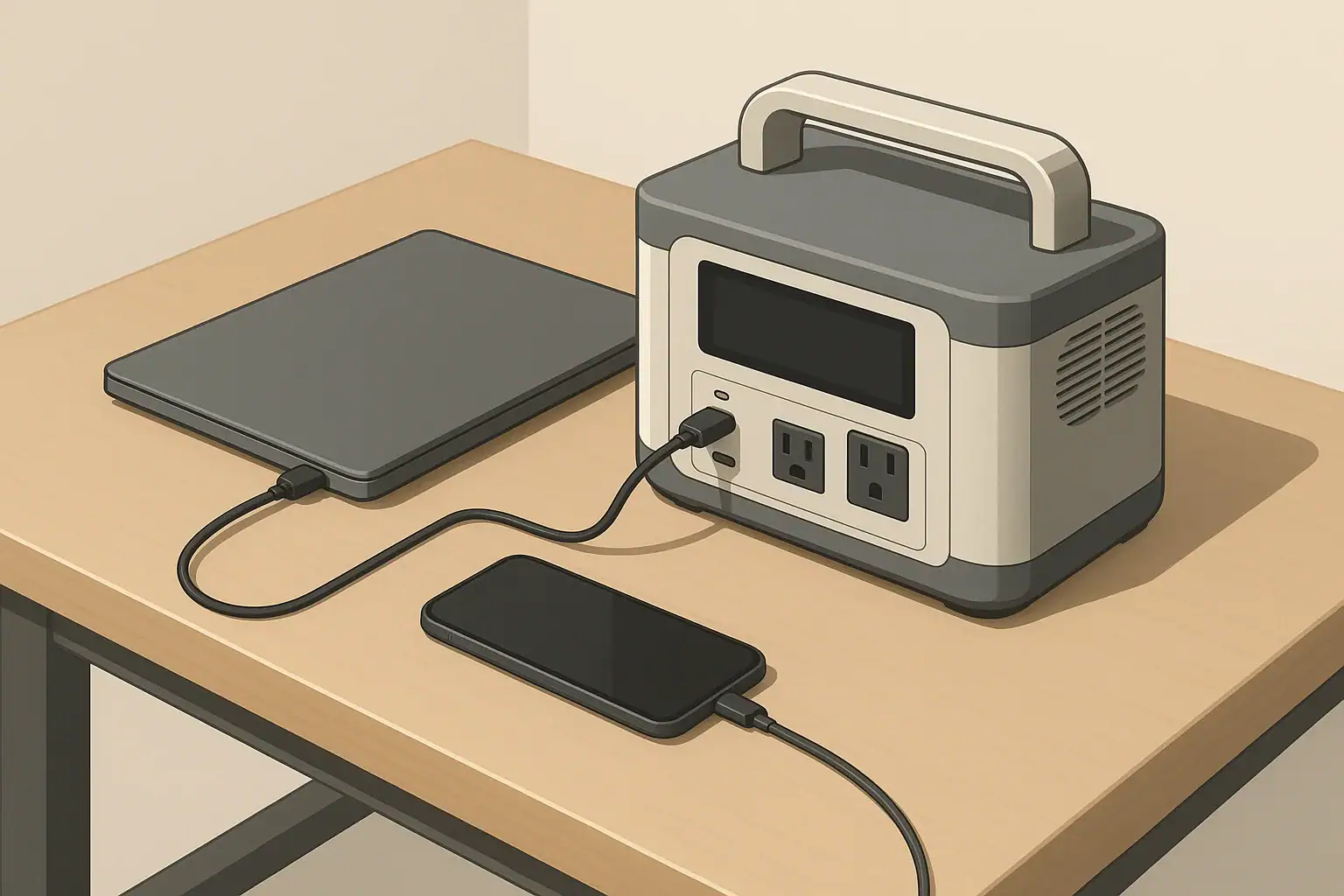
USB-C Power Delivery (PD) is a fast-charging standard that lets devices negotiate voltage and current over a USB-C cable. When a portable power station supports USB-C PD input, it can use a USB-C PD charger (such as a laptop or high-wattage phone charger) as a power source instead of or in addition to its dedicated AC adapter or DC input.
This matters because USB-C PD charging affects how flexible, fast, and convenient your portable power station is to recharge. In some setups, USB-C PD is the primary way to charge; in others, it is a backup or supplemental input to extend runtime or reduce downtime between uses.
Key reasons USB-C PD input is important for portable power stations include:
- Charging flexibility: You can recharge from common USB-C PD chargers instead of carrying a proprietary brick everywhere.
- Travel convenience: High-wattage USB-C laptop chargers can sometimes charge both your laptop and your power station (though not at the same time on the same port).
- Redundancy: If you misplace the included AC adapter, a compatible USB-C PD charger can serve as a backup.
- Modular setups: USB-C PD can be combined with other inputs on some models, increasing total input watts for faster charging.
However, not all portable power stations support USB-C input, and those that do often have strict input limits. Understanding these limits and how USB-C PD actually works is crucial before you rely on it as your main charging method.
How USB-C Power Delivery Works With Portable Power Station Inputs
USB-C PD is more than just a connector shape. It is a communication protocol where the charger (source) and the device (sink) negotiate a power contract. That contract defines the voltage and maximum current the charger will provide.
For portable power stations, several concepts determine whether USB-C PD charging will work and how fast it will be:
PD power profiles and voltage steps
USB-C PD chargers offer power in specific combinations of voltage and current, often called profiles. Common PD voltages include 5 V, 9 V, 12 V, 15 V, and 20 V. The maximum wattage is voltage multiplied by current (for example, 20 V × 3 A = 60 W).
A USB-C PD charger might advertise 65 W, 100 W, or 140 W, but the actual power delivered depends on the profile the device accepts. Many portable power stations that support USB-C PD input are designed to use higher-voltage profiles (often 20 V) to achieve reasonable charging speeds.
Power station USB-C input ratings
On the power station, the USB-C input port usually has a label such as:
- USB-C PD 60 W (input)
- USB-C PD 100 W (input/output)
- USB-C 5 V/9 V/12 V/15 V/20 V, up to 3 A
This rating is the maximum the power station will accept over USB-C. Even if you plug in a 100 W PD charger, a 60 W-rated input will cap at 60 W.
For many users, the confusion comes from mixing up the charger’s maximum rating with the power station’s input limit. The lower of the two always wins.
Negotiation between charger and power station
When you connect a USB-C PD charger to a compatible power station:
- The charger advertises its available PD profiles (for example, 5 V/3 A, 9 V/3 A, 15 V/3 A, 20 V/5 A).
- The power station requests a profile it supports, up to its own max input rating.
- If both sides agree, charging begins at that voltage and current.
If the power station does not support PD or cannot recognize the charger’s profiles, it may fall back to 5 V charging (very slow) or refuse to charge at all.
Dual-role USB-C ports
Some portable power stations use the same USB-C port for both input and output. In that case, the port may behave as:
- Output: When connected to phones, tablets, or laptops.
- Input: When connected to a PD charger that can act as a power source.
The power station’s firmware decides which role to take based on what it detects on the other end. Not every dual-role port supports input; reading the port label or manual is essential.
Adapters and USB-C to DC cables
Some users attempt to charge power stations that only have DC barrel or other DC inputs using USB-C to DC cables or adapters. These cables usually include a small PD trigger circuit that tells the USB-C charger to output a specific voltage (for example, 20 V), then route that power to a DC barrel plug.
This can work if the power station’s DC input is designed for that voltage and wattage, but it introduces additional compatibility and safety concerns, which we will cover later.
| USB-C PD charger rating | Common PD voltage profiles | Max possible watts | Typical power station USB-C input behavior |
|---|---|---|---|
| 45 W | 5 V, 9 V, 15 V | 45 W | May charge slowly; often limited to 30–45 W input. |
| 60–65 W | 5 V, 9 V, 15 V, 20 V | 60–65 W | Good match for 45–60 W USB-C inputs; moderate charge times. |
| 100 W | 5 V, 9 V, 15 V, 20 V (up to 5 A) | 100 W | Useful for stations with 60–100 W USB-C inputs; capped at station’s limit. |
| 140 W | Up to 28 V on some chargers | 140 W | Only partly usable; many power stations accept up to 20 V profiles. |
Real-World USB-C PD Charging Scenarios for Portable Power Stations
Understanding theory is helpful, but most people just want to know what happens in common setups. Here are realistic use cases and what to expect.
Charging a small power station with a laptop USB-C charger
Consider a compact portable power station with a 250 Wh battery and a USB-C PD input rated at 60 W. You plug in a 65 W USB-C laptop charger that supports 20 V/3.25 A.
- The station negotiates a 20 V profile and draws up to 60 W.
- Ignoring conversion losses, a 250 Wh battery would take roughly 4–5 hours to charge from empty at 60 W.
- In practice, charging slows near full, so total time might be slightly longer.
This is a reasonable setup for everyday use, desk backup power, or travel.
Using a phone charger on a larger portable power station
Now imagine a mid-size power station with a 700 Wh battery and a USB-C PD input that supports up to 100 W. You only have a 30 W phone charger.
- The charger likely offers 5 V/3 A and 9 V/3 A profiles.
- The station may accept 9 V/3 A (27 W), leading to very slow charging.
- At around 30 W, a 700 Wh battery could take well over 24 hours to charge from empty.
The result: it may work, but the charge time is so long that it is impractical for most users.
Combining USB-C PD with another input
Some portable power stations support simultaneous charging from multiple inputs, such as:
- AC adapter + USB-C PD
- Solar input + USB-C PD
For example, a unit might allow 200 W from its AC adapter plus 60 W from USB-C, for a total of 260 W. This can significantly reduce charge time for larger batteries, as long as the manufacturer explicitly supports combined input.
However, not all models allow this. Some limit total input or prioritize one source over another, automatically throttling USB-C when AC is connected.
USB-C to DC barrel adapters on non-USB-C power stations
Suppose you have a power station with a DC input rated 12–30 V, max 100 W, and no USB-C input. You buy a USB-C PD to DC barrel cable that triggers 20 V output from a 100 W PD charger.
- If the DC input accepts 20 V and up to 100 W, the station may charge normally.
- If the station expects a different voltage (for example, 24 V), it may charge slowly or not at all.
- The adapter’s trigger circuit must match the power station’s acceptable input range.
This setup can work, but it is less predictable than using a native USB-C PD input and requires careful attention to voltage limits.
Charging while powering devices (pass-through)
Many users want to know if they can charge the power station from USB-C PD while running devices from its AC or DC outputs. This is often called pass-through charging.
Behavior varies by model:
- Some power stations allow pass-through but may reduce battery lifespan if used constantly in this mode.
- Others disable certain outputs while charging or limit total output power.
- In some designs, USB-C PD input is available only when the station is in a specific mode or when AC input is not in use.
Always check how the station manages input versus output power, especially if you plan to use it as a semi-permanent UPS-style backup.
Common USB-C PD Charging Mistakes, Gotchas, and Troubleshooting Tips
Many USB-C PD charging problems with portable power stations come down to mismatched expectations or small details. Here are frequent issues and how to interpret them.
“It’s plugged in, but it won’t charge”
If the power station does not start charging when connected to a USB-C PD charger:
- Check if the port is input-capable: Some USB-C ports are output-only for charging phones and laptops.
- Verify PD support: Basic USB-C chargers without PD may only provide 5 V; some stations require a PD handshake to accept input.
- Inspect the cable: Not all USB-C cables support high-wattage PD; try a known good, e-marked cable rated for 60–100 W.
- Try another charger: Some low-cost or older PD chargers have limited profiles that do not match the station’s requirements.
“Charging is way slower than expected”
Slow charging usually traces back to one of these factors:
- Input limit on the station: A 100 W charger on a 45 W USB-C input will still only deliver about 45 W.
- Charger profile limitations: If the charger cannot provide 20 V, the station may be stuck at a lower voltage and wattage.
- High battery state of charge: Many power stations reduce input current as they approach full to protect the battery.
- Temperature throttling: If the station is hot or in direct sun, it may limit charge power.
“It starts charging, then stops or disconnects repeatedly”
Intermittent charging can be caused by:
- Weak cable connections: Loose or worn connectors can cause brief interruptions that reset the PD negotiation.
- Overcurrent protection on the charger: If the station tries to draw more than the charger’s safe limit, the charger may shut down and restart.
- Adapter incompatibility: Some USB-C to DC adapters trigger a voltage that the station cannot handle reliably, causing it to drop in and out.
In many cases, testing with a different cable and a higher-quality PD charger resolves these symptoms.
Misreading labels and marketing terms
Marketing language can be confusing. Watch out for:
- “USB-C fast charge” without PD: This may refer to proprietary phone standards, not USB-C PD input for the power station.
- “100 W output” on the station: This might describe USB-C output capability, not input.
- “PD support” on chargers: Not all PD chargers support the full range of voltages; some are optimized for phones rather than larger devices.
When to suspect a hardware fault
If you have verified that:
- The station’s USB-C port is rated for PD input,
- You are using a certified high-wattage PD charger and cable, and
- Other devices charge correctly from the same charger,
but the power station still refuses to charge or behaves erratically, the port or internal charging circuitry may be faulty. In that situation, professional service or manufacturer support is usually required.
Safety Basics When Charging Portable Power Stations From USB-C PD
Charging a portable power station from USB-C PD is generally safe when you stay within the rated input limits and use compatible equipment. Still, it involves high currents and potentially high voltages, so basic precautions matter.
Stay within rated voltage and wattage
Whether using a native USB-C PD input or an adapter into a DC port, never exceed the power station’s stated input ratings. Higher wattage does not always mean faster or better if the device is not designed for it.
- Match or stay below the max input wattage: If the station’s USB-C input is 60 W, a 60–100 W PD charger is fine, but the station will cap at 60 W.
- Respect DC input voltage ranges: When using USB-C to DC adapters, ensure the triggered PD voltage fits within the station’s DC input voltage range.
Use quality chargers and cables
Reliable USB-C PD charging depends on the charger and cable:
- Choose certified PD chargers: Low-quality chargers may mis-negotiate power levels or lack proper protections.
- Use e-marked cables for higher wattages: For 60–100 W PD, use cables rated for the intended current.
- Avoid damaged cables: Frayed or bent connectors can overheat or fail under load.
Heat management and placement
Both the power station and the USB-C charger generate heat while charging:
- Provide ventilation: Keep vents clear and avoid covering the power station or charger with fabric or other materials.
- Avoid direct sun and enclosed spaces: High temperatures can trigger thermal throttling or shutoffs.
- Monitor during first-time setups: When you try a new charger or adapter, check for unusual warmth, smells, or noises.
Do not modify ports or open the power station
Altering USB-C ports, bypassing protective circuits, or opening the power station to change wiring can create serious fire and shock risks. Internal charging electronics are designed as a system; modifying one part can defeat safety features.
If you suspect a hardware defect or damaged port, work with the manufacturer or a qualified technician instead of attempting internal repairs yourself.
Know when to involve an electrician
While USB-C PD charging itself does not require an electrician, integrating a portable power station into a home electrical system does. If you plan to connect a power station to household circuits, consult a licensed electrician and use appropriate transfer equipment instead of improvised cables or backfeeding methods.
Maintenance and Storage Practices for Reliable USB-C PD Charging
Good maintenance and storage habits help keep both your portable power station and your USB-C charging gear working reliably over time.
Care for USB-C ports and connectors
Physical wear and contamination are common causes of USB-C charging problems:
- Keep ports clean: Dust and debris can interfere with the small USB-C contacts; periodically inspect and gently blow out ports if needed.
- Avoid strain on cables: Heavy cables hanging off the port can loosen connectors over time; support them where possible.
- Insert and remove straight: Twisting or forcing connectors can damage internal contacts.
Store chargers and cables properly
To prolong the life of your USB-C PD chargers and cables:
- Coil cables loosely: Tight bends near the connectors increase the risk of breakage.
- Protect chargers from moisture: Store them in dry, cool locations when not in use.
- Label high-wattage chargers: Mark which chargers are 60 W, 100 W, etc., so you can quickly select the right one for your power station.
Battery care and partial charging
Portable power stations use lithium-based batteries that benefit from moderate usage patterns:
- Avoid leaving at 0% or 100% for long periods: For long-term storage, many manufacturers recommend around 30–60% charge.
- Top up periodically: If stored for months, recharge briefly every few months to prevent deep discharge.
- Use moderate charge power when possible: Constantly pushing maximum input wattage can increase heat; using a slightly lower-wattage PD charger for routine top-ups may be gentler on the system.
Environmental storage conditions
Where you store the power station and its USB-C charging accessories matters:
- Temperature: Avoid storing in very hot or freezing environments, such as vehicles in extreme weather.
- Humidity: Keep equipment dry to prevent corrosion on connectors and internal components.
- Physical protection: Use padded cases or shelves to prevent drops or crushing forces on ports and housings.
| Item | Recommended storage practice | Why it matters for USB-C PD charging |
|---|---|---|
| Portable power station | Store at 30–60% charge in a cool, dry place. | Helps maintain battery health and stable charging behavior. |
| USB-C PD chargers | Keep away from moisture and high heat. | Reduces risk of failure or unsafe operation under load. |
| USB-C cables | Coil loosely, avoid sharp bends near ends. | Prevents internal conductor breaks that cause intermittent charging. |
| Adapters (USB-C to DC) | Label voltage and compatible devices. | Reduces risk of using mismatched voltages with power station inputs. |
Related guides: USB-C Power Delivery (PD) Explained for Portable Power Stations • Can You Use a Higher-Watt Charger Than Rated? Understanding Input Headroom • USB-C PD 3.1 (240W) on Portable Power Stations: What It Changes and Who Needs It
Practical Takeaways and USB-C PD Charging Specs to Look For
Charging a portable power station from USB-C PD is often possible and can be very convenient, but it depends on the station’s design and input ratings. If the power station has a dedicated USB-C PD input, matching it with a high-quality PD charger and cable is usually straightforward. When working through adapters or DC inputs, you must pay closer attention to voltage ranges and watt limits.
In everyday use, USB-C PD is best viewed as one of several charging options. For small to mid-size power stations, it can be the primary method. For larger units, it may serve as a backup or supplemental source alongside AC or solar inputs. Reliability and safety come from respecting input specs, using quality gear, and avoiding improvised modifications.
Specs to look for
- USB-C PD input wattage rating: Look for clear input specs such as 45–100 W PD; higher input watts reduce charge time, especially on 300–800 Wh stations.
- Supported PD voltage profiles: Check that the station accepts 20 V PD input; 20 V profiles allow more power transfer than 5–15 V, improving charging speed.
- Dual-role USB-C port (input/output): Confirm whether USB-C is input-only, output-only, or both; dual-role ports increase flexibility but require clear labeling.
- Maximum total charging input (all ports combined): Note the combined AC + DC + USB-C input limit (for example, 200–400 W) to understand best-case charge times.
- DC input voltage range: For use with USB-C to DC adapters, look for a wide DC input range such as 12–28 V; this makes matching PD-triggered voltages easier.
- Pass-through charging capability: Check whether the station supports powering devices while charging and if there are any output limits in that mode.
- Battery capacity (Wh): Match capacity with realistic PD input; for example, a 60 W PD input is practical up to a few hundred watt-hours but slow for multi-kilowatt-hour units.
- Thermal management and protections: Look for mentions of overvoltage, overcurrent, and temperature protections; these help keep USB-C PD charging safe under varying conditions.
- Cable and charger compatibility notes: Documentation that lists recommended PD wattages and cable ratings can save troubleshooting time and ensure consistent performance.
By focusing on these specifications and understanding how USB-C PD negotiates power, you can confidently decide when and how to charge a portable power station from USB-C PD, avoid common pitfalls, and build a charging setup that fits your daily use and backup power needs.
Frequently asked questions
Which specifications and features should I check before trying to charge a power station from USB-C PD?
Check the power station’s USB-C PD input wattage and the supported PD voltage profiles (20 V support is important for higher charging rates). Also confirm whether the USB-C port is input-capable or dual-role, the combined maximum input from all ports, and use an e‑marked cable and a charger that meets or exceeds the station’s rated input.
Why does my power station charge much slower than the charger’s rated wattage?
The station’s own USB-C input rating (not the charger’s maximum) limits how much power it will accept, so a 100 W charger can be capped at 60 W by the station. Other causes include the charger not offering the higher-voltage PD profile the station needs, an underspecified cable, thermal throttling, or the station reducing charge current near full.
Can I safely use a USB-C to DC adapter to charge a power station that lacks a USB-C input?
It can work if the adapter triggers a PD voltage within the power station’s DC input range and can supply sufficient wattage, but compatibility is less predictable than a native USB-C input. Verify the station’s DC voltage and wattage specs, use a quality adapter that explicitly matches those values, and avoid ad hoc solutions that may bypass protections.
What safety precautions should I follow when charging a portable power station from USB-C PD?
Stay within the station’s rated voltage and wattage, use certified PD chargers and e‑marked cables, provide adequate ventilation to avoid overheating, and do not modify ports or internal circuitry. For any integration with household wiring or high-power setups, consult a licensed electrician.
How can I tell whether a USB-C port on my power station supports PD input or is output-only?
Check the port labeling and the user manual for terms like “PD input,” an input wattage value, or “input/output”; these indicate PD input capability. If documentation is unclear, testing with a known PD charger can confirm behavior, but stop and consult the manual if the station does not negotiate PD or shows errors.
What should I try if USB-C PD charging starts and stops intermittently?
Intermittent charging is often caused by a faulty or non‑e‑marked cable, a charger that trips overcurrent protection, or an adapter that mis‑triggers the PD profile. Try a different high‑quality e‑marked cable and a known-good PD charger; if the issue persists, the port or internal charging circuitry may be defective and require professional service.
Recommended next:
- USB-C Power Delivery (PD) Explained for Portable Power Stations
- Charging From a Car: What’s Safe, What’s Slow, and What Can Break
- Input Limits (Volts/Amps/Watts) Explained: How Not to Damage Your Unit
- MPPT vs PWM in Portable Power Stations: What It Changes in Real Life
- Can You Use a Higher-Watt Charger Than Rated? Understanding Input Headroom
- Why Charging Slows Down Near 80–100%: A Simple Explanation
- More in Charging →