Portable Power Station vs Power Bank vs UPS: Which One You Actually Need for Home/Travel

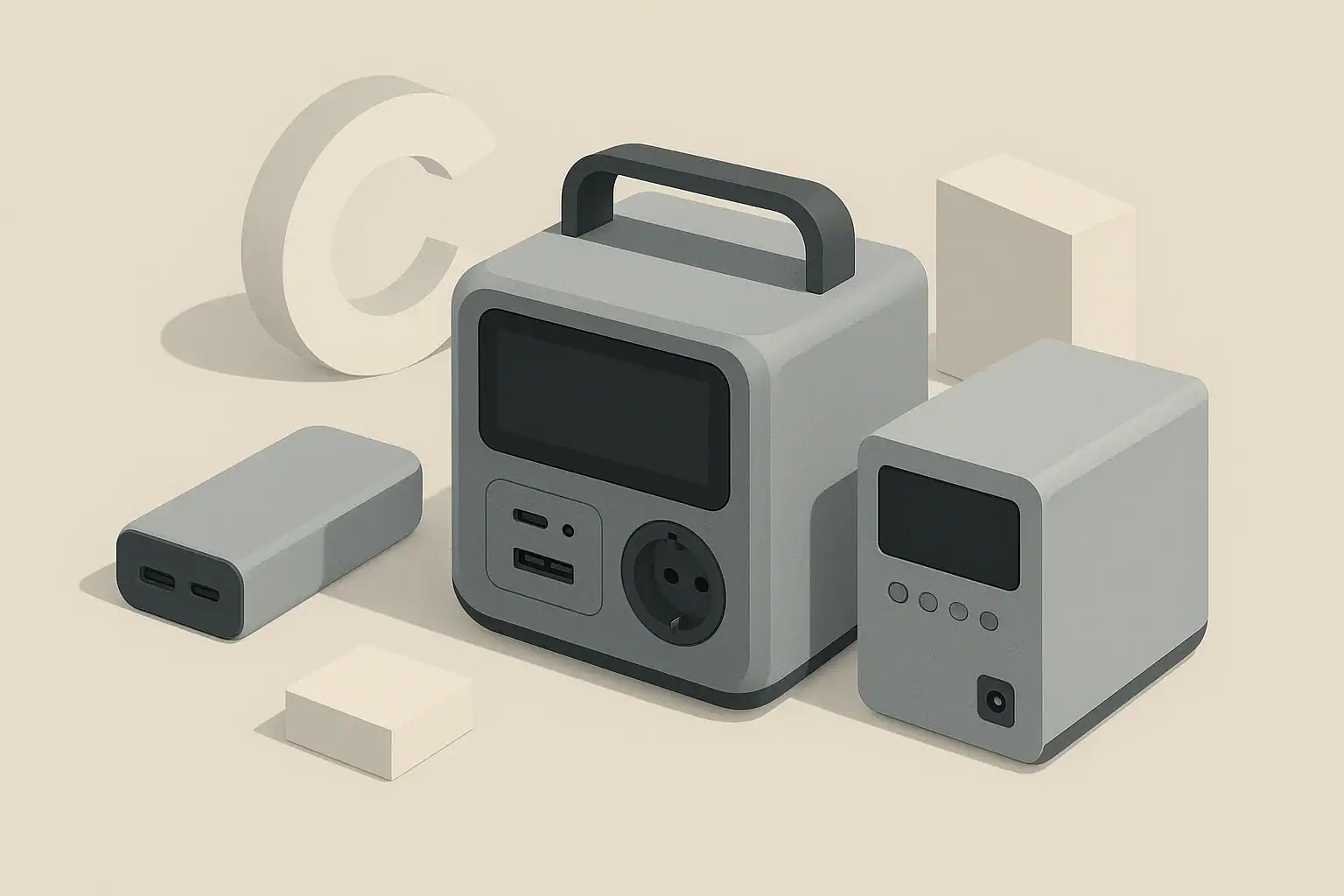
Isometric illustration comparing power bank portable power station and UPS

What the topic means (plain-English definition + why it matters)

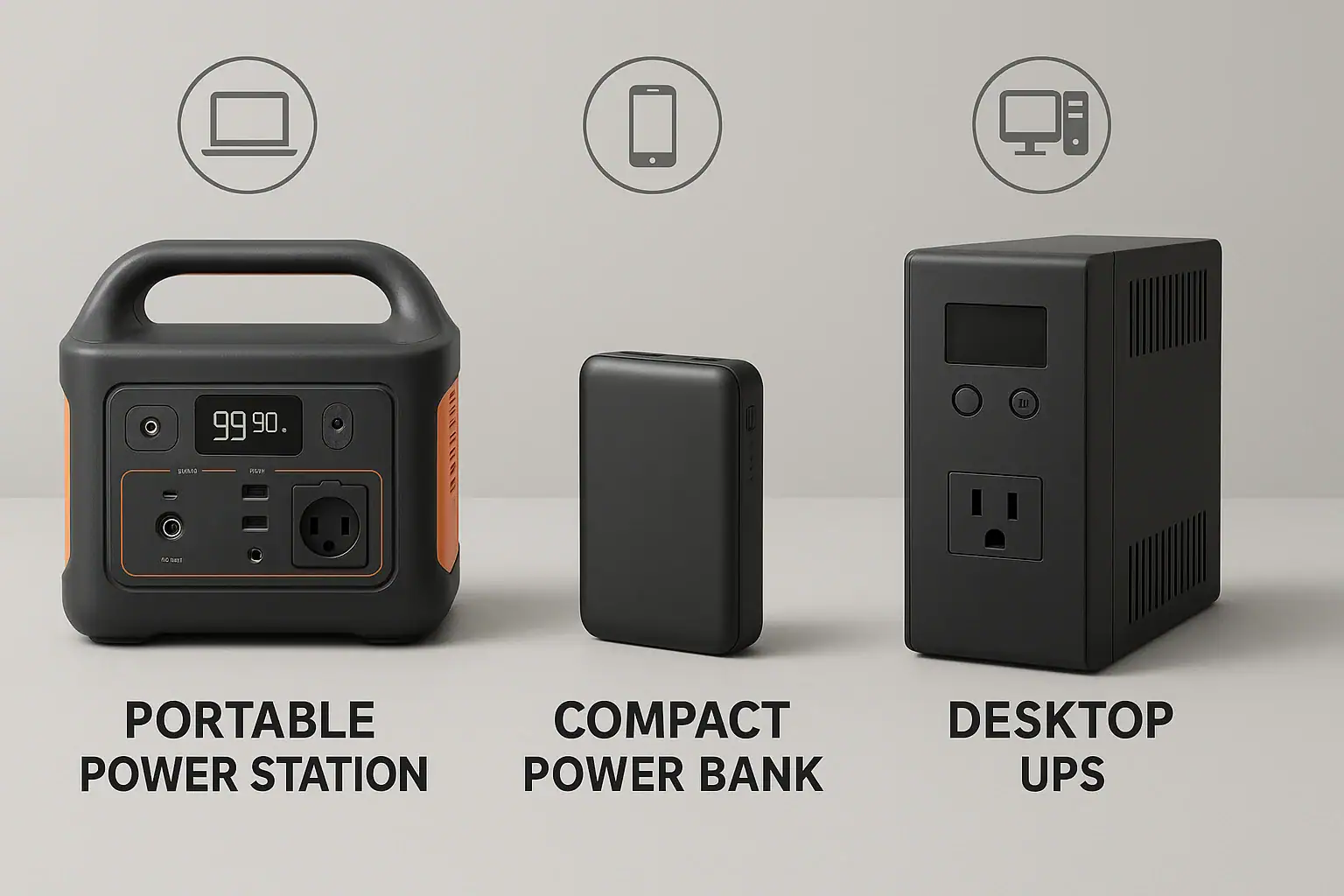
Portable power station vs power bank vs UPS sounds like three versions of the same thing, but each one solves a different problem. All are ways to keep electricity available when a wall outlet is not an option or when power is unreliable, yet they differ in capacity, output type, and how they behave during outages.

A power bank is usually a small, lightweight battery pack designed mainly to charge phones, tablets, earbuds, and sometimes laptops over USB or USB-C. A portable power station is a larger, self-contained unit with a built-in battery and inverter that can provide AC outlets, DC outputs, and USB ports to run appliances, tools, and electronics. A UPS, or uninterruptible power supply, is a backup device that sits between the wall outlet and your equipment and switches to battery automatically if grid power drops.

Understanding the difference matters because each category is optimized for a different use case. For travel and day-to-day mobile use, overbuying a large power station may be expensive and inconvenient. For home backup or camping, relying only on a small power bank can leave you without enough power for essentials. For sensitive electronics that must never drop out, such as desktop computers or networking gear, a UPS behaves differently than a typical portable power station.

Choosing correctly starts with two questions: what do you need to power, and for how long? From there, you can match the right type of device and size it appropriately using basic concepts like watts, watt-hours, surge vs running load, and overall system efficiency.

Key concepts & sizing logic (watts vs Wh, surge vs running, efficiency losses)

Power banks, portable power stations, and UPS units are all limited by two key numbers: how fast they can deliver power and how much total energy they can store. The rate of power delivery is measured in watts (W). The energy stored in the battery is measured in watt-hours (Wh). Many confusion issues come from mixing up these two values or ignoring efficiency losses between the battery and the device being powered.

Watts describe how much power a device needs at any moment. For example, a phone might draw 10 W while fast charging, a laptop 60 W, and a small space heater 1000 W. A power station or UPS must be rated to supply at least the total watts of all devices running at the same time. If you exceed that rating, the unit may shut off or refuse to start a high-demand appliance. This is especially important for portable power stations and UPS units with AC outlets.

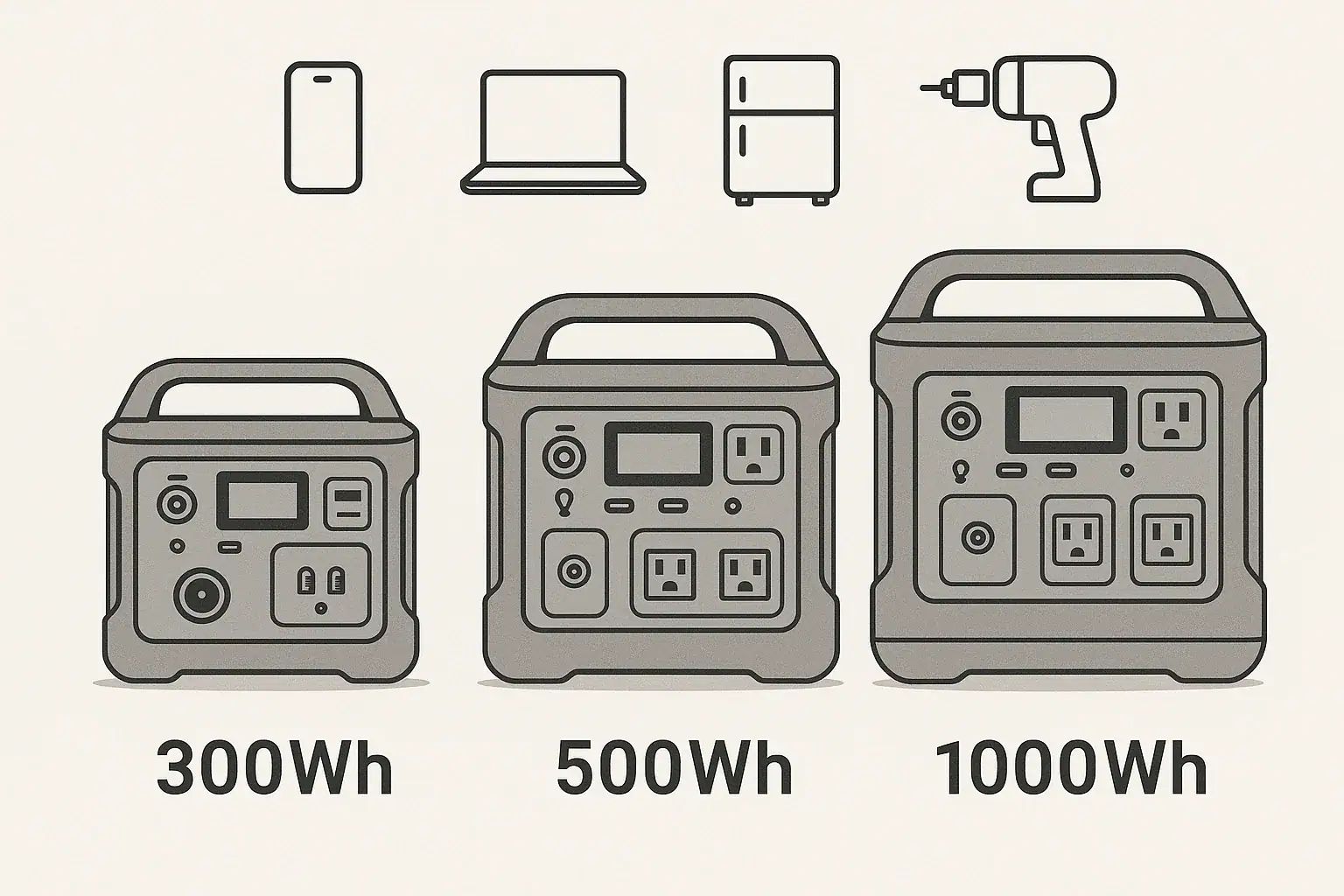
Watt-hours describe how long you can run a given load. If a portable power station has a 500 Wh battery and you run a 100 W device, ignoring losses, you might expect around 5 hours of runtime (500 Wh / 100 W). In reality, inverter and conversion losses reduce usable runtime, so planning with a safety margin is wise. With power banks, the same logic applies, but at lower power levels and usually rated in milliamp-hours (mAh), which can be converted to Wh for consistent comparisons.

Surge vs running power is another key concept. Some devices, especially those with motors or compressors, draw a higher surge current when starting, then settle to a lower running wattage. A portable power station or UPS usually lists both continuous (running) watts and a higher surge rating. The surge rating helps determine whether the unit can start a fridge or power tool briefly, while the continuous rating ensures it can keep that load running safely. Efficiency losses in inverters and DC-DC converters typically mean you can expect around 80–90% of the battery’s rated Wh as usable AC energy under real conditions.

Choosing between a power bank, portable power station, and UPS. Example values for illustration.
Need / Situation Better Fit Why Example considerations
Daily phone & tablet charging on the go Power bank Small, light, optimized for USB Capacity in Wh or mAh, number of USB ports, airline rules
Weekend camping with small appliances Portable power station AC outlets plus DC/USB, higher capacity Total watts of devices, Wh needed for hours of use per day
Brief home outages for internet and laptops Portable power station or UPS Both can run electronics; UPS gives instant switchover Runtime target in hours, surge vs running load from router and PC
Protecting desktop PC from sudden shutdowns UPS Automatic, seamless transfer on power loss VA/W rating of UPS vs PC and monitor, expected outage duration
Remote work in an RV or van Portable power station Flexible charging (wall, car, solar), multiple outputs Daily Wh consumption, charging time from vehicle or solar
Short backup for critical medical-related devices UPS plus consultation Continuous power and professional guidance Discuss with a professional for sizing, safety, and redundancy
Traveling by air with backup power Power bank Easier to meet typical airline battery limits Check capacity limits in Wh and rules on carrying batteries

Real-world examples (general illustrative numbers; no brand specs)

Thinking in real-world terms helps clarify what each device can realistically do. As an example, a compact power bank might store around 20–30 Wh of energy. That could recharge a typical smartphone one to two times, depending on the phone battery size and charging losses. For a tablet or laptop, that same power bank might only provide a partial charge or one light-use session before needing to be recharged itself.

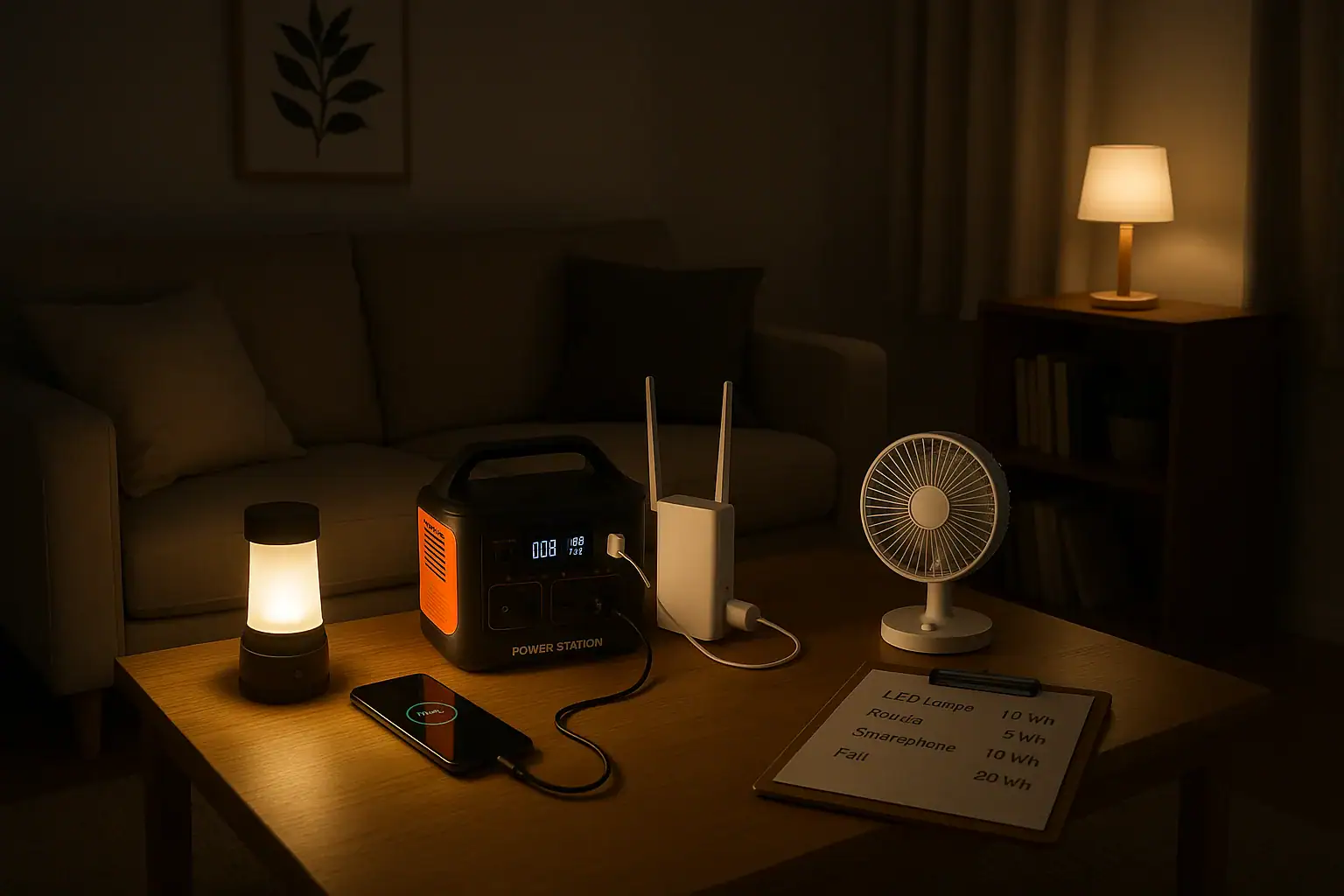
A mid-sized portable power station might store several hundred watt-hours. Suppose one has 500 Wh of nominal capacity. Running a 50 W laptop plus a 10 W router and a 5 W LED light totals about 65 W. In theory, 500 Wh / 65 W suggests around 7–8 hours of runtime. Allowing for conversion losses, a reasonable expectation might be closer to 5–6 hours. If you only used the router and laptop for a few hours a day, you might stretch that across more than one day between charges.

Now consider a basic home office UPS with, for example, around 200–300 Wh of usable energy. Used to support a 150 W desktop computer and monitor, you might get 1–2 hours of runtime at most, often less, because many UPS units are designed to bridge short outages and give enough time to save work and shut down, not provide all-day power. On the other hand, the same UPS on a 10–20 W modem and router could potentially keep internet up for several hours during a short outage.

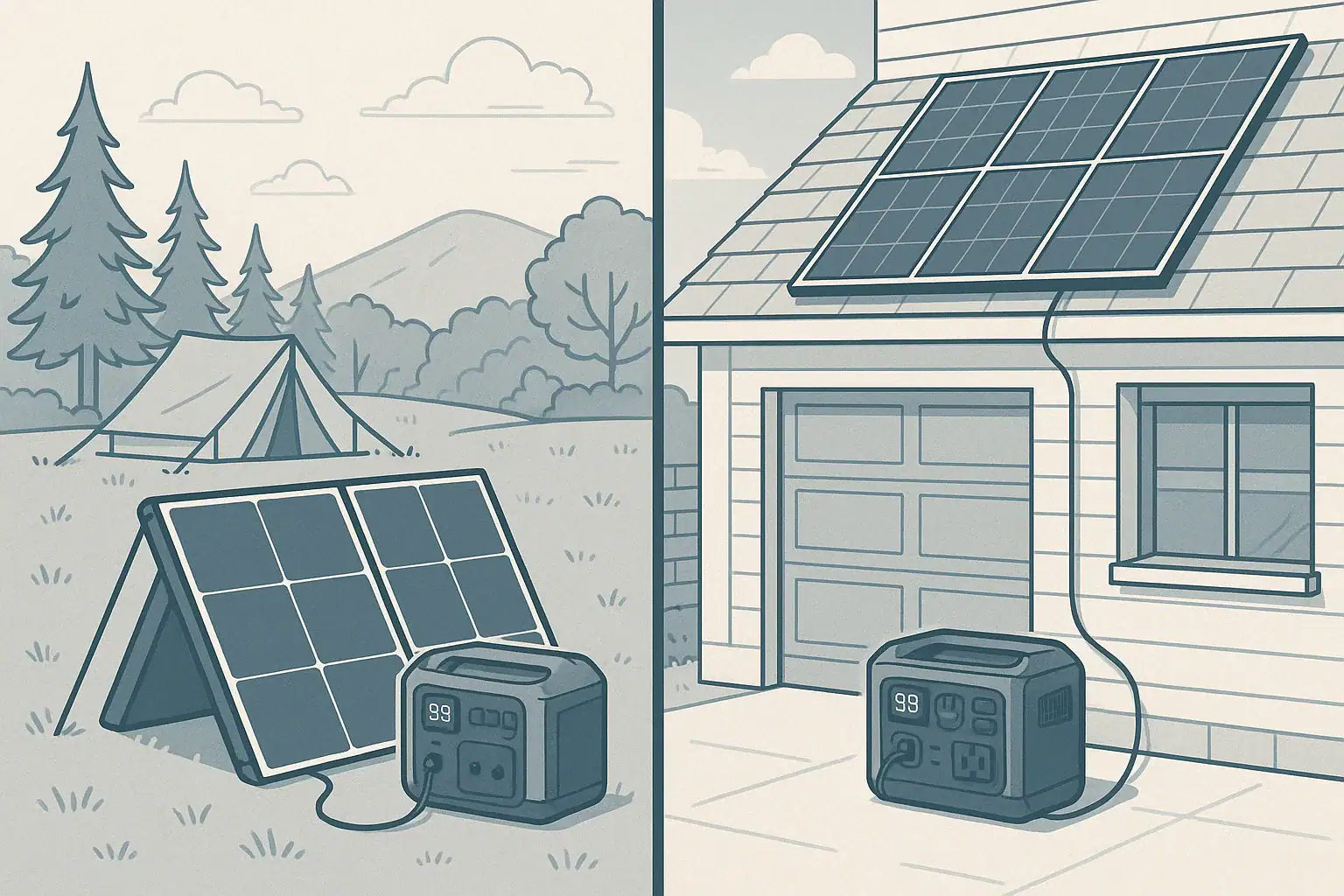
For camping, pairing a portable power station with solar can extend runtime significantly. If a station has 500 Wh and you use 250 Wh per day for lights, a small fan, and charging devices, a solar panel providing around 200–300 Wh of energy on a good day could nearly replace what you used. Actual results vary with weather, panel orientation, temperature, and system losses, so planning with conservative estimates and backup charging from a car or wall outlet remains important.

Common mistakes & troubleshooting cues (why things shut off, why charging slows, etc.)

Many frustrations with power banks, portable power stations, and UPS units trace back to sizing or usage assumptions. One common mistake is focusing only on battery capacity while ignoring output limits. A portable power station might have enough Wh to run a device for hours, but if the inverter cannot handle the device’s surge power, it may shut down immediately when you turn that appliance on. This is especially noticeable with refrigerators, pumps, and some power tools.

Another frequent issue is underestimating conversion losses. People sometimes calculate runtime as battery Wh divided by device watts and expect that number of hours. In practice, inverters and voltage converters generate heat and waste some energy. If a device shuts off earlier than expected, it may not be a fault; it can simply be normal efficiency loss plus any additional overhead from internal cooling fans and displays.

Slow charging or charging that stops prematurely can have several causes. With power banks, small or low-quality cables, limited USB power profiles, or using the wrong port can reduce charging speed. On portable power stations, input limits from wall, car, or solar charging can cap how fast you can refill the battery. If solar charging seems weak, shading, poor panel angle, high temperatures, or clouds often reduce actual output far below the panel’s nameplate rating.

With UPS units, users sometimes assume they can plug in multiple high-wattage devices without issue. When a UPS is overloaded, it may beep, display an overload indicator, or shut down to protect itself. If the UPS seems to drop power instantly during an outage, it may already be overloaded in normal operation, leaving no margin. Checking the VA/W rating of the UPS against the total load and unplugging nonessential items during outages can help.

Safety basics (placement, ventilation, cords, heat, GFCI basics at a high level)

Safety considerations are similar across power banks, portable power stations, and UPS devices, but the stakes increase with size and power level. All of them contain batteries and electronic circuits that can generate heat, so they should be used on stable, dry surfaces with adequate airflow. Covering vents or stacking items on top of units can trap heat and stress internal components.

Placement matters. Avoid using portable power stations or UPS units in wet or excessively dusty environments, or where they can be splashed. For outdoor use, they should be kept under cover, away from direct rain or standing water. Power banks should be kept out of pockets or bags where sharp objects could damage them, and none of these devices should be left in hot cars where interior temperatures can exceed recommended limits.

Extension cords and power strips can introduce additional risk. Overloading a cord by running high-wattage appliances, chaining multiple strips together, or using damaged cables can lead to overheating. For powered AC outlets on a portable power station, use cords rated for the loads you are running and inspect them periodically for cuts, loose plugs, or discoloration. GFCI protection in wet or outdoor areas is important for shock protection; if you need to power loads in damp locations, using outlets or adapters with built-in GFCI protection and following applicable codes reduces risk.

Finally, do not attempt to integrate these devices directly into your home’s electrical panel or hardwire circuits without a qualified electrician. Backfeeding power improperly can endanger utility workers and damage equipment. If you want a more permanent backup configuration, such as using a portable power station or UPS to supply selected home circuits, consult a licensed electrician about appropriate transfer equipment and safe connection methods.

Maintenance & storage (SOC, self-discharge, temperature ranges, routine checks)

Routine care extends the life and reliability of power banks, portable power stations, and UPS units. Batteries slowly lose charge over time even when not in use, a behavior known as self-discharge. Checking state of charge (SOC) periodically helps ensure that your backup power is ready when needed. Many devices include indicators that show approximate charge levels; keeping them within a moderate range is generally better than leaving them at empty or full for long periods.

Temperature has a major impact on battery performance and longevity. Most consumer devices are designed to be stored and used within moderate temperature ranges. Very cold conditions can temporarily reduce available capacity and power output, while high heat can permanently age the battery faster. For cold-weather use, it is often better to keep devices and batteries in insulated spaces and only bring them into colder environments when needed, allowing them to warm back up before recharging.

For portable power stations and UPS units, periodic functional checks are useful. Testing them under light load every few months confirms that the inverter, outlets, and internal electronics still operate as expected. Many UPS units also have self-test functions and replaceable batteries that need attention after a number of years. Recording the installation date, approximate test dates, and any warnings or alarms can help you plan battery replacement or service before a failure occurs.

Storage practices matter as well. Avoid storing any of these devices fully discharged for long periods, and do not leave them permanently plugged in if the manufacturer advises against it. Light topping up every few months, avoiding extreme temperatures, and keeping vents and ports clean and dust-free can support both performance and safety over the life of the product.

Example maintenance and storage planning timeline. Example values for illustration.
Time interval Action Applies to Notes
Every month Quick visual inspection for damage or swelling Power banks, power stations, UPS Check cases, ports, and cords; stop using if damaged
Every 2–3 months Top up charge if stored and below mid-level Power banks, power stations Aim for a moderate SOC when in long-term storage
Every 3–6 months Test under light load for 10–20 minutes Portable power stations, UPS Confirm outlets, inverters, and indicators work correctly
Seasonal Adjust storage location for temperature extremes All devices Move away from hot attics or unheated sheds if needed
Every 1–2 years Review runtime vs original expectations Portable power stations, UPS Shorter runtimes can indicate aging batteries
Manufacturer’s suggested interval Replace internal battery or UPS battery pack UPS, some power stations Follow documentation or seek professional service if required
Before major trips or storm seasons Fully charge and test critical backup units Power banks, power stations, UPS Verify cables and adapters are ready and labeled

Practical takeaways (non-salesy checklist bullets, no pitch)

Choosing between a portable power station, power bank, and UPS is simpler when you match the device to your actual needs rather than the largest or most feature-rich option. For daily mobile use, a power bank typically covers phones, tablets, and light USB-C laptop charging. For camping, vanlife, and home essentials during brief outages, a portable power station with AC, DC, and USB outputs usually offers the right balance of capacity and flexibility. For sensitive electronics that cannot lose power abruptly, a UPS provides automatic switchover and surge protection.

Once you decide which category fits your situation, sizing comes down to basic math and realistic expectations. Estimate the watts of what you want to run, multiply by hours to get watt-hours, then add a margin for conversion losses. Consider how you will recharge: wall outlet between outages, vehicle charging while driving, or solar during the day. Finally, factor in safety, maintenance, and storage practices so that your backup power is reliable when you actually need it.

  • List the devices you want to power and note their watt ratings.
  • Decide how many hours of runtime you want for each device or group.
  • Calculate estimated Wh needs and add a buffer for losses and growth.
  • Match the device type: power bank for small electronics, portable power station for mixed loads and AC, UPS for seamless backup.
  • Plan a realistic recharging strategy for home, travel, and emergencies.
  • Store and use devices within recommended temperature ranges.
  • Test backup systems periodically so you are not surprised during an outage.

By approaching the choice methodically and keeping expectations grounded in basic power concepts, you can select the right mix of power bank, portable power station, and UPS to cover everyday tasks, remote work, and unplanned outages without overcomplicating your setup.

Frequently asked questions

Can I use a power bank to run a laptop or small appliance?

Power banks intended for USB devices can run many laptops that accept USB-C Power Delivery if the bank’s output wattage matches the laptop’s input. Small AC appliances and high-draw devices typically require an inverter and higher continuous wattage, so a portable power station is usually the appropriate choice for those loads.

Will a portable power station switch over instantly during a grid outage like a UPS?

Most portable power stations do not provide the instantaneous transfer that a UPS is designed for; some have a brief transfer time which can interrupt sensitive equipment. If you need seamless, no-drop switching for a desktop, server, or networking gear, choose a UPS specifically rated for that use.

How do I size a portable power station to keep my router and laptop running overnight?

Add the continuous wattage of each device to get a total load, then multiply by the number of hours you want to run them to calculate required watt-hours (Wh). Include a 10–25% buffer for inverter and conversion losses and pick a station with at least that usable Wh capacity and an AC output able to handle the combined wattage.

Are portable power stations and power banks safe to use indoors and while charging?

Yes, when used according to manufacturer guidance: keep vents clear, use on stable dry surfaces, avoid extreme temperatures, and use proper charging cables and adaptors. Larger units can get warm; do not cover vents or place them in confined, unventilated spaces, and follow any specific storage and charging recommendations to reduce fire or thermal risks.

Can I bring a power bank or portable power station on an airplane?

Small power banks that meet airline lithium battery limits and are carried in the cabin are commonly allowed, but rules vary so always check the airline’s policy and declare batteries if required. Larger portable power stations often exceed carry-on limits and are frequently prohibited or restricted, so confirm airline and regulatory guidance before traveling.

LiFePO4 vs NMC Batteries: Weight, Cold Performance, Safety, and Real Cycle Life Differences

Two portable power stations compared side by side illustration

When people talk about LiFePO4 vs NMC batteries in portable power stations, they are comparing two common lithium-ion chemistries: lithium iron phosphate (LiFePO4) and lithium nickel manganese cobalt oxide (NMC). Both store energy in a compact form, but they behave differently in areas that matter for real-world use, such as weight, cold weather performance, safety, and long-term durability.

LiFePO4 batteries are known for long cycle life and strong thermal stability. They tend to be heavier and bulkier for the same watt-hour capacity but can tolerate many more charge and discharge cycles while staying relatively stable. NMC batteries, by contrast, usually pack more energy into less weight and volume, which makes devices lighter and easier to carry, but they generally have a shorter practical cycle life and are more sensitive to heat and deep discharges.

These differences matter when you choose a portable power station for camping, remote work, RV trips, or short home outages. If you value low weight and portability, NMC may appeal more. If you want a unit that you can cycle heavily for years, or leave at partial charge for long periods, LiFePO4 has advantages. Understanding these tradeoffs helps you match the battery chemistry to your real use patterns instead of just looking at headline capacity or peak watt ratings.

What the topic means

Because both chemistries are used behind the same user interface, marketing material often glosses over the underlying behavior differences. Taking time to understand how LiFePO4 and NMC differ in efficiency, cold performance, safety margins, and aging can prevent disappointment, unexpected shutoffs, or prematurely worn-out batteries.

Key concepts & sizing logic

No matter which chemistry you choose, some core sizing concepts apply: watt-hours (Wh), watts (W), surge vs running loads, and efficiency losses. Watt-hours describe how much energy the battery can store. Watts describe how fast you are using that energy at any moment. If you run a 100 W device from a 500 Wh battery, an ideal system would provide about 5 hours of runtime. In practice, both LiFePO4 and NMC systems lose some energy as heat in the inverter and internal electronics, so you usually plan for 10–20% less.

LiFePO4 and NMC batteries can both power high-wattage devices through an inverter, but the inverter has a rated continuous output (running watts) and a higher short-term surge output. Many appliances draw a brief surge when starting up: for example, compressor fridges or power tools may need 2–3 times their running watts for a second or two. A power station may have enough battery capacity but still shut off or fault if the surge is higher than the inverter can handle.

Chemistry affects how consistently the battery can deliver power across its state of charge and temperature range. LiFePO4 tends to maintain a flatter voltage curve during discharge, which can help the inverter deliver stable output until the battery is close to empty. NMC often has stronger energy density, so a smaller and lighter pack can reach the same watt-hour rating but might experience more voltage sag under heavy loads and at low temperatures, which can reduce usable capacity and cause earlier low-voltage cutoffs.

Efficiency losses vary slightly with chemistry and design. LiFePO4 systems can have minor efficiency advantages during moderate discharge rates because of their lower internal resistance, while NMC may show more variability depending on load and temperature. In everyday use, it is more important to consider that using AC outlets through the inverter is less efficient than using DC outputs (like 12 V car ports or USB). This means chemistry is only part of the runtime picture; how you connect devices and how heavily you load the system can matter just as much.

Portable power station sizing checklist – Example values for illustration.
What to checkWhy it mattersTypical example
Total daily watt-hoursHelps right-size capacity for your devicesAdd up device watts × hours of use
Highest surge loadAvoids inverter overload and shutoffsCompressor fridge or small tool startup
Continuous inverter ratingEnsures it can run your largest applianceExample: 800 W heater vs 600 W inverter
Chemistry cycle lifeIndicates how long the pack may last under heavy useLiFePO4 often higher cycles than NMC
Cold-weather behaviorAffects runtime and charging limits in winterLiFePO4 usually tighter charging temp limits
Weight vs capacityImpacts portability for camping or RV tripsNMC often lighter per watt-hour
Available charging methodsDetermines how quickly you can refill capacityWall, vehicle, and solar inputs
Expected efficiency lossesHelps set realistic runtime expectationsPlan for 10–20% overhead

Real-world examples

To see the practical differences between LiFePO4 and NMC batteries, it helps to walk through typical use cases rather than focus only on laboratory numbers. Consider a mid-sized portable power station used for home essentials during a brief outage. If you run a Wi​-Fi router (about 10 W), a laptop (50–70 W while working), and a few LED lights (10–20 W total), your total draw might be around 80–100 W. On a 500 Wh LiFePO4 unit, assuming 15% losses, you might see about 4.2 hours of runtime. On a similar-capacity NMC unit, real runtime is similar at these modest loads, but the NMC unit may be physically smaller and a few pounds lighter.

For camping or vanlife, weight and volume may be more important. A person carrying their station between a vehicle and campsite might choose an NMC-based system simply because it is easier to handle, especially in higher capacities. However, someone who cycles their battery deeply every day, such as an off-grid worker constantly charging tools, may prefer LiFePO4 because it tends to handle a higher number of deep discharge cycles before noticeable capacity loss. Over years of frequent use, this can offset the initial size and weight penalty.

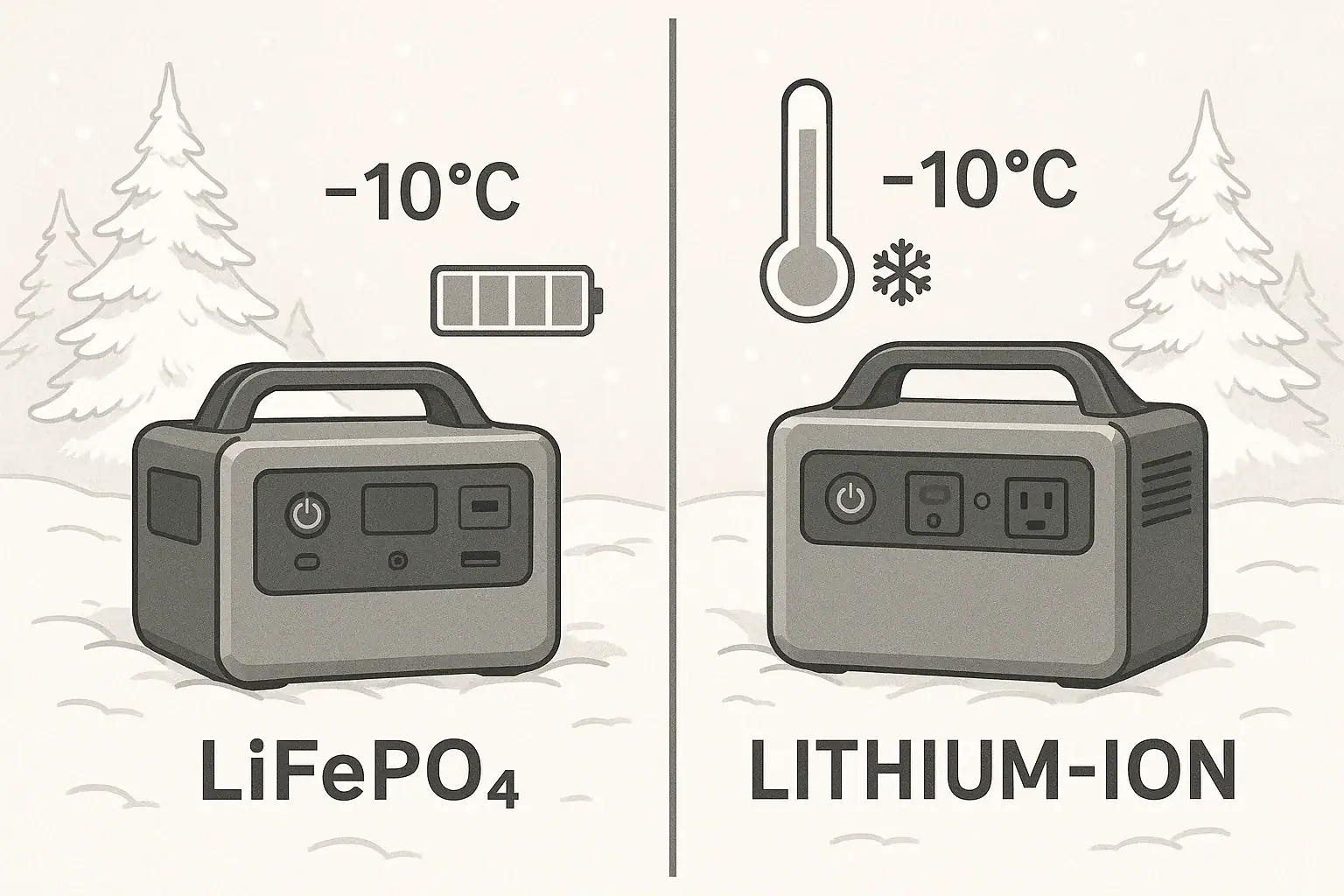
Cold performance is another area where the differences emerge. NMC batteries generally retain more usable capacity in moderately cold conditions, though they still experience reduced performance below freezing. LiFePO4 batteries may lose usable capacity more abruptly in the cold, and charging them at or below freezing can be more restrictive. Some power stations address this with built-in battery management and, in some cases, internal heating. Even then, users often see shorter runtimes in winter and slower charging, regardless of chemistry.

In RV or remote-work scenarios where the unit stays mostly in one place, the extra weight of LiFePO4 may not be a concern. The longer cycle life can be valuable if you run heavy AC loads such as small space heaters or induction cooktops on a regular basis, because these quickly add to the cycle count. In contrast, a more occasional user who mainly wants backup for brief outages may never approach the cycle life limits of either chemistry, making weight, price, and cold behavior more important decision factors.

Common mistakes & troubleshooting cues

Both LiFePO4 and NMC-based power stations can shut off unexpectedly if the system is pushed outside its design limits. A frequent mistake is sizing capacity based on watt-hours alone and ignoring the inverter’s continuous and surge ratings. For example, trying to start a high-draw appliance like a microwave or hair dryer on a small power station can trigger overload protection. This behavior is not a flaw in the battery chemistry; it is an inverter and power budget issue.

Another common issue is misinterpreting low-temperature behavior as a defective battery. In cold weather, NMC packs may show reduced capacity but still charge with fewer restrictions, while LiFePO4 packs may refuse to accept a charge until they warm up above a certain threshold. Users sometimes see slow or halted charging and assume the unit is broken. In reality, the battery management system is protecting the pack from damage caused by charging when the internal cells are too cold.

Charging slowdowns can also occur at high states of charge or when the internal temperature is elevated. NMC and LiFePO4 chemistries both rely on protective logic that tapers charging as the battery approaches full. If your power station charges rapidly at first and then slows significantly near the top, this is usually normal. Running heavy AC loads while charging can also slow the net charge rate or even hold the state of charge steady, because much of the input power is diverted to the inverter output.

Over time, users might notice that a fully charged battery no longer lasts as long as when it was new. NMC batteries often show faster capacity fade if they have been stored at full charge in high heat or cycled very deeply and frequently. LiFePO4 batteries tend to age more slowly under the same conditions, but they are not immune to degradation. Early signs include reduced runtime, faster drops from 100% to around 80%, and more noticeable voltage sag under heavy loads. These cues can guide you to adjust usage patterns, such as avoiding long-term storage at full charge or high temperatures.

Safety basics

Safety considerations differ slightly between LiFePO4 and NMC, but many best practices are the same. Place portable power stations on stable, dry surfaces with good airflow around the vents. Avoid enclosing them in tight cabinets, under bedding, or near heat sources where heat buildup could accelerate wear or, in extreme cases, lead to thermal issues. LiFePO4 chemistry is generally more thermally stable and less prone to runaway reactions than NMC, which can offer an added margin of safety, but neither should be operated outside the manufacturer’s recommended temperature or moisture ranges.

Use appropriately rated extension cords and avoid daisy-chaining multiple power strips or running cords under rugs where heat can build up. Because portable power stations typically provide 120 V AC, they should be treated like a standard household outlet. Do not exceed the unit’s rated output by plugging in too many devices or high-wattage appliances simultaneously. Both chemistries rely on internal battery management and inverter protections; bypassing or ignoring those protections undermines the inherent safety design.

Moisture exposure is a concern regardless of chemistry. Keep the unit away from standing water, rain, and snowmelt. In RVs and vans, mount or place the power station where it is protected from spills and where vents are not blocked by gear or bedding. If you need to use a power station near sinks, basements, or outdoor locations, a properly rated GFCI-protected circuit or outlet provides an additional layer of protection against shock. When in doubt, consult a qualified electrician about safe ways to integrate a portable power station with existing circuits without modifying panels or wiring yourself.

Finally, never open the battery enclosure or attempt to repair the cells yourself. LiFePO4’s relative stability does not make it safe to tamper with compressed packs, and NMC cells can be especially unforgiving if punctured or shorted. If you observe swelling, strong odors, visible damage, or repeated overheat warnings, discontinue use and contact the manufacturer or a qualified service provider for guidance.

Maintenance & storage

Good maintenance and storage practices can stretch the usable life of both LiFePO4 and NMC batteries, but each chemistry responds slightly differently. LiFePO4 packs are generally more tolerant of regular deep cycles and long-term partial states of charge, which suits frequent users who discharge the power station deeply before recharging. NMC packs are more sensitive to high states of charge and heat, so it is especially helpful to avoid leaving them fully charged in hot environments for long periods.

For longer-term storage, a moderate state of charge is usually recommended for both chemistries. Many users aim for roughly 40–60% charge if the unit will sit unused for several weeks or months. At this level, the cells are under less stress than at 100%, and self-discharge over time is less likely to reach damaging low voltages. LiFePO4 typically has lower self-discharge than NMC, so it can often sit longer between top-ups, but checking the charge every few months is still wise.

Temperature control is an important part of storage. Try to store power stations in a cool, dry place, away from direct sun and freezing conditions. High heat accelerates aging for both chemistries, but it is particularly tough on NMC. Extreme cold can lead to very low internal voltage and difficulty charging without warming the pack first, especially for LiFePO4. If a unit has been stored in a cold vehicle or unheated garage, allow it to warm gradually to room temperature before charging.

Routine checks should include verifying that the unit powers on, outlets function correctly, and fans and vents are unobstructed and relatively clean. Light dusting around vents and ensuring cords are not frayed can prevent minor problems from becoming bigger issues. Running a brief functional test every few months—plugging in a small load and confirming normal behavior—helps you discover problems before you rely on the power station during an outage or trip.

Maintenance and storage plan – Example values for illustration.
TaskSuggested frequencyNotes
Check state of chargeEvery 2–3 monthsKeep around 40–60% for long-term storage
Top up the batteryWhen below ~30–40%Prevents deep discharge during storage
Visual inspectionEvery 3–6 monthsLook for damage, swelling, or loose cords
Vent and fan cleaningEvery 6 monthsLight dusting to maintain airflow
Functional test with small loadEvery 3–6 monthsConfirm AC and DC outputs work normally
Temperature check for storage spotSeasonallyAvoid extended high heat or freezing locations
Firmware or settings reviewAnnuallyAdjust eco/sleep modes if they affect your use
Label next service or replacement reviewEvery few yearsPlan around expected cycle life for chemistry

Example values for illustration.

Practical takeaways

Choosing between LiFePO4 and NMC batteries in a portable power station comes down to your priorities and usage patterns. LiFePO4 generally offers longer cycle life, strong thermal stability, and predictable voltage behavior, at the cost of more weight and bulk for the same capacity. NMC usually provides higher energy density and lighter units but can age faster under high temperatures, frequent deep discharges, or long storage at full charge.

Cold performance is nuanced: NMC often retains more usable capacity in moderate cold, while LiFePO4 requires more cautious charging at low temperatures but can still deliver reliable output when warmed. Safety is largely a function of design and battery management, but LiFePO4 has an inherent edge in thermal stability, which can add comfort for users who cycle their systems heavily or store them in variable environments.

For portable power station users in the United States thinking about outages, camping, or remote work, it helps to treat chemistry as one factor among several. Capacity in watt-hours, inverter ratings, charging options, and environmental conditions all interact with chemistry to determine real-world performance. A carefully chosen system, used within its limits and maintained thoughtfully, will typically provide years of dependable service regardless of whether it is based on LiFePO4 or NMC.

  • Match chemistry to use: LiFePO4 for frequent deep cycling and long life, NMC when low weight and compact size are more important.
  • Size by both watt-hours and inverter ratings, not just battery capacity, to avoid overload shutdowns.
  • Plan for efficiency losses and reduced cold-weather capacity when estimating runtime.
  • Store at moderate charge in cool, dry conditions and avoid long periods at full charge, especially with NMC.
  • Follow all safety guidance, avoid tampering with the battery pack, and consult qualified professionals before integrating with home wiring.

Frequently asked questions

Are LiFePO4 batteries significantly heavier than NMC for the same watt-hour capacity?

Yes. LiFePO4 cells have a lower energy density than NMC, so packs built with LiFePO4 are typically heavier and larger for the same watt-hour rating. The exact difference depends on pack design and supporting electronics, but users commonly notice a weight penalty when choosing LiFePO4 for equivalent capacity.

Can I charge LiFePO4 batteries in freezing temperatures?

Charging LiFePO4 at or below freezing is generally not recommended; many power stations prevent charging until cells warm above a safe threshold. Discharging at low temperatures may still work but with reduced usable capacity, and it’s best to follow the manufacturer’s temperature limits or allow the unit to warm before charging.

Which chemistry is safer for indoor use: LiFePO4 or NMC?

LiFePO4 has inherently better thermal and chemical stability and a lower risk of thermal runaway compared with NMC, giving it an edge for safety. However, overall safety also depends on pack construction, battery management systems, and proper use, so follow manufacturer guidance regardless of chemistry.

How do cycle lives typically compare between LiFePO4 and NMC?

LiFePO4 generally offers a much longer practical cycle life and can tolerate many more deep discharge cycles before noticeable capacity loss, while NMC typically reaches significant capacity fade sooner under heavy cycling or high-temperature storage. Exact cycle life varies by cell quality, depth of discharge, and operating conditions.

What are the best storage practices for each chemistry to maximize lifespan?

For both chemistries, store in a cool, dry place at a moderate state of charge (around 40–60%) and avoid prolonged storage at full charge or high temperatures. NMC is more sensitive to high heat and full-charge storage, while LiFePO4 tolerates partial charge and long storage somewhat better but still benefits from periodic checks and a stable environment.

Do Portable Power Stations Work While Charging? Pass-Through vs UPS Mode

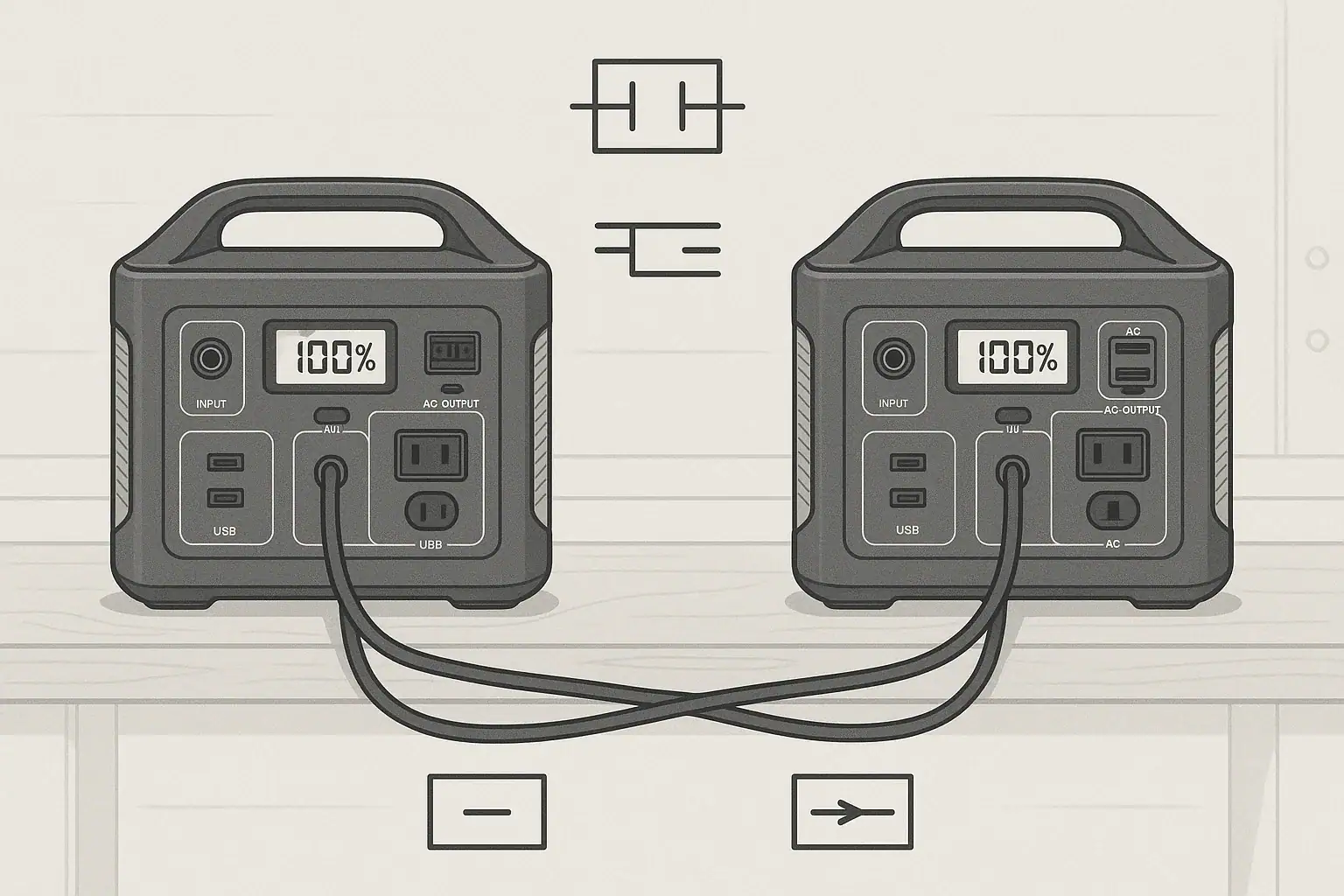
Portable power station on desk showing charging connections

Do Portable Power Stations Work While Charging?

Many people buy a portable power station expecting it to run devices while it is plugged into the wall or a vehicle outlet. Whether it can do this safely and effectively depends on how it is designed and what the manufacturer allows.

In general, there are three common behaviors:

  • No output while charging: Some units disable AC or all outputs whenever the input charger is active.
  • Pass-through charging: The station can power devices and charge its battery at the same time.
  • UPS-like mode: The station acts like an uninterruptible power supply, switching from grid power to battery when the grid fails.

Understanding which behavior your unit supports is important for planning outages, remote work setups, and camping or RV use.

What Is Pass-Through Charging?

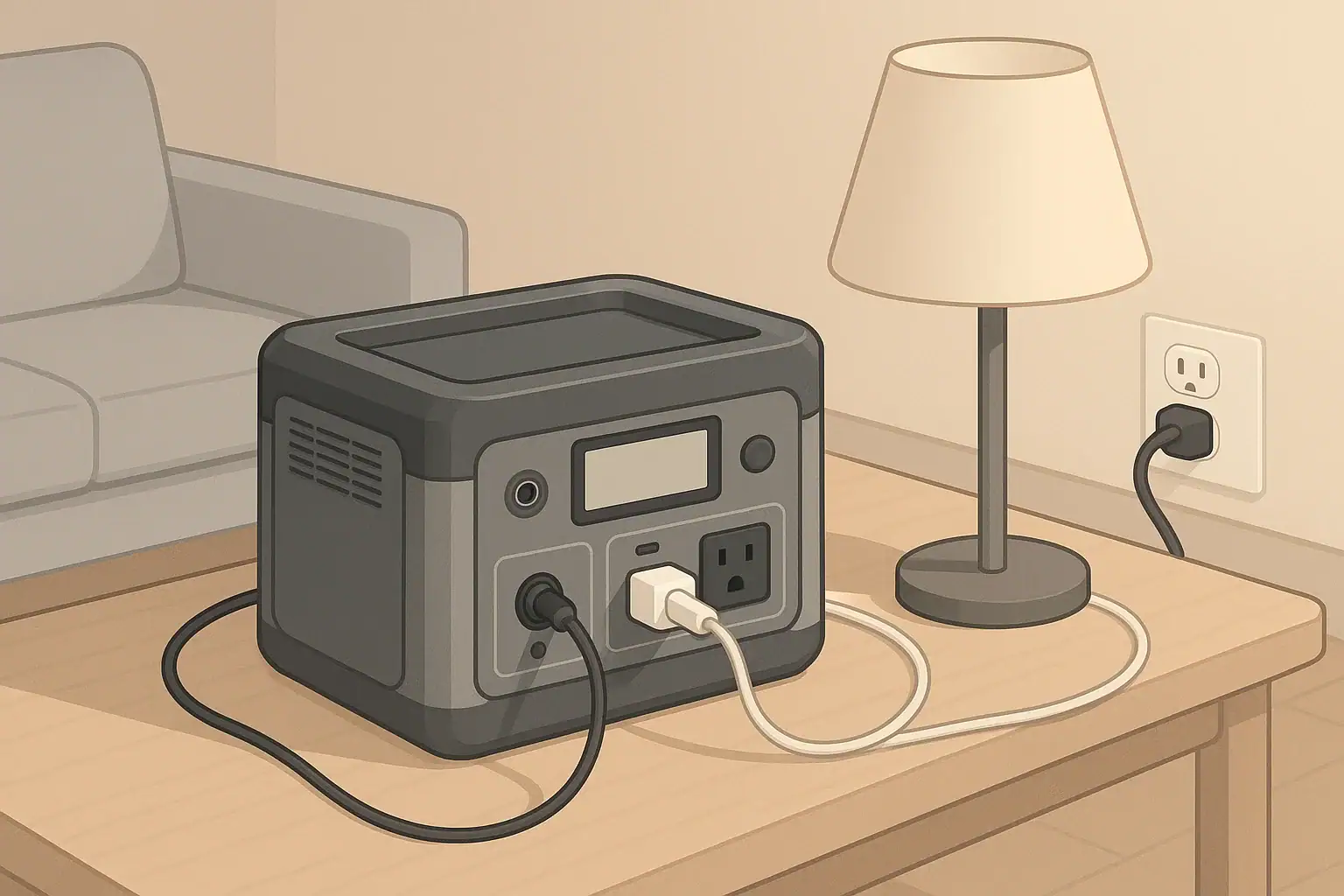
Pass-through charging means a portable power station can deliver power from its outlets while it is also taking in power from a wall adapter, vehicle outlet, or solar panel. In simple terms, it can charge and discharge at the same time.

This is useful in common situations such as:

  • Running a laptop and monitor during the day while the station charges from the wall.
  • Powering a Wi-Fi router and phone chargers in a short outage while still plugged into the grid.
  • Using solar panels to run small appliances during the day while slowly topping up the battery.

However, pass-through charging is not guaranteed. Some manufacturers limit or disable it to reduce heat and wear on the battery. Always check the user manual to confirm:

  • Which ports (AC, DC, USB) can operate during charging.
  • Any wattage limits while in pass-through mode.
  • Recommended use patterns to avoid excessive battery stress.
Key features to check before relying on pass-through or UPS behavior

Example values for illustration.

What to check Why it matters Notes
Pass-through support for AC outlets Determines if you can run household-style plugs while charging Some models only allow DC or USB pass-through
Maximum output watts in pass-through Prevents overloading when input power is limited Example: may limit to a portion of rated inverter output
Maximum input watts Sets how quickly the battery can recharge Important for planning between outages or trips
Supported input sources Shows if wall, car, or solar can be used for pass-through Not all inputs behave the same when outputs are active
Continuous vs surge output ratings Helps match loads like fridges or tools to the inverter Surge rating covers short startup spikes only
Thermal and fan behavior Indicates how the unit handles heat under combined load Expect fans to run more in pass-through mode
Warranty terms on pass-through use Clarifies if heavy 24/7 use is recommended Some guides treat it as occasional, not continuous

How Pass-Through Charging Affects Runtime and Battery Health

When a portable power station is in pass-through mode, power flows in and out at the same time. This changes how you think about runtime, charging time, and long-term battery health.

Power balance: input vs output

The effective charge or discharge rate depends on the balance between input and output power:

  • Output higher than input: The battery still drains, just more slowly than if there were no input.
  • Input higher than output: The battery charges, though more slowly than if no devices were connected.
  • Input roughly equals output: Battery state of charge may hover in a narrow range.

As a simplified example, if a station can accept about 200 W from the wall and you run a 150 W load, the battery will charge slowly. If you run a 300 W load on the same input, the battery will gradually discharge even though it is plugged in.

Battery wear and heat

Pass-through use can mean the station is working harder:

  • The battery cycles more often, even if only between partial states of charge.
  • The inverter and charging circuitry create heat while running simultaneously.
  • Fans may run more frequently and at higher speed.

High temperatures and constant cycling tend to age lithium batteries faster. For long-term battery health:

  • Avoid leaving the unit at 100% charge under heavy load for long periods.
  • Do not block vents; give it open space for airflow.
  • Keep it out of direct sun or hot vehicle interiors when running and charging.

When pass-through is helpful vs when to avoid it

Pass-through charging is especially helpful when:

  • You need to keep a laptop, monitor, or router running through short outages.
  • You are working remotely and want to top up from a vehicle outlet while driving.
  • You are camping with solar and want to use power during the day without waiting for a full charge.

It may be better to avoid continuous pass-through use when:

  • You want to maximize battery lifespan over many years.
  • The unit becomes hot to the touch or frequently shows temperature warnings.
  • You are running near the maximum rated output for long stretches.

What Is UPS Mode on a Portable Power Station?

Some portable power stations offer a feature often described as a UPS mode or “uninterruptible power supply” behavior. In this mode, the unit can switch from utility power to battery power automatically when the grid fails.

This is commonly used for:

  • Desktop computers and monitors.
  • Wi-Fi routers and modems.
  • Small home office setups.
  • Low-wattage medical-related devices that cannot tolerate frequent interruptions (always follow medical guidance and manufacturer instructions).

How UPS-like behavior works

Exact designs vary, but many UPS-like portable stations work in one of two ways:

  • Online/line-interactive style: Grid power flows through the unit to your devices while also charging the battery. If the grid fails, the inverter instantly supplies power from the battery.
  • Standby style: Your devices draw directly from grid power, and the unit switches to battery when it detects a loss of power.

Most consumer portable power stations have a transfer time measured in milliseconds, not zero. This is often acceptable for many electronics, but timing can matter for some sensitive equipment.

Limitations of using a portable power station as a UPS

Before relying on UPS mode, consider these points:

  • Transfer time: There may be a brief moment where power drops while switching to battery. Devices with very strict power requirements may not tolerate this.
  • Wattage limits: The UPS mode is usually limited by the station’s continuous inverter rating, not just its advertised peak rating.
  • Runtime: Compared to dedicated large UPS units, portable power stations can offer longer runtime, but it depends on their capacity and your loads.
  • Duty cycle: Many portable power stations are not designed for 24/7, year-round UPS duty. Check the manual for any warnings about constant connection.

For critical or life-sustaining equipment, it is important to follow manufacturer guidance and consult a qualified professional. Portable power stations can be helpful, but they are not always a substitute for dedicated, properly sized UPS systems designed for that purpose.

Using a Portable Power Station During Power Outages

During short residential power outages, portable power stations are often used to keep a few essentials running. Pass-through and UPS-like features can make this more seamless.

Simple plug-in use vs home circuits

The safest and simplest approach is to plug individual devices directly into the portable power station:

  • Lamps or small LED lighting.
  • Phone and laptop chargers.
  • Internet router and modem.
  • Compact fans or low-power medical-related devices (as directed by their manufacturer).

Some homeowners want backup power for entire circuits or multiple outlets. Any connection between a portable power source and a home electrical system can introduce shock and backfeed hazards if done incorrectly. For safety:

  • Do not create improvised cables that feed power backward into wall outlets.
  • Avoid any modifications to breaker panels or wiring unless done by a licensed electrician.
  • If you want a portable power station to supply specific circuits, consult an electrician about appropriate hardware and safe configurations.

Prioritizing loads during an outage

Portable power stations have limited capacity, so prioritizing what you power matters more than whether pass-through is available. For typical home essentials, many people focus on:

  • Communications: phones, laptop, router.
  • Lighting: efficient LED lamps.
  • Food safety: a small refrigerator or cooler (intermittent operation).
  • Comfort: a small fan or low-wattage heater alternatives where safe and appropriate.

High-wattage devices such as resistance heaters, large space heaters, and full-size electric ovens usually drain batteries too quickly to be practical on most portable stations.

Remote Work, Camping, and RV Use

Outside the home, pass-through charging and UPS-like behavior can help manage limited power sources such as vehicle alternators and solar panels.

Remote work setups

For remote work, a typical setup might include:

  • Laptop and monitor.
  • Mobile hotspot or router.
  • Occasional phone or tablet charging.

Pass-through charging lets you run this setup while connected to:

  • A wall outlet in a coworking space or rental.
  • A vehicle outlet while parked or driving.
  • Solar panels during the day.

UPS-like behavior can help avoid data loss if power from a wall outlet is unstable, keeping your devices running during brief drops without you needing to intervene.

Camping and vanlife

For camping or vanlife, portable power stations often power:

  • LED lights and lanterns.
  • Phones, cameras, and small speakers.
  • Portable fridges or coolers.
  • Small fans or low-power electronics.

Pass-through charging is particularly useful when:

  • Solar panels are producing power during the day and you want to use devices without waiting.
  • You charge the station from a vehicle alternator while driving and use it at camp when parked.

Be mindful of energy balance. For example, a portable fridge cycling between 30–60 W over many hours may consume more than a small solar panel can replace on cloudy days. In that case, the battery slowly depletes despite pass-through charging.

RV basics

In RVs, portable power stations are often used separately from the built-in electrical system to:

  • Power electronics at a picnic table or outside seating area.
  • Run laptops and chargers without using the main inverter.
  • Provide quiet overnight power for fans or CPAP-type devices (when allowed by the manufacturer).

Some RV owners explore tying portable power into existing RV circuits. Any such integration can introduce safety concerns if not done correctly. Work with an RV technician or electrician who understands both the RV’s wiring and the portable power station’s limits.

Charging Methods and Their Impact on Pass-Through Use

Different charging methods change how practical pass-through and UPS-like use will be in real life. The main options are wall charging, vehicle charging, and solar.

Wall charging

Wall charging usually offers the highest and most stable input power. This makes it the most suitable option for:

  • UPS-like setups for computers or home offices.
  • Running small appliances while still getting a meaningful recharge.
  • Topping up the battery quickly between outages or trips.

When plugged into the wall, many units can run close to their inverter rating while also charging, though this depends on how large the charger is and how the unit manages input and output internally.

Vehicle charging

Vehicle 12 V outlets typically provide modest power. As a result:

  • They are well suited to topping up the battery while driving.
  • They are less suited to running high-wattage AC devices in pass-through mode.

For example, a typical vehicle outlet might support on the order of 100–150 W of input to a power station. If you plug in a 90 W laptop charger and a 20 W router, the battery may charge slowly. If you plug in a 300 W device, the battery will still drain even though you are “charging” from the vehicle.

Solar charging

Solar input varies with sun angle, weather, and panel size. In bright conditions, a modest portable array can supply enough power to:

  • Run low to moderate loads during the day.
  • Slowly recharge the battery for nighttime use.

On cloudy days or in shaded campsites, solar input may be much lower. In those cases, pass-through charging can keep devices running while slowly depleting the battery, so planning for margin is important.

Example charging methods and when they are most useful

Example values for illustration.

Charging method Typical input range (example) Best use cases Planning notes
Wall outlet (AC) Hundreds of watts, depending on charger Fast recharges, UPS-like use at home or office Often most reliable for pass-through with moderate loads
Vehicle 12 V outlet Dozens to low hundreds of watts Charging while driving, light pass-through for electronics Avoid relying on it for high-wattage AC devices
Portable solar panels Varies with panel size and sun Off-grid camping, vanlife, remote work Plan for weather; output can drop significantly on cloudy days
Generator-powered AC Similar to wall when properly sized Recharging during extended outages Follow safe generator placement and ventilation practices
USB-C input (where supported) Tens to low hundreds of watts Supplemental charging from laptops or adapters Useful but usually slower than dedicated AC adapters
RV 12 V or DC source Depends on RV wiring and limits Integrating with existing RV power for topping up Confirm current limits to avoid overloading circuits

Safety Tips for Using Portable Power Stations While Charging

Running a portable power station while it charges adds electrical and thermal stress. A few practical habits can reduce risks and extend equipment life.

Placement and ventilation

  • Operate the unit on a stable, dry surface away from flammable materials.
  • Keep vents and fans unobstructed; leave several inches of space on all sides.
  • Avoid enclosed cabinets or tightly packed shelves during heavy use.
  • Do not place the unit on soft bedding or cushions that can block airflow.

Cord and load management

  • Use cords and adapters rated for the loads you are running.
  • Avoid daisy-chaining multiple power strips and adapters.
  • Do not exceed the continuous watt rating of the power station’s inverter.
  • Unplug devices you are not using, especially high-wattage appliances.

Cold weather and storage

  • Avoid charging lithium-based power stations when they are extremely cold; consult the manual for safe temperature ranges.
  • Store the unit at a partial charge rather than fully depleted if it will sit unused for months.
  • Check and top up the battery every few months to reduce deep-discharge stress.

Understanding limits and documentation

  • Read the user manual sections on pass-through, UPS mode, and load limits.
  • Follow any guidance on maximum continuous connection time when used as a UPS.
  • If specifications are unclear, treat continuous 24/7 pass-through use as a heavy-duty scenario and consider lighter use patterns.

Used with realistic expectations and basic precautions, portable power stations can be effective for running devices while charging, whether in pass-through or UPS-like modes.

Frequently asked questions

Do portable power stations work while charging without harming the battery?

Some models support pass-through charging safely, but simultaneous charging and discharging increases heat and battery cycling which can hasten capacity loss over time. Occasional pass-through use is typically fine, but continuous 24/7 pass-through may shorten battery lifespan—check the manufacturer’s guidance.

How can I tell if my portable power station supports pass-through charging or UPS mode?

Review the user manual and product specifications for explicit mentions of pass-through, UPS mode, supported input sources, and any wattage or time limits. Also check which ports remain active while charging and whether a transfer-time is specified for UPS behavior.

Will using pass-through charging affect runtime and charging speed?

Yes. If the output power exceeds the input, the battery will still drain (albeit more slowly), whereas if the input exceeds the output the battery will charge while powering devices. Input and inverter limits determine the practical charging speed and effective runtime.

Is it safe to use a portable power station as a UPS for sensitive equipment?

Many stations offer UPS-like features but may have nonzero transfer times and limits on continuous duty; some sensitive equipment may not tolerate brief interruptions. For critical or life-sustaining devices, follow manufacturer recommendations and consult a professional to ensure proper protection and configuration.

Which charging method is best when I want devices to run while the station charges?

Wall AC charging generally provides the highest and most stable input, making it best for UPS-like use and meaningful recharging under load. Vehicle and solar inputs can work but are typically lower and more variable, so plan for power balance and environmental factors like sun and temperature.

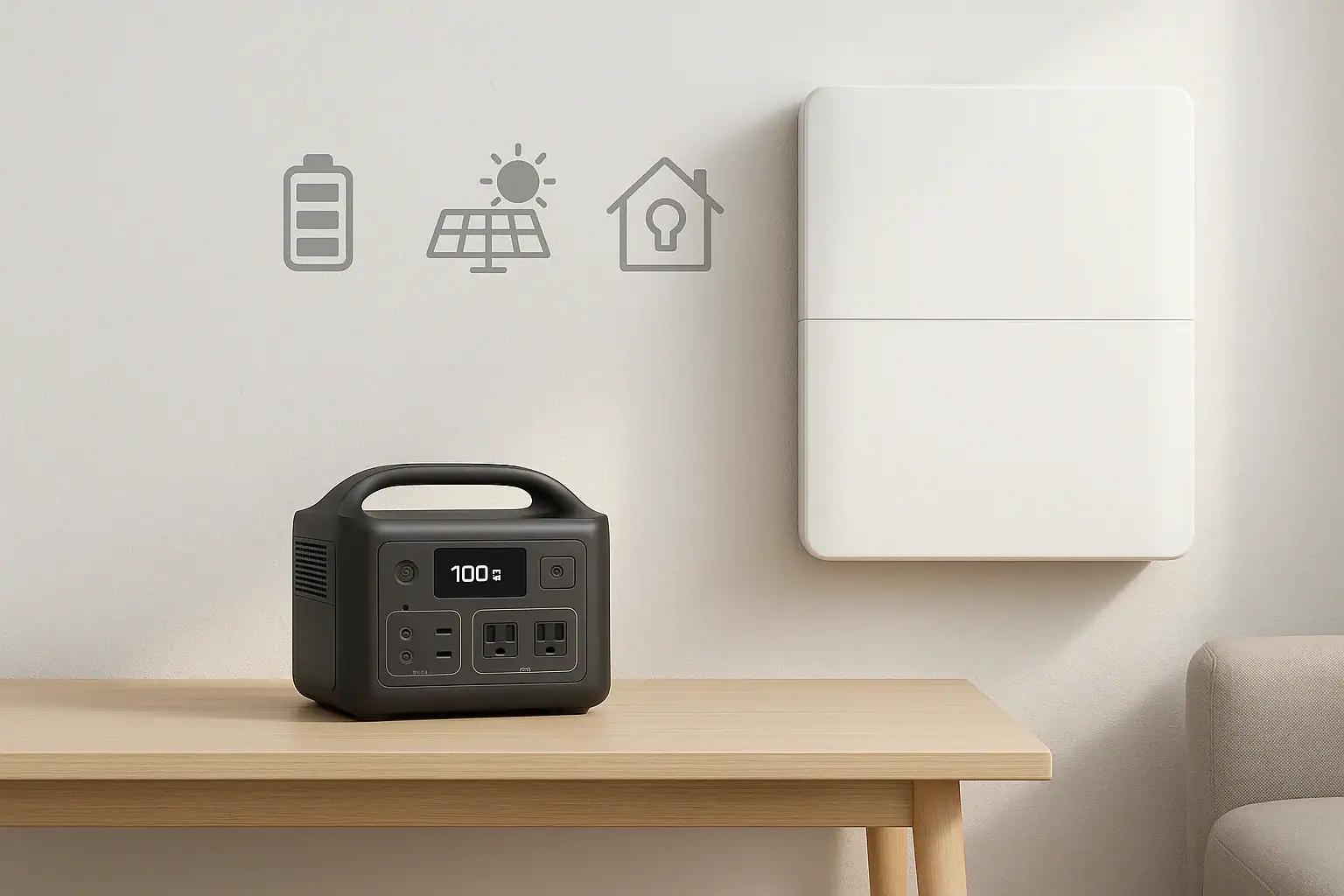
Portable Power Station vs Home Backup Battery: Which Fits Apartments Best?

Two portable power stations side by side in minimal scene

Choosing between a portable power station and a home backup battery in an apartment is less about maximum power and more about space, noise, safety, and building rules. Both options use rechargeable batteries, but they are designed for different types of backup.

In most apartments, you cannot install fuel-powered generators on balconies or wire major equipment into the building electrical system without permission. That makes battery-based solutions attractive, but the right setup depends on what you need to keep running, how long typical outages last, and how much room you can give up to equipment.

This guide compares portable power stations and home backup battery systems specifically from an apartment perspective, focusing on capacity, outputs, charging, safety, and everyday practicality.

Apartment Power Backup: The Real-World Constraints

Choosing between a portable power station and a home backup battery in an apartment is less about maximum power and more about space, noise, safety, and building rules. Both options use rechargeable batteries, but they are designed for different types of backup.

In most apartments, you cannot install fuel-powered generators on balconies or wire major equipment into the building electrical system without permission. That makes battery-based solutions attractive, but the right setup depends on what you need to keep running, how long typical outages last, and how much room you can give up to equipment.

This guide compares portable power stations and home backup battery systems specifically from an apartment perspective, focusing on capacity, outputs, charging, safety, and everyday practicality.

What Is a Portable Power Station?

A portable power station is a self-contained battery unit with built-in inverter, multiple output ports, and simple plug-and-play operation. It is usually designed to be moved easily and used indoors or outdoors.

Key Components

Most portable power stations include:

  • Battery pack measured in watt-hours (Wh), which represents total stored energy.
  • Inverter that converts battery DC power to household-style AC outlets.
  • DC outputs such as 12 V car-style sockets and barrel connectors.
  • USB ports for phones, tablets, and small electronics.
  • Charging inputs for wall charging, vehicle charging, and often solar.

Typical Apartment Use Cases

Portable power stations are commonly used in apartments for:

  • Short power outages (several hours to a day).
  • Remote work continuity for laptops, monitors, and a modem/router.
  • Keeping phones, tablets, and small devices powered.
  • Running low-wattage appliances such as desk lamps or small fans.
  • Occasional portable use outside the apartment, such as camping or travel.

Advantages for Apartment Dwellers

  • Plug-and-play: No permanent installation or wiring into your panel.
  • Portable and compact: Easier to store in a closet or under a desk.
  • Flexible: Can be used both for backup and for mobile power.
  • No building modifications: Usually does not require landlord approval when used as a standalone device.

Limitations to Consider

  • Limited capacity compared to whole-home systems; best for essentials, not everything at once.
  • Finite output power: Each unit has a maximum continuous watt rating and surge rating.
  • Manual operation: You typically move cords and plug devices in when the power goes out.
Checklist for Choosing an Apartment-Friendly Backup Power Option
What to check Why it matters Notes
Available floor and closet space Both systems occupy physical space Measure where you plan to keep the unit
Typical outage length in your area Determines needed battery capacity (Wh) Longer outages may justify larger or multiple units
Critical devices and their watt usage Prevents overloading and disappointment List items like router, laptop, lamp, fan, CPAP as needed
Building and landlord rules Some systems may require approval Ask about restrictions on fixed batteries or wiring
Noise and heat tolerance Fans and inverters make some noise Consider placement away from sleeping areas if possible
Budget and upgrade path Costs vary between portable and fixed systems Plan for future devices or a potential move

Example values for illustration.

What Is a Home Backup Battery System?

When people refer to a “home backup battery,” they often mean a larger battery system intended to support multiple household circuits or even an entire home. These are usually stationary, wall- or floor-mounted, and often integrated with a home electrical panel and sometimes solar panels.

Key Characteristics

  • Higher capacity: Typically several times the watt-hours of a portable power station.
  • Panel integration: Often connected to specific household circuits via transfer equipment.
  • Automatic operation: Many systems can switch on automatically when the grid goes down.
  • Fixed location: Not intended to be carried around.

Apartment-Specific Challenges

In detached houses, these systems can be mounted in a garage or utility room and wired directly to a panel by an electrician. In apartments, there are several extra considerations:

  • Building ownership: You rarely control the main electrical infrastructure.
  • Space limitations: Many apartments do not have dedicated utility spaces.
  • Installation rules: Wall mounting, conduit runs, and panel work often require landlord and building approvals.
  • Common-area panels: Some apartments have shared panels that are not easily modified for individual units.

Because of these factors, full-scale home backup systems are less common in apartments, although smaller, non-panel-integrated “home battery” units that plug into outlets or have multiple AC sockets do exist. Those behave more like large portable power stations but are not designed to be moved often.

Pros and Cons in an Apartment Context

Potential advantages:

  • Can provide more energy for longer outages if allowed and properly installed.
  • Less manual switching if integrated with selected circuits.
  • May support higher loads such as multiple rooms of lighting or a refrigerator.

Potential drawbacks:

  • Requires professional installation when tied into a panel.
  • May not be permitted in some buildings or rental agreements.
  • Less flexible if you move to a new apartment or different city.
  • Upfront cost and installation complexity are usually higher.

Capacity, Runtime, and Sizing for Apartment Use

Whether you choose a portable power station or a home backup battery, the core concept is the same: capacity in watt-hours (Wh) determines how long you can run devices of a given wattage.

Understanding Watt-Hours and Watts

  • Watt-hours (Wh): Total energy stored in the battery.
  • Watts (W): How fast energy is used or delivered at a given moment.

As a rough example, if a battery has 1000 Wh of usable capacity and you run a 100 W load continuously, you might expect around 10 hours of runtime, minus efficiency losses. Real runtimes are lower because inverters and electronics use some energy.

Prioritizing Apartment Essentials

To size a system for an apartment, start with the devices you consider essential:

  • Internet modem/router.
  • One or two laptops.
  • Phone chargers.
  • One or two LED lamps.
  • A small fan, if needed for comfort.
  • Medical or sleep-related devices, if applicable (consult the device manufacturer for power requirements).

Most of these draw relatively low power compared to large appliances. That is why portable power stations are often a good match for apartments: they target exactly these smaller loads that matter most during short outages.

When a Larger Home Battery Might Make Sense

A higher-capacity home battery may be more appropriate if:

  • Your area experiences frequent, multi-day outages.
  • Your building and landlord allow installation and panel work.
  • You want to support higher loads such as a refrigerator or multiple rooms.
  • You plan to stay in the same unit long term, making permanent installation more reasonable.

In many apartments, however, a moderate-size portable power station (or a pair of them) is easier to justify and manage.

Outputs, Inverters, and What You Can Safely Power

For apartment use, output types and inverter capabilities are often more important than sheer capacity. You need the right ports and enough continuous wattage to run your chosen devices safely.

AC, DC, and USB Outputs

Most portable power stations and home backup batteries include a mix of outputs:

  • AC outlets: To plug in lamps, laptops, small appliances, and power strips (within rated limits).
  • DC outputs: 12 V car-style sockets and barrel jacks for some electronics and coolers.
  • USB-A and USB-C: Ideal for phones, tablets, wireless speakers, and some laptops.

For apartment backup, having several AC outlets plus multiple USB ports helps avoid using too many extension cords. However, avoid daisy-chaining power strips or overloading any single outlet.

Inverter Basics: Continuous vs Surge

Inverters are rated for:

  • Continuous watts: Power the unit can supply steadily.
  • Surge watts: Short bursts to start devices with higher startup draw, such as some fans.

For typical apartment electronics, continuous power is the key number. Sum the watt ratings of the devices you want to run at the same time and keep that total under the inverter’s continuous rating. Always leave some margin instead of running at the absolute maximum.

What Not to Run in an Apartment Backup Setup

High-wattage appliances can drain batteries quickly or overload inverters. Use caution or avoid running:

  • Space heaters.
  • Electric stoves and ovens.
  • Large air conditioners.
  • Clothes dryers and irons.

Even if a battery could technically support these for a short time, they usually are not an efficient use of limited stored energy in an apartment backup plan.

Charging Options and Apartment-Friendly Strategies

How you recharge your portable power station or home backup battery matters just as much as capacity. In apartments, the most practical charging methods are wall outlets and, in some cases, small portable solar panels.

Wall Charging

Wall charging is the default for most systems. Key ideas:

  • Charging rate: Higher input watts mean faster charging, but also more strain on circuits if several high-draw devices share the same outlet.
  • Planning window: After an outage, you may have limited time before the next one. Knowing roughly how many hours it takes to recharge is helpful.
  • Dedicated outlet where possible: Avoid using the same outlet for other heavy loads while charging.

Car Charging

Some portable power stations can recharge from a vehicle 12 V outlet. In an apartment, this is only practical if:

  • Your parking spot is close enough and accessible.
  • You are able to safely run the cable and supervise charging.

Running a vehicle engine for long periods just to charge a battery is usually inefficient and may not be allowed in enclosed parking areas, so check building rules and ventilation conditions.

Solar Charging in Apartments

Portable solar panels are attractive but tricky in apartments. Consider:

  • Sun exposure: Balconies can work if they receive several hours of direct sun.
  • Safety: Panels must be secured so they cannot fall or blow away.
  • Rules: Some buildings restrict items mounted on railings or exterior walls.

Solar can extend runtime during prolonged outages but rarely replaces wall charging entirely for most apartment residents.

Pass-Through Charging Concepts

Many portable power stations offer pass-through charging, where the unit can be plugged into the wall while powering devices. For apartment use, this can turn the station into a kind of advanced surge strip with battery backup.

However, pass-through behavior varies between products. Some prioritize powering loads first, then charging the battery. Others may limit output while charging. Consult the manufacturer’s documentation and avoid overloading the unit just because it is plugged in.

Safety, Placement, and Building Rules

Battery safety and proper placement are especially important in multi-unit buildings where a problem can affect neighbors as well.

Ventilation and Heat

Most modern battery systems are sealed and do not require open-air ventilation the way fuel generators do, but they still produce heat. Good practices include:

  • Place units on a hard, flat surface.
  • Keep them away from radiators, heaters, and direct sunlight.
  • Do not cover with blankets or store in tightly packed closets while operating.
  • Leave clearance around cooling vents so internal fans can do their job.

Cord Management

In tight apartment spaces, tripping hazards and overloaded outlets are common risks. To keep things safer:

  • Avoid running cords where people walk frequently.
  • Use heavy-duty extension cords only when necessary and within rated limits.
  • Do not daisy-chain power strips or plug one power strip into another.
  • Keep cords away from water sources like sinks and bathtubs.

Panel Integration and Professional Help

Some home backup batteries are designed to connect to a home electrical panel through transfer switches or similar hardware. In an apartment setting:

  • Do not attempt any panel wiring or modifications yourself.
  • Consult building management before planning any permanent installation.
  • Use a qualified electrician familiar with local codes if integration is permitted.

Many apartment residents choose stand-alone portable power stations specifically to avoid the need for panel work and associated approvals.

Cold Weather, Storage, and Maintenance

Even in apartments, temperature and long-term storage conditions affect battery health and performance.

Cold Weather Performance

Battery capacity usually decreases in cold conditions. If your apartment is well heated, this is less of a concern indoors, but it matters if you keep a unit in a colder storage area or use it on a balcony. In general:

  • Avoid charging batteries at very low temperatures unless the manufacturer states it is safe.
  • Bring the unit into a moderate temperature environment before charging.
  • Expect shorter runtimes if the unit is used in cold spaces.

Storage and Self-Discharge

All batteries slowly lose charge over time when stored. For apartment users who mainly rely on backup power during occasional outages:

  • Store the unit in a cool, dry place away from direct sun.
  • Top up the charge every few months, according to the manufacturer’s guidance.
  • Avoid leaving the battery at 0% for long periods.

Basic Maintenance Practices

Battery systems are generally low maintenance, but you can extend their useful life by:

  • Keeping vents free of dust.
  • Inspecting cords and plugs for visible damage.
  • Testing the system briefly every few months so you know it’s ready for an outage.
Storage and Maintenance Planning Examples for Apartment Battery Systems
Task Interval idea Why it matters Quick note
Top up battery charge Every 2–3 months Reduces stress from sitting at very low charge Unplug after it reaches a full or near-full level
Short functional test Every 3–6 months Confirms outputs and display operate normally Run a lamp or laptop for a short time
Visual inspection of cords Every 6 months Catches frayed or damaged insulation early Replace damaged cords instead of taping them
Dusting vents and surfaces Every 3–6 months Helps cooling fans work efficiently Use a dry cloth; avoid liquid cleaners on ports
Check storage location Once a year Ensures it stays dry and within temperature limits Move away from heaters or direct sun if needed
Review building rules When lease renews Reflects any updated safety or equipment policies Confirm that your setup still complies

Example values for illustration.

Which Fits Apartments Best: Portable Power Station or Home Backup Battery?

In most apartments, a portable power station is the more practical choice. It requires no permanent installation, can be stored in small spaces, and is well suited to the lower-power essentials that matter most during short to moderate outages.

A home backup battery system may be appropriate if your building explicitly allows it, you can work with a qualified electrician, and you need higher capacity for frequent or prolonged outages. Even then, many residents prefer to start with a portable power station and adjust their setup over time based on real-world experience.

By mapping your critical loads, understanding capacity and charging options, and respecting building rules and safety basics, you can choose a backup approach that fits both your apartment and your daily life.

Frequently asked questions

Can a portable power station run a refrigerator in an apartment?

It depends on the refrigerator size and the power station’s continuous and surge ratings as well as its capacity in watt-hours. Many full-size refrigerators have high startup currents that can overload small inverters, and even if they run, they will deplete the battery quickly, so verify appliance wattage and expected runtime before attempting it.

Do I need landlord or building permission to keep or use a battery backup in my apartment?

Small, standalone portable power stations are often allowed without formal approval, but rules vary by building and lease terms. Always check with your landlord or building management if you plan a permanent installation, panel integration, or to store equipment in common areas.

How do I estimate runtime for my essential devices?

Divide the battery’s usable watt-hours by the combined wattage of the devices to get a rough runtime, and then factor in inverter and system losses of around 10–20%. For example, a 1000 Wh usable battery powering a 50 W router and laptop might run roughly 15–18 hours after accounting for efficiency losses.

Can I charge a portable power station with solar panels from my balcony?

Solar charging is possible from a balcony if you have adequate sun exposure and a safe, secure setup, but output is often limited compared with wall charging. Check building rules about mounting or securing panels, and expect solar to supplement rather than fully replace wall charging for most apartment use cases.

Are multiple small portable power stations better than one larger battery for apartment living?

Multiple units offer portability, redundancy, and flexible placement, while a single larger battery can provide higher capacity and simpler management if installation is permitted. Choose based on space, budget, and whether you prioritize ease of use or maximum runtime and integration.

Portable Power Station vs DIY Solar Battery Box: When DIY Makes Sense

Two generic portable power stations shown side by side

Overview: Two Very Different Ways to Get Portable Power

When you need electricity away from standard wall outlets, you have two broad choices: buy a portable power station or assemble a DIY solar battery box using separate components. Both can run laptops, lights, and small appliances, but they differ in cost structure, complexity, safety, and flexibility.

A portable power station is an all-in-one device that typically includes:

  • Built-in battery
  • Battery management system (BMS) and protections
  • Inverter for AC outlets
  • DC and USB outputs
  • Charging inputs (wall, car, and often solar)

A DIY solar battery box is a custom setup you assemble from individual parts, such as:

  • Battery (often deep-cycle or lithium)
  • Separate inverter (if you need AC power)
  • Charge controller for solar input
  • DC distribution, fuses, and wiring
  • A box or enclosure

Understanding the tradeoffs between these paths helps you decide when DIY makes sense and when a portable power station is the more practical option.

Core Differences: Cost, Complexity, and Safety

Both options can deliver similar watt-hours of energy, but how you get there is very different. The main differences show up in how much you spend, how much time and skill you need, and how much risk you are willing to accept.

Cost: Upfront Device vs Separate Components

Portable power stations bundle everything into one purchase. You pay for integration, convenience, and certification, but you avoid sourcing and matching individual parts. For many users, this is the lowest total cost of time and effort, even if the dollars-per-watt-hour seem higher.

A DIY solar battery box gives you more control over where your money goes. You can:

  • Choose battery chemistry (for example, lead-acid vs lithium) based on budget and needs.
  • Start smaller and expand later by adding more capacity or solar.
  • Reuse existing parts (such as panels or an inverter) if you already own them.

However, DIY often involves “hidden” costs: extra cables, tools, mounting hardware, fuses, heat-shrink, and test equipment. If you value your time highly or need to buy tools, the apparent savings can shrink quickly.

Complexity: Plug-and-Play vs System Design

Portable power stations are designed to be plug-and-play. You typically get:

  • Clear labeled ports (AC, DC, USB, solar input)
  • Simple screens or indicators for battery status
  • Built-in protections against overcharge, over-discharge, and short circuits

With a DIY solar battery box, you take on system design decisions, such as:

  • Matching battery voltage to inverter and charge controller
  • Choosing appropriate wire gauges and fuse sizes
  • Planning ventilation and mounting for components
  • Routing cables to reduce mechanical stress and avoid damage

This requires electrical knowledge and careful planning. Mis-matched components or poor wiring can lead to underperformance at best and safety hazards at worst.

Safety and Responsibility

Portable power stations are generally tested as a single unit and include internal protections. You still need to use them safely—avoid overloading outlets, keep them dry, and ensure adequate ventilation—but you are not managing bare cells, bus bars, and open terminals.

With a DIY battery box, you are responsible for:

  • Correct polarity and secure connections
  • Proper fusing close to the battery
  • Preventing accidental short circuits
  • Providing ventilation and protection from physical damage

Improper assembly can cause overheating, fires, or shock hazards. If you are not comfortable with low-voltage DC systems and basic electrical safety, DIY is not a good fit. For anything involving connection to a home electrical panel or transfer switch, a qualified electrician should be involved, regardless of whether you use a portable power station or a DIY system.

Key factors when choosing between a portable power station and a DIY solar battery box

Example values for illustration.

Decision checklist: portable power station vs DIY solar battery box
Factor Portable power station tends to fit when… DIY solar battery box tends to fit when…
Technical skill You prefer plug-and-play and minimal wiring. You are comfortable with basic DC wiring and system design.
Time available You need a solution working the same day. You can invest several evenings or weekends to plan and build.
Budget approach You want a single predictable purchase cost. You want to optimize cost per watt-hour over time.
Expandability Modest expansion or future replacement is acceptable. You want the flexibility to upgrade battery, inverter, or solar separately.
Safety comfort level You prefer factory-integrated protections and certifications. You accept responsibility for correct fusing, wiring, and mounting.
Use environment Mainly indoor, portable, and occasional outdoor use. Fixed installations in vans, RVs, or sheds where custom layout helps.
Learning goal You want a tool, not a hobby project. You enjoy tinkering and want to learn solar and battery systems.

Power Needs: Capacity, Watts, and Inverter Basics

Whether you go with a portable power station or DIY box, you need to size the system to your loads. The same concepts apply: watt-hours, running watts, surge watts, and inverter efficiency.

Capacity: Watt-Hours and How Long Power Lasts

Capacity is typically expressed in watt-hours (Wh). A simplified way to estimate runtime is:

Runtime (hours) ≈ Battery capacity (Wh) ÷ Load (watts) ÷ 1.1 to 1.3

The extra factor accounts for inverter and system losses. For example, if you have a battery of about 500 Wh and a 100 W continuous load, you might expect around 3.5 to 4.5 hours of runtime, depending on conditions and inverter efficiency.

Portable power stations list capacity clearly. With DIY, you calculate capacity from the battery rating. For instance, a 12 V 100 Ah battery contains roughly 1,200 Wh (12 V × 100 Ah), but usable capacity can be lower depending on chemistry and discharge limits. Many users plan to use only a portion of total capacity to extend battery life, especially with some lead-acid types.

Power Output: Running vs Surge Watts

Inverters and AC outlets are rated in watts. You will see two common numbers:

  • Continuous (running) watts: What the system can supply steadily.
  • Surge (peak) watts: Short bursts to start devices like compressors or motors.

Portable power stations publish these numbers as part of the device specs. In a DIY system, the inverter rating determines these limits. You also need to confirm that the battery and wiring can safely deliver the required current. High-wattage inverters can draw large DC currents at battery voltage, which affects cable size and fuse selection.

Outputs and Pass-Through Basics

Portable power stations often provide a mix of outputs:

  • 120 V AC outlets via the inverter
  • 12 V DC outlets (often cigarette lighter style)
  • USB-A and USB-C ports for electronics

Some can charge while powering loads, known as pass-through usage. Depending on design, heavy pass-through use can add heat and stress components, so it is wise to check the manual for any limitations.

In a DIY box, you choose which outputs to build in. Many people add:

  • Dedicated DC circuits for lighting or refrigeration to skip inverter losses
  • One or more AC outlets connected to the inverter
  • USB chargers powered from DC or AC, depending on preference

Pass-through behavior in a DIY setup depends on how the inverter and charge controller are wired. You need to make sure current limits are respected and that charging and discharging do not exceed recommended levels for the battery.

Charging Methods and Planning Charge Time

Both portable power stations and DIY battery boxes can usually charge from wall power, vehicle DC, and solar. The main difference is how much configuration and extra hardware you handle yourself.

Wall Charging

Portable power stations typically include a built-in or external AC charger. You plug into a standard wall outlet, and the device manages charging rate and protections. Charge time is roughly:

Charge time (hours) ≈ Battery capacity (Wh) ÷ Charger input power (W)

For example, a 500 Wh unit with a 250 W charger might recharge in around 2 to 3 hours, accounting for efficiency losses.

In a DIY system, you need a compatible AC charger matched to battery chemistry and voltage. You also need to consider where to mount and ventilate the charger. Higher current chargers reduce charge time but increase heat and stress, so they must be within the battery’s recommended limits.

Vehicle (Car or RV) Charging

Many portable power stations accept 12 V input from a vehicle outlet. Charging rates from vehicle sockets are often modest because of current limits. They can help sustain devices or slowly top up between stops but are not usually fast enough for large daily consumption.

With a DIY box, you can connect to a vehicle’s electrical system through appropriate fusing and wiring. For more involved setups, such as alternator charging in a van or RV, a DC-DC charger is often recommended to protect both the starting battery and the house battery. Any wiring that taps into a vehicle’s electrical system should follow automotive best practices and, when in doubt, be installed or inspected by a professional.

Solar Charging

Solar is where a DIY box can be highly flexible. You choose your panel wattage, mounting style, and charge controller. A portable power station often has a built-in charge controller and a specified input range, which sets a ceiling on solar input.

To roughly plan solar charging, use:

Daily energy from solar (Wh) ≈ Panel watts × Effective sun hours

For example, a 200 W array with 4 to 5 hours of good sun might yield around 600 to 900 Wh per day, depending on location, angle, and weather. In a DIY build, oversizing solar relative to battery capacity can help you recover quickly from cloudy days, as long as the charge controller is sized appropriately.

Use Cases: Outages, Camping, Remote Work, and RVs

Your primary use case strongly influences whether a portable power station or DIY box is the better fit. The same total watt-hours can behave very differently in daily life depending on how you use them.

Short Power Outages at Home

For occasional outages lasting a few hours, a portable power station is often the simplest option. You can quickly power:

  • Routers and modems
  • Laptops and phones
  • LED lamps
  • Small fans

Because these loads are modest, you may not need large capacity or complex solar setups. A DIY box can also work, but it is usually overkill unless you already built one for other reasons.

For any connection to household circuits, whether using a portable power station or DIY system, avoid improvised backfeeding through outlets. Safe integration with home wiring requires appropriate transfer equipment and should be handled by a qualified electrician.

Remote Work and Mobile Office

For remote work—such as running a laptop, monitor, and networking gear—a portable power station offers easy portability and quiet operation. If your power use is predictable and moderate, you benefit from plug-and-play charging and clear runtime indicators.

A DIY battery box starts to make sense if you need a custom layout, such as permanently installed outlets in a work trailer or mobile workshop, or if you expect to expand capacity over time. It also helps when you need multiple DC circuits for radios, networking hardware, or other specialized equipment.

Camping and Vanlife

For casual camping and short trips, portable power stations shine because they are easy to pack, lend, or store. You can set one on a picnic table and plug in lights, fans, or a cooler. Foldable solar panels connect quickly for daytime recharging.

For long-term vanlife or overlanding, a DIY solar battery box can integrate more seamlessly into the vehicle. You can mount batteries low and centered for weight distribution, run hidden cabling to lights and appliances, and place solar modules permanently on the roof. This approach can be more durable and tailored, but it demands careful design and installation.

RV Basics and Larger Loads

RVs often have built-in 12 V systems and sometimes generators. A portable power station can supplement this by powering sensitive electronics or providing quiet power when you prefer not to run a generator. It also gives you an independent backup system if the main RV battery is depleted.

A DIY system can become the core of an RV power upgrade, with higher capacity batteries and solar sized to support appliances like fridges or vent fans for many hours. Integrating with existing RV wiring, charging sources, and panels is more complex, and is another scenario where consulting a professional can help avoid issues.

Cold Weather, Storage, and Maintenance

Both portable power stations and DIY battery boxes rely on batteries that react to temperature and storage conditions. Good habits can significantly improve performance and lifespan.

Cold Weather Considerations

Battery performance usually drops in cold conditions. You may see:

  • Reduced available capacity
  • Lower power output capability
  • Slower charging

Portable power stations often specify safe operating and charging temperature ranges. Charging some battery chemistries below recommended temperatures can cause damage, so many devices limit or block charging when too cold.

For DIY boxes, you need to manage temperature yourself. Many users:

  • Install the battery in a relatively insulated compartment
  • Avoid leaving the system fully exposed in freezing weather
  • Follow the battery manufacturer’s guidance for cold charging and discharging

Storage and Self-Discharge

When not in use for long periods:

  • Store both portable units and DIY boxes in cool, dry locations.
  • Avoid extreme heat or direct sun for extended periods.
  • Keep the battery at a partial charge if recommended by the manufacturer.

All batteries self-discharge over time. Portable power stations may have standby draws from screens or internal electronics. DIY systems might have small parasitic loads from monitors or controllers. It is a good idea to top up charge every few months to prevent deep discharge.

Basic Maintenance

Portable power stations need relatively little maintenance beyond:

  • Keeping ports and vents free of dust
  • Occasional full charge-and-discharge cycles if recommended
  • Inspecting cords and plugs for wear

DIY boxes require more ongoing attention:

  • Periodic checks of cable connections and mounting hardware
  • Inspecting fuses and breakers
  • Examining the enclosure and vents for debris, corrosion, or moisture

Any signs of swelling, odor, unusual heat, or damaged insulation should be addressed immediately, and unsafe components should be taken out of service.

Example device loads and planning notes for portable and DIY systems

Example values for illustration.

Runtime planning examples for common devices
Device type Typical power draw range (W) Planning notes
LED light 5–15 Very efficient; multiple lights can run many hours from modest capacity.
Laptop 40–90 Power varies with workload; using DC charging where possible can extend runtime.
Wi-Fi router + modem 15–30 Good target for long outages; prioritize these for communication.
12 V compressor fridge 30–60 (while running) Average draw is lower due to duty cycle; insulation and temperature settings matter.
Box fan 40–75 Continuous use can add up; consider running at lower speed or intermittently.
Small microwave 700–1,200 High short-term load; requires an appropriately sized inverter and wiring.
Coffeemaker 600–1,000 Energy use is brief but intense; plan for surge watts and battery impact.

When DIY Solar Battery Boxes Make Sense

A DIY solar battery box is not inherently “better” or “worse” than a portable power station. It is simply a different approach with its own strengths and responsibilities. DIY tends to make the most sense when:

  • You already have some components, such as panels or a suitable battery.
  • You want a system that can be upgraded or repaired component by component.
  • You enjoy the learning process and accept the safety responsibilities.
  • You need a custom layout for a van, RV, shed, or off-grid structure.
  • You plan to run mostly DC loads efficiently, reducing inverter use.

Portable power stations make more sense when you prioritize:

  • Speed from unboxing to first use
  • Minimal wiring and design work
  • Integrated protections and compact form factor
  • Portability between home, vehicle, and campsite

Whichever path you choose, careful sizing, realistic expectations about runtime and charging, and attention to safety will determine how satisfied you are with your portable power system over the long term.

Frequently asked questions

How much can I realistically save building a DIY solar battery box compared to buying a portable power station?

Cost savings vary widely based on parts, battery chemistry, and whether you already own components. A DIY build can reduce dollars-per-watt-hour if you source low-cost batteries and reuse hardware, but hidden costs (tools, protection hardware, time, and potential rework) can offset initial savings. For many users, the true tradeoff is time and effort versus the convenience and integrated protections of a ready-made unit.

Is a DIY solar battery box as safe as a portable power station for everyday use?

Portable power stations are factory-assembled and include tested BMS and enclosure protections, which reduces common risks. A DIY box can be equally safe if it uses proper fusing, secure connections, correct wire sizing, and a suitable enclosure, but safety depends entirely on design and workmanship. If you are unsure about DC systems or high-current wiring, consult a qualified electrician.

Which charges faster: a portable power station or a DIY battery box using solar?

Charging speed depends on the charger or charge controller rating and the solar array size, not the form factor. Portable units are limited by their built-in input ratings; a DIY box can accept higher panel wattage or a larger charge controller if the battery and components allow it. In short, a DIY system can be faster if intentionally designed for higher input, but portable stations are often optimized for balanced charge rates and safety.

Can I safely keep a DIY solar battery box indoors?

Indoor use is possible if the battery chemistry and enclosure are appropriate and ventilation is provided when needed. Some battery types (notably flooded lead-acid) emit gases during charging and require ventilated spaces, whereas sealed lithium batteries generally emit no gases but still need temperature control and protection from mechanical damage. Always follow the battery manufacturer’s installation and ventilation guidance.

When does it make more sense to choose a portable power station over building a DIY box?

A portable power station is usually the better choice if you want immediate, plug-and-play power with integrated protections, predictable specs, and minimal setup time. It’s also preferable for users who travel, need compact portability, or prefer not to manage component matching and DC wiring. Choose DIY when you already have compatible components, want expandability, or need a custom installation and are comfortable with the required electrical work.

Portable Power Station vs Inverter + Car Battery: Pros, Cons, and Safety

Two generic portable power stations in comparison scene

Overview: Two Different Ways to Get Portable Power

When you need electricity away from standard wall outlets, two common options are a self-contained portable power station or a setup using a separate inverter connected to a 12 V car battery. Both can run small devices, help during short outages, and support camping or vehicle-based travel, but they differ in safety, complexity, and convenience.

This guide explains how each approach works, compares pros and cons, and highlights important safety considerations. The goal is to help you choose a solution that fits your power needs, budget, and comfort level with electrical equipment.

How Each System Works

What Is a Portable Power Station?

A portable power station is an all-in-one battery power system. Inside a single enclosure it usually includes:

  • A rechargeable battery (often lithium-based, sometimes sealed lead-acid)
  • A built-in inverter to provide AC outlets
  • DC outputs such as 12 V car-style ports
  • USB ports for phones, tablets, and small electronics
  • A charge controller and input ports for wall charging, car charging, and often solar
  • Internal protections such as over-current, short-circuit, and temperature monitoring

Most portable power stations display remaining battery percentage and sometimes estimated runtime or input/output watts. Many support pass-through operation, meaning they can charge while also powering devices, within their limits.

What Is an Inverter + Car Battery Setup?

An inverter plus car battery setup uses separate components to achieve a similar result:

  • A 12 V battery, often a starting battery from a vehicle or a dedicated deep-cycle battery
  • A stand-alone power inverter that converts 12 V DC to 120 V AC
  • Cables or clamps to connect the inverter to the battery

The inverter provides AC outlets, and sometimes USB ports, but the system does not usually include an integrated charge controller or multiple charging options. Charging is typically done via the vehicle’s alternator, a separate battery charger, or a solar charge controller wired to the battery.

Because the components are separate, the user is responsible for selecting compatible parts, making proper connections, and managing safety details like fuses, cable sizing, and ventilation.

Portable Power Station vs Inverter + Car Battery: High-Level Comparison

Example values for illustration.

Key differences to consider when choosing a portable power solution.
Factor Portable Power Station Inverter + Car Battery
Ease of setup Ready to use; plug-and-play Requires selecting parts and making safe connections
Safety features Integrated protections and monitoring Depends on inverter, wiring, and user installation
Port variety Typically AC, 12 V DC, and multiple USB Often AC only; USB depends on inverter model
Expandability Usually fixed capacity; some allow add-ons Battery bank and inverter can often be upsized
Monitoring Built-in display for charge and power May have simple indicators; detailed monitoring requires extras
Portability Single carry unit Multiple heavy components to move
Upfront complexity Low Moderate to high

Pros and Cons of Portable Power Stations

Advantages

Portable power stations are designed for simplicity and everyday users. Key advantages include:

  • Ease of use: Most are plug-and-play. You connect devices as you would to a wall outlet or USB charger.
  • Integrated design: Battery, inverter, charge controller, and protections are matched by the manufacturer, reducing compatibility guesswork.
  • Multiple outputs: Several AC outlets, USB-A and USB-C ports, and 12 V ports are common, so you can power laptops, phones, lights, and small appliances at the same time.
  • Clean, quiet operation: No combustion; suitable for indoor use within guidelines, as there are no exhaust fumes.
  • Charging flexibility: Many support charging from the wall, a vehicle outlet, and solar panels via a dedicated input.
  • Built-in monitoring: Displays usually show battery level and sometimes wattage, helping you manage capacity and runtime.

Limitations

Portable power stations also have trade-offs:

  • Fixed capacity: The internal battery size is set. While a few models allow expansion, many do not.
  • Cost per watt-hour: You pay for integration, protections, and convenience, so the cost per unit of stored energy can be higher than a basic battery and inverter.
  • Repair and upgrades: Internal components are typically not user-serviceable. You generally cannot swap the battery type or significantly increase inverter size.
  • Weight vs capacity: Larger-capacity units can be heavy to move, even though they are still relatively compact.

Pros and Cons of Inverter + Car Battery Systems

Advantages

A separate inverter with a car or deep-cycle battery can be attractive for certain users:

  • Potentially lower cost per watt-hour: Especially if you already own a suitable battery or inverter.
  • Flexibility and scalability: You can choose battery type and capacity, upgrade the inverter size, or build a larger battery bank over time.
  • Serviceability: Individual components can often be replaced or upgraded separately as they wear out or your needs grow.
  • Integration with vehicle systems: When done safely, a dedicated battery can be charged from the vehicle alternator or solar, which is appealing for RV or van setups.

Limitations

This approach also introduces complexity and risk, especially for users new to DC and AC systems:

  • More complex setup: You must match inverter size to battery capacity and cable ratings, and plan for fusing and connections.
  • Fewer built-in protections: Some inverters have basic protections, but the overall system safety depends heavily on how it is assembled.
  • Limited outputs: Many inverters offer only AC outlets and perhaps basic USB ports. Extra DC distribution usually requires additional components.
  • Portability challenges: A lead-acid car or deep-cycle battery is heavy, and carrying the inverter, battery, and cabling as separate pieces is less convenient.
  • Vehicle battery strain: Using the starting battery for extended loads can leave a vehicle unable to start if not managed carefully.

Capacity, Sizing, and Realistic Runtime

Understanding Capacity (Wh) and Power (W)

Whether you use a portable power station or an inverter with a car battery, two core concepts are the same:

  • Capacity (watt-hours, Wh): How much energy is stored. This helps estimate runtime.
  • Power (watts, W): How quickly energy is used. Devices draw a certain number of watts while running.

The inverter or power station also has two power ratings:

  • Running watts: The continuous power it can provide.
  • Surge watts: Short bursts needed for motors or compressors when they start.

Simple Runtime Estimation

A rough estimate of runtime (in hours) is:

Runtime ≈ Battery capacity (Wh) ÷ Device load (W)

For example, if you have about 500 Wh of usable capacity and a 50 W load (such as a small fan and a light), you might get around 10 hours in ideal conditions. Real-world runtimes are usually lower due to inverter losses, battery chemistry, and discharge limits.

In a car battery setup, usable capacity is often less than the theoretical rating stamped on the battery, especially for starting batteries, which are not intended for deep discharge. Deep discharging lead-acid batteries can shorten their life.

Outputs, Inverters, and Pass-Through Power

AC vs DC vs USB Outputs

Portable power stations commonly provide:

  • AC outlets: For household-style plugs, limited by inverter watt rating.
  • 12 V DC ports: For automotive-style devices such as coolers or air pumps.
  • USB ports: For phones, tablets, cameras, and other electronics.

An inverter plus car battery setup usually focuses on AC outlets, with USB ports only if the inverter includes them. Dedicated DC outputs often require additional components such as fuse blocks or distribution panels.

Pure Sine Wave vs Modified Sine Wave

Many portable power stations use pure sine wave inverters, which closely mimic household AC power and are friendlier to sensitive electronics, motors, and some chargers. Some stand-alone inverters are also pure sine, while others are modified sine wave, which can cause extra noise, heat, or compatibility issues for certain devices.

When choosing an inverter for a car battery system, consider whether your devices require or strongly benefit from pure sine wave AC, especially if you plan to power electronics, medical support equipment prescribed by a professional, or motor-driven devices.

Pass-Through Operation

Many portable power stations support pass-through operation, allowing them to be charged from the wall, car, or solar while also powering loads. The total power delivered is still limited by the internal electronics, but this feature can help during short outages or when using solar throughout the day.

In contrast, pass-through use in a car battery system relies on your charging method (alternator, standalone charger, or solar controller). You must ensure that your battery is not discharged faster than it is charged, and that cabling, fusing, and chargers are suitably rated.

Charging Options and Planning Charge Time

Wall Charging

Portable power stations usually include a dedicated wall charger or internal AC charger. Charge time depends on the charger’s wattage and the battery size. As a rough idea, a 500 Wh station with a 100 W charger might take several hours to recharge fully, under ideal conditions.

For inverter plus battery systems, you can use an appropriate 12 V battery charger. Larger external chargers can recharge faster but must be matched to the battery type and size, and used according to manufacturer instructions.

Vehicle Charging

Portable power stations often plug into a vehicle’s 12 V outlet, drawing limited power (commonly under 150 W) while you drive. This is slower than wall charging but useful to top up over time.

With an inverter and car battery, the vehicle alternator can recharge the battery while driving, but sustained high loads from the inverter may exceed what the system is designed to support. Long stationary use with the engine off can deplete the starting battery and prevent the vehicle from starting.

Solar Charging

Many portable power stations accept solar panel input through dedicated ports, often with a built-in or matched charge controller. This can support off-grid use if you size the panels appropriately and account for sun hours.

In a car battery system, you generally need a separate solar charge controller wired to the battery. You must size the controller, panels, and wiring for expected current, and position panels safely and securely.

Use Cases: Which Option Fits Your Scenario?

Short Power Outages at Home

For most households wanting backup for essentials such as phone charging, a modem/router, a laptop, and a few LED lights, a portable power station is often simpler and safer. You can keep it charged and bring it out when needed.

Connecting either system directly into home wiring or panels involves additional safety and legal considerations. Any connection to a home electrical system should be planned and installed by a qualified electrician using appropriate equipment. Avoid improvised backfeeding through outlets, which is hazardous and may be illegal.

Remote Work and Electronics

For powering laptops, monitors, and networking gear, the cleaner AC output and built-in USB ports of many portable power stations are convenient. A car battery and inverter can work, but requires more attention to preventing deep discharge and maintaining adequate ventilation around the battery, especially if it is not sealed.

Camping, Vanlife, and RV Basics

For tent camping or short trips, a portable power station is easy to move, charge from the car, and pair with a folding solar panel. It offers silent operation and simple device connection.

For vanlife and RVs with larger, more permanent electrical systems, an inverter and battery bank can be more scalable. Many users in that category plan multi-battery banks, larger inverters, and solar arrays. Designing such systems involves careful attention to wire sizing, fusing, ventilation, and compliance with relevant codes; it is often helpful to consult professional resources or an experienced installer.

Running Appliances

Smaller appliances such as compact fans, LED lights, and low-power electronics are generally manageable for both options. High-draw appliances like space heaters, hair dryers, or large air conditioners can quickly exceed the capabilities of modest portable power stations and small inverters.

For refrigeration, a high-efficiency fridge or 12 V compressor cooler paired with sufficient battery capacity and solar can work, but requires careful power budgeting. Motors have startup surges that must be within the inverter’s surge rating.

Example Device Loads and Planning Notes

Example values for illustration.

Illustrative watt ranges to help estimate runtime needs.
Device type Typical watts range (example) Planning note
Smartphone charging 5–20 W Low draw; many charges from a modest battery
Laptop 40–90 W Consider several hours per day for remote work
LED light 5–15 W Good for long runtimes even on small systems
Portable fan 20–50 W Plan for overnight use during outages or camping
Mini fridge or 12 V cooler 40–100 W (running) Allow for startup surge and duty cycle
Small microwave 600–1000 W Short use only on higher-capacity inverters
Space heater 1000–1500 W Drains batteries very quickly; often impractical

Safety Considerations for Both Options

Battery Safety and Placement

For portable power stations:

  • Use them on a stable, dry, level surface.
  • Keep vents unobstructed to allow cooling airflow.
  • Avoid placing them directly next to heat sources or in direct, intense sunlight for extended periods.
  • Follow any temperature ranges listed in the manual, especially for charging in cold or hot conditions.

For inverter plus car battery systems:

  • Ensure the battery is secured so it cannot tip or slide.
  • Provide ventilation, particularly for lead-acid batteries, which can release gas during charging.
  • Prevent short circuits by protecting battery terminals from accidental contact with metal tools or objects.
  • Use appropriately rated cables and fuses between the battery and inverter, as recommended by qualified resources or professionals.

Cords, Loads, and Overheating

Regardless of system type:

  • Do not overload the inverter or power station beyond its rated continuous wattage.
  • Use extension cords only when necessary, and choose cords rated for the load and length.
  • Avoid running cords where they can be pinched by doors, crushed under furniture, or become tripping hazards.
  • If cords, plugs, or outlets feel hot to the touch, reduce the load and inspect for damage.

Indoor vs Outdoor Use

Portable power stations are commonly used indoors, but should still be kept away from flammable materials and protected from moisture. Follow the manufacturer’s guidelines on indoor use and environmental conditions.

For inverter plus car battery setups, outdoor or semi-outdoor placement is often safer for venting and heat, provided the equipment is protected from rain and standing water. Avoid placing inverters directly next to fuel containers or other flammable materials.

Cold Weather and Storage

Most batteries have reduced performance in cold temperatures, with shorter runtimes and slower charging. Charging many lithium-based batteries below freezing can be harmful; check the operating and charging temperature guidelines for your system.

For storage:

  • Store in a cool, dry place away from direct sunlight.
  • Avoid extreme temperatures, both hot and cold.
  • Charge to a recommended level before long-term storage and top up periodically to reduce self-discharge effects.

Working With Home Electrical Systems

Connecting any portable power source to a home’s wiring requires proper equipment and methods to prevent backfeeding utility lines, overloading circuits, or violating electrical codes. High-level considerations include:

  • Using appropriate transfer equipment designed for standby or backup power.
  • Ensuring that any connection prevents simultaneous backfeed into the grid.
  • Making sure breaker ratings, wiring, and loads are compatible with the power source.

Planning and installing these connections should be done by a qualified electrician familiar with local code requirements. Avoid homemade interlocks or improvised cords between power stations, inverters, and household outlets.

When to Choose Which Option

In general:

  • A portable power station suits users who want a self-contained, relatively low-maintenance solution for small devices, short outages, and mobile use.
  • An inverter plus car battery setup can fit users who are comfortable with electrical components, want greater flexibility or capacity scaling, and are prepared to handle system design and ongoing maintenance responsibilities.

In either case, understanding capacity, load, and safe operating practices will help you get reliable, practical power when you need it.

Frequently asked questions

How long will a portable power station or an inverter with a car battery run my devices?

Runtime depends mainly on usable battery capacity (Wh) divided by the device load (W) — roughly Runtime ≈ Wh ÷ W. Expect lower real-world runtimes due to inverter losses, battery chemistry, and depth-of-discharge limits; starting batteries in cars usually offer less usable capacity than deep-cycle batteries.

Is it safe to operate an inverter and car battery indoors compared to a portable power station?

Portable power stations are generally safer for indoor use because they are sealed, include built-in protections, and typically do not emit gases. Inverter plus car battery systems—especially those using lead-acid batteries—can emit hydrogen during charging and therefore require good ventilation, secure mounting, correct fusing, and careful wiring.

Can I charge both systems with solar panels, and what do I need to know?

Yes. Many portable power stations have a built-in or matched solar charge controller and a dedicated input for straightforward solar charging, while an inverter plus battery requires a separate solar charge controller sized for the panels and battery; using an MPPT controller improves charging efficiency.

Which option is more cost-effective per watt-hour: a portable power station or an inverter plus battery?

A separate inverter with a chosen battery bank often provides a lower cost per watt-hour because you can select battery chemistry and capacity independently. However, portable power stations trade a higher unit cost for integration, convenience, and built-in protections, and lifecycle and maintenance costs also affect overall value.

Can I run a refrigerator or a space heater with a portable power station vs inverter + car battery?

Small refrigerators or 12 V compressor coolers can be run by either option if the inverter can handle the fridge’s startup surge and you have enough battery capacity and duty-cycle planning. Space heaters draw 1000–1500 W continuously and will deplete most portable systems quickly, making them impractical for extended use on battery-based setups.

Portable Power Station vs Power Bank: Where the Line Really Is

Isometric illustration comparing a portable power station and power bank

Portable Power Station vs Power Bank: The Real Divide

Portable batteries now range from pocket-sized phone chargers to suitcase-sized power stations that can run appliances. The terms portable power station and power bank often get mixed together, but they are built for very different jobs.

This guide explains where the line really is between them, how each is designed, and how to choose the right tool for your needs at home, on the road, or during outages.

Core Technical Differences

The clearest way to separate portable power stations from power banks is to look at three basics: capacity, outputs, and what they are meant to power.

Capacity: Watt-Hours vs Amp-Hours Confusion

Power banks are usually described in milliamp-hours (mAh), while portable power stations are normally described in watt-hours (Wh). Both relate to stored energy, but watt-hours are easier to compare across different devices and voltages.

Simple rule of thumb:

  • Small power banks: often around 5,000–20,000 mAh at about 3.6–3.7 V internal battery voltage.
  • Larger USB power banks: may reach the rough equivalent of 50–100 Wh.
  • Portable power stations: commonly range from roughly 150 Wh up to well over 1,000 Wh and beyond.

In practical terms, a power bank is usually intended to recharge small electronics several times, while a portable power station is intended to actually run devices and small appliances for hours.

Outputs: USB vs AC Household Outlets

Outputs are where the split becomes obvious:

  • Power bank typical outputs:
    • USB-A ports (standard USB)
    • USB-C ports (often with fast charging standards)
    • Occasional low-voltage DC barrel ports or wireless charging pads
  • Portable power station typical outputs:
    • One or more 120 V AC outlets via an internal inverter
    • USB-A and USB-C ports
    • 12 V DC car socket and/or DC barrel ports

The built-in inverter is a defining feature of a portable power station. It converts DC battery power to AC, similar to a wall outlet. Power banks generally do not include this; they stay in the low-voltage DC world of phones and tablets.

Design Intent: Charging vs Powering

Power banks are optimised to charge batteries inside devices (phone, tablet, earbuds, sometimes laptops).

Portable power stations are optimised to power devices directly, especially those designed for household outlets. This includes small refrigerators, routers, CPAP machines (where medically appropriate guidance is followed), lights, fans, and laptops.

That difference in intent drives decisions about capacity, cooling, inverters, and safety features.

Table 1. Quick decision matrix: power bank or portable power station? Example values for illustration.
If you mainly need to… Minimum capacity to consider (example) Better fit Key reason
Charge a phone for a weekend trip 10,000–20,000 mAh Power bank Small, light, enough for multiple recharges
Charge a laptop and phone during daily commuting 50–100 Wh equivalent Large power bank High-output USB-C, still portable
Run a Wi‑Fi router and laptop during a short outage 200–300 Wh Portable power station AC outlet support and higher capacity
Keep a mini fridge cold for several hours 300–500 Wh Portable power station Handles appliance startup surges
Power multiple devices at a campsite 500–1,000 Wh Portable power station More outlets and longer runtime
Reduce stress during overnight outages 800–1,500 Wh Portable power station Enough capacity for essentials

Outputs and Inverter Basics

Understanding outputs helps clarify what each type of device can safely power.

USB and DC Outputs

Both power banks and power stations commonly share these outputs:

  • USB-A for phones, tablets, and small gadgets.
  • USB-C for modern phones, laptops, and some small devices; can support higher power delivery.
  • 12 V DC car socket (mainly on power stations) for car-style chargers, coolers, some CPAP-compatible adapters, and other low-voltage devices designed for that outlet type.

For charging-only needs, a high-capacity power bank with strong USB-C output often covers daily life. Once you need car sockets or multiple DC voltages, you are usually in portable power station territory.

AC Outlets and Inverters

The key difference is the AC inverter inside a portable power station:

  • Continuous watt rating: the maximum power the inverter can deliver steadily.
  • Surge (peak) rating: the short burst of power available when devices start up, such as fridges or some power tools.

Power banks typically do not include an AC inverter. Some larger USB-based batteries might add a small AC outlet, but once an AC inverter becomes a core feature, the device is effectively functioning as a portable power station.

When planning to run AC appliances, you need to check both the appliance wattage and the power station’s continuous and surge ratings. Running a device near or over those limits can trigger overload protection and shutoffs.

Pass-Through Charging Concepts

Pass-through charging means powering devices while the battery pack itself is being charged. This can be convenient but has trade-offs:

  • Not all power banks or power stations support pass-through on all ports.
  • Pass-through can increase internal heat and, over time, may affect battery longevity.
  • When input power is lower than output power, the battery still discharges.

For continuous setups, such as keeping a router online during outages, a portable power station with clearly documented pass-through capability and good ventilation is generally more robust than using a small power bank this way.

Charging Methods and Time Planning

How you recharge the device is a major practical difference between a portable power station vs power bank.

Wall Charging

  • Power banks: commonly use USB-C or micro-USB from a wall adapter. Charging times depend on charger wattage and cable quality. Many small power banks refill in a few hours.
  • Portable power stations: use larger AC adapters or built-in power supplies. Charging can range from a couple of hours to most of a day, depending on capacity and input wattage.

A simple way to estimate charge time is:

Approximate hours = battery watt-hours ÷ charger watts (then add extra time for inefficiencies).

For example, a 500 Wh station on a 200 W input might take a few hours under ideal conditions, but real-world times are usually longer.

Car Charging

Some power banks and most portable power stations can charge from a vehicle’s 12 V outlet:

  • Car charging is typically low power compared to wall charging.
  • It is useful for topping up while driving, not rapid full recharges for large stations.
  • Always follow the vehicle and device manufacturer’s guidance to avoid draining the car battery when the engine is off.

Solar Charging

Solar charging is far more common and practical with portable power stations than with small power banks, due to higher input capacity and dedicated solar connectors or controllers.

Considerations include:

  • Panel wattage: higher wattage can shorten charge times under good sun.
  • Sun hours: the amount of effective full sun per day, which varies by location and season.
  • System losses: heat, angle, and conversion losses reduce the usable energy.

Power banks can be paired with small foldable panels, but the charging rate is usually low, better suited to keeping phones topped up than refilling deeply discharged batteries daily.

Realistic Use Cases: When Each Makes Sense

Instead of thinking in terms of labels, it is more practical to think in terms of what you actually want to power and for how long.

Short Power Outages at Home

During brief outages, typical priorities include lighting, communications, and sometimes refrigeration or medical-related devices (with proper medical advice and planning).

  • Power bank role:
    • Keep phones and small battery-powered lights topped up.
    • Support e-readers or tablets for a few hours.
  • Portable power station role:
    • Run a Wi‑Fi router and modem.
    • Keep a few LED lamps on.
    • Run a low-wattage fan or charge multiple laptops.
    • Potentially keep a compact fridge or freezer cycling, within its watt limits.

If your goal is simply to get through a few hours with phone battery and a flashlight, a power bank is fine. Once you want your home to feel mostly functional, a portable power station is the more realistic tool.

Remote Work and Mobile Offices

For working away from reliable outlets, the main loads are laptops, hotspots or routers, and sometimes a monitor or small printer.

  • Power bank: appropriate if you only need extra laptop and phone charges for a day, especially with strong USB-C power delivery.
  • Portable power station: better when you need to power multiple devices at once, use AC monitors, or run equipment for many hours between wall charges.

In vans, cabins, and shared workspaces without dependable power, a station with sufficient watt-hours and pass-through charging can serve as a small-scale, flexible power hub.

Camping, Vanlife, and RV Basics

Outdoor use brings in lighting, cooking aids, and sometimes refrigeration and entertainment.

  • Power bank uses:
    • Headlamps and small USB lanterns.
    • Phones, action cameras, and GPS devices.
    • Occasional top-up for a tablet or e-reader.
  • Portable power station uses:
    • 12 V fridges or coolers.
    • String lights and campsite lighting.
    • Small fans or air pumps.
    • Laptop workstations in a van or RV.
    • Recharging power tool batteries or drone packs.

For simple weekends with minimal gear, a couple of decent power banks are easy and lightweight. For extended trips, especially where solar recharging is planned, a portable power station becomes the central power source, with power banks acting as convenient satellites.

Everyday Carry vs Stationary Backup

Another way to distinguish them is by how often you carry them:

  • Power banks: small enough to live in a bag or pocket every day.
  • Portable power stations: more like a small appliance that you move occasionally—around the house, to the car, or to a campsite.

If you would be annoyed to carry it all day, it is likely in portable power station territory.

Cold Weather, Storage, and Maintenance

Both power banks and portable power stations use lithium-based batteries in most modern designs, and they share similar care needs.

Cold Weather Use

Cold temperatures affect battery performance:

  • Available capacity drops in cold conditions, so runtimes are shorter.
  • Charging at very low temperatures can be harmful; many devices limit or block charging when too cold.
  • For outdoor use in winter, it is helpful to keep the battery off bare ground and protected from snow and moisture.

Power banks are easier to keep warm, since they can stay in a pocket or insulated pouch. Portable power stations may need to be kept in a sheltered space, such as a tent vestibule or vehicle interior, ensuring they are used within the manufacturer’s temperature guidelines and with proper ventilation.

Storage and Self-Discharge

When stored for long periods, both device types self-discharge slowly. General practices include:

  • Avoid storing fully empty or at 100% charge for months.
  • Many users aim for a mid-range state of charge (for example, around half) for long-term storage, then top up every few months.
  • Store in a cool, dry place away from direct sunlight and ignition sources.

Portable power stations often include more detailed storage recommendations due to their larger capacity. Periodically cycling them (discharging and recharging within recommended ranges) can help ensure they are ready when needed for outages or trips.

Basic Maintenance

Routine care for both devices includes:

  • Keeping ports free of dust and moisture.
  • Inspecting cables for wear, cuts, or loose connectors.
  • Ensuring vents on power stations are unobstructed.
  • Updating firmware if the device supports it and instructions are provided.

Because portable power stations are used like small appliances, they benefit from occasional function checks, such as running a small load for a short time before a storm season or long trip.

Table 2. Example runtime planning by device type Example values for illustration.
Device type Typical power draw (watts, example) Planning note for power banks Planning note for power stations
Smartphone 5–10 W while charging Even small banks can recharge several times. Uses little capacity; minor part of total load.
Tablet or e‑reader 10–20 W while charging Medium banks can handle multiple full charges. Negligible load on most stations.
Laptop 30–90 W while charging/use High-output USB-C bank needed; limited runtime. Several hours per day on modest-capacity stations.
Wi‑Fi router + modem 15–30 W combined Most banks cannot power directly; need DC/AC support. Common outage load; plan for many hours of runtime.
Mini fridge or compact freezer 50–100 W running, higher at start Generally not suitable for power banks. Check surge rating; plan for duty cycle and total hours.
LED lighting string 5–20 W Good match for larger banks during trips. Low-impact load; can run many hours on stations.

Safety and Practical Operating Tips

Whether you are using a power bank or a portable power station, some basic safety and operating habits help protect both you and the equipment.

Placement and Ventilation

  • Place portable power stations on stable, dry, non-flammable surfaces.
  • Keep vents clear on all sides so fans can move air freely.
  • Avoid enclosing devices in tight spaces, bags, or under bedding while charging or under heavy load.

Power banks also benefit from ventilation. While they are smaller, high-rate fast charging can still generate noticeable heat.

Cords, Adapters, and Loads

  • Use quality, appropriately rated cables and adapters for the current and voltage involved.
  • Avoid daisy-chaining multiple extension cords, power strips, or adapters from a portable power station.
  • Do not exceed rated output capacity; if the device has an app or display, use it to keep an eye on load.

Overloading can trigger protective shutdowns. Repeatedly pushing devices to their limits can shorten service life.

Home Electrical Systems

Some users want a portable power station to support household circuits. This involves safety-critical considerations:

  • Do not attempt to wire a portable power station directly into a home electrical panel or circuits without proper equipment.
  • Backfeeding a panel through improvised methods is dangerous for you and for utility workers.
  • For any connection that involves house wiring, dedicated inlets, or transfer switches, consult a licensed electrician familiar with local codes.

For many people, simply plugging individual appliances and devices directly into the portable power station is the safest and most straightforward approach.

Battery Safety and Handling

  • Do not open, modify, or bypass safety systems in any battery device.
  • Avoid using devices that show signs of swelling, strong odors, discoloration, or unusual heat.
  • Follow manufacturer guidance on maximum load, charging environment, and temperature ranges.
  • Keep devices away from flammable materials while charging or under sustained heavy load.

With basic care, both power banks and portable power stations can provide years of reliable support. Understanding the practical line between them—charging small electronics vs powering household-style loads—helps you match the tool to the job and plan realistically for everyday use and emergencies.

Frequently asked questions

What is the single most important difference between a portable power station and a power bank?

The most important difference is that portable power stations include an AC inverter and larger battery capacity (measured in watt-hours), enabling them to run household-style devices, while power banks focus on USB/DC outputs and are sized to recharge small electronics. This difference drives designs for cooling, surge handling, and charging options.

Can a power bank run appliances like a mini fridge or a microwave?

Generally no—most power banks lack an AC inverter and do not have the capacity or surge capability required for appliances like mini fridges or microwaves. A few large batteries include AC outlets, but once AC output and surge handling are core features, the device is effectively a portable power station.

Is pass-through charging safe to use continuously for keeping devices online?

Pass-through charging is convenient but increases internal heat and can accelerate battery wear over time; not all units support it on every port. For continuous or critical setups, choose a portable power station with documented pass-through capability, proper ventilation, and manufacturer guidance rather than relying on a small power bank.

Can I charge a portable power station with solar panels while camping?

Yes—portable power stations commonly support solar charging when paired with appropriately sized panels and the correct controller (often MPPT). Charging speed depends on panel wattage, sun availability, and the station’s maximum solar input rating, so plan panel capacity and expected sun hours accordingly.

How do I decide between a power bank and a portable power station for travel or camping?

Base your choice on what you need to power and for how long: use a high-output USB-C power bank for phones and occasional laptop top-ups, and choose a portable power station if you need AC outlets, multiple simultaneous devices, refrigeration, or multi-day runtimes with solar recharging. Also consider weight, capacity in Wh, and available charging methods.

Portable Power Station vs UPS: What Changes for Computers and Networking?

Two portable power stations in a neutral comparison scene

Why Compare a Portable Power Station and a UPS for Tech Gear?

When you think about keeping computers and networking equipment running during an outage, two devices usually come up: the uninterruptible power supply (UPS) and the portable power station. They both store energy and provide AC power, but they are designed for different jobs.

For desktops, small servers, network switches, and internet routers, the choice between a portable power station and a UPS affects:

  • How your equipment behaves when the power fails
  • Whether you get true “instant” switchover
  • How long your system can stay online
  • How protected your electronics are from surges and brownouts
  • How portable and flexible your backup solution is

This article focuses on practical differences for home offices, remote work, and small networking setups, not large data centers.

Core Differences: What Each Device Is Designed to Do

A UPS and a portable power station may both look like a box with outlets, but their primary design goals are different. Understanding these design goals makes the trade-offs much clearer.

What a UPS Is Optimized For

A typical home or small office UPS is engineered primarily for power continuity and equipment protection, not long runtime. Key characteristics include:

  • Instant switchover: Most UPS units keep your computer and router powered with a transfer time so short that many devices never shut down or reboot.
  • Power conditioning: Many models provide voltage regulation and surge protection, smoothing out sags and spikes from the grid.
  • Short runtime by design: Battery capacity is usually modest, intended to keep systems running long enough for automatic shutdown or a brief outage.
  • Permanently plugged in: A UPS is normally placed under a desk or in a rack and left connected to the wall and your devices 24/7.
  • Limited portability: They are not meant to be carried around as general-purpose power sources.

What a Portable Power Station Is Optimized For

A portable power station is built around energy storage and versatility, not millisecond switching. Its typical design priorities are:

  • Large battery capacity: Often several times the energy of a small office UPS, measured in watt-hours (Wh).
  • Multiple output types: AC outlets plus DC outputs, USB-A, USB-C, and sometimes 12 V automotive-style sockets.
  • Flexible charging methods: Charging from a wall outlet, vehicle outlet, or solar panel, depending on the model.
  • Portability: Built to be moved around the home, taken on trips, or used outdoors.
  • General-purpose use: Used for remote work, camping, small appliances, and light backup power during outages.

Some portable power stations support pass-through charging—allowing devices to run from the AC outlets while the unit itself is charging—but they are not always engineered to behave exactly like a traditional UPS.

Table 1. Portable power station vs UPS: quick role comparison

Example values for illustration.

Comparison of typical characteristics for home tech use
Aspect UPS (typical home/office) Portable power station
Main design goal Instant backup and protection for electronics Portable energy storage and flexible power
Switchover when power fails Very fast; usually seamless for computers Varies; may not be instantaneous
Typical battery capacity Often tens to low hundreds of Wh Often hundreds to thousands of Wh
Voltage regulation / conditioning Common feature on many models Basic inverter output; less focused on conditioning
Best primary use Short outages, graceful shutdown, surge protection Extended runtime, off-grid and mobile uses
Placement Fixed near desk or rack Moved between rooms, vehicles, or outdoors
Ability to charge from solar Rare Common on many models

Power Quality, Switchover, and Sensitive Electronics

For computers and networking hardware, how the power is delivered can matter just as much as how much is available. Sudden drops, spikes, and waveform quality can all influence system stability and longevity.

Switchover Behavior During Outages

A UPS is designed so that when grid power fails, it keeps providing AC power with minimal interruption. For many models, the transfer time is short enough that:

  • Desktop computers keep running without rebooting
  • Monitors flicker minimally or not at all
  • Routers and switches remain online

Portable power stations often behave differently:

  • Some provide pass-through charging but will briefly interrupt AC output if the wall power fails.
  • Others may not support AC passthrough at all; you either run from the battery or charge it, not both concurrently.
  • Even with passthrough, not all units specify a transfer time comparable to a true UPS.

For mission-critical desktops or small servers that must not reboot, a dedicated UPS is typically the more predictable choice.

Power Waveform and Inverter Type

Many modern portable power stations use pure sine wave inverters, which are generally suitable for electronics, including computer power supplies. However, there are still differences to be aware of:

  • Pure sine wave UPS / inverters: Output closely approximates utility power and is usually preferred for sensitive electronics.
  • Modified sine wave (less common in newer gear): Can work with many devices, but may cause additional heat, noise, or compatibility issues with some power supplies and adapters.

When using a portable power station with desktops or network gear, a pure sine wave output is generally advisable.

Surge Protection and Voltage Regulation

Many UPS units include:

  • Surge suppression: To help absorb spikes from lightning or grid events.
  • Automatic voltage regulation (AVR): To boost low voltage or trim high voltage without switching to battery.

Portable power stations often provide basic overcurrent and overvoltage protection on their outputs, but they are not always marketed as surge protectors or power conditioners. If surge protection is a concern, users may still place a surge protector between the wall and their devices (and follow manufacturer guidance about daisy-chaining).

Runtime and Capacity: How Long Can Your Tech Stay Online?

Capacity is one of the biggest practical differences between a UPS and a portable power station. It is usually expressed in watt-hours (Wh). Roughly speaking:

  • A small UPS may keep a typical home router and modem online for quite a while but may only power a gaming desktop for minutes.
  • A mid-size portable power station can keep a networking stack and a laptop running for many hours, even through an extended outage.

Estimating Runtime for Computers and Networking Gear

To get a very rough estimate of runtime, you can use this approach:

  • Estimate total power draw in watts (W) for all connected devices.
  • Divide the battery capacity in watt-hours (Wh) by that wattage.
  • Account for efficiency losses; actual runtime will be lower than the simple calculation.

For example, if a portable power station has a capacity in the mid-hundreds of Wh and your combined router, modem, and laptop use around a few dozen watts, you may get many hours of runtime. In contrast, a small UPS with lower capacity may provide only an hour or less for the same load.

Desktops vs Laptops on Backup Power

Laptops are usually much more power-efficient than desktop computers. They also have built-in batteries, which change how you plan backup power:

  • Laptops: Can ride out very short outages on their internal batteries; a portable power station can recharge them and power networking gear for extended periods.
  • Desktops: Depend on external power at all times; a UPS is useful for short, seamless backup while a portable power station can provide longer-term runtime if you can tolerate a brief switchover or manual change.

Using a Portable Power Station as a UPS Alternative

Some people consider replacing or supplementing a traditional UPS with a portable power station, especially in home offices. This approach has advantages and trade-offs.

Advantages for Home Offices and Remote Work

When used thoughtfully, a portable power station can offer:

  • Extended runtime: Enough capacity to work through longer outages, especially with efficient laptops and networking gear.
  • Flexibility: The same device that powers your router during an outage can also be used for camping, travel, or powering small appliances.
  • Multiple outputs: Ability to power AC devices and charge phones, tablets, or laptops via USB at the same time.
  • Off-grid charging: When paired with compatible solar panels or vehicle charging, it can be recharged away from the grid.

Limitations Compared to a Dedicated UPS

However, a portable power station is not a drop-in replacement for all UPS functions:

  • Switchover time: It may not provide truly seamless transition when grid power fails, which can cause reboots.
  • Continuous connection: Not all units are designed to be permanently plugged in and fully charged 24/7; check manufacturer guidance.
  • Less integrated protection: They may not include the same level of surge suppression and voltage regulation as many UPS units.
  • Size and noise: Some models are larger or may use fans that become noticeable in quiet offices.

Practical Use Patterns

Common setups for home tech include:

  • UPS on the desktop PC, portable power station on networking: The UPS keeps the desktop from rebooting during brief events, while the portable power station powers router, modem, and maybe a laptop for extended outages.
  • Portable power station only for a laptop-based setup: If you work primarily on a laptop, the station can power networking gear continuously and recharge the laptop as needed, even without a conventional UPS.
  • UPS feeding from a portable power station (with care): Some users plug a small UPS into a portable power station during outages. This can be workable, but it adds conversion losses and complexity. It is important to stay within both devices’ ratings and follow all safety recommendations.

Avoid daisy-chaining in complex ways that are not recommended by manufacturers, and do not attempt to backfeed a home electrical panel from a portable power station or UPS. Any connection to household wiring beyond regular plug-in use should be handled by a qualified electrician and suitable equipment.

Networking Equipment: Keeping Routers and Switches Online

For many households, keeping internet access running is just as important as keeping a computer powered. Routers, modems, and switches often draw relatively low power, making them ideal loads for both UPS and portable power stations.

Typical Loads and Priorities

Home networking stacks commonly include:

  • Modem or fiber terminal
  • Wi‑Fi router or mesh base station
  • Optional switch or additional access points

These devices together may use far less power than a single desktop computer. That means a modest-capacity UPS can sometimes provide an hour or more of runtime, while a portable power station with larger capacity can keep them going much longer.

Backup Strategies for Networking Only

If your main goal is just to keep the internet up during outages:

  • Small UPS only: Simple, low-maintenance choice for short outages.
  • Portable power station only: Helpful if outages can last many hours or you also need power for phones, laptops, or small devices.
  • Combination: A UPS can provide seamless continuity, while a portable power station can take over if an outage becomes extended.

Some users plug only their networking gear into a portable power station and leave it there full time, especially in areas with frequent outages. When doing this, check guidance on ventilation, duty cycle, and whether long-term pass-through operation is supported.

Safety, Placement, and Operating Practices

Both UPS units and portable power stations contain batteries and inverters. Basic safety and sensible placement help protect both equipment and people.

General Safety Guidelines

  • Ventilation: Place units where air can circulate around cooling vents. Avoid enclosing them in tight cabinets or covering them.
  • Heat sources: Keep away from radiators, heaters, and direct sunlight that can cause overheating.
  • Cord management: Arrange cables to avoid tripping hazards and to prevent strain on plugs and sockets.
  • Rated limits: Stay within the rated wattage of both AC and DC outputs. Overloading can cause shutdowns or stress components.
  • No modifications: Do not open the units, bypass safety systems, or attempt to modify internal battery packs.

Home Electrical System Considerations

It may be tempting to connect portable power stations or UPS units to household circuits to backfeed multiple outlets. This can be hazardous and may violate electrical codes if done improperly.

  • Do not attempt to energize home wiring by “backfeeding” through an outlet.
  • Do not modify transfer switches, generator inlets, or the service panel yourself.
  • If you want a more integrated backup system, consult a licensed electrician for suitable, code-compliant options.

Storage and Maintenance Basics

For portable power stations in particular:

  • Charge level during storage: Many manufacturers recommend storing at a partial charge rather than completely full or empty; follow the specific guidance for your unit.
  • Periodic top-up: Batteries self-discharge over time. A periodic recharge helps keep them ready for outages.
  • Temperature during storage: Store in a cool, dry place, away from freezing or very hot conditions.
Table 2. Example device loads for runtime planning

Example values for illustration.

Illustrative power draw ranges for common tech devices
Device type Example watts range Planning notes
Modem + Wi‑Fi router 10–30 W Often highest priority; low draw allows long runtimes.
Laptop (working, screen on) 20–80 W Power use varies with workload and brightness.
Desktop PC (light office use) 60–150 W Spikes higher during intensive tasks or gaming.
Desktop monitor 15–40 W Multiple monitors add up; consider using only one.
Small network switch 5–20 W PoE switches can draw more due to powered devices.
Phone or tablet charging 5–20 W USB charging is efficient; schedule during outages as needed.
External hard drive 5–15 W Consider disconnecting when not actively in use.

Choosing What Fits Your Setup

For most homes, a UPS and a portable power station fill different roles. A UPS focuses on instant protection and brief continuity for sensitive electronics, while a portable power station focuses on longer runtime and portability for a wider variety of devices.

When deciding what to use with your computers and networking equipment, consider:

  • How critical seamless switchover is for your systems
  • How long typical outages last in your area
  • Whether you prefer a fixed or portable solution
  • How much total power your devices actually draw
  • How you might also use the portable power station beyond outages

Thoughtful planning around capacity, runtime, and operating practices can help you maintain connectivity and protect your equipment without overcomplicating your backup power setup.

Frequently asked questions

Can I use a portable power station as a UPS for a desktop PC?

Possibly, but most portable power stations are not designed to provide truly seamless transfer and may briefly interrupt AC output when switching from grid power to battery. If your desktop or small server cannot tolerate even short outages, a dedicated UPS with a very low transfer time is the safer, more predictable choice.

What transfer time should I expect for computers and networking gear?

Typical UPS units switch in under 10 milliseconds and are essentially imperceptible to most computers, while portable power stations can have transfer times that range from very short interruptions to a second or more depending on passthrough design. Routers and switches often tolerate short gaps, but mission-critical desktops and servers may reboot without the instantaneous switching that a UPS provides.

Do portable power stations offer the same surge protection and voltage regulation as UPS units?

Not always; many UPS models include surge suppression and automatic voltage regulation (AVR) to smooth sags and spikes, whereas portable power stations commonly provide basic overcurrent and overvoltage protection but may not advertise AVR or dedicated surge suppression. If surge protection or voltage conditioning is required, use an appropriate surge protector or select equipment that specifies those features.

How do I estimate how long my router and laptop will run on a portable power station?

Add the devices’ power draw in watts, divide the station’s watt-hour capacity by that total, then reduce the result to account for inverter and conversion losses (commonly around 10–20%). For example, a 500 Wh unit powering a 50 W load might run roughly 8–9 hours after accounting for typical losses.

Is it safe to keep a portable power station plugged in and powering devices continuously?

Safety and intended duty cycle vary by model; some units support continuous pass-through charging while others advise against permanent full-time connection. Always follow the manufacturer’s guidance on ventilation, charging practices, and storage, and avoid daisy-chaining or attempting to backfeed household wiring.

Solar Panel Series vs Parallel: Which Is Better for Charging a Power Station?

portable power station charging from solar panels outdoors

Solar panels and portable power stations are commonly paired for camping, remote work, emergency backup, and vehicle setups. Before you combine panels or purchase adapters, it helps to understand how wiring choices affect the voltage and current that reach the station. This article explains the practical differences between series and parallel connections, and how those differences influence compatibility, charge speed, cable sizing, and behavior under shade or changing temperatures. It also walks through how typical power station input limits — maximum voltage, wattage, and sometimes current — constrain your wiring options, and offers guidance for small portable setups up to larger RV and off-grid systems. Rather than prescribing a single answer for every scenario, the goal here is to equip you with the checks and trade-offs needed to choose the safest and most effective configuration for your gear and use case.

Why Solar Wiring Method Matters for Power Stations

How you connect solar panels together has a big impact on how well they charge a portable power station. The two basic options are series and parallel wiring. Each changes the voltage and current the power station sees, which affects:

  • Whether the panels are compatible with the power station input
  • How fast the battery can charge in good sun
  • Performance in shade and mixed conditions
  • Cable size and heat
  • Safety margins around maximum voltage ratings

Most portable power stations are designed to accept a limited voltage range and a maximum solar wattage. Understanding series vs parallel helps you stay within those limits and get reliable charging at campsites, RV setups, and during power outages.

Series vs Parallel: The Core Electrical Differences

Solar panels produce direct current (DC) electricity. When you connect more than one panel, you can wire them in series, parallel, or a combination (series-parallel). The choice changes how voltage (V) and current (A) add up, while total watts (W) remain roughly the same under ideal conditions.

Series Connection

In a series connection, you connect the positive of one panel to the negative of the next, forming a chain. The remaining free positive and negative leads go to the power station or solar input controller.

With series wiring:

  • Voltage adds (Vtotal ≈ V1 + V2 + …)
  • Current stays roughly the same as one panel
  • Power (watts) is voltage × current

Example (for illustration only): two similar 100 W panels with about 20 V and 5 A each:

  • Series: ~40 V and ~5 A → ~200 W potential in ideal sun

This higher voltage can be useful if your power station allows it, because it helps overcome some voltage drop in longer cable runs.

Parallel Connection

In a parallel connection, all panel positives are tied together and all negatives are tied together. The combined pair then goes to the power station or controller.

With parallel wiring:

  • Voltage stays about the same as one panel
  • Current adds (Atotal ≈ A1 + A2 + …)
  • Power (watts) remains total V × total A

Using the same example panels:

  • Parallel: ~20 V and ~10 A → ~200 W potential in ideal sun

Parallel keeps voltage lower, which can be safer with devices that have a modest maximum input voltage, but it increases current, which affects connector ratings and cable sizing.

Table 1. Comparing series vs parallel for portable power stations

Example values for illustration.

Factor Series wiring Parallel wiring
Voltage at power station Increases with each panel; must stay below max input voltage Similar to a single panel; usually easier to keep under limits
Current (amps) Similar to one panel; often easier on connectors and cables Adds with each panel; can approach connector or cable ratings
Performance with partial shade One shaded panel can limit the whole string more noticeably Each panel contributes more independently; shade impact is localized
Long cable runs Higher voltage helps reduce voltage drop over distance Lower voltage is more affected by cable length and resistance
Risk of exceeding voltage rating Higher; more attention needed to open-circuit voltage and cold weather Lower; usually within input voltage range for small systems
Typical small portable setups Used when power station supports higher input voltage Common when devices have low max voltage inputs
Complexity when mixing panel sizes Generally best with closely matched panels only Also prefers matched panels but can be a bit more forgiving

How Power Station Solar Inputs Limit Your Choice

Portable power stations specify solar input limits. These usually include:

  • Maximum input voltage (often listed as V or VOC max)
  • Maximum input power (W)
  • Sometimes maximum input current (A)
  • Supported connection types (barrel, DC aviation, MC4 via adapter, etc.)

Voltage Window: The First Check

The maximum solar input voltage is a hard limit. If your series string voltage can exceed that limit (especially open-circuit voltage in cold weather), it can damage the device or cause it to shut down for protection.

When reviewing your setup:

  • Look at each panel’s open-circuit voltage (VOC) specification.
  • Multiply VOC by the number of panels in series.
  • Ensure the result is comfortably below the power station’s max solar input voltage.

Parallel wiring usually stays closer to a single panel’s voltage, which often fits smaller power stations better. But parallel still must stay within any stated voltage minimums and maximums.

Maximum Solar Wattage and Practical Charging Speed

Power stations also cap usable solar watts. Even if your panels can produce more, the device will only accept up to its maximum rated solar input.

For planning, you can estimate charge time in full sun with:

  • Charge time (hours) ≈ Battery capacity (Wh) ÷ Solar input (W)

This is a rough best-case estimate and does not include losses, shading, or weather. Series vs parallel generally does not change the total wattage potential from the panels in perfect conditions, but it can affect how often you hit the power station’s optimal input range in real-world conditions.

Current Limits, Connectors, and Cable Ratings

Parallel wiring raises current. Higher current:

  • Increases cable heating if wires are undersized
  • Can exceed connector ratings
  • Leads to more power lost as heat in long cables

Series wiring increases voltage instead, so current remains closer to that of a single panel. This can be easier on connectors and cables if the power station is designed for higher-voltage solar input.

Shade, Weather, and Real-World Solar Performance

Perfect lab conditions rarely match real outdoor use. Clouds, shadows, temperature, and panel angle all affect solar output. Wiring choice changes how your system behaves under imperfect conditions.

Partial Shade Effects

Panels in a series string share the same current. If one panel is shaded and its current drops, the entire string current is limited to the weakest panel, even if others are in full sun. Many modern panels include bypass diodes that help, but shade still hurts series performance more noticeably.

In parallel wiring, each panel has its own path to the power station input. If one panel is shaded, its contribution drops, but the others can still output closer to their own best performance. This can make parallel preferable in locations with:

  • Tree branches casting moving shadows
  • Roof racks or antennas creating partial shade
  • Campsites where only some panels can be placed in full sun

Temperature and Voltage Margins

Solar panel voltage varies with temperature; voltage tends to increase in cold weather and decrease when hot. A series string that is safe in mild weather can get closer to the power station’s voltage limit on cold, clear days with strong sun.

To maintain a safety margin:

  • Avoid designing a series string that nearly equals the device’s max voltage rating.
  • Consider some extra headroom to account for temperature swings.

Angle, Orientation, and Moving the Panels

Regardless of wiring, panel placement matters. Practical tips include:

  • Face panels generally toward the sun’s path in the sky.
  • Avoid placing panels flat on cold or hot surfaces that may cause uneven heating.
  • Reposition folding panels a few times per day during camping or remote work sessions to keep them in better alignment with the sun.

These simple steps often yield larger gains than changing the wiring alone.

Series vs Parallel for Common Portable Power Station Setups

There is no single “best” wiring method. The right choice depends on your power station’s specifications, how many panels you have, and how you use the system.

Small Power Stations with Modest Solar Inputs

Smaller units used for phones, laptops, lights, and a few small AC loads often have:

  • Lower maximum solar input voltage
  • Lower maximum wattage (for example, a few hundred watts)

With these, parallel is often more straightforward because:

  • Series may exceed the voltage limit with just two panels.
  • Parallel lets you add another panel while staying in the safe voltage range.
  • Partial shade performance tends to be better for casual, variable setups.

Mid-Sized Stations for Short Outages and Remote Work

Medium-capacity power stations used to run home essentials, networking gear, or remote work equipment may support higher solar input voltage and wattage. For these, series wiring becomes more attractive when:

  • The manual lists a relatively high maximum solar voltage.
  • You want to keep cable runs longer (for example, panels in the yard, unit indoors) while controlling voltage drop.
  • You use two or more equal-wattage panels that match the recommended voltage range in series.

Parallel can still be useful if the device’s voltage limit is modest or if you frequently camp or park in areas with partial shade.

Larger Systems for RVs and Extended Off-Grid Use

Larger power stations with bigger battery capacity are often paired with multiple panels. These systems may use a series-parallel combination to balance voltage and current within the device’s limits. For RV or vanlife applications:

  • Check whether the built-in solar controller specifies an ideal voltage window.
  • Consider roof layout to minimize partial shading from vents or racks.
  • Think about how many panels you realistically set up and transport.

In many RV scenarios, keeping roof-mounted panels wired to stay within the controller’s voltage limit while avoiding very high currents is a typical goal. This often means some panels in series and some of those strings in parallel, but that configuration should follow the controller’s documentation or be designed by a qualified installer.

Portable Foldable Panels for Camping

Foldable panels used mainly for camping and road trips are frequently designed to plug directly into a power station with minimal additional wiring. For these setups:

  • The panel’s built-in connectors and ratings usually drive whether multiple panels should be combined in series or parallel.
  • Parking position and campsite trees can cause frequent partial shade, which tends to favor parallel connections when more than one panel is used.
  • Keep wiring simple, labeled, and easy to set up and pack away.

Safety and Practical Wiring Considerations

Any solar setup should prioritize safety and the long-term health of your gear. Portable power stations offer built-in protections, but correct wiring and component choices still matter.

Staying Within Component Ratings

Every part of the system has limits:

  • Panels: maximum current and voltage, usually shown on a label.
  • Cables: rated for a certain current and insulation voltage.
  • Connectors and adapters: have maximum current ratings.
  • Power station input: specified maximum voltage, wattage, and sometimes current.

Series wiring stresses voltage limits more, while parallel stresses current limits more. In both cases:

  • Avoid using damaged, frayed, or overheated cables.
  • Use connectors and adapters intended for outdoor solar use.
  • Keep connectors dry and off the ground when possible.

Fuses, Disconnects, and Basic Protection

For small, portable setups directly feeding a power station, often there is minimal external protection because the power station manages many safety aspects internally. Still, some users add inline fuses or simple DC disconnects to:

  • Protect wiring from accidental shorts.
  • Provide a quick way to disconnect panels before adjusting wiring.

For anything beyond basic plug-and-play panel use, or for semi-permanent mounting (such as on an RV roof), consulting a qualified electrician or solar professional is recommended.

Never Bypass Built-In Safety Systems

Portable power stations are designed as sealed systems. Avoid:

  • Opening the unit or modifying internal wiring.
  • Bypassing built-in charge controllers with unapproved connections.
  • Attempting to feed solar inputs beyond published limits.

Doing so can create fire risk, shock hazards, or permanent equipment damage.

Placement, Ventilation, and Weather

Panels are meant to be outdoors, but the power station usually is not fully weatherproof. Good practices include:

  • Keep the power station under shade, cover, or indoors while panels stay in the sun.
  • Avoid placing the unit directly on hot surfaces or in closed cars on hot days.
  • Allow air to circulate around ventilation grilles during charging and discharging.

Planning Solar Charging Around Your Use Cases

Choosing series vs parallel is part of a bigger picture: how you size solar for the way you actually use your power station. Different use cases put different demands on solar charging.

Short Power Outages at Home

During brief outages, you may want to power:

  • Routers and modems
  • Phones and laptops
  • A few LED lights
  • Possibly a small fan or low-wattage appliance

In urban or suburban settings with limited outdoor space, total solar wattage may be modest. Parallel setups with one or two panels often suit these conditions, especially where shading from nearby buildings and trees is common.

Remote Work and Travel

For working remotely with laptops, monitors, and networking gear, you may:

  • Consume a steady amount of power throughout the day.
  • Rely on the power station both for AC and DC outputs.

Larger, more efficient solar arrays become more important. If campsites allow you to position panels in clear sun, a series configuration tuned to the power station’s preferred input voltage can be helpful for better performance with longer cables.

Camping, Vanlife, and RV Basics

For camping and RV use, consider:

  • Whether panels are roof-mounted, portable, or both.
  • How often you move the vehicle and whether you can aim panels toward the sun.
  • Seasonal sun availability where you travel.

Parallel wiring can perform better in shaded campgrounds, while series or series-parallel configurations may shine in open, sunny locations with longer cable runs.

Table 2. Example solar planning for common devices

Example values for illustration.

Device type Typical draw (watts, example) Daily use example Planning note
Smartphone 5–10 W 2–3 hours total charging Small load; even a modest panel can cover this easily.
Laptop 40–80 W 4–8 hours work session Often a main daily draw; size solar so you can replace several hundred watt-hours.
Portable fridge 40–70 W when running Cycles on and off all day Average daily energy can be significant; benefits from higher total panel wattage.
LED lighting 5–20 W per light Evening use for several hours Efficient but can add up; easy to support with modest solar if managed.
Wi‑Fi router 10–20 W Many hours or continuous Small but long-duration load; consider it in outage planning.
Small fan 20–50 W Several hours in warm weather Comfort device; can noticeably increase energy use in hot climates.
Television (small) 40–100 W 1–3 hours Occasional use; can be supported easily if solar is sized for work devices first.

Putting It All Together: Choosing Series or Parallel

To decide between series and parallel for charging a portable power station, work through these points:

  • Start with the manual: note maximum solar voltage, current (if listed), and wattage.
  • Check panel specs: especially open-circuit voltage and current ratings.
  • Model both options: estimate resulting string voltage (for series) and total current (for parallel).
  • Consider shade patterns: more shade often favors parallel; consistently open sun may favor series.
  • Account for cable length: longer runs may benefit from higher voltage (series) to reduce losses.
  • Leave safety margins: avoid pushing up against maximum voltage or current ratings.

In many small portable systems, parallel wiring is simpler and more forgiving for occasional use, while in larger or more permanent setups, series or series-parallel configurations can offer better performance if designed within the power station’s limits. Keeping the system well within published ratings and adapting to your environment will matter more than any single wiring choice.

Frequently asked questions

Can I connect solar panels in series to any portable power station?

Not necessarily. You must check the power station’s maximum solar input voltage and compare it to the panels’ open-circuit voltage (Voc) multiplied by the number of panels in series; if the string Voc can exceed the device’s max, series wiring is not safe. Also allow extra headroom for cold-weather voltage increases.

Does parallel wiring perform better when panels are partially shaded?

Often yes; in parallel each panel feeds the input independently so a shaded panel reduces only its own contribution rather than limiting the entire array. However, bypass diodes and controller behavior can influence results, so parallel is usually preferable in moving-shade environments.

Will series or parallel wiring change the theoretical maximum charging speed?

Under ideal conditions total panel wattage is roughly the same regardless of wiring, so theoretical maximum charging power doesn’t change. In practice wiring affects whether the power station’s MPPT input sees the voltage and current range where it can extract full power, so one configuration may reach the device’s max input more reliably than the other.

What cable size and connector limits should I consider for parallel panel connections?

Parallel increases current, so you must choose wire gauge and connectors rated for the combined short-circuit and operating current of all panels to avoid overheating and voltage loss. Use outdoor-rated connectors and consider inline fusing and limiting cable length to reduce losses.

How do I account for temperature when checking series string voltage against a power station’s limit?

Panel open-circuit voltage rises in cold temperatures, so calculate worst-case Voc by multiplying the panel Voc by the number of series panels and add a safety margin rather than designing right at the device’s max. If available, use the panel’s temperature coefficient to estimate Voc in cold conditions and keep the string comfortably below the power station’s maximum input voltage.

MPPT vs PWM in Portable Power Stations: What It Changes in Real Life

Two portable power stations shown side by side for comparison

Portable power stations are increasingly charged from solar panels, but how the built-in charge controller manages panel-to-battery power can make a big difference in day-to-day performance. This article compares the two common controller strategies — PWM (Pulse Width Modulation) and MPPT (Maximum Power Point Tracking) — and explains what those differences mean for charging speed, energy harvest, panel choices, and system design in real-life use. Read on to see how each approach behaves under changing sunlight, variable temperatures, and longer cable runs, plus practical tips on when the added cost and complexity of MPPT are worth it. The sections below break down quick definitions, real-world examples, system implications, and guidance to help you pick the right portable power station setup for your solar needs.

Why MPPT vs PWM Matters for Portable Power Stations

When you charge a portable power station from solar panels, a built-in solar charge controller manages how energy flows from the panels into the battery. Most modern units use one of two controller types:

  • PWM (Pulse Width Modulation)
  • MPPT (Maximum Power Point Tracking)

On spec sheets this often appears as a small line, but it has clear effects on how quickly and efficiently your power station charges from solar in real-world conditions. Understanding the difference helps you size your solar setup correctly and avoid unrealistic expectations about charging time.

Quick Definitions: PWM and MPPT

What a Solar Charge Controller Does

A solar charge controller sits between your solar panels and the battery in a portable power station. Its main jobs are to:

  • Protect the battery from overcharging
  • Match the panel output to the battery voltage
  • Control charging stages (bulk, absorption, float) for battery health

MPPT and PWM are two different control strategies for doing this.

PWM in Simple Terms

A PWM controller connects the solar panel directly to the battery and then rapidly switches the connection on and off (modulation) to control the charging current.

Key characteristics:

  • Simple electronics and usually lower cost
  • Operates the panel close to the battery voltage
  • Wastes potential panel voltage above battery voltage

MPPT in Simple Terms

An MPPT controller is more sophisticated. It continuously measures the panel voltage and current and adjusts the operating point to extract the maximum possible power from the panels.

Key characteristics:

  • Uses DC-DC conversion to transform higher panel voltage into extra charging current
  • Actively tracks the “maximum power point” as sunlight changes
  • Improves energy harvest, especially in suboptimal conditions

How MPPT and PWM Behave With Solar Panels

Voltage Matching and What It Means

Solar panels have a voltage at which they produce the most power (often called Vmp). Batteries also have a nominal voltage (for example, around 12 V, 24 V, or internal pack voltages inside a power station).

What each controller does with this mismatch is the core difference:

  • PWM: Pulls the panel voltage down close to the battery voltage. If the panel is rated for a much higher voltage than the battery, that extra voltage is mostly lost as heat or unused potential.
  • MPPT: Lets the panel operate at or near Vmp, then converts the higher voltage down to the battery voltage while increasing the current. This preserves more of the panel’s potential wattage.

Simple Real-World Example

Assume a solar panel has these approximate ratings under good sun:

  • Voltage at max power (Vmp): 18 V
  • Current at max power (Imp): 5.5 A
  • Panel power: 18 V × 5.5 A ≈ 99 W

Now connect it to a battery that is charging at around 13 V:

  • With PWM: Panel is pulled down to roughly 13 V. Maximum power becomes about 13 V × 5.5 A ≈ 71.5 W. You lose the remainder as unused potential.
  • With MPPT: Controller keeps panel near 18 V and converts it to battery voltage. In an ideal case, you could get close to 99 W into the battery (minus small conversion losses).

Over the course of a full day of sunlight, that difference adds up to noticeably more watt-hours stored with MPPT.

Efficiency and Energy Harvest in Real Life

Typical MPPT vs PWM Gain

Under many conditions, MPPT controllers can harvest about 15–30% more energy than PWM controllers from the same solar array. The actual gain depends on factors like:

  • Panel voltage relative to battery voltage
  • Cell temperature
  • Shading and cloud cover
  • Time of day (angle of the sun)

The benefit is largest when there is a significant voltage difference between the solar panel and the battery and when conditions are not ideal.

Partial Shade and Changing Conditions

Portable power stations often see variable conditions:

  • Panels moved around a campsite or yard
  • Clouds passing overhead
  • Panels tilted at non-optimal angles

An MPPT controller can respond to these changes by constantly seeking the best operating point. When the sun weakens, the voltage-current curve of the panel changes; MPPT tracks this and keeps power output closer to the maximum. PWM simply follows the battery voltage and does not adapt to the changing shape of the curve.

Cold and Hot Weather Impact

Panel voltage rises in cold temperatures and falls in hot temperatures. This is where the technology differences show up again:

  • In cold weather: Voltage can be significantly higher than nominal. MPPT can turn that higher voltage into more current, boosting wattage harvested. PWM cannot use the extra voltage and simply wastes it.
  • In hot weather: Panel voltage drops closer to battery voltage. The advantage of MPPT shrinks somewhat, but it still generally does better at maintaining optimal power.

Impact on Charging Time

Translating Efficiency Into Hours

Charging time for a portable power station from solar depends on:

  • Battery capacity (in watt-hours)
  • Total solar array power (in watts)
  • Average sun hours per day
  • System efficiency, including controller type

Because MPPT harvests more energy from the same panels, it shortens charging time compared to PWM in many real-world setups.

Illustrative Scenario

Consider a 500 Wh portable power station and a 100 W solar panel in reasonably good sun:

  • Assume about 5 peak sun hours in a day
  • Assume wiring and conversion losses outside the controller are similar

Approximate daily energy into the battery:

  • With PWM: Effective panel power might average ~70 W → 70 W × 5 h = 350 Wh
  • With MPPT: Effective panel power might average ~90 W → 90 W × 5 h = 450 Wh

In this simplified model, MPPT could bring the power station close to full in one good day, while PWM may need closer to a day and a half under similar conditions.

The exact numbers will vary in reality, but the pattern—shorter charging times with MPPT from the same panel—is typical when using modest to large solar panels compared to the battery size.

System Design: Panel Choices and Cable Runs

Panel Voltage Flexibility

MPPT controllers work best with solar panels that have a higher voltage than the battery. In the context of portable power stations, this has practical effects:

  • With PWM: You generally want panel voltage close to the battery-equivalent input voltage to minimize wasted potential.
  • With MPPT: You can use higher-voltage panels or combine panels in series (within the unit’s voltage limits) and still capture most of the extra voltage as useful power.

This flexibility can be useful when repurposing existing panels or scaling up an array.

Cable Length and Voltage Drop

Running low-voltage DC over longer cables causes voltage drop and power loss. MPPT can help manage this:

  • Higher input voltage: MPPT allows you to run panels at a higher voltage (within spec), which reduces current for the same power and therefore reduces losses in the cables.
  • PWM limitation: Because PWM forces panel voltage nearer to battery voltage, current is higher for the same power. That means thicker cables or shorter runs are needed to limit voltage drop.

For many small portable setups with short cables, this may not be a significant factor. For larger panels located farther from the power station (for example, to reach a sunny spot), MPPT can preserve more energy.

Cost, Complexity, and Reliability Considerations

Price and Internal Complexity

MPPT controllers use more complex electronics and control algorithms than PWM controllers. Inside a portable power station, that generally translates into:

  • Higher component cost for the manufacturer
  • More sophisticated firmware and control circuits

PWM controllers are simpler and often less expensive to implement. This is one reason some lower-cost or smaller-capacity portable power stations use PWM for their solar input.

Reliability in Practice

Both PWM and MPPT controllers can be highly reliable when designed and built well. The reliability differences in real-world portable power stations tend to depend more on overall product design and component quality rather than solely on the choice of PWM vs MPPT.

However, there are a few practical points:

  • More complex electronics (MPPT) can theoretically have more failure modes, but proper engineering and thermal management mitigate this.
  • PWM controllers are simpler and may run cooler at lower power levels, but can still be stressed if used near or beyond their design limits.

When MPPT Makes a Noticeable Difference

Larger Solar Arrays Relative to Battery Size

The more solar panel capacity you have relative to the battery size, the more meaningful the efficiency gain from MPPT becomes. For example:

  • Small power station with a modest 50 W panel: the difference between MPPT and PWM may be modest in absolute watt-hours per day.
  • Mid-size power station with 200–400 W of panels: the daily energy gain from MPPT can be significant, especially if you rely mostly on solar.

Situations With Limited Sunlight

When sunlight is scarce or inconsistent, more efficient energy capture matters:

  • Short winter days
  • Cloudy climates
  • Heavily shaded campsites or urban balconies

In these scenarios, MPPT can help you make the most of brief or weak sun windows, improving the odds of reaching a useful state of charge.

Long-Term Off-Grid or Heavy Solar Dependence

If your portable power station is part of a frequent or semi-permanent off-grid setup—such as a van, RV, remote cabin, or regular camping with solar as the main energy source—MPPT’s improved harvest typically pays off in convenience and system performance.

When PWM Can Be Acceptable

Occasional or Light Solar Use

If you use solar only occasionally, or primarily as a backup to wall charging or vehicle charging, a PWM-based solar input can still be adequate. Examples include:

  • Charging the power station from the wall most of the time
  • Using a small panel just to slow battery drain on trips
  • Rarely relying on solar as the sole energy source

In these cases, the extra efficiency of MPPT may not dramatically change your day-to-day experience.

Very Small Setups

For compact portable power stations with small batteries and small panels, the absolute difference in watt-hours can be relatively small. If your expectations are modest—such as topping up phones, tablets, or a small laptop—PWM may perform adequately within those limits.

Reading Portable Power Station Specs

Identifying MPPT vs PWM in Specifications

Product documentation or spec sheets typically mention the solar charging type. Look for phrases like:

  • “MPPT solar charge controller” or “built-in MPPT”
  • “PWM charge controller” or no explicit mention of MPPT

If the controller type is not clearly stated, detailed manuals or technical datasheets may provide more information, including:

  • Maximum solar input wattage
  • Supported input voltage range (for example, 12–30 V)
  • Maximum charging current

Higher allowable input voltages and explicit references to “tracking” or “MPPT” are indicators of an MPPT design.

Solar Input Limits Still Apply

Even with MPPT, you cannot exceed the maximum solar input specifications of the portable power station. Key limits include:

  • Maximum input power (W): The upper bound of solar wattage the unit can safely use.
  • Maximum input voltage (V): A hard limit you must not exceed with panel configurations, especially when wiring panels in series.
  • Connector type and rating: The physical plug and wiring must handle the current.

The controller type does not override these constraints; it simply changes how efficiently energy is used within them.

Practical Tips for Choosing Between MPPT and PWM

Questions to Ask Yourself

When evaluating a portable power station’s solar charging, consider:

  • How often will I rely primarily on solar charging?
  • How large a solar array do I plan to use, now or later?
  • Will my panels be in suboptimal conditions (shade, winter sun, long cables)?
  • Is faster solar charging important for my use case?

If you expect frequent or heavy solar use, MPPT usually offers more flexibility and better real-world performance for the same panel investment.

Designing Around a PWM Input

If you already own or choose a power station with PWM solar charging, you can still optimize performance:

  • Use panels with voltage close to the recommended input voltage to reduce wasted potential.
  • Keep cable runs short and use appropriately thick wire to minimize voltage drop.
  • Position panels for the best sun exposure and adjust tilt during the day if practical.
  • Manage expectations about charging speed, especially in marginal sunlight.

Designing Around an MPPT Input

With an MPPT-equipped power station, you can often:

  • Use higher-voltage panels or series combinations (within voltage limits) to reduce current and cable loss.
  • Get more usable energy on cloudy, cold, or partially shaded days.
  • Scale up your solar array more effectively if the input wattage rating allows it.

Summary: Real-Life Changes You Will Notice

In everyday use, the difference between MPPT and PWM in portable power stations shows up as:

  • Faster solar charging: MPPT generally fills the battery more quickly from the same panels.
  • Better performance in less-than-ideal sun: MPPT maintains higher output under changing conditions.
  • More flexibility in panel choice and cable length: MPPT handles higher voltages and longer runs more efficiently.
  • Simpler, often cheaper hardware with PWM: Adequate for light or occasional solar use with realistic expectations.

Choosing between MPPT and PWM is ultimately about matching your solar charging expectations and environment to how you plan to use your portable power station over time.

Frequently asked questions

How much faster will MPPT charge my portable power station compared to PWM?

MPPT typically harvests about 15–30% more energy than PWM under many real-world conditions, which often translates to roughly 15–30% shorter charging times. For example, with a 100 W panel in decent sun you might get ~450 Wh with MPPT versus ~350 Wh with PWM over a day, so MPPT can sometimes fill a medium-size station in one day that PWM would need more than a day to reach.

Can I use higher-voltage solar panels with a PWM-equipped portable power station?

Physically you can only use panels that stay within the unit’s stated input voltage limits, but PWM will pull panel voltage down toward the battery voltage and waste the excess. For PWM systems you should choose panels with a Vmp close to the battery input voltage to avoid losing potential power.

Will MPPT still provide benefits in hot weather or partial shade?

Yes; MPPT is especially beneficial in partial shade, cloudy conditions, and cold weather because it actively tracks the panel’s maximum power point. In hot weather the panel voltage falls and the relative advantage shrinks, but MPPT usually still extracts more usable energy than PWM in varying conditions.

Is MPPT worth the extra cost if I only use solar occasionally?

If solar use is occasional or you rely mainly on wall or vehicle charging, PWM can be adequate and the added cost of MPPT may not be justified. However, if you expect to scale up panels, depend on solar in poor conditions, or want faster charging, MPPT typically pays off over time.

How do cable length and voltage drop influence the MPPT vs PWM decision?

Longer cable runs increase voltage drop; using higher input voltage with an MPPT controller reduces current for the same power and therefore lowers cable losses. PWM forces panels to operate near battery voltage so current is higher and cable losses become more significant unless thicker wiring or very short runs are used.